Best SEO Ranking Tool in 2026: 8 Tools Compared


All-in-one SEO and competitor research · Starting price: $139.95 per month
How we put this together: we compare official feature and pricing pages, app store listings, privacy policies and public user reviews. Prices change, so check the provider's site before you pay.
Key takeaways
- Semrush is the broadest all-in-one choice, with rank tracking, keyword research, site audits and competitor data in one subscription.
- Ahrefs remains the strongest pick when backlink research and competitor teardown work matter most.
- Google Search Console is free and should sit beside any paid tool, because it shows the clicks and queries Google actually records for your own site.
- Budget tools such as Ubersuggest and Mangools cover the core jobs for a single site, while larger teams will outgrow their limits faster.
- The best SEO ranking software is the one you will check weekly, not the one with the longest feature list.
Quick comparison
| Name | Who it suits | Starting price | Free option | |
|---|---|---|---|---|
| Semrush | All-in-one SEO and competitor research | $139.95 per month | Yes | Visit |
 Ahrefs Ahrefs | Backlink research and keyword data | $29 per month | Yes | Visit |
 Moz Pro Moz Pro | Clear reporting for small teams | See website | Free trial | Visit |
 SE Ranking SE Ranking | Client reporting for freelancers and agencies | See website | Free trial | Visit |
 Surfer Surfer | Content optimisation against top pages | See website | No | Visit |
 Mangools Mangools | Simple keyword research for beginners | See website | Free trial | Visit |
 Ubersuggest Ubersuggest | Low cost keyword and site checks | $29 per month | Yes | Visit |
 Google Search Console Google Search Console | Free rank and performance data for your site | Free | Yes | Visit |
The best SEO ranking tools
Rank tracking alone will not fix a site, but it does show whether your work is moving in the right direction. We compared official feature pages, pricing pages, app listings and public reviews, and we focused on tools that track positions over time, explain why a page moved, and help you decide what to do next.
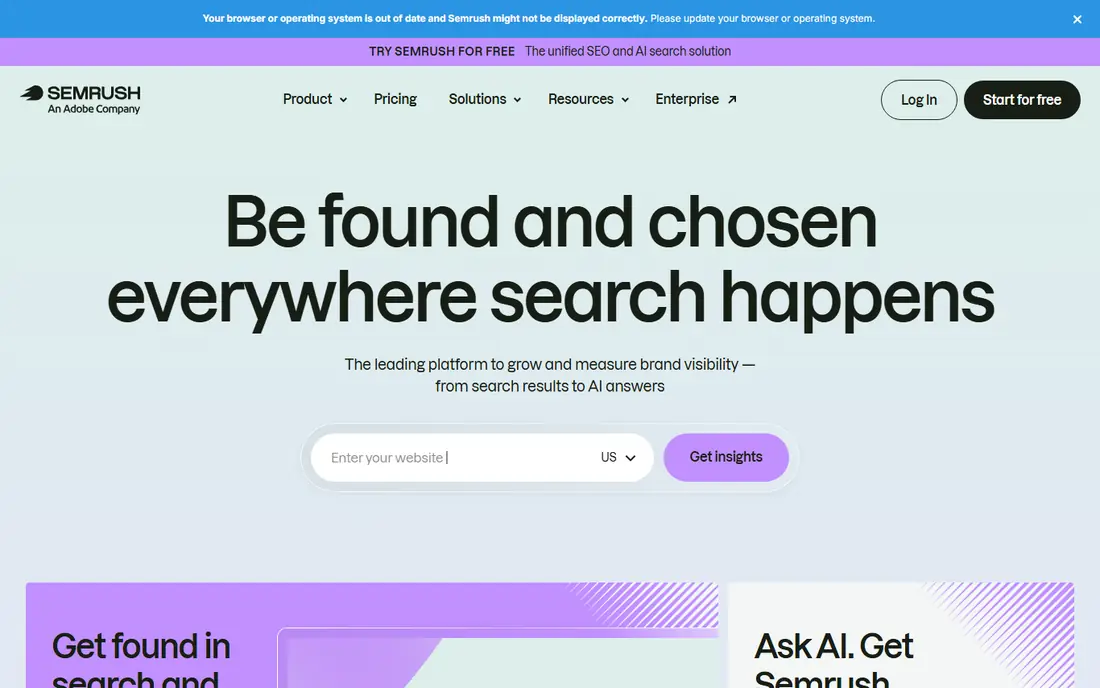
Semrush fits teams that want one subscription for keyword research, rank tracking, site audits, backlink checks and paid search research. Its position tracking shows movement by device and location, and its keyword tools make it easy to spot terms a competitor ranks for that you do not. For a business that also runs content and paid campaigns, that breadth is the main reason to pay the higher price.
The catch is scale. A single site owner who checks rankings once a week will use only a small part of the platform, and the entry plan still costs $139.95 per month. If your main job is tracking a handful of pages, a cheaper specialist tool may give you the same answer for less money.
- Very broad toolset in one login
- Strong keyword and competitor data
- Daily rank tracking on paid plans
- Costly for a single small site
- Limits on projects and tracked keywords can force an upgrade
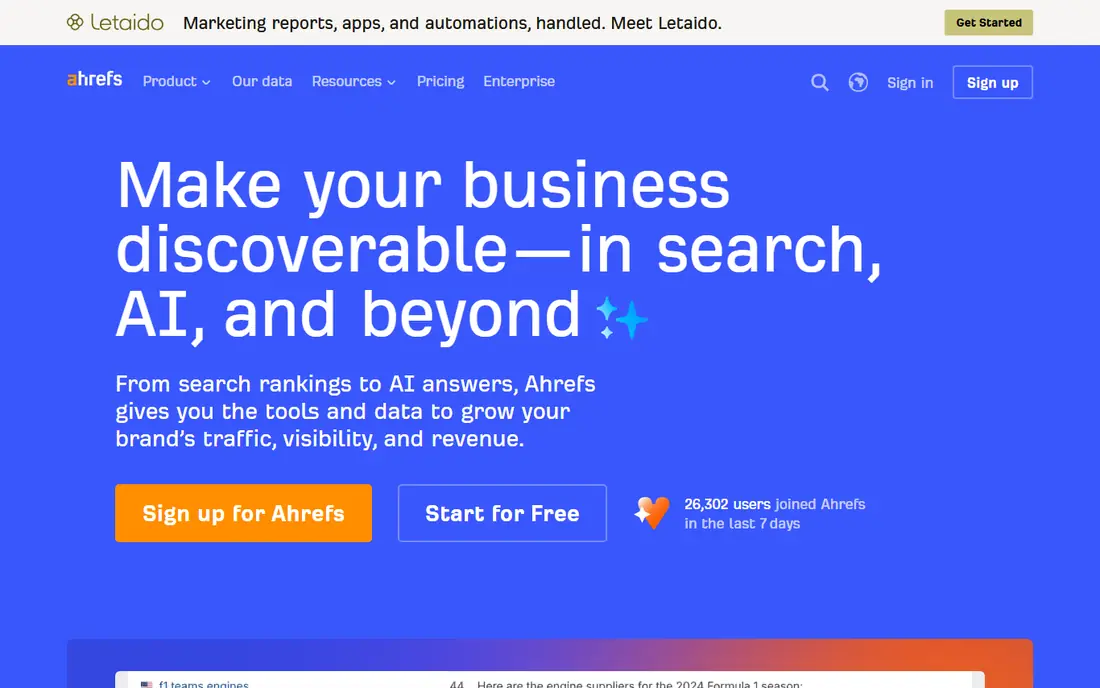
Ahrefs fits people who spend most of their SEO time on links and competitor research. Its backlink reports show which pages link to a competitor, which anchors they use, and which links were recently lost. That detail matters when you are trying to understand why a rival page outranks yours, or where a realistic link opportunity might sit.
The entry Starter plan starts at $29 per month, which makes it easier to try than many suites, but higher tiers cost far more. Ahrefs is less convincing as a content optimiser on its own, so writers who need live scoring for drafts will often pair it with a separate tool.
- Deep backlink index
- Clear keyword difficulty and traffic estimates
- Free tools for your own verified sites
- Full paid plans rise sharply in price
- Content tools are thinner than its research tools
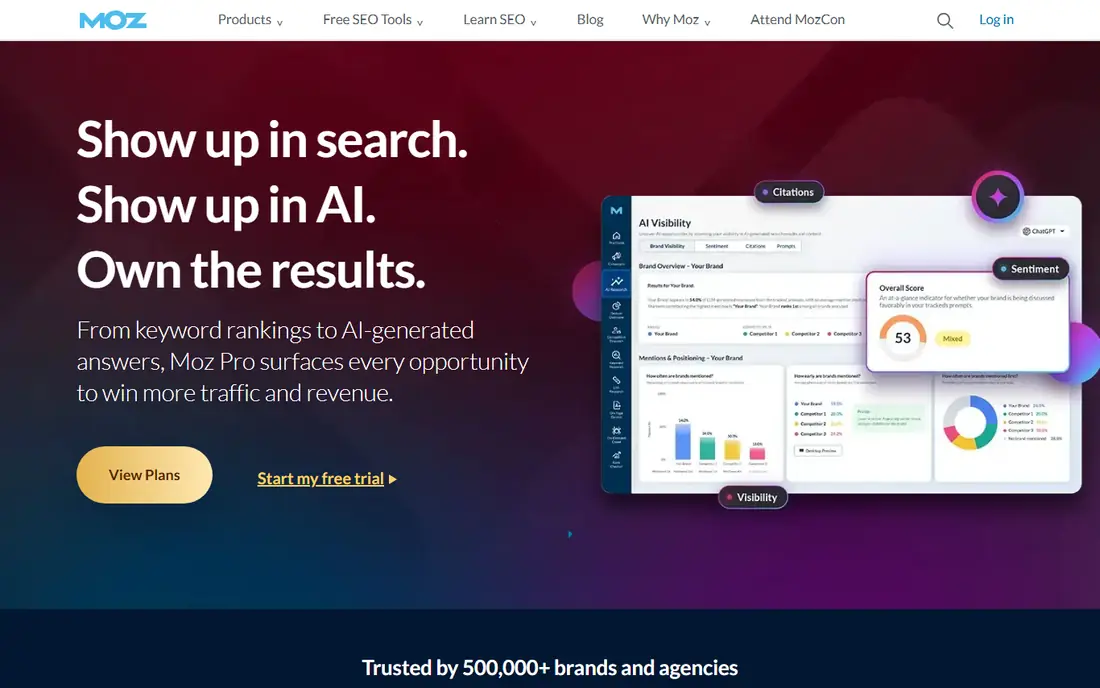
Moz Pro fits small teams that want professional data without a steep learning curve. Its rank tracker, keyword explorer and site crawl cover the routine jobs, and its reports are easy to share with a client or a manager who does not live in SEO tools all day. Domain Authority, its own link metric, is also widely understood, even though it is not a Google score.
The honest weakness is depth. Moz can feel slower and less detailed than Semrush or Ahrefs when you dig into large competitor sets or fresh links. If you need the newest link data quickly, check its update timing against your workflow before you commit.
- Straightforward interface and reports
- Useful keyword and link metrics
- Long history in search data
- Rank updates are less frequent on some plans
- Backlink index is smaller than Ahrefs in many comparisons
SE Ranking fits freelancers and small agencies who live on client reports. You can track rankings across search engines and locations, run site audits, check backlinks, and send branded reports without building them by hand. That reporting strength saves real time when you manage several sites and need each client to see progress clearly.
The trade-off is raw research depth. Its keyword and backlink data are solid for everyday work, but they do not always match Semrush or Ahrefs on very large or very niche markets. For a single site owner, the agency features may also be more than you need.
- Strong white label reporting
- Flexible rank tracking options
- Good value for multi-client work
- Keyword database is smaller than the largest suites
- Interface can feel busy at first
Surfer fits writers and editors who already know which keyword they want to target. It compares top-ranking pages for that term and gives a live score as you draft, with guidance on terms to include, headings to consider, and length to aim for. That feedback is concrete, and it helps a good draft cover the ground readers and search engines expect.
Surfer is not a full ranking tool on its own. Its rank tracking and backlink coverage are limited compared with the suites above, so most teams pair it with Semrush, Ahrefs or Search Console. Buy it for content quality, not as your only source of ranking truth.
- Live content score while you write
- Clear term and structure guidance
- Useful audit for existing pages
- Weak on backlinks and rank history
- Best used beside a research suite, not instead of one
Mangools fits beginners, bloggers and small site owners who want keyword research without a wall of menus. Its KWFinder tool gives search volume, difficulty and related terms in a clean view, and its SERPChecker shows who currently ranks for a term. The rank tracker then keeps an eye on the pages that matter, without asking you to learn a full agency platform.
The limits show up as you grow. Daily lookups, tracked keywords and crawl depth are modest next to Semrush or Ahrefs, and agencies will hit those ceilings quickly. For one or two sites, though, that simplicity is a benefit, because you are more likely to actually use it.
- Friendly interface
- Easy keyword difficulty scores
- Useful rank tracker for small sites
- Smaller data limits than larger suites
- Fewer advanced audit and competitor features
Ubersuggest fits solo owners and new SEOs who need the basics at a low price. You can research keywords, check a domain overview, run a site audit and track a small set of terms without paying for agency features you will never open. Its free tier is also useful for a quick check before you spend anything.
The honest catch is precision in competitive markets. Volume estimates and difficulty scores are helpful directionally, but they are less detailed than the data from larger suites. Use Ubersuggest to find opportunities and monitor progress, and cross-check big decisions with Search Console data.
- Low entry price
- Keyword ideas, site audit and rank tracking in one place
- Free tier for basic checks
- Data depth is thinner than premium suites
- Some metrics feel rough for competitive niches
Google Search Console
Who it suits: Free rank and performance data for your site
Google Search Console fits every site owner, and it should be the first tool you set up. It reports the actual queries that brought clicks, the average position for each page, and the countries and devices behind that traffic. It also flags pages Google cannot index, mobile problems and other technical issues that paid tools can only estimate.
Its limit is scope. Search Console tells you nothing about competitors, and it does not track a keyword you do not already rank for in some form. That is why it works best beside a paid research tool: Search Console gives you ground truth for your site, and the paid tool fills in the market around it.
- Free
- Shows real clicks, impressions and queries for your site
- Flags indexing and mobile issues
- Only covers your own verified sites
- No competitor rankings or backlink research
How we picked these
We compared official feature pages, pricing pages, app store listings and public reviews, and we kept tools that are available to sign up for now, track rankings over time, and clearly state what each plan includes. We favoured tools with a free tier or trial where possible, and we mixed large suites with smaller options so a solo blogger and a small agency can both find a fit. We did not run live ranking tests, and we did not treat marketing claims as proof. Prices change often, so check the vendor pricing page before you buy.
What to check before you pay
A ranking tool is only useful if its data matches how you work. Start with the questions below, and use a trial to answer them with your own site.
Match the tool to the job
If links are your bottleneck, pick a strong backlink tool. If content is your bottleneck, pick a content optimiser and keep Search Console for tracking. If reporting is your bottleneck, pick the tool with the cleanest client reports. Buying the biggest suite for a single job usually wastes money and attention.
Check limits, not just the headline price
Tracked keywords, projects, crawled pages and report limits decide the real cost. A plan that looks cheap can become expensive once you add a second site or a few hundred keywords. Count your sites, your priority keywords and your reporting needs before you choose a tier.
Use Search Console as your anchor
Paid tools estimate positions and traffic. Search Console records what Google actually showed and clicked for your site. When the two disagree, trust Search Console for your own pages, and use the paid tool to understand the wider market and to find new terms to target.
Frequently asked questions
What is the best SEO ranking tool?
There is no single winner for every site. Semrush is the strongest all-in-one choice, Ahrefs leads on backlinks, and Google Search Console is the free anchor every site should use. Pick by your main bottleneck, which is usually links, content or reporting, and test that job during a trial.
What is the best free SEO ranking tool?
Google Search Console is the best free option, because it gives real click, impression and position data for your own site at no cost. Ahrefs and Ubersuggest also offer limited free tools, which are useful for quick checks. Free tiers have limits, so expect to pay once you track many keywords or research competitors in depth.
Is Semrush or Ahrefs better for ranking?
Semrush is better when you want one subscription for SEO, content and paid search research, with broad competitor data. Ahrefs is better when backlink research is the priority, thanks to its deep link index and clear competitor teardown reports. Many teams use one as the main suite and Search Console as the check on real performance.
What are the best SEO tools for ranking and keyword research?
The strongest combinations pair a research suite with Search Console. Semrush, Ahrefs, Moz Pro and SE Ranking all cover keyword research and rank tracking, while Mangools and Ubersuggest cover the same jobs at lower cost for smaller sites. Surfer adds content scoring, which helps a page match what already ranks for a term.
How often should I check rankings?
Weekly checks are enough for most sites, because daily movement is often noise from location, device and personalisation. Check more often during a site migration, a major content launch, or after fixing a technical problem. Always look at trends over four to eight weeks, not a single day, before you change strategy.
Do I need a paid tool if I use Google Search Console?
Not always. If you run one small site and mainly need to track your own pages, Search Console plus a free tier may be enough. A paid tool becomes worth it when you need competitor rankings, backlink data, keyword ideas at scale, or client reports. Start free, and pay when a specific job keeps taking too long by hand.
Sources we checked (8)

Online Jobs is an independent blog about careers, online work, learning new skills and the tools that help people earn. More about us.
Keep reading
All posts
Best White Label SEO Companies
We compare the best white label SEO companies and tools in 2026 for agencies, from fulfilment services to branded reporting platforms, margins and prices.
Best Webinar Software
We compared the best webinar software for 2026 on price, attendee limits, automation and ease of use, to help you host better live sessions with confidence.

Best Web Scraping Tools
Compare the best web scraping tools in 2026, from no-code Octoparse and Browse AI to Apify, Firecrawl, Bright Data, Zyte, ScraperAPI and free Scrapy, with prices.