Best SEO Audit Tools in 2026: 8 Apps Compared


Audits inside a full SEO suite · Starting price: See website
How we put this together: we compare official feature and pricing pages, app store listings, privacy policies and public user reviews. Prices change, so check the provider's site before you pay.
Key takeaways
- Semrush and Ahrefs suit teams that want audits inside a broader SEO suite, with keyword, link and competitor data alongside technical checks.
- Screaming Frog and Sitebulb suit technical SEOs who want deep crawl control and clear, prioritised fix lists.
- SE Ranking and Sitechecker suit agencies and growing sites that need regular audits, monitoring and client-ready reports at a lower entry cost.
- Google Search Console is free and essential, but it is a diagnostic source, not a full audit replacement.
- Moz Pro suits teams that want crawl tracking over time inside a familiar SEO suite, especially for smaller sites.
Quick comparison
| Name | Who it suits | Starting price | Free option | |
|---|---|---|---|---|
| Semrush Site Audit | Audits inside a full SEO suite | See website | Free trial | Visit |
 Ahrefs Site Audit Ahrefs Site Audit | Links plus technical audits | See website | Free trial | Visit |
 Screaming Frog SEO Spider Screaming Frog SEO Spider | Deep desktop crawls | See website | Yes | Visit |
 Sitebulb Sitebulb | Prioritised crawl reports | See website | Free trial | Visit |
 SE Ranking SE Ranking | Agency audits and reporting | See website | Free trial | Visit |
 Moz Pro Site Crawl Moz Pro Site Crawl | Crawl tracking over time | See website | Free trial | Visit |
 Google Search Console Google Search Console | Free indexing diagnostics | Free | Yes | Visit |
 Sitechecker Sitechecker | Recurring site monitoring | See website | Free trial | Visit |
The best SEO audit tools
A good SEO audit does more than list errors. It shows which issues block crawling, indexing or user experience, prioritises fixes by impact, and lets a team prove that fixes worked. The tools below differ in crawl depth, reporting, link data and price, and the best choice depends on site size, team skill and whether audits sit inside a broader SEO workflow.
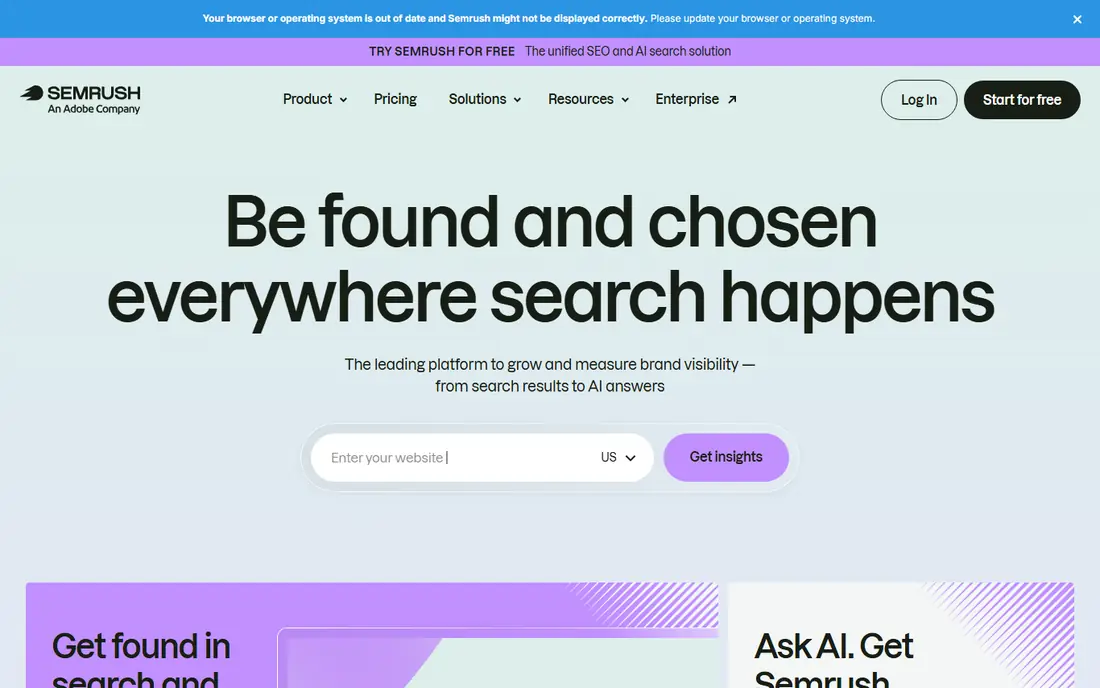
Semrush Site Audit suits agencies and mid-sized businesses that already use Semrush for keywords, competitors and content. Technical checks cover crawlability, HTTPS, hreflang, Core Web Vitals and many other issues, and results sit alongside rank tracking and backlink data. That context helps a team decide whether a technical fix or a content fix matters more.
The catch is cost and scope. A small site that only needs a technical audit may pay for a large suite it rarely uses, and crawl limits vary by plan. Semrush is best when audits are one part of a regular SEO workflow, not a one-off check. For a single audit, a free crawler or Search Console may be enough.
- Broad technical checks inside a full SEO suite
- Scheduled crawls and issue history
- Reports link audit data to keywords and competitors
- Full suite price is high for a single site
- Crawl limits depend on plan

Ahrefs Site Audit suits SEO professionals who care about links as much as technical health. The crawler handles JavaScript-heavy sites well, groups issues by type, and lets a team check internal linking, redirects and page speed alongside backlink profiles. That combination is useful when a ranking problem could be technical, content or link-related.
The catch is price and learning curve. Ahrefs is a professional suite, and a beginner may find the volume of data hard to turn into a fix list. It is best for teams that audit regularly and use link data in the same workflow. For a one-off technical check, a desktop crawler may be cheaper and simpler.
- Strong crawl and JavaScript rendering
- Deep backlink data alongside audits
- Clear issue grouping and charts
- Price is high for small sites
- Full value needs SEO knowledge to interpret link and technical data together
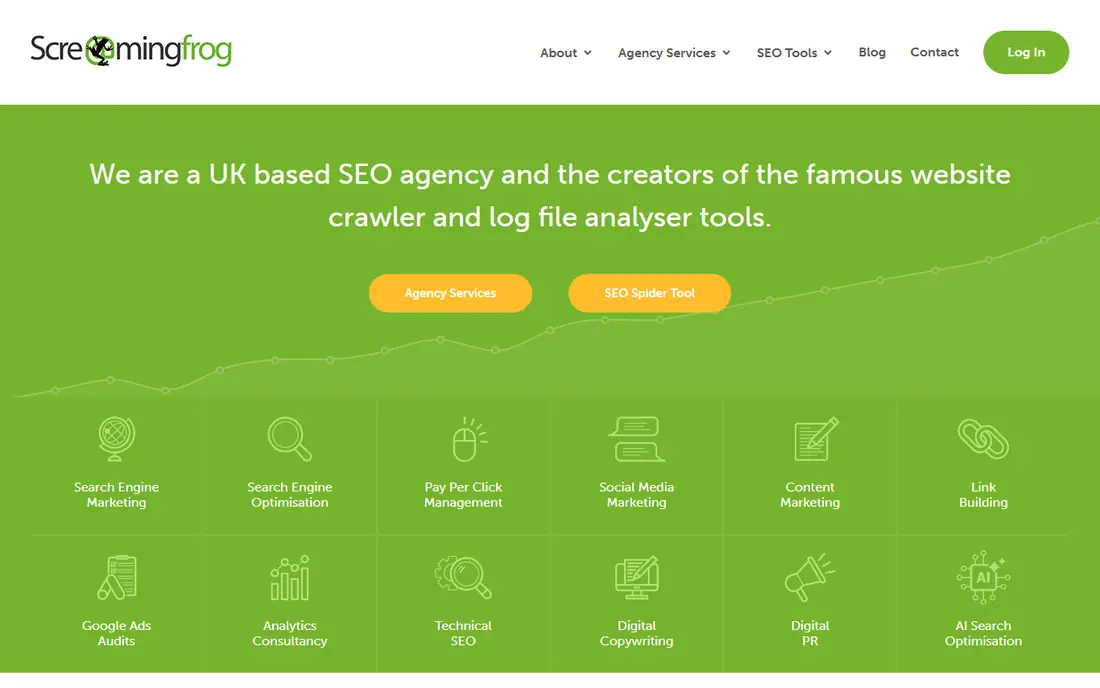
Screaming Frog suits technical SEOs and developers who want raw crawl data and full control. It crawls a site locally, analyses redirects, canonicals, meta data, images and sitemaps, and supports custom extraction for specific checks. The free tier, limited to 500 URLs, is enough for many small sites and for learning the tool.
The catch is that it is a desktop tool, not a cloud dashboard with scheduled reporting by default. Large crawls need memory and time, and results need interpretation. For a deep technical audit, especially on a site with complex redirects or templates, Screaming Frog remains a standard choice.
- Fast, configurable desktop crawling
- Custom extraction and redirect analysis
- Free tier for up to 500 URLs
- Desktop tool needs local resources for large sites
- Interface assumes technical SEO knowledge
Sitebulb suits agencies and technical teams that want crawl results turned into a readable fix list. Hints are prioritised and explained, which helps when a client or developer needs to know what to fix first and why. Visual reports and audit history also make it easier to show progress after fixes.
The limit is that Sitebulb is a specialist tool, and its depth may exceed what a small site needs. A team that only audits occasionally may prefer a suite tool or a free crawler. For regular client audits, Sitebulb offers a good balance of depth and readability.
- Prioritised hints with clear explanations
- Visual crawl reports
- Cloud and desktop options for different teams
- Price and learning curve suit agencies more than casual users
- Smaller sites may not need its depth
SE Ranking suits agencies and growing sites that need regular audits without suite-level pricing. Scheduled crawls, issue severity grouping and client-ready reports help a small agency run monthly audits across many sites. Rank tracking and backlink monitoring in the same platform also reduce the need for separate tools.
The catch is depth. For a very large or technically complex site, a desktop crawler or an enterprise platform may find more. SE Ranking is best judged on whether it covers the common technical, on-page and speed issues for the sites a team actually manages, and whether its reporting saves time each month.
- Website audit with scheduled crawls
- Rank tracking, backlink checks and reporting in one platform
- White-label reports on some plans
- Audit depth is lighter than a specialist desktop crawler
- Larger enterprise sites may need a bigger tool
Moz Pro Site Crawl suits small and mid-sized teams that want to track site health over time inside a familiar suite. Regular crawls flag new issues, and keyword and link tools help connect technical health to visibility. For a team that already uses Moz, Site Crawl is a natural part of the workflow.
The limit is specialisation. A technical SEO working on a large, complex site may want Screaming Frog or Sitebulb for deeper analysis. Moz Pro is best for ongoing monitoring and clear reporting, rather than for a single deep forensic audit.
- Regular site crawls with issue tracking
- Keyword and link data in the same suite
- Clear reporting for smaller teams
- Crawl depth is lighter than specialist crawlers
- Suite price may be high for audit-only use
Google Search Console is essential for every site, and it is free. It shows how Google sees indexing, coverage, sitemaps, mobile usability and Core Web Vitals, and it reports manual actions and security issues. No audit is complete without checking it, because it reflects Google data rather than a third-party crawl estimate.
The catch is scope. Search Console is a diagnostic source, not a full audit tool. It will not give a complete crawl of every URL, a prioritised fix list for all technical issues, or client-ready reporting on its own. Use it as the ground truth for indexing, then use a crawler or suite tool for the full audit.
- Free first-party Google data on indexing, coverage and Core Web Vitals
- Sitemap and manual action reports
- Essential for every site
- It does not crawl like a full audit tool
- Issue lists need other tools for prioritisation and fix verification
Sitechecker suits smaller teams and agencies that want recurring monitoring without a steep learning curve. Audits flag technical and on-page issues, monitoring tracks changes, and alerts help a team catch new problems early. Page-level guidance is useful for junior SEOs and site owners who need clear next steps.
The limit is scale and depth. Very large sites or complex technical audits may need a desktop crawler or an enterprise platform. For regular health checks, client reports and ongoing monitoring, Sitechecker offers a practical balance of clarity and cost.
- Site audits with monitoring and alerts
- Page-level tracking
- Clear fix guidance for smaller teams
- Depth is lighter than specialist crawlers
- Larger sites may hit audit limits on lower plans
How we picked these
We reviewed official feature pages, pricing pages, documentation, privacy policies and public user reviews. We included suite tools, desktop crawlers, agency platforms and free diagnostics, because the best SEO audit tool depends on site size and workflow. Where crawl limits, plan tiers and prices change often, we used See website instead of a single figure that could quickly become wrong.
Running an audit that leads to fixes
Start with Search Console, then run a crawl and compare the two. Search Console shows what Google has indexed and flagged, while a crawler shows what exists on the site, including pages Google may not have found. Fix crawl blocks, indexing errors and broken links first, then move to redirects, canonicals, meta data and speed. Content and internal linking come after the technical base is sound.
Prioritise by impact, not by error count
A tool may list hundreds of low-priority issues, such as missing alt text on minor images, alongside a few critical blocks, such as a robots error or a broken checkout page. Sort by impact on crawling, indexing and user experience, and assign an owner and a deadline to each critical fix. Re-crawl after fixes and compare results, so progress is proven rather than assumed.
Set a regular audit rhythm
A full audit every month suits most active sites, with lighter monitoring in between. Set up scheduled crawls and alerts where available, and keep a dated record of audits and fixes. That history helps when traffic drops, because a team can check whether a technical change, a content change or an external factor came first.
Frequently asked questions
Which SEO tool is best for SEO audits?
Semrush and Ahrefs suit teams that want audits inside a broader SEO suite, while Screaming Frog and Sitebulb suit technical depth. SE Ranking and Sitechecker suit regular agency audits, and Google Search Console is essential for every site. The best tool depends on site size, team skill and whether link and keyword data are also needed.
What is the best free SEO audit tool?
Google Search Console is the best free tool for indexing and Core Web Vitals data, and Screaming Frog offers a free tier for up to 500 URLs. Together, they cover a useful basic audit for a small site. For scheduled crawls, history and client reporting, a paid tool is usually needed.
What is the best site audit tool for a small business?
SE Ranking, Sitechecker and Moz Pro suit small businesses that want regular audits and clear reports without deep technical setup. Start with Search Console plus a free Screaming Frog crawl, then move to a paid tool when regular monitoring or client reporting justifies the cost.
How often should I run an SEO audit?
Most active sites benefit from a full audit monthly, with monitoring alerts in between. Large or fast-changing sites may need weekly checks, while a small, stable site may need a full audit quarterly. Run an extra audit after a redesign, migration, platform change or sudden traffic drop.
Do I still need an audit tool if I use Google Search Console?
Yes, Search Console shows Google indexing data, but it does not replace a full crawl, prioritised fix list or client reporting. A crawler finds issues Search Console may not surface, such as redirect chains, duplicate content and internal linking gaps. Use both together for a complete picture.
What makes a good SEO audit report?
A good report prioritises issues by impact, explains each issue in plain terms, names an owner and a fix, and shows before-and-after crawl results. It should separate critical blocks from minor improvements, so a team does not spend a week on low-impact fixes while a major indexing problem remains.
Sources we checked (8)

Online Jobs is an independent blog about careers, online work, learning new skills and the tools that help people earn. More about us.
Keep reading
All posts
Best website audit tools
Looking for the best website audit tools? We compare 8 leading crawlers and suites on crawl depth, reporting, crawl limits, and price to help you pick well.
Best Moz Alternatives
Compare the best Moz alternatives for keyword research, backlinks, rank tracking and site audits, with free options, pricing notes and honest trade-offs.

Zoom Alternatives
Zoom alternatives compared for 2026: Google Meet, Microsoft Teams, Webex, Jitsi and more for free calls, large meetings and webinars for teams and classrooms.