Best Second Phone Number App in 2026: 8 Apps Compared


Free personal second number in the US · Starting price: Free
How we put this together: we compare official feature and pricing pages, app store listings, privacy policies and public user reviews. Prices change, so check the provider's site before you pay.
Key takeaways
- Google Voice and TextNow are the best free starting points for a personal second number in the US, with limits on verification codes.
- Burner and Hushed suit short-term privacy, dating, and online selling, because numbers are easy to create and delete.
- OpenPhone, now called Quo, and Grasshopper suit small business use, with shared inboxes, greetings, and team features.
- Sideline uses your carrier minutes for calls, which can feel more reliable than a pure internet calling app.
- VoIP numbers are often rejected for bank and app verification, so keep your real number for accounts that need strong identity checks.
Quick comparison
| Name | Who it suits | Starting price | Free option | |
|---|---|---|---|---|
| Google Voice | Free personal second number in the US | Free | Yes | Visit |
 TextNow | Free calls and texts with ads | Free | Yes | Visit |
 Burner | Disposable numbers you can delete | $4.99 per month | No | Visit |
 Hushed | Multiple private numbers | $4.99 per month | No | Visit |
 OpenPhone | Shared business numbers for teams | $15 per user per month | Free trial | Visit |
 Sideline | Second line using carrier minutes | $14.49 per month | No | Visit |
 Grasshopper | Solo business line with extensions | $14 per month | Free trial | Visit |
 2ndLine | Low-cost second number with US, Canada, and UK options | $9.99 per month | No | Visit |
The best second phone number apps
A second number gives you a boundary. Work calls stay on one line, personal calls on another, and selling or dating contacts never see your real number. These eight apps cover free personal use, disposable privacy, and proper business lines.
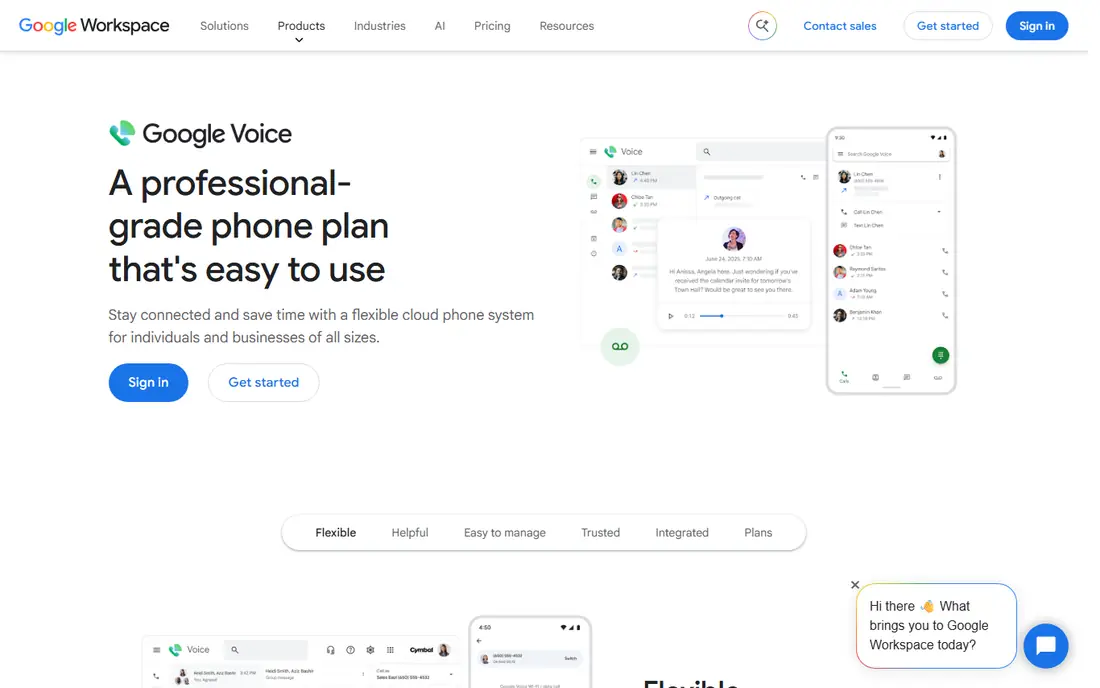
Google Voice is the obvious first try for a free second number, because it costs nothing for personal use in the US and it works well. You get calling, texting, voicemail transcription, and spam filtering, all tied to your Google account, with a web app that makes typing long messages easy.
The limits matter. You need a real US number to claim a Voice number, and many banks and apps reject VoIP numbers for verification codes, so do not rely on it as your only identity number. Business use also moves to paid Google Workspace plans, starting at $10 per user per month, which changes the value if you need a team setup.
- Free for personal US use
- Voicemail transcription
- Works on web, iOS, and Android
- Needs an existing US number to set up
- VoIP numbers often fail verification checks
- Business plans are paid
TextNow gives you a free number for calls and texts across the US and Canada, funded by ads in the app. That makes it a good budget pick for a second line you use for casual contacts, marketplace messages, or a side project that does not justify a monthly fee.
The free model has strings attached. You need to keep using the number, or it can be reassigned, and paid options exist to lock a number in and remove ads. Like other VoIP numbers, it may fail some verification systems, so treat it as a contact number, not a secure identity number.
- Free US and Canada calling and texting
- Works over Wi-Fi
- Optional SIM plans
- Ads in the free tier
- Inactive free numbers can be reassigned
- Verification limits apply
Burner is built for numbers with an expiry date. You create a number for dating, selling, or a short project, use it for calls and texts, then delete it when you are done. That delete button is the whole point, and it is reassuring when you do not want a contact to reach you months later.
It is not a business phone system. There are no shared team inboxes or advanced routing, and the focus is US and Canada numbers. If you need a number for a few weeks or months, Burner is simple and private. If you need a permanent business line, look at OpenPhone or Grasshopper instead.
- Easy to create and burn numbers
- Spam blocking
- Unlimited calls and texts on standard plans
- US and Canada focus
- Paid only for ongoing use
- No full business phone system
Hushed suits people who need more than one second number at once. You can hold separate numbers for selling, dating, travel, and work, each with its own voicemail and auto-reply settings, and delete or replace a number when its job is done. Area code choice is broad, with hundreds of options in the US and Canada plus UK numbers.
The app relies on an internet connection for most calls, so call quality follows your Wi-Fi or mobile data. Pricing also varies by plan length and number type, so check the plan that matches how many numbers you actually need, rather than paying for a bundle you will not use.
- Multiple numbers in one app
- US, Canada, and UK numbers
- Call forwarding and auto-replies
- Pricing varies by plan and region
- VoIP quality depends on connection
- Verification limits apply
OpenPhone, which has also used the name Quo, is the small business pick in this list. Team members can share a number, see the same conversations in one inbox, and use internal threads to coordinate replies. AI summaries, scheduled texts, and call recording help a small team sound larger than it is.
The catch is that it is priced per user, so a five-person team pays five seats, and US business texting needs proper registration, which takes time. If you are a solo user who only needs a private number, Burner or Hushed will be cheaper. If you run a team inbox, OpenPhone is worth the trial.
- Shared numbers and team inbox
- AI call summaries
- CRM integrations
- Per-user pricing adds up
- No video meetings built in
- Texting compliance needs setup for US business texting
Sideline takes a different technical route from most apps here. Calls go over your carrier network rather than only over the internet, which many users find more reliable, especially in areas with weak data coverage. Texts, voicemail, auto-reply, and custom greetings round out a straightforward second line.
That reliability comes at a monthly price, and Sideline is not a team phone system. It suits a solo business owner, freelancer, or landlord who wants a professional second number that behaves like a real phone line. If you need shared inboxes or CRM tools, a business platform will fit better.
- Calls use carrier minutes, not only internet
- Voicemail transcription
- Auto-reply for missed calls
- Monthly cost is higher than some VoIP rivals
- No free plan
- Feature set is narrower than a full phone system
Grasshopper is a virtual phone system for solo operators and very small businesses. You get a business number, extensions, a professional greeting, and forwarding to the phone you already carry, without buying hardware or a full office system. The flat monthly price, rather than per-user pricing, suits a one-person business.
It is less modern than OpenPhone in its app and team features, and business texting in the US needs registration work that sole proprietors should check carefully. For a simple, professional business presence, though, Grasshopper remains a dependable, low-fuss choice.
- Flat monthly pricing for a solo user
- Extensions and greetings
- Call forwarding to your mobile
- No native team texting on all plans
- Setup for US business texting can be complex
- App feels older than newer rivals
2ndLine is a straightforward second number app with a single monthly subscription for calls and texts. It offers numbers in the US, Canada, and the UK, which helps travellers and people with contacts in more than one country. Setup is quick, and the price sits below several business-focused rivals.
The limits are worth noting. Its app store listing states that it does not support 911, so it should not be your only phone line in an emergency. It also lacks the team inbox and CRM features of business tools, so it fits personal privacy and casual business use better than a growing team.
- US, Canada, and UK numbers
- Unlimited texts and calls on the subscription
- Simple setup
- No 911 support stated in its listing
- VoIP quality depends on connection
- Fewer business features
How we picked these
We compared official product pages, pricing pages, and app store listings for apps that are still active in 2026 and that give you a usable second number, not just a forwarding trick. We favoured apps with clear pricing, a real app store presence, and a distinct use case, from free personal numbers to team business lines. We did not claim hands-on testing, and we flagged verification and emergency calling limits where the vendor states them.
What to check before you pick a number
First, decide what the number is for. A dating or marketplace number should be easy to delete, so Burner or Hushed fit. A business number should have a professional greeting, voicemail, and a way for a team to see messages, so OpenPhone or Grasshopper fit. A free personal number is fine for casual use, so Google Voice or TextNow fit, as long as you accept verification limits.
Second, check number porting and retention. Can you keep the number if you switch apps, and what happens if you stop paying or stop using it? A business number that customers know is worth paying to lock in. A disposable number is the opposite, and you should be able to delete it cleanly.
Third, test call quality on your own connection and phone. VoIP apps vary with Wi-Fi and mobile data, while carrier-based Sideline behaves more like a normal call. Finally, remember that a second number is not a second identity for secure accounts. Keep your real number for banks, government services, and account recovery, and use the second number for contacts and day-to-day messages.
Frequently asked questions
What is the best app for a second phone number?
Google Voice is best for a free personal US number, Burner and Hushed are best for disposable privacy, and OpenPhone is best for a small business team. The right pick depends on whether the number is for privacy, selling, or business.
Is there a free second phone number app?
Yes. Google Voice is free for personal US use, and TextNow offers free calls and texts with ads. Both are VoIP numbers, so they may fail some verification checks, and free TextNow numbers can be reassigned if unused.
Can I use a second number for verification codes?
Sometimes, but not reliably. Many banks, apps, and services reject VoIP numbers for verification. Keep your real mobile number for accounts that need strong verification, and use a second number for general contact.
Can I delete a second number when I am done?
Burner and Hushed make this easy, with numbers you can delete and replace. Business numbers are harder to delete cleanly, because customers may still call the old number, so porting and forwarding matter more there.
Does a second number app work without a second phone?
Yes. All the apps here run on the phone you already own, using an app for calls and texts, or forwarding to your existing mobile. You do not need a second handset or a second SIM.
What is the best second number app for business?
OpenPhone suits teams that share a number and inbox, while Grasshopper suits a solo operator who wants a professional greeting and extensions at a flat monthly price. Both offer trials, so test the app and call quality before you commit.
Sources we checked (8)

Online Jobs is an independent blog about careers, online work, learning new skills and the tools that help people earn. More about us.
Keep reading
All posts
Zoom Alternatives
Zoom alternatives compared for 2026: Google Meet, Microsoft Teams, Webex, Jitsi and more for free calls, large meetings and webinars for teams and classrooms.

Which Software Is Best for PDF Page Removal
Which software is best for PDF page removal? We compare free and paid tools for deleting pages quickly, safely, and without harming your file in this guide.

Which Software Is Best for Data Entry
Compare the best data entry software for forms, OCR scanning, and spreadsheets, with free plans, pricing, and honest limits for each tool before you commit.