Best Search Visibility Checking Tools in 2026: 9 Tools Compared

Free first-party checks · Starting price: Free
How we put this together: we compare official feature and pricing pages, app store listings, privacy policies and public user reviews. Prices change, so check the provider's site before you pay.
Key takeaways
- Daily rank checks catch drops early, but weekly checks are enough for stable, low-competition pages.
- Google Search Console gives real clicks and impressions for your own site, while rank trackers add competitor and local views.
- Local and mobile results differ from national desktop results, so track the view your customers actually see.
- A low-cost tracker can beat a full suite if rank checking is the only job you need done each week.
- Keyword limits, update frequency and location options matter more than a long feature list for this job.
Quick comparison
| Name | Who it suits | Starting price | Free option | |
|---|---|---|---|---|
| Google Search Console | Free first-party checks | Free | Yes | Visit |
 Semrush | All-in-one rank checks | See website | Free trial | Visit |
 Ahrefs | Rank checks plus backlink context | See website | Free trial | Visit |
 SE Ranking | Affordable daily tracking | See website | Free trial | Visit |
 Moz Pro | Simple rank tracking for small teams | See website | Free trial | Visit |
 AccuRanker | Fast on-demand rank refreshes | See website | Free trial | Visit |
 Nightwatch | Local and precise rank checks | See website | Free trial | Visit |
 Wincher | Simple low-cost tracking | See website | Free trial | Visit |
 Mangools SERPWatcher | Beginner-friendly daily checks | See website | Free trial | Visit |
The best search visibility checking tools
Checking visibility means asking a simple question each day or week: where do we show up, for which terms, and in which places. These tools answer that question with different levels of detail, cost and speed.
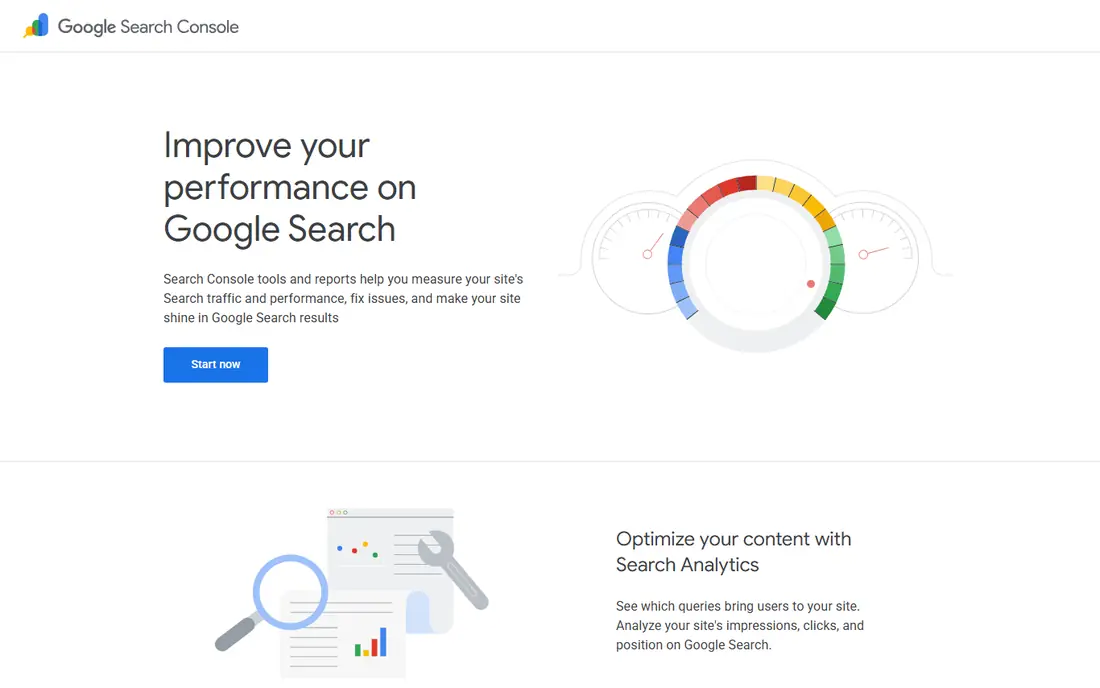
Google Search Console is the baseline every other checker should be compared against, because its data comes from Google itself for your own site. It shows which queries brought clicks, which pages earned impressions, and how average position changed over time. For a site owner who wants to know what is actually happening, rather than what a third-party model estimates, that first-party view is hard to replace. The limit is scope. Search Console does not show competitor positions, and it does not track a fixed keyword list in the same way a rank tracker does. Use it to confirm real traffic and to spot pages that lost clicks, then use a tracker in this list to watch positions and competitors day by day.
- Real Google clicks and impressions
- Free for verified sites
- Shows queries and pages
- Only your own site
- No competitor rankings
- Data can lag by a few days
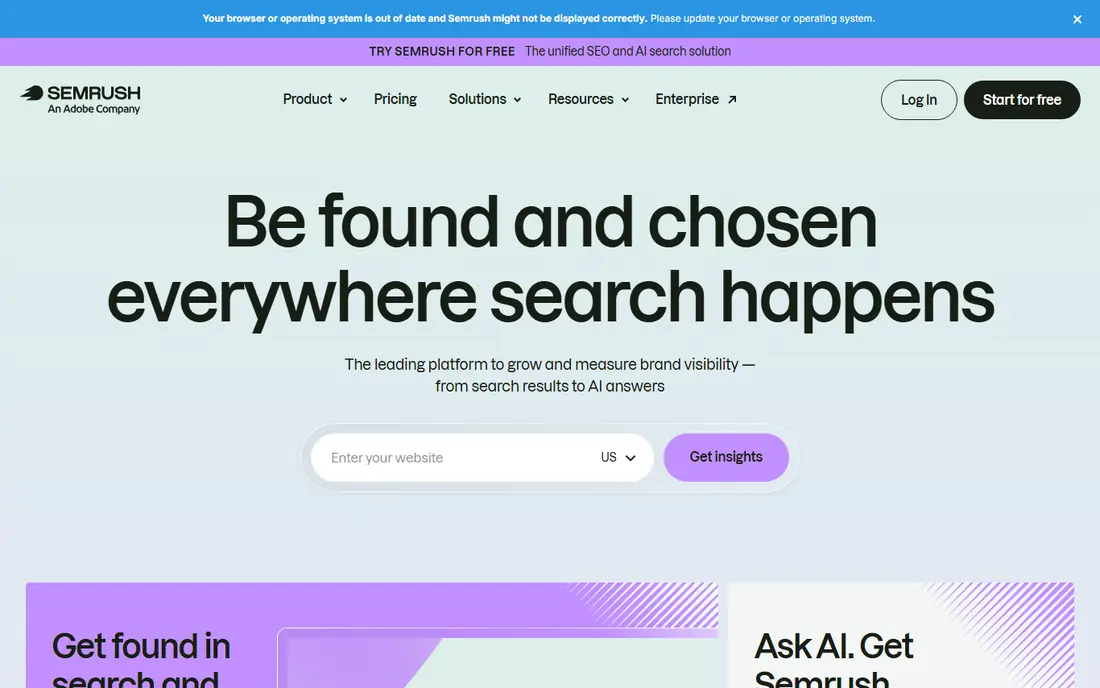
Semrush suits teams that want rank checking inside a wider marketing toolkit. Its position tracking tool follows keywords for your site and for competitors, with daily updates, device splits and location options. When a ranking drops, you can move from the position chart to keyword research, backlink data or a site audit without switching tools. That breadth is also the drawback. If you only need to check 50 keywords each week, the full suite may cost more than a focused tracker and take longer to set up. Semrush makes sense when rank checking is one part of a larger search, content and paid search workload, not when it is the only task.
- Daily position tracking
- Competitor domains
- Large keyword database
- Price is high for rank checks alone
- Interface takes time to learn
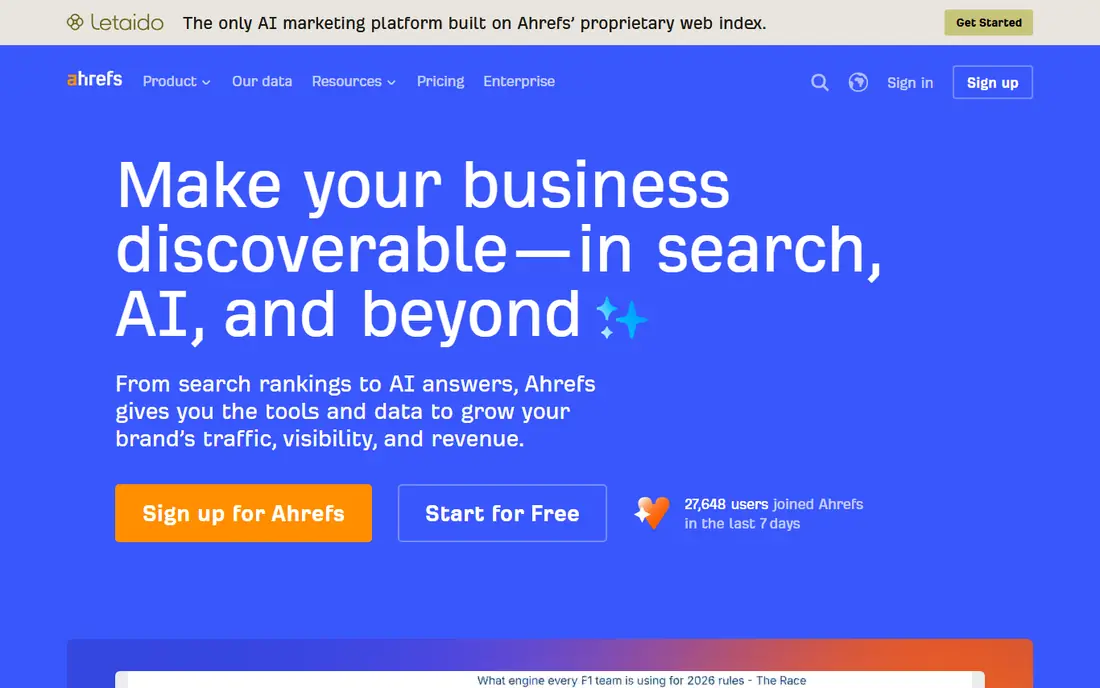
Ahrefs is often chosen for backlink research, but its rank tracker is a solid visibility checker in its own right. It tracks positions over time, compares your site with competitors, and links ranking changes to the pages and links behind them. That context helps when a drop is not explained by a content change alone. For a small site, the price may be hard to justify for checking alone. Ahrefs earns its place here for teams that already need backlink and content data, or for sites where links are a major part of why rankings move. If links are not a factor in your market, a cheaper tracker may give you the same daily position data.
- Strong backlink data
- Rank tracker with competitor views
- Clear historical charts
- Higher cost for small lists
- Some features sit on higher tiers
SE Ranking is a practical middle ground for agencies and growing sites. It checks positions daily, supports local tracking, and lets you add competitors and track search features such as featured results. Reports can be shared with clients, which matters for agencies that need to show movement without building reports by hand. The main weakness is depth outside rank tracking. Its backlink index is smaller than the largest suites, so link-heavy analysis may need a second tool. For the core job in this article, checking where you rank and how that changes, SE Ranking covers the basics well at a price that fits smaller teams.
- Daily updates
- Clear pricing by keyword volume
- White-label reports on many plans
- Backlink data is thinner than Ahrefs
- Interface has many options for beginners
Moz Pro appeals to small teams that want rank tracking without a steep learning curve. Its campaign view groups keywords, pages and competitors in one place, and its guides help new users read the data with more confidence. For a business owner who checks rankings once a week, that clarity matters more than advanced settings. Limits show up as lists grow. Entry plans track fewer keywords, and updates may not be daily on every plan. Moz Pro fits a site with a focused keyword set and a team that values simple reports over granular local or on-demand data. Larger agencies will likely outgrow it sooner.
- Easy to read rank reports
- Useful authority metrics
- Good learning resources
- Update frequency varies by plan
- Smaller keyword limits on entry plans
AccuRanker is built for one job and does it with speed. It updates rankings daily and lets you refresh a keyword on demand when you need a current position, such as after a site change or a client call. That on-demand option is useful when a weekly report is not fresh enough to answer a direct question. Because it is focused, AccuRanker does not replace a full research suite. You will not get the same depth of keyword research, content tools or backlink data as Semrush or Ahrefs. Choose it when accurate, current positions are the priority, and pair it with Search Console for traffic data.
- Daily plus on-demand updates
- Fast reports
- Strong local tracking options
- Focused mainly on rank tracking
- Price rises with keyword volume
Nightwatch suits local businesses and agencies that need to know how rankings differ by city, postcode or neighbourhood. National averages can hide a local problem, and Nightwatch makes those local differences visible in its reports. It also tracks search features and shows ranking history in a format that is easy to share with a client or a manager. The trade-off is breadth. Nightwatch is not a full content or backlink suite, so teams that need that depth will use it alongside another tool. For local visibility checking, however, its location detail is the reason to pick it over a general tracker that only reports country-level positions.
- Precise location tracking
- Daily updates
- Clear visual reports
- Smaller research toolkit
- Some advanced features cost extra
Wincher is a good fit for a small site owner who wants a daily rank check without paying for a suite. Setup is short, the charts are easy to read, and the focus stays on positions rather than on a long list of extra tools. That simplicity also makes it easier to keep checking week after week, which is where most rank trackers fail in practice. It will not suit an agency that needs deep competitor analysis, large keyword lists or white-label reporting at scale. Wincher is best seen as a personal rank checker for one site or a handful of sites, where cost and clarity matter more than breadth.
- Low entry cost
- Simple setup
- Clear ranking charts
- Fewer research features
- Limited competitor depth
SERPWatcher, part of the Mangools suite, gives beginners a clear daily view of rankings without a complex setup. Its performance index turns many keyword movements into one score, which helps a new user see whether visibility is rising or falling at a glance. Individual keyword charts are still available when you need detail on a specific term. Lower plans limit how many keywords you can track, so a growing site may need to upgrade or trim its list to the terms that matter most. That limit is a fair trade for the low price and simple design, but it means SERPWatcher suits focused lists better than large agency portfolios.
- Very easy to use
- Daily updates
- Performance index summarises movement
- Keyword limits on lower plans
- Less local depth than specialist trackers
How we picked these
We compared official feature pages, pricing pages, app store listings, privacy policies and public reviews. We looked for tools that track positions for a defined keyword list, update on a clear schedule, and show results by device or location where that matters. We favoured tools with a free plan or trial, clear keyword limits and reports that a non-specialist can read. We did not claim hands-on testing. We also separated checking from deeper analysis on purpose. The next article in this series covers analysis tools that explain why visibility changed, while this list stays focused on checking where you rank right now.
How to set up a useful rank check
Pick terms people actually search
Start with terms that match pages you already have, plus a small set of competitor terms you want to watch. A list of 30 useful terms beats a list of 500 vague terms, because you will actually read the report. Add terms only when you have a page that could rank for them or a clear reason to watch a rival.
Track the right place and device
Set location to the area your customers live in, and track mobile and desktop separately if both matter to your traffic. A national desktop rank can look fine while a mobile local rank has dropped, and that gap is where lost enquiries often hide. Check Search Console alongside the tracker to see whether a position change also changed clicks.
Act on changes, not on noise
Rankings move a little each day for normal reasons, so avoid reacting to a one-place shift. Look for a sustained move over a week or two, a drop across several related terms, or a loss of a search feature such as a featured result. Those patterns point to a page, technical or competitor change worth investigating.
Frequently asked questions
What is the best search visibility checking tool for beginners?
Google Search Console plus Wincher or SERPWatcher is a strong beginner setup. Search Console shows real clicks for your site, while the tracker adds a daily position list you can read at a glance. Start free, then pay only when your keyword list grows.
How often should I check search visibility?
Daily checks suit competitive markets and agencies with clients to report to. Weekly checks suit stable sites with fewer changes. Daily data is still useful even if you only review it weekly, because you can see when a change started.
What is the difference between a rank tracker and Search Console?
Search Console reports real Google data for your own site, including clicks, impressions and queries. A rank tracker reports positions for a chosen keyword list, often for competitors and local areas as well. Most teams need both, because one shows traffic and the other shows position.
Do free rank checkers work well?
Free plans can work for a small list, but they often limit keywords, locations or update frequency. Google Search Console is free and reliable for your own site. For competitor and local checks, a paid tracker or a trial usually gives a clearer picture.
Why do two tools show different rankings?
Tools check from different locations, devices and times, and Google personalises and tests results. Small differences are normal. Compare trends over time inside one tool, rather than chasing an exact match between two tools on a single day.
Is Semrush or Ahrefs better for checking visibility?
Semrush suits teams that want rank checks inside a wider marketing suite, while Ahrefs suits teams that also need backlink context. For checking alone, a focused tracker such as SE Ranking, AccuRanker or Nightwatch may cost less and update just as often.
Sources we checked (9)

Online Jobs is an independent blog about careers, online work, learning new skills and the tools that help people earn. More about us.
Keep reading
All posts
n8n Alternatives
n8n alternatives compared for 2026, with Zapier, Make, Activepieces, and more, covering visual builders, code steps, self-hosting, and pricing models.

ZoomInfo Alternatives
The best ZoomInfo alternatives in 2026, compared on price, free plans, data coverage, and which tool fits small teams or large sales teams best in detail.

Workday Alternatives
We compared the best workday alternatives for HR, payroll, and global hiring, from BambooHR and Gusto to Rippling, Deel, and HiBob for growing teams in 2026.