Best Scheduling App for Small Business in 2026: 8 Products Compared

How we put this together: we compare official feature and pricing pages, app store listings, privacy policies and public user reviews. Prices change, so check the provider's site before you pay.
Key takeaways
- The best scheduling app depends on whether you book meetings, sell services, or roster staff, since those are different jobs.
- Calendly is the simplest pick for meeting links, while Square Appointments and Acuity suit service businesses that take payments.
- Free plans are useful for testing, but staff limits, booking limits, and calendar sync rules matter more than the headline price.
- Automated reminders and a clear cancellation policy cut no shows more than a fancy booking page alone.
- Check calendar sync, payment support, and mobile booking before you move clients to a new system.
Quick comparison
| Name | Who it suits | Starting price | Free option | |
|---|---|---|---|---|
 Calendly Calendly | Simple meeting links | See website | Yes | Visit |
 Square Appointments Square Appointments | Service businesses with payments | See website | Yes | Visit |
 Acuity Scheduling Acuity Scheduling | Intake forms and packages | See website | Free trial | Visit |
 Setmore Setmore | Small teams on a free plan | See website | Yes | Visit |
 SimplyBook.me SimplyBook.me | Custom booking websites | See website | Yes | Visit |
 Cal.com Cal.com | Open and flexible scheduling | See website | Yes | Visit |
 Homebase Homebase | Staff shifts plus bookings | See website | Yes | Visit |
 Microsoft Bookings Microsoft Bookings | Businesses already on Microsoft 365 | See website | No | Visit |
The best scheduling app for small business
Scheduling software should remove back and forth emails, stop double bookings, and remind clients before they forget. The eight tools below do that in different ways. Some are built for one person sharing a link, some for a salon or clinic selling services, and some for a manager rostering staff. Pick by the job you do every day, not by the longest feature list.
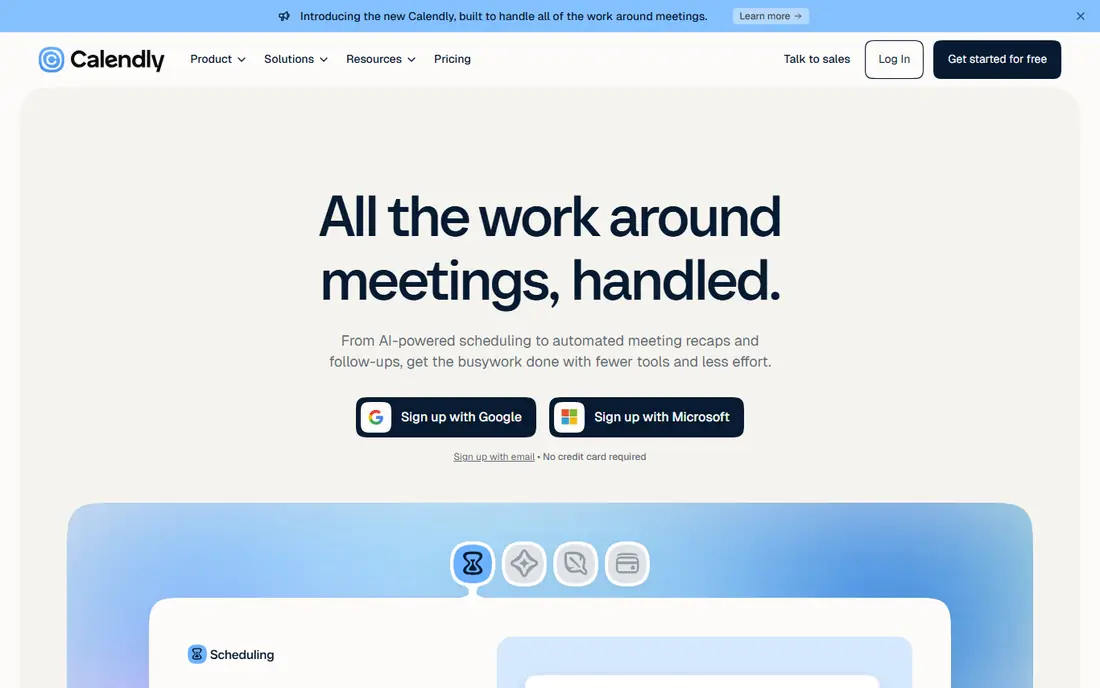
Calendly is the default choice when your main need is letting someone book time with you. You set your availability, share a link, and the client picks a slot that fits. That removes the usual email chain about time zones and free afternoons. It works well for consultants, coaches, sales staff, and service professionals who book meetings rather than sell timed services at a counter.
The limits show up when you need more than a meeting. Calendly is not built for selling service packages, managing a salon chair, or handling complex staff rosters. The free plan is also narrow, with one event type, so a business with several services will need a paid plan. Use Calendly when speed and simplicity matter most, and look at Square or Acuity when payments and packages matter more.
- Fast to set up with one booking link
- Syncs with Google Calendar and Outlook
- Team routing and round robin on higher plans
- Free plan covers only one event type
- Paid service features such as packages are limited compared with Acuity

Square Appointments fits businesses that book clients and take card payments in the same workflow. Clients can book online, receive reminders, and pay through Square, while staff see the day on one calendar. That matters for salons, spas, barbers, fitness studios, and clinics where a missed payment or a double booked chair costs real money. The free plan for one location is also generous for solo operators starting out.
The trade off is lock in. If you already use Square for point of sale, that is a benefit. If you want a different payment provider, Square Appointments will feel restrictive. Costs also rise by location on higher plans, so a multi site business should price the full setup before switching. For a single site service business, it is hard to beat for value.
- Free plan for a single location with bookings
- Built in payments and client records
- Good for salons, barbers, and clinics
- You are tied to Square for payments
- Higher plans cost more per location as you grow
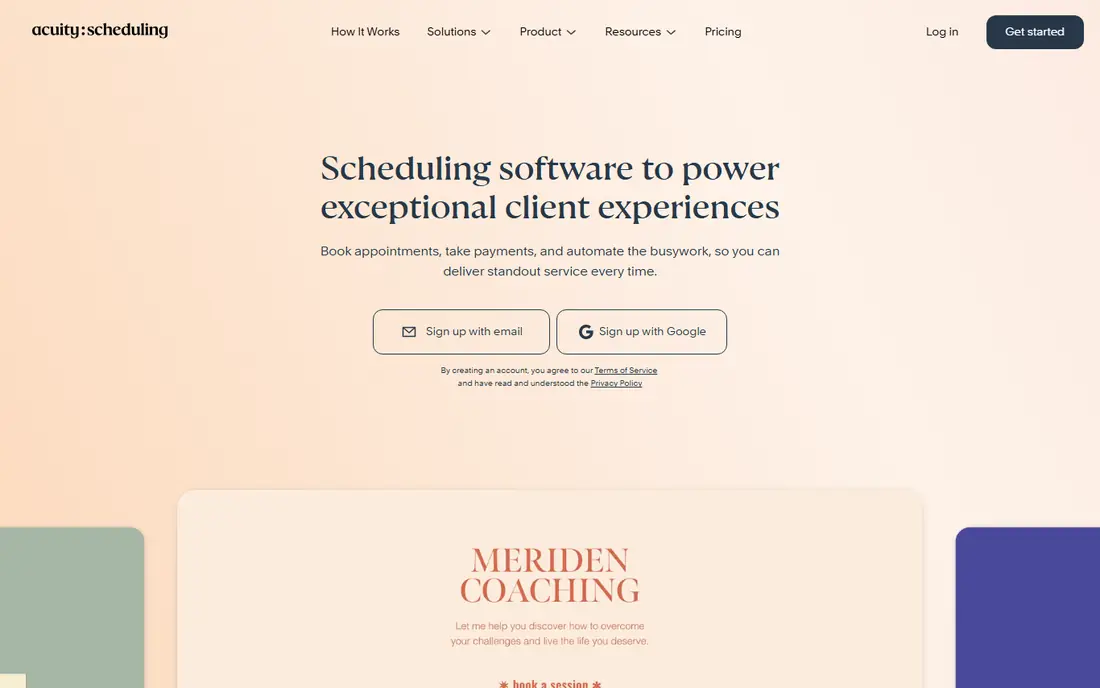
Acuity, now part of Squarespace, is built for appointment businesses that need detail before the visit. Intake forms let you collect health details, preferences, or project notes at booking time, which saves a phone call later. Packages and memberships suit repeat clients, such as a client who buys ten sessions at once. Payments, reminders, and calendar sync round out a system that feels made for services rather than simple meetings.
The downside is setup time. Acuity has more settings than Calendly, and a rushed setup can confuse clients with too many questions or unclear service names. There is also no free plan, only a trial, so budget for a monthly cost from the start. Choose Acuity when intake detail and repeat packages are core to how you sell.
- Strong intake forms per appointment type
- Packages and memberships for repeat clients
- Payments and reminders built in
- No permanent free plan
- Setup takes longer than Calendly because there are more options to configure
Setmore is a strong free starting point for a small team. The free plan covers multiple staff users, each with a booking page, which is rare at this price. That makes it useful for a small salon, clinic, or studio that needs separate calendars for each team member but cannot justify a paid plan yet. Clients can book from a link, and staff can manage the day from a phone app.
The limits are in depth rather than basics. Reporting, integrations, and two way calendar sync are less complete than Calendly or Square on some plans, so check the sync behavior for your calendar before you rely on it. Booking limits on the free plan also matter if volume grows. Setmore is best as a low cost team starter, with a paid upgrade ready when volume or reporting needs grow.
- Free plan covers several staff users
- Booking page and app for clients
- Payments and reminders on paid plans
- Calendar sync and reporting are thinner than paid rivals
- Free plan booking limits apply
SimplyBook.me suits businesses that want a booking website, not just a link. You can shape the page, add services, classes, and memberships, and turn on extra features as needed. That flexibility helps unusual businesses, such as a studio with classes, a clinic with several practitioners, or a service with different booking rules for each offer. The free tier lets you test the setup at low volume.
The pricing model needs care. Some plans charge by booking volume, so a busy month costs more than a quiet month. The settings panel is also dense, which can slow the first setup. If you want a simple link, Calendly is faster. If you want a full booking site with room to shape it, SimplyBook.me is worth the extra setup time.
- Highly customizable booking site
- Many add on features for classes, services, and memberships
- Free tier for low volume
- Pricing can rise with bookings rather than staff
- Interface has many options and can feel busy
Cal.com is the flexible option for teams that want control over their scheduling system. The hosted version is simple enough for most users, while the open source version lets technical teams self host and shape the code. Event types, team round robin, and integrations cover the core meeting needs, and the booking pages are clean.
The catch is that flexibility brings work. Self hosting needs server care, updates, and security checks, which most small businesses should not take on without help. The hosted plan avoids that, but then the advantage over Calendly is smaller. Pick Cal.com when open source control, data control, or custom workflows matter, and pick a hosted tool when you just want bookings to work.
- Open source option with self hosting
- Flexible event types and team scheduling
- Good integrations for technical teams
- Self hosting and advanced setup need technical skill
- Support and polish vary by deployment
Homebase answers a different question from the rest of this list: how do you roster staff, not just book clients. Managers can build shifts, share them with staff, track time, and handle time off in one place. That is vital for retail shops, cafes, restaurants, and service teams where the schedule changes weekly and staff need clear shift information on their phones.
Customer booking is not its strongest area. If clients book services online and pay at booking, Square or Acuity will serve you better. Homebase works best when you pair it with a booking tool, or when your main pain is staff coverage rather than client bookings. For a manager juggling a team rota, it is the most practical pick here.
- Combines employee scheduling with time tracking and hiring tools
- Good for retail, food, and service teams
- Mobile app for staff
- Customer booking features are less deep than Square or Acuity
- Some features need paid plans
Microsoft Bookings makes sense only if you already pay for Microsoft 365. In that case, the booking pages, Outlook sync, and staff calendars come as part of a plan you already own, which is hard to beat on cost. Setup is simple for a small team that lives in Outlook and Teams, and clients get a clean booking page without a new account.
Outside that ecosystem, Bookings is a weak choice. There is no free standalone plan worth building a business on, and the feature set is thinner than dedicated tools for payments, packages, and marketing. Use it when Microsoft 365 is already your base, and choose a dedicated scheduler when you need service features that Bookings does not cover.
- Included with some Microsoft 365 business plans
- Booking pages sync with Outlook
- Simple setup for existing Microsoft users
- No useful free standalone plan
- Features are thinner outside the Microsoft ecosystem
How we picked these
We compared official feature pages, pricing pages, app listings, and public reviews for each tool. We checked booking page setup, calendar sync, reminders, payments, staff limits, and free plan rules. We also weighed the difference between meeting scheduling, service booking, and staff rostering, since a tool that excels at one can fail at another. We did not run live trials for every plan, and we did not count a feature unless the vendor page or documentation supported it.
Choosing by your booking type
Meetings and consultations
Pick a link based tool such as Calendly or Cal.com. You need fast availability, time zone handling, and calendar sync, not packages or chair management. Keep the event types short and clear, and test the booking page on a phone before you share it widely.
Services that charge at booking
Pick Square Appointments or Acuity. You need payments, reminders, cancellation rules, and client records in one place. Set a clear no show policy, and make sure the payment step does not add friction for repeat clients who already trust you.
Teams with shifts
Pick Homebase for staff scheduling, and add a client booking tool if you also take public bookings. Separate the staff rota from the client calendar in your head, even if one tool handles both, because the rules for staff availability and client availability are different.
Frequently asked questions
What is the best free scheduling app for small business?
Setmore and Square Appointments offer the most useful free tiers in this list, but for different jobs. Setmore suits a small team that needs several staff calendars, while Square suits a solo service provider who also needs payments. Calendly free is best for a single meeting type.
What is the best scheduling software for service businesses?
Square Appointments and Acuity Scheduling lead for service businesses. Square is stronger when payments and point of sale matter, while Acuity is stronger when intake forms, packages, and memberships matter. Test both with a real service and a real client booking before you commit.
Do these apps sync with Google Calendar and Outlook?
Most do, but sync depth varies. Calendly, Acuity, Square, and Microsoft Bookings offer solid calendar sync in their main plans, while free plans may offer one way sync only. Check the sync direction for your plan, because one way sync can still allow double bookings.
How do reminders reduce no shows?
Automated email and text reminders give clients a simple way to confirm, reschedule, or cancel before the slot is wasted. Pair reminders with a clear cancellation window and a deposit or card on file for high value services, and keep the reminder message short and practical.
Can I take payments through a scheduling app?
Yes, on most paid service tools, including Square Appointments and Acuity. Payment support varies by provider and region, so check which payment methods your clients use and whether transaction fees apply on top of the monthly plan.
What is the best employee scheduling software for small business?
Homebase is our pick here for staff shifts, time tracking, and team messaging in one app. It is not the best client booking tool, so a business that needs both staff rosters and public bookings may need two tools or a broader platform.
Sources we checked (8)

Online Jobs is an independent blog about careers, online work, learning new skills and the tools that help people earn. More about us.
Keep reading
All posts
Workday Alternatives
We compared the best workday alternatives for HR, payroll, and global hiring, from BambooHR and Gusto to Rippling, Deel, and HiBob for growing teams in 2026.

Which SaaS Tools Have the Best Customer Support
Which SaaS tools have the best customer support? Compare eight popular tools on help centres, live help, response options and overall support quality.

Top AI Helpdesk Software
Searching for top AI helpdesk software in 2026? We compared 8 AI helpdesks on automation, pricing, channels and ease of setup for small and growing teams.