Best Scheduling App in 2026: 8 Apps Compared

How we put this together: we compare official feature and pricing pages, app store listings, privacy policies and public user reviews. Prices change, so check the provider's site before you pay.
Key takeaways
- Calendly remains the simplest meeting link for most professionals, with a free plan and wide calendar and video integrations.
- Cal.com is the strongest open option for teams that want control over data, branding and hosting.
- Acuity Scheduling and SimplyBook.me suit service businesses that need intake forms, payments and staff booking, not just meeting links.
- Check per seat pricing and trial limits before you choose, because team costs and paid features vary a lot between apps.
Quick comparison
| Name | Who it suits | Starting price | Free option | |
|---|---|---|---|---|
 Calendly Calendly | Standard meeting links | $10 per month | Yes | Visit |
 Cal.com Cal.com | Open and flexible scheduling | See website | Yes | Visit |
 Acuity Scheduling Acuity Scheduling | Service bookings with payments | $16 per month | Free trial | Visit |
 Doodle Doodle | Group scheduling and polls | See website | Yes | Visit |
 Setmore Setmore | Free booking for small teams | See website | Yes | Visit |
 SimplyBook.me SimplyBook.me | Service businesses and staff | See website | Yes | Visit |
 SavvyCal SavvyCal | Polished personal scheduling | See website | Yes | Visit |
 YouCanBook.me YouCanBook.me | Simple booking pages | See website | Yes | Visit |
The best scheduling apps
We compared official feature pages, pricing pages, app store listings and public reviews to find scheduling tools that reduce back and forth messages and prevent double bookings. The eight apps below cover meeting links, group polls, service booking and team routing, so you can match the tool to how you actually take bookings.
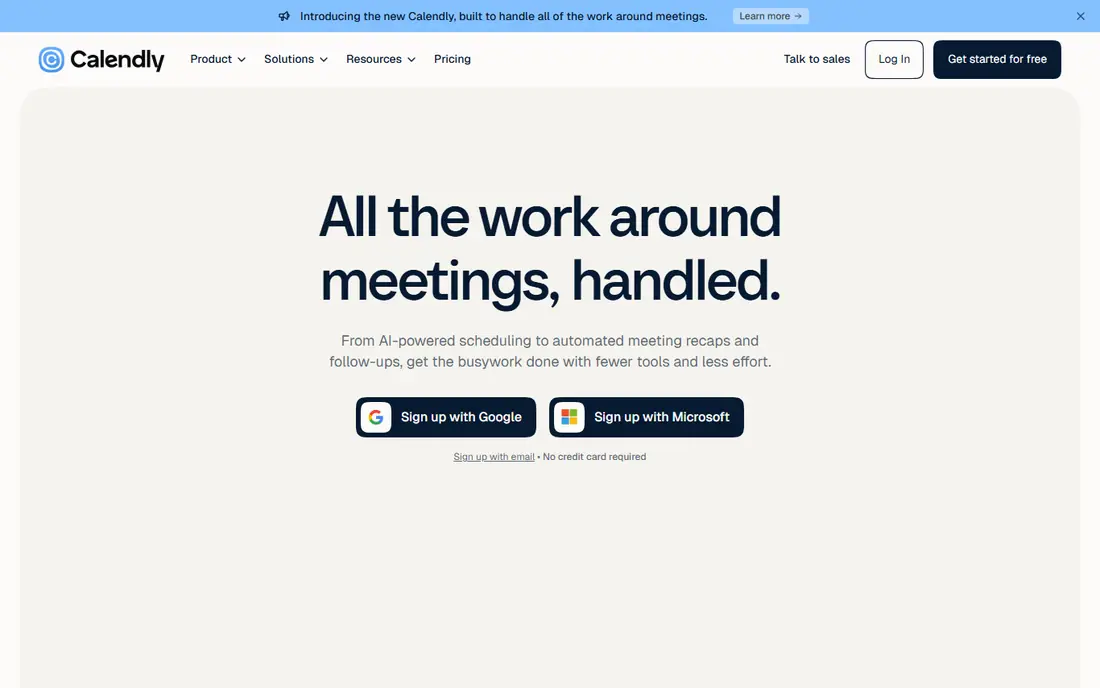
Calendly suits consultants, sales teams, recruiters and anyone whose work runs on meetings. You set your hours, create an event type such as a 30 minute call, and share a link. Guests pick a time from your real availability, the meeting lands on both calendars, and video links and reminders are added automatically. Time zone handling removes a common source of missed calls, and the free plan covers basic one to one scheduling well.
Paid plans add team features, including round robin assignment, collective meetings and routing forms that qualify a lead before booking. Integrations with Salesforce, HubSpot, Stripe and PayPal help sales and service teams collect payments and keep records in sync. The main drawback is per seat cost, which adds up as more staff need links. For the core job of letting people book time with you, Calendly is still the most familiar and reliable choice.
- Booking links clients already recognise
- Strong Google, Outlook, Zoom and Teams links
- Routing and team scheduling on higher plans
- Per seat pricing grows with team size
- Advanced routing needs higher plans
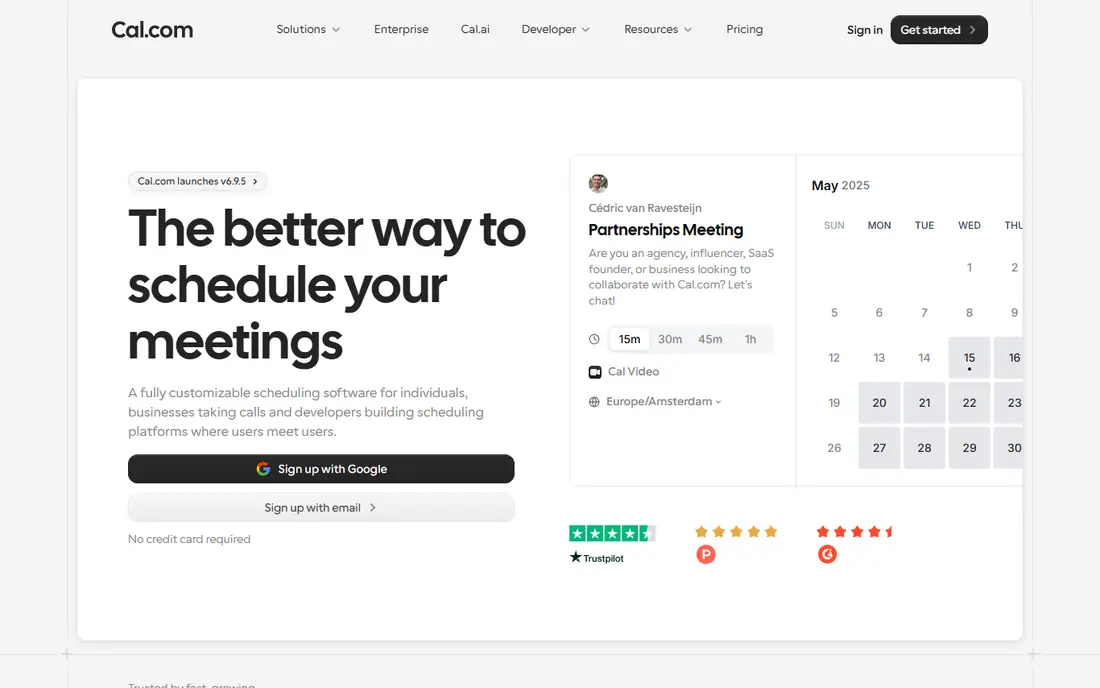
Cal.com is the best alternative if you want control over your scheduling data and branding. It offers booking pages, team scheduling, round robin and collective events, and it connects with major calendars and video tools. Because the core is open source, teams can self host it or inspect how it works, which appeals to privacy minded organisations and developers.
For most users, the hosted version is enough. You can customise booking pages, set buffers between meetings, limit bookings per day and collect payments for paid appointments. Teams can share availability without exposing every calendar detail, and workflows can send reminders and follow ups. The trade off is effort: self hosting needs technical skill, and some polished team features sit behind paid tiers. If control matters more than instant simplicity, Cal.com is a strong pick.
- Open source core with self hosting option
- Flexible event types and team features
- Good privacy and branding control
- Setup is more work than Calendly for beginners
- Some advanced features need a paid plan or self hosting skill
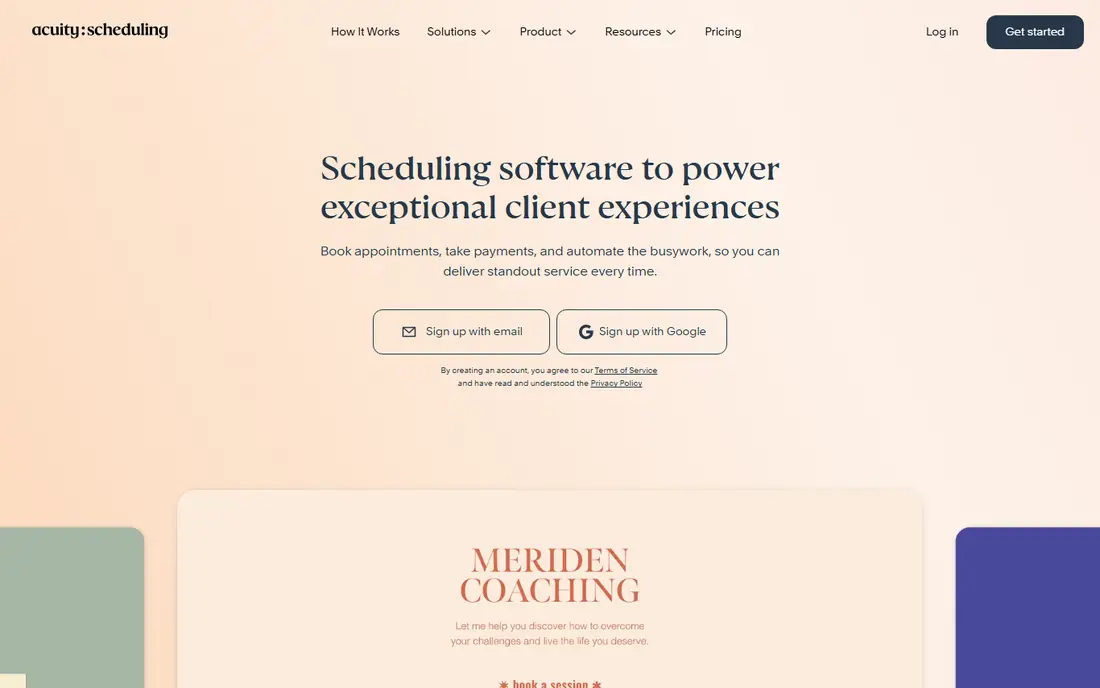
Acuity Scheduling, now part of Squarespace, suits service businesses where appointments are the product. Therapists, coaches, tutors, photographers and wellness practitioners can offer multiple staff, variable durations, service add ons and intake forms in one booking flow. Clients book, pay a deposit and fill in forms before the appointment, which cuts admin work and reduces no shows.
Customisation is a strength. You can brand booking pages, set email and text reminders, sell packages and gift certificates, and sync with calendars. That depth helps when bookings have real complexity, such as different prices for different staff or locations. The drawback is that there is no ongoing free plan, and some features such as text reminders sit on higher tiers. For complex service booking, the depth is worth the learning curve.
- Intake forms, packages and deposits
- Strong payment options through Stripe, Square and PayPal
- Deep branding and reminder controls
- No free plan for ongoing use
- Interface feels less modern than newer rivals
Doodle solves a different problem from Calendly: finding a time that works for a group. You propose several times, invitees vote, and the winning slot becomes the meeting. That approach works well for team events, interviews with several people, classes and social gatherings where a single link does not capture every preference.
The free plan covers basic polls, and paid plans add booking pages, calendar connections and branding. Guests do not need an account to vote in many cases, which lowers friction for outside invitees. Doodle also works for one to one booking pages, but it is less rich than Calendly or Acuity for ongoing client work, payments and intake forms. If group coordination is your main pain, Doodle is the simplest tool for the job.
- Easy polls for finding a group time
- Simple interface for people outside your team
- Useful for one off meetings and events
- Less suited to ongoing client booking
- Advanced booking pages need paid plans
Setmore is a strong free starting point for solo service providers and small teams. You get a booking page, staff calendars, email reminders and basic integrations without paying at first. Salons, clinics, tutors and consultants can let clients pick a service, a staff member and a time, then receive confirmations automatically.
Paid plans add more staff, SMS reminders, payments and integrations, but the free tier already handles the core booking flow. That makes Setmore useful for testing online booking before committing to a monthly cost. The interface is practical rather than stylish, and some advanced reporting and customisation options are limited on lower plans. For a low cost, low risk start to online booking, Setmore is hard to ignore.
- Free plan covers solo providers well
- Staff booking pages and reminders
- Good for salons, clinics and small services
- Advanced features need paid plans
- Design is functional rather than premium
SimplyBook.me suits service businesses that need more than a simple calendar link. It supports multiple staff, locations, services and resources, plus online payments, intake forms, memberships and client logins. That range helps clinics, studios, schools and beauty businesses that book by service, room or equipment, not just by person.
A free plan lets small businesses test the core booking flow, while paid plans raise booking limits and open up add ons. The add on model is flexible, because you pay for features your niche needs, such as coupons, gift cards or waiting lists, rather than a single large bundle. The downside is complexity: the settings list is long, and costs can grow if you add many extras. For a service business with varied booking rules, SimplyBook.me offers depth that meeting link tools lack.
- Wide service business features
- Staff, location and resource booking
- Many add on features for specific niches
- Feature range can feel complex at first
- Some useful features are paid add ons
SavvyCal is built for people who care about how a booking page looks and feels. Its pages are clean, fast and easy for guests to use, with clear time zone handling and sensible availability controls. Personal links, single use links and overlay calendars make it easy to offer a time without sharing your full calendar.
It works well for founders, consultants, coaches and freelancers who book mostly one to one meetings and want a premium feel. Integrations with calendars and video tools cover the basics, and the setup is quick. SavvyCal is less convincing for salons or clinics that need service menus, staff rosters and payments, and its team routing is simpler than Calendly on higher plans. If personal scheduling polish is your priority, SavvyCal is a pleasant alternative to the default choice.
- Clean, modern booking pages
- Good single use and personal links
- Thoughtful time zone and availability controls
- Less suited to large service menus
- Team and routing features are more limited than Calendly
YouCanBook.me keeps booking simple. Connect a calendar, set your availability, add a form and share a page. Guests book a slot, get a confirmation and receive reminders, while you keep control over buffers, booking limits and time zones. That simplicity suits educators, consultants, small clinics and community organisations that do not need a large platform.
Customisation covers page branding, questions for bookers and notifications, so the page can match your site and collect the details you need before a meeting. Paid plans add team features, payments and more integrations. The integration range is narrower than Calendly, and routing for large sales teams is less developed. For straightforward booking pages at a fair price, YouCanBook.me does the job without fuss.
- Simple setup from a calendar
- Custom booking pages and forms
- Good for small teams and educators
- Fewer native integrations than Calendly
- Advanced team features need higher plans
How we picked these
We compared official feature pages, pricing pages, app store listings, privacy policies and public reviews for each app. We gave weight to calendar accuracy, time zone handling, reminders, payment support, team features and ease of use for guests, because a booking tool fails if guests find it confusing. We also checked that each homepage loaded and matched the product named, and we used vendor pricing where it was clear, with See website where a price was not verified on the vendor site at the time of writing.
We did not claim hands on testing for every feature. Instead, we focused on published features, plan limits and reviewer reports about booking reliability, support and guest experience. That approach helps you compare the real workflow, not just a marketing list.
What to check before you choose
Start with your booking type. Meeting links suit one to one and team meetings. Service booking suits staff, services and payments. Group polls suit events with many invitees. Choosing the wrong type leads to workarounds, such as using a meeting link for a salon with ten staff, which will frustrate clients and staff alike.
Next, test the guest experience. Book a test appointment yourself, check the confirmation and reminder messages, and see how rescheduling works. Pay attention to time zones, mobile layout and payment steps, because guests will judge your business by that flow. Also check calendar sync: a tool that misses a busy event will cause double bookings, no matter how good its pages look.
Pricing and team size
Free plans are useful for solo use, but team plans charge per seat in many tools. Work out the cost for every person who needs a booking page, not just the account owner. Also check whether SMS reminders, payments and routing are included or paid extras, because those items can change the monthly total.
Privacy and calendar control
Check what calendar data the tool can read, how long it stores booking data and whether you can limit what guests see. For health, legal or education work, privacy terms and data location may matter more than a small price difference. Choose a tool with clear privacy practices and sensible access controls.
Frequently asked questions
What is the best scheduling app for small business?
Calendly is the safest general pick for meetings, while Acuity Scheduling and SimplyBook.me are better for service businesses with staff and payments. Setmore is a good free start for small service teams. Match the app to your booking type first, then compare price and integrations.
What are the best tools for scheduling appointments?
The best tools for scheduling appointments include Calendly for meetings, Cal.com for flexible and open scheduling, Acuity Scheduling for paid service bookings and Doodle for group times. Each tool fits a different workflow, so list your must have features, such as payments, intake forms or group polls, before you shortlist.
Is there a best free scheduling app?
Calendly, Cal.com, Setmore, SimplyBook.me and YouCanBook.me all offer free plans or free tiers for basic booking. Free plans usually limit event types, staff numbers or reminders. They are good for testing, but a paid plan is often needed for team work, SMS reminders and payments.
What is the best appointment scheduling app for salons and clinics?
Acuity Scheduling, Setmore and SimplyBook.me are strong for salons and clinics, because they support staff, services, payments and reminders. SimplyBook.me adds resource and location booking, which helps larger premises. Test staff booking and payment flow before you commit, because those steps matter most to clients.
What is the best scheduling software for teams?
Calendly and Cal.com are strong for teams that book meetings, with round robin and collective events. Calendly has wider integrations, while Cal.com offers more control and an open source option. For service teams, SimplyBook.me and Acuity Scheduling handle staff rosters better than meeting link tools.
How do I avoid double bookings?
Choose a tool that syncs two ways with Google Calendar or Outlook, set buffers between meetings, and limit bookings per day. Test it with a busy calendar event and a reschedule, because sync delays cause most double bookings. Also turn on confirmations and reminders, so guests and staff both see the final time.
Sources we checked (8)

Online Jobs is an independent blog about careers, online work, learning new skills and the tools that help people earn. More about us.
Keep reading
All posts
Best Writing Software
Looking for the best writing software in 2026? We compared 9 writing apps for books, articles and screenplays on price, features and fit. All verified.

Best Weather Apps
Searching for the best weather app? We compared eight top weather apps for accurate forecasts, radar, severe alerts, and daily planning near you today.

Best Video Editing Software
We compared the best video editing software for beginners and pros, checking official pricing, free plans and honest limits before ranking all nine editors.