Best Scanner App in 2026: 9 Apps Compared

How we put this together: we compare official feature and pricing pages, app store listings, privacy policies and public user reviews. Prices change, so check the provider's site before you pay.
Key takeaways
- Apple Notes on iPhone and Google Drive on Android are the best free starting points, since they are already on your phone with no subscription.
- Adobe Scan offers polished free scans with strong text recognition, while paid upgrades add storage and extra features.
- CamScanner and SwiftScan offer many PDF tools, but their free tiers add watermarks or ads, so check export quality before you rely on them.
- Microsoft Lens was retired in 2026, so do not build a new workflow on it; use OneDrive scanning or another app on this list instead.
- This list covers document scanning. Car code reader tools are a different category and are not included here.
Quick comparison
| Name | Who it suits | Starting price | Free option | |
|---|---|---|---|---|
 Adobe Scan Adobe Scan | polished free scans with OCR | Free | Yes | Visit |
 Apple Notes Apple Notes | iPhone users wanting a built in scanner | Free | Yes | Visit |
 Google Drive Google Drive | Android users wanting a built in scanner | Free | Yes | Visit |
 CamScanner CamScanner | many PDF tools in one app | Free | Yes | Visit |
 Scanner Pro Scanner Pro | iPhone power users wanting organization | Free | Yes | Visit |
 Genius Scan Genius Scan | simple scans with no watermark | Free | Yes | Visit |
 SwiftScan SwiftScan | fast capture on the move | Free | Yes | Visit |
 iScanner iScanner | extra tools beyond basic scanning | Free | Yes | Visit |
 TurboScan TurboScan | quick multi-page scans | Free | Yes | Visit |
The best scanner app
A good scanner app finds page edges, flattens the image, cleans up contrast, and exports a readable PDF. The best choice depends on whether you want a built in free tool, stronger text recognition, or better file organization. All of the apps below work today on iPhone or Android unless noted.
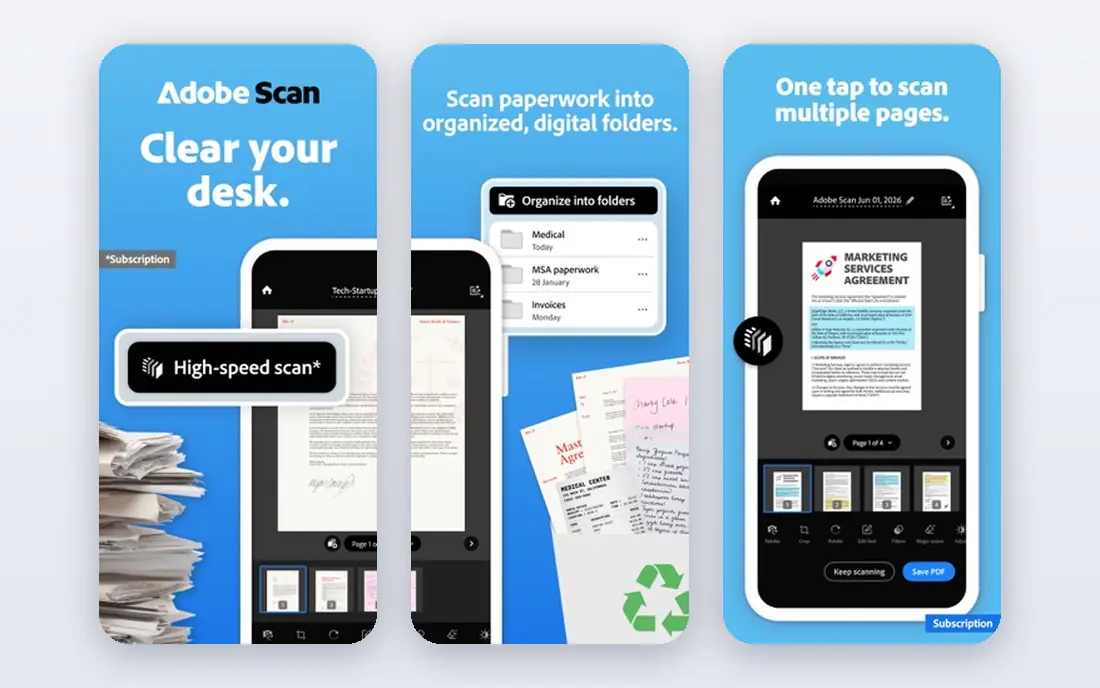
Adobe Scan is our pick for most people who want a dedicated scanner app. It detects pages automatically, cleans up the image, and runs text recognition so your PDFs are searchable. The free version is generous for everyday documents, receipts, and forms, with no watermark on exports.
The catch is the Adobe account requirement and the upsell path. Extra cloud storage and premium features sit behind a paid plan, and full signing workflows use Acrobat rather than Scan alone. If you already use Adobe tools, that is a minor issue. For everyone else, Adobe Scan still gives the most polished free result in this list.
- Strong text recognition and clean PDFs
- Free scans with no watermark
- Works on iPhone and Android
- Account required
- Premium storage and features cost extra
- Signing tools sit in a separate Acrobat app
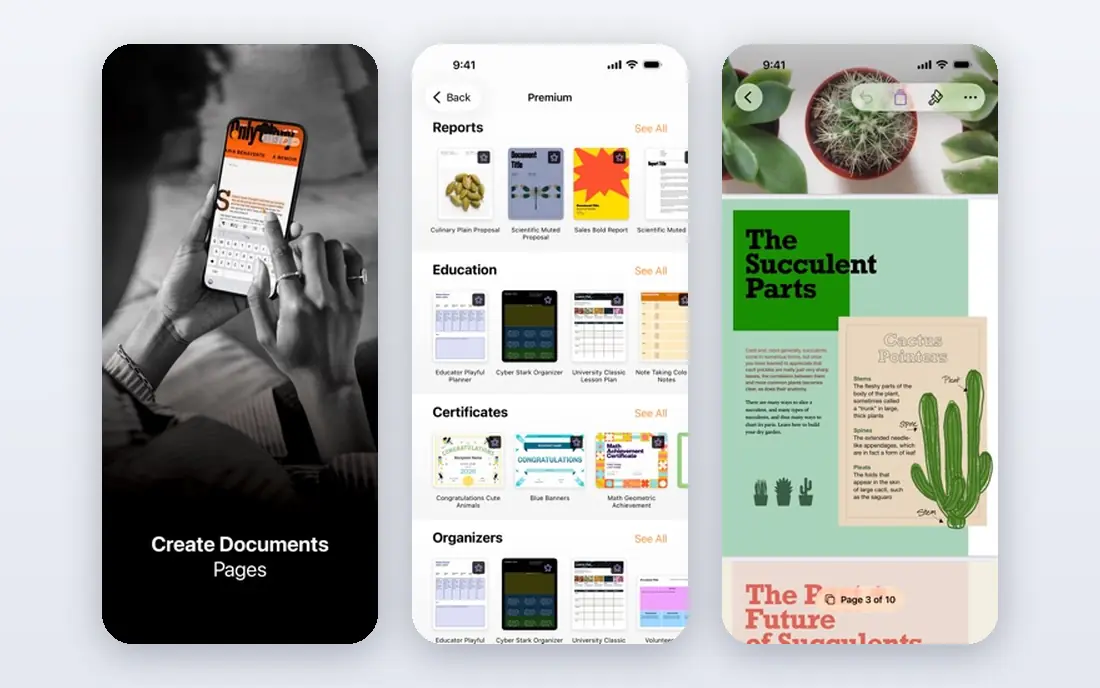
Apple Notes is the easiest scanner for iPhone owners because there is nothing to install and nothing to pay. Open a note, scan a document, and the pages become a PDF you can share, file, or print. Text recognition on device means text inside a scan is selectable and searchable, which covers a surprising amount of daily use.
Dedicated apps offer more organization, batch tools, and cross platform sync, so power users may still want one. For occasional scans, receipts, and forms, Apple Notes is hard to beat. Try it first before you pay for anything else.
- Already on every iPhone with no download
- Built in document scanner
- Text in scans is searchable on device
- IPhone only
- Fewer PDF management tools than dedicated apps
- Sharing options depend on Apple apps
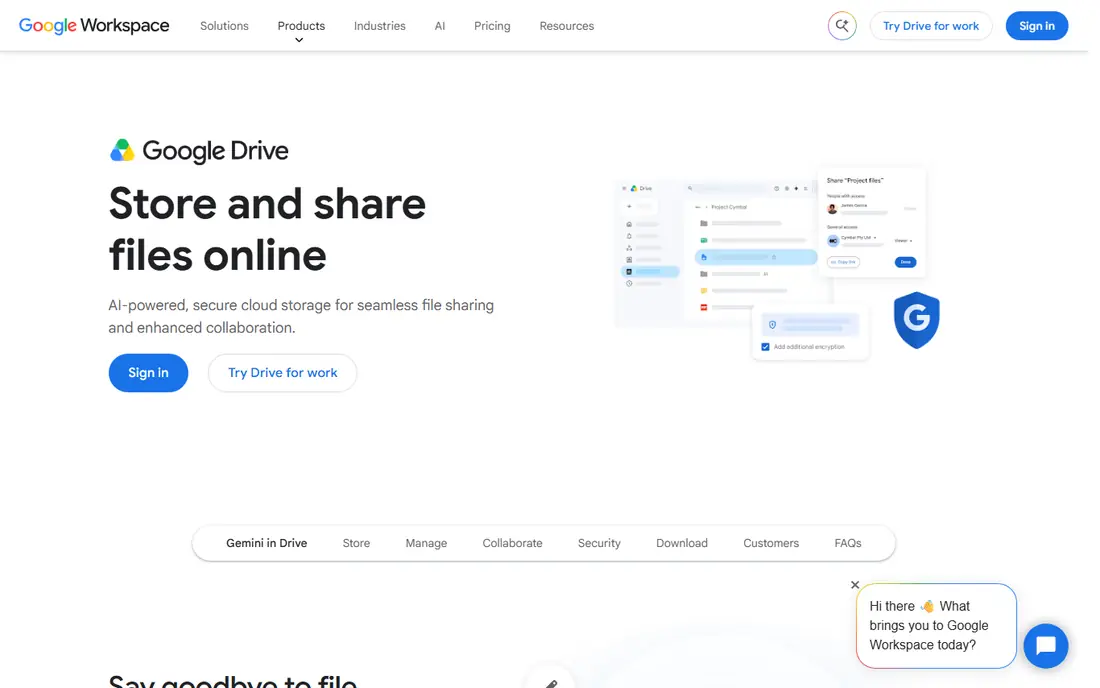
Google Drive plays the same role on Android that Apple Notes plays on iPhone. Its scan feature turns paper into a PDF stored in Drive, ready to share or file. That direct link to cloud storage suits people who already keep documents in Drive and want scans in the same place.
It is not a full scanner app, so batch editing, advanced filters, and document workflows are thinner than in Adobe Scan or Scanner Pro. For quick, free scans with simple storage, it is a solid default. Check the scan option in your Drive app before downloading a third party tool.
- Already available to most Android users
- Scans save straight to Drive
- Easy sharing from Drive
- Scanning is a feature inside Drive, not a dedicated app
- Organization tools are basic
CamScanner packs a lot into one app, from multi-page scans to PDF editing, text extraction, and conversions. That breadth suits business users who scan varied documents and want tools beyond basic capture. It is available on both major phone platforms, so a mixed device household can use the same app.
The free tier is the catch. Ads and watermarks appear on free exports, and the fuller feature set sits behind a premium plan. If you only scan occasionally, a built in free tool gives cleaner results. Choose CamScanner when you need its wider PDF toolkit and are willing to pay to remove its free tier limits.
- Many scanning, editing, and conversion tools
- Works on iPhone and Android
- Useful for business documents
- Free version includes ads and watermarks
- Premium features needed for full text extraction and editing
Scanner Pro from Readdle is a long standing iPhone scanner with a focus on clean capture and sensible file handling. It is free to download, with paid Plus features for users who need more. Frequent scanners will appreciate its workflow for naming, filing, and sharing PDFs.
Android users need another pick, since Scanner Pro is Apple only. The free tier also limits some advanced features, so check what Plus adds before you commit. For iPhone users who scan often, it is one of the most polished dedicated options.
- Clean capture and PDF handling on iPhone
- Good organization for frequent scanners
- Paid Plus tier adds fuller features
- IPhone and iPad only
- Fuller features require a paid plan
Genius Scan is the quiet workhorse of this list. It scans quickly, detects edges well, and exports clean PDFs without a watermark on the free tier. That makes it a good choice for people who hate subscriptions and just want reliable scans.
Text recognition and some fuller features require a paid upgrade, so users who need searchable PDFs for every document should check that cost first. For straightforward scanning and sharing, Genius Scan does the job with minimal fuss. It is our pick for simplicity.
- Fast scans and easy PDF export
- No watermark on the free tier
- Simple interface with little clutter
- Text recognition sits in the paid tier
- Fewer advanced tools than CamScanner
SwiftScan, formerly Scanbot, is built for speed. Capture is fast, edge detection is reliable, and cloud sync helps travelers and freelancers who scan receipts and documents on the move. The interface stays clean, which matters when you are scanning in a hurry.
The free tier watermarks scans, and full text recognition needs a paid plan. That makes SwiftScan a better paid choice than a free one for regular use. Trial it if speed and a clean interface matter more than a free export, and compare its subscription price with Scanner Pro or Genius Scan first.
- Quick capture and clean interface
- Cloud sync options
- Good automatic edge detection
- Free version watermarks scans
- Text recognition sits behind a subscription
iScanner goes beyond basic capture with extra tools for documents, IDs, and forms. That breadth suits users who scan different kinds of paper and want one app to handle them. It is available on both phone platforms, which helps households with mixed devices.
Like many apps in this category, the free tier is a starting point rather than a full solution, with paid features behind it. The interface also packs in more options than a minimal scanner, which some users will find busy. Pick iScanner if you want extra document tools in one place and do not mind a busier app.
- Scanning plus extra document tools
- Works on iPhone and Android
- Useful for varied document types
- Free tier limits and upsells are common
- Interface can feel busy
TurboScan focuses on doing one job quickly: turning several pages into one PDF. That suits receipts, contracts, and forms where a multi-page file is the whole point. Capture is straightforward, and the resulting PDF is easy to share by email or cloud storage.
Users who need heavy editing, text recognition, or document management will find larger apps stronger. For fast multi-page scans without a complex interface, TurboScan earns its place. Try it alongside Genius Scan if you want a simple, fast scanner.
- Fast multi-page scanning
- Simple PDF creation
- Works on iPhone and Android
- Advanced editing tools are thinner than larger apps
- Paid features needed for fuller use
How we picked these
We compared official app pages, app store listings, and public documentation for document scanner apps available today on iPhone or Android. We excluded Microsoft Lens because Microsoft retired it in 2026, removing it from app stores in February and ending new scans in March. We kept apps that are free to download with a usable free tier or built in system feature, and we noted where watermarks, ads, or paid tiers change the value. Car diagnostic scanner tools were left out because they solve a different problem from document scanning.
How to get a clean scan every time
Good light and a flat surface matter more than any app feature. Place the document on a plain background, avoid shadows from your hand or phone, and keep the page flat. Most apps will then detect edges correctly and produce a readable PDF without repeated attempts.
Check OCR before you file
If you need to search a scan later, confirm the app runs text recognition on your export, not just on a preview. Some free tiers capture an image only, with searchable text behind a paid plan. Test one document end to end, then search for a word inside it, before you scan an archive.
Watch the export, not just the capture
A scan that looks good in the app can still export with a watermark, a low resolution, or a locked format. Check the exported PDF once for watermark, readability, and file size. That single check avoids the frustration of rescanning a stack of documents later.
Frequently asked questions
What is the best scanner app for free?
Apple Notes on iPhone and Google Drive on Android are the best truly free options, since they are built in with no subscription or watermark. Adobe Scan is the best free dedicated app for polished scans with text recognition. Genius Scan is a strong free choice for simple scans with no watermark.
What happened to Microsoft Lens?
Microsoft retired Microsoft Lens in 2026. It left app stores in February 2026 and stopped creating new scans in March 2026. Microsoft points users to the scan feature inside OneDrive instead. Do not start a new workflow on Lens.
What is the best scanner app for iPhone?
Apple Notes covers occasional scans for free, while Adobe Scan and Scanner Pro offer stronger dedicated scanning and organization. Scanner Pro suits frequent iPhone scanners, while Adobe Scan suits users who want strong text recognition and clean PDFs.
Do scanner apps work for car diagnostics?
No, document scanner apps and car code reader tools are different products. Document apps turn paper into PDFs. Car scanners plug into a vehicle diagnostic port or pair with an adapter to read fault codes. Search for an OBD scanner app if that is what you need, and do not expect a document app to read a car.
Are free scanner apps safe for sensitive documents?
Use caution with sensitive documents in any cloud synced app. Check the privacy policy, prefer on device processing where available, and avoid uploading passports, medical records, or financial documents to an app you have not vetted. For routine receipts and forms, the built in tools on your phone are a sensible default.
Sources we checked (9)

Online Jobs is an independent blog about careers, online work, learning new skills and the tools that help people earn. More about us.
Keep reading
All posts
Zoom Alternatives
Zoom alternatives compared for 2026: Google Meet, Microsoft Teams, Webex, Jitsi and more for free calls, large meetings and webinars for teams and classrooms.

What Is the Best Free Tool to Rotate a PDF
What is the best free tool to rotate a PDF? We compare eight free rotation tools on per-page control, limits, privacy and saved output quality in detail.

What Is the Best AI Dubbing Tool
We compared the best AI dubbing tools in 2026, from ElevenLabs and HeyGen to Rask AI, Dubverse and Veed, for videos and creators in many languages worldwide.