Best Sales Tools for Teams in 2026: 10 Tools Compared

All-round CRM for growing teams · Starting price: Free
How we put this together: we compare official feature and pricing pages, app store listings, privacy policies and public user reviews. Prices change, so check the provider's site before you pay.
Key takeaways
- HubSpot Sales Hub and Pipedrive are the most approachable CRMs for small and mid-sized teams, with free or low-cost starting points.
- Salesforce Sales Cloud suits larger teams that need deep customization and can fund implementation.
- Apollo.io combines prospecting data with outreach, which can replace two separate tools for smaller teams.
- Outreach and Salesloft lead on enterprise sequencing, while Gong adds conversation intelligence on top of calls.
- Price the tier that includes the features you actually need, since starting prices often exclude sequences, dialers, and AI tools.
Quick comparison
| Name | Who it suits | Starting price | Free option | |
|---|---|---|---|---|
| HubSpot Sales Hub | All-round CRM for growing teams | Free | Yes | Visit |
 Salesforce Sales Cloud | Enterprise CRM customization | $25 per user per month | Free trial | Visit |
 Pipedrive | Visual pipeline management | $14 per user per month | Free trial | Visit |
 Zoho CRM | Budget-friendly team CRM | Free | Yes | Visit |
 Close | Phone-first inside sales | $35 per user per month | Free trial | Visit |
 Freshsales | Low-cost CRM with AI help | $9 per user per month | Yes | Visit |
 Apollo.io | Prospecting data plus outreach | $49 per user per month | Yes | Visit |
 Outreach | Enterprise sales engagement | See website | No | Visit |
 Salesloft | Enterprise cadences and forecasting | See website | No | Visit |
 Gong | Conversation intelligence | See website | No | Visit |
The best sales tools for teams
A sales stack usually needs four jobs done: a CRM to hold the pipeline, prospecting data to fill it, sequencing to work it, and intelligence to learn from calls. No single tool does all four well, so the best stack mixes a strong CRM with one or two specialists. These ten cover each job.
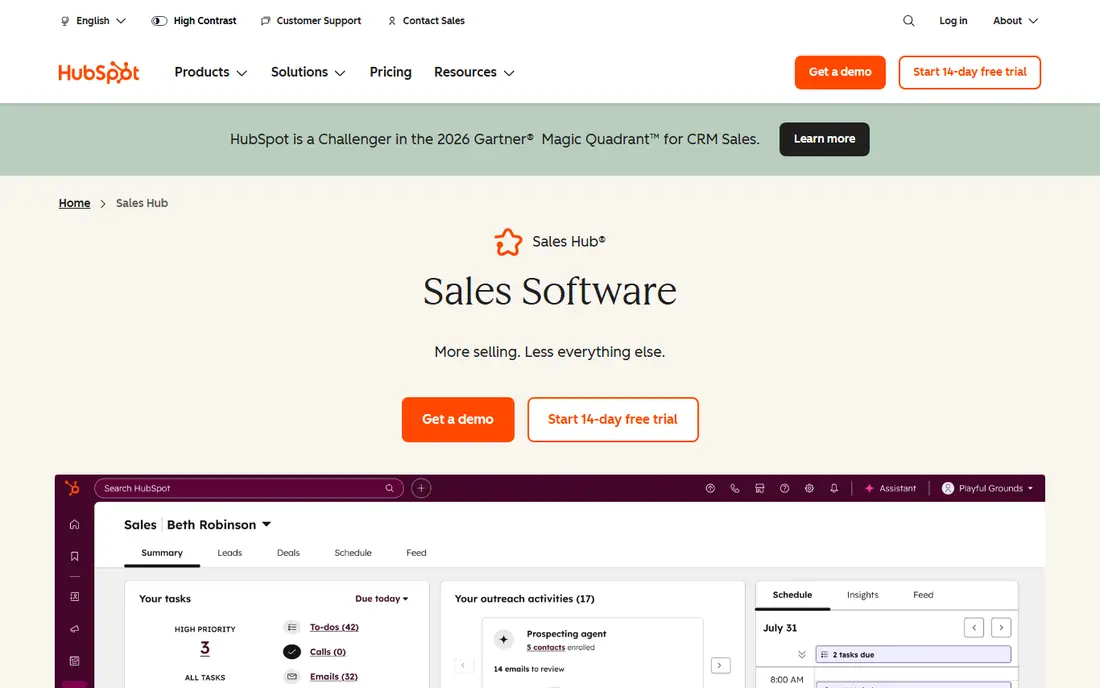
HubSpot is the default CRM for growing teams because the free tier is genuinely usable. Contacts, deals, pipelines, and basic email tracking work without paying, and the system grows with the team through Starter, Professional, and Enterprise tiers. Marketing alignment is a real advantage when leads flow from content into sales.
The catch is the gap between starting price and outbound-ready price. Sequences, advanced reporting, and forecasting sit on higher tiers, and Professional plans carry a mandatory onboarding fee. Price the tier that matches your workflow, not the free tier, before you commit. For teams that want one system for marketing and sales, HubSpot is still the easiest choice.
- Free CRM with pipeline, contacts, and deal tracking
- Strong marketing alignment
- Easy setup compared with enterprise CRMs
- Sequences and advanced features need higher tiers
- Onboarding fees apply at Professional and above
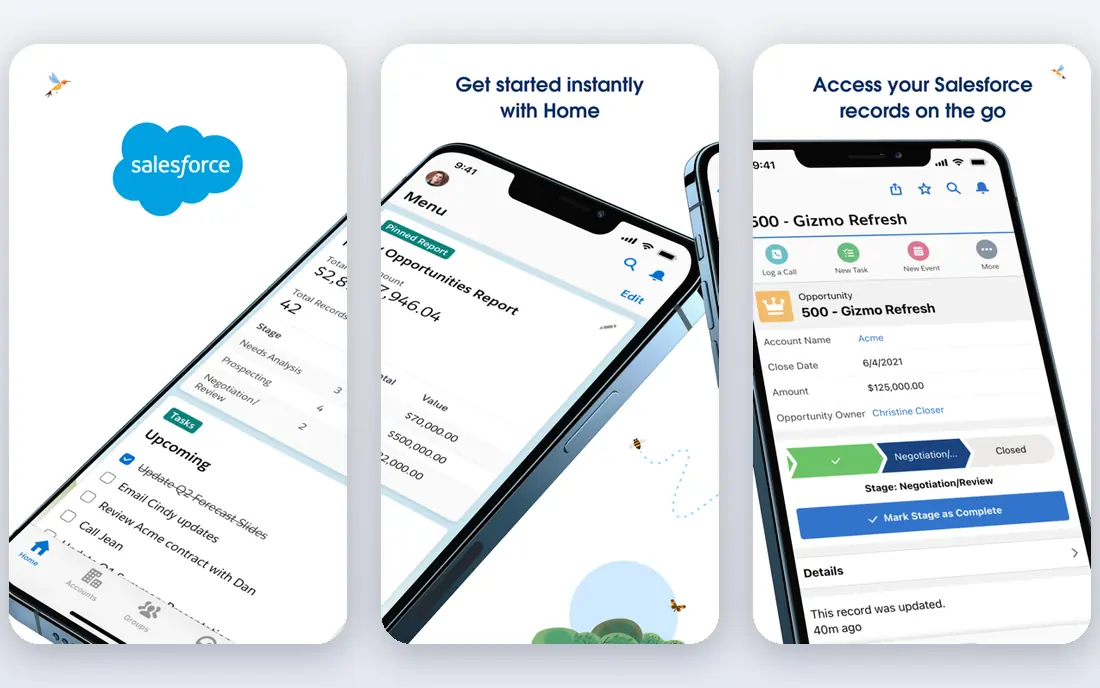
Salesforce remains the enterprise standard for a reason. Almost any sales process can be modeled in it, from complex approvals to multi-team forecasting, and the AppExchange marketplace covers nearly every integration a team could want. For large teams with dedicated admins, that flexibility is unmatched.
The costs go beyond the $25 per user per month starting price. Implementation commonly takes weeks to months, and sequencing and dialer features often require add-ons. Small teams frequently find Salesforce heavier than they need. If your team is large, your process is complex, and you have admin support, Salesforce is the safe long-term pick.
- Deepest customization and ecosystem
- Strong reporting and forecasting
- Huge integration marketplace
- Implementation can take months
- Sales engagement features often need add-ons or third parties
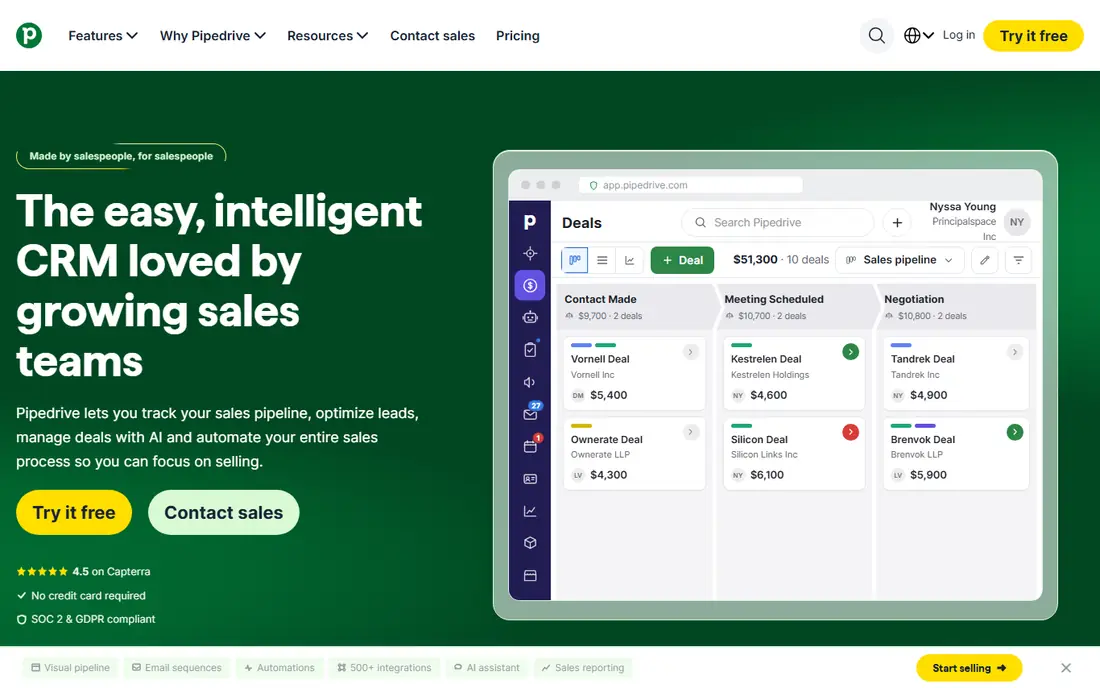
Pipedrive wins on usability. The visual pipeline makes deal stages obvious, reps update it without being chased, and setup typically takes days rather than weeks. At $14 per user per month to start, it is priced for small and mid-sized teams, and the interface stays simple as the team grows.
The limits are in outreach tooling. The dialer is an add-on, and sequences require the Growth tier, so phone-first teams should price those extras. For teams whose main need is a CRM that people actually use, Pipedrive is our pick for most small sales teams.
- Clear visual pipeline that reps actually update
- Fast setup in days
- Sensible per-user pricing
- Dialer is an add-on
- Sequences need Growth tier and above
Zoho CRM is the budget pick that does not feel like a compromise. The free tier covers up to three users, and paid plans start low while including pipeline management, automation, and reporting. Teams already using Zoho for email, books, or support get extra value from the shared suite.
The interface is busier than Pipedrive or HubSpot, and some advanced tools sit on higher tiers. For cost-conscious teams that want a full CRM without a big monthly bill, Zoho CRM is hard to beat on value.
- Free tier for up to three users
- Broad feature set for the price
- Part of the wider Zoho suite
- Interface feels busier than Pipedrive
- Advanced features need higher tiers
Close is built for teams that sell by phone and email all day. Calling, SMS, and email live inside the CRM, so reps never switch tools to work a lead, and the workflow is designed around speed: call, log, follow up, repeat. Setup takes days, not months.
The focus is also the limit. Field sales teams with complex territory needs may find Close too narrow, and the AI call assistant costs extra. For inside sales teams that live on the phone, Close is one of the most productive tools here.
- Built-in calling, SMS, and email in one place
- Sequences included on higher tiers
- Fast setup for inside teams
- Less suited to field sales
- AI call tools need the Growth tier
Freshsales, from Freshworks, offers a full CRM starting at around $9 per user per month, with a free tier for small teams. Built-in phone and email keep reps in one place, and Freddy AI adds lead scoring and insights on paid plans. It is a strong option for teams that want CRM plus light AI without enterprise pricing.
As with most CRMs, the headline price excludes some outreach features, which sit on higher tiers. The integration ecosystem is also smaller than HubSpot or Salesforce. For budget teams that want a modern CRM with AI touches, Freshsales is a smart pick.
- Low starting price
- Built-in phone and email
- Freddy AI assists with scoring and insights on higher tiers
- Dialer and sequences need higher tiers
- Smaller ecosystem than HubSpot or Salesforce
Apollo.io can replace two tools for smaller teams. Its contact database helps you find prospects, and its sequences and dialer let you work them without exporting lists to another system. The free tier lets teams test the data quality, and paid plans start at $49 per user per month.
Watch the credit model. Contact credits expire each billing cycle and do not roll over, so heavy prospecting months cost more than the seat price suggests. For teams that need data and outreach in one place, Apollo is the most efficient stack on this list.
- Large B2B contact database
- Sequences and dialer in the same tool
- CRM sync with major platforms
- Credit-based pricing can add up
- Dialer features need higher tiers
Outreach is the enterprise standard for sales engagement. Sequences span email, calls, and social touches, managers get pipeline visibility across the team, and Kaia offers live assistance during calls. Large SDR teams use it to run consistent, measurable outreach at scale.
Pricing is by quote and typically sits around $100 per user per month or more, which puts it out of reach for small teams. Implementation also takes planning. If your team runs high-volume outbound with dedicated management, Outreach is the benchmark to compare against.
- Powerful sequencing across email, phone, and social
- Pipeline visibility for managers
- Kaia live call assistance
- Quote-based pricing
- Overkill for small teams
Salesloft competes directly with Outreach for enterprise teams, with cadences, call recording, conversation intelligence, and forecasting. Its integration with Clari adds forecasting depth that revenue leaders value, and it syncs cleanly with Salesforce and HubSpot.
Like Outreach, it is quote-priced at enterprise levels, and choosing between the two usually comes down to a trial on your own workflows. Teams that want cadences plus forecasting in one platform should put Salesloft at the top of the shortlist.
- Strong cadence management and conversation intelligence
- Forecasting tools through Clari
- Deep CRM integrations
- Quote-based pricing
- Similar enterprise cost to Outreach
Gong is not a CRM or a sequencer. It records calls, transcribes them, and analyzes what top performers do differently, from talk patterns to deal risks. Managers use it for coaching, and revenue leaders use it to spot deals going quiet before they slip.
The price is by quote and aimed at teams with real call volume. A team that rarely records calls will get little from it, and the insights only help if managers act on them. For teams already running a CRM and sequencer, Gong is the intelligence layer that makes both more effective.
- Records and analyzes sales calls
- Surfaces deal risks and winning patterns
- Coaching insights for managers
- Quote-based pricing
- Value depends on call volume and manager follow-through
How we picked these
We compared official pricing pages and recent team-focused comparisons, favoring tools with published pricing where available and noting quote-based pricing honestly where it applies. We covered the four jobs of a sales stack, CRM, prospecting, sequencing, and intelligence, and we weighed setup effort and the gap between starting prices and the tiers that include the features teams actually use.
Building a stack that fits your team size
Small teams should start with a CRM and one prospecting tool. HubSpot free or Pipedrive plus Apollo gives you pipeline, data, and outreach without enterprise cost. Resist buying a sequencer and an intelligence tool before you have steady pipeline, since tools cannot fix a weak target list.
Mid-sized teams can add sequencing and calling depth. Close or Apollo on the outreach side, plus a CRM that reps update, covers most needs. Measure reply rates and meeting bookings before adding more tools, and check whether credits, dialer add-ons, or AI features are pushing the real monthly cost above the seat price.
Enterprise teams should standardize on Salesforce or HubSpot for the CRM, Outreach or Salesloft for engagement, and Gong for intelligence. Run trials on real workflows, confirm implementation time, and get the full contract cost including onboarding and add-ons before signing. The best stack is the one your reps use daily, not the one with the longest feature list.
Frequently asked questions
What is the best sales tool for a small team?
HubSpot Sales Hub free or Pipedrive are the best starting points, since both are easy to set up and priced for small teams. Add Apollo.io when you need prospecting data and outreach in the same tool. Keep the stack small until pipeline is steady.
Is Salesforce worth it for a small sales team?
Usually not at first. Salesforce suits larger teams with complex processes and admin support, and implementation can take months. Small teams typically move faster on HubSpot, Pipedrive, or Zoho CRM, and can migrate later if complexity demands it.
What is the difference between a CRM and a sales engagement tool?
A CRM stores contacts, deals, and pipeline history, while a sales engagement tool like Outreach or Salesloft runs the outreach itself, through sequences of emails, calls, and social touches. Most teams need both, with the engagement tool syncing activity back to the CRM.
How much do sales tools really cost per rep?
Seat prices range from free to around $25 per user per month for CRMs, but sequences, dialers, data credits, and AI features often sit on higher tiers. Enterprise engagement tools are quote-priced at roughly $100 per user per month or more. Always price the tier with the features you need.
Do I need conversation intelligence like Gong?
It helps most when your team records many calls and managers use the insights for coaching. Small teams with low call volume get less value. Start with a CRM and sequencer, then add Gong once call review becomes a regular management habit.
Sources we checked (10)

Online Jobs is an independent blog about careers, online work, learning new skills and the tools that help people earn. More about us.
Keep reading
All posts
ZoomInfo Alternatives
The best ZoomInfo alternatives in 2026, compared on price, free plans, data coverage, and which tool fits small teams or large sales teams best in detail.

Workday Alternatives
We compared the best workday alternatives for HR, payroll, and global hiring, from BambooHR and Gusto to Rippling, Deel, and HiBob for growing teams in 2026.

Which SaaS Tools Have the Best Customer Support
Which SaaS tools have the best customer support? Compare eight popular tools on help centres, live help, response options and overall support quality.