Best SaaS Software in 2026: 8 Tools Compared

How we put this together: we compare official feature and pricing pages, app store listings, privacy policies and public user reviews. Prices change, so check the provider's site before you pay.
Key takeaways
- Slack and Google Workspace cover everyday communication, while Notion covers docs, wikis and light project work in one place.
- HubSpot CRM is the lowest-risk starting point for sales and marketing, because its core CRM is free.
- Salesforce suits larger teams that need deep customisation, while Asana suits teams that need clear project tracking without a full CRM.
- Zoom remains the standard for video meetings, and Microsoft 365 suits teams already centred on Office files and email.
- Start with one tool per job, and check free plans before paying, since several strong tools cost nothing for small teams.
Quick comparison
| Name | Who it suits | Starting price | Free option | |
|---|---|---|---|---|
 Slack | Team chat and channels | $8.75 per user per month | Yes | Visit |
 Notion | Docs, wikis and projects | $10 per user per month | Yes | Visit |
 HubSpot CRM | Free CRM for small teams | Free | Yes | Visit |
 Salesforce | Large-team CRM customisation | See website | Free trial | Visit |
 Asana | Project and task tracking | See website | Yes | Visit |
 Zoom | Video meetings and webinars | See website | Yes | Visit |
 Google Workspace | Email, docs and storage | See website | Free trial | Visit |
 Microsoft 365 | Office apps and email | See website | Free trial | Visit |
The best SaaS software
Software as a service means the software runs in the cloud and you pay a subscription, usually per user per month, instead of buying and installing it once. The tools below are the ones small businesses and teams most often build around, each for a different job. Picking by job, rather than by brand, keeps the stack small and the bill lower.
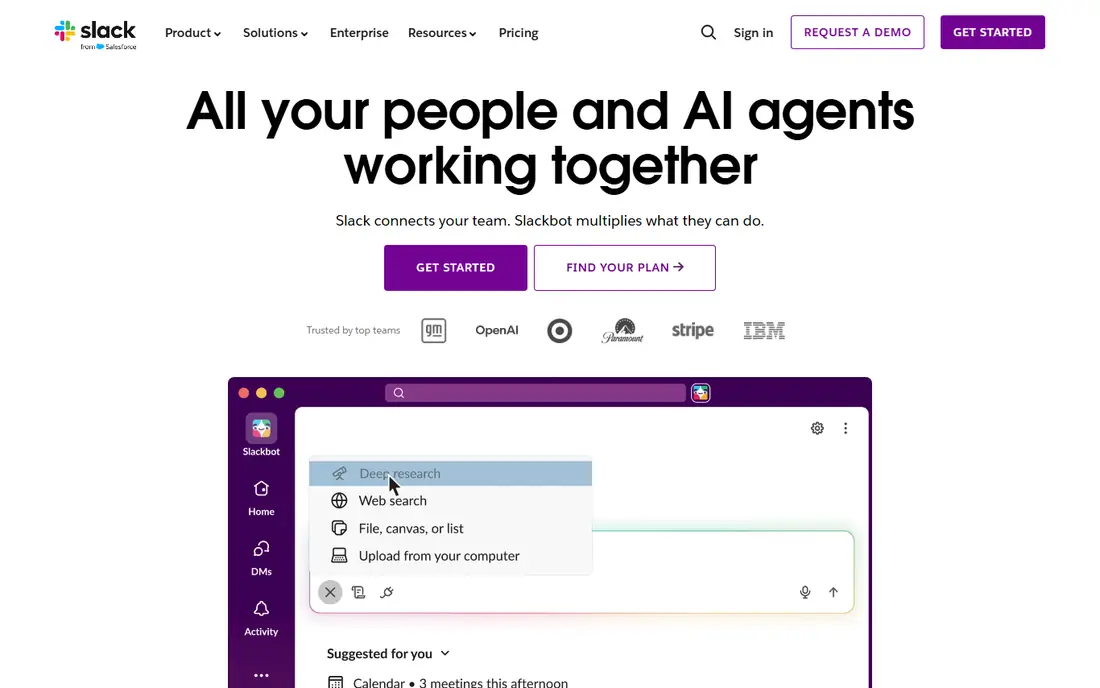
Slack organises team chat into channels by project, team or topic, so a question about a client does not get lost in a general chat stream. Integrations connect it to calendars, project tools, file storage and many other apps, which means updates can arrive where the team already talks. The free plan covers small teams well.
The catch is noise. Without channel discipline and notification settings, Slack becomes a constant interruption, and the free plan limits searchable message history. Set a few rules early: channels for real projects, threads for side discussion, and quiet hours that people respect. Used that way, it remains the default team chat tool.
- Channels keep conversations organised
- Huge integration library
- Free plan suits small teams
- Message history limits on the free plan
- Busy teams can drown in notifications
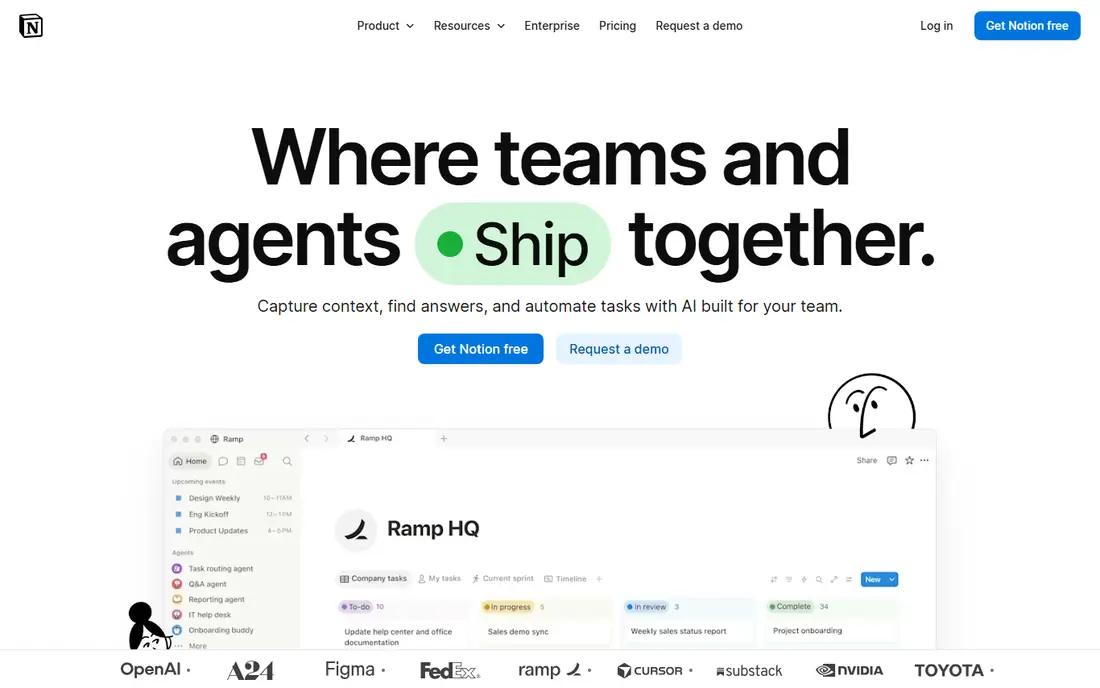
Notion is a flexible workspace where pages, tables, calendars and docs live together, so a team can run a wiki, a content calendar and a project tracker without three separate tools. Templates give new teams a fast start, and the free plan is generous for individuals and small groups. Its strength is also its risk: because almost anything is possible, a workspace without an owner turns messy.
Give one person ownership of the structure, keep page names consistent, and archive old pages regularly. If your team needs strict project reporting or advanced permissions, pair Notion with a dedicated project tool. For docs and shared knowledge, it is hard to beat at its price.
- Flexible pages, databases and wikis
- Generous free plan for individuals
- Good templates
- Can become messy without an owner
- Offline use is limited

HubSpot CRM is the lowest-risk way to start managing customers properly, because contacts, companies, deals and pipelines are free, with email tracking included. A small business can replace a spreadsheet with a real CRM in an afternoon, then add marketing or sales tools later without migrating data. That upgrade path is the point.
Costs rise on higher tiers, and professional plans carry onboarding fees, so check the full price at the tier you actually need, not just the free entry point. Marketing pricing also scales with contact numbers. For a team that wants one platform for marketing, sales and service, HubSpot is a sensible long-term home.
- Core CRM free forever
- Contacts, deals and email tracking in one place
- Marketing and sales tools grow with you
- Higher tiers and onboarding fees add up
- Marketing pricing scales with contacts
Salesforce is the enterprise CRM against which others are measured, with deep customisation, workflow automation, reporting and a large marketplace of add-on apps. Large sales teams can model complex territories, approval flows and forecasting that smaller CRMs cannot handle. Its current core bundle also includes other Salesforce products, which changes the value calculation for teams already using them.
That power needs ownership. Most larger deployments need an administrator, and many need a partner for implementation, which adds cost beyond the licence. Small teams usually get better value from HubSpot or a simpler CRM. Choose Salesforce when your sales process is genuinely complex and you have the staff to run it.
- Deep customisation and automation
- Huge app marketplace
- Strong reporting and forecasting
- Quoted and tiered pricing can be high
- Often needs an administrator or partner
Asana turns work into tasks with owners, due dates and dependencies, then shows that work as lists, boards or timelines. That clarity helps teams that juggle many projects, because everyone can see what is due, who owns it and what is blocked. Templates for marketing, product and operations work speed up setup.
Advanced reporting, workload views and controls sit on paid plans, so check the vendor pricing page for the tier that matches your team size. Very fluid, creative work can feel constrained by task structure, but for delivery-focused teams, Asana keeps projects visible without a heavy system.
- Clear tasks, timelines and workloads
- Good templates
- Free plan for small teams
- Paid features needed for advanced reporting
- Can feel rigid for very fluid work
Zoom became the default video meeting tool because it works reliably across devices and handles large calls, breakout rooms and webinars without much setup. The free plan covers one-to-one and short group meetings, which suits many small teams, while paid plans remove the group time limit and add webinar features.
The free limit is the main catch for teams that run long group meetings daily. Also check whether your team needs phone, webinar or room features, since those sit on higher tiers. For straightforward video meetings, Zoom remains the safe, familiar choice that clients already know.
- Reliable video meetings
- Breakout rooms and webinars
- Free plan for short meetings
- Free meetings have a time limit for groups
- Paid plans needed for longer sessions and webinars
Google Workspace bundles business Gmail, Docs, Sheets, Drive and Meet under one account, with real-time collaboration that makes shared editing genuinely easy. A small business gets professional email on its own domain, shared storage and video meetings without stitching separate tools together. Admin controls cover users, devices and security.
Storage and feature limits vary by plan, so compare tiers at your real headcount and storage use. Teams deeply tied to desktop Office files may prefer Microsoft 365. For cloud-first teams that live in a browser, Google Workspace is the simpler, cheaper stack.
- Gmail, Docs, Drive and Meet in one account
- Real-time collaboration
- Admin controls for businesses
- Storage limits vary by plan
- Heavy Office users may miss desktop app depth
Microsoft 365 bundles the Office apps most businesses already know, with Outlook email, OneDrive storage and Teams for chat and meetings. That familiarity matters: staff need little training, and files move between desktop and cloud without conversion trouble. Business plans add admin, security and compliance controls.
The plan range is wide, so compare carefully rather than picking the first business tier you see. Teams that do not use Office apps may pay for features they never open. For businesses already centred on Word, Excel and Outlook, Microsoft 365 is the natural SaaS home.
- Word, Excel, PowerPoint and Outlook included
- Teams for chat and meetings
- Strong business admin tools
- Many plans and tiers to compare
- Full value needs the Microsoft ecosystem
How we picked these
We compared official pricing and product pages for widely used SaaS tools that are live in 2026, and we checked current guides that summarise those vendor prices. We kept tools that serve a distinct job, chat, docs, CRM, projects, video or office work, and we favoured tools with a free plan or trial so a small team can start cheaply. Where a vendor prices by quote or tier, we say so rather than inventing a figure. We did not claim hands-on testing.
Building a SaaS stack without waste
Start by listing the jobs, not the tools: chat, docs, customers, projects, meetings and files. One tool per job is enough for most small teams, and each extra tool adds a subscription, a login and a place where work can hide. Trial the free plan with real work for two weeks, and only pay when a limit actually blocks you, such as message history, storage or reporting.
Check the bill twice a year. SaaS costs creep as teams add seats, tiers and add-ons, and unused seats are common after staff changes. Also check data export before you commit to any tool: a good SaaS product lets you leave with your data, which keeps the vendor honest and protects your business if you switch later.
Security basics for SaaS
Turn on two-factor authentication, use single sign-on where the plan allows it, and give new staff the minimum access they need. Review who has admin rights, remove accounts promptly when staff leave, and check where data is stored if your business has privacy duties. These steps cost little and prevent the most common SaaS problems.
Frequently asked questions
What is the best SaaS software for a small business?
Start with a small stack: Slack or Google Workspace for communication, Notion for docs, HubSpot CRM for customers, and Asana for projects. Add tools only when a real job is unmet, rather than buying a full suite at once.
What is the best SaaS platform for managing many tools?
Google Workspace and Microsoft 365 both bundle email, docs, storage and meetings, which reduces the number of separate subscriptions. A dedicated SaaS management tool can help larger teams track licences, but small teams usually manage fine with a simple licence list.
What is the best SaaS tool for project work?
Asana leads for clear task and timeline tracking, while Notion leads when docs and projects need to live together. Choose Asana for delivery tracking and Notion for shared knowledge, or use both with a clear split between them.
Is there a good free SaaS app for teams?
Yes. Slack, Notion, HubSpot CRM and Asana all offer free plans that suit small teams, and Zoom offers free short meetings. Free plans have limits on history, storage or features, so test them with real work before relying on them.
How much does SaaS software cost per month?
Entry prices in this list range from free to about 10 dollars per user per month for the tools that publish a starting price, while enterprise tools such as Salesforce are quoted. Always price at your real user count, including staff you plan to hire.
Sources we checked (8)

Online Jobs is an independent blog about careers, online work, learning new skills and the tools that help people earn. More about us.
Keep reading
All posts
n8n Alternatives
n8n alternatives compared for 2026, with Zapier, Make, Activepieces, and more, covering visual builders, code steps, self-hosting, and pricing models.

ZoomInfo Alternatives
The best ZoomInfo alternatives in 2026, compared on price, free plans, data coverage, and which tool fits small teams or large sales teams best in detail.

Zoom Alternatives for Webinars
Compare Zoom alternatives for webinars in 2026, from browser-based rooms to enterprise events, with prices, attendee limits, features and honest trade-offs.