Best Route Optimization Software in 2026: 8 Tools Compared


Large teams with complex routing needs · Starting price: See website
How we put this together: we compare official feature and pricing pages, app store listings, privacy policies and public user reviews. Prices change, so check the provider's site before you pay.
Key takeaways
- Per driver pricing suits teams with high order volume, while per order pricing suits smaller teams with uneven days.
- The route engine is only half the job: driver apps, customer notifications and proof of delivery decide whether a plan survives contact with the road.
- Free tiers are useful for solo drivers, but they usually cap stops or orders, so check the limit against a busy day, not an average day.
- A tool built for local delivery is a poor fit for long haul trucking, which needs vehicle size, weight and hours of service rules.
- Always test with your real addresses, time windows and vehicle limits before you pay, because a demo with clean data hides most problems.
Quick comparison
| Name | Who it suits | Starting price | Free option | |
|---|---|---|---|---|
| Route4Me | Large teams with complex routing needs | See website | Free trial | Visit |
 OptimoRoute OptimoRoute | Field service and delivery teams | $39 per driver per month | Free trial | Visit |
 Routific Routific | Small delivery teams | Free | Yes | Visit |
 Spoke Dispatch Spoke Dispatch | Courier teams moving from Circuit | See website | Free trial | Visit |
 Onfleet Onfleet | Last mile delivery at scale | See website | Free trial | Visit |
 Upper Upper | Growing fleets that want clear pricing | $40 per user per month | Free trial | Visit |
 Zeo Route Planner Zeo Route Planner | Solo drivers and small teams | Free | Yes | Visit |
 eLogii eLogii | Delivery operations with custom workflows | See website | Free trial | Visit |
The best route optimization software
Route optimization software turns a list of stops into a workable order, then helps drivers follow it, customers track it, and managers see what actually happened. We compared pricing pages, feature lists and public reviews, with weight given to live tracking, driver apps, proof of delivery and how clearly each vendor explains its billing model.
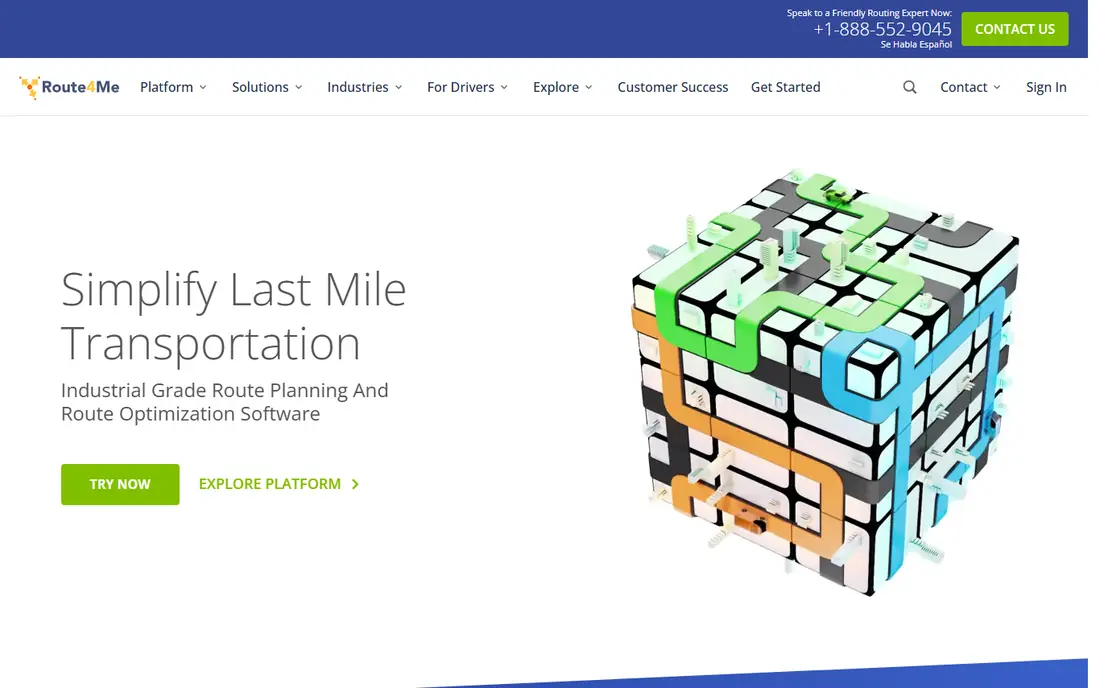
Route4Me is built for operations that outgrow a simple planner. It can sequence hundreds of stops, split work across depots and vehicles, and feed results into other business systems through its API. For a courier company or a field service firm with many drivers, that depth is the reason to look at it first.
The trade off is complexity and cost opacity. Small teams may find the setup and the add on structure more than they need, and they will not get a firm price without talking to sales. If your team is under ten drivers and your routes are simple, start with a cheaper tool and move to Route4Me only when stop counts, depots or integrations force the move.
- Handles large stop lists and multiple depots
- Broad integrations and API options
- Detailed reporting for managers
- Pricing is quote based, so budgeting takes a sales call
- Add ons can raise the total cost
- Setup is heavier than simpler tools
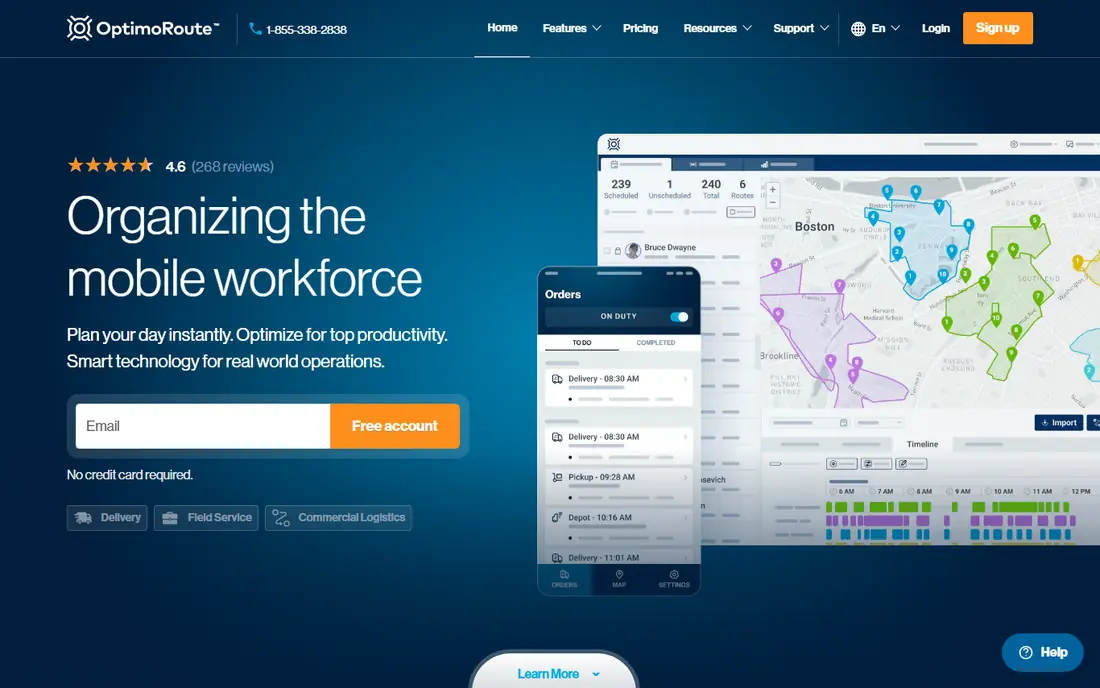
OptimoRoute is our pick for mixed delivery and field service work. It plans across several days, balances workload so one driver is not overloaded while another finishes early, and lets dispatchers adjust routes when a job changes. The driver app keeps the plan in the driver's pocket, which matters more than any dashboard feature.
The main gap is heavy trucking. If you need bridge heights, weight limits and hours of service rules as core features, OptimoRoute will feel thin. For vans, cars and local service vehicles, though, it is a strong middle ground between a free planner and an enterprise platform, and per driver pricing makes the monthly bill easy to forecast.
- Multi day planning and workload balancing
- Driver app with live tracking
- Clear per driver pricing
- Truck specific constraints are limited
- Advanced features sit on higher tiers
- No permanent free plan
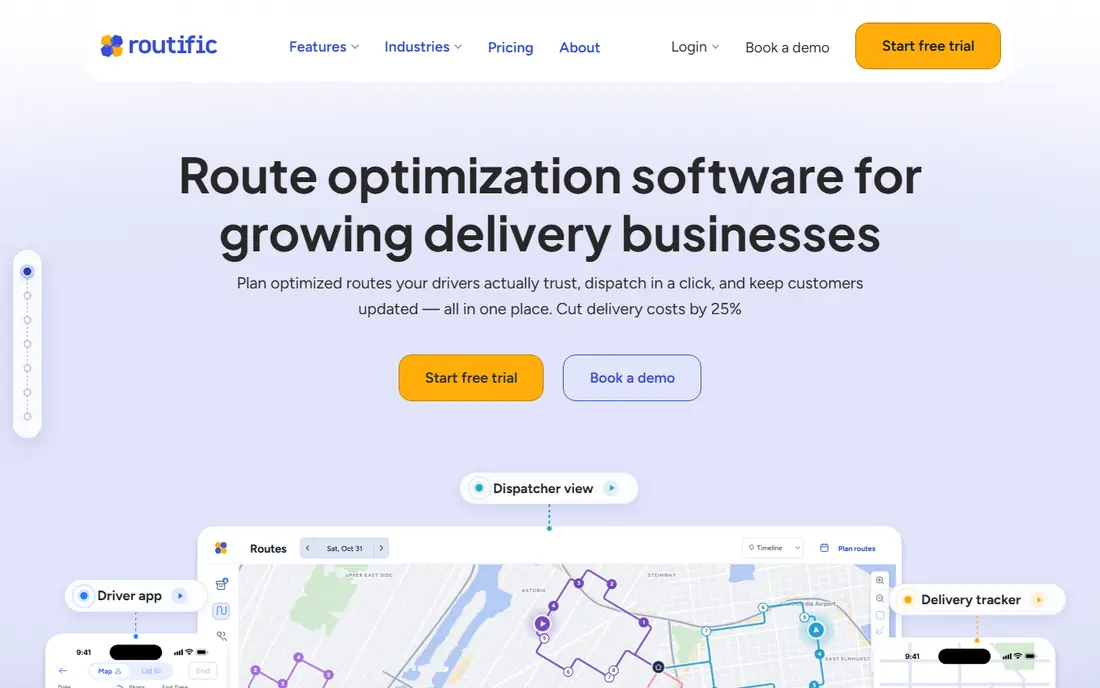
Routific is the easiest starting point for a small delivery business. You import stops, set time windows and vehicle capacity, and the tool returns optimized routes that drivers can open on their phones. The interface is calm, the learning curve is short, and a new dispatcher can run a first route the same day.
Volume is the limit to watch. The free tier covers a modest order count, and a busy month will push you onto a paid plan priced by vehicles or orders. That is still fair value for a team of a few drivers, but a company planning rapid growth should compare the paid tiers with OptimoRoute and Upper before settling, because per order costs add up fast.
- Free tier for up to 100 orders a month in past listings
- Easy to learn
- Customer notifications and proof of delivery on paid plans
- Free tier caps volume
- Less suited to very large fleets
- Advanced dispatch features are limited
Spoke Dispatch is the current name for the team product formerly known as Circuit for Teams, and the free Spoke Route Planner continues the old Circuit planner for solo drivers. If you find older reviews praising Circuit, read them as reviews of Spoke, but check current pricing and limits on the Spoke site, because plans have changed with the rebrand.
For courier teams, Spoke keeps the focus on simple dispatch: build routes, send them to drivers, watch progress and collect proof of delivery. It does not try to be a full transport management system, and that restraint is a strength for small couriers. Larger fleets that need deep integrations or complex vehicle rules will need a heavier platform.
- Successor to Circuit for Teams
- Driver friendly mobile experience
- Proof of delivery and tracking included
- Rebrand can confuse older guides and reviews
- Pricing depends on stop volume
- Fewer enterprise integrations than Route4Me
Onfleet suits delivery operations that already have steady volume and want dispatch to run with less manual work. Auto dispatch can assign new tasks as they arrive, drivers get a clear app with navigation and proof of delivery, and customers get tracking links and messages. At scale, that automation saves dispatcher hours every week.
The price is the barrier for small firms. Entry tiers are aimed at companies with hundreds of tasks a month, and task based billing means a surge month raises the bill. If you deliver a few dozen orders a day, Routific or Upper will cost less. If you deliver hundreds, Onfleet's automation and reliability may pay for itself in fewer missed deliveries and fewer support calls.
- Strong auto dispatch and driver app
- Real time tracking and customer messaging
- Handles high task volume
- Entry pricing is high for small teams
- Billed by tasks, so busy months cost more
- Setup needs care for custom workflows
Upper is a good middle option for fleets of five to fifty vehicles. Pricing is easy to understand, routes are quick to build, and drivers get live tracking and notifications without a long training session. For a manager who wants a tool the whole team will actually use, that simplicity counts for a lot.
Upper is not the pick for complex freight or for companies that need a wide integration library. Its strength is doing the core job well: import stops, optimize, dispatch, track and prove delivery. If your routes are local and your vehicles are vans or cars, Upper gives you most of what Onfleet offers at a price a growing firm can justify.
- Straightforward per user pricing
- Live driver tracking
- Customer notifications included
- Smaller integration list than larger rivals
- Truck routing is basic
- Reporting is less deep than enterprise tools
Zeo is built for the driver first, not the dispatcher. A solo courier or a tradesperson with a day full of stops can import addresses, optimize the order, and follow the route on a phone. That focus makes it the cheapest way to stop planning routes by hand or by guessing the order from a map.
Team managers will hit limits sooner. Shared dispatch, detailed analytics and customer notifications are stronger on paid team platforms, and Zeo's free stop cap means a very long day may need splitting. For one driver, or for testing whether route software helps at all, Zeo is a low risk place to start.
- Free basic plan for solo drivers
- Fast route building from spreadsheets
- Simple mobile app
- Free plan caps stops per route
- Team features need a paid plan
- Less dispatch depth than team tools
eLogii fits delivery operations that do not fit a standard template, such as firms handling mixed parcel, food and bulky goods work with different proof and notification rules. Custom fields and workflows let managers shape the driver app and the customer messages around their actual process, rather than forcing the process into a fixed tool.
That flexibility comes with a longer setup and a sales led price, so it is not a quick trial for a two driver firm. If your operation is already using spreadsheets with many exceptions and workarounds, eLogii is worth a demo. If your routes are simple, a cheaper tool will get you live faster.
- Flexible workflows and custom fields
- Live tracking and proof of delivery
- Good for varied delivery types
- Quote based pricing
- Setup takes longer than simpler tools
- Smaller community and fewer public reviews
How we picked these
We compared official pricing and feature pages, public reviews and the billing models behind each tool, and we favored tools that are still operating and that state their stop, order or driver limits in plain terms. We did not claim hands on testing, and we treated older reviews of Circuit as reviews of Spoke, because the rebrand changed the name but not the core team product.
We also weighted real world fit over feature count. A tool with fifty features that drivers ignore is worse than a tool with ten features that drivers use every day, so driver apps, tracking and proof of delivery carried as much weight as the optimization engine itself.
What to check before you choose
Count what you will actually be billed for
Vendors bill by driver, by vehicle, by task, by order or by stop, and those models behave very differently in a busy month. Model your peak week, not your average week, and ask what counts as a billable driver or task. A cheap per driver plan can beat a cheap per order plan once volume rises, and the reverse is true for seasonal work.
Test with your real data
Import a real week of addresses, including awkward ones, time windows, vehicle capacities and driver shifts. Watch how the tool handles a late order, a cancelled stop and a driver who falls behind. Those edge cases reveal more than a clean demo route, and they are where dispatchers lose time every day.
Check the driver experience
Drivers will use the app in rain, traffic and low signal areas, so the app must be simple, fast and able to work offline where possible. Ask drivers to try it on a real route before you commit, and listen to their complaints about taps, navigation and proof of delivery steps. A tool drivers hate will be bypassed, no matter how good the optimization looks in the office.
Confirm tracking and notifications
Customers expect a tracking link and a message when a delivery is near. Check whether notifications are included in your tier or charged as an add on, and check whether proof of delivery includes photos, signatures and notes. Those details reduce failed deliveries and support calls, and they are often the first features cut from a basic plan.
Frequently asked questions
What is the best route optimization software for small business?
Routific and Zeo are strong low cost starts, while OptimoRoute and Upper suit small teams that need dispatch and tracking. The right pick depends on order volume and whether you bill by driver or by order. Start with a free tier or trial and test a real week before paying.
How much does route optimization software cost?
Solo drivers can start free with Zeo or Routific, small teams often pay around $39 to $40 per driver or user per month, and larger last mile platforms are priced by tasks or by quote. Always model peak volume, because per order and per task billing rises with busy months.
What happened to Circuit route planner?
Circuit rebranded to Spoke in 2026, and Circuit for Teams became Spoke Dispatch. The free Spoke Route Planner continues the old solo planner with a stop limit. Older guides that mention Circuit are describing the same product family under its new name.
Do I need route software if I only have a few stops a day?
Probably not, if your stops are few and close together. Route software earns its cost when you have many stops, tight time windows, several drivers or frequent changes during the day. A free planner is a good test: if it saves you thirty minutes a day, a paid tool is easy to justify.
Can route software handle time windows and vehicle capacity?
Most team tools can, including OptimoRoute, Routific, Upper and Route4Me, but limits differ by plan. Check whether time windows, capacity, driver shifts and service time per stop are included in your tier, and test them with your real constraints before you buy.
Is live tracking included in these tools?
Most team plans include live tracking and customer notifications, but the details vary. Some tools charge for messaging as an add on, and some limit tracking history on basic plans. Confirm what your tier includes, and test the customer tracking link from a real phone.
Sources we checked (8)

Online Jobs is an independent blog about careers, online work, learning new skills and the tools that help people earn. More about us.
Keep reading
All posts
Workday Alternatives
We compared the best workday alternatives for HR, payroll, and global hiring, from BambooHR and Gusto to Rippling, Deel, and HiBob for growing teams in 2026.

Which SaaS Tools Have the Best Customer Support
Which SaaS tools have the best customer support? Compare eight popular tools on help centres, live help, response options and overall support quality.

Top AI Helpdesk Software
Searching for top AI helpdesk software in 2026? We compared 8 AI helpdesks on automation, pricing, channels and ease of setup for small and growing teams.