Best RMM Software in 2026: 9 Tools Compared


Ease of use at scale · Starting price: $1.50 to $3.75 per device per month
How we put this together: we compare official feature and pricing pages, app store listings, privacy policies and public user reviews. Prices change, so check the provider's site before you pay.
Key takeaways
- Atera at $129 per technician per month billed annually and Syncro at $129 per user per month billed annually use per-technician pricing with unlimited endpoints.
- NinjaOne uses per-device pricing from $1.50 to $3.75 per device per month depending on volume, which suits dense fleets.
- Action1 offers a free tier for the first 200 endpoints, making it a low-cost entry point for patching and endpoint management.
- Datto RMM, N-able N-central, Pulseway, and Kaseya VSA are quote-based, so get pricing in writing before comparing totals.
Quick comparison
| Name | Who it suits | Starting price | Free option | |
|---|---|---|---|---|
| NinjaOne | Ease of use at scale | $1.50 to $3.75 per device per month | No | Visit |
 Atera | Small to mid-size MSPs | $129 per technician per month billed annually | No | Visit |
 Datto RMM | MSPs aligned with Datto backup and continuity | See website | No | Visit |
 ConnectWise RMM | ConnectWise ecosystem MSPs | See website | No | Visit |
 N-able N-central | Large and complex MSP environments | See website | No | Visit |
 Syncro | Small MSPs wanting RMM plus PSA in one product | $129 per user per month billed annually | No | Visit |
 SuperOps | MSPs wanting a modern RMM plus PSA workspace | $1.50 per endpoint per month | No | Visit |
 Pulseway | Mobile-first IT management | See website | No | Visit |
 Action1 | Budget-conscious patching and endpoint management | Free for the first 200 endpoints | Yes | Visit |
The best RMM software
Remote monitoring and management software lets IT teams watch devices, apply patches, run scripts, and fix problems from one console. The best RMM software for a given team depends on fleet size, technician count, and whether ticketing and billing must live in the same system.
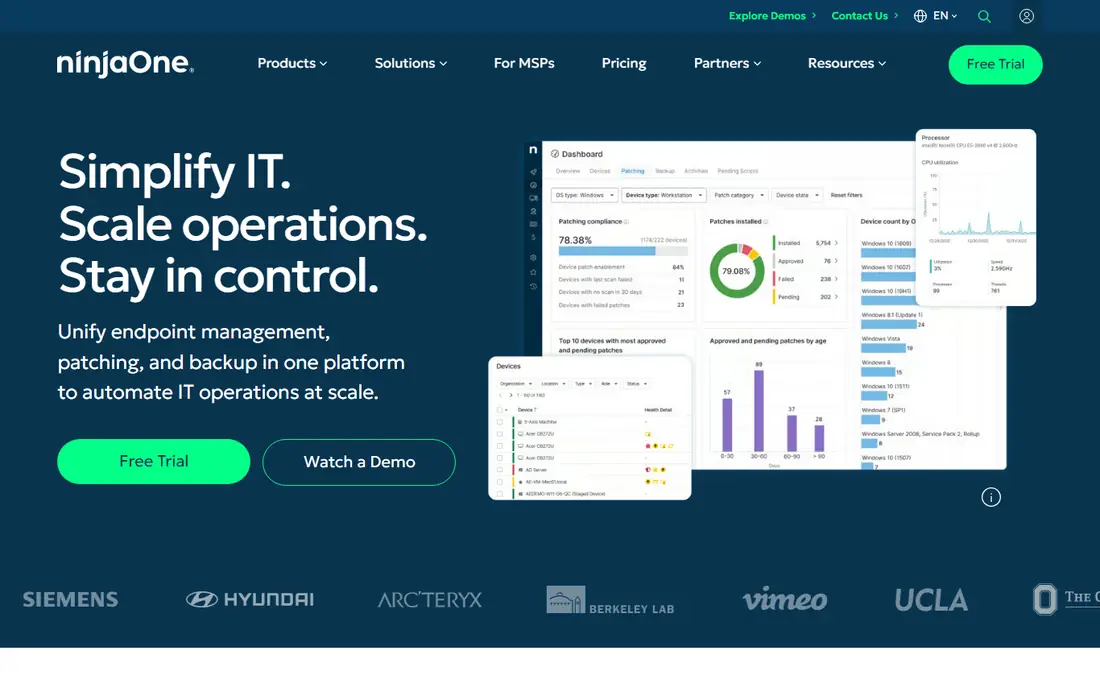
A first look at this option shows its unified console for patching, backup, and remote access. Endpoint visibility, automated patching, and scripting sit in one interface that technicians learn quickly. Backup and mobile device management extend the same console, though costs grow as the fleet grows. The trade-offs deserve a clear look before signing up. Per-device costs rise with fleet size is the main drawback to weigh, while Unified endpoint management, patching, backup, remote access is the main reason buyers stay with it. Check the current pricing page and the feature list for the plan you need, since tiers and add-ons change over time and the entry plan may not include every feature described here.
- Unified endpoint management, patching, backup, remote access
- Per-device costs rise with fleet size
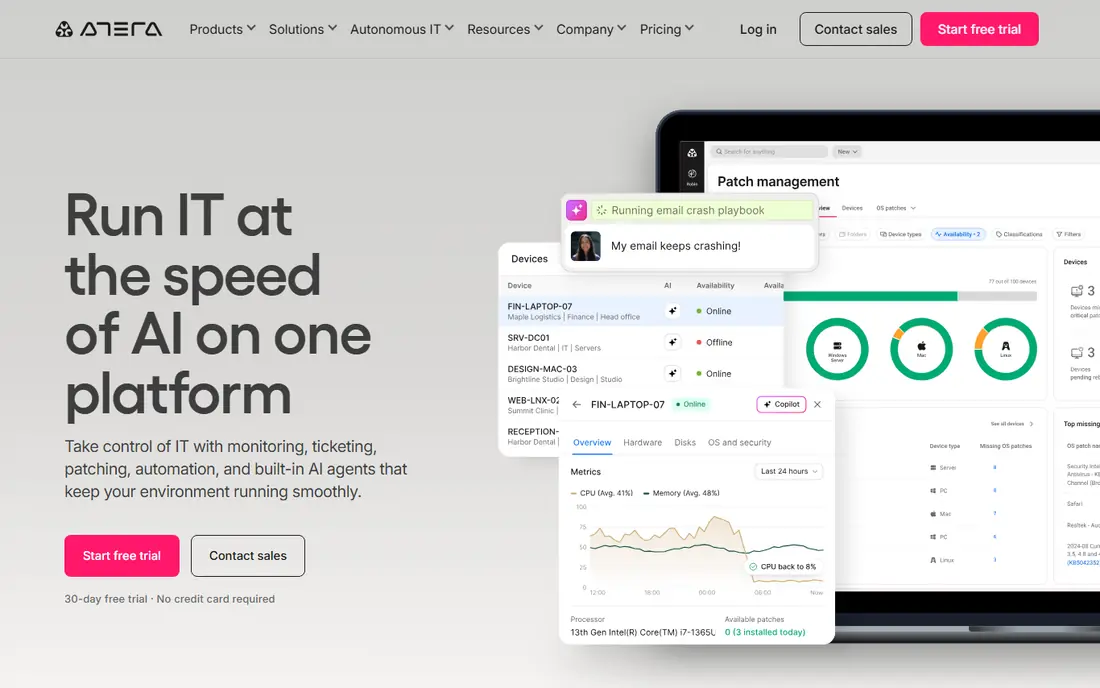
In daily use, this option stands out because its per-technician model with unlimited endpoints. Technicians monitor any number of devices for a flat per-technician price, which suits growing fleets with small teams. Ticketing, patching, and remote access sit beside AI-assisted workflows, though larger teams should confirm tier limits. The trade-offs deserve a clear look before signing up. Advanced tiers are quote-based in some regions is the main drawback to weigh, while Per-technician pricing, unlimited endpoints, built-in PSA features is the main reason buyers stay with it. Check the current pricing page and the feature list for the plan you need, since tiers and add-ons change over time and the entry plan may not include every feature described here.
- Per-technician pricing, unlimited endpoints, built-in PSA features
- Advanced tiers are quote-based in some regions
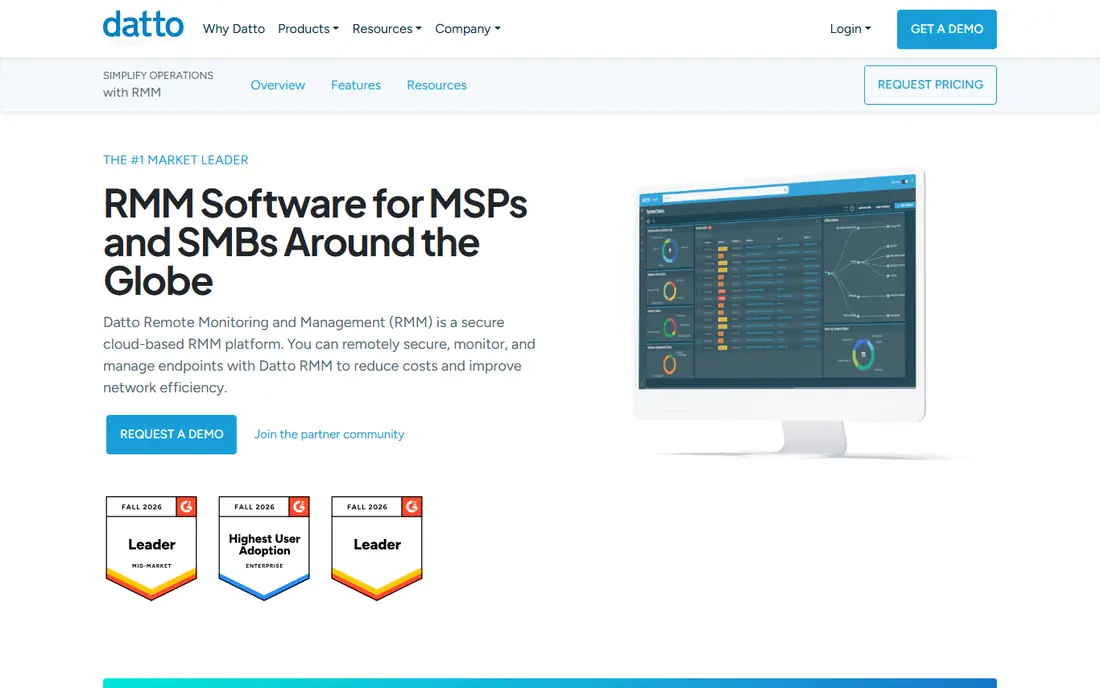
For buyers weighing options, this one earns attention for its policy-driven monitoring and security focus. Policies group devices by client and role, so patching and monitoring rules apply consistently. Ransomware detection and backup alignment appeal to MSPs already using Datto continuity products, while pricing requires a quote. The trade-offs deserve a clear look before signing up. Quote-based pricing only is the main drawback to weigh, while Policy-based monitoring, automation, ransomware detection is the main reason buyers stay with it. Check the current pricing page and the feature list for the plan you need, since tiers and add-ons change over time and the entry plan may not include every feature described here.
- Policy-based monitoring, automation, ransomware detection
- Quote-based pricing only
What sets this option apart is its automation depth inside the ConnectWise ecosystem. Scripting and monitoring integrate closely with ConnectWise PSA tools, which helps larger MSPs standardize service delivery. Teams outside that ecosystem should weigh integration value against setup time. The trade-offs deserve a clear look before signing up. Quote-based pricing and a learning curve is the main drawback to weigh, while Automation depth, remote access, PSA integration is the main reason buyers stay with it. Check the current pricing page and the feature list for the plan you need, since tiers and add-ons change over time and the entry plan may not include every feature described here.
- Automation depth, remote access, PSA integration
- Quote-based pricing and a learning curve
Looking closer, this option works best when its automation and multi-tenant controls for complex fleets. Large MSPs can build detailed automation rules and manage many clients from one platform. That depth brings setup work, so smaller teams may prefer a simpler console with fewer configuration steps. The trade-offs deserve a clear look before signing up. Quote-based pricing and complex setup is the main drawback to weigh, while Deep automation, multi-tenant controls, security integrations is the main reason buyers stay with it. Check the current pricing page and the feature list for the plan you need, since tiers and add-ons change over time and the entry plan may not include every feature described here.
- Deep automation, multi-tenant controls, security integrations
- Quote-based pricing and complex setup
A practical view of this option starts with its combined RMM and PSA under per-technician pricing. Tickets, billing, scripting, and device monitoring live in one workspace, which cuts tool switching for small teams. That combination suits MSPs that want one bill and one login, while larger teams may still want a dedicated PSA. The trade-offs deserve a clear look before signing up. Ticketing depth may lag dedicated PSA tools is the main drawback to weigh, while Combined RMM and PSA, billing, scripting, per-technician pricing is the main reason buyers stay with it. Check the current pricing page and the feature list for the plan you need, since tiers and add-ons change over time and the entry plan may not include every feature described here.
- Combined RMM and PSA, billing, scripting, per-technician pricing
- Ticketing depth may lag dedicated PSA tools
This option makes sense for buyers who its modern interface paired with RMM and PSA features. A clean dashboard and AI-assisted ticketing aim to shorten the time from alert to fix. Per-endpoint pricing with a minimum fleet size suits growing MSPs, though integration depth may trail older platforms. The trade-offs deserve a clear look before signing up. Smaller ecosystem than long-established rivals is the main drawback to weigh, while Modern interface, RMM plus PSA, AI-assisted ticketing is the main reason buyers stay with it. Check the current pricing page and the feature list for the plan you need, since tiers and add-ons change over time and the entry plan may not include every feature described here.
- Modern interface, RMM plus PSA, AI-assisted ticketing
- Smaller ecosystem than long-established rivals
On balance, this option appeals because its mobile-first approach to alerts and remote actions. Technicians can approve, restart, and fix devices from a phone, which helps on-call work. Real-time alerts and remote actions suit teams that work away from a desk, while pricing needs a quote for an exact comparison. The trade-offs deserve a clear look before signing up. Quote-based pricing and tiered device pricing is the main drawback to weigh, while Mobile app control, real-time alerts, remote actions is the main reason buyers stay with it. Check the current pricing page and the feature list for the plan you need, since tiers and add-ons change over time and the entry plan may not include every feature described here.
- Mobile app control, real-time alerts, remote actions
- Quote-based pricing and tiered device pricing
A first look at this option shows its free tier covering the first 200 endpoints. Cloud patching, software deployment, and endpoint reporting start at no cost for smaller fleets. That entry point suits internal IT teams and small MSPs that mainly need patching, while teams needing full ticketing may pair it with another tool. The trade-offs deserve a clear look before signing up. Full RMM depth is narrower than all-in-one platforms is the main drawback to weigh, while Free tier for 200 endpoints, cloud patching, reporting is the main reason buyers stay with it. Check the current pricing page and the feature list for the plan you need, since tiers and add-ons change over time and the entry plan may not include every feature described here.
- Free tier for 200 endpoints, cloud patching, reporting
- Full RMM depth is narrower than all-in-one platforms
How we picked these
We compared official feature pages, pricing pages, app store listings where relevant, privacy and security pages, and public user reviews. We grouped products by the job they do, then checked which plans include the features a buyer actually needs on day one. We did not claim hands-on testing, and we treated any price we could not verify on the vendor site as unconfirmed. That method keeps the list grounded in what vendors publish, rather than in marketing claims alone. Where a vendor uses custom quotes, we say so plainly, because a missing price is itself useful information for a buyer planning a budget and a timeline.
How to pick RMM software for your fleet
Start by counting the two numbers that drive price: endpoints and technicians. Per-device pricing favors a small number of devices, while per-technician pricing favors a large fleet handled by a small team. Run both models against your real counts before choosing. Next, test patching and remote access on real devices during a trial. Patch policies, reboot behavior, and script results matter more than dashboard screenshots. Include Windows, macOS, and any Linux devices you support, since coverage varies by platform. Finally, check integrations with your ticketing, documentation, and security tools. An RMM platform that cannot pass alerts and device data to the rest of the stack creates manual copying and missed tickets. Confirm contract length and minimums before signing.
Frequently asked questions
What is the best RMM software for a small MSP?
Atera and Syncro suit many small MSPs because per-technician pricing covers unlimited endpoints. Atera lists $129 per technician per month billed annually, and Syncro lists $129 per user per month billed annually. Small teams should still test patching and ticketing during a trial.
What is the best RMM tool for a large fleet?
NinjaOne suits large fleets with per-device pricing from $1.50 to $3.75 per device per month depending on volume. That model scales with endpoint count rather than technician count. Large teams should also check automation, reporting, and multi-tenant controls.
Which RMM tools offer a free plan?
Action1 offers a free tier for the first 200 endpoints, which covers patching and endpoint management for smaller environments. ManageEngine Endpoint Central also offers a free tier for up to 25 devices in some editions. Free tiers usually limit advanced features, so check the limits.
What is the difference between RMM and PSA software?
RMM software monitors and manages devices, while PSA software manages tickets, billing, and service delivery. Some platforms, such as Atera and Syncro, combine both in one product. Separate tools need a clean integration so tickets carry device context.
Do I need RMM software if I already use remote desktop tools?
Remote desktop tools give access to one device at a time, while RMM adds monitoring, patching, scripting, and alerts across the whole fleet. Teams with more than a handful of devices usually save time with automated patching and proactive alerts.
Sources we checked (9)

Online Jobs is an independent blog about careers, online work, learning new skills and the tools that help people earn. More about us.
Keep reading
All posts
n8n Alternatives
n8n alternatives compared for 2026, with Zapier, Make, Activepieces, and more, covering visual builders, code steps, self-hosting, and pricing models.

eBay Alternatives
Looking for ebay alternatives? We compared 9 marketplaces for sellers on fees, buyer reach, categories and ease of listing, to help you sell with confidence.

ZoomInfo Alternatives
The best ZoomInfo alternatives in 2026, compared on price, free plans, data coverage, and which tool fits small teams or large sales teams best in detail.