Best Remote PC Software in 2026: 8 Tools Compared

How we put this together: we compare official feature and pricing pages, app store listings, privacy policies and public user reviews. Prices change, so check the provider's site before you pay.
Key takeaways
- TeamViewer and AnyDesk suit most personal and business remote access needs, with wide device support and simple session setup.
- Splashtop and RemotePC suit small businesses and IT teams that need many computers at a predictable price.
- Zoho Assist and ScreenConnect suit support teams that need unattended access, session controls and ticketing links.
- Chrome Remote Desktop is the best free option for occasional personal access, but it lacks business controls and reporting.
- Use strong passwords, two factor authentication and allow lists for unattended access, because an open remote session is a direct route into a computer.
Quick comparison
| Name | Who it suits | Starting price | Free option | |
|---|---|---|---|---|
 TeamViewer | General remote access | See website | Yes | Visit |
 AnyDesk | Fast personal access | See website | Yes | Visit |
 Splashtop | Small business access | See website | Free trial | Visit |
 RemotePC | Low cost multi PC access | See website | Free trial | Visit |
 Zoho Assist | Support sessions | See website | Free trial | Visit |
 ScreenConnect | IT support teams | See website | Free trial | Visit |
 Chrome Remote Desktop | Free personal access | Free | Yes | Visit |
 Parallels Access | Mobile to computer access | See website | Free trial | Visit |
The best remote PC software
Remote PC software lets you control another computer from your own device, whether you are helping a family member, working from home, or supporting a client. The best tool depends on how many computers you manage, whether access must be unattended, and how much security control you need. We compared official product pages, pricing models, device support and security features, and we kept only tools that are actively sold and supported today.
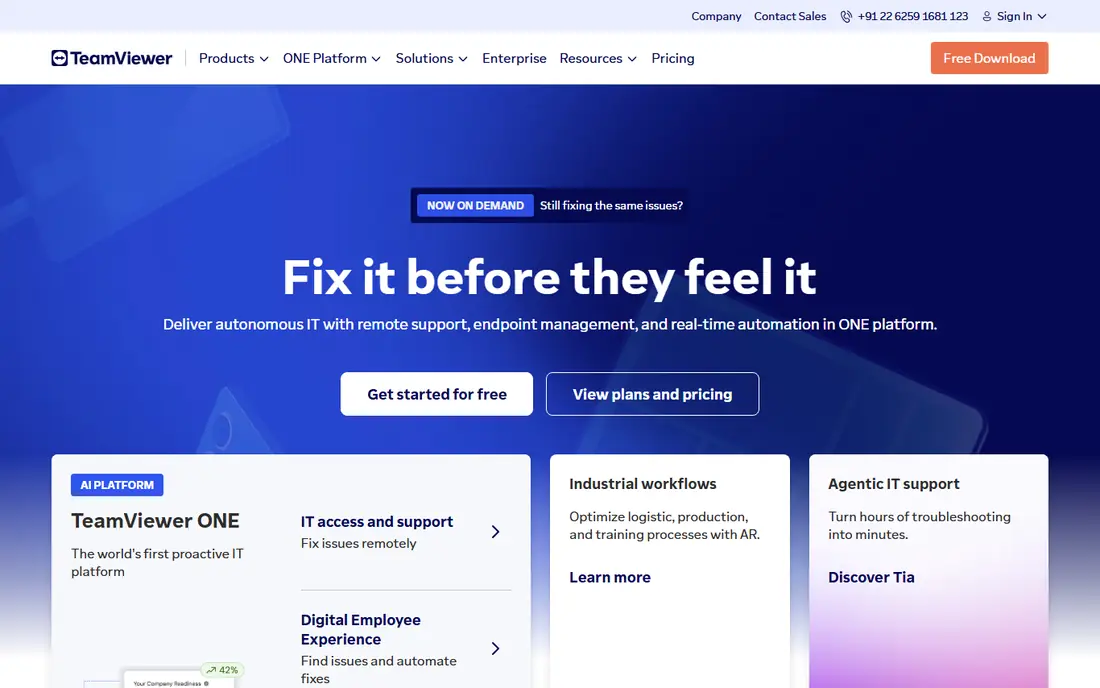
TeamViewer is our pick for most people because it works across almost every common device and it is easy to explain to the person on the other end. You share a session code, the other person accepts, and you can view the screen, transfer files and restart the computer when needed. Business plans add unattended access, user management and session reporting for support teams.
The free version is for personal use only, and TeamViewer may flag accounts that look commercial, so businesses should buy a plan. Pricing varies by plan and should be checked on the TeamViewer site. For a mix of personal help and business support, TeamViewer remains the most widely recognised and practical option.
- Wide Windows, Mac, Linux, mobile support
- Simple session codes
- Strong file transfer and session tools
- Business pricing is plan based
- Free use is limited to personal use
- Occasional commercial use flags on free accounts
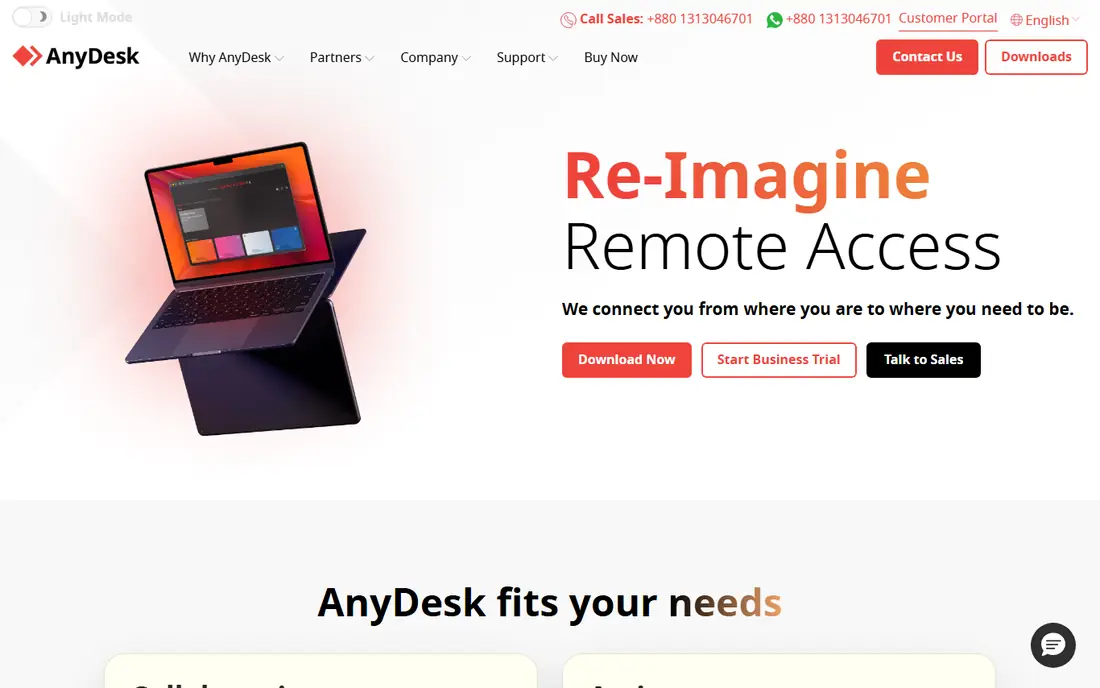
AnyDesk suits people who want a fast, lightweight remote tool without a heavy install. The app is small, sessions start quickly, and performance stays usable on slower connections, which helps when helping someone with older hardware or a weak internet link. Unattended access, address book and session permissions are available on paid plans.
AnyDesk is less polished as a full IT platform than ScreenConnect or Splashtop, and its free tier is for personal use. Pricing should be checked on the AnyDesk site, since plans vary by features and users. If speed and simplicity matter more than ticketing and reporting, AnyDesk is a strong choice.
- Lightweight app and fast connections
- Simple address system
- Good low bandwidth performance
- Business features need paid plans
- Interface is plainer than rivals
- Free use is personal only
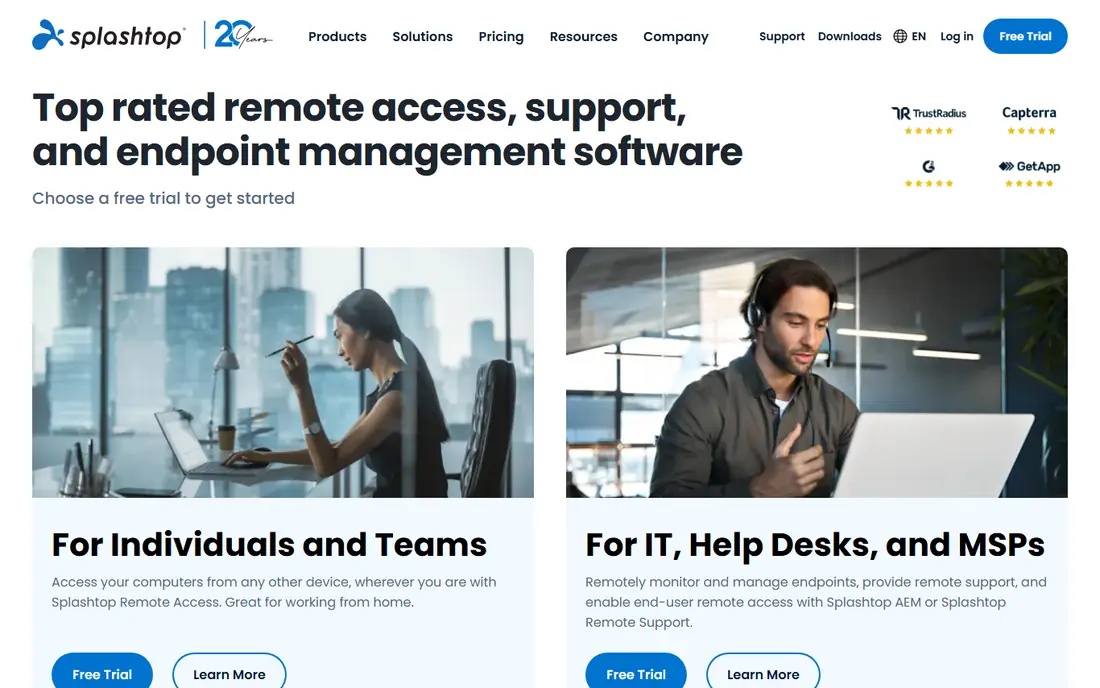
Splashtop is a strong pick for small businesses, schools and creative teams that need reliable access to office computers from home. Performance is good for everyday office work and for many design tasks, and unattended access lets staff reach their work computer without someone sitting at the desk. Session controls, file transfer and multi monitor support cover most business needs.
Splashtop pricing is plan based and should be checked on its site, because personal, business and enterprise plans differ in computers and features. Large IT fleets may need a higher plan for central management. For a small business that wants many computers covered at a clear price, Splashtop is easy to justify.
- Predictable business pricing
- Good performance for office and creative work
- Strong unattended access
- Some advanced features need higher plans
- Setup for large fleets takes planning
- Free tier is a trial only
RemotePC targets buyers who need to reach many computers without paying per computer at a high rate. Plans are built around a set number of computers and users, which makes budgeting simple for a small office or a family with several machines. Unattended access, file transfer and remote printing cover the basics well.
RemotePC is not the fastest tool for video editing or graphics heavy work, and its interface is more basic than TeamViewer or Splashtop. Pricing should be checked on the RemotePC site, since plans change with computer count. If low cost access to many machines is the priority, RemotePC is a practical and often overlooked option.
- Low cost plans for many computers
- Simple unattended access
- File transfer and remote printing
- Interface is basic
- Performance is average for video heavy work
- Support options vary by plan
Zoho Assist suits support teams that help customers or staff on demand and also need unattended access to managed computers. A support agent can start a session from a link, take control with permission, transfer files and record the session for later review. Teams that already use Zoho Desk or other Zoho apps get a smoother workflow, because tickets and sessions can link together.
Zoho Assist is less compelling as a standalone personal tool, and its strongest value appears inside a Zoho setup. Pricing is plan based and should be checked on the Zoho site. For a support team that wants clear session controls without buying a large enterprise platform, Zoho Assist is a solid choice.
- Good unattended and on demand support
- Fits Zoho users
- Session reports and controls
- Best inside the Zoho ecosystem
- Advanced IT features need higher plans
- Free tier is limited
ScreenConnect, from ConnectWise, is built for IT support teams and managed service providers that manage many client computers. It offers unattended access, session grouping, permissions, audit trails and integration with ticketing and remote monitoring tools. Technicians can organise machines by client, run sessions with clear controls, and keep records for compliance.
ScreenConnect is overkill for occasional personal help, and its setup suits IT staff rather than a first time user. Pricing is plan based and should be confirmed on the ConnectWise site. For a support business that needs control, history and scale, ScreenConnect is one of the most capable tools on this list.
- Strong unattended access and session management
- Good for managed service providers
- Detailed controls
- Pricing is plan based
- Setup suits IT teams more than casual users
- Interface has a learning curve
Chrome Remote Desktop is the best free option for occasional personal access. If you need to reach a home computer from a laptop, or help a relative once in a while, it does the job with little setup. You install the extension, sign in with a Google account, set a PIN for unattended access, and connect from a browser or mobile app.
It lacks the business controls, session reporting, user management and support tools that paid products offer, so it is not suitable for a support team or a regulated business. File transfer and multi monitor handling are also more basic. For personal use, though, it is free, simple and reliable, and it is hard to beat on value.
- Free for personal use
- Simple Chrome and Google account setup
- Works across major platforms
- No business management or reporting
- Fewer session tools
- Needs a Google account and Chrome
Parallels Access is designed for people who mainly reach a computer from a phone or tablet. Its mobile interface adapts desktop apps for touch, so you can open files, run programs and manage a computer without a mouse and keyboard in front of you. That makes it useful for travellers and for staff who check a work computer from a tablet.
Parallels Access is less useful as a general IT support platform, because it lacks the fleet management and reporting of ScreenConnect or Splashtop. Pricing is subscription based and should be checked on the Parallels site. If mobile access is your main need, it is a thoughtful and well designed choice.
- Mobile friendly interface for computer apps
- Good for tablets and phones
- Simple remote file access
- Mobile focus limits desktop to desktop use
- Pricing is subscription based
- Fewer IT management features
How we picked these
We compared official product pages, pricing models, device support and security features for remote access tools that are actively sold in 2026. We kept tools with a verifiable official homepage, a current Windows and Mac offering, and a clear use case for personal access, business access or IT support. We used See website for pricing where plans vary by users, computers or features, rather than publishing a price that would mislead readers.
We did not claim hands on testing on live client machines. Our comparison draws on official pages, documentation and public reviews, and buyers should trial a tool on their own network and devices before rolling it out to a team.
How to choose remote PC software
Start with who will connect and whether anyone must be at the remote computer. Personal help needs only on demand access, while work from home and IT support need unattended access with clear permissions. Count computers and users, because pricing models differ widely, with some tools charging per technician and others per computer.
Lock down unattended access
Unattended access is convenient and risky, so set it up carefully. Use a strong unique password, turn on two factor authentication, limit access to named users, and use an allow list so only approved devices can connect. Review session logs regularly, remove access when staff leave, and keep the remote tool updated, because old versions are a common attack route.
Test performance on your real work
Test the tool on the tasks you actually do, such as editing documents, using a design app, or watching video. Some tools handle office work well but struggle with graphics or video, while others use more bandwidth. Check multi monitor support, file transfer and printing before you buy, because those details matter daily.
Frequently asked questions
What is the best remote desktop software?
TeamViewer is the best general pick for most users because it supports many devices and is easy to use. Splashtop suits small businesses, ScreenConnect suits IT teams, and Chrome Remote Desktop suits free personal use. Match the tool to how many computers you manage.
What is the best remote management software?
For IT management, ScreenConnect and Splashtop offer stronger unattended access, grouping and reporting than personal tools. Zoho Assist suits support teams that already use Zoho apps. A remote management tool should also offer session logs and user permissions, not just screen sharing.
What is the best unattended remote access software?
TeamViewer, Splashtop, RemotePC, Zoho Assist and ScreenConnect all offer unattended access with a PIN or account login. Choose based on computer count, security controls and whether you need audit logs. Always protect unattended machines with two factor authentication.
Is Chrome Remote Desktop safe?
Chrome Remote Desktop is safe for personal use when you use a strong Google account password, turn on two factor authentication, and set a strong PIN for unattended access. It is not designed for business compliance, reporting or central management, so businesses should use a paid tool.
What is the best remote access tool for a small business?
Splashtop and RemotePC are strong small business picks because they cover many computers at a predictable price. TeamViewer suits firms that also need on demand support sessions. Trial each tool with your real computers and network before committing.
Sources we checked (8)

Online Jobs is an independent blog about careers, online work, learning new skills and the tools that help people earn. More about us.
Keep reading
All posts
Zoom Alternatives
Zoom alternatives compared for 2026: Google Meet, Microsoft Teams, Webex, Jitsi and more for free calls, large meetings and webinars for teams and classrooms.

What Is the Best Free Tool to Rotate a PDF
What is the best free tool to rotate a PDF? We compare eight free rotation tools on per-page control, limits, privacy and saved output quality in detail.

What Is the Best AI Dubbing Tool
We compared the best AI dubbing tools in 2026, from ElevenLabs and HeyGen to Rask AI, Dubverse and Veed, for videos and creators in many languages worldwide.