Best Remote Control Software for Small Business in 2026: 8 Tools Compared

How we put this together: we compare official feature and pricing pages, app store listings, privacy policies and public user reviews. Prices change, so check the provider's site before you pay.
Key takeaways
- TeamViewer at $24.90 per month is the best known all rounder, with a free personal tier and wide device support.
- Splashtop at $6 per month for Solo is the value pick for remote work access, especially for a single user or a very small team.
- AnyDesk at $22.90 per month suits teams that need fast, low latency sessions over weaker connections.
- Zoho Assist at $10 per month and Chrome Remote Desktop for free are the cheapest ways to start, although both have limits for larger teams.
- Price per user, price per device, and price per technician are not the same, so count how you will actually be billed before comparing headline rates.
Quick comparison
| Name | Who it suits | Starting price | Free option | |
|---|---|---|---|---|
 TeamViewer | Best known all rounder | $24.90 per month | Yes | Visit |
 AnyDesk | Fast low latency access | $22.90 per month | Yes | Visit |
 Splashtop | Best value remote work | $6 per month | Free trial | Visit |
 Zoho Assist | Budget small teams | $10 per month | Yes | Visit |
 RealVNC Connect | Secure lightweight access | $8.25 per month | Yes | Visit |
 ConnectWise ScreenConnect | IT support teams | $30 per month | Free trial | Visit |
 RemotePC | Cheap per computer pricing | $22.12 per year | Free trial | Visit |
 Chrome Remote Desktop | Simple free access | Free | Yes | Visit |
The best remote control software for small business
We compared remote control tools on price, device support, security features, unattended access, file transfer, and suitability for a small team rather than an enterprise IT department. The list below covers both remote support, where you help a customer or colleague, and remote access, where you connect to your own office computer.
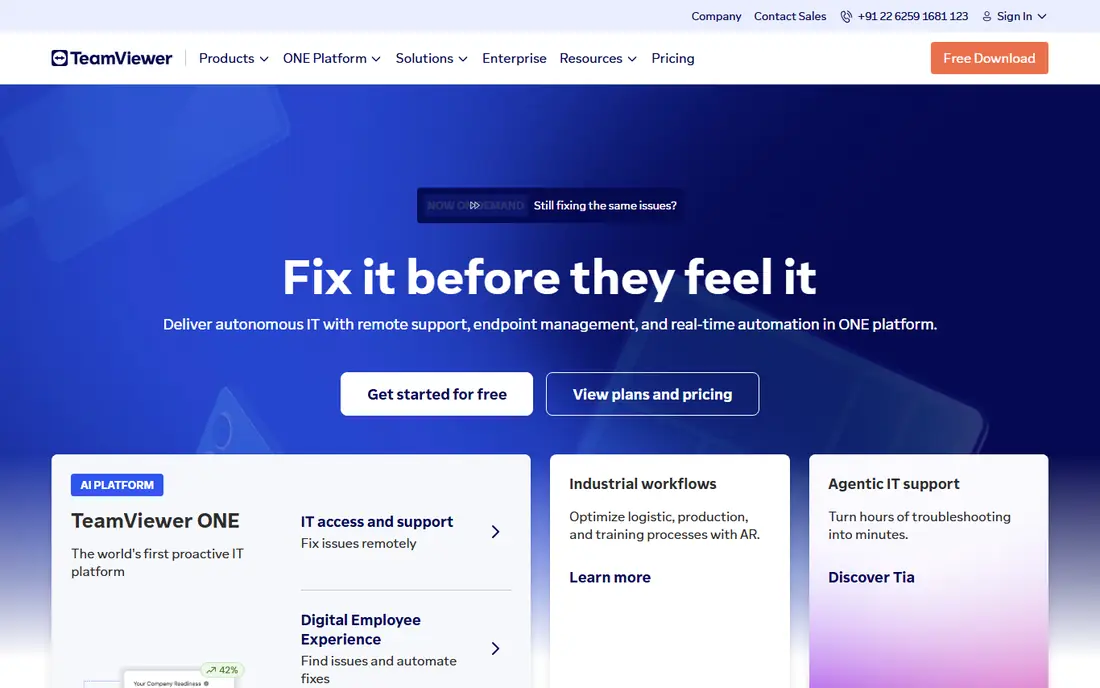
TeamViewer is the tool most small businesses already know, and that familiarity matters when you need to guide a customer through a first session. A customer only needs to share an ID and password, and you can take control, transfer files, reboot, and reconnect without a long setup. The Remote Access plan starts at $24.90 per month billed annually, with higher plans for teams that need more concurrent sessions and managed devices.
The catch is cost at scale. TeamViewer is not the cheapest option for a single user, and adding technicians or sessions pushes the price up faster than per device tools. TeamViewer fits small businesses that support many different customers, that need a tool customers already trust, and that value meetings, file transfer, and remote management in one product.
- Very wide platform support
- Free for personal use
- Strong security features including two factor authentication and 256 bit AES encryption
- Business prices rise quickly with more users and sessions
- Annual billing is standard
- Commercial use detection can flag mixed use accounts
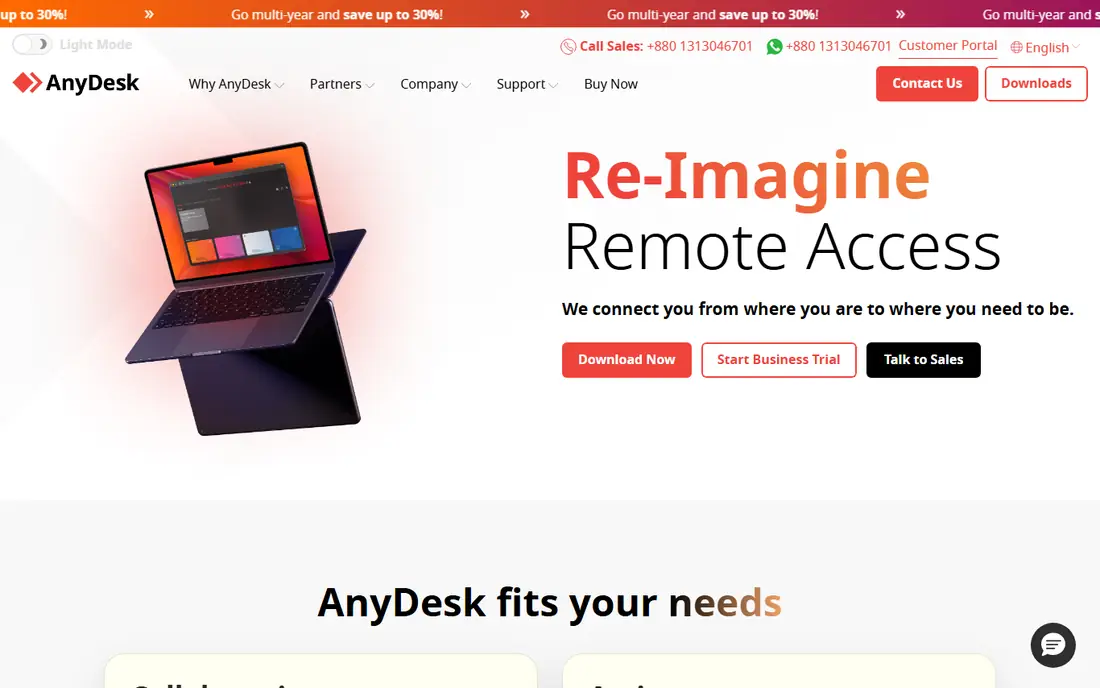
AnyDesk is built around speed. Its lightweight client starts quickly, its codec keeps sessions responsive on slower connections, and it feels closer to sitting at the remote machine than many heavier tools. The Solo plan starts at $22.90 per month, with Standard at $35.90 per month and Advanced at $79.90 per month for small teams that need more features.
The trade off is breadth. AnyDesk does not try to be a full meeting and collaboration suite, so teams that want built in video conferencing may still need another tool. AnyDesk fits consultants, IT support staff, and small teams that work over home broadband, mobile hotspots, or rural connections where latency matters more than extra features.
- Lightweight client with fast performance
- Low bandwidth performance
- Free for personal use
- Business plans start at $22.90 per month for Solo
- Fewer meeting features than TeamViewer
- Some advanced management features need higher tiers
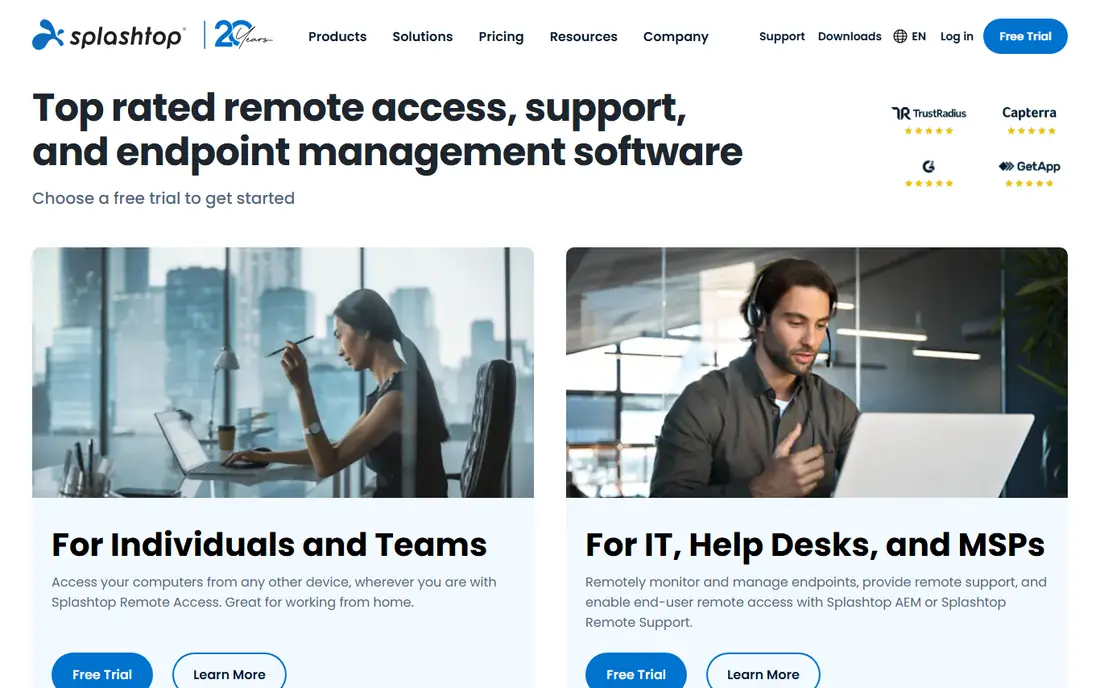
Splashtop is our value pick for small businesses that mainly need remote access to their own computers. The Solo plan at $6 per month billed annually is far cheaper than TeamViewer or AnyDesk for a single user, and its streaming quality holds up well for office work, design files, and multi monitor setups. Business editions add remote support, SOS features, and management tools for teams.
The catch is choosing the right edition. Splashtop sells several editions for remote work, remote support, and enterprise use, so a small team should check which edition includes unattended access, file transfer, and the device count they need. Splashtop fits remote workers, small offices, and accountants or designers who connect to a work computer from home each day.
- Very low Solo price at $6 per month billed annually
- Good streaming quality including multi monitor support
- Per user pricing suits small teams
- Business features vary by edition
- Some editions need a higher tier for remote support
- Setup takes more care than a simple ID and password tool
Zoho Assist is the budget pick for small IT teams, especially those already using Zoho products. Support sessions can start from a browser, unattended access covers computers you manage regularly, and the free plan lets a solo technician test the workflow with up to five unattended computers. Paid plans start at $10 per technician per month billed annually.
The limit is scope. Zoho Assist is a support tool first, not a full remote work platform, and teams outside the Zoho ecosystem may find integrations thinner than TeamViewer or Splashtop. Zoho Assist fits small support teams, managed service providers starting out, and businesses that already pay for Zoho and want support in the same account family.
- Low starting price at $10 per technician per month billed annually
- Free plan for one technician and five unattended computers
- Browser based support sessions
- Best inside the Zoho ecosystem
- Advanced features need higher tiers
- Interface is less polished than TeamViewer for some users
RealVNC Connect is a solid choice for small businesses that need reliable access to a fixed set of computers, servers, or devices. Its Essentials plan starts at $8.25 per month per device, and the free Lite plan covers five devices and three users for personal use. It works well across Windows, macOS, Linux, and Raspberry Pi, which matters for workshops, labs, and mixed device fleets.
The catch is the per device model. A business with many computers can find the total rises faster than a per user plan, so count devices before buying. RealVNC Connect fits small teams with a stable device list, mixed operating systems, and a preference for a lightweight, security focused tool over a large support suite.
- Lightweight and secure remote access
- Good for mixed operating systems and Raspberry Pi fleets
- Free Lite plan for personal use
- Pricing is per device on paid plans
- Interface is simpler than full support suites
- Remote support workflow is less guided than TeamViewer
ConnectWise ScreenConnect, often called ScreenConnect, is the professional choice for IT support teams. It handles unattended access, remote support sessions, scripting, and integrations with ticketing and management tools, and it can be self hosted by teams that want control over their data. Paid plans start around $30 per month per technician billed annually, with a free tier for a single technician and a small number of access agents in some versions.
The downside is complexity and cost for very small teams. A solo user who only connects to one office computer will get better value from Splashtop or Chrome Remote Desktop. ScreenConnect fits IT support businesses, managed service providers, and small firms that support many clients and need ticketing, automation, and audit trails alongside remote control.
- Built for IT support and managed service providers
- Self hosting option
- Strong integrations with ConnectWise products
- Price starts around $30 per month per technician
- Learning curve is steeper than simple tools
- Overkill for a single user who just needs remote access
RemotePC is the cheapest way to cover a small set of computers for a year, with Solo plans advertised from $22.12 per year for a first year promotion. The interface is simple, setup is quick, and pricing by computer count suits a small office with a fixed number of machines rather than a large rotating team. A seven day free trial lets you test performance before paying.
The honest catch is renewal pricing. Promotional first year rates can jump noticeably in year two, so get the renewal price in writing before you commit to a multi year workflow. RemotePC fits small businesses with a stable computer count, a tight budget, and simple remote access needs rather than advanced support automation.
- Very low first year price for Solo plans
- Simple interface
- Flat pricing by computer count rather than per user
- First year promotional prices rise at renewal
- Feature set is simpler than TeamViewer
- Support options are more limited on low tiers
Chrome Remote Desktop is the best free starting point for a very small business or a solo worker. You install a browser extension, sign in with a Google account, and connect to your own computers from another device, with no subscription and no per device fee. For occasional access to a home or office computer, it is often all you need.
The limit is professional use. There is no team management, no audit trail for client support, no advanced file transfer workflow, and no support queue, so it does not suit a business that charges for remote support. Chrome Remote Desktop fits owners who need free access to their own machines, families helping relatives, and small teams testing remote work before paying for a business tool.
- Completely free
- Simple Google account setup
- Works across Windows, macOS, Linux, iOS, and Android
- No built in ticketing, reporting, or team management
- Limited file transfer and support features
- Relies on a Google account
How we picked these
We compared official vendor pricing pages and public comparisons checked in October 2026, and we favoured tools that are actively maintained, that support Windows and macOS at minimum, and that cover different small business needs, from free personal access to professional IT support. We did not claim hands on testing on every network type, because remote session quality depends on bandwidth, latency, and the remote machine itself. Use a free tier or trial on your actual connection before buying.
What small businesses should check before buying
Count the right unit first. A per user plan suits a team where each person connects to many machines, a per device plan suits a fixed office fleet, and a per technician plan suits a support team where only a few staff connect to many clients. Next, check unattended access, because remote work needs it while one off support may not. Then check security: two factor authentication, encryption, session logging, and the ability to revoke access when staff leave.
A practical test plan
Install your top two choices, connect to the slowest computer you support, and test file transfer, multi monitor use, reboot and reconnect, and mobile access. Check how a non technical customer joins a support session, because a tool that confuses customers will cost you time on every call. Finally, read the renewal terms, because promotional first year prices are common in this category.
Frequently asked questions
What is the best remote support software for small business?
TeamViewer is the best known all rounder for small business support, while Zoho Assist is the best budget option for small teams and Splashtop is the best value for remote work access. The best choice depends on whether you support customers, access your own computers, or do both.
What is the best remote control software for a single user?
Splashtop Solo at $6 per month is strong value for a single remote worker, and Chrome Remote Desktop is free for simple access to your own computers. If you support other people, TeamViewer or AnyDesk will give you a smoother customer joining experience.
Is TeamViewer free for small business use?
No, TeamViewer is free for personal use only, and business use requires a paid licence. Small businesses that use the free tier for commercial work risk account restrictions, so buy the correct plan if you support customers or staff as part of your business.
How secure is remote control software?
Reputable tools use encryption, two factor authentication, and session controls, but security also depends on your setup. Use strong passwords, enable two factor authentication, limit unattended access to machines that need it, remove access promptly when staff leave, and never share a permanent access code in email or chat.
Can I access my office computer from my phone?
Yes, TeamViewer, AnyDesk, Splashtop, RealVNC Connect, and Chrome Remote Desktop all offer mobile apps for iOS and Android. Mobile access works best for checking files or restarting a task, while full day office work is usually more comfortable on a laptop or desktop.
What is the difference between remote access and remote support?
Remote access means connecting to your own computer, such as an office desktop from home, often with unattended access. Remote support means helping another person, such as a customer or colleague, usually with a one time session code and their permission. Many tools do both, but pricing and features differ by use case.
Sources we checked (9)

Online Jobs is an independent blog about careers, online work, learning new skills and the tools that help people earn. More about us.
Keep reading
All posts
n8n Alternatives
n8n alternatives compared for 2026, with Zapier, Make, Activepieces, and more, covering visual builders, code steps, self-hosting, and pricing models.

ZoomInfo Alternatives
The best ZoomInfo alternatives in 2026, compared on price, free plans, data coverage, and which tool fits small teams or large sales teams best in detail.

Workday Alternatives
We compared the best workday alternatives for HR, payroll, and global hiring, from BambooHR and Gusto to Rippling, Deel, and HiBob for growing teams in 2026.