Best Recording Software in 2026: 8 Tools Compared

How we put this together: we compare official feature and pricing pages, app store listings, privacy policies and public user reviews. Prices change, so check the provider's site before you pay.
Key takeaways
- Audacity is the best free all-round audio recorder and editor for Windows, Mac and Linux.
- OBS Studio is the best free choice for screen recording with voice, streaming and gameplay capture.
- GarageBand is the best free pick for Mac and iPhone users who want music and podcast recording.
- Descript and Riverside change podcast work by editing audio from text and recording remote guests in high quality.
- Adobe Audition suits professional audio work, but only makes sense inside a Creative Cloud workflow or for full-time use.
Quick comparison
| Name | Who it suits | Starting price | Free option | |
|---|---|---|---|---|
 Audacity | Free audio recording | Free | Yes | Visit |
 OBS Studio | Screen and voice recording | Free | Yes | Visit |
 GarageBand | Mac music and podcasts | Free | Yes | Visit |
 Descript | Transcript-based editing | See website | Yes | Visit |
 Adobe Audition | Professional audio production | See website | Free trial | Visit |
 Riverside | Remote interviews | See website | Yes | Visit |
 Ocenaudio | Quick voice edits | Free | Yes | Visit |
 WavePad | Fast voice cleanup | Free | Yes | Visit |
The best recording software
Recording software covers voice memos, podcasts, music, screen capture and remote interviews, and no single tool does all of those jobs best. The list below covers free editors, screen recorders, music tools and podcast platforms, so you can pick by recording type rather than by download rank.
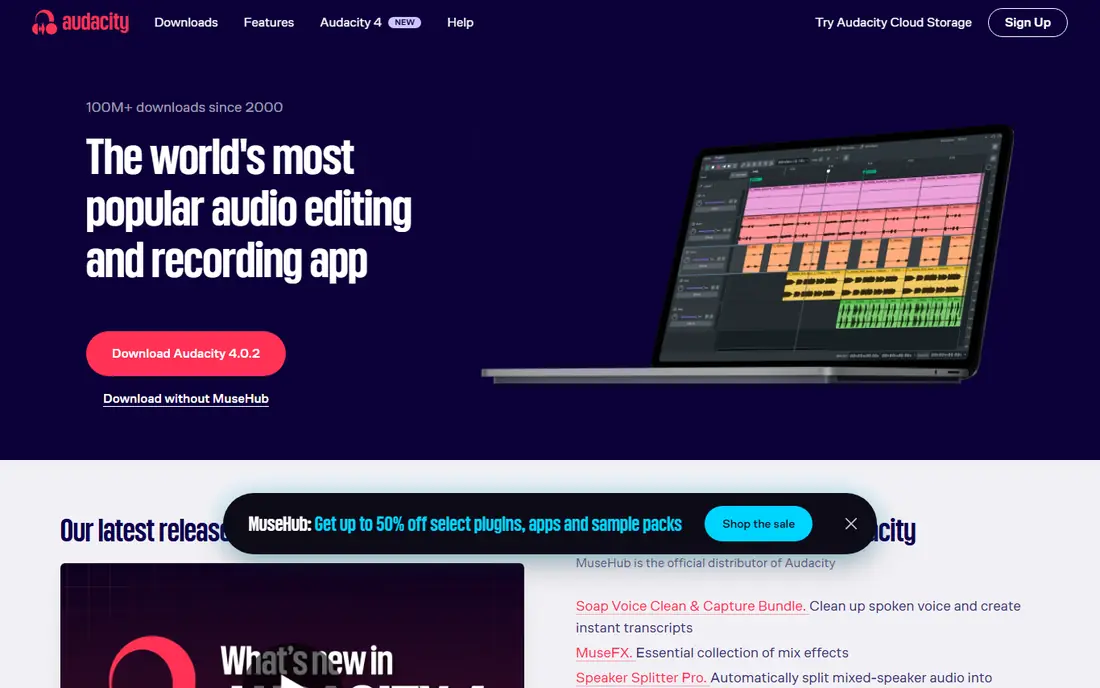
Audacity is the default free answer for audio recording on any computer. It records from a microphone or interface, edits on a multitrack timeline, and exports in common formats. Noise reduction, compression, normalisation and equalisation cover most voice work without a paid tool. The software runs on Windows, Mac and Linux, which makes it easy to recommend across a team with mixed computers. A new version released in 2026 brought a cleaner interface and per-track level meters, which help you spot a quiet guest track before you export. The limits are workflow, not quality. Audacity cannot record remote guests, and its AI plugins need manual setup rather than built-in one-click cleanup. The interface also feels older than Descript or GarageBand. For solo voice, music demos and podcast editing on a budget, Audacity remains the best free starting point.
- Free and open source
- Multitrack recording
- Noise reduction and effects
- Interface feels dated
- No remote guest recording
- AI tools need manual setup
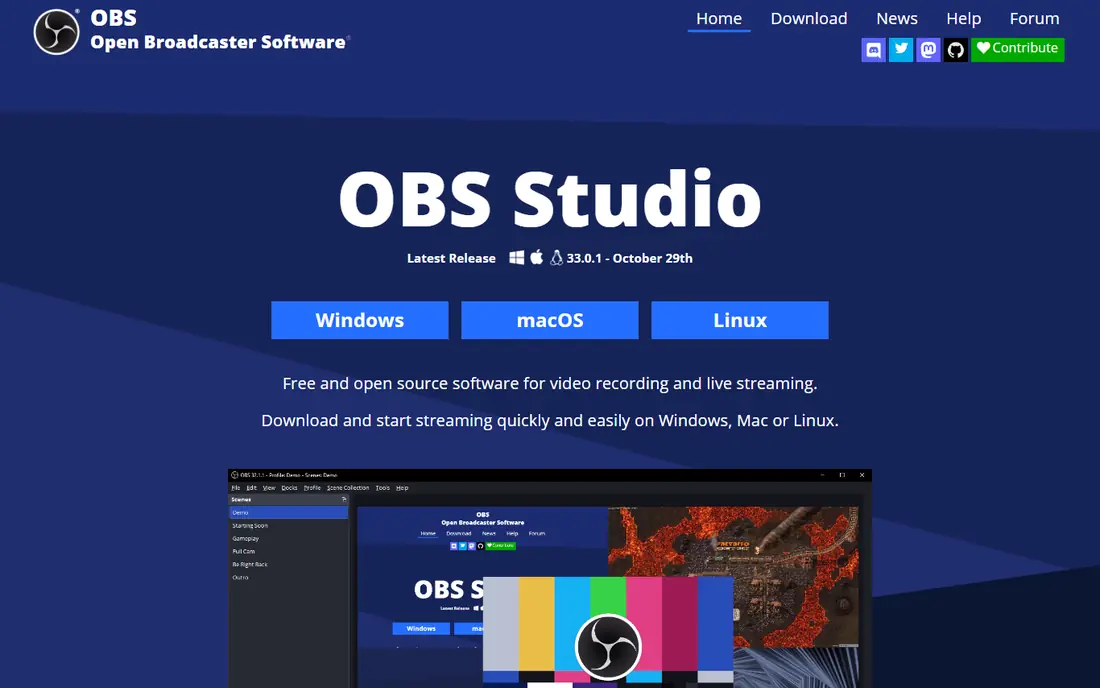
OBS Studio is the best free tool when you need screen plus voice, not just audio alone. You can capture a screen, a webcam, a game and a microphone in one recording, arrange them as scenes, and switch between layouts during a session. That makes OBS ideal for tutorials, demos, gameplay and live streams. The software is free and open source, with a large plugin ecosystem and fine control over encoders and bitrates. You can record locally in high quality, stream to a platform, or do both at once. For creators who record video, that flexibility is hard to match for free. The trade-off is setup time. OBS asks you to configure scenes, sources and audio inputs before you record, which feels complex compared with a one-button voice recorder. It also does not replace a dedicated audio editor for detailed cleanup. Use OBS for capture, then edit audio in Audacity or Descript if needed.
- Free and open source
- Scenes and sources
- Screen, game and voice capture
- Steeper setup than a voice recorder
- No built-in audio editing depth
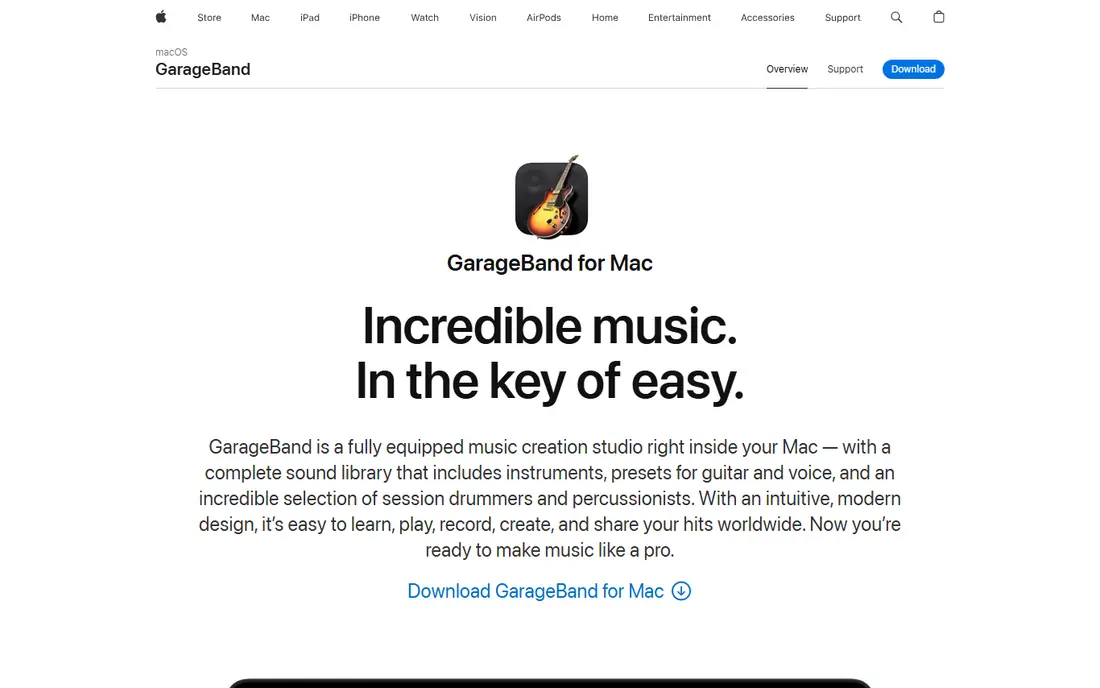
GarageBand is the obvious pick for Mac and iPhone owners, because it is already on the device and free. You can record voice, guitar, keyboards and podcasts, layer tracks, and use built-in instruments and loops to build a demo. The interface is simple, which helps beginners who find professional DAWs overwhelming. For podcasters, GarageBand covers multitrack voice recording, basic editing and export without extra cost. For musicians, the sound library and virtual instruments give a fast way to sketch ideas before moving to a professional tool like Logic Pro. That upgrade path is another plus for Apple users. The limit is platform. GarageBand is Mac and iOS only, so Windows and Linux users need a different tool. It also lacks the depth of Audition or Logic Pro for advanced mixing. If you own an Apple device and want a free, capable recorder, start here before you pay for anything else.
- Free on Apple devices
- Simple recording
- Built-in instruments and loops
- Mac and iOS only
- Less depth than professional DAWs
Descript changes podcast and video editing by turning audio into a transcript you can edit like a document. Delete a word in the transcript, and the audio edit follows. That workflow is much faster than cutting waveforms by hand, especially for long interviews and tutorials. Studio Sound cleanup improves noisy recordings, and Overdub-style voice tools can fix small errors without a full re-record. Screen recording is also included, so tutorial creators can capture and edit in one place. For teams that publish often, that speed adds up quickly. The catch is cost and accuracy. Free plans cover basic use, but regular publishing needs a paid plan, so check current pricing on the vendor site. Transcripts also need a human check, since names, technical terms and overlapping speech can be misheard. Use Descript for speed, but listen to the final export before you publish.
- Edit audio by editing text
- Studio Sound cleanup
- Screen recording included
- Paid plans needed for heavy use
- Transcript accuracy needs checking
Adobe Audition is the professional pick for audio production on Windows and Mac. It offers multitrack mixing, spectral editing, restoration tools and batch processing, with a workflow built for broadcast, film and podcast production. Enhance Speech can clean up noisy dialogue with one pass, which helps for interviews recorded in poor rooms. Integration with Premiere Pro and other Creative Cloud apps is a plus for video teams. You can send audio from a video project to Audition, clean it, and return it without losing sync. That round-trip saves time for editors who already work in Adobe tools. The downside is price and scope. Audition is a subscription product, and it is overkill if you only record voice memos or short clips. Check current pricing on the Adobe site, since Audition is often sold as part of Creative Cloud rather than alone. For full-time audio work, it earns its cost. For occasional recording, Audacity is enough.
- Professional mixing and restoration
- Enhance Speech
- Creative Cloud integration
- Subscription cost
- Overkill for simple voice memos
Riverside solves the hardest podcast problem: recording remote guests in high quality. Each guest is recorded locally in the browser, so internet glitches do not ruin the audio, and you receive separate tracks for each speaker. That separation makes editing and mixing far easier than a single mixed call recording. The platform also offers video recording, transcription, noise removal and clip tools, so a podcast team can record, transcribe and share highlights from one dashboard. A free plan lets you test the workflow before you pay for longer recordings and higher limits. The limit is connection and cost. Guests need a stable connection and a modern browser for the best result, and paid plans are needed for regular, long-form shows. Check current pricing on the vendor site for your recording hours. For interview shows, Riverside is worth the cost over a basic call recorder.
- Studio-quality remote recording
- Separate tracks per guest
- Transcription included
- Browser-based setup needs a good connection
- Paid plans for longer recordings
Ocenaudio suits people who find Audacity heavy for a quick voice task. The interface is clean, effects preview in real time, and basic recording, trimming and cleanup take only a few clicks. That speed matters for voice notes, course audio and short podcast segments. The software runs on Windows, Mac and Linux, and it handles common formats without a steep learning curve. For a teacher, trainer or small creator who needs a fast voice recorder and editor, Ocenaudio removes friction that slows down larger tools. The trade-off is depth. Ocenaudio does not offer the same multitrack, plugin and automation range as Audacity or Audition for large projects. If you edit multi-guest podcasts or music sessions, a fuller editor fits better. If you need quick, clean voice recording, Ocenaudio is an excellent free pick.
- Free
- Simple interface
- Real-time effect previews
- Cross-platform
- Fewer advanced features than Audacity
- No multitrack depth for large projects
WavePad, from NCH Software, is a fast voice recorder and editor for Windows and Mac. It covers recording, trimming, noise removal, normalisation and format conversion, with batch processing for many files at once. That batch feature helps when you have a folder of voice clips to clean in one pass. The workflow is straightforward, with a toolbar layout that new users can learn quickly. For dictation, voiceover cleanup and simple podcast edits, WavePad is faster than a full DAW, and the free version covers non-commercial use well. The catch is licensing and polish. The free version is for non-commercial use, so businesses need a paid licence, and the interface feels older than Descript or Ocenaudio. Check the current licence terms on the vendor site before you use WavePad for client work. For personal voice cleanup, it is a solid free option.
- Fast voice editing
- Noise removal
- Batch processing
- Windows and Mac
- Free version is for non-commercial use
- Interface feels dated
How we picked these
We reviewed official feature pages, pricing pages, app listings and public reviews for each tool. We focused on recording quality, editing depth, platform support, remote recording, free plan limits and export formats, rather than only popularity. Where pricing varied by plan or licence type, we used See website instead of a single figure. We checked that each tool is still sold and working in 2026 and truly records audio or screen, not just plays media. Tools that had closed or only offered a trial with no free path did not make the list, except where a free trial is the standard professional route, as with Audition. Confirm current pricing on the vendor site before you buy, since audio tools change plans often.
How to get a clean recording first time
Start with the room, not the software. Record in a quiet space, close windows, turn off fans, and speak close to the microphone with a pop filter if you have one. A clean original recording needs far less cleanup than a noisy one, and no editor can fully fix echo or clipping. Next, set levels before you record a full session. Speak at your normal volume, aim for peaks below clipping, and record a 10-second test to check noise and balance. For remote guests, ask each person to record a local backup if possible, and test their microphone before the interview starts. Finally, save in a lossless or high-quality format for editing, and export a compressed copy only at the end. Keep the original project files until the final version is published, so you can fix a mistake without re-recording. A simple backup habit saves more time than any plugin.
Choose mono or stereo with intent
Voice podcasts and memos usually work best in mono, since a single voice does not need stereo width. Music and sound design benefit from stereo, where left and right placement adds depth. Pick mono for voice to keep files smaller and mixing simpler, and stereo only when the recording truly needs it.
Frequently asked questions
What is the best free recording software?
Audacity is the best free all-round audio recorder and editor, while OBS Studio is the best free screen recorder. GarageBand is the best free option on Apple devices, and Ocenaudio is the best free pick for quick voice edits. Pick by recording type, since free tools differ in strength.
What is the best app to record audio on a phone?
Built-in apps like Voice Memos on iOS and Sound Recorder on Android cover basic voice recording well. For podcast or music work, GarageBand on iOS and a dedicated recorder app with external microphone support work better. Check microphone quality first, since the phone microphone limits any app.
Can I record remote podcast guests for free?
Riverside offers a free plan for testing remote recording, and free call tools can record a mixed call, though quality is lower. For regular interview shows, a paid Riverside or Descript plan gives separate tracks and better quality. Always tell guests you are recording and get their consent.
Is Audacity better than Adobe Audition?
Audacity is better for free, general audio recording and editing, while Audition is better for professional mixing, restoration and Creative Cloud workflows. Audacity covers most podcast and voice work for free. Audition earns its subscription only for full-time professional audio production.
Do I need a DAW just to record audio?
No, you do not need a full DAW for simple recording. Audacity, Ocenaudio, WavePad or a built-in recorder covers voice memos, interviews and demos. A DAW like GarageBand, Audition or a music production tool becomes useful when you layer tracks, mix music or produce a full podcast episode.
How do I reduce background noise in a recording?
Record in a quiet room first, then use noise reduction in Audacity, Ocenaudio or Descript. Record a few seconds of room silence to build a noise profile where the tool supports it. For severe noise, Descript Studio Sound or Adobe Enhance Speech can help, but a clean original recording always works better.
Sources we checked (8)

Online Jobs is an independent blog about careers, online work, learning new skills and the tools that help people earn. More about us.
Keep reading
All posts
n8n Alternatives
n8n alternatives compared for 2026, with Zapier, Make, Activepieces, and more, covering visual builders, code steps, self-hosting, and pricing models.

ZoomInfo Alternatives
The best ZoomInfo alternatives in 2026, compared on price, free plans, data coverage, and which tool fits small teams or large sales teams best in detail.

Workday Alternatives
We compared the best workday alternatives for HR, payroll, and global hiring, from BambooHR and Gusto to Rippling, Deel, and HiBob for growing teams in 2026.