Best Rated PDF Merging Software in 2026: 9 Tools Compared


full PDF suite with merging · Starting price: See website
How we put this together: we compare official feature and pricing pages, app store listings, privacy policies and public user reviews. Prices change, so check the provider's site before you pay.
Key takeaways
- For sensitive files, an offline desktop tool avoids uploads, which is a real privacy advantage.
- Online tools are fastest for occasional merges, but free tiers often limit tasks, file size, or pages.
- A full PDF editor is worth it only when merging is one step in editing, signing, or form work.
- Check page order, bookmarks, and file size handling before you rely on a tool for large batches.
Quick comparison
| Name | Who it suits | Starting price | Free option | |
|---|---|---|---|---|
| Adobe Acrobat | full PDF suite with merging | See website | Free trial | Visit |
 Smallpdf | quick online merges | See website | Yes | Visit |
 iLovePDF | beginner-friendly online merging | See website | Yes | Visit |
 Sejda | occasional merges with clean privacy handling | See website | Yes | Visit |
 PDF24 Tools | unlimited free merging online or offline | Free | Yes | Visit |
 PDFsam Basic | offline batch merging free | Free | Yes | Visit |
 Foxit PDF Editor | cheaper full editor than Acrobat | See website | Free trial | Visit |
 PDFelement | one-time purchase editing plus merging | See website | Free trial | Visit |
 Nitro PDF Pro | business PDF editing and merging | See website | Free trial | Visit |
The best PDF merging software
We compared tools that combine PDF files into one document, from quick browser tools to full desktop editors. This guide focuses on merge quality, privacy, file limits, and whether you need a full editor or just a merge tool.
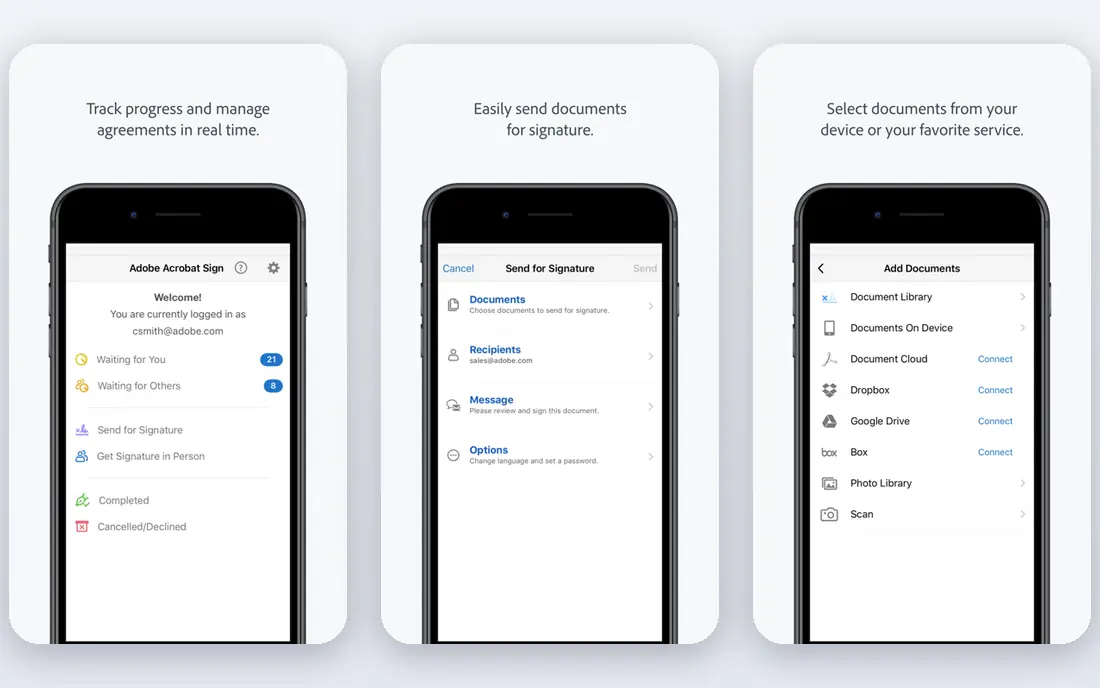
For teams, Adobe Acrobat offers a clear starting point. Adobe Acrobat provides merging inside a full PDF editor with editing, signing, and protection tools. It is designed for teams who need full PDF suite with merging, and it can be arranged around your existing routines rather than forcing one fixed process. What stands out is merging as part of a complete document workflow. That strength is most useful when PDF work goes beyond merging. It also helps keep records in one place, so follow-up work is easier to trace than it would be in separate files and messages. The honest catch is cost is high for merge-only use. Before you commit, check plan pricing, trial terms, and device limits on the vendor site and confirm it covers your main use case. A short trial or demo, where one is offered, is the simplest way to test that fit before you move a full workflow across.
- Full editing, signing, and security tools
- Reliable merge and page control
- Cloud and desktop access
- Paid plan required for full use
- Price is higher than merge-only tools
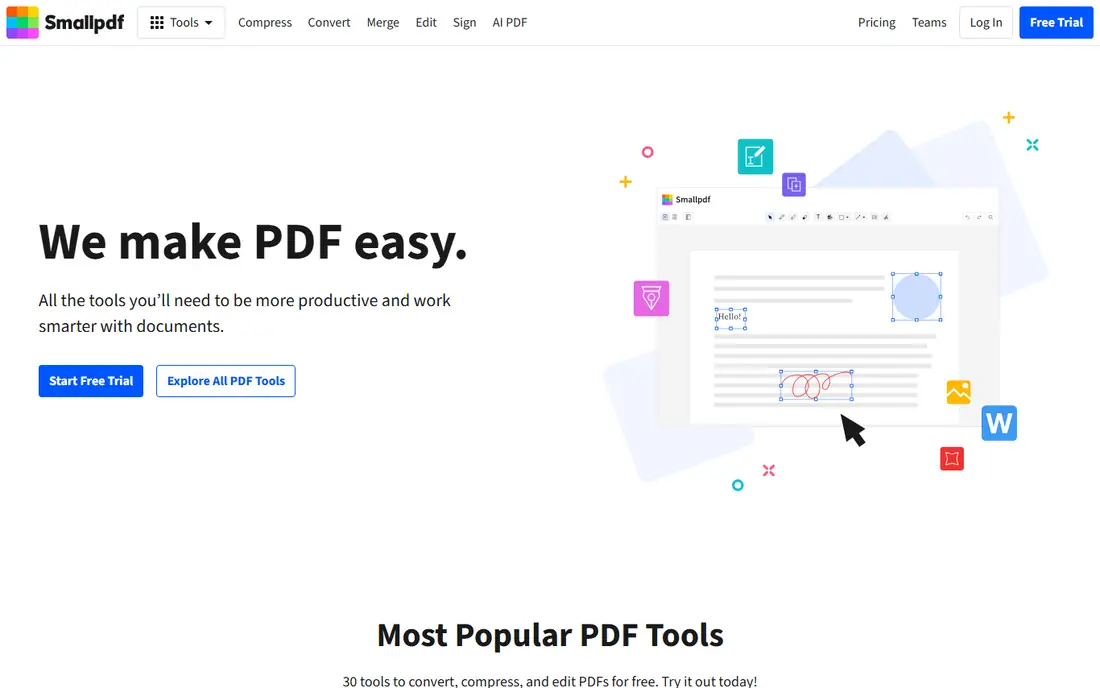
If quick online merges matters most, Smallpdf deserves a close look. Smallpdf provides quick browser-based merging with extra PDF tools. It is designed for buyers who need quick online merges, and it can be arranged around your existing routines rather than forcing one fixed process. What stands out is fast online merges without installing software. That strength is most useful when you merge occasionally from any device. It also helps keep records in one place, so follow-up work is easier to trace than it would be in separate files and messages. The honest catch is free use is limited and uploads raise privacy questions. Before you commit, check free tier limits, pricing, and file retention on the vendor site and confirm it covers your main use case. A short trial or demo, where one is offered, is the simplest way to test that fit before you move a full workflow across.
- Simple browser merging
- Extra PDF tools in one place
- No install needed
- Free tier has daily limits
- Files are uploaded to a server
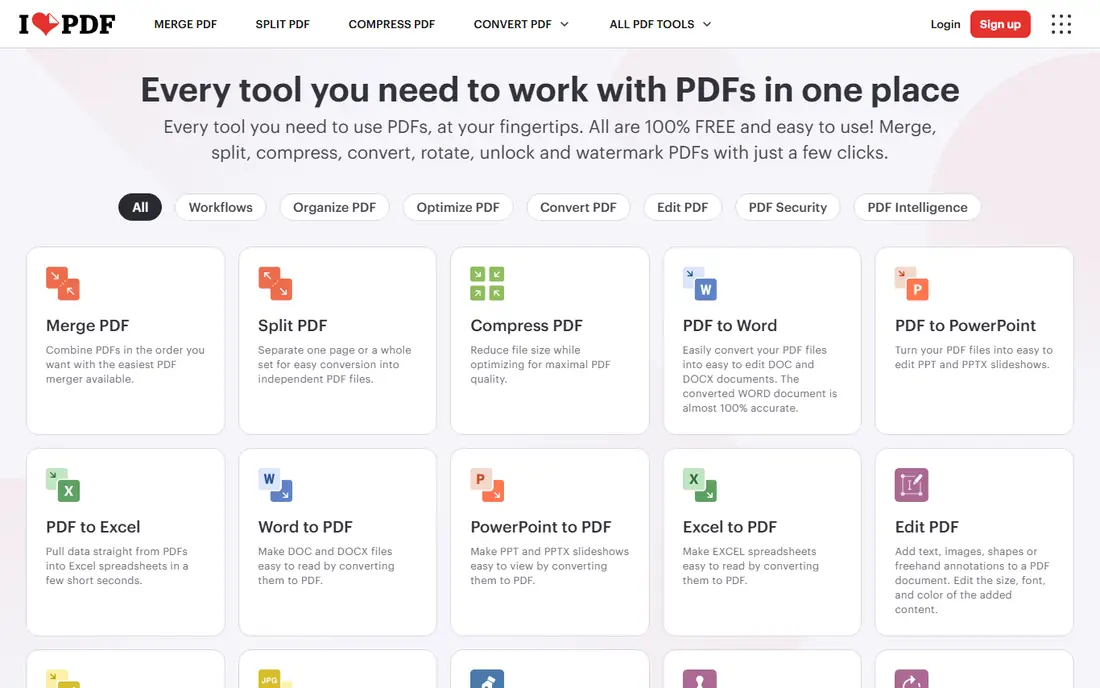
iLovePDF suits teams who want a defined way to handle beginner-friendly online merging. iLovePDF provides browser merging with page reorder, rotation, and extra PDF tools. It is designed for teams who need beginner-friendly online merging, and it can be arranged around your existing routines rather than forcing one fixed process. What stands out is an easy merge flow for beginners. That strength is most useful when you want a simple tool with many PDF options. It also helps keep records in one place, so follow-up work is easier to trace than it would be in separate files and messages. The honest catch is free limits and upload handling need checking. Before you commit, check free limits, plan pricing, and privacy terms on the vendor site and confirm it covers your main use case. A short trial or demo, where one is offered, is the simplest way to test that fit before you move a full workflow across.
- Easy merge interface
- Desktop and mobile apps
- Broad PDF tool set
- Free tier has processing limits
- Uploads apply for web use
Teams that need occasional merges with clean privacy handling often shortlist Sejda early. Sejda provides browser and desktop PDF merging with editing and conversion tools. It is designed for buyers who need occasional merges with clean privacy handling, and it can be arranged around your existing routines rather than forcing one fixed process. What stands out is occasional merges without an account for small jobs. That strength is most useful when you merge a few times a week. It also helps keep records in one place, so follow-up work is easier to trace than it would be in separate files and messages. The honest catch is daily free limits may not suit heavy use. Before you commit, check free limits, paid plan pricing, and file handling on the vendor site and confirm it covers your main use case. A short trial or demo, where one is offered, is the simplest way to test that fit before you move a full workflow across.
- Browser and desktop options
- Clear task limits
- Extra PDF tools
- Free tier limits tasks per day
- File size and page limits apply
When unlimited free merging online or offline is the main job, PDF24 Tools keeps the focus narrow. PDF24 Tools provides free PDF merging online and through a Windows desktop app. It is designed for teams who need unlimited free merging online or offline, and it can be arranged around your existing routines rather than forcing one fixed process. What stands out is free merging without a paid plan. That strength is most useful when you want free merging for regular use. It also helps keep records in one place, so follow-up work is easier to trace than it would be in separate files and messages. The honest catch is polish and support differ from paid editors. Before you commit, check desktop availability, tool limits, and privacy terms on the vendor site and confirm it covers your main use case. A short trial or demo, where one is offered, is the simplest way to test that fit before you move a full workflow across.
- Free merging with no account for many tools
- Windows desktop app
- Broad tool set
- Interface is functional rather than polished
- Some tools are web only
A practical pick for buyers, PDFsam Basic covers the basics well. PDFsam Basic provides offline desktop merging, splitting, and page handling. It is designed for buyers who need offline batch merging free, and it can be arranged around your existing routines rather than forcing one fixed process. What stands out is private batch merging on your own machine. That strength is most useful when you merge sensitive or large batches. It also helps keep records in one place, so follow-up work is easier to trace than it would be in separate files and messages. The honest catch is it is not a full PDF editor. Before you commit, check download options, system needs, and paid enhanced features on the vendor site and confirm it covers your main use case. A short trial or demo, where one is offered, is the simplest way to test that fit before you move a full workflow across.
- Free open-source desktop merging
- Batch work
- No uploads and no watermarks
- Interface is plain
- No full editing suite in the free basic version
Foxit PDF Editor is a good match for teams with a defined workflow. Foxit PDF Editor provides full PDF editing with merging, forms, and protection. It is designed for teams who need cheaper full editor than Acrobat, and it can be arranged around your existing routines rather than forcing one fixed process. What stands out is daily PDF work at a lower cost than Acrobat. That strength is most useful when you edit PDFs often and merge regularly. It also helps keep records in one place, so follow-up work is easier to trace than it would be in separate files and messages. The honest catch is trial limits and plan pricing need checking. Before you commit, check plan pricing, trial terms, and platform support on the vendor site and confirm it covers your main use case. A short trial or demo, where one is offered, is the simplest way to test that fit before you move a full workflow across.
- Full editing and merging
- Forms and security tools
- Desktop focus
- Paid plan required
- Learning curve for advanced features
For buyers who value clarity and control, PDFelement is worth comparing. PDFelement provides PDF editing and merging with conversion and OCR options. It is designed for buyers who need one-time purchase editing plus merging, and it can be arranged around your existing routines rather than forcing one fixed process. What stands out is buying once rather than subscribing. That strength is most useful when you prefer a one-time purchase. It also helps keep records in one place, so follow-up work is easier to trace than it would be in separate files and messages. The honest catch is trial output is watermarked. Before you commit, check purchase terms, plan pricing, and trial limits on the vendor site and confirm it covers your main use case. A short trial or demo, where one is offered, is the simplest way to test that fit before you move a full workflow across.
- Editing, merging, and conversion
- One-time purchase option
- OCR on paid plans
- Free trial adds watermarks
- Some features need a paid plan
If you are moving from spreadsheets or manual work, Nitro PDF Pro gives teams a structured step up. Nitro PDF Pro provides business PDF editing with merging, signing, and batch tools. It is designed for teams who need business PDF editing and merging, and it can be arranged around your existing routines rather than forcing one fixed process. What stands out is team PDF work with deployment controls. That strength is most useful when teams need a business-grade editor. It also helps keep records in one place, so follow-up work is easier to trace than it would be in separate files and messages. The honest catch is cost and plan details need a quote or page check. Before you commit, check plan pricing, trial terms, and business features on the vendor site and confirm it covers your main use case. A short trial or demo, where one is offered, is the simplest way to test that fit before you move a full workflow across.
- Editing, merging, and signing
- Batch tools
- Business deployment options
- Paid plan required
- Price needs checking on the vendor site
How we picked these
We compared official feature pages, pricing pages, app store listings, privacy policies, and public reviews for each option. We focused on features that affect daily use, including setup, core workflows, limits, and support, rather than marketing claims alone. We did not claim hands-on testing, and we used vendor pages as the source for prices and plan details. Where a vendor did not publish a clear price, we wrote See website rather than guessing a figure. Readers should confirm current terms on the vendor site before they buy, because plans change.
How to choose a PDF merger for your files
Start with how sensitive your files are, then decide between a browser tool and a desktop tool. Sensitive contracts, HR files, and legal documents are safer merged locally, while public handouts and assignments are fine in a browser tool.
Decide online or offline first
Online tools need no install and work on any device, but they upload your files to a server. Desktop tools keep files on your machine and handle large batches more steadily. If privacy matters, choose offline even when an online tool looks easier.
Check limits before you need them
Free tiers can limit daily tasks, file size, page count, or output quality. Check those limits with a real file set, not just a one-page test. Paid plans remove limits, but only buy one when you merge often enough to need it.
Test page order and output quality
Merge a mixed set with different page sizes and check order, bookmarks, and text quality. Some tools reorder pages or flatten content in ways that matter for reports. A short test with your own files will show problems faster than a feature list.
Frequently asked questions
What is the best free PDF merger?
For offline free merging, PDFsam Basic and PDF24 Tools are strong options. For occasional browser merges, iLovePDF and Smallpdf offer free tiers with limits. The best free choice depends on whether you need offline privacy or browser convenience.
Can I merge PDFs without uploading them?
Yes, desktop tools merge files locally on your computer. PDFsam Basic, Adobe Acrobat, Foxit PDF Editor, and Nitro PDF Pro all offer local merging. This is the safer choice for contracts, financial records, and other sensitive files.
Will merging change my PDF quality?
A good merger should keep page order, text, and formatting intact. Problems can appear with scanned pages, mixed sizes, or password-protected files. Test with a sample set before you merge a final report or submission.
Do I need a full PDF editor just to merge?
No, if merging is your main repeated job. A browser tool or a free desktop merger is enough for basic combining. A full editor makes sense when you also need to edit, sign, compress, or protect files in the same workflow.
Can I merge PDFs on a phone?
Yes, many online tools and some mobile apps support merging on a phone. Desktop tools give more control for large batches, while mobile merging suits a quick two-file job. Check file size limits on mobile before you start a large merge.
Sources we checked (9)

Online Jobs is an independent blog about careers, online work, learning new skills and the tools that help people earn. More about us.
Keep reading
All posts
Zoom Alternatives
Zoom alternatives compared for 2026: Google Meet, Microsoft Teams, Webex, Jitsi and more for free calls, large meetings and webinars for teams and classrooms.

What Is the Best Free Tool to Rotate a PDF
What is the best free tool to rotate a PDF? We compare eight free rotation tools on per-page control, limits, privacy and saved output quality in detail.

What Is the Best AI Dubbing Tool
We compared the best AI dubbing tools in 2026, from ElevenLabs and HeyGen to Rask AI, Dubverse and Veed, for videos and creators in many languages worldwide.