Best Rank Checking Tool in 2026: 8 Tools Compared


Best overall value for daily tracking · Starting price: See website
How we put this together: we compare official feature and pricing pages, app store listings, privacy policies and public user reviews. Prices change, so check the provider's site before you pay.
Key takeaways
- SE Ranking offers the most keywords per dollar on its entry plan among the tools here, with daily updates included.
- Google Search Console is free and shows real average positions, but it is not a dedicated rank tracker with alerts and competitor tracking.
- Weekly trackers cost less per month but can miss short ranking swings that daily trackers catch.
- The right plan depends on how many keywords you track, since entry prices hide very different keyword allowances.
- If you only need rankings for your own site, start free with Search Console and pay only when you need competitor data or client reports.
Quick comparison
| Name | Who it suits | Starting price | Free option | |
|---|---|---|---|---|
| SE Ranking | Best overall value for daily tracking | See website | Free trial | Visit |
 Semrush Semrush | Rank tracking inside a full SEO suite | See website | Free trial | Visit |
 Ahrefs Ahrefs | Competitor rank tracking | See website | No | Visit |
 Mangools SERPWatcher Mangools SERPWatcher | Beginners and freelancers | See website | Free trial | Visit |
 AccuRanker AccuRanker | Large keyword sets for agencies | See website | Free trial | Visit |
 Moz Pro Moz Pro | Small teams learning SEO | See website | Free trial | Visit |
 Nightwatch Nightwatch | Local and AI search tracking | See website | Free trial | Visit |
 Wincher Wincher | Simple daily tracking for small sites | See website | Free trial | Visit |
The best rank checking tools
Rankings move quietly. A page can slip from page one to page two without any traffic alarm going off, and by the time you notice, the traffic is already gone. A rank checking tool watches your keywords on a schedule and shows you the movement, so you can fix a page before a small slip becomes a large loss. We compared official pricing pages, keyword limits and update frequencies for the tools below.
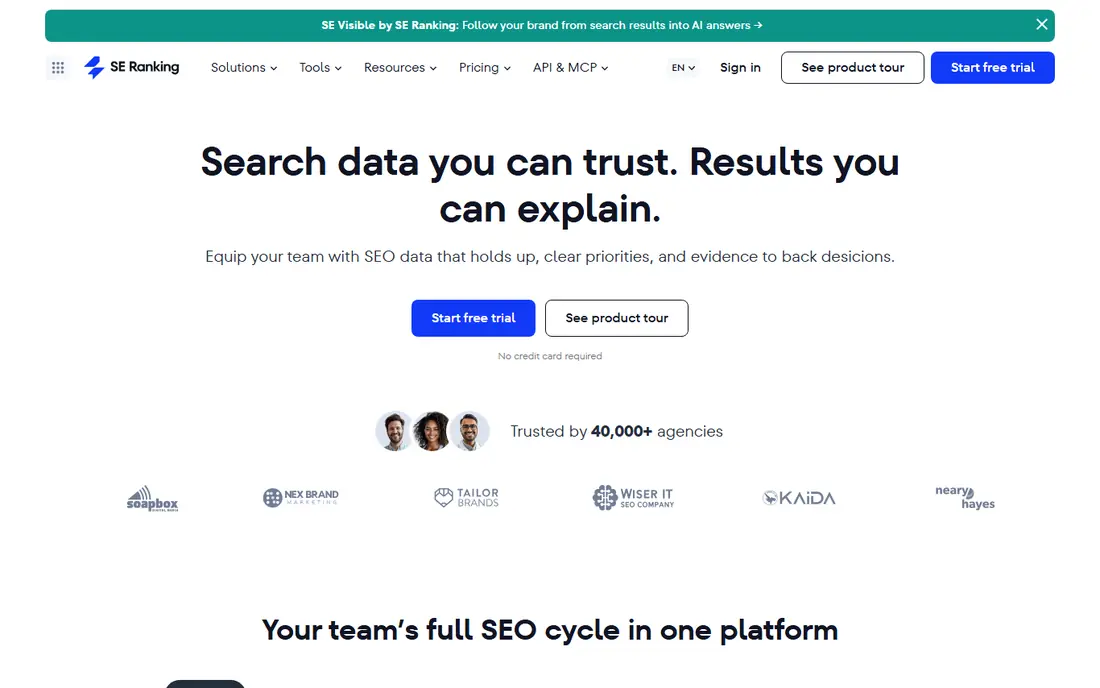
SE Ranking is our pick for most teams because its entry plan tracks far more keywords than most rivals at a similar price, with daily updates. That matters when you track rankings across locations or devices, since each location and device combination uses keyword slots. Beyond tracking, the same plan includes a site audit, keyword research and competitor data, so you are not paying for a tracker alone.
The trade-off is that you are buying a suite, not a single-purpose tool. If you only track a handful of keywords for one site, a cheaper specialist tracker may be better value. For agencies and growing sites that track hundreds of keywords, though, the keyword allowance and daily frequency make SE Ranking hard to beat on value.
- Large keyword allowance on the entry plan
- Daily updates
- Site audit and keyword research included in the same plan
- Entry plan is a full suite, which is more than a pure tracker costs
- Interface has many features to learn
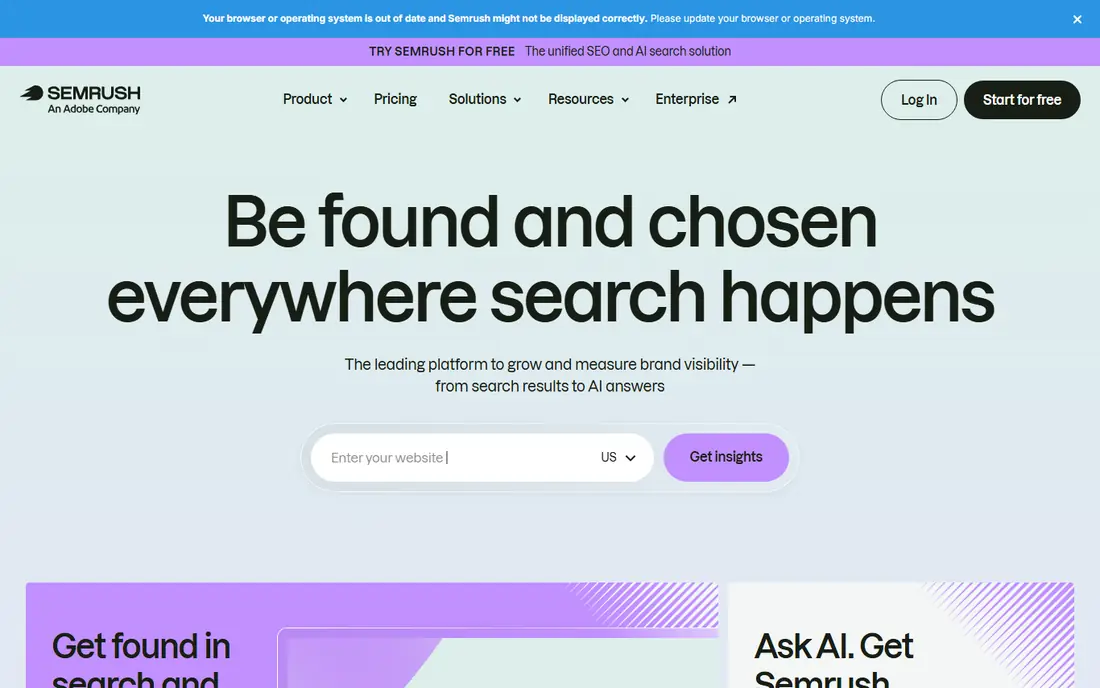
Semrush suits teams that already use, or plan to use, a full SEO suite. Its Position Tracking tool updates daily, shows which SERP features your pages win, and sits next to keyword research, site audits and competitor analysis in the same account. That combination is useful when a ranking drop needs an explanation, since you can check the page, the keyword and the competitor in one place.
The catch is cost and scale. The entry plan tracks fewer keywords than SE Ranking's entry plan, and the monthly price is higher than a specialist tracker. If rank tracking is your only need, you will pay for features you never open. If you need the whole suite anyway, the tracker is a strong part of the package.
- Daily position tracking with SERP feature data
- Deep competitor and keyword research in the same subscription
- Strong reporting options
- Higher entry price than specialist trackers
- Keyword allowance on the entry plan is smaller than SE Ranking's
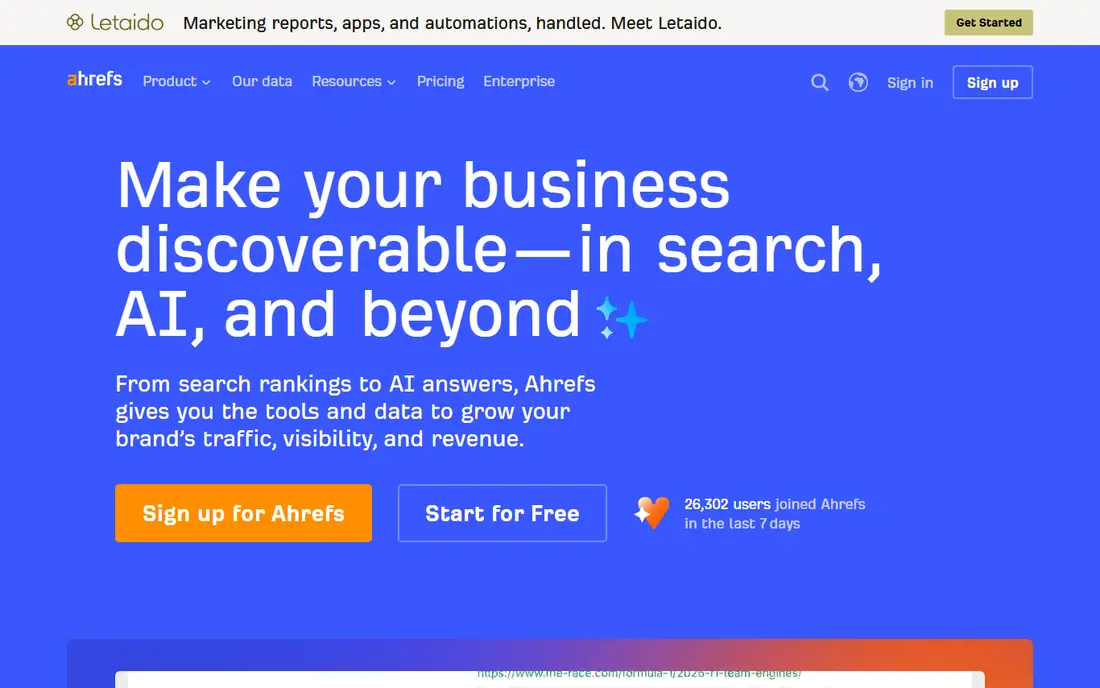
Ahrefs is the pick if competitor rankings matter as much as your own. Its Rank Tracker shows your positions next to competitors, with history charts that make it easy to see when a rival overtook you and on which pages. The backlink data behind the tool also helps explain ranking changes, since new or lost links often show up near a movement.
The limits are frequency and price. Rank updates on lower plans are weekly rather than daily, so a short-lived swing can pass before you see it, and the keyword allowance is modest compared with SE Ranking. There is also no free trial, though free tools for site owners exist separately. Choose Ahrefs when competitor insight matters more than daily updates.
- Strong backlink and competitor data behind the rankings
- Clean rank history charts
- Tracks competitors alongside your own site
- Rank updates are weekly on lower plans
- Entry plan keyword allowance is modest for the price
- No free trial
SERPWatcher, from Mangools, is the friendliest tracker on this list. Its performance index turns a pile of keyword positions into one score you can watch over time, and the interface stays simple even when you track many keywords. It comes bundled with Mangools keyword research and SERP analysis tools, which suits freelancers who need a small, affordable set.
The entry plan updates weekly rather than daily, and the keyword allowance is small, so it fits a freelancer with one or two sites better than an agency with dozens. Daily updates are available on higher plans. If you want a tracker you can understand in an afternoon and you check rankings weekly anyway, SERPWatcher is a good match.
- Very easy interface with a clear performance index
- Daily updates on higher plans
- Bundled with keyword research tools
- Weekly updates on the entry plan
- Small keyword allowance for larger sites
- Reporting is simpler than agency tools
AccuRanker is built for teams that track thousands of keywords and need the data fast. Updates are daily, with on-demand refreshes when you need a current reading, and plans include unlimited users, which matters for agencies where several people check rankings. Data exports and API access are strong, so the numbers can feed client dashboards and reports without manual copying.
That power comes at a higher entry price, and a single small site will not use most of what it offers. It is also a specialist tracker, so you will still need separate tools for audits and keyword research. For agencies and large sites, though, speed, scale and clean exports make it a serious choice.
- Fast daily updates with on-demand refreshes
- Unlimited users on plans
- Strong data exports and API access
- Higher entry price
- Overkill for a single small site
- No free plan beyond a trial
Moz Pro suits small teams that are still learning SEO and want guidance alongside the data. Its rank tracker sits with a site crawl, keyword research and on-page guidance, and Moz's learning resources help newcomers understand what a ranking change actually means. Reports are clear enough to share with a manager or client without much editing.
The entry plan tracks a modest number of keywords, so growing sites can outgrow it quickly, and specialist trackers offer faster updates or larger allowances at similar prices. If your team values learning support and a gentle interface over raw scale, Moz Pro is a fair choice. If you already know SEO well, a specialist tracker may give you more keywords for the money.
- Beginner-friendly interface and learning resources
- Rank tracking plus site crawl and keyword research
- Clear reporting
- Keyword allowance on the entry plan is modest
- Update frequency and depth lag some specialists
- Higher price than simpler trackers
Nightwatch is the pick for teams that track rankings across many locations or want to watch AI search answers as well as classic results. It updates daily, supports local tracking at fine geographic detail, and includes AI search tracking that shows how your brand appears in AI-generated answers. Unlimited seats mean a whole team can use it without per-user fees.
Two things to weigh are price and scale. Nightwatch bills in euros, so US teams should check the converted cost before committing, and the entry plan's keyword allowance is modest for the price. For local SEO agencies and teams that care about AI visibility, those trade-offs are worth it. For a single national site, a simpler tracker may be cheaper.
- Daily updates with on-demand checks
- Local tracking across many locations
- AI search tracking included
- Unlimited seats
- Prices are in euros, which complicates budgeting for US teams
- Entry plan keyword allowance is modest
- Interface takes time to learn
Wincher keeps rank tracking simple. You add keywords, pick locations, and watch daily positions with history going back up to two years on plans, which is useful for spotting seasonal patterns. There is little clutter, since the tool focuses on tracking rather than trying to be a full SEO suite, and that focus keeps the price lower than suite options.
The limits are scope and scale. You will not get deep audits or keyword research here, and the keyword allowance suits small sites better than agencies. Reporting is also simpler than agency tools, though it covers the basics well. If you want a tracker that does one job clearly and cheaply, Wincher is a strong small-site choice.
- Simple interface focused on rank tracking
- Daily updates
- Up to two years of ranking history on plans
- Fewer extra features than full suites
- Keyword allowance is modest
- Reporting is basic compared with agency tools
How we picked these
We compared official pricing pages, keyword allowances, update frequencies and trial options for each tool, along with public comparison data from September 2026. We favored tools with clear published limits, since keyword allowances and update frequency decide the real cost more than the headline price does. We included both full suites and specialist trackers, and both daily and weekly options, so the list covers different budgets and team sizes. We did not claim hands-on testing of every plan, since we compared published information rather than running paid accounts. Where a price could not be confirmed on the vendor's own site at the time of writing, we marked it as See website.
How to choose a rank checking tool without overpaying
Count your real keyword slots first
A tracker counts each keyword, location and device combination as a slot, so 100 keywords across desktop and mobile in five cities can use 1,000 slots. Add up your true combinations before you compare prices, since a cheap plan with a small allowance can cost more than a larger plan once you exceed it.
Match update frequency to how fast you act
Daily updates matter if you react to ranking changes within days, such as after a site change or a content update. Weekly updates are fine if you review rankings in a monthly report and act on trends rather than single-day swings. Paying for daily updates you never act on is wasted money.
Decide whether you need a suite or a specialist
Suites like Semrush, Ahrefs, SE Ranking and Moz Pro bundle tracking with audits and research, which saves money if you use those features. If you only need rankings, a specialist like AccuRanker, SERPWatcher or Wincher gives you tracking without paying for tools you will not open. Check which of your current tools already overlap before you add another subscription.
Test reporting before you commit to a year
Annual billing can cut the monthly price, but only commit after a trial shows the reports work for your needs. Export a sample report, check whether it includes the locations, devices and competitors you track, and confirm that scheduled reports reach the people who need them. A tracker that nobody reads is not a bargain at any price.
Frequently asked questions
What is the best rank checking software for a small business?
SE Ranking is a strong small business choice because its entry plan covers many keywords with daily updates, and Wincher is a cheaper option if you track fewer keywords. Start by counting your keyword, location and device combinations, then pick the cheapest plan that covers them with room to grow.
What is the best ranking checker tool that is free?
Google Search Console is the best free ranking checker, since it shows real average positions for queries that bring traffic to your own site. It lacks alerts, competitor tracking and scheduled reports, so move to a paid tracker when you need those features.
How often should a rank checking tool update?
Daily updates suit teams that react to changes quickly, while weekly updates suit monthly reporting and trend watching. Weekly trackers cost less but can miss short swings, so choose daily if rankings change often in your niche or after site updates.
Do rank checking tools track local rankings?
Yes, most tools here track rankings by location, from country level down to city or ZIP code level on some plans. Local tracking uses extra keyword slots, so count each location as a separate set of keywords when you compare plan allowances.
What is the difference between a rank tracker and Google Search Console?
Search Console reports real Google data for your own verified sites, including impressions, clicks and average position. A rank tracker checks specific keywords on a schedule, adds competitor positions, alerts and reports, and can track locations and devices that Search Console does not separate in the same way.
Sources we checked (8)

Online Jobs is an independent blog about careers, online work, learning new skills and the tools that help people earn. More about us.
Keep reading
All posts
Zoom Alternatives
Zoom alternatives compared for 2026: Google Meet, Microsoft Teams, Webex, Jitsi and more for free calls, large meetings and webinars for teams and classrooms.

PowerPoint Alternatives
Compare the best PowerPoint alternatives, from free Google Slides and Canva to Prezi and Gamma, with prices, collaboration and export options covered.
Gmail Alternatives
Gmail alternatives compared for 2026: Proton Mail, Outlook, Tuta, Fastmail, Zoho Mail and more for privacy, business and cross-platform use for US readers.