Best Purchase Order Management Software in 2026: 8 Tools Compared


Growing teams that need approvals and budgets · Starting price: $499 per month
How we put this together: we compare official feature and pricing pages, app store listings, privacy policies and public user reviews. Prices change, so check the provider's site before you pay.
Key takeaways
- Precoro and Procurify suit teams that want clear approval chains and live budget checks before money is spent.
- Tradogram is the low-cost starting point for a small team, with a free single-user tier and paid plans from $225 per month.
- Kissflow Procurement Cloud and Coupa fit larger buying operations, but both need a longer setup and a larger budget.
- The cheapest headline price is rarely the full cost, so check user limits, invoice tools, and accounting links before you sign up.
- If your team still buys by email, start with approvals and purchase orders first, then add invoicing and inventory later.
Quick comparison
| Name | Who it suits | Starting price | Free option | |
|---|---|---|---|---|
| Precoro | Growing teams that need approvals and budgets | $499 per month | No | Visit |
 Procurify | Mid-sized teams that want simple buying controls | See website | No | Visit |
 Tradogram | Small teams on a tight budget | Free | Yes | Visit |
 Kissflow Procurement Cloud | Larger firms that need custom workflows | See website | No | Visit |
 ProcureDesk | Small and mid-sized teams that want fast setup | See website | No | Visit |
 Order.co | Teams that buy supplies from many vendors | See website | No | Visit |
 Coupa | Large companies with full spend management needs | See website | No | Visit |
 ProcurementExpress.com | Small teams that want a simple approval flow | See website | Free trial | Visit |
The best purchase order management software
A purchase order gives both sides a clear record of what was ordered, at what price, and under what terms. Good software turns that record into an approval chain, a budget check, and a receipt step, so finance does not have to chase emails at month end. The tools below cover that core job in different ways, from light approval tools to full procurement suites.
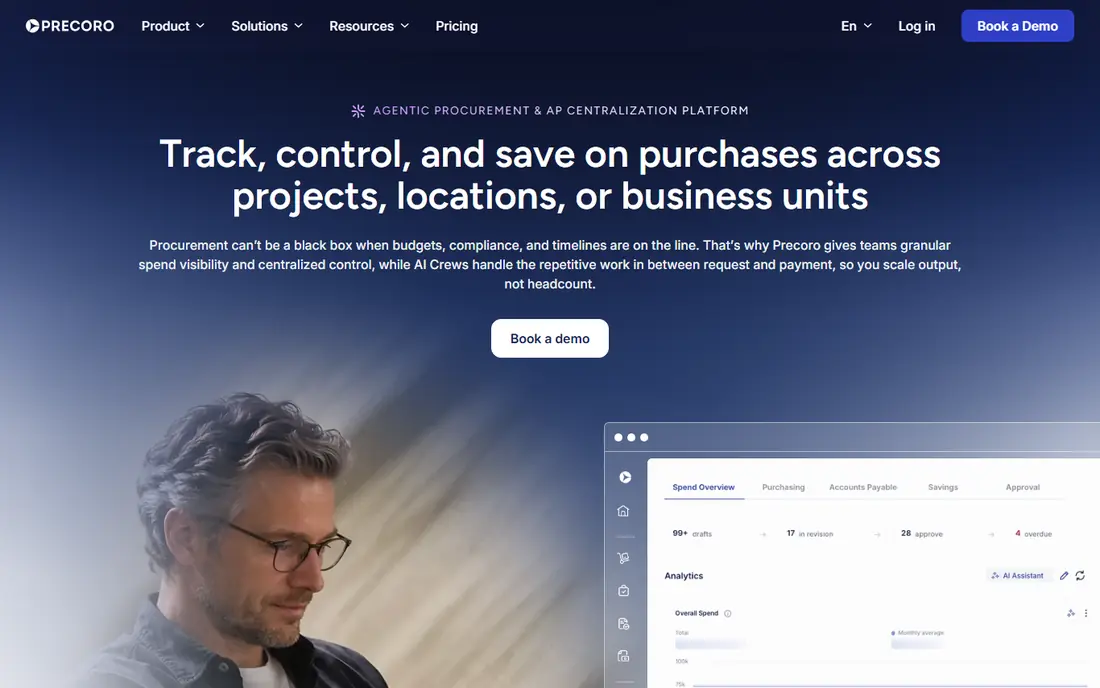
Precoro brings purchase requests, approvals, purchase orders, budgets, suppliers, invoices, and payments into one flow. A requester fills in a form, the right approver sees it, and finance can track the order from request to payment without digging through inboxes. That structure helps teams that have outgrown spreadsheets but do not want a large enterprise system.
The catch is price and scope. The entry tier covers the core buying steps, while automation, punchout catalogs, and supplier portals sit on higher tiers. Teams that buy from catalog vendors every week should test those features in a demo before they commit, because the monthly total can rise quickly once add-ons are included.
- Clear approval workflows
- Real-time budget tracking
- Links to QuickBooks, Xero, and NetSuite
- No free plan
- Higher tiers are needed for automation and punchout catalogs
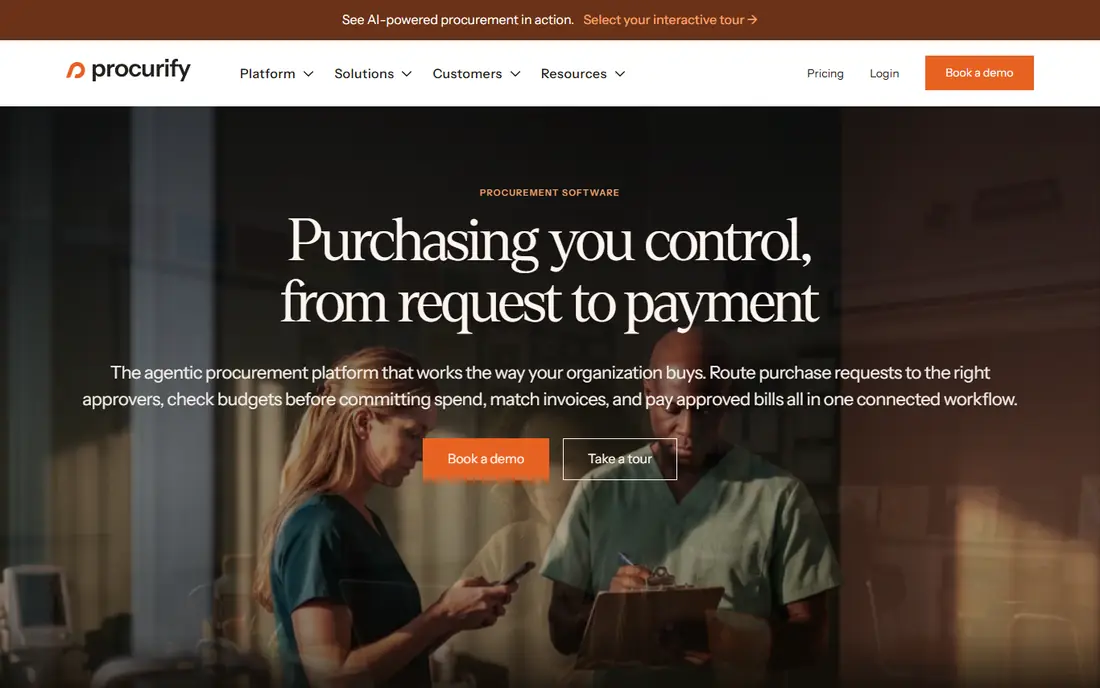
Procurify focuses on everyday buying: requests, approvals, purchase orders, expenses, and budget checks. Staff can submit a request from a phone, managers can approve it in a few taps, and finance can see how much of a budget is already committed. That plain flow is why many mid-sized teams adopt it faster than a heavier procurement suite.
The trade-off is depth. Procurify does not try to cover inventory in detail, and some teams will still need a separate stock tool. Pricing is quoted per customer, so ask for a written quote that states user counts, included modules, and any setup fees before you compare it with a fixed-price rival.
- Easy to learn
- Clear budget visibility
- Mobile approvals and receipt capture
- Custom pricing only
- No built-in inventory tracking
- Limited QuickBooks link
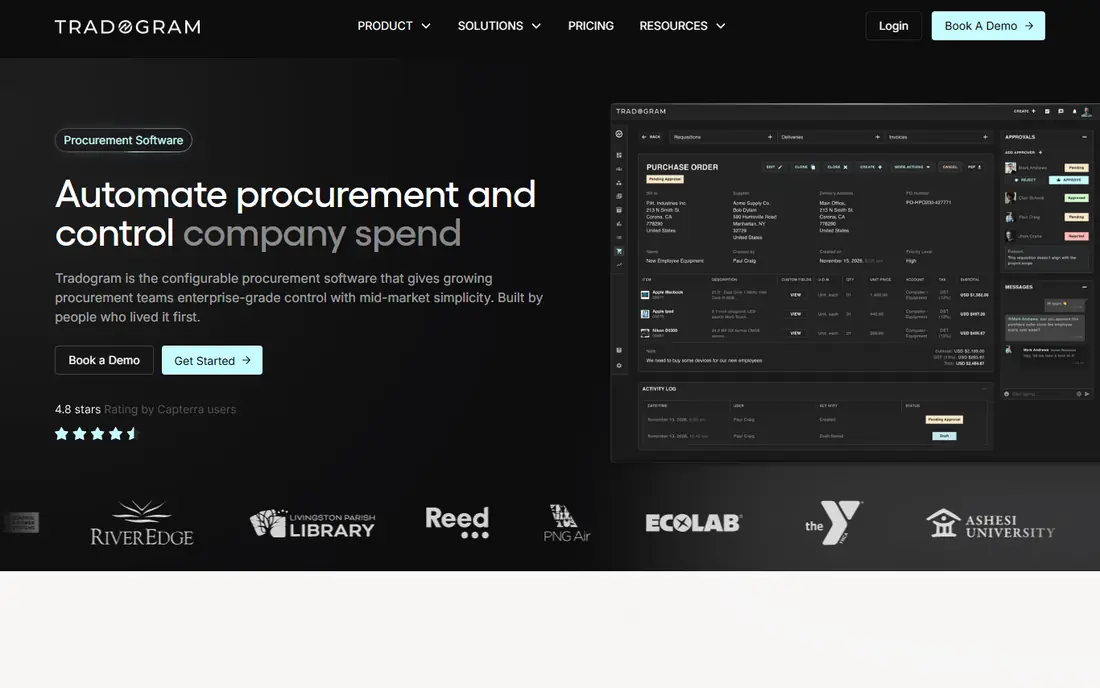
Tradogram is a practical first step away from email ordering. Even the free tier covers purchase order creation, receiving tracking, and invoice matching, which is enough for a very small team to test a formal process. Paid plans add unlimited transactions, sourcing tools, inventory, contract tools, and custom reports.
The limit to watch is scale. The free tier allows only one user and five transactions per month, so it suits a trial or a tiny operation rather than a busy buying team. Once volume grows, the Pro plan at $225 per month billed annually is still lower than many enterprise tools, but check whether integrations and single sign-on carry extra fees.
- Free single-user tier
- Covers requisitions, orders, receiving, and invoice matching
- Custom approval routing on paid plans
- Small free tier is limited to five transactions per month
- Paid plans start at $225 per month
Kissflow Procurement Cloud
Who it suits: Larger firms that need custom workflows
Kissflow Procurement Cloud handles the full buying cycle, from purchase requests and purchase orders to invoices, three-way matching, and supplier management. Forms and workflows can be shaped around a company's own approval rules, departments, and locations, which matters when different sites buy different goods under different limits.
That flexibility comes with a heavier rollout. Teams should plan time for setup, training, and testing of approval rules, and confirm which modules are included in the quoted price. For a company with one simple buying flow, a lighter tool will be faster and cheaper. For a firm with many approvers and strict controls, the extra setup can pay off in fewer errors.
- Custom forms and approval workflows
- Supplier portal
- Links to common accounting and ERP tools
- Higher starting cost than light tools
- Setup takes more time
- Some features are add-ons
ProcureDesk covers the steps most growing teams need first: a staff member requests an item, a manager approves it, a purchase order goes to the supplier, goods are received, and the invoice is matched. Punchout catalogs let buyers shop inside approved vendor catalogs without retyping prices, which cuts errors on repeat orders.
The main question is plan fit. Entry plans cover core purchasing, while fuller procure-to-pay features cost more. Ask for a demo using your own vendor list and approval chain, and confirm how many users are included, because a plan that looks cheap for five users can change at twenty users.
- Requests, orders, receiving, and invoices in one place
- Punchout catalogs
- Approval workflows from the start
- Pricing varies by plan and user count
- Advanced AP tools sit on higher tiers
Order.co combines ordering, approvals, and spend tracking with access to a large vendor network. That mix helps offices, schools, and multi-site teams that order office supplies, janitorial goods, and equipment from many sellers each month. One dashboard shows what each location ordered and what it cost, which makes budget reviews far simpler than reconciling separate vendor invoices.
The downside is that pricing is not a simple public tier, so you need a quote based on team size and volume. It also leans toward general supply buying rather than direct materials for manufacturing, so check catalog coverage for your specific goods before you rely on it as your only buying channel.
- Wide vendor network
- Spend visibility across vendors
- Approval and budget controls
- Pricing is quoted rather than published as a single fixed rate
- Best suited to US supply buying
Coupa is built for large companies that need sourcing, contracts, procurement, invoicing, payments, and spend analysis in one system. It gives finance and procurement leaders detailed control over suppliers, categories, and approval rules, plus analytics that show where money is going across departments and regions.
That breadth is also the drawback. Implementation takes longer, training matters more, and the contract will reflect enterprise scope. A team with under fifty buyers will often find a lighter tool faster to adopt and easier to run. Coupa makes sense when buying volume, supplier risk, and compliance rules justify a full platform and a dedicated rollout team.
- Full source-to-pay coverage
- Sourcing, contracts, invoicing, and spend analytics
- Strong controls for large teams
- Enterprise pricing
- Long implementation
- More than most small teams need
ProcurementExpress.com
Who it suits: Small teams that want a simple approval flow
ProcurementExpress.com keeps the buying process short: create a request, route it for approval, turn it into a purchase order, and track it against a budget. That simplicity suits small firms, charities, and schools that need control without a procurement department. Staff can learn it quickly, which helps adoption when buyers are not procurement specialists.
The honest limit is depth. It does not match Coupa or Kissflow on sourcing events, contract management, or complex supplier scoring. If your main problem is uncontrolled email ordering and missing approvals, that simplicity is a strength. If you run tenders and manage hundreds of suppliers, look at a larger suite instead.
- Simple request and approval flow
- Purchase order creation
- Budget tracking
- Easy to learn
- Fewer advanced sourcing tools
- Reporting is simpler than enterprise suites
- Pricing is quoted
How we picked these
We compared official feature pages, pricing pages, and public documentation for tools that handle purchase orders as a core job, not as a side feature. We kept tools that support approval routing, purchase order creation, supplier records, and budget or spend tracking, and we left out generic accounting tools that only record a purchase after the fact. Prices shown are starting prices or the vendor's stated model where a fixed public price was not published, and we used See website where pricing is quoted.
What to check before you buy purchase order software
Start with your approval chain, not the feature list. Write down who can request, who must approve, and at what amount a second approver is needed. A tool that cannot match that chain will force workarounds, and workarounds are where uncontrolled spending returns. Test the chain with a real order, including a rejection and a change to quantity or price.
Next, check the links to your accounting system. A purchase order tool should send approved orders and matched invoices to your ledger without manual retyping. Confirm whether your accounting package is included in the base plan or needs a higher tier or an integration fee. Also check receiving: someone must confirm goods arrived before an invoice is paid, or three-way matching has no value.
Finally, count the total cost at your real user number. Some tools charge per user, some per month for a bundle, and some add fees for catalogs, single sign-on, or extra companies. Run a three-month trial with your busiest buyers, measure how many orders still bypass the system, and only then roll it out to the whole company.
Frequently asked questions
What is the best software for purchase order management?
The best fit depends on team size and control needs. Precoro and Procurify suit growing and mid-sized teams that want approvals and budget checks, Tradogram suits a small team on a tight budget, and Coupa suits a large company with full spend management needs. Start with your approval chain and accounting links, then shortlist two tools for a trial.
What is the best purchase order management software for a small business?
Tradogram and ProcurementExpress.com are good starting points because they cover requests, approvals, and purchase orders without enterprise complexity. Precoro also works for a small team that expects to grow, but its entry price is higher. Pick the tool your buyers will actually use every day, not the one with the longest feature list.
Do I need purchase order software if I already use accounting software?
Accounting software records spending after it happens, while purchase order software controls spending before it happens. If orders are placed by email and finance only learns about them when an invoice arrives, a purchase order tool adds approval, budget checks, and a clear audit trail. If all buying already flows through a controlled system, you may not need a separate tool.
How much does purchase order software cost?
Costs range from free for a very small Tradogram tier to custom enterprise quotes for Coupa. Mid-market tools often start in the low hundreds of dollars per month, with higher tiers for automation, catalogs, and ERP links. Always confirm user limits and add-on fees in writing before you compare headline prices.
Can purchase order software link to QuickBooks or NetSuite?
Many tools on this list link to QuickBooks, Xero, NetSuite, and other accounting or ERP systems, but the link is sometimes limited to higher tiers. Check whether the link is two-way, which records sync, and whether setup help is included. A one-way export still leaves manual work for finance.
What is three-way matching?
Three-way matching compares the purchase order, the goods receipt, and the supplier invoice before payment. If quantity or price does not match, the invoice is held for review. That check catches overbilling and short deliveries, and it is one of the main reasons to move from email ordering to a formal purchase order system.
Sources we checked (8)

Online Jobs is an independent blog about careers, online work, learning new skills and the tools that help people earn. More about us.
Keep reading
All posts
n8n Alternatives
n8n alternatives compared for 2026, with Zapier, Make, Activepieces, and more, covering visual builders, code steps, self-hosting, and pricing models.

ZoomInfo Alternatives
The best ZoomInfo alternatives in 2026, compared on price, free plans, data coverage, and which tool fits small teams or large sales teams best in detail.

Zoom Alternatives for Webinars
Compare Zoom alternatives for webinars in 2026, from browser-based rooms to enterprise events, with prices, attendee limits, features and honest trade-offs.