Best Project Planning Software in 2026: 9 Tools Compared

How we put this together: we compare official feature and pricing pages, app store listings, privacy policies and public user reviews. Prices change, so check the provider's site before you pay.
Key takeaways
- Asana suits teams that want clear ownership and timelines without a long setup, while monday.com suits teams that plan visually with boards and dashboards.
- ClickUp gives the most features per dollar for teams that want docs, goals, and tasks in one place, and Trello remains the simplest choice for small kanban workflows.
- Free plans are genuinely useful for small teams, but timelines, portfolios, and advanced reporting usually sit on paid plans, so check the plan before you commit.
- Desktop and mobile apps matter as much as the web view, because plans only work when the whole team can update tasks from wherever they are working.
Quick comparison
| Name | Who it suits | Starting price | Free option | |
|---|---|---|---|---|
 Asana | Cross-team task coordination | $10.99 per month | Yes | Visit |
 monday.com | Visual boards and custom workflows | $9 per month | Yes | Visit |
 ClickUp | Most features per dollar | $7 per month | Yes | Visit |
 Trello | Simple kanban boards | $5 per month | Yes | Visit |
 Smartsheet | Spreadsheet-style planning | $9 per month | Free trial (30 days) | Visit |
 Wrike | Large, structured project portfolios | $10 per month | Yes | Visit |
 Zoho Projects | Budget-friendly project tracking | $4 per month | Yes | Visit |
 Notion | Docs plus projects in one workspace | $10 per month | Yes | Visit |
 Basecamp | Flat-rate collaboration for small teams | See website | Free trial (30 days) | Visit |
The best project planning software
Good planning software turns a vague goal into dated tasks with named owners. The tools below all do that, but they differ in how much structure they impose, how visual they feel, and how much they cost as a team grows.
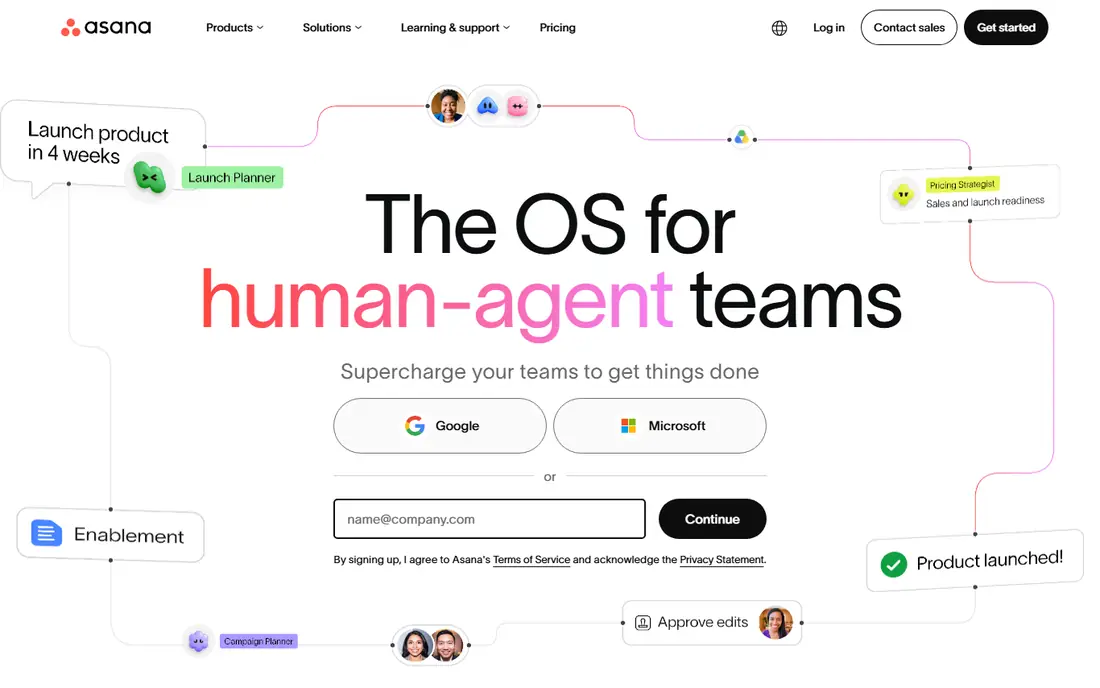
Asana is the safest default when a team wants project management without a steep learning curve. Tasks, projects, timelines, and calendars sit together in an interface most people understand in an afternoon, and every task has an owner and a due date, which ends the usual question of who is doing what. The honest catch is price at scale. The free plan covers small teams, but the Starter plan at $10.99 per user per month is where timelines and dashboards arrive, and portfolios sit higher still. For cross-functional teams that need everyone aligned on shared work, Asana remains a strong pick, but budget it per head, not per project, and check which tier your reporting needs fall on before you roll it out.
- Clear task ownership and due dates
- Timeline and calendar views
- Strong automation and integrations
- Portfolios and advanced reporting need higher tiers
- Per-user pricing adds up for large teams
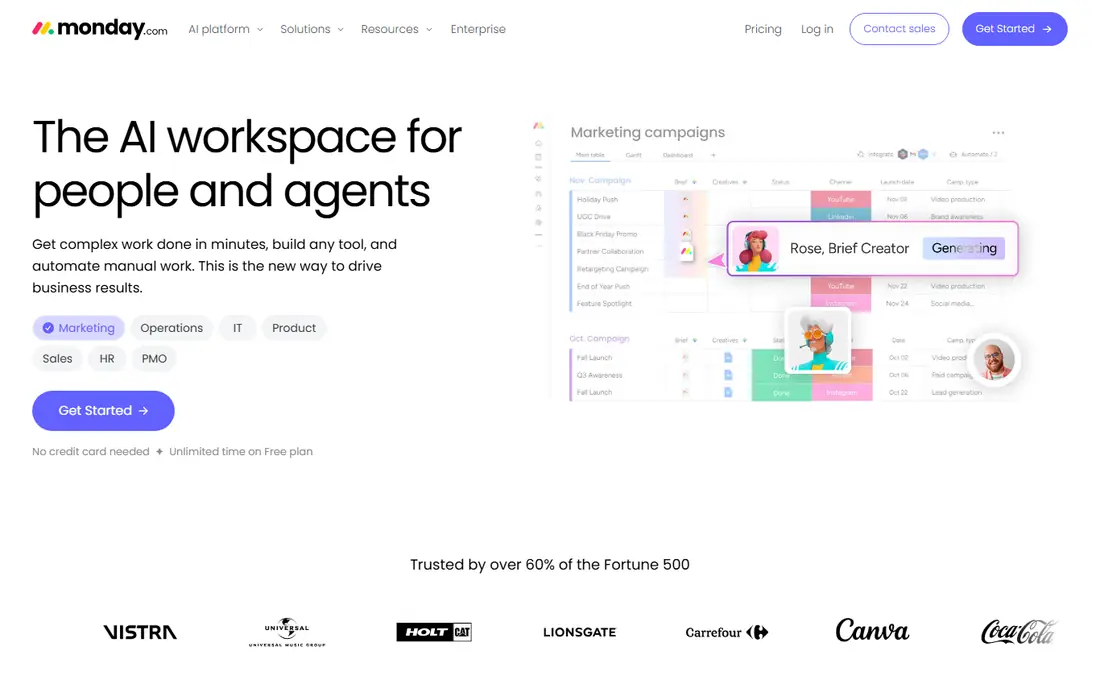
monday.com is built for teams that like to see work. Boards use colour, status labels, and columns to show progress at a glance, and dashboards pull several boards into one view for managers. That visual style helps creative, marketing, and operations teams spot blocked work early, and the template library gives new teams a starting point for campaigns, product launches, and client work. The trade-off is discipline. Because boards are so flexible, two teams can build the same workflow in very different ways, which makes reporting harder later. Paid plans start at $9 per user per month, with a minimum team size on some plans, so confirm the total monthly cost for your actual headcount. When boards are designed with a consistent set of status labels, monday.com is one of the easiest tools to run a weekly review from.
- Highly visual boards and dashboards
- Flexible columns and automations
- Good range of templates
- Costs rise quickly with add-ons and higher tiers
- Some teams need time to design boards well
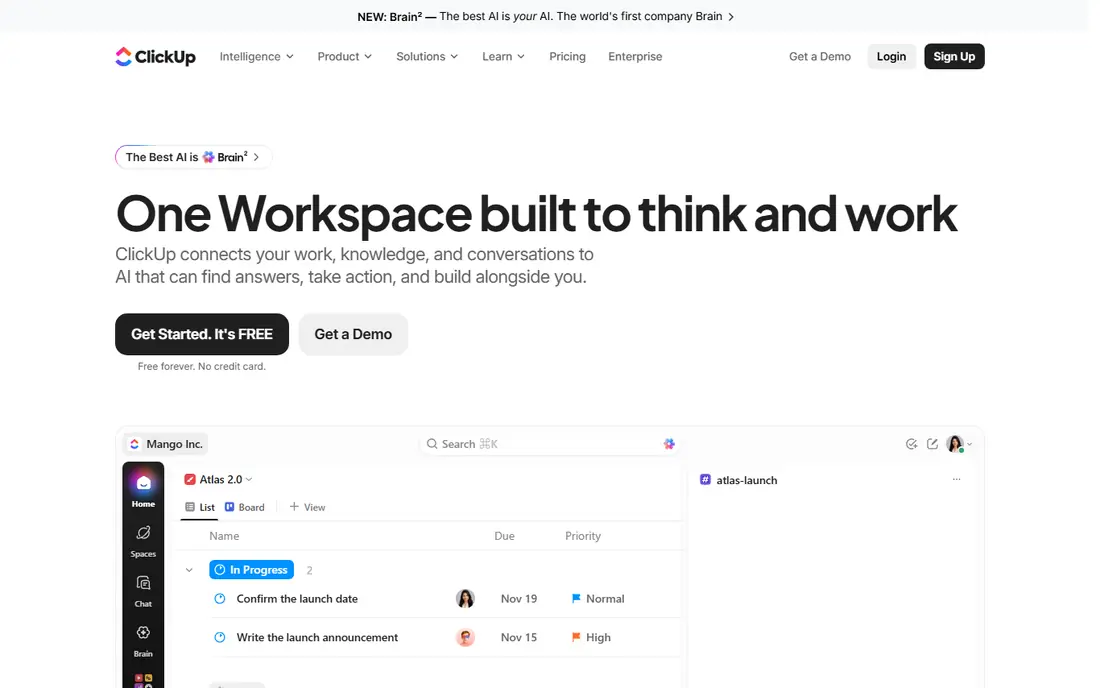
ClickUp tries to replace several tools at once, and for many teams that is the point. Tasks, documents, goals, whiteboards, and time tracking live in the same workspace, so a project plan can sit next to the brief, the checklist, and the target date. The Unlimited plan at $7 per user per month covers a wide set of features, which makes ClickUp hard to beat on value for teams that will actually use more than task lists. That breadth is also the risk. New users can face too many views, fields, and settings, and a workspace without clear conventions can turn messy fast. The fix is to appoint one owner for the setup, pick a small set of views, and add features only when a team asks for them. Teams that do that get a single home for planning, writing, and tracking, at a price that stays reasonable as they grow.
- Docs, goals, whiteboards, and tasks in one place
- Generous free plan
- Deep customisation options
- Feature depth can feel overwhelming at first
- Setup takes longer than simpler tools
Trello keeps project planning close to its simplest form: cards on a board, moved from left to right as work progresses. That simplicity is why small teams, freelancers, and community groups still pick it. A new board takes minutes to set up, cards hold checklists, attachments, dates, and comments, and the free plan is enough for many small projects. Where Trello shows its limits is scale. It does not offer the same depth of timelines, workload views, or portfolio reporting as Asana or Wrike, and a board with hundreds of cards needs careful lists and labels to stay readable. Paid plans start at $5 per user per month and add more views and automation. If your plan fits on one or two boards, Trello is fast, cheap, and hard to beat for day-to-day clarity.
- Very easy to learn
- Fast drag-and-drop boards
- Useful free plan for small teams
- Limited reporting and portfolio views
- Large projects can outgrow board layouts
Smartsheet suits teams that already think in rows and columns. Its grid layout feels familiar to anyone who plans in a spreadsheet, but it adds real project features underneath, including dependencies, Gantt charts, automated alerts, and roll-up reports. Operations, construction, and events teams often prefer this approach, because they can sort, filter, and group large task lists without learning a new visual language. The design is practical rather than pretty, and casual users may find the interface dense compared with Trello or monday.com. Paid plans start at $9 per user per month, and there is a free trial rather than a lasting free plan, so use the trial on a real project before paying. For teams that live in sheets and need dates, owners, and reporting to stay tied together, Smartsheet is a strong, workmanlike choice.
- Familiar grid layout for spreadsheet users
- Strong Gantt and reporting views
- Good for operations teams
- Less polished for creative visual workflows
- Interface can feel dense for casual users
Wrike is aimed at teams that run many projects at once and need to see capacity, not just task lists. Workload views show who is overloaded, request forms route new work into the right queue, and approvals keep sign-off inside the project rather than in email. Marketing and creative operations teams use it to manage intake, production, and delivery in one system, with dashboards that roll work up by team or client. That power comes with admin work. Wrike rewards teams that invest time in folders, workflows, and permissions, and it can feel heavy for a team of five that just needs a shared task list. Paid plans start at $10 per user per month, with more advanced features on higher tiers. If your problem is volume and capacity rather than a single project, Wrike earns its place on the shortlist.
- Strong resource and workload views
- Good approval and request workflows
- Scales to large portfolios
- Setup and admin take more effort
- Higher tiers needed for advanced reporting
Zoho Projects is the budget pick that still covers the core of project planning. Gantt charts, milestones, task lists, timesheets, and issue tracking are all present, and the starting price of $4 per user per month undercuts most rivals. Teams that already use Zoho apps for email, CRM, or accounting get extra value, because data and logins sit inside one suite. The interface is functional rather than striking, and some users will miss the polish of Asana or monday.com. The free plan has limits, so growing teams should check user and project caps before relying on it. For small businesses, nonprofits, and startups that need solid planning without a large monthly bill, Zoho Projects is the value choice that does not force painful compromises on core features.
- Low starting price
- Gantt charts, milestones, and timesheets included
- Fits well with other Zoho apps
- Interface feels less modern than rivals
- Some integrations are narrower
Notion is a workspace first and a project tool second, and that order matters. Pages can hold meeting notes, briefs, task databases, timelines, and wikis, so a project plan can live next to the thinking behind it. Small product, content, and startup teams often run their whole operation in Notion, from roadmaps to internal docs, without a separate wiki or notes app. As a dedicated project planner, Notion is less specialised than Asana or Wrike. Workload management, advanced dependencies, and portfolio reporting take more manual setup, and large databases need a clear structure to stay fast. Paid plans start at $10 per user per month, and the free plan works well for individuals and small groups. Pick Notion when docs and projects belong together, and pick a dedicated planner when reporting and capacity are the main job.
- Flexible pages that mix docs, tasks, and databases
- Good for wikis and project notes
- Strong free plan for personal use
- Project views are less specialised than dedicated PM tools
- Large databases need careful design
Basecamp takes a different approach to pricing and to planning. Instead of charging per user, it offers flat-rate plans, which makes costs predictable as a team grows. Inside, projects hold to-do lists, message boards, schedules, docs, and files, so a small team can run client work without juggling several apps. The interface is deliberately plain, which keeps new users from getting lost in settings. The trade-off is depth. Basecamp does not offer the same Gantt, workload, or portfolio tools as Wrike or Smartsheet, and teams with complex dependencies will feel that gap. There is a free trial rather than a free plan, so check current pricing on the vendor site before deciding. For teams that want simple, calm collaboration at a predictable price, Basecamp is a refreshing alternative to per-seat billing.
- Simple flat pricing that does not grow per seat
- To-dos, messages, and files in one place
- Very low learning curve
- Fewer advanced planning views than rivals
- No lasting free plan
How we picked these
We compared official feature pages, pricing pages, app store listings, privacy policies, and public user reviews, and we focused on tools that are widely available, actively maintained, and suited to planning work with dates, owners, and status. We looked for a mix of price points, team sizes, and planning styles, from simple kanban boards to portfolio tools, rather than listing nine versions of the same product. We did not claim hands-on testing, and where a price or plan detail could change, we point readers to the vendor site for the current terms. We also weighed what each tool is genuinely good at, not just its feature count. A long feature list means little if the team will not use it, so we favoured tools with a clear strength, whether that is visual boards, spreadsheet planning, low cost, or flat pricing. That is why the list mixes well-known leaders with smaller or simpler options, and why the buying guide below starts with team size and work style rather than with price alone.
What to check before you choose a planning tool
Start with team size and work style. A team of five running one project at a time needs a different tool from a department running twenty projects with shared staff. Small teams should favour simple tools with fast setup, while larger teams should favour workload views, permissions, and reporting, even if setup takes longer. Check the plan, not just the headline price. Free plans often exclude timelines, guests, or reporting, and per-user prices multiply fast. Add up the cost for your real headcount, including guests or clients if they need paid seats, and confirm whether annual billing is required for the quoted price. A tool that looks cheap for three people can become expensive at thirty. Test with a real project, not a demo board. Import one live project, assign owners and dates, and run a weekly review from the tool for two weeks. Pay attention to how easy it is to update status on mobile, how clear overdue work looks, and whether managers can see capacity without exporting data. If updates drift after a week, the tool is too complex for that team, whatever its feature list says. Think about integrations and data. Planning tools work best when they connect to calendars, chat, file storage, and the apps your team already uses. Check the integration list on the vendor site, and read the privacy policy for data retention and export options. Being able to export your projects matters if you ever switch tools, and it should be a standard check before you commit a whole department.
Frequently asked questions
What is the best free project management software?
Trello, ClickUp, Asana, monday.com, Wrike, Zoho Projects, and Notion all offer free plans, and the best choice depends on your work style. Trello suits simple kanban boards, Asana suits task coordination with owners and dates, and ClickUp suits teams that want docs and goals in the same workspace. Free plans have limits on views, guests, or storage, so test the exact features you need before building a whole workflow on a free tier.
Is project planning software different from task management software?
Task tools track individual to-dos, while planning software adds dates, dependencies, milestones, timelines, and workload views across a whole project. Many tools cover both jobs, but planning tools make it easier to see how a delay in one task affects later work. If you only need personal checklists, a task app may be enough, but a team project with deadlines and shared resources benefits from a planner.
Which project planning tool is best for small teams?
Trello and Basecamp suit very small teams that want simplicity, while Asana and Zoho Projects suit small teams that need timelines and structure without enterprise cost. The deciding factor is usually how much reporting you need. If a weekly board review is enough, pick the simpler tool. If you need timelines, milestones, and workload views, pick a planner with those views on a plan you can afford.
How much should project planning software cost?
Small teams can start free, and paid plans for the tools here start from $4 to $10.99 per user per month on the lowest paid tiers, with Basecamp priced on its site rather than per seat. Total cost depends on headcount, billing period, and tier, so calculate the annual cost for your real team before comparing headline prices. Factor in time for setup and training too, since a cheap tool that nobody uses costs more than a pricier one the team adopts.
Sources we checked (9)

Online Jobs is an independent blog about careers, online work, learning new skills and the tools that help people earn. More about us.
Keep reading
All posts
Zoom Alternatives
Zoom alternatives compared for 2026: Google Meet, Microsoft Teams, Webex, Jitsi and more for free calls, large meetings and webinars for teams and classrooms.

What Is the Best Free Tool to Rotate a PDF
What is the best free tool to rotate a PDF? We compare eight free rotation tools on per-page control, limits, privacy and saved output quality in detail.

What Is the Best AI Dubbing Tool
We compared the best AI dubbing tools in 2026, from ElevenLabs and HeyGen to Rask AI, Dubverse and Veed, for videos and creators in many languages worldwide.