Best Project Management Software for Startups in 2026: 8 Tools Compared

How we put this together: we compare official feature and pricing pages, app store listings, privacy policies and public user reviews. Prices change, so check the provider's site before you pay.
Key takeaways
- ClickUp offers the most features per dollar, while Trello is the cheapest paid plan and the fastest to learn.
- Asana and Monday.com suit non-technical teams that need clear ownership and timelines without a long setup project.
- Linear and Jira suit product and engineering startups that run sprints, with Linear feeling faster for small teams.
- Notion suits startups that want docs, wikis, and projects in one place, rather than a pure task tracker.
- Basecamp's flat price becomes good value once a team grows past about 20 people, but it is less flexible for complex workflows.
Quick comparison
| Name | Who it suits | Starting price | Free option | |
|---|---|---|---|---|
 ClickUp | Most features per dollar | $7 per user per month | Yes | Visit |
 Asana | Polished task coordination | $10.99 per user per month | Yes | Visit |
 Monday.com | Visual boards for non-technical teams | $9 per user per month | Yes | Visit |
 Trello | Simple kanban and fast onboarding | $5 per user per month | Yes | Visit |
 Notion | Docs, wiki, and projects in one place | $10 per user per month | Yes | Visit |
 Linear | Product and engineering sprints | $10 per user per month | Yes | Visit |
 Jira | Agile depth for development teams | $7.91 per user per month | Yes | Visit |
 Basecamp | Flat-price simplicity for larger teams | $299 per month | Free trial | Visit |
The best project management software for startups
A startup tool has to do two jobs at once. It must keep a tiny team aligned today, and it must still work when that team triples. These eight tools cover that range, from a simple board to a full product system, with pricing that fits an early budget.
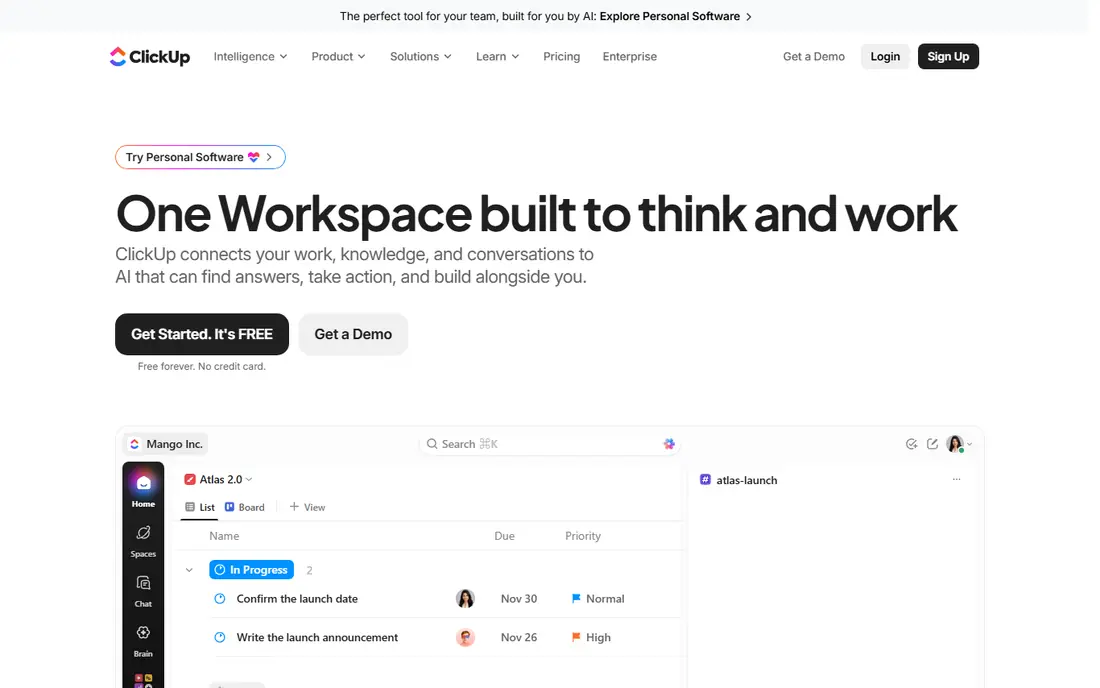
ClickUp is the value pick that tries to replace several tools at once. The paid plan includes Gantt charts, custom fields, dashboards, native time tracking, and guest access, a bundle that costs more elsewhere. The free plan is also genuinely usable, with unlimited tasks and members, though storage is limited.
The catch is discipline. ClickUp lets you build almost anything, which means teams often build too much, and workspaces turn into mazes of half-used views. Assign one person to own the setup, keep views simple, and review them monthly. For a startup that wants one workspace for tasks, docs, and goals, the price is hard to beat.
- Docs, goals, time tracking, and dashboards in one app
- Free plan with unlimited tasks
- Low paid price
- Flexibility can turn into clutter
- AI features cost extra
- Setup needs an owner
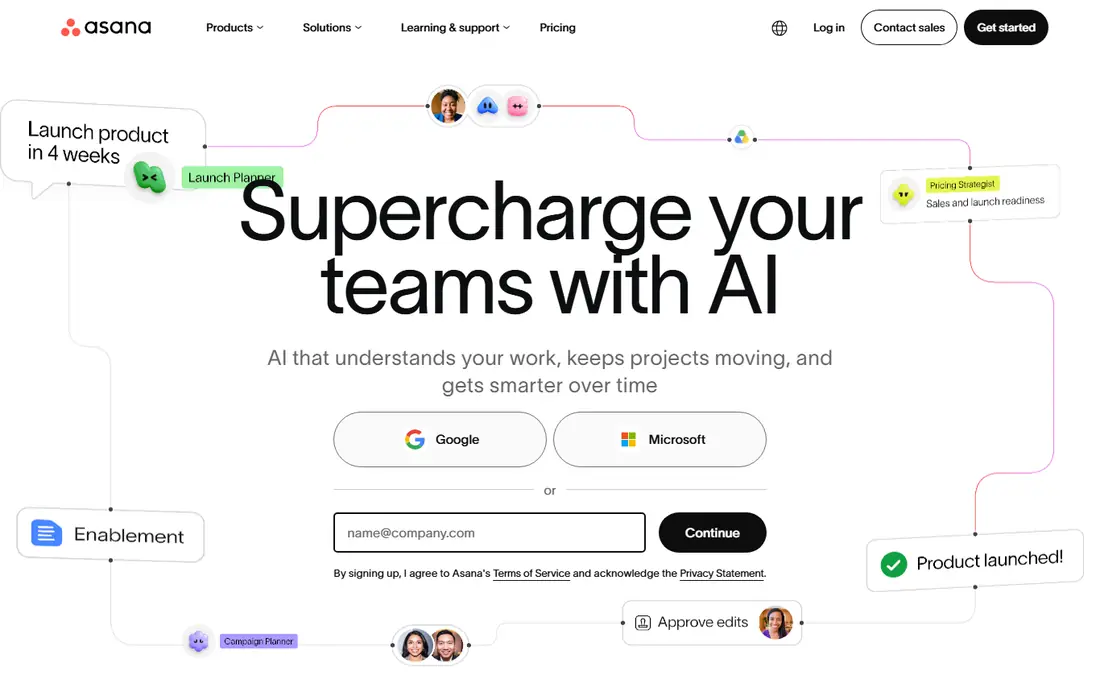
Asana is the safe pick for a team that needs to adopt a tool in days, not weeks. Tasks have clear owners and due dates, projects have timelines, and templates cover marketing launches, product work, and hiring. New hires usually understand it without training, which matters when a startup is hiring fast.
Pricing needs a read of the fine print. The starter plan is $10.99 per user per month on annual billing, and larger teams may face seat blocks. Advanced reporting and portfolio features sit higher up, so a growing startup should check what it will need in six months, not just today.
- Clear ownership and timelines
- Easy adoption
- Strong templates
- Seats can be sold in blocks for larger teams
- Advanced features sit in higher tiers
- Reporting is thinner on starter plans
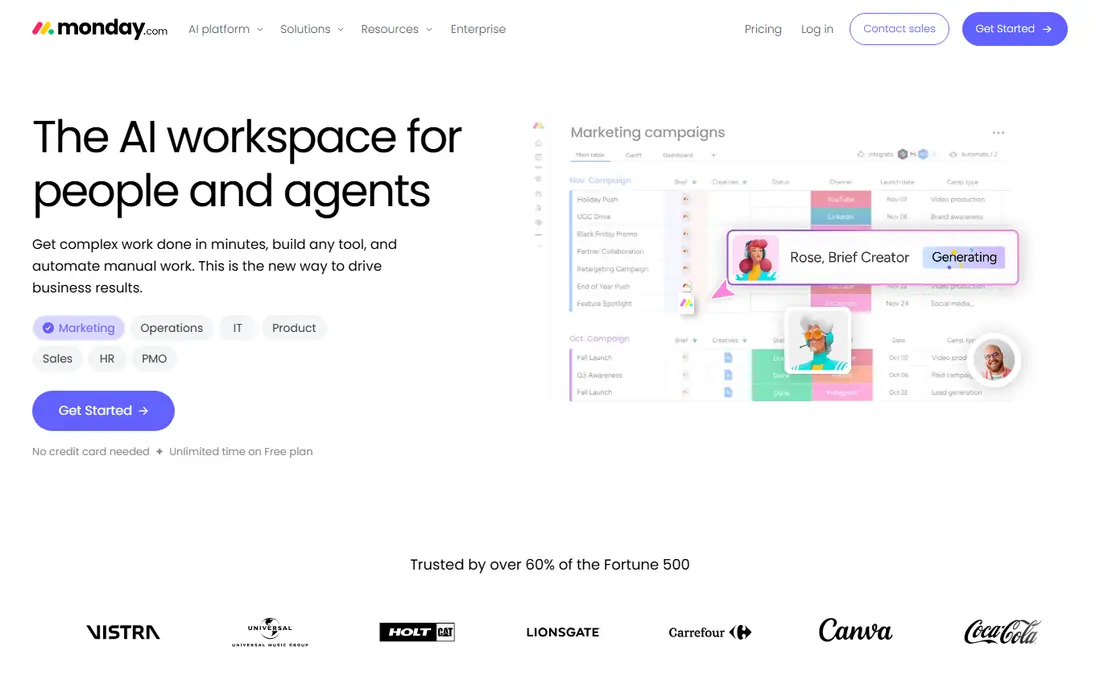
Monday.com suits teams that think in boards, not in task lists. Work is visual, status is colour coded, and dashboards pull progress into one view for founders and clients. That visual style helps sales, marketing, and operations teams who do not want a developer-style tool.
The pricing structure matters for a tiny startup. Paid plans start at $9 per seat per month on annual billing, with a three-seat minimum, so a two-person team pays for three. The free plan covers up to two seats, which is enough to test, but a growing team should model the seat cost before it commits.
- Visual boards that non-technical teams grasp quickly
- Dashboards and automations
- Many templates
- Three-seat minimum on paid plans
- Cost rises with seats and features
- Free plan limited to two seats
Trello is where many teams meet kanban for the first time, and many never need to leave. Boards, lists, and cards mirror a physical whiteboard, so new users need almost no training. The free plan covers up to 10 collaborators, and the standard paid plan at $5 per user per month adds unlimited boards and advanced checklists.
The honest limit is ceiling. Trello is a board, not a full project platform, so reporting, workload views, and timelines are thinner than in Asana or ClickUp. If your process fits on cards, Trello is unbeatable for speed and price. If it does not, you will feel the walls quickly.
- Simplest board experience
- Free plan covers up to 10 collaborators
- Huge integration library
- Thin reporting and timelines on lower tiers
- Not a full project platform
- Advanced features need add-ons
Notion suits startups that live in documents as much as in tasks. A product spec, a wiki page, and a project board can live in the same workspace, with links between them, so knowledge does not scatter across three apps. Templates for roadmaps, meeting notes, and hiring help a small team start fast.
It is not the strongest pure task tracker. Dependencies, workload views, and sprint reporting are lighter than in Linear or Jira, and very large workspaces can feel slow. If docs are your main need, with projects alongside, Notion is excellent. If sprint discipline is your main need, pair it with, or pick, a dedicated tracker.
- Docs, wiki, and task databases in one workspace
- Flexible templates
- Free for individuals
- Task features are lighter than dedicated trackers
- Performance can lag on very large workspaces
- AI costs extra on some plans
Linear is built for product and engineering teams that run sprints and want speed. Issues, cycles, and project timelines feel fast, with keyboard shortcuts that keep developers in flow. The free plan covers unlimited members with a 250-issue limit, which is enough for an early product team to test properly.
Non-technical teams may find it too developer focused, with less hand-holding for marketing or operations work. Integrations are solid for engineering tools, but narrower than the broad catalogues of Asana or Monday.com. For a software startup, though, Linear is often the tool the team actually enjoys opening each day.
- Fast, keyboard-friendly interface
- Cycles and project timelines
- Free plan with 250 issues
- Less suited to non-technical teams
- Integrations are narrower than Asana or Monday.com
- Higher tiers cost more
Jira is the deep agile option, with Scrum boards, Kanban boards, sprints, burndown charts, and roadmaps that larger engineering teams rely on. The free plan covers up to 10 users, which makes it free for many early startups, and the Atlassian ecosystem adds Confluence docs and Bitbucket code tools alongside it.
The trade is complexity. Jira needs admin time to configure well, and a small team can spend more time managing Jira than doing product work if it copies an enterprise setup. Start simple, use one project and one board, and add complexity only when the team asks for it.
- Deep agile features, including Scrum and Kanban
- Free for up to 10 users
- Strong Atlassian ecosystem
- Setup and admin take time
- Interface can feel heavy for small teams
- Some features need Confluence, sold separately
Basecamp charges a flat monthly price for unlimited users, which flips the usual startup maths. Per-user tools get expensive as you hire, while Basecamp stays at $299 per month on the Pro Unlimited plan, with a smaller per-user option also available. That makes it good value once a team grows past about 20 people.
The simplicity is also the limit. Basecamp has message boards, to-dos, schedules, and chat, but it lacks the custom fields, dashboards, and automations of ClickUp or Monday.com. If your team wants a calm, shared home for projects and hates per-seat maths, Basecamp fits. If you need deep reporting, it will feel thin.
- Flat monthly price for unlimited users
- Message boards, to-dos, and chat in one place
- Simple to learn
- Less flexible for complex workflows
- No free plan, only a trial
- Reporting is basic
How we picked these
We compared official pricing pages, feature pages, and free plan limits for tools that are widely used by startups in 2026. We favoured tools with a usable free tier or trial, clear per-user or flat pricing, and a distinct fit, from simple boards to engineering sprints. We did not claim hands-on testing, and we noted seat minimums and tier limits where they change the real cost.
How to choose for a startup
Match the tool to how your team actually works, not to a feature checklist. A two-person team that needs a board today should start with Trello or Notion, not with a platform that needs an admin. A product team that ships in sprints should start with Linear or Jira. A non-technical team that needs timelines and dashboards should test Asana or Monday.com.
Test with a real project for two weeks, not a demo. Put a launch, a hiring round, or a product sprint in the tool, and see whether the team updates it without being chased. If updates stop after week one, the tool is wrong, no matter how good its feature list looks. Also model cost at 10, 25, and 50 people, because per-user pricing that looks cheap at five seats can dominate a budget at 50.
Finally, assign an owner. Every tool here gets messy without someone who keeps projects, templates, and permissions tidy. That owner does not need to be senior, but they do need time each week to archive old work and fix broken views. A tidy tool that the team trusts beats a powerful tool that nobody trusts.
Frequently asked questions
What is the best project management tool for startups?
ClickUp is best for features per dollar, Trello is best for simple boards and low cost, and Linear is best for software teams. Asana and Monday.com suit non-technical teams, while Notion suits docs-heavy startups.
Is there a free project management tool for startups?
Yes. ClickUp, Asana, Trello, Notion, Linear, and Jira all offer free plans, with limits on users, issues, or storage. Test the free plan with a real project before paying, and check what the paid tier adds.
How much does project management software cost for a startup?
Paid plans in this list start from $5 to $10.99 per user per month on annual billing, while Basecamp charges a flat $299 per month for unlimited users. Model the cost at your expected headcount in six months, not just today.
Should a startup use Notion or Asana?
Use Notion if docs, wikis, and projects need to live together, and use Asana if clear task ownership, timelines, and templates matter more. Many startups use Notion for docs and Asana or Linear for delivery, but starting with one tool keeps things simpler.
Is Jira too complex for a small startup?
It can be, if you copy an enterprise setup. Start with one project, one board, and basic sprints, and add fields and workflows only when the team needs them. The free plan for up to 10 users makes it low risk to test.
When does Basecamp become good value?
Basecamp's flat price becomes good value once a team grows past about 20 people, because per-user tools keep rising with headcount while Basecamp stays flat. Smaller teams may find a free or low-cost per-user tool cheaper.
Sources we checked (8)

Online Jobs is an independent blog about careers, online work, learning new skills and the tools that help people earn. More about us.
Keep reading
All posts
n8n Alternatives
n8n alternatives compared for 2026, with Zapier, Make, Activepieces, and more, covering visual builders, code steps, self-hosting, and pricing models.

ZoomInfo Alternatives
The best ZoomInfo alternatives in 2026, compared on price, free plans, data coverage, and which tool fits small teams or large sales teams best in detail.

Zoom Alternatives for Webinars
Compare Zoom alternatives for webinars in 2026, from browser-based rooms to enterprise events, with prices, attendee limits, features and honest trade-offs.