Best Project Management Software for Small Business in 2026: 8 Tools Compared

How we put this together: we compare official feature and pricing pages, app store listings, privacy policies and public user reviews. Prices change, so check the provider's site before you pay.
Key takeaways
- ClickUp gives the most features per dollar, while Trello is the fastest to adopt.
- Asana suits teams that need clear ownership, timelines, and handoffs between people.
- monday.com suits visual, operations-heavy teams that like boards and dashboards.
- Notion works best when docs, notes, and light project tracking live in one place.
- Start free, test with one real project, and upgrade only when limits or reporting force it.
Quick comparison
| Name | Who it suits | Starting price | Free option | |
|---|---|---|---|---|
 ClickUp | All-round value | $7 per month | Yes | Visit |
 Asana | Structured task coordination | $10.99 per month | Yes | Visit |
 Trello | Simple kanban boards | $5 per month | Yes | Visit |
 monday.com | Visual boards and workflows | $9 per month | Yes | Visit |
 Notion | Docs plus light tracking | $10 per month | Yes | Visit |
 Todoist | Solo and small-team task lists | $4 per month | Yes | Visit |
 Basecamp | Flat, calm team communication | See website | Free trial (30 days) | Visit |
 Zoho Projects | Budget-friendly classic tracking | $4 per month | Yes | Visit |
The best project management software for small business
A small business does not need enterprise software. It needs a place where work, owners, and deadlines are visible, so nothing falls through a gap between email threads. The tools below cover that job in different styles, from simple boards to full workspaces, and all of them can start small.
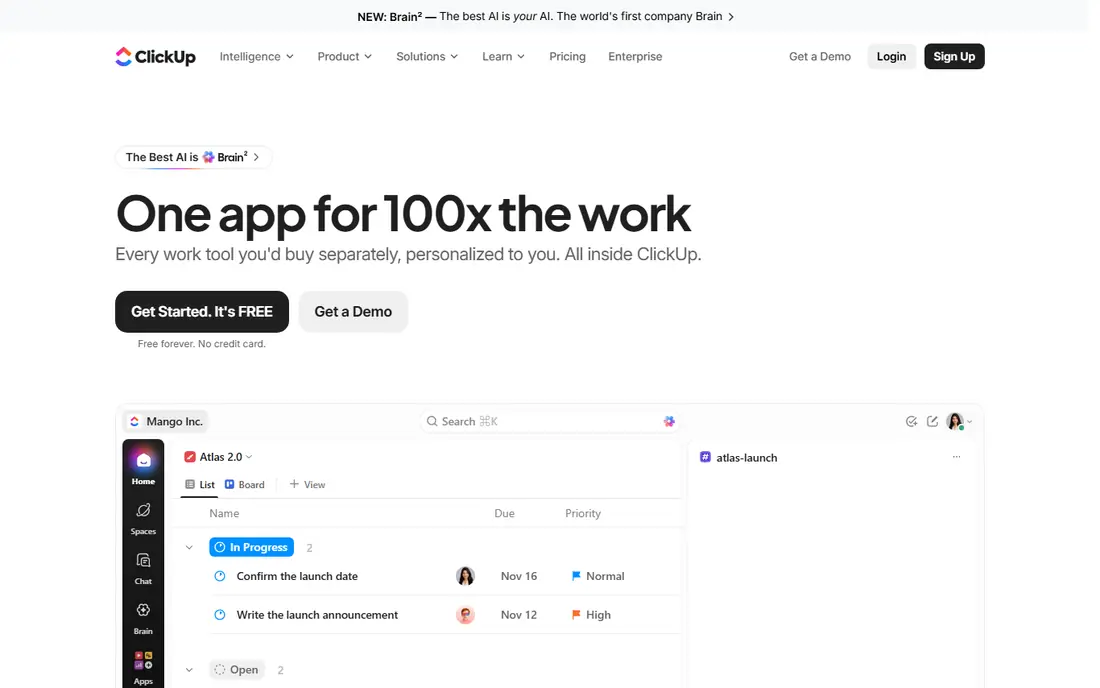
ClickUp packs an unusual amount into one workspace. Tasks, lists, boards, calendars, docs, goals, and time tracking sit side by side, so a small team can run client work, internal tasks, and content plans without adding extra tools. The free plan is genuinely usable, which makes it a low-risk place to start. The breadth can also overwhelm a new team. Keep the setup simple at first, with one space, a few lists, and clear owners and dates, then add automations and views only when a real bottleneck appears. For value alone, ClickUp is hard to beat for a small business that wants room to grow.
- Tasks, docs, goals, and time tracking in one app
- Generous free plan
- Many views and automations
- Can feel busy if over-customised
- Setup takes time
- Some features sit on higher plans
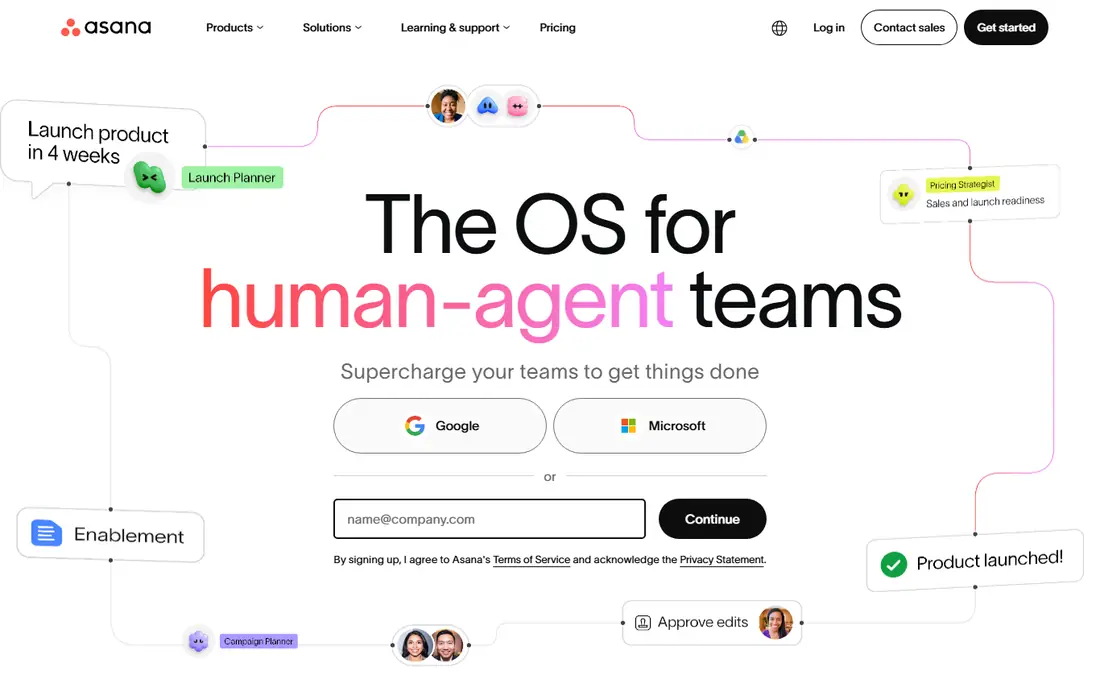
Asana is the safest default when a team wants project work to feel orderly. Every task has an owner and a due date, projects can be viewed as lists, boards, timelines, or calendars, and handoffs between people are easy to follow. That clarity helps when several people touch the same client project. The free plan covers basic tracking for small teams, while Starter adds timelines, advanced search, and dashboards. Price is per user, so budget it by headcount, not by project. If your main problem is work falling between people, Asana is a strong, low-friction choice.
- Clean lists, boards, and timelines
- Clear ownership and due dates
- Strong integrations
- Timelines and dashboards need paid plans
- Per-user price adds up
- Portfolios sit on higher tiers
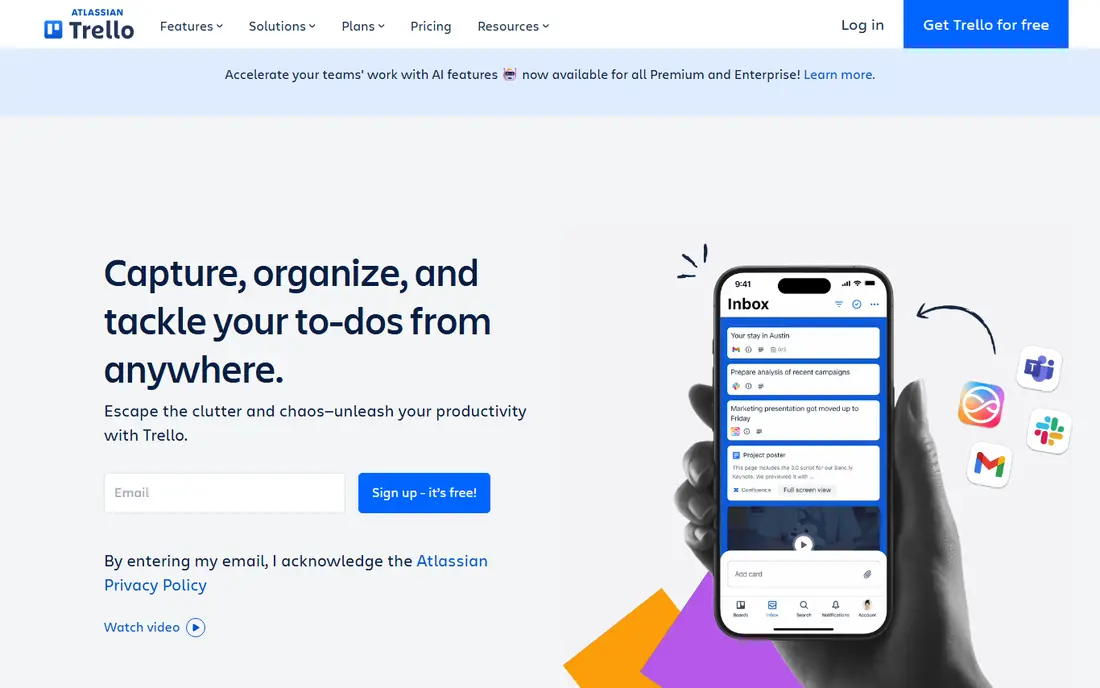
Trello is the easiest tool on this list to explain in five minutes. Cards move across columns, checklists break work into steps, and comments keep discussion attached to the task itself. For a small team tracking orders, content, or client jobs through clear stages, that simplicity is a real strength. Complex projects with many dependencies, timelines, and reporting needs will outgrow Trello faster than Asana or ClickUp. Paid plans add more automation, views, and admin controls, but the core appeal stays the same. Choose Trello when adoption speed matters more than depth, and when your workflow fits a board.
- Fastest setup
- Drag-and-drop boards anyone understands
- Useful Power-Ups and automations
- Limited for complex dependencies
- Reporting is basic
- Large projects can feel flat
monday.com suits teams that think visually. Boards use colour, status labels, and columns to show progress at a glance, and dashboards pull several boards into one view for managers. Templates cover marketing, sales, operations, and client work, so a small team can start from a ready-made workflow rather than a blank page. Paid plans have seat minimums, so check the minimum before you compare the per-seat price. For operations-heavy teams that need to see many jobs at once, the visual style pays off. For a two-person team with a simple list, Trello or Todoist may be enough.
- Colour-coded visual boards
- Templates for common workflows
- Dashboards for team workload
- Seat minimums on paid plans
- Price rises with team size
- Can feel heavy for very simple lists
Notion is not a traditional project tool first. It is a flexible workspace where pages, databases, docs, and tasks can be shaped to fit how your team already works. That flexibility suits teams that live in documents, meeting notes, and wikis, and want project tracking beside that knowledge rather than in a separate app. The trade-off is setup time. A Notion workspace needs someone to design the databases, views, and templates, or it can drift into a collection of pages. If your team already uses Notion for notes, adding light project tracking is a natural step. If you need timelines, dependencies, and workload views out of the box, Asana or ClickUp will be faster.
- Docs, wikis, and tasks in one flexible space
- Strong templates
- Good for knowledge-heavy teams
- Needs setup to work as a project tool
- Fewer built-in project controls
- Easy to over-build
Todoist is for people whose main problem is personal and small-team task overload. You can capture a task in seconds, set a due date in plain language, and organise work with projects, labels, and priorities. The interface stays out of the way, which helps when the goal is simply to get through the day's work. It is not a replacement for a full project platform. Timelines, workload views, and client dashboards are thin compared with Asana or monday.com. For a solo owner, a freelancer, or a very small team that needs shared lists more than project reporting, Todoist is a clean, affordable pick.
- Fast task capture
- Natural language dates
- Clean lists with priorities and filters
- Not a full project platform
- Reporting is limited
- Better for tasks than for complex projects
Basecamp takes a calmer approach to team work. Each project has message boards, to-do lists, schedules, docs, and file storage in one place, so discussion does not scatter across email and chat. Clients can be added to a project without seeing internal work, which suits agencies and service businesses. It is less visual than monday.com and less deep on task automation than ClickUp. Pricing is flatter than per-seat tools, which can help a growing team, but check the current plan on the vendor site. Choose Basecamp if your team wants one calm hub for communication and tasks, rather than a board-heavy project system.
- Projects, messages, to-dos, and files in one calm place
- Flat pricing style
- Client access built in
- No ongoing free plan
- Less visual project tracking
- Fewer automations than rivals
Zoho Projects is a classic, budget-friendly project tool with tasks, milestones, timesheets, and Gantt charts. It covers the core project job without a high entry price, and it fits naturally if your business already uses Zoho CRM, Books, or Mail. The free plan is enough to test the basics with a small team. The interface is more traditional than ClickUp or monday.com, and some advanced features sit on higher plans. For a cost-conscious small business that wants solid tracking and does not need the latest visual style, Zoho Projects gives strong value. Check the plan limits for users and projects before you migrate a large portfolio.
- Low entry price
- Tasks, milestones, and Gantt views
- Works well with other Zoho apps
- Interface feels more traditional
- Some features need higher plans
- Smaller integration range than leaders
How we picked these
We compared official feature pages, pricing pages, and app store listings, along with public reviews, to check what each tool offers small teams. We looked for free plans, clear ownership and deadlines, usable views, and pricing that makes sense for teams of two to twenty-five people. We favoured tools that are still actively sold and supported in 2026. We did not claim hands-on testing for every plan, and prices and limits change, so check the vendor site before you buy. The list mixes simple boards, all-round workspaces, and budget options, because small businesses differ in how much structure they want.
Choosing the right project tool
Start with the problem, not the feature list. If work is lost between people, you need ownership and deadlines. If work is hard to see, you need boards or timelines. If work lives in docs, you need a workspace that holds both. Naming the problem first stops you paying for features you will never use.
Run a two-week test on real work
Pick one live project, move it fully into the trial tool, and judge it by whether the team opens it without reminders. Test a deadline change, a handoff, and a status update, since those moments reveal friction that a demo hides. The tool the team actually uses is the right one, even if another tool looks stronger on paper.
Count seats and limits honestly
Per-user pricing punishes large teams, while seat minimums punish very small ones. Count everyone who will log in regularly, including part-time staff and regular contractors, then compare the plan that covers them. Also check project, automation, and storage limits, since those often force an upgrade sooner than expected.
Keep the setup simple at first
One workspace, a few projects, clear owners, and a weekly review beat a complex system nobody maintains. Add templates, automations, and dashboards only after the basic habit is stable. A simple tool used daily will outperform a powerful tool that the team avoids.
Frequently asked questions
What is the best project management software for a small business?
ClickUp is a strong value pick, Asana is a strong structured pick, and Trello is the easiest to adopt. The best choice depends on team size, workflow style, and budget. Test one tool on a real project for two weeks before committing, and judge it by daily use rather than a feature list.
Is there free project management software for small teams?
Yes, ClickUp, Asana, Trello, Notion, Todoist, and Zoho Projects all offer free plans, with limits on users, projects, or features. Free plans suit very small teams and simple work, while timelines, advanced reporting, and higher limits usually need a paid plan. Start free and upgrade when a real limit blocks your work.
How much does project management software cost for a small team?
Entry paid plans on this list start around $4 to $11 per user per month, with annual billing often lower than monthly billing. Basecamp uses a flatter pricing style, so check its current plan separately. Total cost depends on seats, billing period, and which features sit on higher tiers, so price the plan you actually need.
Should a small business use Notion or Asana?
Use Notion if docs, wikis, and knowledge matter as much as tasks, and you are willing to design the workspace. Use Asana if you want ready-made task tracking, timelines, and ownership without much setup. Some teams use both, with Notion for knowledge and Asana for delivery, but that adds a second tool to maintain.
What features matter most for a small team?
Clear task ownership, due dates, a shared view of progress, and a simple way to comment on work matter most. Integrations with email, calendars, and file storage help, while advanced reporting and portfolios matter less at small scale. Choose a tool that makes the daily update easy, since a tool nobody updates gives a false picture of progress.
Sources we checked (8)

Online Jobs is an independent blog about careers, online work, learning new skills and the tools that help people earn. More about us.
Keep reading
All posts
ZoomInfo Alternatives
The best ZoomInfo alternatives in 2026, compared on price, free plans, data coverage, and which tool fits small teams or large sales teams best in detail.

Workday Alternatives
We compared the best workday alternatives for HR, payroll, and global hiring, from BambooHR and Gusto to Rippling, Deel, and HiBob for growing teams in 2026.

Which SaaS Tools Have the Best Customer Support
Which SaaS tools have the best customer support? Compare eight popular tools on help centres, live help, response options and overall support quality.