Best Project Management Software for Creative Agency Teams in 2026: 8 Tools Compared

How we put this together: we compare official feature and pricing pages, app store listings, privacy policies and public user reviews. Prices change, so check the provider's site before you pay.
Key takeaways
- Creative agencies need proofing, client visibility, and workload views, not just task lists, so a general tool can fall short fast.
- Asana and monday.com are the safest starting points for most agencies, because they balance structure, timelines, and client sharing.
- Per-seat pricing adds up quickly in a growing agency, so model the cost at your real headcount before you commit.
- A free plan can work for a very small team, but timelines, proofing, and reporting usually sit on paid plans.
- The best project management software for marketing teams often overlaps with agency tools, yet creative proofing remains the key difference.
Quick comparison
| Name | Who it suits | Starting price | Free option | |
|---|---|---|---|---|
 Asana | Structured client projects | $10.99 per user per month | Yes | Visit |
 monday.com | Visual boards and workflows | $9 per user per month | Yes | Visit |
 ClickUp | Many features in one place | $7 per user per month | Yes | Visit |
 Trello | Simple kanban for small teams | $5 per user per month | Yes | Visit |
 Wrike | Creative proofing at scale | $10 per user per month | Yes | Visit |
 Notion | Docs plus project tracking | See website | Yes | Visit |
 Basecamp | Flat, simple client communication | See website | Free trial | Visit |
 Teamwork | Client-focused agency delivery | See website | Free trial | Visit |
The best project management software for creative agency teams
Creative work moves through briefs, drafts, feedback rounds, and approvals, and a tool has to handle that cycle without forcing designers into a developer workflow. We compared official pricing pages, proofing and approval features, client-sharing options, and workload views for the tools below.
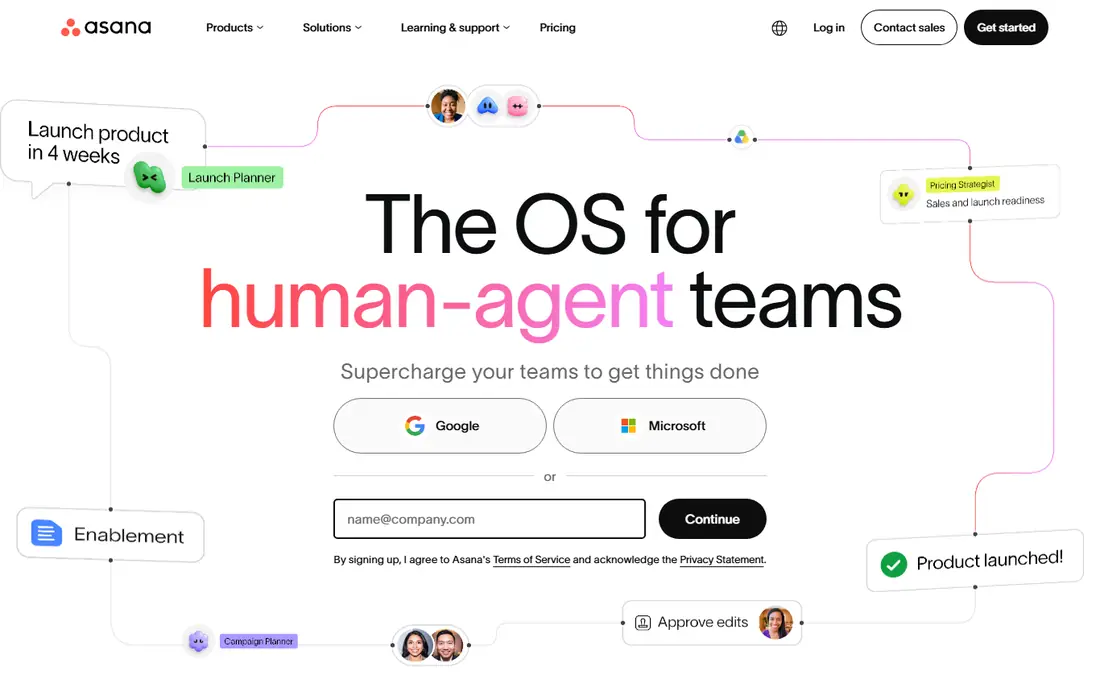
Asana suits agencies that run many client projects at once and need to see who owns each task and when it is due. Timelines help producers spot clashes before they become missed deadlines, and custom fields let teams track client, service, and status in one view. Most new staff understand the layout quickly, which matters when freelancers join for a single campaign.
The catch is price at scale. The free plan covers small teams, but timelines and dashboards arrive on paid plans, and portfolios sit higher still. If your agency has ten or more people, budget per head rather than per project, and check whether guests can view client work without a paid seat. For structured agencies, Asana remains a strong default.
- Clear task ownership and due dates
- Timeline and portfolio views
- Strong automation on paid plans
- Portfolios and advanced reporting need higher tiers
- Per-seat cost grows with the team
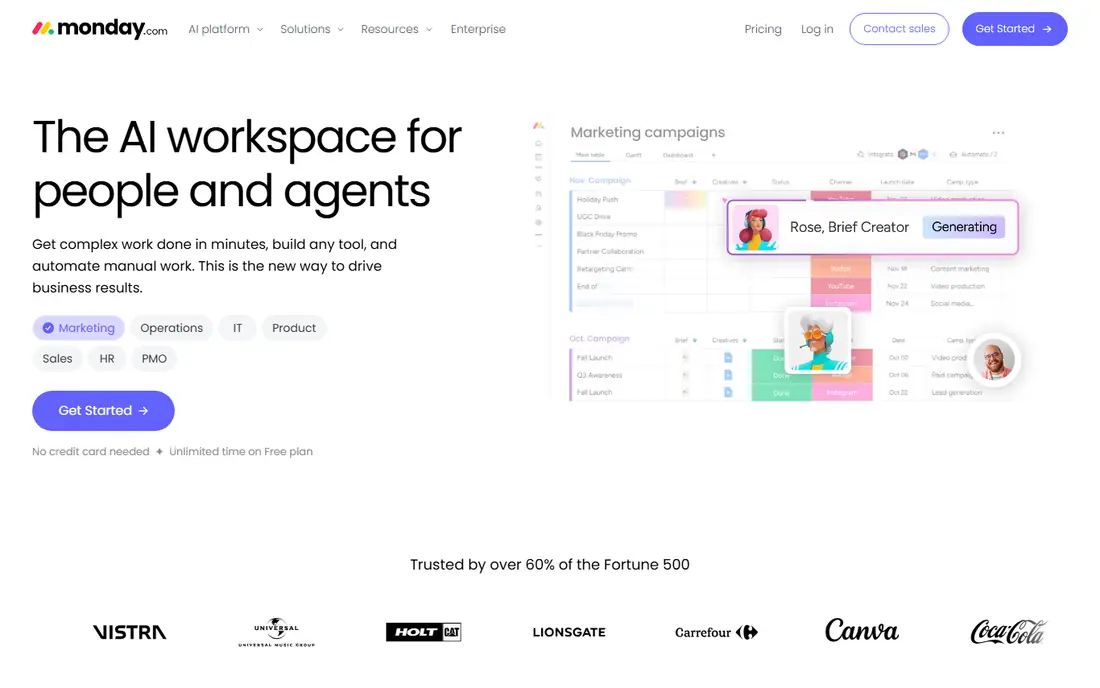
monday.com works well for agencies that think in boards rather than task lists. You can shape columns around client stages, asset types, or approval states, and dashboards pull that work into a view for account managers. That flexibility helps when each client wants a slightly different workflow, because you are not forced into one rigid template.
The risk is sprawl. A board that everyone can edit can drift into duplicate columns and unclear owners, so agencies need a named owner for each board and a simple naming rule. Automation also has limits on lower plans, so check the monthly action count against your real volume. For visual teams, though, monday.com is often the easiest tool to adopt.
- Highly visual boards
- Flexible columns and automations
- Useful dashboards for leaders
- Automation limits on lower plans
- Boards can grow messy without clear ownership
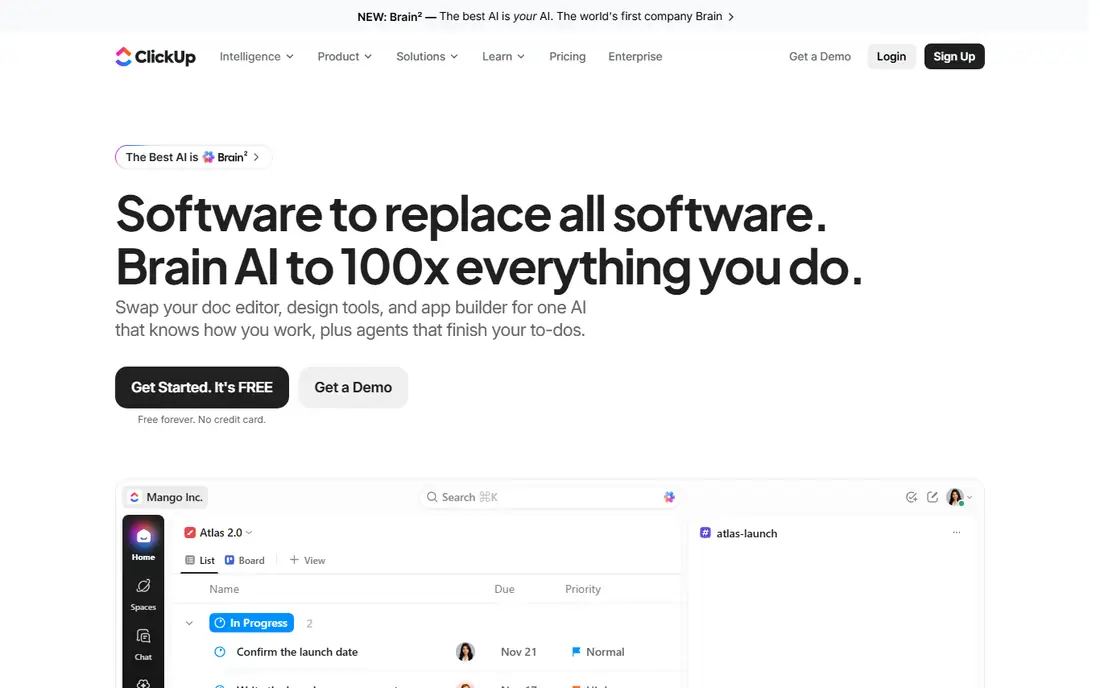
ClickUp appeals to agencies that want to cut down on separate tools. Tasks, documents, whiteboards, and goals can live in one workspace, which reduces the need to jump between apps for a brief, a draft, and a status update. The entry price is also lower than several rivals, which helps smaller agencies with tight margins.
The downside is complexity. New users can feel lost among views, custom fields, and automation options, and a workspace without clear rules can become hard to search. Agencies should start with one template, limit custom fields, and train new joiners on that template only. If you can keep the setup simple, ClickUp offers a lot for the price.
- Docs, whiteboards, and chat alongside tasks
- Many views for one project
- Low entry price
- So many options can overwhelm new users
- Setup takes care to keep it tidy
Trello is the best pick for a small creative team that wants a shared board and nothing more. Cards move from brief to draft to review to done, and everyone can see the state of work at a glance. Onboarding takes minutes, which is useful when freelancers rotate in and out of projects.
The limit shows up as the agency grows. Reporting, workload balancing, and formal proofing are weaker than in tools built for creative operations, and larger portfolios become hard to manage across many boards. Trello works well for one team and a handful of clients. For a larger agency, treat it as a starting point, not a long-term system.
- Very easy to learn
- Clear kanban boards
- Low cost for small teams
- Limited reporting and workload views
- Proofing needs add-ons or other tools
Wrike is built for the review cycle that defines creative work. Stakeholders can comment on assets, request changes, and approve versions inside the tool, which cuts down on scattered email feedback. Resource views also help managers see who is overloaded before a deadline crunch, a common problem in agency life.
The trade-off is setup time. Wrike rewards careful configuration, but a rushed setup can leave teams confused about where feedback lives. Some advanced proofing and reporting features also sit on higher tiers, so check the plan comparison against your review workflow. For agencies where approvals are the bottleneck, Wrike is worth that setup effort.
- Built-in proofing and approvals
- Resource and workload views
- Strong for marketing operations
- Setup is heavier than simpler tools
- Some features need higher tiers
Notion suits agencies that live in documents as much as in tasks. Briefs, brand guides, meeting notes, and project trackers can sit in one linked workspace, which makes handover easier when staff change. Its databases let teams build simple project views without buying a second tool, and the free plan covers small teams.
The weakness is discipline. Notion does not force due dates, owners, and dependencies the way a dedicated project tool does, so teams must build those habits themselves. Reporting also needs manual work, and proofing is not a core strength. Notion is a strong companion to a project tool, and for very small agencies it can carry both jobs if the team is disciplined.
- Flexible docs, wikis, and databases
- Good for briefs and brand guides
- Pleasant to use daily
- Project management is less structured than dedicated tools
- Reporting needs manual setup
Basecamp appeals to agencies that want clients to actually use the tool, rather than ignore another login. Its structure is plain: projects hold message boards, to-do lists, files, and schedules, and clients can follow progress without learning a complex system. That simplicity reduces the back-and-forth that eats account management time.
The limit is depth. Basecamp lacks the timeline, workload, and automation range of larger tools, and agencies with many parallel campaigns may find it too flat. It is best for agencies that value clear client communication over detailed resource planning. If your clients often miss updates, Basecamp may solve a real problem.
- Simple structure clients understand
- Message boards and to-dos in one place
- No per-seat surprise
- Fewer views and automations than rivals
- Less suited to complex portfolios
Teamwork is designed around agency delivery, with project templates, time tracking, and client permissions that match how agencies actually bill and report. Account managers can share selected work with a client while keeping internal discussion private, which is a practical need that general tools handle less cleanly. Templates also speed up repeatable work like campaign launches.
The catch is familiarity. New hires are less likely to know Teamwork than Asana or monday.com, so onboarding takes a little longer. Some useful features also sit on higher plans, so compare the plan that matches your time-tracking and reporting needs. For agencies that bill by the hour and manage many clients, Teamwork deserves a trial.
- Built for client work and billable time
- Useful project templates
- Clear client permissions
- Less well known, so hiring staff may need training
- Some features sit on higher plans
How we picked these
We compared official pricing pages, proofing and approval features, client-sharing controls, timeline and workload views, and automation options. We favoured tools that handle the creative cycle of brief, draft, feedback, and approval, rather than tools built only for software sprints. We also checked free plans and entry prices, because agency margins make per-seat cost a real decision factor.
What a creative agency should check before buying
Start with your review cycle, because that is where creative projects stall. Ask how feedback is collected, how versions are tracked, and how approvals are recorded. A tool that handles tasks well but leaves feedback in email will not fix your main bottleneck. Run a trial with one live client project, not a demo project, so the test reflects real pressure.
Client access and billing
Decide what clients should see and what must stay internal. Check guest access, permissions, and whether guests need paid seats. If you bill by time, check time tracking and reporting before you buy, because adding it later through another tool creates duplicate work. Also check export options, so your project history is not locked inside one vendor.
Pricing at real headcount
Model the price for your current team plus freelancers you use most months. A tool that looks cheap at five seats can cost far more at twenty, especially when reporting and proofing sit on higher tiers. Ask about annual versus monthly billing, and about what happens to guest access if you downgrade. A short trial with real headcount gives a truer total than the headline price.
Frequently asked questions
What is the best project management software for marketing agencies?
Asana and monday.com are the safest starting points, because they combine timelines, client views, and automation in a form most teams learn quickly. Wrike is stronger when proofing and approvals are the main bottleneck. The best choice depends on whether your bottleneck is planning, review, or client communication.
What is the best creative agency project management software for proofing?
Wrike stands out for proofing, because comments, versions, and approvals sit close to the asset itself. Story and asset tools can help, but a project tool with built-in proofing keeps feedback in one place. Test proofing with a real asset during your trial, not just with a sample file.
Is there good free project management software for a small agency?
Yes, for very small teams. Asana, monday.com, ClickUp, and Trello all offer free plans, and Notion offers a useful free tier for docs and tracking. Free plans usually limit timelines, reporting, and automation, so a growing agency should budget for a paid plan once client work increases.
How is agency software different from general project software?
Agency software adds client permissions, billable time, templates for repeatable client work, and proofing for creative assets. General tools can track tasks well, but they often need add-ons for those agency jobs. If client visibility and approvals matter daily, choose a tool that handles them natively.
Should an agency use one tool or several?
One core tool usually works better than several overlapping tools, because work, feedback, and deadlines stay in one place. Many agencies still pair a project tool with a document tool like Notion or Google Docs. Avoid running two project tools at once, because tasks split across systems and ownership becomes unclear.
Sources we checked (8)

Online Jobs is an independent blog about careers, online work, learning new skills and the tools that help people earn. More about us.
Keep reading
All posts
Zoom Alternatives
Zoom alternatives compared for 2026: Google Meet, Microsoft Teams, Webex, Jitsi and more for free calls, large meetings and webinars for teams and classrooms.

Which Software Is Best for Data Entry
Compare the best data entry software for forms, OCR scanning, and spreadsheets, with free plans, pricing, and honest limits for each tool before you commit.

What Is the Best Free Tool to Rotate a PDF
What is the best free tool to rotate a PDF? We compare eight free rotation tools on per-page control, limits, privacy and saved output quality in detail.