Best Project Management Software Comparison in 2026: 9 Tools Compared


Cross team task coordination · Starting price: $10.99 per user per month
How we put this together: we compare official feature and pricing pages, app store listings, privacy policies and public user reviews. Prices change, so check the provider's site before you pay.
Key takeaways
- Asana is the safest default for cross team coordination, while ClickUp offers the most features per dollar and Trello is the simplest kanban option.
- Entry paid prices in this comparison run from $4 to $10.99 per user per month on annual billing, so a 10 person team faces $480 to $1,319 a year before higher tiers.
- Free plans differ sharply, with ClickUp and Trello offering generous free use and monday.com and Asana capping free use more tightly in published guides.
- Basecamp breaks the per seat pattern with flat rate pricing, which can win for larger teams that hate per user bills.
- The best tool is the one your team will actually update daily, so trial the top two with a real project before committing to a year of billing.
Quick comparison
| Name | Who it suits | Starting price | Free option | |
|---|---|---|---|---|
| Asana | Cross team task coordination | $10.99 per user per month | Yes | Visit |
 monday.com | Visual boards and custom workflows | $9 per user per month | Yes | Visit |
 ClickUp | Most features per dollar | $7 per user per month | Yes | Visit |
 Trello | Simple kanban boards | $5 per user per month | Yes | Visit |
 Jira | Agile software teams | See website | Yes | Visit |
 Smartsheet | Spreadsheet style planning | $9 per user per month | Free trial | Visit |
 Wrike | Marketing and creative operations | $10 per user per month | Yes | Visit |
 Zoho Projects | Budget friendly tracking | $4 per user per month | Yes | Visit |
 Basecamp | Flat rate team collaboration | See website | Free trial | Visit |
The best project management software, compared
Project management tools look similar in screenshots, but they differ in pricing model, free plan limits, views, automation, and how much setup they demand. We compared the leading tools head to head on the same points, so a team can see where each one wins, where it costs more, and where a simpler tool would do.
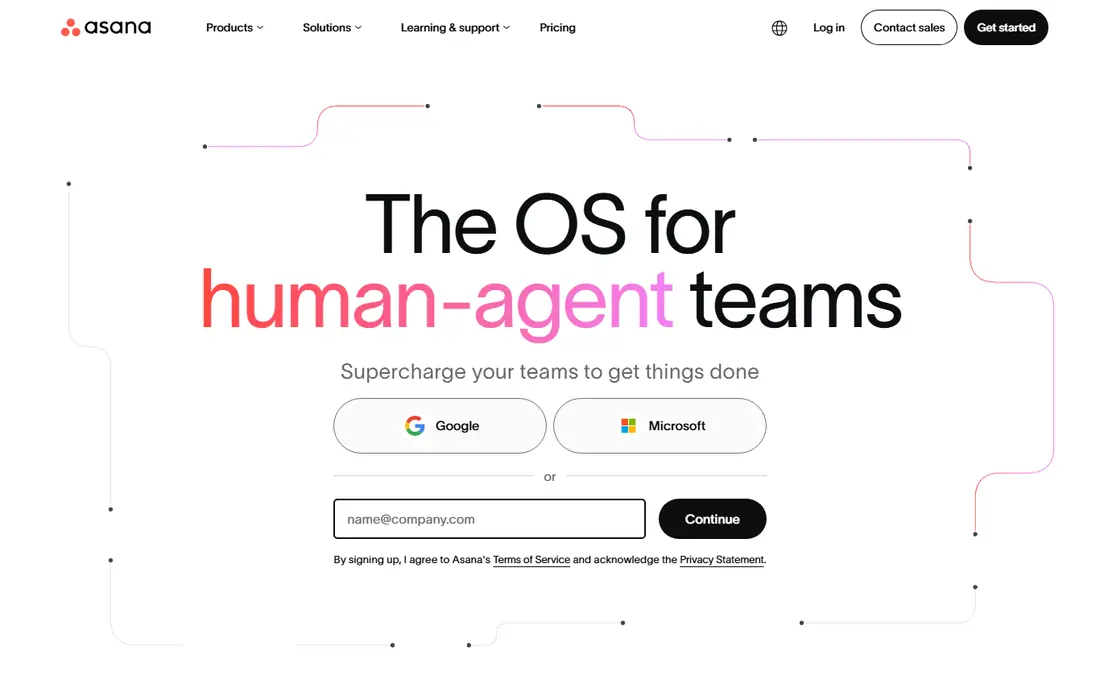
Asana is the safest default when a team wants project management without a steep learning curve. Tasks, projects, timelines, and calendars come together in an interface most people understand in an afternoon, and every task has an owner and a due date, which ends the usual question of who is doing what. Integrations with Slack, Google Drive, and Microsoft Teams cover most office stacks. The honest catch is price at scale. Starter at $10.99 per user per month on annual billing adds timelines and dashboards that the free plan lacks, and portfolios sit higher still. For cross functional teams that need everyone aligned, Asana remains a strong pick, but budget it per head, not per project, and check the free plan limits before rolling it out to a large group.
- Clean task, timeline, and calendar views
- Clear ownership with owner and due date on every task
- Portfolios and goals on higher tiers
- Strong automation rules
- Per user pricing adds up for large teams
- Portfolios and advanced reporting need higher tiers
- Free plan is limited in published guides

monday.com wins on visual flexibility. Teams build boards that match their own workflow, add status columns, timelines, and dashboards, and automate routine moves such as assigning tasks when a status changes. Non technical teams often adopt it faster than more structured tools, because the board itself explains the process at a glance. The limits are pricing structure and free scope. Entry paid plans start at $9 per user per month on annual billing in published guides, with a minimum seat requirement that can raise the bill for very small teams. Advanced reporting and some integrations also sit higher. Choose monday.com when visual workflow design matters more than strict task hierarchy, and trial it with the team that will own the boards daily.
- Highly visual boards with many views
- Custom workflows without code
- Strong automation and integration options
- Good for non technical teams
- Paid plans have a minimum seat count in published guides
- Free plan is limited
- Costs rise with advanced features and larger teams
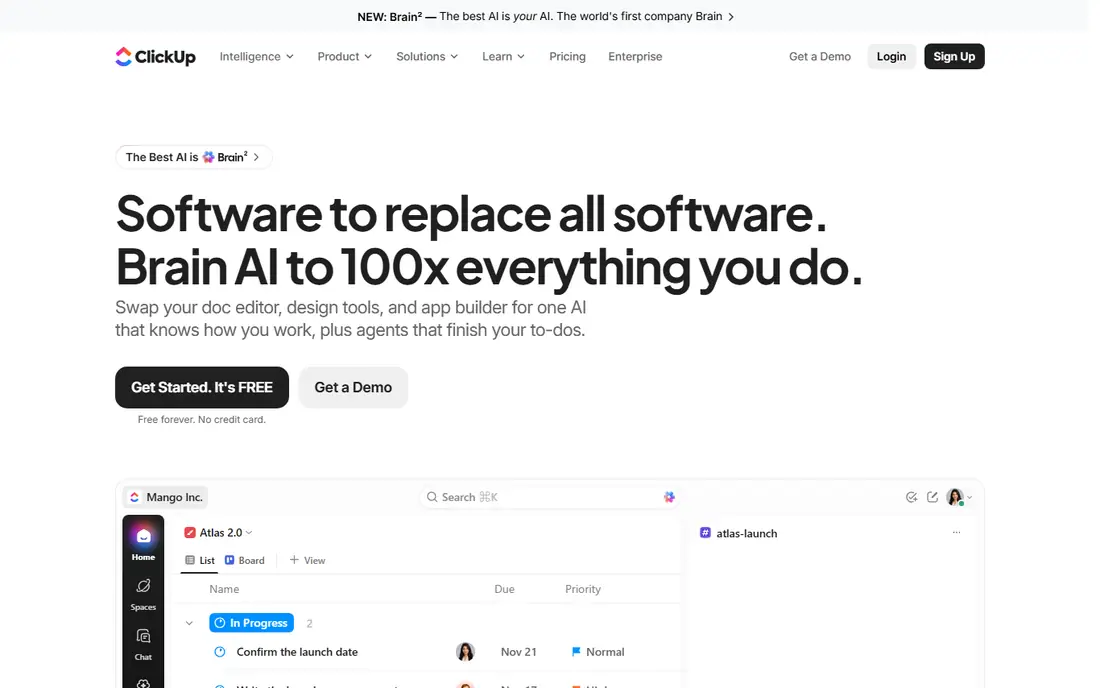
ClickUp packs tasks, docs, goals, Gantt charts, time tracking, and dashboards into one workspace, which is why it wins on features per dollar. The Unlimited plan at $7 per user per month on annual billing adds unlimited storage, Gantt charts, custom fields, and automation runs, covering most small and mid size project needs without add ons. The free plan also covers unlimited tasks and members, which few rivals match. The risk is sprawl. ClickUp ships so many views and options that a team without a named owner can end up with five ways to track the same project and no single source of truth. Appoint one admin, turn off unused features, and start from a template for the most common project type. With that discipline, ClickUp is hard to beat on price. Without it, a simpler tool will serve the team better.
- Tasks, docs, goals, Gantt charts, time tracking, and dashboards in one workspace
- Free plan covers unlimited tasks and members in published guides
- Strong value at $7 per user per month
- Setup can become cluttered without a named owner
- Many views and options overwhelm new teams
- AI features cost extra
Trello is the pick when simplicity beats power. Boards, lists, and cards explain themselves in minutes, and small teams can track a launch, a content calendar, or a hiring pipeline without training sessions or a setup project. The free plan covers core kanban work well, and Standard at $5 per user per month on annual billing adds more boards, checklists, and automation. The limit is scale. Trello lacks the portfolios, workload views, and advanced reporting that Asana, monday.com, and Wrike offer, and complex projects with dependencies across teams will strain its card based model. For a small team with one clear workflow, that thinness is a virtue. For a company coordinating many teams and deadlines, Trello works best as a team board inside a larger system, not as the whole system.
- Simplest kanban workflow in this list
- Genuinely useful free plan
- Fast to learn
- Good for small teams and personal projects
- Limited reporting and portfolio views
- Advanced planning needs Power Ups or higher tiers
- Can feel thin for complex, multi team projects
Jira is the standard for software teams running sprints and releases, and it shows in its design. Backlogs, boards, sprints, and release tracking sit at the center, with issue types, workflows, and reports built for engineering work. Integration with code repositories and Atlassian tools gives developers a direct link from a ticket to the work that closes it. Non technical teams often find Jira heavy. Setup, permissions, and workflow design take more admin time than Asana or Trello, and marketing or operations teams may prefer a visual board tool. Pricing also varies by tier, so teams should check the official pricing page for current per user rates rather than relying on a single figure. Choose Jira when software delivery is the main work, and choose a generalist tool when it is not.
- Built for sprints, backlogs, and releases
- Strong issue tracking and agile reporting
- Deep integration with developer tools
- Free tier for small teams in published guides
- Steeper learning curve for non technical teams
- Setup and admin effort is higher
- Pricing varies by tier and user count, so check the official page
Smartsheet suits teams that already think in spreadsheets. Rows, columns, formulas, and dates carry over naturally, while Gantt, card, and calendar views let different people see the same plan in their preferred format. Operations, construction, and event teams with large, date heavy plans often adopt it faster than a card only tool, because the grid matches how they already plan. The drawback is the lack of a permanent free plan. Published guides list a free trial rather than a free tier, and Pro starts at $9 per user per month on annual billing. That makes Smartsheet a paid decision from day one, so trial it with a real plan and a real team before buying. For spreadsheet comfortable teams, the familiarity pays back quickly. For teams that want a free start, ClickUp or Trello fit better.
- Familiar spreadsheet interface for operations teams
- Gantt, card, and calendar views on the same data
- Strong reporting and dashboards
- Good for plans with many rows and dates
- No permanent free plan, only a trial in published guides
- Per user pricing adds up
- Interface feels less modern than monday.com for some teams
Wrike is built for marketing and creative operations that run many projects with approvals, assets, and deadlines. Proofing tools let reviewers comment on images and documents inside the project, workload views show who is overloaded, and folder structures keep client or campaign work organized at scale. Teams that produce a high volume of creative work benefit most. The cost is setup and price. Team starts at $10 per user per month on annual billing in published guides, and larger workspaces need admin time to design folders, workflows, and permissions well. Small teams with simple projects will find Wrike more than they need, and may prefer Asana or Trello. Larger creative teams that need approvals and resource views will find the extra structure worth the price.
- Strong for marketing and creative workflows at scale
- Proofing and approval tools
- Workload and reporting views
- Good permission and folder structure
- Higher entry price than ClickUp or Trello
- Setup effort for large workspaces
- Some features need higher tiers
Zoho Projects is the budget pick that still covers real project work. Premium at $4 per user per month on annual billing in published guides adds Gantt charts, task automation, and time tracking, which is less than half the entry price of several rivals. Teams already using Zoho CRM, Books, or Mail gain extra value from shared data and single sign on. The trade off is polish and ecosystem breadth. The interface is functional rather than beautiful, and integration options are narrower than Asana or monday.com, though Zapier and native Zoho apps cover many needs. For cost conscious teams, nonprofits, and Zoho users, Zoho Projects is an excellent value. For teams that prioritize design and a large integration marketplace, the saving may not outweigh the difference.
- Lowest entry paid price in this list at $4 per user per month in published guides
- Solid task, Gantt, and time tracking
- Strong value inside the Zoho suite
- Free plan for small teams
- Interface feels less polished than Asana or monday.com
- Fewer third party integrations than larger rivals
- Advanced features vary by tier
Basecamp breaks the pricing pattern of this whole list. Instead of charging per user, it charges a flat monthly rate for unlimited users in published guides, which changes the math for larger teams. A 30 person team that would pay hundreds per month on per seat tools pays the same flat rate, and adding a client or contractor does not raise the bill. The product itself is deliberately simple, with to do lists, message boards, schedules, docs, and file sharing, rather than Gantt charts, portfolios, and advanced automation. Teams that want that simplicity and flat pricing love it, while teams that need workload views and dependencies will miss them. Check current flat pricing on the official page, since Basecamp has changed its plans over time, and trial it with the full team to see if simple fits.
- Flat rate pricing instead of per user billing
- Simple to do lists, message boards, schedules, and file sharing
- No per seat penalty for adding people
- Good for client collaboration
- No permanent free plan in published guides, only a trial
- Fewer advanced views such as Gantt and workload
- Per project structure suits some teams less than a single workspace
How we picked these
We started with widely used project management tools that cover task tracking for teams, not just personal to do apps, and we checked official homepages to confirm each tool still operates and matches its stated focus. We compared entry pricing on annual billing, free plan scope, views, automation, reporting, and team fit using official pricing pages, feature pages, app store listings, and public reviews. We favored tools with clear pricing and a real trial or free tier, and we marked quote based pricing as see website rather than guessing a figure. Prices change, so vendor pages are the final word before purchase.
How to run a fair head to head trial
Test with one real project
Pick a current project with real deadlines, owners, and files, and run it in the top two tools for two weeks. A demo project with fake tasks hides the friction that matters, such as how hard it is to reassign work, update a deadline, or find a file under pressure. The tool that survives real work is the right tool.
Frequently asked questions
What is the best project management tools comparison?
The best project management tools comparison starts with team size, work type, and budget, then tests the top two tools on a real project. Asana suits cross team coordination, ClickUp suits value, monday.com suits visual workflows, Trello suits simple kanban, and Jira suits software teams. No single tool wins every category, so the comparison should weight the features your team uses daily.
What is the best project management software tools comparison?
The best project management software tools comparison in 2026 puts Asana, monday.com, ClickUp, Trello, Jira, Smartsheet, Wrike, Zoho Projects, and Basecamp side by side on price, free plan, views, and automation. Entry prices run $4 to $10.99 per user per month on annual billing for the tools that publish them, with Jira and Basecamp marked as see website. Trial results matter more than feature lists.
Which is better, Asana or monday.com?
Asana is better for teams that need structured task ownership and easy adoption, while monday.com is better for visual teams that want colorful boards and flexible views. Asana entry pricing is $10.99 per user per month and monday.com is $9 per user per month on annual billing in published guides, but monday.com has a minimum seat count. Trial both with the same project to see which interface your team updates more reliably.
Which is better, ClickUp or Asana?
ClickUp is better for value, since it offers more features per dollar at $7 per user per month and a generous free plan, while Asana is better for polish and fast adoption at $10.99 per user per month. ClickUp needs an owner to prevent clutter, while Asana stays cleaner with less admin effort. Small teams on a budget should start with ClickUp, and teams that prioritize simplicity should start with Asana.
What is the top project management software comparison?
The top project management software comparison in this article ranks Asana first for cross team work, monday.com second for visual workflows, and ClickUp third for value, with Trello, Jira, Smartsheet, Wrike, Zoho Projects, and Basecamp each winning a specific use. The top pick changes with team size, since Basecamp flat pricing wins for larger teams and Zoho Projects wins on entry price for budget teams.
Sources we checked (9)

Online Jobs is an independent blog about careers, online work, learning new skills and the tools that help people earn. More about us.
Keep reading
All posts
n8n Alternatives
n8n alternatives compared for 2026, with Zapier, Make, Activepieces, and more, covering visual builders, code steps, self-hosting, and pricing models.

ZoomInfo Alternatives
The best ZoomInfo alternatives in 2026, compared on price, free plans, data coverage, and which tool fits small teams or large sales teams best in detail.

Workday Alternatives
We compared the best workday alternatives for HR, payroll, and global hiring, from BambooHR and Gusto to Rippling, Deel, and HiBob for growing teams in 2026.