Best Professional Services Automation Software in 2026: 8 Tools Compared

How we put this together: we compare official feature and pricing pages, app store listings, privacy policies and public user reviews. Prices change, so check the provider's site before you pay.
Key takeaways
- Scoro is our pick for mid-size firms that want quoting, projects, time, billing, and reporting in one system.
- BigTime suits accounting-led firms that want strong time tracking and QuickBooks integration.
- Productive is the best value for agencies that want profitability insight without enterprise pricing.
- Kantata fits larger firms that need skills-based staffing and resource planning at scale.
- Accelo works well for firms that want sales, delivery, and finance connected from quote to cash.
Quick comparison
| Name | Who it suits | Starting price | Free option | |
|---|---|---|---|---|
 Scoro | All-in-one work management | See website | No | Visit |
 BigTime | Time and billing | $20 per user per month | No | Visit |
 Productive | Agency profitability | $9 per user per month | No | Visit |
 Accelo | Quote-to-cash automation | See website | No | Visit |
 Kantata | Large firm staffing | See website | No | Visit |
 Avaza | Budget all-in-one | See website | Yes | Visit |
 Certinia | Salesforce-native firms | See website | No | Visit |
 Birdview PSA | Capacity planning | $37 per user per month | No | Visit |
The best professional services automation software
Professional services automation, often called PSA software, connects quoting, project work, time tracking, resource planning, and invoicing in one system. We compared official feature pages, pricing, accounting integrations, and resource tools for the platforms below.
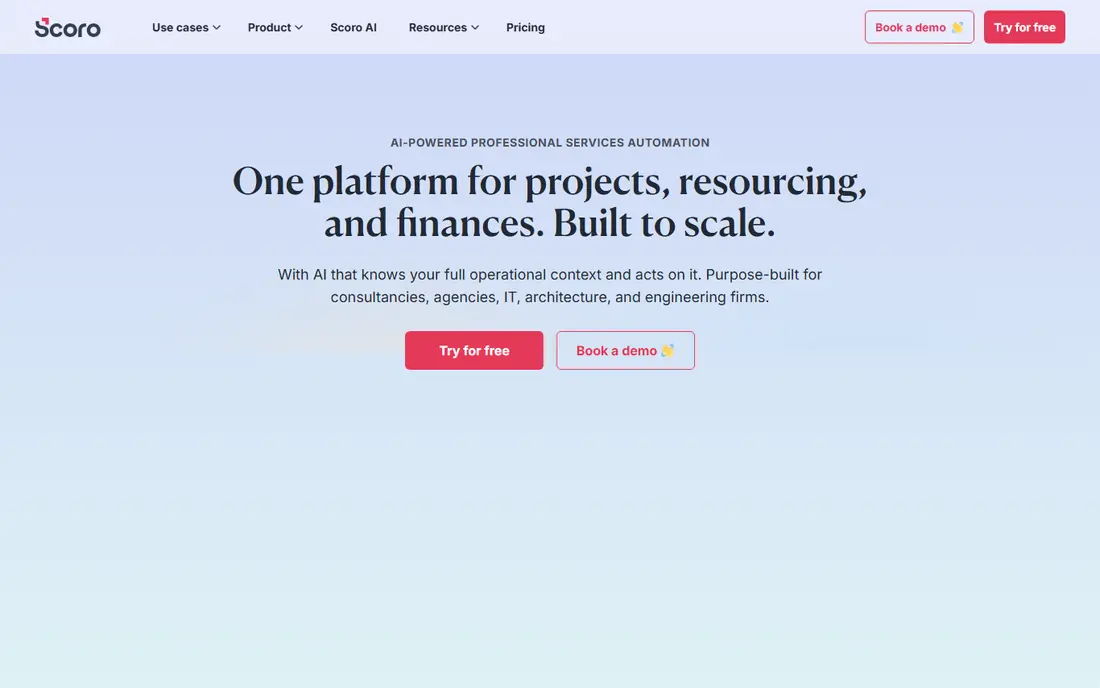
Scoro is the most complete single system for a firm that wants leadership visibility without stitching tools together. Projects, time, expenses, invoices, and pipeline live in one place, so margin and utilisation reports reflect real work rather than a manual export. The finance focus is clear, with quoting and billing tied directly to tracked time.
The main thing to manage is tiering. Entry plans cover core work, but deeper forecasting and revenue reports need higher tiers, and some plans carry a minimum seat count. Map the reports you actually need to the plan that includes them before you sign. For a 10 to 200 person firm, Scoro is a strong, balanced choice.
- Quoting, projects, time, billing, CRM, and reporting in one tool
- Strong dashboards for margins and utilisation
- Two-way sync with QuickBooks and Xero
- Pricing varies by tier and has a seat minimum on some plans
- Advanced reports sit on higher tiers
- Setup takes care to get dashboards right
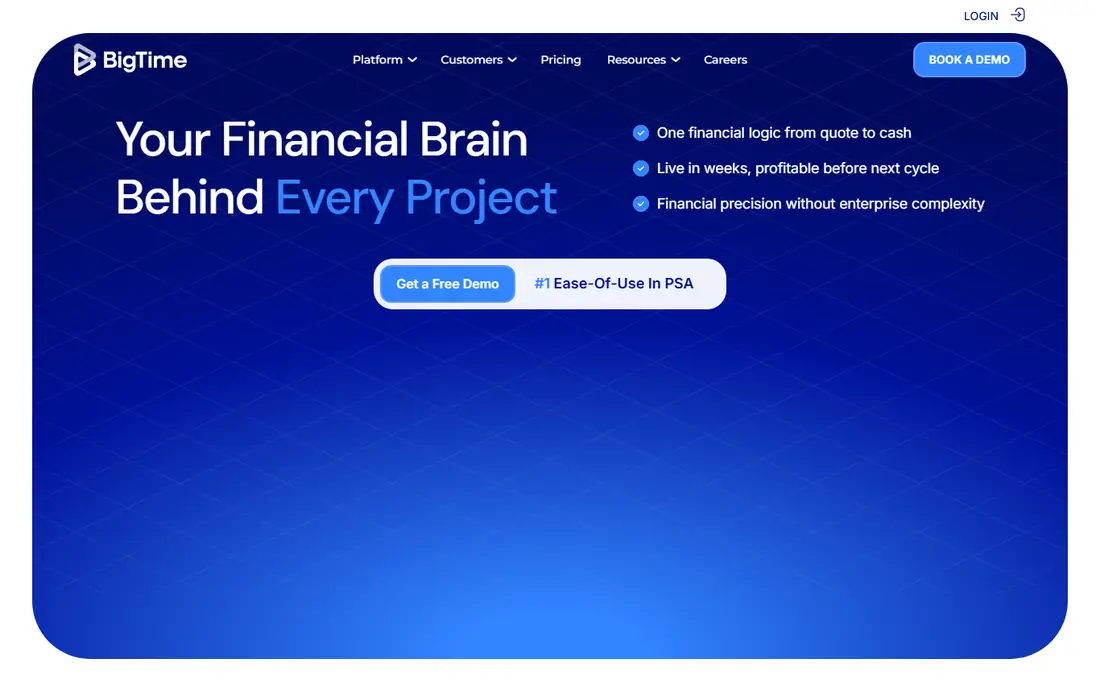
BigTime comes from the time-and-billing side, and that focus shows in daily use. Time entry, expenses, invoicing, and project budgets are straightforward, and the QuickBooks integration is a genuine strength for accounting-led firms. Government contractors also benefit from DCAA compliance on higher plans, which is rare at this price.
Creative agencies may find project delivery tools thinner than in Productive or Scoro, and the honest comparison for resource planning is the top tier, not the entry price. If getting paid accurately and on time matters more than creative workflow, BigTime is a practical, proven choice.
- Strong time and expense tracking
- Good QuickBooks and Sage integration
- Client portal and DCAA compliance on higher plans
- Delivery and project tools are lighter than Scoro
- Resource planning and skills tools sit on the top tier
- Interface can feel dated
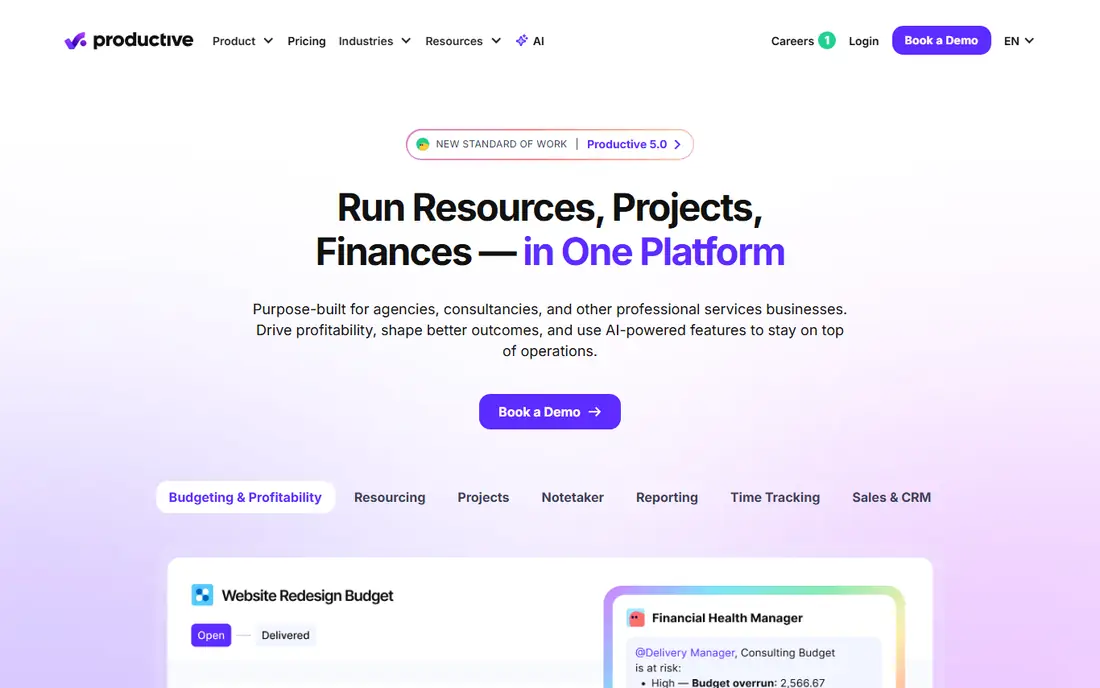
Productive is built for agencies and consultancies that need to know, per project, whether work is making money. Budgets, time, expenses, and invoices tie to profitability views that managers can read without a finance degree. Sales pipeline and proposal tools also sit in the same system, which helps smaller agencies avoid a separate CRM.
Accounting sync is less deep than Scoro for some systems, so check how your ledger will connect before you commit. Higher tiers add the deeper reporting that larger agencies want. For a growing agency that wants profitability insight at a fair price, Productive is hard to beat.
- Clear project profitability and budgeting
- Sales pipeline and proposals included
- Good value on annual billing
- Accounting sync is one-way for some systems
- Advanced features need higher tiers
- Smaller integration range than Kantata
Accelo suits firms that sell retainers and repeat services, since it automates the path from quote to project to invoice without manual handoffs. Retainer tracking, ticket work, and project work can live together, which helps firms that mix project and support work. Automation rules reduce chasing and keep clients updated.
The downside is pricing transparency. You will need a quote to compare Accelo fairly with published-price rivals, and the system rewards firms that invest time in setup. For a firm with steady retainer work and a need for automation, that investment pays off in fewer dropped tasks and faster billing.
- Sales, projects, retainers, and billing in one automated flow
- Strong automation for recurring work
- Good client portal
- Pricing is quote-based, so comparison takes a sales call
- Setup needs planning for automation rules
- Smaller firms may find it heavy
Kantata, formed from the merger of Mavenlink and Kimble, is the enterprise-leaning PSA in this list. Its strength is staffing: you can see who is available, what skills they have, and where overbooking or idle time is coming, across many projects at once. Project costing handles varied billing models cleanly, which matters for larger, mixed-model firms.
That power comes with cost and implementation effort. Smaller firms will find Scoro or Productive easier and cheaper to run. For a firm with 50 or more billable staff that needs reliable resource planning and revenue recognition, Kantata is the most capable option here.
- Strong skills-based resource management
- Handles fixed-fee, time-and-materials, and milestone billing
- Revenue recognition for larger firms
- Pricing is quote-based
- Implementation is heavier than smaller tools
- Overkill for firms under about 20 people
Avaza is the budget pick for a small firm that wants PSA basics without enterprise pricing. You get project management, time tracking, expense tracking, estimates, invoicing, and team chat in one subscription, with a free plan for very small teams. That breadth at a low price makes it easy to replace spreadsheets and a separate invoicing tool.
Depth is the limit. Resource forecasting, advanced profitability reporting, and complex billing models are thinner than in the larger tools. Firms that grow past about 20 to 30 people may need to move up. For a small consultancy starting out, Avaza gives you a real PSA foundation for little money.
- Projects, time, expenses, invoicing, and chat in one low-cost tool
- Free plan for small teams
- Simple interface for daily work
- Resource planning is lighter than Kantata or Scoro
- Reporting depth is limited
- Larger firms may outgrow it
Certinia, formerly FinancialForce, is the choice if your firm already runs on Salesforce. Because it is built on the Salesforce platform, a closed deal can become a project without re-entering data, and project costs and revenue flow back into Salesforce reporting. That shared data model is hard to replicate with a standalone PSA plus integrations.
The catch is scope. Certinia makes little sense unless you already use Salesforce and have the headcount to justify enterprise pricing and implementation. For a large firm anchored in Salesforce, though, it removes the sync problems that plague other PSA setups.
- Built natively on Salesforce
- PSA and financials share Salesforce data
- Strong for large, Salesforce-anchored firms
- Enterprise pricing only
- Requires a Salesforce investment
- Implementation is a project, not a quick setup
Birdview PSA stands out for capacity planning, letting managers test what happens if a project slips, a team member leaves, or a new client signs. That scenario view helps firms avoid overcommitting staff, which is a common cause of missed deadlines. Core PSA features, including projects, time, expenses, and invoicing, are all included.
CRM depth is thinner, and accounting integration is more export-based than the two-way sync found in Scoro or BigTime. Firms that need a full sales CRM will pair Birdview with another tool. For delivery-led firms where capacity is the main constraint, Birdview is a focused, capable choice.
- Strong capacity and scenario planning
- Projects, time, expenses, and billing in one tool
- Good for firms juggling many projects
- CRM features are limited
- Accounting sync is mainly export-based
- Smaller community than Kantata or Scoro
How we picked these
We compared official feature pages, pricing, resource planning, billing models, and accounting integrations, and we required each tool to cover quoting, projects, time, resources, and invoicing in one system. We included budget, mid-market, and enterprise options, rather than only the largest vendors. We did not claim hands-on testing, and many vendors use quote-based pricing, so request a quote for your team size and plan needs.
How to choose PSA software without overbuying
Start with your billing model, since that decides which tools fit. Fixed-fee, time-and-materials, retainer, and milestone billing each stress different features, and a tool that handles one well may handle another poorly. List your three most common billing patterns, then check each shortlisted tool against those exact patterns in a trial.
Next, test resource planning with real data. Load a month of actual projects and staff availability, and see whether the tool spots overbooking, idle time, and margin problems clearly. A demo with clean sample data hides the messy reality of holidays, part-time staff, and overlapping projects.
Finally, check the accounting connection before you sign. Confirm whether sync is two-way, which ledger you use, and how invoices, expenses, and payments flow between systems. A PSA that cannot talk cleanly to your accounting tool will create manual work every month, which defeats the purpose of buying it.
Frequently asked questions
What is the best professional services automation software?
Scoro is our pick for most mid-size firms, since it covers quoting, projects, time, billing, and reporting in one system. Kantata suits larger firms with complex staffing needs, while Productive offers the best agency value. The best PSA depends on your firm size, billing model, and accounting system.
What is the best PSA software for small businesses?
Avaza and Productive are good starting points for small firms, thanks to low starting prices and broad feature coverage. BigTime also works well for small accounting-led firms. Avoid enterprise tools such as Kantata and Certinia until your team size and complexity justify the cost and setup.
What does PSA software actually do?
PSA software connects the full delivery cycle in one system: quoting and estimating, project and task management, time tracking, resource planning, and invoicing based on tracked work. That link between hours worked and money billed is the core benefit, since it cuts manual re-entry and gives managers a clear view of profitability.
Is PSA software different from project management software?
Yes, general project tools cover tasks and timelines, but PSA tools add resource planning, billing, and profitability tied to tracked time. A project tool may need a separate invoicing system, while a PSA keeps billing in the same place as delivery. Firms that bill for time or fixed-fee projects usually get more value from a PSA.
How much does PSA software cost?
Published starting prices in this list range from about $9 to $37 per user per month, while Kantata, Accelo, and Certinia use quote-based pricing that varies by firm size. Add implementation, training, and accounting integration costs to the licence price. For a 20-person firm, budget for the plan tier that includes the reporting you need, not just the entry tier.
Sources we checked (8)

Online Jobs is an independent blog about careers, online work, learning new skills and the tools that help people earn. More about us.
Keep reading
All posts
ZoomInfo Alternatives
The best ZoomInfo alternatives in 2026, compared on price, free plans, data coverage, and which tool fits small teams or large sales teams best in detail.

Workday Alternatives
We compared the best workday alternatives for HR, payroll, and global hiring, from BambooHR and Gusto to Rippling, Deel, and HiBob for growing teams in 2026.

Which SaaS Tools Have the Best Customer Support
Which SaaS tools have the best customer support? Compare eight popular tools on help centres, live help, response options and overall support quality.