Best Productivity Apps for Students in 2026: 9 Apps Compared

How we put this together: we compare official feature and pricing pages, app store listings, privacy policies and public user reviews. Prices change, so check the provider's site before you pay.
Key takeaways
- Notion is our pick for students who want notes, tasks, and deadlines in one workspace.
- Todoist is the simplest way to keep assignments and due dates from slipping.
- Anki suits long-term memorisation, while Quizlet is faster for shared class sets.
- Forest helps students who struggle most with phone distraction during study sessions.
- Most students can build a strong setup from free plans, then pay only for the tool they use daily.
Quick comparison
| Name | Who it suits | Starting price | Free option | |
|---|---|---|---|---|
 Notion | All-in-one student workspace | Free | Yes | Visit |
 Todoist | Assignment task lists | Free | Yes | Visit |
 Trello | Group project boards | Free | Yes | Visit |
 Forest | Focus and phone distraction | Free | Yes | Visit |
 Anki | Long-term flashcards | Free | Yes | Visit |
 Quizlet | Shared study sets | Free | Yes | Visit |
 Goodnotes | Handwritten notes | Free | Yes | Visit |
 Grammarly | Writing checks | Free | Yes | Visit |
 Zotero | Citations and research | Free | Yes | Visit |
The best productivity apps for students
Student productivity is less about owning many apps and more about covering four jobs: notes, tasks, study, and focus. The apps below cover those jobs, with free plans that make sense on a student budget.
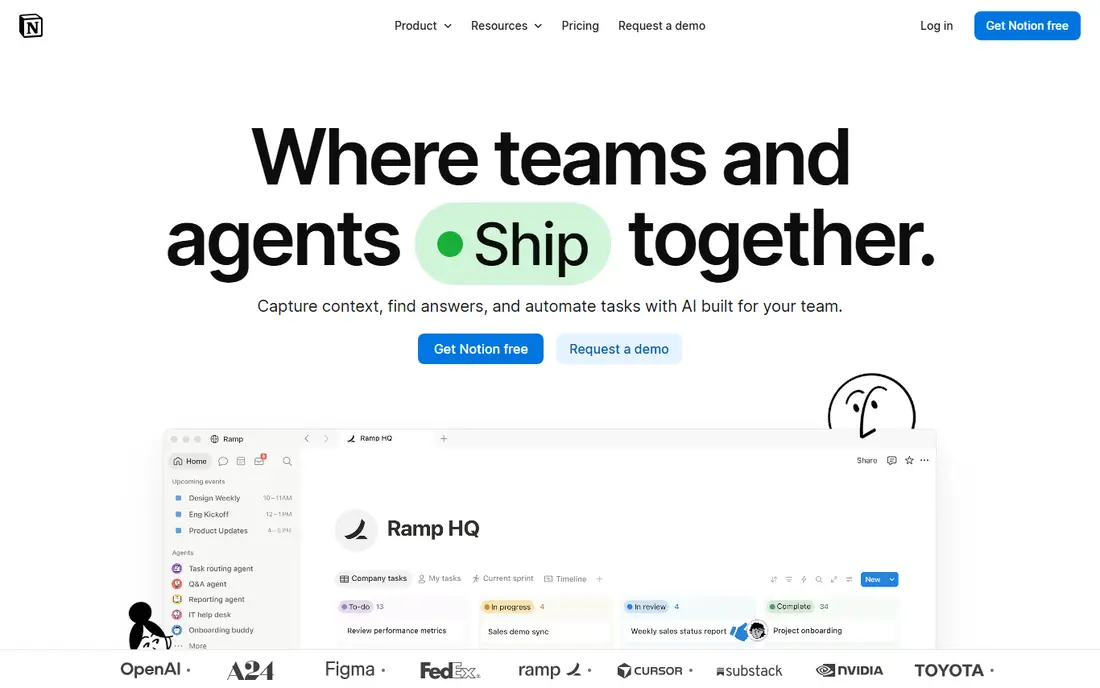
Notion is the closest thing to a student operating system in this list. A student can keep lecture notes, assignment trackers, reading lists, and group project pages in one workspace, and link them together instead of scattering files across apps. Templates for class schedules, revision plans, and essay outlines reduce the blank-page problem at the start of term.
The trade-off is setup. Notion rewards a little planning, and a student who only needs a quick note may find it slower than a simpler app. Start with one page per course and one task database, then add structure only when a real need appears. For students who like organising their work in one place, it is our top pick.
- Notes, tasks, and databases in one place
- Many student templates
- Education plan available
- Setup takes time
- It can feel heavy for a single quick note
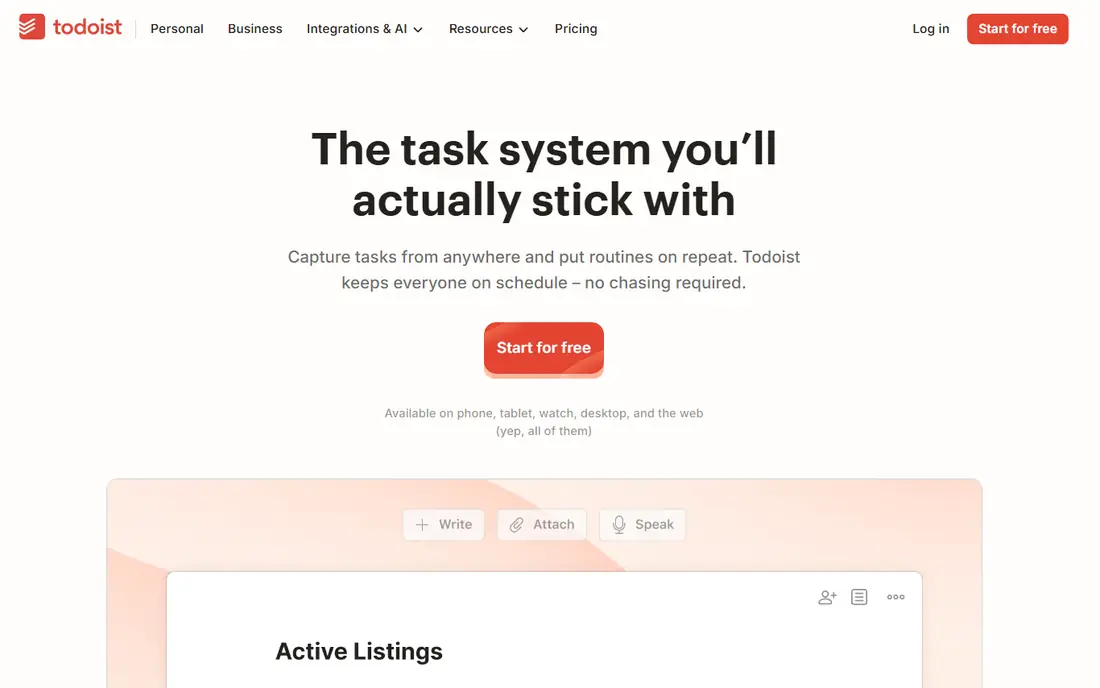
Todoist is for students whose main problem is forgetting deadlines. Tasks can be added in plain language, such as a due date written as a normal phrase, and the app sorts them into today, upcoming, and project views. That speed matters when a lecturer announces a deadline at the end of class and there is no time to open a complex planner.
The free plan covers core task management, but it limits the number of active projects. Students can work around this by using one project per term and sections per course. For a simple, reliable list that stays in sync across phone and laptop, Todoist is hard to beat.
- Fast task capture
- Natural date entry
- Calendar and device sync
- Free plan limits projects
- Deeper planning needs the paid plan
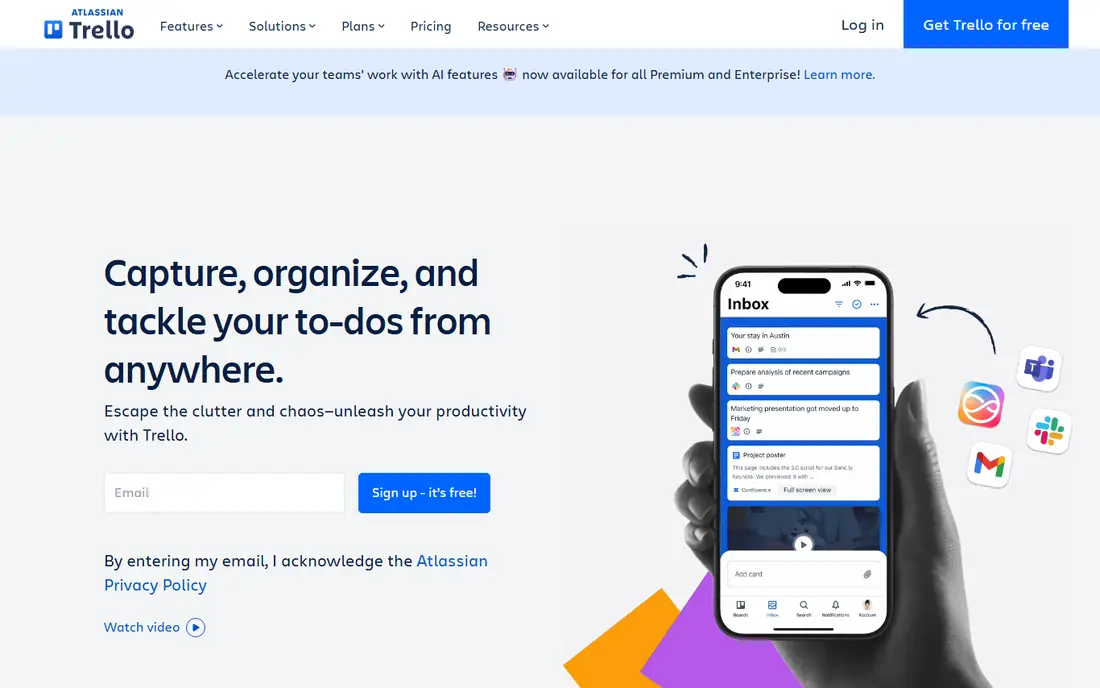
Trello suits group projects because everyone can see the same board. Cards move from ideas to doing to done, members can be assigned, and due dates and checklists sit on each card. That visibility prevents the common group problem where work is done twice, or not at all, because nobody knew who owned it.
It is not a note-taking app. Long lecture notes and essays belong elsewhere, with Trello used to track the stages of a project. Boards also need tidying, since an old board with dozens of done cards becomes hard to read. Used for one project at a time, it keeps group work clear without a learning curve.
- Visual boards for group work
- Easy card assignment
- Simple to learn
- Less useful for long written notes
- Large boards need regular tidying
Forest turns focus into a small game. Start a timer, plant a virtual tree, and the tree grows if you stay off distracting apps until the timer ends. Leaving early harms the tree, which is a gentle nudge that works better for some students than a stern blocker. Streaks and a growing forest give a visible record of focused days.
It is not a complete distraction solution. A determined student can still find a way around it, and notifications from other apps can break focus if they are not silenced. Pair Forest with phone settings that mute non-essential alerts during study blocks. For students whose phone is the main study obstacle, it is a practical, low-cost helper.
- Simple focus timer
- Visual reward for staying off the phone
- Study streaks
- Paid features vary by platform
- It cannot block every distraction on its own
Anki is the study tool for material that must last beyond one exam. Its spaced repetition system shows a card again just before you are likely to forget it, which builds durable memory over weeks and months. That makes it a strong fit for languages, medicine, law, and any subject with a large body of facts.
The interface is plain, and the iOS app is a paid download while desktop and Android versions are free. Good cards also take practice: short, single-idea questions work far better than long paragraphs copied from notes. Students who invest a little time in card design tend to get the most from it, and the payoff grows across a whole degree.
- Spaced repetition that adapts to recall
- Free on desktop and Android
- Large shared decks
- Interface feels dated
- IOS app is paid
- Making good cards takes practice
Quizlet is the faster, more social flashcard option. Students can search for sets made by classmates and teachers, then use learn, test, and match modes to review. That shared library is a real advantage at the start of a course, when making a full deck from scratch would take hours.
Quality is the catch. Shared sets can contain mistakes, so a quick check against course notes or a textbook is wise before relying on them for an exam. Free features are also limited compared with the paid plan, especially for some study modes. For quick revision and class-shared material, Quizlet is still one of the easiest tools to start with.
- Huge library of shared sets
- Quick learn and test modes
- Easy to use
- Free learn features are limited
- Shared sets can contain errors
Goodnotes is for students who think better by hand. On a tablet with a stylus, it feels close to paper, with notebooks, ink colours, and page templates, plus search across handwritten notes. PDF annotation is another strength: lecture slides can be marked up directly, instead of keeping notes and slides in separate places.
The main limit is platform. It shines on Apple devices, and students on other platforms should check the current availability before planning around it. A stylus also matters, since finger writing is slower and less comfortable for long notes. For tablet students who prefer handwriting, it is a strong, focused choice.
- Natural handwriting on tablets
- PDF annotation
- Audio-linked notes on supported devices
- Best on Apple devices
- Handwriting needs a stylus for the full benefit
Grammarly helps students catch the errors that slip through when an essay is written late at night. The free plan covers spelling, grammar, and basic clarity in browsers, word processors, and many other apps. That wide coverage is useful, since student writing happens in more than one tool.
The paid plan adds deeper style and tone suggestions, but it is not essential for most coursework. Students should also read suggestions critically, especially for technical terms, names, and subject-specific phrasing, where the tool can be wrong. Used as a final check, not as a replacement for proofreading, it improves the polish of submitted work.
- Spelling and grammar checks in many apps
- Tone and clarity suggestions
- Free plan covers basics
- Advanced suggestions need paid plan
- It can overcorrect subject-specific writing
Zotero saves students from the last-minute scramble to build a bibliography. Sources can be captured from a browser, organised into collections per course or essay, and cited in Word or Google Docs with the correct style. Notes and tags help when returning to a source weeks later for a different assignment.
Free storage for synced files is limited, which matters for students who keep many PDFs. Library data itself syncs without that limit, and files can be stored elsewhere or linked locally. For most undergraduate work, the free plan is enough, and the time saved on citations alone makes it worth installing early in term.
- Free reference manager
- Browser capture for sources
- Word and Google Docs integration
- Free file storage is limited
- Large PDF libraries need a storage plan or workaround
How we picked these
We compared official feature pages, pricing pages, and app store listings, and we favoured tools with a usable free plan, cross-device sync, and a clear job in student life. We also looked for student-specific help, such as education plans, shared study sets, and citation tools, rather than generic business features. The list mixes note-taking, tasks, study, focus, writing, and research, because student productivity spans all of those jobs.
We did not claim hands-on classroom testing. Instead, we weighed what each tool does well, where its free plan stops, and which students it fits best. Prices and free limits change, so students should check the vendor page and any education discount before paying.
How to build a student setup that lasts past week one
Pick one tool for each job and stop there. A common setup is Notion for notes, Todoist for tasks, Anki or Quizlet for study, Forest for focus, and Zotero for citations. Adding a second app for the same job usually creates confusion about where a note or task lives, which defeats the purpose.
Start with the pain, not the app
If missed deadlines are the problem, start with Todoist. If phone distraction is the problem, start with Forest. If revision feels like re-reading notes without learning, start with Anki or Quizlet. One tool that fixes a real pain is more useful than five tools installed on the same day.
Use the free plan for a full week first
Free plans reveal whether a tool fits a real timetable. Use it for lectures, a group meeting, and a study session before paying. Paid features are worth it only for the tool that becomes part of the daily routine, not for a tool that looks good in a demo.
Keep a weekly review short
Spend ten minutes each week clearing done tasks, moving unfinished work, and planning the next study blocks. That review is where most productivity systems succeed or fail. An app can hold the plan, but the review is what keeps it honest.
Frequently asked questions
What are the best student productivity apps?
Notion, Todoist, Trello, Forest, Anki, Quizlet, Goodnotes, Grammarly, and Zotero cover the main student jobs. The best mix depends on whether notes, deadlines, study, or focus is the biggest problem.
What is the best productivity app for students for free?
Notion, Todoist, and Zotero all have strong free plans, and Anki is free on desktop and Android. Most students can cover notes, tasks, and citations without paying, then upgrade only the tool they use most.
Which app is best for student notes?
Notion is best for structured notes linked to tasks and projects, while Goodnotes is best for handwritten tablet notes. Students who prefer simple typed notes may prefer a lighter app, but Notion covers more student needs in one place.
What is the best app for flashcards for students?
Anki is best for long-term memorisation through spaced repetition, while Quizlet is best for quick revision and shared class sets. Many students use Quizlet early in a course and Anki for material that must last.
How can students stay focused while studying?
Forest helps by turning a focus timer into a visible reward, and phone notification settings help by silencing non-essential alerts. Short, planned study blocks with breaks work better than long, unfocused sessions.
Do students need paid productivity apps?
Most do not, at least at first. Free plans cover notes, tasks, flashcards, and citations for many courses. Pay only after a free plan has been used for a full week and a specific paid feature solves a clear problem.
Sources we checked (9)

Online Jobs is an independent blog about careers, online work, learning new skills and the tools that help people earn. More about us.
Keep reading
All posts
Zoom Alternatives
Zoom alternatives compared for 2026: Google Meet, Microsoft Teams, Webex, Jitsi and more for free calls, large meetings and webinars for teams and classrooms.

What Is the Best Free Tool to Rotate a PDF
What is the best free tool to rotate a PDF? We compare eight free rotation tools on per-page control, limits, privacy and saved output quality in detail.

What Is the Best AI Dubbing Tool
We compared the best AI dubbing tools in 2026, from ElevenLabs and HeyGen to Rask AI, Dubverse and Veed, for videos and creators in many languages worldwide.