Best Product Management Software in 2026: 8 Products Compared

How we put this together: we compare official feature and pricing pages, app store listings, privacy policies and public user reviews. Prices change, so check the provider's site before you pay.
Key takeaways
- Dedicated tools such as Productboard, Aha! and Craft.io centre on feedback, strategy and roadmaps, while workspaces such as Monday, ClickUp and Notion cover product work inside a wider system.
- Jira Product Discovery suits teams already living in Jira, since ideas and delivery work stay linked without a separate handover.
- Per-maker and per-user pricing change the real cost fast, so count who creates, who views and who needs a paid seat before you budget.
- A roadmap tool only helps if stakeholders read it, so test sharing, permissions and presentation views during a trial.
- Start with one clear job, such as prioritising feedback or publishing a roadmap, and pick the tool that does that job well before you add more features.
Quick comparison
| Name | Who it suits | Starting price | Free option | |
|---|---|---|---|---|
 Productboard | Feedback-driven roadmapping | See website | Free trial | Visit |
 Aha! | Strategy and portfolio roadmaps | $59 per month | Free trial | Visit |
 Jira Product Discovery | Prioritising ideas inside Jira | See website | Yes | Visit |
 monday.com | Visual product planning boards | See website | Yes | Visit |
 ClickUp | One workspace for tasks and goals | See website | Yes | Visit |
 Notion | Docs-first product planning | See website | Yes | Visit |
 Craft.io | Purpose-built planning at lower cost | See website | Free trial | Visit |
 ProdPad | Discovery and idea triage | See website | Free trial | Visit |
The best product management software
Product management software splits into two camps. Dedicated tools treat feedback, prioritisation and roadmaps as the core job. Flexible workspaces treat product work as one more kind of work, alongside tasks, docs and sprints. Neither camp is right for every team. We compared both, so you can pick by workflow rather than by feature count alone.
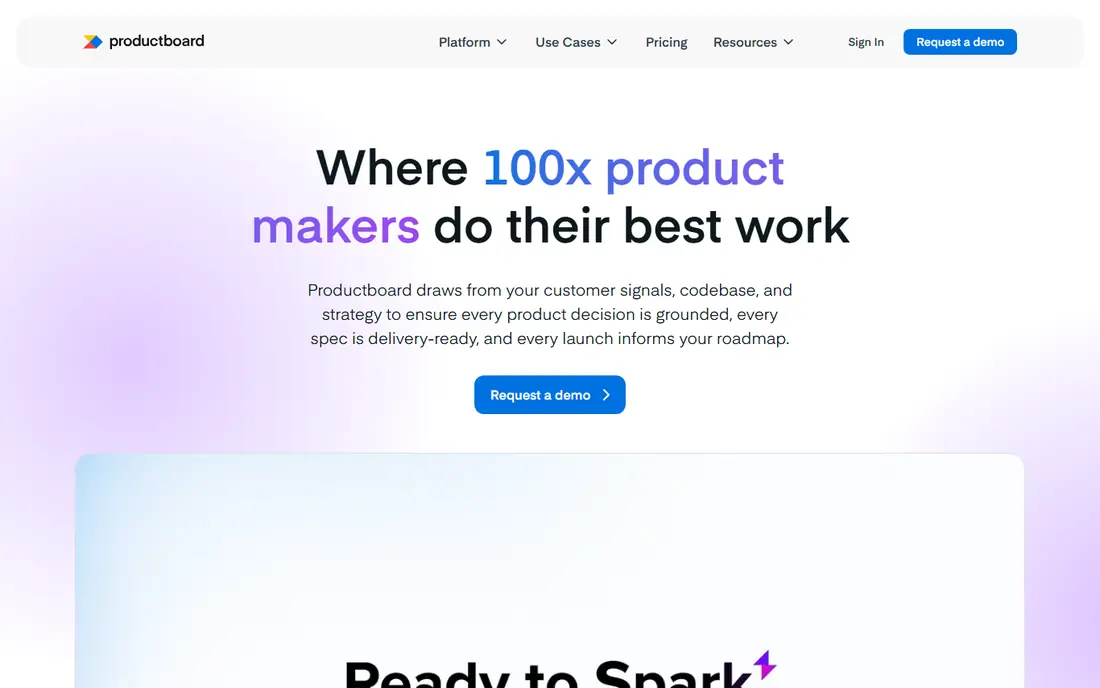
Productboard starts with customer feedback. Notes from support tickets, sales calls, interviews and surveys flow into insights, which then link to features and roadmaps. For a team whose roadmap debates currently happen across chat threads and spreadsheets, that structure is the main benefit. Stakeholders can see why a feature ranks where it does, rather than taking the ranking on trust. The catch is licensing. Productboard charges makers differently from viewers, so the bill depends on who creates content, not just on team size. Small teams can also find the setup heavy at first, since feedback sources need connecting and cleaning. Productboard fits best when customer input drives your roadmap and when one or two people can own the setup. Run a trial with real feedback, not sample data, to see whether the workflow sticks.
- Feedback collection linked to features
- Clear roadmaps
- Jira and Slack integrations
- Per-maker pricing can confuse buyers
- Setup takes effort for new teams
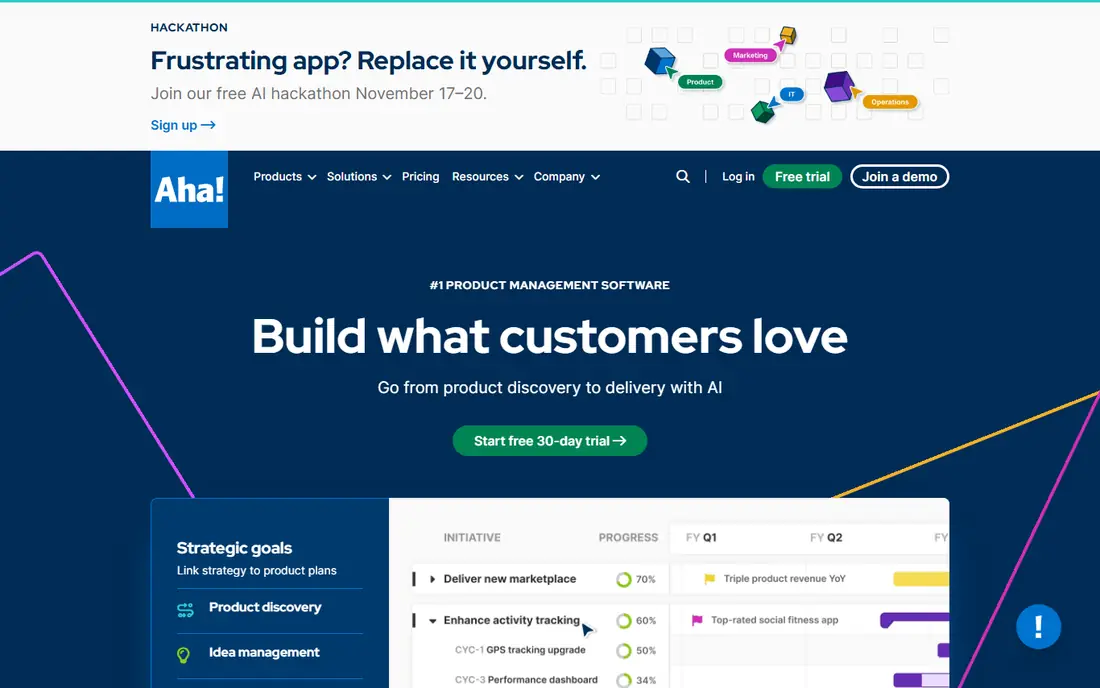
Aha! is the most complete strategy tool on this list. It covers goals, ideas, personas, roadmaps, releases and reporting in one system, and it handles multiple products and teams in a portfolio view. For a larger product organisation that must present plans to leadership and align several teams, that depth is hard to match with a simpler board tool. Depth is also the drawback. The interface packs in a great deal, and new users can feel lost among modules they will never use. Pricing sits at the premium end, so Aha! is a poor fit for a solo product manager or a small team with a simple roadmap. It fits best when you have several product managers, a product operations role or a clear need for portfolio reporting. Use the trial to build one real roadmap and one leadership view before you commit.
- Deep strategy and roadmap views
- Idea management
- Portfolio planning
- High price
- Dense interface that takes time to learn
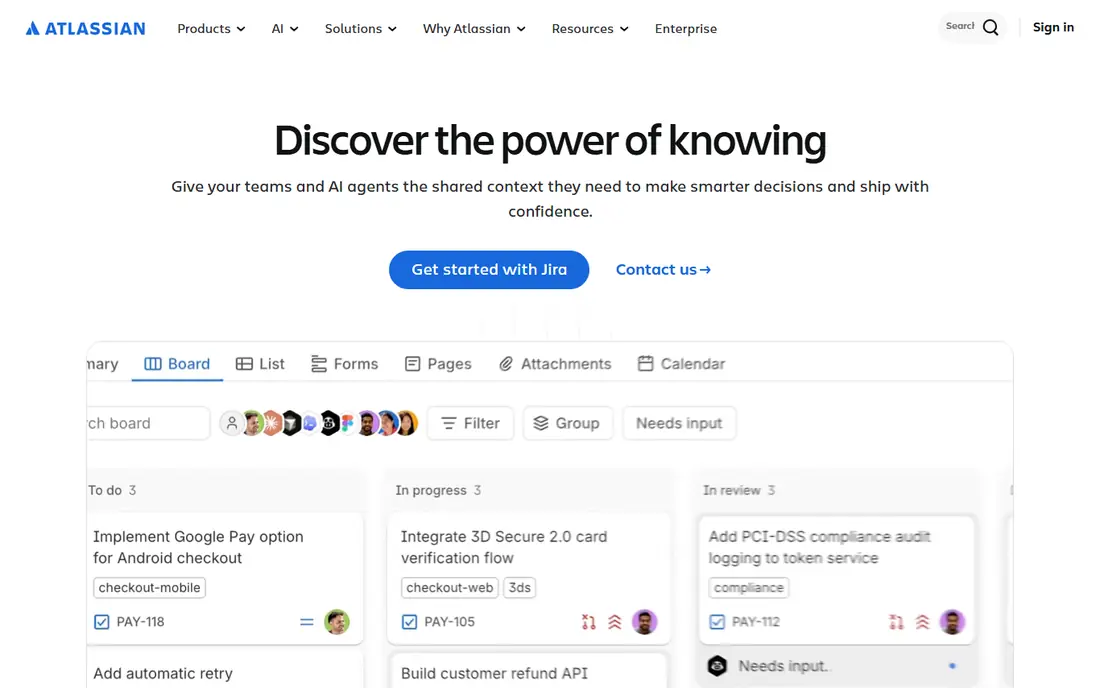
Jira Product Discovery is Atlassian's answer to the gap between ideas and delivery. Product teams can capture ideas, score them, build roadmaps and link the winning ideas to Jira issues that engineering already tracks. That link removes the manual handover where many roadmaps go stale, since delivery progress stays visible from the discovery view. The tool is strongest inside the Atlassian world. Teams that do not use Jira will get less value, and the roadmap presentation is more functional than beautiful. It fits best for software teams already committed to Jira who want prioritisation without adding a separate system. Check the current free tier limits and plan packaging on the Atlassian pricing page, since those details change and affect who can create versus view.
- Links ideas to Jira delivery work
- Familiar to Jira teams
- Flexible views
- Less polished as a standalone roadmap tool
- Atlassian pricing tiers need checking
monday.com is a visual work platform that many product teams adapt for roadmaps, backlogs and launch tracking. Boards, timelines, calendars and dashboards make plans easy to read, and templates give a new team a fast start. Automations can move items between stages, notify owners and update status without manual chasing. The risk is drift. Because monday.com does many jobs, a product board can slowly turn into a general task list, and feedback or strategy depth gets lost. It fits best for cross-functional teams who want one visible workspace for product, marketing and operations, and who do not need deep feedback analytics. Keep the board structure tight, with one board for the roadmap and separate boards for delivery detail, or the overview will blur.
- Visual boards and timelines
- Many templates
- Automations
- Can become a general work tool rather than a product system
- Costs rise with seats
ClickUp aims to replace several tools at once. Product teams can set goals, track tasks, run sprints, write docs and view dashboards in a single workspace. The free tier is genuinely useful for small teams, and the paid tiers stay lower than dedicated product tools, which makes ClickUp attractive when budget is tight. Breadth is the trade-off. ClickUp has so many views and options that a new team can spend weeks configuring instead of planning. Feedback management and roadmap presentation are workable but less specialised than Productboard or Aha!. ClickUp fits best for small teams who want one low-cost workspace and who are willing to set clear rules for how boards, goals and docs are used. Start with a single product space and expand only when the team asks for more.
- Free tier for small teams
- Goals, docs, tasks and sprints in one place
- Many integrations
- Feature breadth can overwhelm new users
- Setup needs discipline
Notion is a docs and database workspace that product teams shape into a planning system. You can build a roadmap database, link it to specs, meeting notes and research, and share views with stakeholders. For a small team that already lives in docs, that flexibility feels natural, and the free plan for individuals lowers the barrier to trying it. Notion does not ship a ready-made feedback-to-roadmap pipeline. Scoring, prioritisation and stakeholder views need building by hand, and that work falls on someone. It fits best for small product teams who like building their own system, who value docs alongside plans, and who do not need automated feedback collection. Use a proven template to start, and review the database structure each quarter, or it will grow messy as the product grows.
- Flexible databases and docs
- Good templates
- Free for individuals
- Roadmap and prioritisation need manual setup
- No native feedback pipeline
Craft.io is a purpose-built product management tool that covers feedback, prioritisation, roadmaps and capacity planning without the premium price of the largest strategy tools. Its interface is cleaner than Aha!, and its roadmap views are made for stakeholder sharing rather than for internal task tracking. For a mid-size product team, that balance is attractive. The ecosystem is smaller, so check integrations with your existing stack, especially Jira, Slack and analytics tools, before you switch. Some plan details also need confirmation on the vendor pricing page, since packaging changes. Craft.io fits best for teams who want a dedicated product tool, who find Aha! too costly or too dense, and who still want proper roadmaps rather than a general board. Trial it with a real quarterly plan, not a demo dataset.
- Built for product planning
- Clear roadmaps
- Lower cost than Aha!
- Smaller ecosystem than larger rivals
- Some features need a trial to confirm
ProdPad focuses on the early stage of product work: capturing ideas, triaging feedback and deciding what belongs now, next or later. Its Now-Next-Later roadmap is simple to read, which helps stakeholders who glaze over at detailed timelines. The tool also pushes teams to link ideas to outcomes, so a roadmap reads as a set of bets rather than a list of features. ProdPad is lighter on delivery tracking than Jira Product Discovery or ClickUp, so teams often pair it with a delivery tool. It fits best for discovery-heavy teams, product managers who run regular idea triage, and organisations that want a clear, honest roadmap format. Check current pricing and trial terms on the vendor site, and test the feedback import with your real sources before you adopt it as the single source of ideas.
- Idea capture and triage
- Now-Next-Later roadmaps
- Outcome focus
- Less delivery depth than Jira-linked tools
- Pricing needs vendor confirmation
How we picked these
We reviewed tools that are live in October 2026, that serve product managers directly, and that offer roadmapping, prioritisation or feedback handling as a core function. We checked official pricing pages and product documentation, and we kept tools with a real trial or free route so a team can test before paying. We weighted feedback handling, roadmap clarity, delivery links, stakeholder sharing and total cost, including per-maker versus per-user licensing. We did not rank on feature count alone, because a long feature list often means a harder setup. Where a price was not clearly published on the vendor site at checking time, we wrote See website rather than copying a third-party figure into the table. Prices and plan names change, so confirm the current page before budgeting.
How to run a useful trial
A trial fails when a team tests a tool with fake data and a vague goal. Pick one real decision for the trial period, such as choosing the next quarter's roadmap or triaging a month of customer feedback. Load real feedback, real ideas and real stakeholders into the tool, and ask stakeholders to read the roadmap view without a guided tour. If they cannot follow it, the tool will not survive contact with a busy leadership meeting. Set a scoring rule before you start. Decide how ideas will be scored, who can change a priority, and how delivery updates will flow back into the plan. Test permissions early, since a tool that every stakeholder can edit will soon hold a different roadmap from the one product approved. End the trial with a written decision: adopt, reject or extend with a named owner. Without that step, trials drift and teams pay for tools nobody uses.
Questions to ask vendors
Ask how feedback imports work, whether scoring is custom, how roadmaps are shared with viewers who lack a paid seat, and how the tool handles multiple products. Ask about data export, since a roadmap tool should not hold your strategy hostage. Ask about support hours and onboarding help, especially for dedicated tools where setup takes longer. Clear answers here predict a smoother first quarter better than a polished demo.
Frequently asked questions
Which product management tool is best for a small team?
For a small team, ClickUp or Notion often fit best, since both offer free tiers and cover tasks and docs alongside planning. If customer feedback drives your roadmap, Productboard may justify its cost even for a small team. Start with the job you need most, and avoid paying for portfolio features you will not use yet.
Is Aha! worth the price?
Aha! is worth its price for larger product organisations that need portfolio roadmaps, strategy views and leadership reporting in one system. For a solo product manager or a team with one product and a simple roadmap, the cost and learning curve are hard to justify. Trial it with a real portfolio view before deciding.
Can I use Jira alone for product management?
Jira handles delivery well, but on its own it is weaker at feedback collection, discovery and stakeholder roadmaps. Jira Product Discovery closes much of that gap for teams already in Jira. Teams outside Jira usually need a dedicated product tool or a workspace such as Notion or ClickUp for the planning layer.
What is the difference between a roadmap and a backlog?
A roadmap shows direction over time: themes, outcomes and rough timing for stakeholders. A backlog is the ordered list of work items engineering will build next, with more detail for near-term items. A good product tool keeps both linked, so a roadmap promise traces to backlog work and delivery progress updates the plan.
Do these tools replace customer interviews?
No. Tools organise what you learn, but they do not replace talking to customers. Feedback boards, scoring and roadmaps only work when real interview notes, support tickets and sales calls feed them. Schedule regular customer contact, and review the feedback pipeline each month to keep it current.
How do I get stakeholders to read the roadmap?
Publish one clear view, update it on a fixed rhythm, and link each item to the customer problem or outcome it serves. Avoid sharing an editable master view with everyone, since edits without ownership create confusion. A short monthly update note, tied to the same roadmap link, helps stakeholders stay aligned.
Sources we checked (8)

Online Jobs is an independent blog about careers, online work, learning new skills and the tools that help people earn. More about us.
Keep reading
All posts
Eventbrite Alternatives
Compare the best Eventbrite alternatives for ticketing fees, free events and event pages, with honest notes on cost, discovery and fit for organisers.
Chrome Alternatives
Chrome alternatives compared: Brave, Firefox, Vivaldi, Edge and more for privacy, speed and tab organisation, with free plans, pros and cons to compare.
Buffer Alternatives
Compare the best Buffer alternatives for scheduling, analytics and team approvals, with pricing notes and honest trade-offs for creators, teams and agencies.