Best Product Demo Software for SaaS Companies in 2026: 8 Tools Compared


Marketing and sales demo hubs · Starting price: $40 per user per month
How we put this together: we compare official feature and pricing pages, app store listings, privacy policies and public user reviews. Prices change, so check the provider's site before you pay.
Key takeaways
- Interactive demos let buyers try a product flow without a live call, which helps SaaS teams qualify interest earlier.
- Screenshot tours, HTML demos, and video demos solve different jobs, so format range matters more than any single feature.
- Entry prices range from a low monthly plan to quote-only enterprise deals, and HTML editing often sits on higher tiers.
- Analytics that show drop-off steps help teams improve a demo, while a demo with no analytics is hard to justify.
- The best software demos are short, focused on one buyer problem, and easy to share in email or on a website.
Quick comparison
| Name | Who it suits | Starting price | Free option | |
|---|---|---|---|---|
| Storylane | Marketing and sales demo hubs | $40 per user per month | Yes | Visit |
 Navattic | HTML product demos | See website | Yes | Visit |
 Supademo | Low-cost guided tours | $38 per user per month | Yes | Visit |
 Arcade | Polished screenshot demos | See website | Yes | Visit |
 Guideflow | Guided product tours | $35 per user per month | Yes | Visit |
 HowdyGo | Flat-priced HTML demos | $159 per month | Free trial | Visit |
 Walnut | Enterprise sales personalisation | $575 per month | No | Visit |
 Consensus | Video-led buying group demos | See website | No | Visit |
The best product demo software for saas companies
SaaS buyers often want to see a product before they book a call, and interactive demos fill that gap. We compared official pricing pages, demo formats, editing options, sharing and embedding, analytics, and integrations for the tools below.
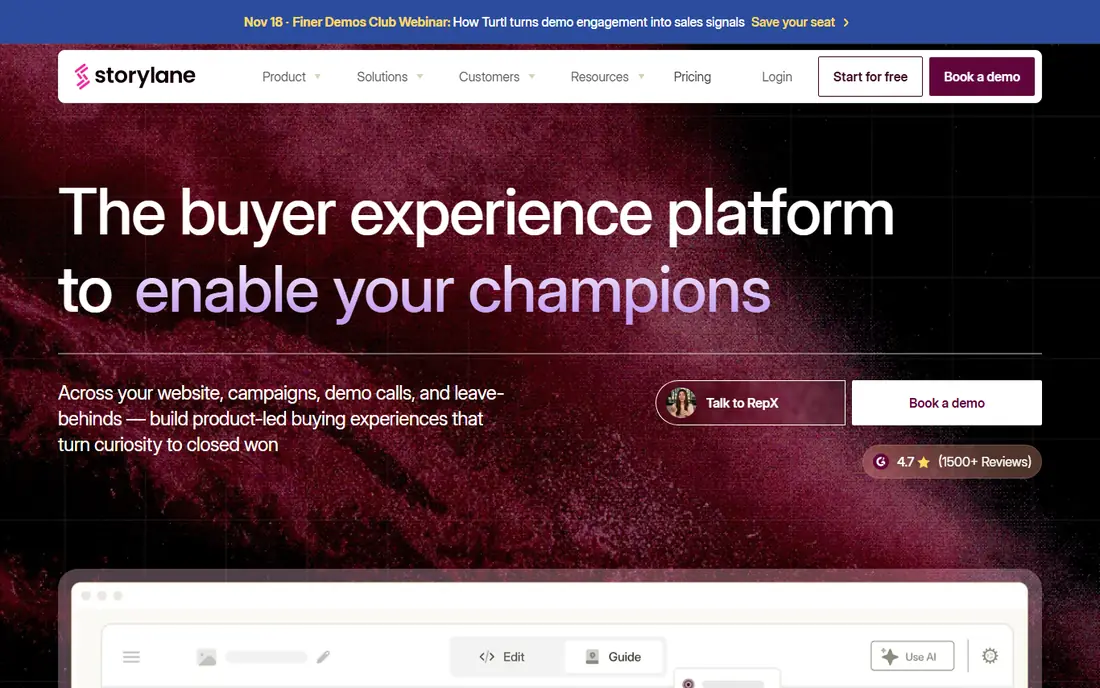
Storylane is the broadest pick for SaaS teams that need demos across marketing, sales, and onboarding. You can build screenshot tours for a website, add HTML demos for deeper interaction, and group finished demos into hubs for buyers or new customers. That range helps when one team owns the website and another owns sales follow-up, because both can use the same library.
The catch is tiering. The entry plan covers screenshot demos, while HTML editing starts higher up, so teams that need HTML as the core format should budget for the higher plan. Per-seat pricing also adds up for larger teams. For a team that wants one demo library across departments, Storylane is a safe first evaluation.
- Screenshot, HTML, and video demos in one editor
- Demo hubs for grouping tours
- Strong analytics
- HTML editing sits on higher tiers
- Per-seat pricing grows with larger teams
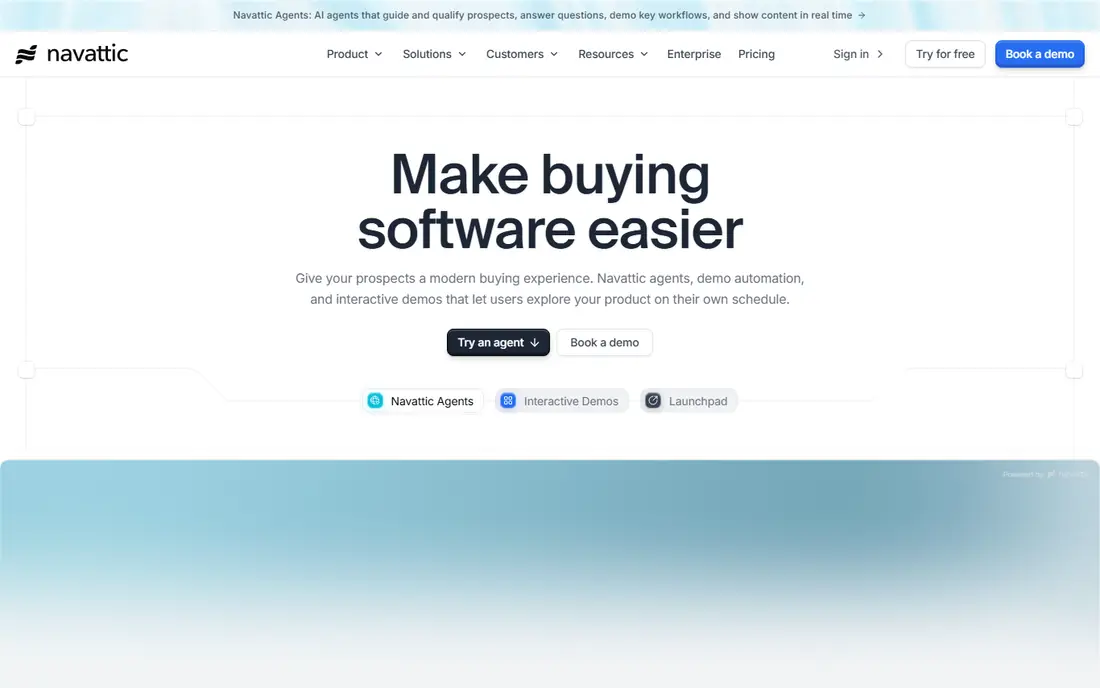
Navattic suits marketing teams that want website visitors to try a realistic product flow. HTML demos feel closer to the live product than screenshots, because visitors can click through real screens and data. That realism helps qualify visitors before sales calls, and analytics show which steps convert and which steps lose people.
The downside is pricing clarity. Paid plans are not published as a simple price list, so teams need a sales conversation to confirm the total. Sandbox demos and some advanced features also sit on higher tiers. For marketing-led SaaS companies with solid website traffic, Navattic is worth that conversation.
- High-quality HTML demos
- Strong for website conversion
- Useful analytics and integrations
- Paid pricing is not published in a simple list
- Sandbox and advanced features sit on higher tiers
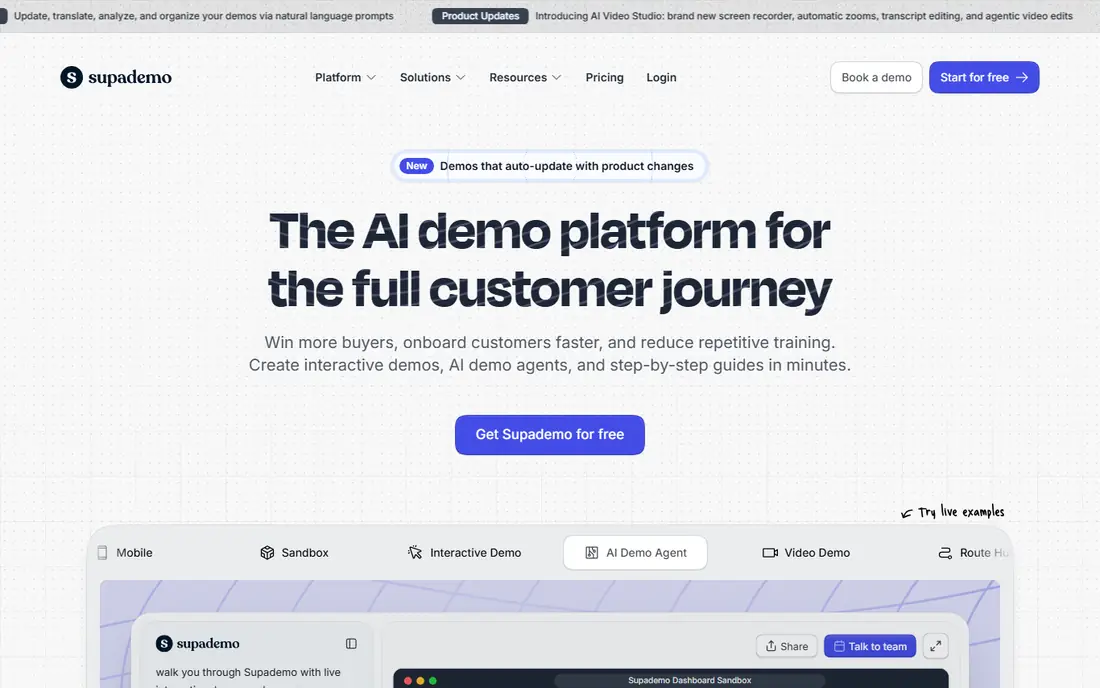
Supademo is the best budget pick for teams that need guided tours quickly. Browser capture turns a product flow into a step-by-step tour, and sharing links or embeds is simple. Small teams, startups, and help-centre owners can build useful demos without a large budget or a long setup process.
The limit is depth. HTML demos and sandbox environments sit on higher tiers, so complex products may need a more powerful tool. Supademo is best for clear, linear tours that explain one workflow well, rather than for open-ended product exploration. For quick wins and onboarding, it offers a lot for the price.
- Low entry price
- Easy browser capture
- Generous free tier for testing
- HTML and sandbox features sit on higher tiers
- Less suited to complex enterprise demos
Arcade suits design-led marketing teams that care about how a demo looks as much as what it shows. Screenshot demos can be polished, branched, and exported as video or images for social and sales use. That visual quality helps when a demo will sit on a homepage or in a launch announcement.
The catch is pricing change. Arcade has moved to different plan structures in recent years, so teams should confirm the current price and seat rules before they commit. Some integrations and admin features also sit on higher tiers. For teams that value polish and simple sharing, Arcade remains a strong option.
- Polished visual demos
- Easy exports to video and images
- Good for design-led marketing teams
- Pricing has changed and needs checking
- Advanced features sit on higher tiers
Guideflow suits product and onboarding teams building guided tours that walk users through a flow step by step. Its low entry price makes it accessible to small teams, and it supports screenshot and mobile tours as well as HTML on higher plans. Onboarding teams can build tours for new users without a large budget.
The limit is HTML pricing. HTML capture sits on a far higher tier than the entry plan, so teams that need HTML from day one should budget accordingly. Guideflow is best for guided tours and onboarding, rather than for deep HTML product exploration. For that job, it is a good-value pick.
- Low entry price
- Screenshot, mobile, and HTML options
- Good for onboarding tours
- HTML capture sits on a much higher tier
- Smaller vendor than some rivals
HowdyGo suits small teams that want HTML demos without per-seat pricing surprises. Flat pricing means adding team members does not raise the bill in the same way as per-seat tools, which helps when many people need to view or edit demos. HTML is the core format, not an expensive add-on, which keeps budgeting simple.
The downside is the lack of a free plan. A trial lets you test the tool, but you cannot keep a free tier running for occasional use. HowdyGo also has a narrower feature range than larger suites, so teams that need demo hubs, video, and sandbox environments may need another tool. For flat-priced HTML demos, it is a clear option.
- Flat pricing with unlimited users on some plans
- HTML demos as the core format
- Simple for small teams
- No free plan, only a trial
- Smaller feature range than larger suites
Walnut suits sales-led SaaS companies that personalise demos for each prospect. Personalisation tokens, playlists, and demo rooms help sales teams tailor a flow to a buyer role or industry, which can matter in larger deals. Sandbox demos on higher tiers let buyers explore a realistic environment with their own data patterns.
The trade-off is cost. The entry price suits enterprise budgets, not startups, and sandbox features sit higher still. Teams should confirm what personalisation and security features are included at the entry price. For enterprise sales teams, Walnut offers depth that budget tools cannot match.
- Personalised demos for sales teams
- Sandbox demos on higher tiers
- Strong for enterprise deals
- High entry price
- No free plan
- Sandbox features cost more
Consensus suits enterprise SaaS teams selling to buying groups, where several stakeholders need to view a demo at different times. Video-led demos, interactive tours, and analytics help sales teams see who watched, what they watched, and where interest dropped. That visibility helps follow-up, because reps can focus on the stakeholders who engaged most.
The downside is pricing and scale. Quote-only pricing means a sales conversation is needed to compare costs, and the tool is built for larger sales organisations. Small teams will likely find better value in a lower-priced tour tool. For complex enterprise sales, Consensus offers a structured approach to demo-led buying.
- Video demos for buying groups
- Interactive tours and live demo support
- Useful analytics for sales
- Quote-only pricing
- Likely too costly for small teams
- Setup suits larger sales organisations
How we picked these
We compared official pricing pages, demo formats, editing and capture options, sharing and embedding, analytics, and integrations. We favoured tools that let buyers try a product flow without a live call, and we included a mix of budget tours, HTML specialists, and enterprise platforms. We checked free plans and entry prices, because tier gating is a common surprise in this category.
Buying guide: how to choose demo software for your SaaS company
Start with the buyer problem, not with the format. Write down the one workflow a prospect must understand before they will book a call, then build a demo around that workflow only. A short demo that answers one question beats a long tour that tries to show everything. Test the demo with a colleague who does not know the product, and cut any step they find confusing.
Format, sharing, and analytics
Choose the format that matches your product. Screenshot tours work for simple flows, HTML demos work for realistic exploration, and video works for storytelling and buying groups. Check sharing options: can you embed the demo on a website, send it by email, and gate it behind a form? Then check analytics: can you see completion rates and drop-off steps? Without that data, you cannot improve the demo.
Pricing and tier traps
Confirm which format sits on which tier before you buy. Many tools advertise a low entry price, but HTML editing, sandbox demos, and single sign-on sit on higher plans. Model the price for the tier you actually need, not the headline tier. Also check seat rules, because per-seat pricing can grow fast when marketing, sales, and product teams all need access.
Frequently asked questions
What is product demo software?
It is software that turns a product flow into an interactive demo buyers can try without a live call. Demos may use screenshots, HTML capture, or video, and they can be embedded on a website or shared by link. Sales and marketing teams use them to qualify interest and to help buyers understand a product faster.
What are the best software demos for a small SaaS company?
Supademo and Guideflow offer low entry prices and easy capture, which suits small teams. Storylane also offers a free plan for testing. Start with a short tour for one core workflow, and upgrade only when you need HTML demos, sandbox environments, or advanced analytics.
Should I use HTML demos or screenshot tours?
Use HTML demos when buyers need to explore a realistic product and click through real screens. Use screenshot tours when the flow is simple, linear, and easy to explain in steps. Many teams use both: screenshot tours for marketing pages, and HTML demos for qualified prospects.
How do I measure whether a demo works?
Track completion rates, drop-off steps, and conversion to booked calls or sign-ups. A demo with high starts but low completion needs shorter steps or clearer guidance. Compare demos by the same measures, and update the weakest steps first rather than rebuilding the whole demo.
Do demo tools replace live sales demos?
No, they support live demos rather than replacing them. Interactive demos qualify interest and answer early questions, so live calls can focus on buyer-specific needs. For complex products, a live demo with a sales engineer remains important, especially for enterprise buyers.
Sources we checked (8)

Online Jobs is an independent blog about careers, online work, learning new skills and the tools that help people earn. More about us.
Keep reading
All posts
n8n Alternatives
n8n alternatives compared for 2026, with Zapier, Make, Activepieces, and more, covering visual builders, code steps, self-hosting, and pricing models.

ZoomInfo Alternatives
The best ZoomInfo alternatives in 2026, compared on price, free plans, data coverage, and which tool fits small teams or large sales teams best in detail.

Workday Alternatives
We compared the best workday alternatives for HR, payroll, and global hiring, from BambooHR and Gusto to Rippling, Deel, and HiBob for growing teams in 2026.