Best Presentation Software in 2026: 9 Apps Compared


File-based business decks · Starting price: See website
How we put this together: we compare official feature and pricing pages, app store listings, privacy policies and public user reviews. Prices change, so check the provider's site before you pay.
Key takeaways
- Microsoft PowerPoint remains our pick for file-based work, offline presenting and decks that must open exactly as designed on other computers.
- Google Slides is the best free choice for teams that edit together in real time and share by link rather than by file.
- Keynote is the best free option for Apple users, with polished animation and typography at no extra cost on Mac and iPad.
- Canva suits non-designers and marketing teams who need templates, brand assets and quick visual decks without design training.
- Gamma and Beautiful.ai suit people who want AI help with layout, while Prezi suits presenters who want a non-linear, zooming story rather than a slide sequence.
Quick comparison
| Name | Who it suits | Starting price | Free option | |
|---|---|---|---|---|
| Microsoft PowerPoint | File-based business decks | See website | Free trial | Visit |
 Google Slides Google Slides | Real-time team editing | Free | Yes | Visit |
 Apple Keynote Apple Keynote | Apple users and animation | Free | Yes | Visit |
 Canva Canva | Templates and visual decks | See website | Yes | Visit |
 Prezi Prezi | Non-linear presentations | See website | Yes | Visit |
 Gamma Gamma | Fast AI-generated decks | See website | Yes | Visit |
 Beautiful.ai Beautiful.ai | Consistent business layouts | $12 per month | Free trial | Visit |
 Pitch Pitch | Startup and team decks | See website | Yes | Visit |
 Visme Visme | Data and infographic decks | See website | Yes | Visit |
The best presentation software
We compared these tools on editing, collaboration, design help, presenting, file compatibility and pricing, with a focus on how each one behaves when a deadline is close.
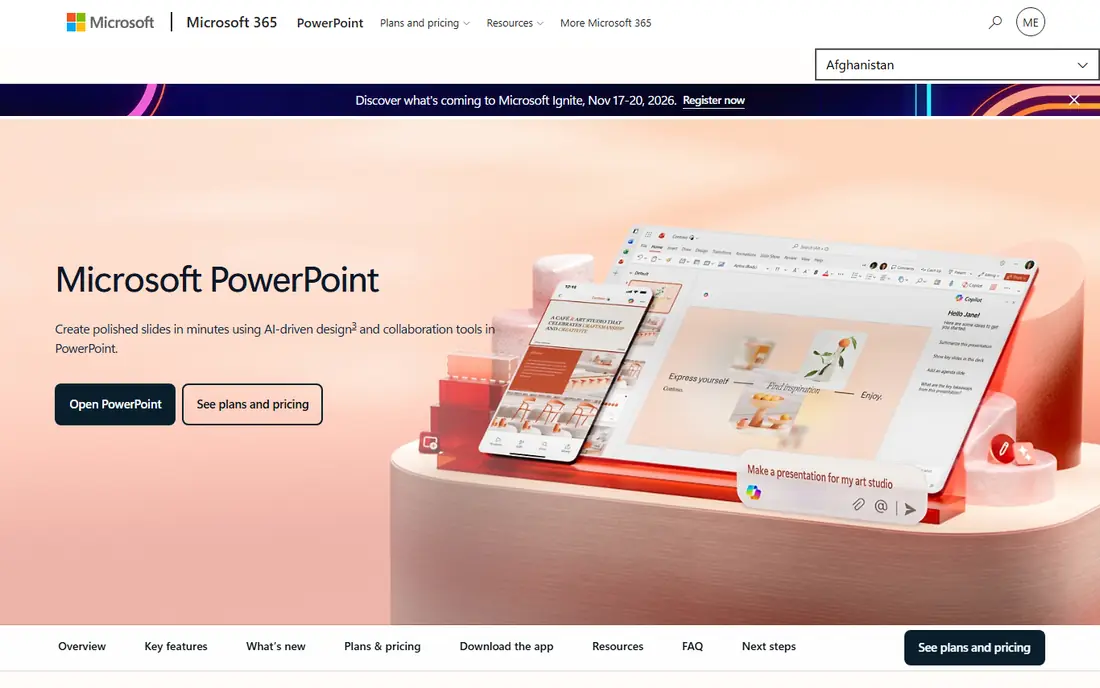
PowerPoint is still the default in most workplaces, and that matters when decks move between people, clients and venues. A .pptx file opens in PowerPoint, in most rival tools and on most conference computers with formatting largely intact, which reduces last-minute surprises. The desktop app also offers the deepest control over shapes, charts, animations, presenter notes and offline presenting, which is why long or complex decks still tend to be built here.
The trade-offs are cost and collaboration. The full desktop app sits inside Microsoft 365, so buyers pay a subscription rather than a one-time price in most cases, and real-time co-editing works best inside Microsoft cloud storage rather than through emailed files. For file deliverables, enterprise decks and offline presenting, PowerPoint remains our pick.
- Industry-standard .pptx format
- Deepest formatting, chart and animation control
- Full offline editing
- Subscription for the full desktop app
- Collaboration is weaker than Google Slides for browser-only teams
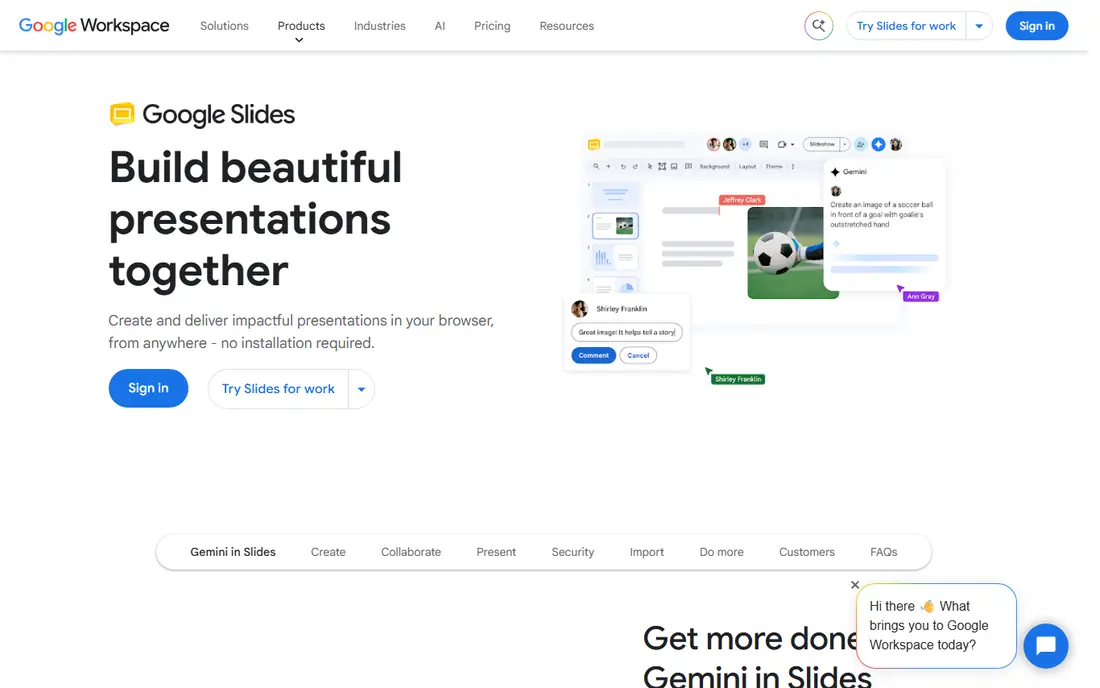
Google Slides is the simplest team choice on this list. Anyone with a Google account can create a deck free, share a link, and edit the same slides at the same time as colleagues, with comments and version history built in. That workflow suits distributed teams, classrooms and anyone who presents from a browser rather than from a file, and it removes the emailed-attachment version problem entirely.
Power users will notice limits. Advanced animation, chart formatting and precise layout control lag behind PowerPoint and Keynote, and offline presenting needs preparation. Export to PowerPoint also needs a check, since complex layouts can shift. For collaboration-first teams and for free use, Google Slides is hard to beat.
- Free with a Google account
- Best real-time co-editing
- Simple sharing by link
- Fewer advanced formatting and animation options
- Limited offline use without setup
Keynote is free on Mac, iPad and iPhone, and it produces some of the most polished-looking presentations with the least effort. Magic Move transitions animate objects smoothly between slides, templates look considered rather than generic, and typography controls feel refined. For Apple users giving talks, lessons or pitches, Keynote often produces a better-looking result faster than its rivals.
The limit is ecosystem. Teams on Windows need exported PowerPoint or PDF files, and some animations do not survive export perfectly, so Keynote suits presenters who control the presenting device or share by link and PDF. Within the Apple world, it is the best free presentation tool on this list.
- Free on Apple devices
- Polished transitions including Magic Move
- Clean typography and templates
- Apple-focused, so Windows collaboration needs export
- Fewer business templates than PowerPoint
Canva Presentations suits people who think visually first. Templates, photos, icons, charts and brand colours are built into the same editor used for social graphics and documents, so a marketing team can keep decks, posts and handouts visually consistent without a designer. Drag-and-drop editing and AI design help make first drafts fast, and real-time collaboration works well for small teams.
Precision is the trade-off. Complex charts, detailed tables and exact layout control are weaker than in PowerPoint, and the best brand features sit on paid plans. Canva is also browser-based, so offline presenting needs export planning. For non-designers, marketing teams and quick visual decks, Canva is an excellent pick.
- Huge template and asset library
- Brand kits on paid plans
- Easy drag-and-drop editing
- Less precise slide control than PowerPoint
- Free plan limits brand and premium assets
Prezi replaces the slide sequence with a zoomable canvas, letting presenters move between overview and detail in any order. That structure suits teaching, sales stories and keynotes where the big picture matters, since audiences can see how each point connects to the whole. Prezi also builds live audience activities, including polls, quizzes and Q and A, into the presentation itself, which helps in training and classroom settings.
The style can also distract. Constant zooming tires audiences if every move is dramatic, and presenters used to linear decks need time to plan a canvas story. Export and file compatibility are weaker than PowerPoint for traditional handouts. Used with restraint, Prezi gives talks a memorable shape that slide decks rarely achieve.
- Zoomable canvas for non-linear stories
- Live polls and Q and A in presentations
- Distinctive presenter style
- Can distract if overused
- PowerPoint-style linear decks need a different mindset
Gamma generates a deck from a prompt, an outline or pasted content, arranging it into cards that read well on the web and in shared links. That speed suits consultants, founders and knowledge workers who need a clean draft fast and who share by link rather than by file. Viewer analytics on shared decks also show which sections hold attention, which is useful for sales and investor materials.
The format is the catch. Gamma decks are web-native first, so teams that must deliver a traditional PowerPoint file should test export early and expect some reformatting. Credit limits on free and lower plans also mean long decks cost more. For fast, link-shared decks, Gamma is one of the strongest AI options here.
- Prompt-to-deck generation in a card format
- Fast sharing by web link
- Built-in analytics on shared decks
- Web-native format differs from classic slides
- Export fidelity needs checking for .pptx
Beautiful.ai is built around Smart Slides, templates that adjust layout automatically as you add, remove or edit content. That guardrail helps business teams produce consistent decks without a designer checking every slide, and it prevents the common problem of text overflowing a slide or charts crowding a layout. Team plans add brand controls, so decks across a company share colours, fonts and logos.
Creative freedom is narrower by design. Designers who want full control over every element will feel constrained, and the free option is a trial rather than a permanent plan. For business teams that value consistency and speed over artistic freedom, Beautiful.ai is a strong choice, and PowerPoint export keeps it compatible with corporate workflows.
- Smart Slides that reformat as content changes
- Consistent, professional layouts
- PowerPoint export
- Less creative freedom than Canva or Keynote
- No permanent free plan, only a trial
Pitch is a modern team presentation tool built for startups and companies that share decks externally, especially investor and sales decks. Shared workspaces, templates and slide libraries help teams reuse approved content, while analytics on shared links show how viewers move through a deck. Real-time collaboration and commenting fit teams that revise pitch materials often.
The template library is smaller than Canva, and some of the most useful team features need a paid plan, so solo users may find better value elsewhere. For startups and teams that treat decks as living documents with external viewers, Pitch offers a focused, modern workflow that PowerPoint and Slides do not match.
- Team workflows and shared libraries
- Viewer analytics on shared decks
- Clean modern templates
- Smaller template range than Canva
- Best value sits on team plans
Visme suits decks where data does the talking. Beyond standard slides, it offers charts, maps, diagrams and data widgets that update from imported data, plus infographic and report formats for longer documents. That makes it useful for quarterly reports, research summaries and marketing decks that need more than bullet points and a single chart.
Simplicity is the trade-off. For a ten-slide team update, Visme offers more than needed, and new users may spend time learning data features they rarely use. Paid plans provide the full brand and export options. For data-heavy presenters, Visme fills a gap that general slide tools leave open.
- Charts, maps and data widgets beyond standard slide tools
- Infographic and report formats
- Brand tools
- Learning curve for data features
- Interface can feel busy for simple decks
How we picked these
We compared vendor feature pages, pricing pages and public reviews, and we required each product to build and present real decks, not just generate images or documents. We weighted editing control, collaboration, design help, presenting, file compatibility and pricing transparency, and we kept a mix of free, classic, visual and AI-first tools so different teams have realistic options. Where a vendor did not publish a clear starting price, we wrote See website rather than repeating a third-party estimate.
How to choose presentation software
Start with how the deck will be delivered. A file handed to a client, a link shared with investors, and a live talk on stage each favour different tools, and picking the wrong delivery format causes more rework than any missing feature. Check the delivery method first, then the editing and collaboration needs.
Match the tool to the audience and the team
Business teams that share files should default to PowerPoint, while browser-based teams should default to Google Slides. Apple presenters get a free, polished option in Keynote, and marketing teams get speed in Canva. AI tools such as Gamma and Beautiful.ai help when time is short, but test export before committing to a tool for client-facing work.
Test the hard parts before deadline week
Build one real deck in any shortlisted tool, including charts, tables, images and presenter notes, then export it in the format your audience will receive and present it on the device you will actually use. That single test reveals layout shifts, font problems, offline gaps and export limits that feature lists hide. It takes an hour, and it saves a stressful evening later.
Frequently asked questions
What is the best presentation software for business teams?
PowerPoint suits file-based business work, while Google Slides suits browser-based teams that edit together. Beautiful.ai and Pitch add consistency and team workflows for companies that produce many decks, so the best pick depends on whether files or links are the main deliverable.
What is the best free presentation software?
Google Slides is the best free option for most people, since it is free with a Google account and supports real-time collaboration. Keynote is the best free option for Apple users, and Canva free plan suits visual decks, though premium assets and brand tools need a paid plan.
What is the best presentation app for slideshows on a Mac?
Keynote is our pick for Mac users, with polished animation, clean templates and no extra cost on Apple devices. PowerPoint for Mac is the better choice if decks must be shared as .pptx files with Windows users without any formatting risk.
What is the best slideshow presentation software for teachers?
Google Slides suits classrooms for free collaboration and link sharing, while Prezi suits live teaching with its zoomable canvas and built-in polls and Q and A. Canva also works well for teachers who need quick, visual lesson materials.
Are AI presentation tools worth it?
They are worth it for first drafts and for decks shared by link, where Gamma and Beautiful.ai save real time on layout. They are less reliable as a final step for file-based corporate decks, where export fidelity and brand rules still need a human check.
Can I convert a deck between PowerPoint and Google Slides?
Yes, both tools import and export .pptx files, but complex animations, fonts and layouts can shift in conversion. Always check the converted deck slide by slide before presenting, and keep the original file as a backup when the venue computer may differ from your own.
Sources we checked (9)

Online Jobs is an independent blog about careers, online work, learning new skills and the tools that help people earn. More about us.
Keep reading
All posts
Zoom Alternatives
Zoom alternatives compared for 2026: Google Meet, Microsoft Teams, Webex, Jitsi and more for free calls, large meetings and webinars for teams and classrooms.
PowerPoint Alternatives
Compare the best PowerPoint alternatives, from free Google Slides and Canva to Prezi and Gamma, with prices, collaboration and export options covered.
Gmail Alternatives
Gmail alternatives compared for 2026: Proton Mail, Outlook, Tuta, Fastmail, Zoho Mail and more for privacy, business and cross-platform use for US readers.