Best POS Software in 2026: 8 Tools Compared

How we put this together: we compare official feature and pricing pages, app store listings, privacy policies and public user reviews. Prices change, so check the provider's site before you pay.
Key takeaways
- Square is our pick for a low-cost start, because its free plan covers core selling, inventory basics, and payments without a long contract.
- Toast and TouchBistro are the stronger choices for full-service restaurants, because table handling, kitchen routing, and split checks matter more than a low monthly fee.
- Lightspeed suits shops with many variants and several locations, while Shopify POS suits retailers who already sell online through Shopify.
- Processing fees often matter more than the monthly fee, so compare the total cost on your own monthly sales before you sign.
- Hardware, contract length, and offline behaviour should be checked before purchase, because those limits are harder to change later.
Quick comparison
| Name | Who it suits | Starting price | Free option | |
|---|---|---|---|---|
 Square | Small shops and new sellers | Free | Yes | Visit |
 Toast | Full-service restaurants | See website | No | Visit |
 Lightspeed | Multi-location retail | $109 per month | No | Visit |
 Shopify POS | Retailers who sell online | $39 per month | Free trial | Visit |
 Clover | Shops that want hardware choice | $14.95 per month | No | Visit |
 TouchBistro | iPad-based restaurants | $69 per month | No | Visit |
 SpotOn | Restaurants that want marketing tools | $25 per month | No | Visit |
 Helcim | Shops that want clear processing | Free | Yes | Visit |
The best pos software
We compared general retail systems with restaurant-focused systems, so you can match the tool to the way you actually sell, rather than buying features you will never use.
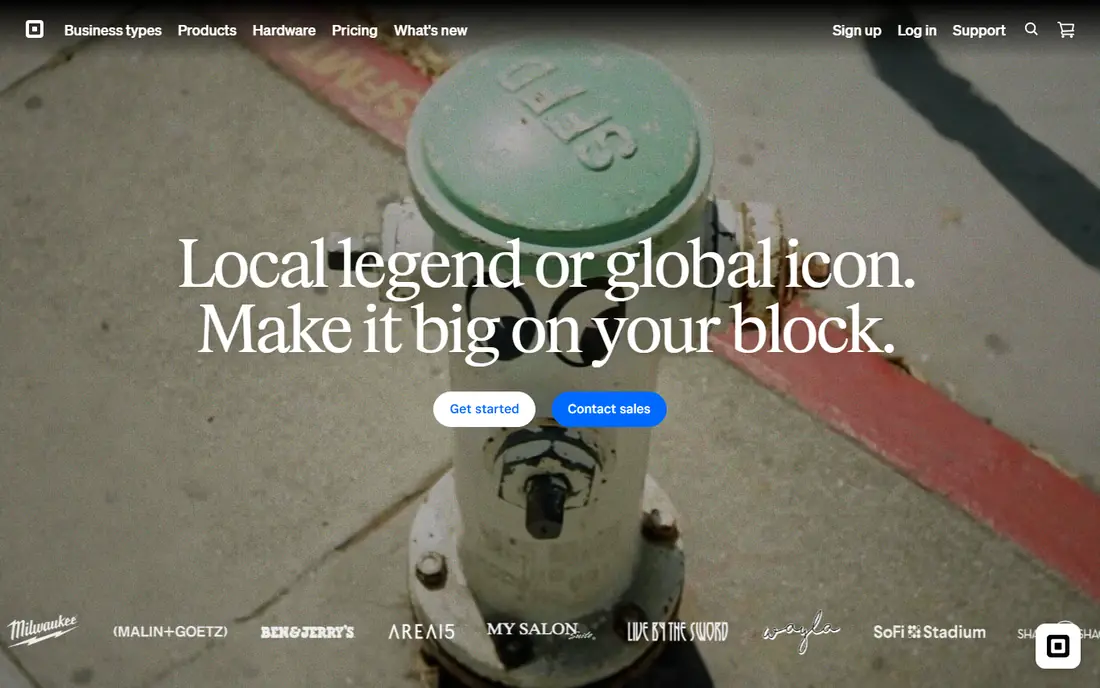
Square stands out because you can start selling with very little setup and no monthly software fee on the free plan. It fits small shops and new sellers well, and it is worth a closer look if that description matches how you work day to day.
Its strength is the breadth of the basic toolkit, from payments and digital receipts to customer profiles and simple inventory, all in one account. That is the main reason we kept it on this list, even though no single option here suits every buyer.
Its weakness is depth for complex restaurant service, where dedicated table and kitchen tools matter more than a low entry price. If that weakness would slow you down often, look at the next options on this list before you commit.
- Free plan covers core selling
- No long contract for the free plan
- Wide hardware range
- Restaurant depth is lighter than Toast
- Advanced inventory needs a paid plan
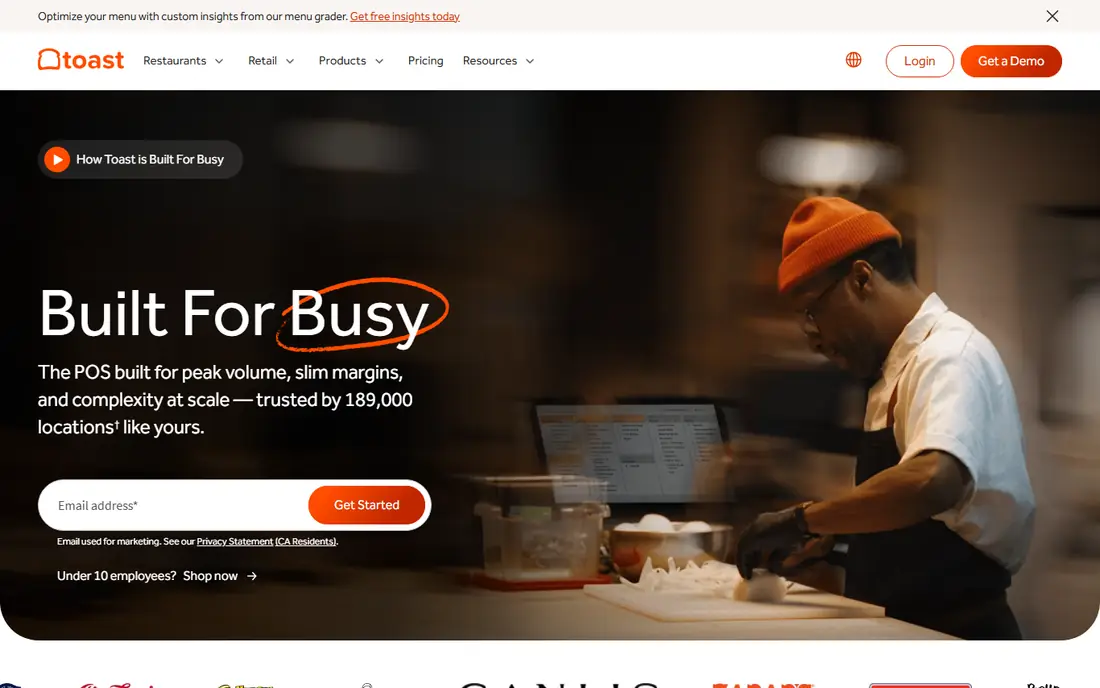
Toast was built for restaurants first, and that focus shows in the way orders move from table to kitchen. It fits full-service restaurants well, and it is worth a closer look if that description matches how you work day to day.
Its strength is the restaurant workflow, with table handling, split checks, and kitchen routing that reduce manual steps during service. That is the main reason we kept it on this list, even though no single option here suits every buyer.
Its weakness is flexibility, because the hardware and contract structure can make switching away more work than with a general system. If that weakness would slow you down often, look at the next options on this list before you commit.
- Restaurant-focused design
- Kitchen display and tableside tools
- Online ordering options
- Hardware is tied to the Toast system
- Contract terms need careful reading
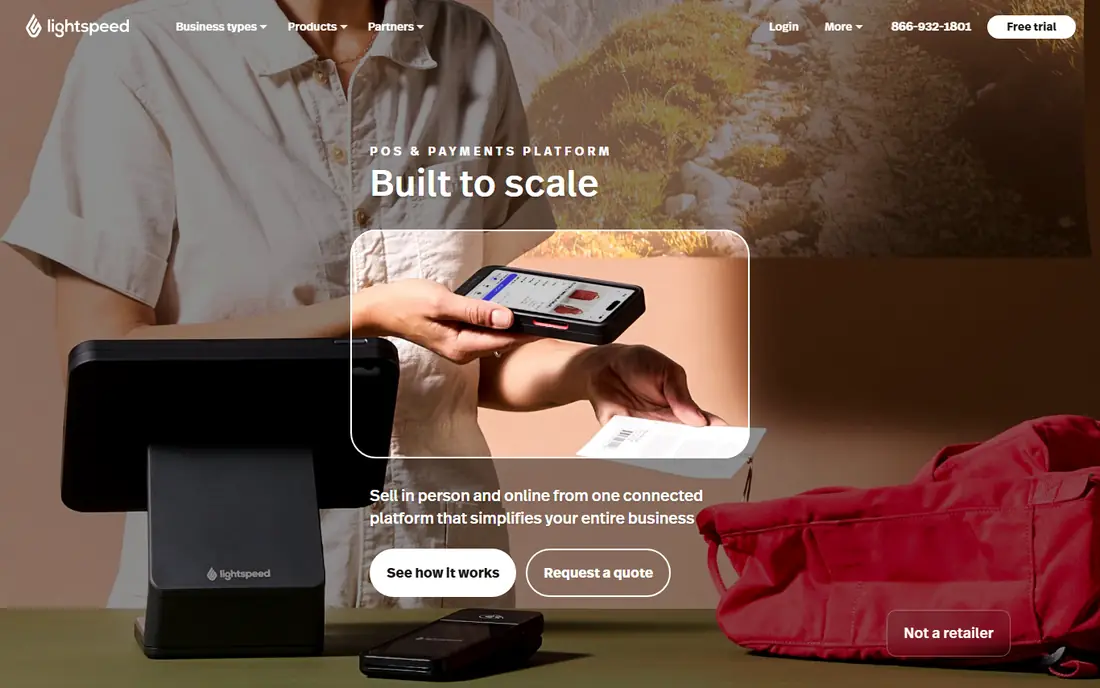
Lightspeed earns its place for shops that outgrow a simple till and need proper stock control across locations. It fits multi-location retail well, and it is worth a closer look if that description matches how you work day to day.
Its strength is inventory depth, with variant tracking and central reporting that help a growing retailer see what is selling and where. That is the main reason we kept it on this list, even though no single option here suits every buyer.
Its weakness is price and complexity, which can feel heavy for a single small shop with a short product list. If that weakness would slow you down often, look at the next options on this list before you commit.
- Strong inventory for many variants
- Multi-location reporting
- Retail and restaurant editions
- Higher starting price than Square
- Setup can take longer for a small shop
Shopify POS makes sense when your online store is already the centre of the business and the shop floor is an extension of it. It fits retailers who sell online well, and it is worth a closer look if that description matches how you work day to day.
Its strength is shared inventory, so a sale in store and a sale online both update the same stock count without manual fixes. That is the main reason we kept it on this list, even though no single option here suits every buyer.
Its weakness is restaurant service, where it lacks the table and kitchen depth that Toast or TouchBistro provide. If that weakness would slow you down often, look at the next options on this list before you commit.
- Shared inventory with an online store
- Strong online and in-store selling in one system
- Wide app options
- Restaurant features are limited
- Needs a Shopify plan to work well
Clover appeals to owners who want to pick a terminal that suits the counter, rather than accepting one fixed device. It fits shops that want hardware choice well, and it is worth a closer look if that description matches how you work day to day.
Its strength is the hardware and app range, which lets a shop add tools for loyalty, ordering, or reporting as needs change. That is the main reason we kept it on this list, even though no single option here suits every buyer.
Its weakness is pricing clarity, because reseller terms can differ, so the quoted total should be confirmed in writing. If that weakness would slow you down often, look at the next options on this list before you commit.
- Wide hardware range
- Large app marketplace
- Works for retail and food service
- Pricing varies by reseller
- Some useful features need add-ons
TouchBistro gives a restaurant a familiar iPad till with tools shaped around tables, menus, and staff shifts. It fits ipad-based restaurants well, and it is worth a closer look if that description matches how you work day to day.
Its strength is the restaurant focus at a price below some larger restaurant systems, with menu and floor tools included in the core idea. That is the main reason we kept it on this list, even though no single option here suits every buyer.
Its weakness is the narrower add-on range, so a group with unusual needs should check integrations before signing. If that weakness would slow you down often, look at the next options on this list before you commit.
- Restaurant tools on iPad
- Table and menu management
- Staff and reporting features
- Smaller add-on range than Toast
- Needs iPad hardware for the full setup
SpotOn tries to combine the till with customer marketing, so repeat visits and reviews sit close to daily sales data. It fits restaurants that want marketing tools well, and it is worth a closer look if that description matches how you work day to day.
Its strength is that combination, because loyalty and email tools can help a local restaurant bring back guests without a separate system. That is the main reason we kept it on this list, even though no single option here suits every buyer.
Its weakness is scope, because owners who only want a till may pay for marketing tools they rarely open. If that weakness would slow you down often, look at the next options on this list before you commit.
- Built-in marketing and loyalty options
- Restaurant POS features
- Reporting for daily service
- Marketing depth may exceed simple needs
- Pricing depends on the chosen bundle
Helcim is worth checking if processing transparency matters more to you than a large app marketplace. It fits shops that want clear processing well, and it is worth a closer look if that description matches how you work day to day.
Its strength is the pricing model, with interchange-plus processing that makes the cost structure easier to follow than a flat rate in some cases. That is the main reason we kept it on this list, even though no single option here suits every buyer.
Its weakness is breadth, because it does not match the restaurant depth of Toast or the retail depth of Lightspeed. If that weakness would slow you down often, look at the next options on this list before you commit.
- No monthly software fee on the entry plan
- Interchange-plus processing
- Free hardware options for some setups
- Smaller hardware range than Clover
- Fewer restaurant-specific tools than Toast
How we picked these
We checked official feature pages, pricing pages, and app store listings for each system, and we compared the published plan names, starting prices, and free plan terms. We also read public reviews to see where users reported friction, such as hardware lock-in, contract terms, or limits in reporting.
We did not claim hands-on testing in a live shop, and we left a price as See website when the vendor did not publish a clear starting price for that plan. A system stayed on the list only if its official homepage loaded and clearly belonged to that product.
How to choose a POS system without overpaying
Start with your daily workflow. A coffee counter needs speed at the till, a clothing shop needs variant tracking, and a full-service restaurant needs table maps and kitchen tickets. Write down the five tasks you do every day, then check each system against that list before you look at add-ons.
Then work out total cost. Add the monthly software fee, the expected processing fees on your sales, and any hardware or add-on fees for the first year. A free plan can still be costly if its processing rate is high, and a paid plan can be cheaper if it lowers that rate enough.
Finally, ask about contracts, hardware, and support hours. Month-to-month terms give you room to leave if the fit is wrong, while owned hardware can be reused if you change systems. Confirm what happens when the internet drops, because a short offline window can still lose sales during a busy service.
Frequently asked questions
What is the best POS app for a small business?
For many small shops, Square is a sensible starting point because the free plan covers core selling and payments. If you need deeper restaurant tools, Toast or TouchBistro may fit better. The best pos app for your shop depends on what you sell, how many staff use the till, and whether you sell online as well.
What is the top restaurant POS software?
Toast is widely used for restaurants because it was built around restaurant service, including kitchen displays and table handling. TouchBistro is another strong restaurant choice, especially for iPad-based service. For a small cafe, Square for Restaurants may be enough, and it costs less to start.
What is the best POS system for full service restaurants?
A full-service system should handle table maps, course timing, split checks, and kitchen routing without workarounds. Toast and TouchBistro both aim at that workflow, while Lightspeed also covers multi-location restaurant groups. Test the table and kitchen flow with your own menu before you commit.
Is there good software for restaurant management beyond the till?
Yes, and this is where the choice widens. The best software for restaurant management often bundles reporting, staff permissions, inventory, and online ordering with the till. Check whether those tools are included in the plan you are pricing, or sold as separate add-ons.
Should I pay for POS software or start free?
Start free when your needs are simple and your sales volume is low, because you can learn what you actually use. Move to a paid plan when you need stronger inventory, reporting, or restaurant features. Always compare processing fees, because they usually exceed the monthly fee over a year.
Sources we checked (8)

Online Jobs is an independent blog about careers, online work, learning new skills and the tools that help people earn. More about us.
Keep reading
All posts
ZoomInfo Alternatives
The best ZoomInfo alternatives in 2026, compared on price, free plans, data coverage, and which tool fits small teams or large sales teams best in detail.

Workday Alternatives
We compared the best workday alternatives for HR, payroll, and global hiring, from BambooHR and Gusto to Rippling, Deel, and HiBob for growing teams in 2026.

Which SaaS Tools Have the Best Customer Support
Which SaaS tools have the best customer support? Compare eight popular tools on help centres, live help, response options and overall support quality.