Best Point of Sale Software for Retail in 2026: 9 Systems Compared

How we put this together: we compare official feature and pricing pages, app store listings, privacy policies and public user reviews. Prices change, so check the provider's site before you pay.
Key takeaways
- Square is the best free starting point for most new shops, with no monthly software fee on its free plan and no long contract.
- Shopify POS suits shops that already sell online through Shopify, since inventory stays in sync across store and website.
- Lightspeed Retail suits inventory-heavy shops with large catalogs and several locations, but it costs more and takes longer to learn.
- Clover suits busy counters that want polished hardware, but hardware bundles and reseller terms need careful reading.
- Processing fees often cost more than software over a year, so compare the full monthly cost, not just the software plan price.
Quick comparison
| Name | Who it suits | Starting price | Free option | |
|---|---|---|---|---|
 Square POS | Most new retail shops | Free | Yes | Visit |
 Shopify POS | Shopify online sellers | See website | No | Visit |
 Lightspeed Retail | Inventory-heavy retail | $89 per month | No | Visit |
 Clover | Busy counters and hardware choice | See website | No | Visit |
 Epos Now | Flexible retail and hospitality | See website | No | Visit |
 Revel Systems | Multi-location retail | See website | No | Visit |
 Helcim | Transparent processing | Free | Yes | Visit |
 KORONA POS | Processor choice | $59 per month | No | Visit |
 PayPal Zettle | Low-cost market and pop-up selling | Free | Yes | Visit |
The best point of sale software for retail
We compared official pricing pages, hardware pages, and feature lists, and we focused on systems that handle retail checkout, inventory, and reporting, not just restaurant orders. Prices change by plan and billing period, so we use "See website" where pricing varies by seller or location, and we give figures only where a vendor page or reliable pricing summary states them. Check the vendor site for your location before signing.
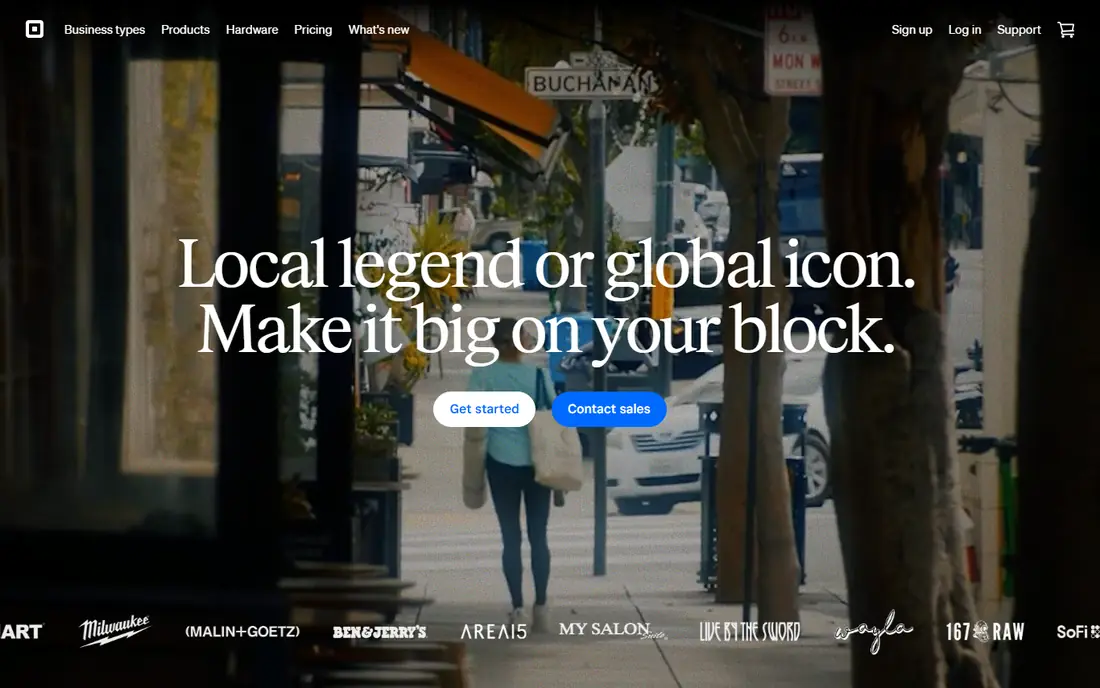
Square is our pick for most new retail shops. The free plan covers checkout, basic inventory, and sales reports, with no monthly software fee and no long contract, and hardware starts with affordable readers and stands. That low barrier helps a new shop open quickly, and Square Online adds a simple web store without a second system.
The trade-off is processing lock-in. You must use Square Payments, so you cannot shop around for a cheaper processor later without switching systems. Paid plans add deeper inventory, staff, and loyalty features that growing shops may need. For a first shop, though, Square's simplicity and free start are hard to beat.
- Free software plan with no long contract
- Easy setup
- Online store and inventory tools included
- Locks you into Square processing
- Advanced retail features need paid plans
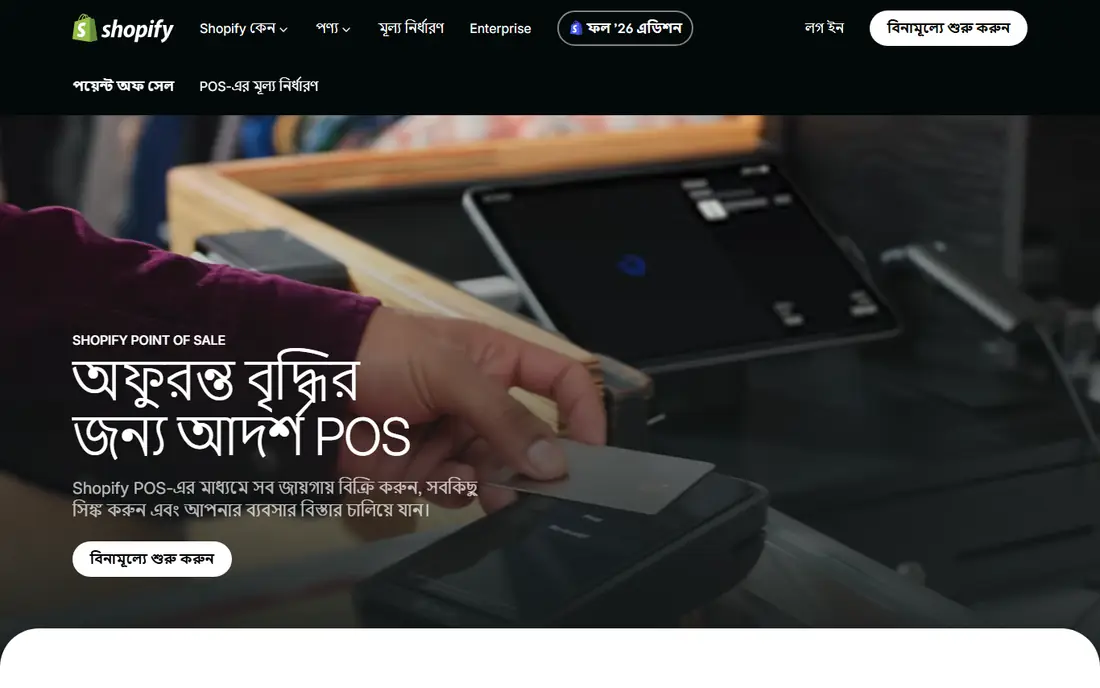
Shopify POS suits shops that already sell online through Shopify, or plan to. Inventory, customers, and orders stay in sync across the website and the shop floor, so a sale in store updates online stock at once. POS Lite, included with Shopify plans, covers basic checkout, while POS Pro adds advanced inventory, staff roles, and reporting per location.
The catch is the Shopify plan itself. You pay for the online plan plus Pro per location if you need it, so a shop that never sells online may find Square cheaper. For an omnichannel shop, though, the synced inventory saves daily manual work and prevents overselling, which often justifies the cost.
- Inventory syncs across online and in-store sales
- Strong online store tools
- POS Lite included with Shopify plans
- Needs a Shopify plan
- Pro features cost extra per location
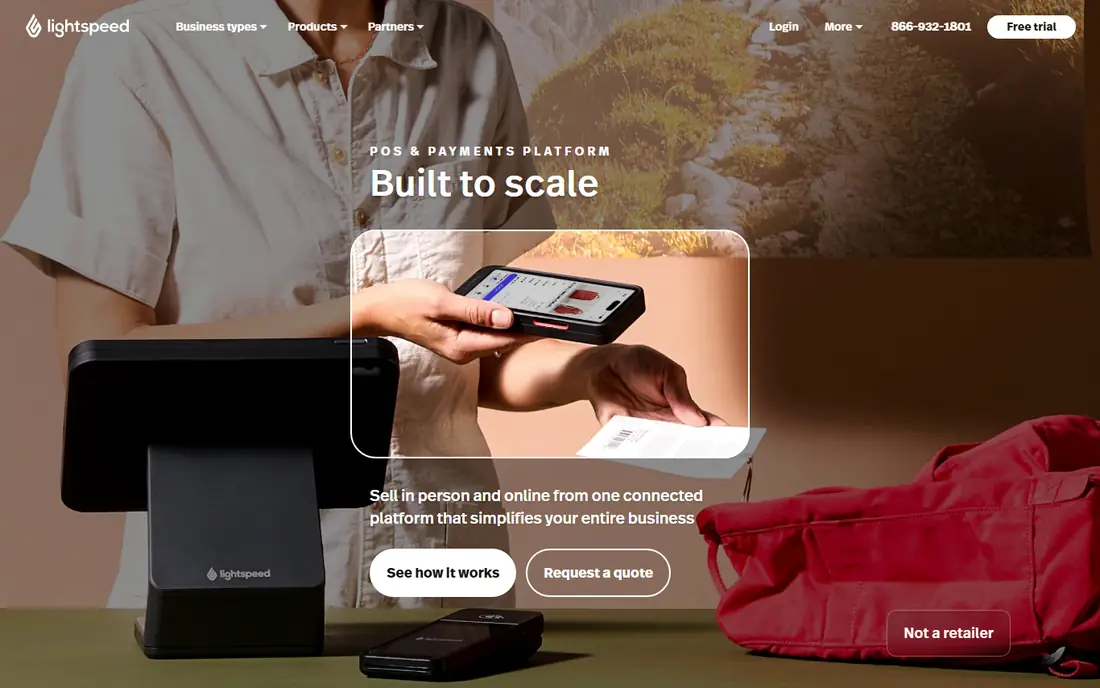
Lightspeed Retail is the pick for shops with large catalogs, variants, and several locations. It handles matrix inventory for sizes and colors, purchase orders, and multi-location transfers with more depth than free rivals, and reporting helps owners spot slow stock and best sellers. Apparel, footwear, bike, and specialty shops often find it fits their workflow well.
Price and learning time are the drawbacks. Plans start around $89 per month on annual billing for the entry retail plan, and staff will need training to use the deeper features well. A tiny shop with a simple catalog may not need that depth. For an inventory-heavy business, Lightspeed earns its price in time saved.
- Deep inventory and multi-location tools
- Strong reporting
- Built for apparel and specialty retail
- Higher price than Square or Shopify Lite
- Learning curve is steeper for small teams
Clover suits busy counters that want reliable, good-looking hardware and a wide app marketplace. Counter stations, minis, and handheld devices cover different counter layouts, and apps add loyalty, inventory, and reporting features. The system feels polished in daily use, which matters on a crowded shop floor.
Pricing is the warning. Clover is sold direct and through resellers, and hardware bundles can involve long terms or monthly fees that differ by seller. Get the full cost in writing, including software, processing, hardware, and any contract length, before signing. Bought direct with clear terms, Clover is a strong retail system.
- Polished counter and handheld hardware
- Wide app marketplace
- Good for busy retail counters
- Pricing varies by seller
- Hardware bundles can involve long terms
Epos Now suits shops that want one system for retail and light hospitality, such as a shop with a cafe counter. The software covers checkout, inventory, and reporting, with hardware options from tablets to full counter kits. That flexibility helps mixed businesses that do not want two separate systems.
Contract terms vary by seller and region, so read the agreement carefully, including term length and exit fees. Some advanced features also sit on higher plans. For a mixed retail and cafe business, Epos Now is a practical option, provided the contract terms are clear.
- Works for retail and hospitality
- Flexible hardware options
- Back-office reporting included
- Contract terms vary and need checking
- Some features cost extra by plan
Revel Systems suits larger retail firms and multi-location groups that need central control. The iPad-based system covers checkout, inventory, customer management, and reporting across locations, with enterprise controls for menus, pricing, and staff roles. That central control helps chains keep every location consistent.
Pricing is quote-based, and the system is built for larger firms, so a single small shop may find Square or Shopify simpler and cheaper. For a growing chain that needs central management, Revel is worth a demo. Ask for a full quote including hardware, software, and processing before comparing it with rivals.
- Strong multi-location and enterprise features
- IPad-based hardware
- Detailed reporting
- Quote-based pricing
- Better suited to larger firms than a single small shop
Helcim appeals to shops that want transparent processing costs. The software has no monthly fee, and interchange-plus pricing shows the card cost plus a markup, which can save money as volume grows compared with flat-rate pricing. That transparency helps owners who want to see exactly what each sale costs.
Hardware options are narrower than Clover, and online selling tools are simpler than Shopify, so an omnichannel shop may need a second tool for a full web store. For a shop that mainly sells in person and wants fair processing, Helcim is a strong low-cost pick. Check current processing terms on the vendor site before switching.
- No monthly software fee
- Interchange-plus processing can save on larger volumes
- Transparent pricing
- Hardware choice is narrower than Clover
- Online selling tools are simpler than Shopify
KORONA POS suits shops that already have good processing rates and do not want to give them up. Unlike Square and Shopify, KORONA is processor-agnostic, so you can keep your existing processor and still get retail POS features. Inventory, reporting, and multi-location tools are solid for retail use.
The monthly fee starts around $59 per terminal, which is higher than free plans, and setup takes more care than a plug-and-play reader. For a shop with strong processing rates, the saving on card fees can outweigh the software fee over a year. Do the math on your actual monthly card volume before deciding.
- Lets you choose your own payment processor
- Strong inventory for retail
- No long-term lock on processing
- Monthly fee starts higher than free rivals
- Setup needs more care than Square
PayPal Zettle, from PayPal, is the simplest low-cost pick for markets, pop-ups, and small shops. There is no monthly software fee, the card reader is affordable, and setup takes minutes on a phone or tablet. That makes it ideal for a stall, a seasonal shop, or a first test of in-person selling.
Depth is the limit. Inventory, staff, and multi-location features are simpler than Lightspeed or Shopify Pro, so a growing shop may outgrow Zettle. Processing is also tied to Zettle, so you cannot switch processors without switching systems. For low-volume and mobile selling, though, Zettle is hard to beat on cost and ease.
- No monthly software fee
- Affordable card reader
- Simple setup for markets and pop-ups
- Inventory and multi-location tools are simpler than Lightspeed
- Locks you into Zettle processing
How we picked these
We reviewed each vendor's own pricing, hardware, and feature pages, and we used "See website" where pricing varied by seller, plan, or location. We favored systems that handle retail checkout, inventory, and reporting, that are actively sold in the US, and that cover distinct needs, from free market selling to multi-location retail. We did not claim hands-on testing; our comparison rests on official pages and public pricing summaries.
How to choose retail POS software without overpaying
Start with your monthly card volume, since processing often costs more than software. A 0.3 percent difference on $50,000 in monthly card sales is $150 per month, which can exceed a software plan price. Get processing, software, hardware, and add-on costs in writing, and compare the total monthly cost across two or three systems, not just the headline software fee.
Next, test inventory with your real catalog. Import a sample of products with variants, such as sizes and colors, and try a sale, a return, a stock count, and a multi-location transfer if you have more than one shop. A system that handles your catalog cleanly will save hours each week, while a system that fights your catalog will cost staff time every day.
Finally, check contracts and exit terms. Separate the software term from hardware financing, since a 36-month hardware bundle can lock you in even if the software is month to month. Check offline mode too, since a shop that loses internet should still take payments. Choose the system that fits your catalog, your volume, and your growth plan, not just the cheapest first month.
Frequently asked questions
What is the best POS software for a retail store?
Square is our pick for most new retail shops, since the free plan covers checkout and basic inventory with no long contract. Shopify POS suits shops that sell online through Shopify, while Lightspeed Retail suits inventory-heavy shops with large catalogs. The best system depends on your catalog size, sales channels, and monthly card volume.
What is the best POS software for a small retail shop?
Square and PayPal Zettle are the best low-cost picks for small shops, since both offer free software plans and affordable hardware. Square adds more inventory and online tools as you grow, while Zettle suits markets and pop-ups best. Compare processing rates too, since card fees often exceed software costs over a year.
How much does retail POS software cost per month?
It ranges from free for Square and Zettle software plans to around $89 per month for Lightspeed Retail entry plans, with Shopify Pro and KORONA POS in between. Hardware, processing, and add-ons add to that figure, so compare total monthly cost. Always verify current pricing on the vendor site, since plans and billing periods change.
Do I need a contract for POS software?
Not always. Square, Zettle, and Shopify POS are month to month with no termination fee for software, while Lightspeed's best prices need annual billing and some Clover hardware bundles run longer terms. Read the contract carefully and separate software terms from hardware financing before signing.
Can I use my own payment processor with a POS system?
Sometimes. KORONA POS lets you choose your own processor, and some systems allow third-party processors for an extra fee. Square, Zettle, and Shopify POS lock you into their own processing, so you cannot switch processors without switching systems. If you already have strong processing rates, this question should shape your shortlist.
What hardware do I need for a retail POS system?
Most shops need a tablet or terminal, a card reader, a receipt printer, and a cash drawer, plus a barcode scanner if you sell many packaged goods. Square and Zettle start with a phone and a reader, while Clover and Lightspeed offer full counter kits. Buy hardware only after you are sure about the software, since hardware ties you to that system.
Sources we checked (9)

Online Jobs is an independent blog about careers, online work, learning new skills and the tools that help people earn. More about us.
Keep reading
All posts
n8n Alternatives
n8n alternatives compared for 2026, with Zapier, Make, Activepieces, and more, covering visual builders, code steps, self-hosting, and pricing models.

ZoomInfo Alternatives
The best ZoomInfo alternatives in 2026, compared on price, free plans, data coverage, and which tool fits small teams or large sales teams best in detail.

Zoom Alternatives for Webinars
Compare Zoom alternatives for webinars in 2026, from browser-based rooms to enterprise events, with prices, attendee limits, features and honest trade-offs.