Best Plumbing Software in 2026: 9 Tools Compared


Small crews that want a simple all-round system · Starting price: See website
How we put this together: we compare official feature and pricing pages, app store listings, privacy policies and public user reviews. Prices change, so check the provider's site before you pay.
Key takeaways
- Jobber and Housecall Pro suit most small plumbing crews because they cover scheduling, quotes, invoicing and payments in one place.
- ServiceTitan fits larger fleets that will use its dispatch, pricebook and reporting depth every day, not a solo operator who needs a simple diary.
- ServiceM8 is the clearest low-cost starting point, with a free plan for very small teams, while other tools lean on trials and paid plans.
- The billing unit matters as much as the headline price, so check if you pay per user, per technician, or by plan size before you sign up.
- A short trial on live jobs tells you more than a feature list, especially for dispatch, mobile use, and how quickly invoices get paid.
Quick comparison
| Name | Who it suits | Starting price | Free option | |
|---|---|---|---|---|
| Jobber | Small crews that want a simple all-round system | See website | Free trial | Visit |
 Housecall Pro | Residential shops that want online booking | See website | Free trial | Visit |
 ServiceTitan | Large fleets with complex dispatch needs | See website | No | Visit |
 Workiz | Phone-led shops that need call handling | See website | Free trial | Visit |
 ServiceM8 | Solo plumbers and very small teams | Free | Yes | Visit |
 FieldPulse | Growing teams that need field workflows | See website | Free trial | Visit |
 Simpro | Larger trade businesses with job costing | See website | Free trial | Visit |
 BuildOps | Commercial and larger service contractors | See website | No | Visit |
 Commusoft | Shops that want scheduling plus job history | See website | Free trial | Visit |
The best plumbing software
Plumbing software should cut office admin, keep techs on schedule, and help invoices turn into paid work without chasing paper. The nine tools below do that job in different ways, from light apps for one van to systems built for a fleet.
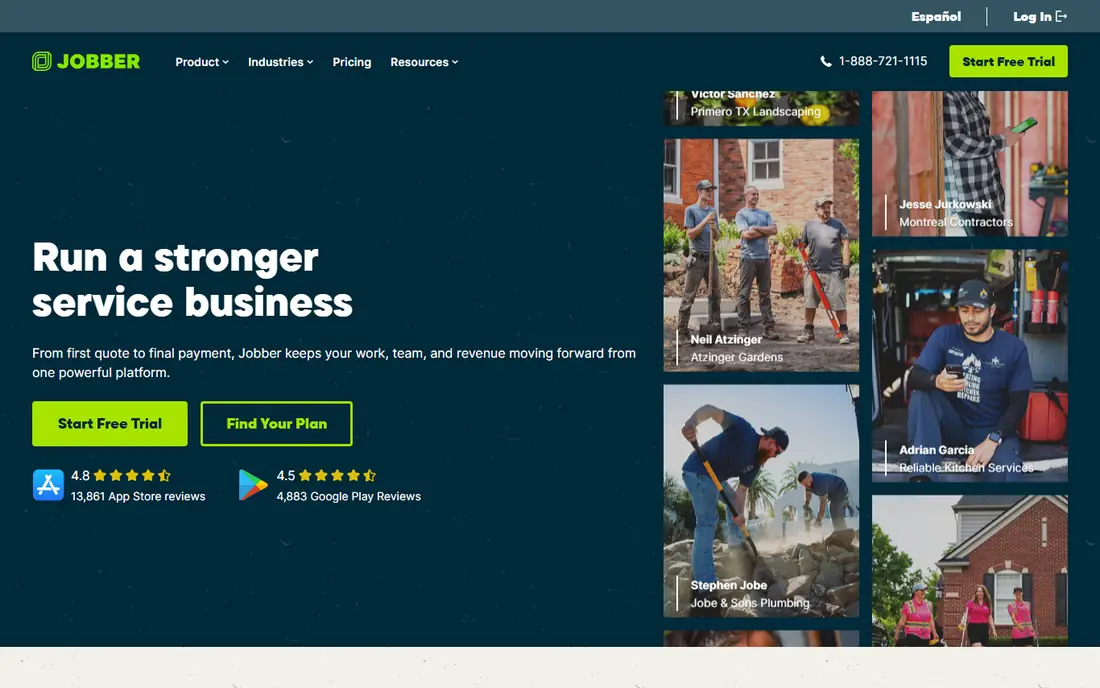
Jobber is our pick for most small plumbing businesses because it covers the daily work without asking a small team to learn a large enterprise system. Scheduling, quoting, invoicing, client notes and payments sit in one workflow, so a job can move from first call to paid invoice without retyping details. The mobile app also helps techs see the day, update job status, and collect payment on site.
The honest catch is scale. Jobber works best when the office is small and jobs are straightforward. If you run many techs, complex pricebooks, and deep reporting needs, you may hit limits that push you toward a heavier system. For a one to ten person crew, though, that simplicity is a strength, not a weakness.
- Clear scheduling and dispatch
- Quotes and invoices in one place
- Customer reminders and online payments
- Advanced reporting sits on higher plans
- Larger fleets may outgrow its simpler dispatch tools
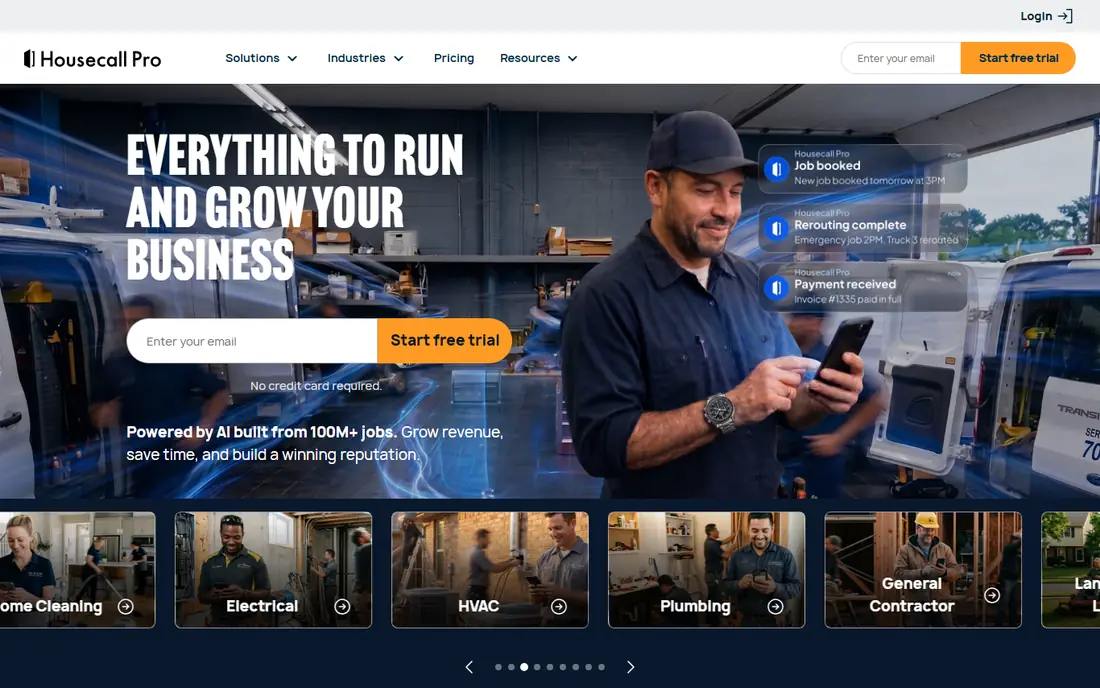
Housecall Pro stands out for residential plumbers who get a steady flow of calls and want customers to book online. The booking page, automated reminders, and job updates reduce missed appointments and phone tag. Techs can view schedules, add photos and notes, and take payment in the field, which keeps the office from chasing paperwork at day end.
Price is the point to watch. The entry plan suits a small team, but a growing crew should price the plan that includes the users they actually need. If online booking is a priority and most work is residential, Housecall Pro earns its place near the top of this list.
- Strong online booking and reminders
- Easy mobile app for techs
- Good payments and review tools
- Costs rise as you add users
- Some advanced features need higher plans
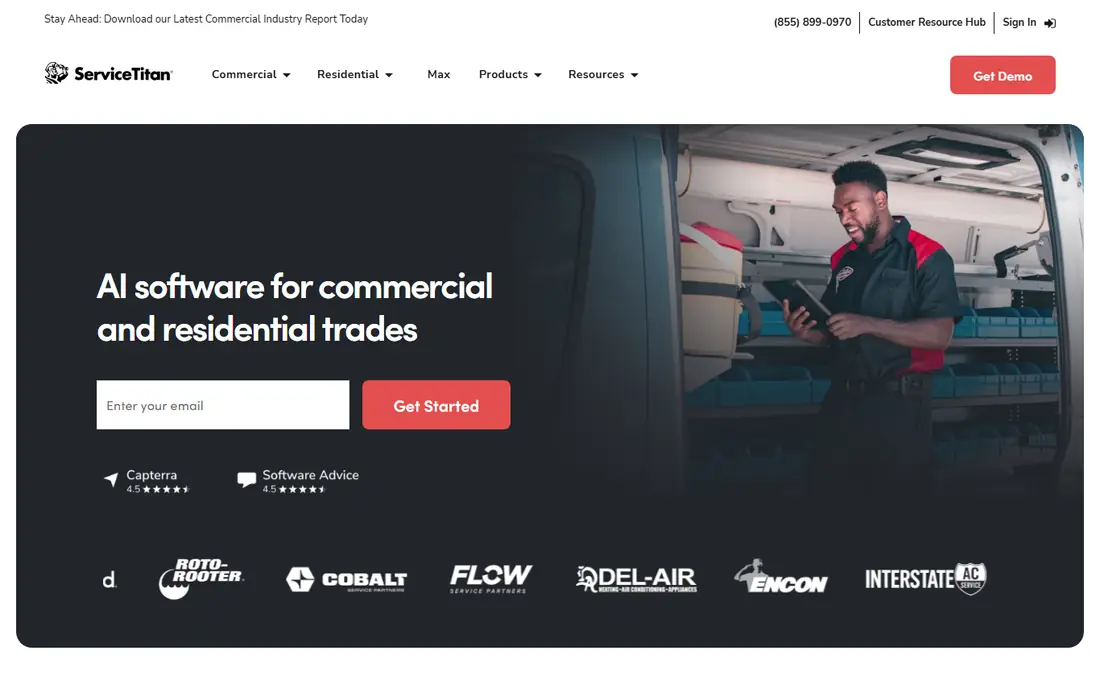
ServiceTitan is the heavyweight option here, and it shows in both power and price. For a large plumbing business, its dispatch board, flat-rate pricebook, call booking tools, and reporting give managers a clear view of jobs, tech performance, and revenue. It is built for companies that run many trucks and want tight control over every stage of a job.
That power comes with a cost that goes beyond the subscription. Expect a sales-led quote, onboarding time, and training before the team uses it well. A solo plumber or a three-van shop will likely find it too much. For a fleet that will use it daily, it can pay for itself in better scheduling and fewer lost jobs.
- Deep dispatch, pricebook and reporting tools
- Strong marketing and call tracking options
- Built for scale
- Quote-based pricing
- Implementation and training take real time
Workiz fits shops where the phone still drives the business. If most jobs start with a call, its phone tools, messaging, and scheduling help the office book work fast and keep track of who called, when, and why. Quotes, invoices, and payments follow the same job record, so less falls through gaps between calls.
New users should check which features are included in their plan and which are add-ons. The core system is practical, but the total monthly cost depends on the tools you switch on. For a call-heavy residential shop, that trade-off is often worth it.
- Useful phone and messaging tools
- Scheduling and invoicing in one place
- Practical for call-heavy teams
- Some features are add-ons
- Interface can feel busy at first
ServiceM8 is a smart first step if you are moving from paper or spreadsheets and do not want a large monthly bill. The free plan lets a very small team test real job management, including scheduling, quoting, and invoicing, before paying anything. Its mobile focus also suits plumbers who spend most of the day on site rather than at a desk.
Limits appear as job volume grows. The free tier is not built for a busy multi-van operation, and you will need to move to a paid plan for more capacity. Even so, starting free and learning what you actually use is a sensible path for solo operators.
- Free plan for small use
- Simple job and invoice workflow
- Good mobile app for field work
- Free plan has limits
- Larger teams need a paid plan and more structure
FieldPulse sits in the middle ground between a light app and a fleet system. It combines customer records, scheduling, estimates, and invoicing, which helps a growing shop keep customer history in one place. That history matters when a repeat customer calls and the office needs to know past work, parts, and pricing quickly.
The main question is fit, not quality. It may not have the same depth as ServiceTitan for a large fleet, and it may feel like more than a solo plumber needs. For a team that has outgrown a basic app but is not ready for enterprise software, it is a solid middle option.
- Job scheduling plus CRM features
- Estimates and invoices tied to customer records
- Mobile-friendly field tools
- Less well known than the biggest brands
- Pricing needs a check for larger teams
Simpro appeals to trade businesses that need tighter control over job costs, materials, and labour. Its quoting and job management tools help managers see if a job is on budget, not just if it is booked. That level of detail matters for larger projects, repeat commercial work, and businesses that run plumbing alongside other trades.
Setup is the catch. You should expect time to configure workflows, price lists, and team permissions. If your work is mostly small residential call-outs, that effort may not be needed. If job costing is a weak point in your business, Simpro addresses it directly.
- Strong job costing and quoting
- Scheduling for larger teams
- Useful for multi-trade work
- Setup takes time
- Pricing is quote-based for many users
BuildOps is aimed at larger service contractors, especially those with commercial work, rather than a small residential crew. Its dispatch, job tracking, and reporting tools are designed for teams that manage many jobs, technicians, and customer sites at once. Managers get a clearer picture of workload and progress across the business.
Small shops should look elsewhere. The system and pricing model fit companies that will use its depth every day. For a growing commercial contractor, that focus is exactly why it belongs on this list.
- Built for commercial service work
- Strong dispatch and project tools
- Good reporting for managers
- Less suited to small residential shops
- Sales-led pricing
Commusoft gives a plumbing business a clear diary, dispatch view, and customer history without the scale of the largest platforms. When a customer calls back, the team can see past jobs, notes, and invoices, which makes repeat work faster and less prone to error. Workflow tools also help automate reminders and follow-ups.
Check the plan details before you commit, since some features sit on higher tiers. For a mid-sized shop that wants organised scheduling and a reliable job record, Commusoft is a practical choice that often gets overlooked.
- Diary and dispatch tools
- Customer and job history in one record
- Useful workflow automation
- Smaller brand presence in some markets
- Feature depth varies by plan
How we picked these
We compared official feature pages, pricing pages, and app store listings, and we checked public reviews for common complaints about setup, mobile use, and support. We kept only tools that are built for field service or trade work, are still offered in 2026, and cover scheduling plus quoting or invoicing. We left out generic invoicing apps and tools that do not support field dispatch, since they do not solve the core plumbing workflow.
What to check before you buy plumbing software
Start with your billing unit. A plan priced per technician will grow with every hire, while a plan priced by team size may stay flat until you cross a tier. Ask what is included in the base plan, what counts as an add-on, and what the card processing rate is, since processing fees can matter more than the subscription for a busy shop.
Test it on real jobs
Run a trial on live work, not sample data. Book a job, dispatch a tech, add a photo or note, send a quote, and take a payment. If any step feels slow or confusing in the trial, it will feel worse on a busy Monday. Also check how the app works with weak signal, since field use is where most tools succeed or fail.
Check integrations and exit options
Confirm how the tool connects to your accounting software and whether you can export customer and job data. A tool that locks your history inside its own system creates a problem if you later switch. Ask about contract length, setup fees, and what happens to your website or booking page if you cancel.
Frequently asked questions
What is the best plumbing software for a small business?
For most small crews, Jobber or Housecall Pro are the safest starting points because they cover scheduling, quotes, invoices, and payments without a long setup. ServiceM8 is worth trying first if cost is the main barrier, since it has a free plan for small use. Pick based on how you get work: online booking favours Housecall Pro, while simple all-round management favours Jobber.
What is the best plumbing app for a solo plumber?
A solo plumber needs fast scheduling, simple quotes, and mobile invoicing, not fleet reporting. ServiceM8 and Jobber both fit that brief, with ServiceM8 offering the lowest entry cost. Test the mobile app on a real job before you pay, since you will live in it all day.
What is the best software for plumbers with a large team?
ServiceTitan, Simpro, and BuildOps are built for larger teams and more complex work. ServiceTitan suits large residential fleets, Simpro suits job costing and multi-trade work, and BuildOps suits commercial service contractors. All three need more setup time, so budget for training as well as the subscription.
What are the best plumbing software solutions for dispatch?
Dispatch quality depends on crew size and job type. Jobber and Housecall Pro give small teams a clear daily board, Workiz helps phone-led shops book fast, and ServiceTitan gives large fleets the deepest dispatch and reporting tools. Try the dispatch board with your real job mix, not just a demo schedule.
What is the best plumbing software for invoicing and payments?
Look for a tool that turns a completed job into an invoice and a payment link without retyping. Jobber, Housecall Pro, ServiceM8, and Workiz all do this well for small and mid-sized shops. Check the card processing rate and whether customers can pay online, since both affect how fast you get paid.
Do plumbers need separate accounting software?
Many plumbing tools handle quotes and invoices, but most businesses still use accounting software for tax, payroll, and year-end reporting. Check if your chosen tool syncs with the accounting package you already use, and avoid double entry where you can. If it does not sync, factor the extra admin time into your choice.
Sources we checked (9)

Online Jobs is an independent blog about careers, online work, learning new skills and the tools that help people earn. More about us.
Keep reading
All posts
DocuSign Alternatives
We compared the best DocuSign alternatives on price, free plans, templates, audit trails and ease of use, including free DocuSign alternatives for small teams.
Best subscription billing software
Looking for the best subscription billing software? We compare 9 platforms for billing, dunning, tax, revenue recognition, and team workflows in 2026.
Best Spend Management Software
Looking for the best spend management software? We compared 8 platforms on cards, approvals, travel and price to help your finance team pick the right one.