Best Platforms for Job Posting in 2026: 9 Platforms Compared

How we put this together: we compare official feature and pricing pages, app store listings, privacy policies and public user reviews. Prices change, so check the provider's site before you pay.
Key takeaways
- Indeed and LinkedIn give small employers a useful free starting point, while paid promotion controls how many people actually see a post.
- ZipRecruiter, Monster, and Dice use different pricing models, so the cheapest option depends on how many roles you fill and how long each role stays open.
- Workable and Breezy are hiring tools first and job boards second, and they suit teams that post often and need one place to track applicants.
- Handshake stands out for entry level and campus hiring, while Dice is the clearest choice in this list for technology roles.
- Check the price on the vendor website before you budget, because several platforms quote by role, location, or company size rather than publishing one flat rate.
Quick comparison
| Name | Who it suits | Starting price | Free option | |
|---|---|---|---|---|
 Indeed Indeed | Maximum reach for most roles | Free | Yes | Visit |
 LinkedIn LinkedIn | Professional and salaried roles | Free | Yes | Visit |
 ZipRecruiter ZipRecruiter | Fast applicant flow for small teams | See website | Free trial | Visit |
 Monster Monster | Budget reach plus resume search | $8 per day | No | Visit |
 Dice Dice | Technology and engineering roles | See website | No | Visit |
 CareerBuilder CareerBuilder | Broad hiring with screening tools | See website | No | Visit |
 Handshake Handshake | Entry level and campus hiring | Free | Yes | Visit |
 Workable Workable | Teams that hire on a regular basis | $299 per month | Free trial (15 days) | Visit |
 Breezy Breezy | Small teams that want a simple pipeline | Free | Yes | Visit |
The best platforms for job posting
Posting a job is only part of the work. You also need the right applicants, a clear way to review them, and a price that makes sense for one role or twenty.
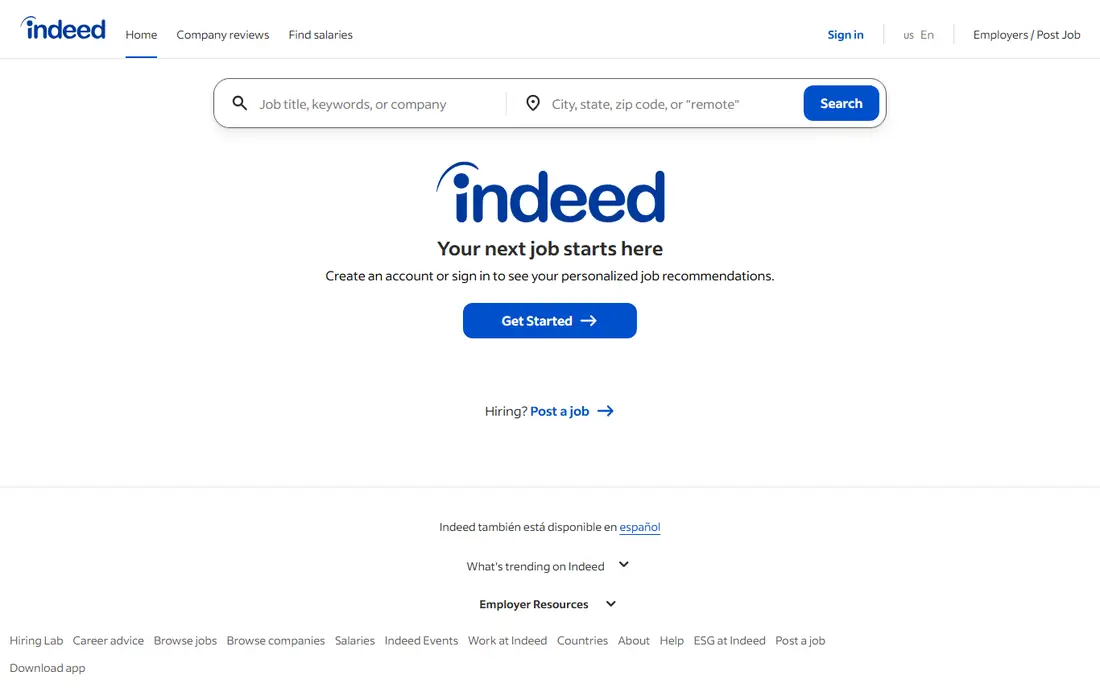
Indeed is the first place many job seekers look, and that habit is the main reason employers start here. A direct employer can post a limited number of free jobs each month, each live for up to 30 days under current terms. Sponsored jobs use a pay for performance model, so you set a budget and pay when people interact with the post.
The catch is visibility. A free post can sit behind sponsored posts for the same kind of role, especially in busy cities or for common job titles. That makes Indeed a strong choice for testing a role or filling a common opening, but a weaker choice if you need a fast result and cannot sponsor the post. Write a clear title and list the real requirements first.
- Very large job seeker audience
- Free posts for direct employers within limits
- Sponsored posts let you control daily spend
- Free posts can get limited visibility
- Sponsored costs vary by role and location
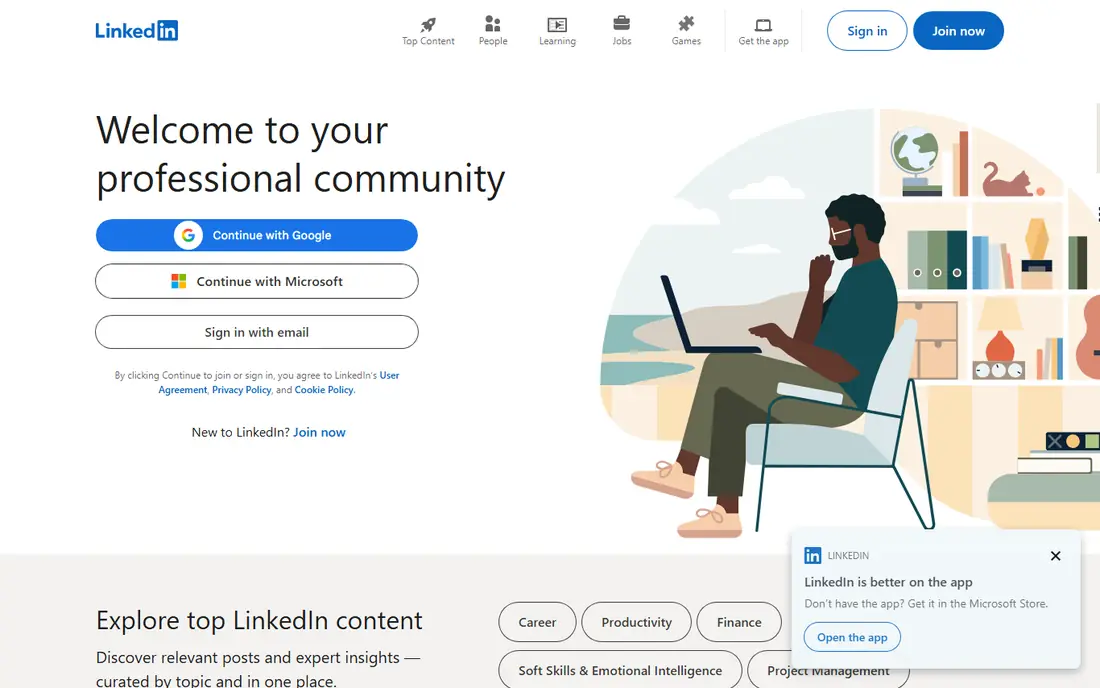
LinkedIn works best when the person you want already has a work history to show, even if they are not actively looking. Employers can post a free job, and applicants often apply with a profile showing past roles and skills. That context helps a small team decide who deserves a first call.
Promotion is where LinkedIn changes character. A promoted post puts the role in front of more people in your target audience, but the cost depends on competition for that role and location. For senior or specialist roles, that reach can be worth the spend. For hourly roles, a general board may bring in more suitable applicants for less.
- Strong reach among professionals
- Profiles give useful context before you contact someone
- Promotion can target by skills and location
- Free posts can pause early at an application limit
- Promoted costs vary a lot by role
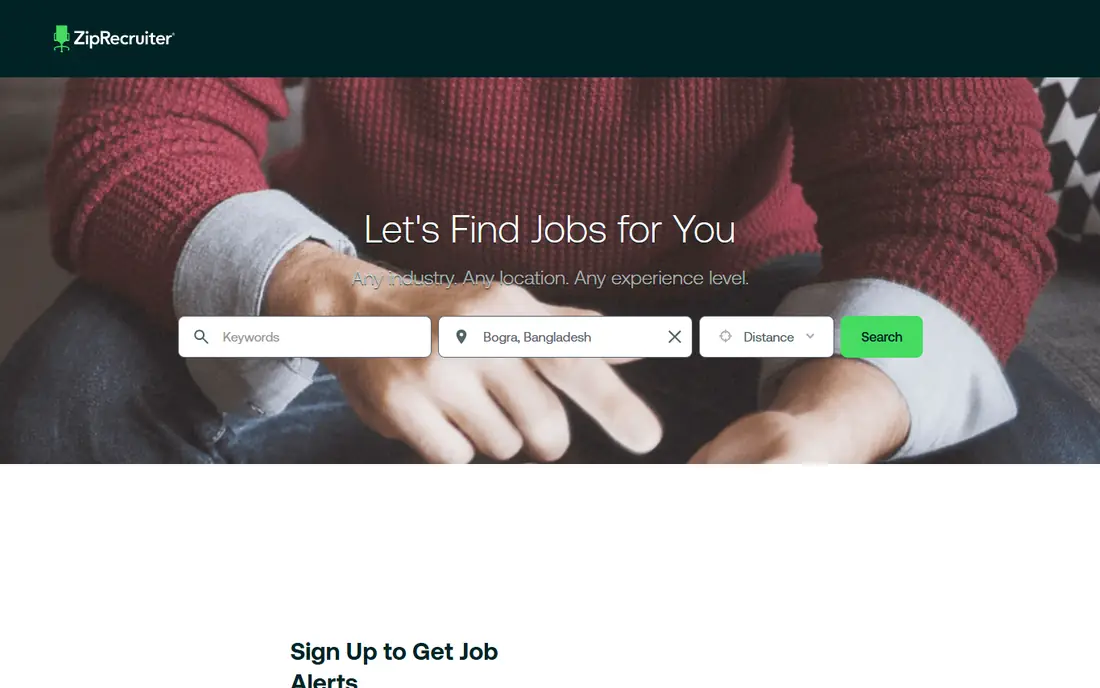
ZipRecruiter is built for speed. You write one post, and the platform sends it to its own board and partner sites, then uses matching to invite people whose profiles fit the role. That distribution is the main selling point, and the dashboard keeps applications in one place.
Pricing is the part to check before you commit. ZipRecruiter does not publish a single flat rate, and employers are quoted based on factors such as industry, location, and volume. The trial is also short, so use it for a live role rather than a test post you do not intend to fill. If you hire rarely, a pay per post board may cost less than a monthly slot that bills between hires.
- Distributes a post to many partner boards
- Matching tools surface likely fits
- Job seekers can apply quickly
- No public rate card, so pricing needs a quote
- Short trial period
Monster has been around for decades, and it now sits in a useful middle ground between a single free post and a full hiring suite. The Standard option starts at $8 per day on a pay as you go basis, and you pay when candidates interact with the post. The Pro plan costs $299 per month and adds resume search, messaging, and a monthly credit pool for clicks, resume views, and contacts.
That credit system is both the strength and the warning. It gives a small team a predictable monthly bill, but credits can run out if you search widely or contact many people. Monster fits best as a second channel, or as the main board for roles where its audience is still active, rather than as the only place you post a high volume role.
- Low daily starting point for promotion
- Pro plan adds resume database access
- Posts also reach CareerBuilder and partner sites
- Smaller audience than the largest boards
- Credits on the Pro plan need careful tracking
Focus is the whole point for Dice, a specialist board. Job seekers there expect software, infrastructure, data, security, and cloud roles, and employers can filter by the skills and tools that actually matter for the job. That focus can save time, because you spend less effort sorting out applicants from unrelated fields.
The trade-off is reach. Dice will not help much with a general office, retail, or warehouse role, and there is no free employer tier to test it with. Use it when the role is clearly technical and you can name the stack, the work pattern, and the pay range. Vague technical posts tend to attract vague applications, even on a specialist board.
- Audience focused on technology work
- Skills filters suit technical hiring
- Candidate matching highlights relevant profiles
- No free employer posting
- Poor fit for non-technical roles
CareerBuilder remains a generalist board with a long history, and it now works closely with Monster under shared ownership. Employers get a broad audience plus tools for screening and managing applicants, which helps when one post brings in a large number of applications. Larger employers and staffing teams often value that structure more than a single small business does.
Pricing is not published as one simple rate, so you will need to talk to sales or check the employer page for your current options. That makes CareerBuilder harder to compare at a glance than boards with a clear daily or monthly price. It fits best when you hire at volume, need screening steps built into the process, or want an established general board alongside a specialist channel.
- Long standing general audience
- Screening and applicant tools for larger teams
- Useful for volume hiring
- Pricing is quote based
- Interface can feel dated next to newer tools
For campus hiring, Handshake is the option on this list that is free for employers to post once they are approved. Students and recent graduates use it to find internships, part time work, and first full time roles, so the audience is concentrated in a way that general boards are not. That concentration is useful if you run an internship program or hire entry level staff every year.
The limit is just as clear. Handshake is not the right first choice for a senior hire or a role that needs ten years of experience, and you may need approval from individual schools before a post reaches their students. Plan ahead for campus hiring, and use a general board for experienced roles. For early career hiring, though, the price and the focus are hard to beat.
- Free posting for approved employers
- Focused student and recent graduate audience
- School partnerships help with targeted outreach
- Narrow fit for experienced roles
- School approval can slow the first post
Think of Workable as hiring software, not a job board on its own. It is hiring software that lets you write a post once, send it to many boards, and manage every applicant in one pipeline. The Standard plan starts at $299 per month, with higher tiers adding video interviews, texting, assessments, and other team features. A 15 day free trial lets you test the full Standard workflow before you pay.
That model suits a team that hires through the year, because the value comes from saved admin time as much as from reach. A business that hires once a year may find the monthly bill hard to justify, even if the software itself is good. If you do choose it, set up your pipeline, templates, and screening questions during the trial, so you can judge it on a real hiring round.
- Posts to many boards from one dashboard
- Pipeline, scheduling, and screening in one place
- Pricing scales by company size
- Monthly cost is high for a single occasional hire
- Price rises as headcount grows
Breezy gives a small team a calmer way to run hiring. The free Bootstrap plan covers one active position, a branded career page, distribution to many boards, and resume parsing. Paid plans start at $157 per month on annual billing for Startup, with Growth at $273 per month and Business at $439 per month, and every paid plan includes unlimited users and candidates.
The pricing is clearer than many hiring tools, but the headline price is not the whole story. Interview scorecards and offer e-signatures need the Growth tier, and AI evaluation and text messaging cost extra. That still leaves Breezy as a strong pick for a founder or small team hiring one role at a time, provided you check which tier holds the feature you actually need.
- Genuine free plan for one active role
- Unlimited users and candidates on paid plans
- Clear pricing by features, not headcount
- Key features such as scorecards and e-signatures sit on higher tiers
- AI and texting are paid add-ons
How we picked these
We started with platforms that both employers and job seekers actively use in the United States, then checked each vendor website, pricing page, and employer help page for current plans, free options, and limits. We kept platforms that still accept employer posts in October 2026, and we left out boards that now route posting through another company without a standalone employer product. Where a vendor does not publish a price, we wrote "See website" rather than repeating a third party estimate as a fact.
We also weighed fit over size alone. A huge board is not the best pick for a campus role, and a specialist board is not the best pick for a general role. Public reviews helped us spot common complaints, such as short trials and credit limits.
What to check before you pay
Start with the role, not the platform. A senior engineer, a warehouse associate, and a summer intern do not search in the same places. Write the title the way a job seeker would search for it, put the location and work pattern up front, and state the pay range when you can.
Free, sponsored, and subscription costs
Free posts work well for low urgency roles and for testing how a title performs. Sponsored posts work well when speed matters, because you pay for extra visibility rather than hoping the free post rises on its own. Subscriptions work well when you hire often, because one monthly fee can cover many roles and the pipeline tools that come with it. Compare the total cost for the time a role will stay open, not just the daily or monthly headline.
Applicant quality and screening
Ask how each platform handles screening, messaging, and applicant tracking before you post. A board that sends applicants to email can work for one role, but it becomes messy for five roles at once. Check whether applicants can apply on a phone without a long account setup, because a hard process loses good candidates.
Watch the renewal terms
Read the trial length, renewal date, and cancellation terms before you enter payment details. Some trials convert automatically, and some plans bill for a slot even with no open role. Set a reminder for the day before renewal.
Frequently asked questions
What is the best platform for posting a job for free?
Indeed, LinkedIn, and Handshake all offer free posting options, but each free option has limits. Indeed limits direct free posts per month, LinkedIn free posts can pause early, and Handshake needs employer and school approval. For one occasional role, start with the free option that matches your audience, then sponsor only if applications are too slow or too weak.
How much does it cost to post a job on Indeed?
Direct employers can post a limited number of jobs for free each month, subject to quality standards and current limits. Sponsored jobs do not have one flat price, because you set a budget and pay based on interaction with the post. Check the employer dashboard for the budget it suggests for your title and location, since competition changes that figure.
Is LinkedIn better than Indeed for hiring?
It depends on the role. LinkedIn tends to work better for professional, salaried, and specialist roles where a work history and network matter. Indeed tends to work better for broad reach across many kinds of roles, including hourly and high volume hiring. Many employers use both, with LinkedIn for senior roles and Indeed for wider coverage.
Should a small business use hiring software or just a job board?
A job board is enough for one role at a time, especially if applications go to one person. Hiring software such as Workable or Breezy helps when several people review applicants, when you post the same kind of role often, or when you need screening, scheduling, and notes in one place. Compare the monthly software cost with the time your team currently spends copying applications between email and spreadsheets.
What is the cheapest way to hire for an entry level role?
Handshake is often the cheapest route for students and recent graduates, because posting is free for approved employers. For other entry level roles, a free post on Indeed or LinkedIn, plus a post on your own careers page and local community channels, can bring in applicants without a paid plan. Add paid promotion only for roles that stay open too long or attract too few qualified applicants.
How long should a job post stay live?
Most posts stay live for up to 30 days, and many employers see the strongest response in the first week. If applications slow down, refresh the title, check the pay range, and consider sponsorship. Close the post promptly once you hire.
Sources we checked (9)

Online Jobs is an independent blog about careers, online work, learning new skills and the tools that help people earn. More about us.
Keep reading
All posts
Workday Alternatives
We compared the best workday alternatives for HR, payroll, and global hiring, from BambooHR and Gusto to Rippling, Deel, and HiBob for growing teams in 2026.

Which SaaS Tools Have the Best Customer Support
Which SaaS tools have the best customer support? Compare eight popular tools on help centres, live help, response options and overall support quality.

Top AI Helpdesk Software
Searching for top AI helpdesk software in 2026? We compared 8 AI helpdesks on automation, pricing, channels and ease of setup for small and growing teams.