Best Platform for Business Website in 2026: 8 Platforms Compared

How we put this together: we compare official feature and pricing pages, app store listings, privacy policies and public user reviews. Prices change, so check the provider's site before you pay.
Key takeaways
- Wix is the best all-round builder for most small businesses, with a free plan and strong templates.
- Squarespace suits design-led service businesses that want polished templates and scheduling.
- Shopify leads once selling products matters more than a brochure site, while WordPress leads for long-term flexibility.
- Webflow suits design-focused teams that want more control, and Hostinger suits tight budgets.
- The real entry price is usually the cheapest paid plan with your own domain and no platform branding.
Quick comparison
| Name | Who it suits | Starting price | Free option | |
|---|---|---|---|---|
 Wix | All-round small business sites | $17 per month | Yes | Visit |
 Squarespace | Design-led service businesses | $16 per month | Free trial | Visit |
 WordPress.com | Content and long-term growth | Free | Yes | Visit |
 Shopify | Product-heavy online stores | $29 per month | Free trial | Visit |
 Webflow | Design control and custom sites | $14 per month | Yes | Visit |
 Hostinger | Budget-first business sites | See website | No | Visit |
 GoDaddy | Fastest simple business setup | See website | Free trial | Visit |
 Duda | Agencies managing many sites | See website | Free trial | Visit |
The best platform for business website
A business website needs to do a few jobs well: explain what you sell, let customers contact or book you, show up in search, and look credible on a phone. The platforms below all do that, but they differ in design control, selling power, price and how easy it is to leave later. Pick by the job the site must do in its first months.
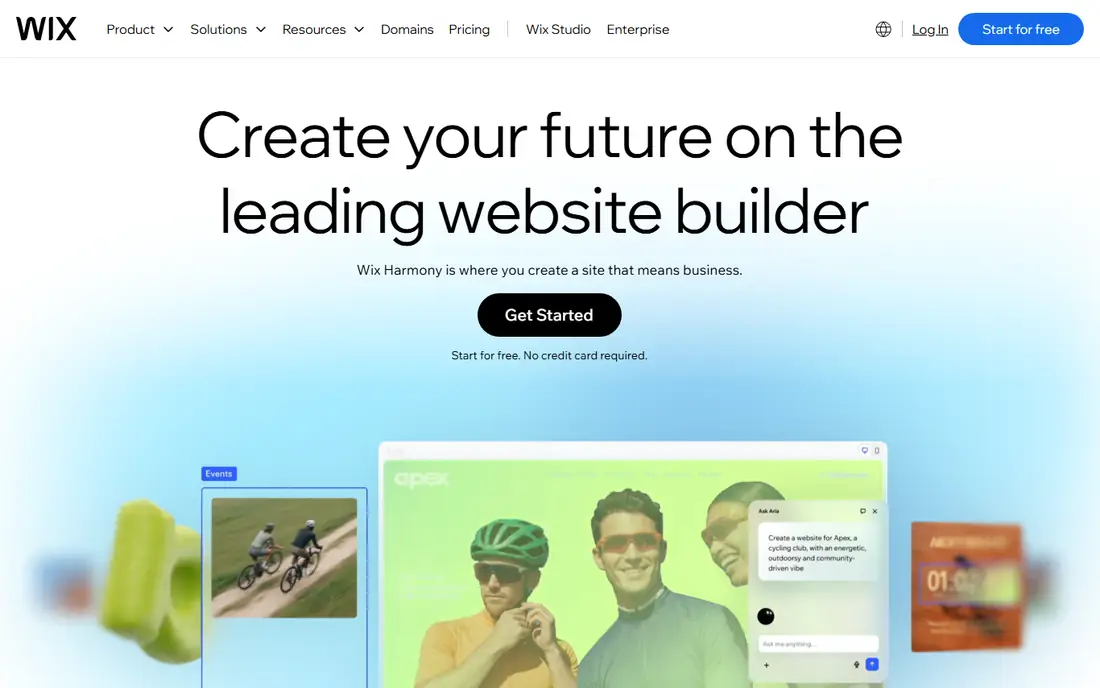
Wix is our pick for most small businesses because it covers the common jobs in one place: templates for services, restaurants, trades and shops, a drag-and-drop editor, contact forms, booking and selling tools, plus hosting and security handled for you. The free plan lets a business test a design before paying, which lowers the risk of starting.
The paid entry point matters more than the free plan, since the free site carries Wix branding and a Wix domain. Moving a finished Wix site to another platform is also difficult, so treat Wix as a long-term home, not a temporary draft. For a business that wants a good site fast without hiring a developer, Wix is the safest all-round choice.
- Large template library
- Drag-and-drop editor
- Free plan for testing
- Built-in booking, forms and selling
- Free plan shows Wix branding
- Moving a finished site elsewhere is hard
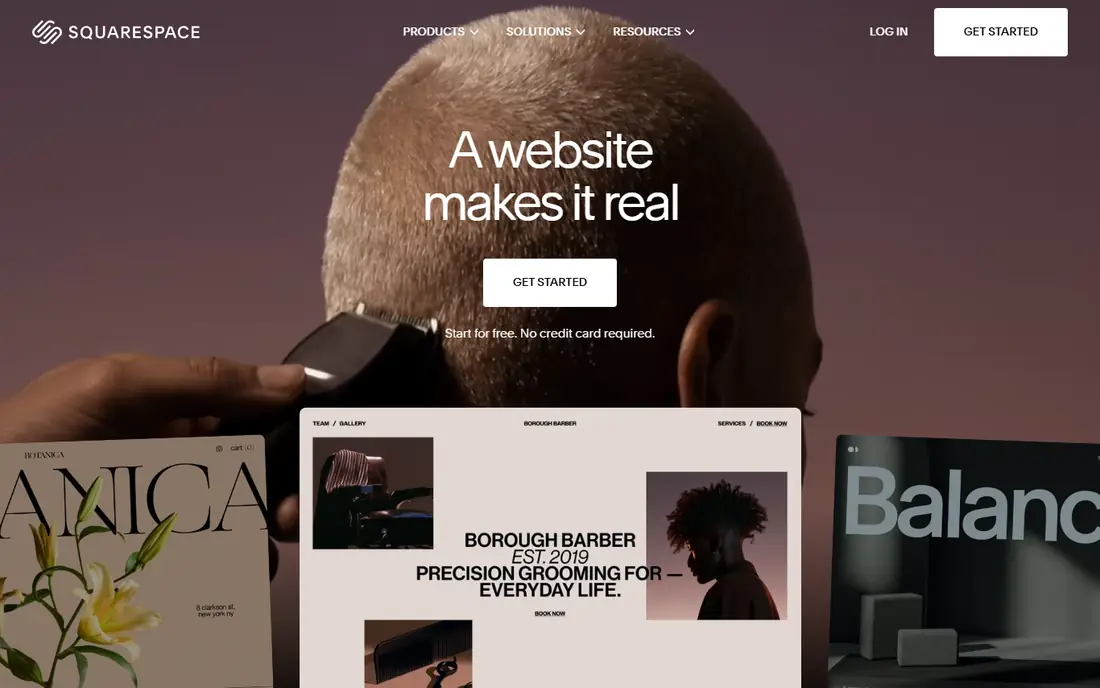
Squarespace suits businesses where design sells the service: photographers, designers, consultants, salons and restaurants that need a polished first impression. Its templates are curated and design-forward, and its editor keeps layouts clean without much effort. Scheduling tools help service businesses take bookings, and selling features cover shops that sell beside services.
There is no free plan, only a trial, so budget from the entry paid plan. The template range is also smaller than Wix, which limits choice for unusual business types. If design quality matters more than template count, Squarespace is the better pick.
- Polished, curated templates
- Scheduling tools for services
- Blogging and selling included
- No free plan, trial only
- Template range is smaller than Wix
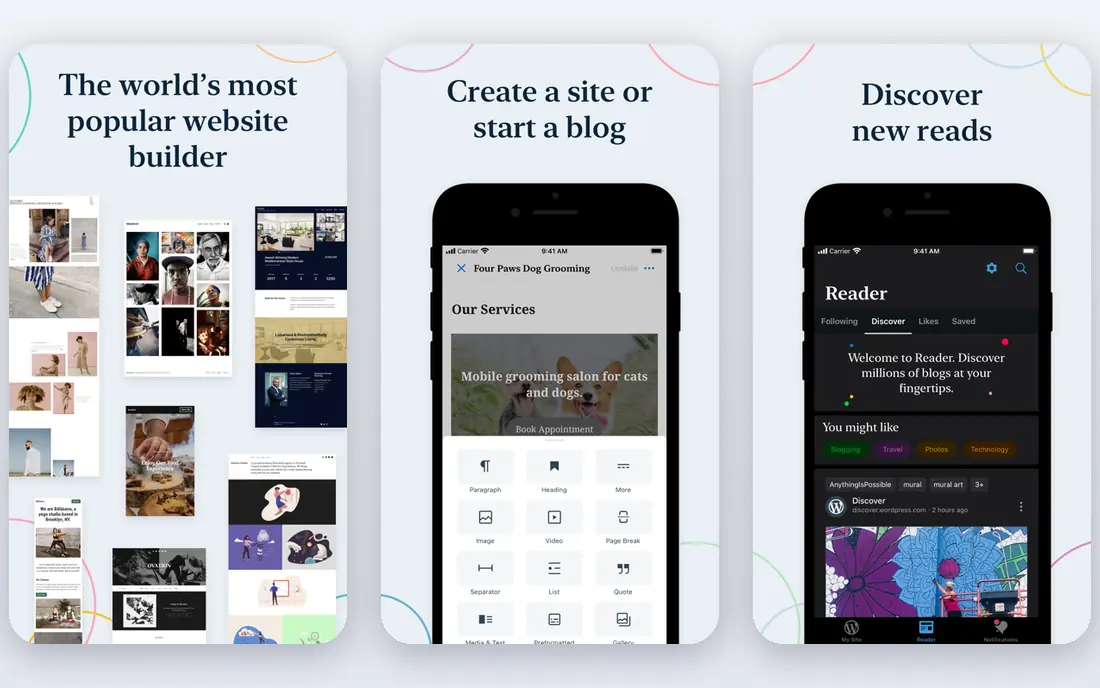
WordPress.com gives a business a free starting point and a path to long-term growth, with strong blogging, pages and search tools. Paid plans open up more themes, plugins and selling features, while self-hosted WordPress offers the most flexibility of any option here, at the cost of managing hosting, updates and security yourself.
That flexibility is also the drawback for a beginner, since theme and plugin choices can overwhelm a first site. Start on WordPress.com if content marketing matters to your business, and move to self-hosting only when you need control that the hosted plans cannot give. For a business built on articles, guides and search traffic, WordPress remains the strongest foundation.
- Free plan for testing
- Huge theme and plugin ecosystem on paid plans
- Strong blogging and SEO tools
- Full flexibility needs paid plans or self-hosting
- Plugin and theme choices can overwhelm beginners
Shopify is the clear pick once a business sells more than a handful of products. Inventory, payments, shipping, discounts and multi-channel selling to social and marketplaces are built in, and its app store covers almost any store feature. A business that starts on a general builder and later grows into serious selling often faces a migration, so starting on Shopify saves that move.
For a brochure site with no real store, Shopify is overkill and its monthly cost is higher than a general builder. Transaction fees and paid apps also add to the bill. If products are the business, though, Shopify is the platform to build on.
- Best-in-class selling tools
- Multi-channel selling
- Large app store for store features
- Overkill for a simple brochure site
- Transaction and app costs add up
Webflow gives designers and design-focused businesses far more control than a template builder, with precise layout, animation and content management tools that do not require code. A free plan lets a team build and test a site before publishing on a paid plan, which suits agencies and businesses with a clear design vision.
That control comes with a learning curve. A business owner who wants a site in an afternoon will find Wix or Squarespace faster. Webflow suits teams that care about custom design and are willing to learn the tool, or that hire a designer who already knows it.
- Fine design control without code
- Built-in CMS
- Free plan for building and testing
- Learning curve is steeper than Wix
- Selling features need higher plans
Hostinger Website Builder suits a business that needs a credible site at the lowest possible price. Its AI builder can generate a first draft from a short description, hosting is included, and entry prices sit well below most competitors. For a new business testing an idea, that low cost removes a barrier.
Selling tools and design depth are lighter than Wix, Squarespace or Shopify, and renewal prices can rise above the first-term price, so check the renewal rate before committing. If budget is the deciding factor and the site mainly needs pages, contact details and basic selling, Hostinger is a sensible start.
- Very low entry price
- AI site builder for fast starts
- Hosting included
- Selling and design depth are lighter than premium builders
- Check renewal prices
GoDaddy Website Builder suits a local business owner who wants a site live quickly with domain, hosting and builder in one account. Setup is fast, support is available by phone and chat, and built-in tools cover basic marketing, search guidance and social posting. That consolidation has real value for an owner who does not want several vendors.
Design flexibility is limited beside Wix or Webflow, and marketing tools stay basic. A business that needs a distinctive design or advanced selling will outgrow it. For a simple, credible local site launched in a day, GoDaddy does the job with minimal fuss.
- Domain, hosting and builder in one account
- Very fast setup
- Phone and chat support
- Design flexibility is limited
- Marketing tools are basic
Duda is built for agencies and freelancers who manage many business websites, with client management, team tools and reusable sections that speed up building similar sites. Widgets, selling features and white-label options help an agency deliver client sites efficiently and present them under its own brand.
A solo business owner may pay for agency features it never uses, and Duda is less familiar to customers than Wix or Squarespace. For an agency, though, the multi-site workflow is the point. If you build sites for clients, Duda deserves a trial beside Webflow.
- Built for managing many client sites
- Team and client tools
- Good widgets and selling features
- Less known to end customers
- Solo businesses pay for agency features they may not need
How we picked these
We compared official pricing and product pages, plus current website builder guides that summarise vendor prices, and we kept platforms that are live in 2026 and suit a business site, not just a personal blog or portfolio. We included general builders, a store platform, a content platform and an agency platform, because business needs differ that widely. Where pricing is quoted or renewal-based, we say so. We did not claim hands-on testing.
Choosing the right website platform
Ask what the site must do in its first 90 days. If it needs appointments and lead forms, Wix or Squarespace usually deliver fastest. If it needs to sell many products, Shopify saves a later migration. If content and search growth matter most, WordPress is the stronger foundation. If budget is tight, Hostinger gets you online cheapest.
Check three costs before you commit: the paid plan with your own domain and no platform branding, the renewal price after any first-term discount, and the cost of any apps or selling features you will actually use. Also check how you leave: can you export content, redirect your domain and keep your search rankings if you switch later. A cheap start that traps your content is not cheap in the long run.
Launch checklist for a business site
Before launch, confirm the site loads fast on a phone, contact details and opening hours are correct, forms actually deliver messages, and basic search settings such as page titles are filled in. Add clear calls to action on every main page, such as book, call or buy, and test the checkout or booking flow yourself. A small, correct site beats a large, half-finished one.
Frequently asked questions
What is the best website building tool for a small business?
Wix is the best all-round builder for most small businesses, with Squarespace close for design-led services. Shopify leads for product-heavy stores, and WordPress leads for content-led growth.
What is the best app to create a website for free?
Wix and WordPress.com both offer free plans, and Webflow offers a free plan for building. Free plans usually carry platform branding and a platform domain, so the cheapest paid plan is the real entry point for a business.
What is the best company to build a website?
If you mean a platform to build it yourself, Wix, Squarespace and Shopify lead for most businesses. If you mean hiring a company, an agency using Webflow or Duda can build a custom site, but that costs far more than a builder subscription.
What is the best website platform for business selling?
Shopify is the best platform for businesses where selling products is the main job, with inventory, payments and multi-channel tools built in. Wix and Squarespace cover smaller shops well, while WordPress with WooCommerce suits businesses that want full control.
How much does a business website cost per month?
Entry paid plans in this list range from about 14 to 29 dollars per month for the builders that publish a starting price, with Hostinger lower and agency or enterprise plans higher. Always check renewal prices and app costs, not just the first-term price.
Sources we checked (8)

Online Jobs is an independent blog about careers, online work, learning new skills and the tools that help people earn. More about us.
Keep reading
All posts
n8n Alternatives
n8n alternatives compared for 2026, with Zapier, Make, Activepieces, and more, covering visual builders, code steps, self-hosting, and pricing models.

ZoomInfo Alternatives
The best ZoomInfo alternatives in 2026, compared on price, free plans, data coverage, and which tool fits small teams or large sales teams best in detail.

Zoom Alternatives for Webinars
Compare Zoom alternatives for webinars in 2026, from browser-based rooms to enterprise events, with prices, attendee limits, features and honest trade-offs.