Best Planner Apps in 2026: 8 Daily Planning Tools Compared
 Online Jobs·Updated Oct 24, 2026·11 min read
How we put this together: we compare official feature and pricing pages, app store listings, privacy policies and public user reviews. Prices change, so check the provider's site before you pay.
Key takeaways
- You do not have to pay to get a good planner. Todoist, TickTick, Structured and Reclaim.ai all list a free plan, though each one limits something such as projects, lists or calendar syncs.
- TickTick Premium is the cheapest paid plan here at $49.99 per year, while Todoist Pro is $5 per month billed yearly ($60).
- Sunsama has no free plan and starts at $17 per month billed yearly, which makes it the premium choice for people who want a guided daily planning routine.
- Things 3 is a one-time purchase on Apple devices ($9.99 for iPhone and $49.99 for Mac on the App Store), with no subscription.
- AI schedulers such as Motion and Reclaim.ai automate your calendar, but they work best if you already live in a calendar all day.
Quick comparison
| Name | Who it suits | Starting price | Free option | |
|---|---|---|---|---|
 Todoist Todoist | Task lists that work everywhere | Free | Yes | Visit |
 TickTick TickTick | Budget all-in-one planner | Free | Yes | Visit |
 Structured Structured | Visual daily timeline | Free | Yes | Visit |
 Sunsama Sunsama | Guided daily planning | $17 per month billed yearly | Free trial (14 days) | Visit |
 Motion Motion | AI task and calendar scheduling | $19 per seat per month | Free trial | Visit |
 Reclaim.ai Reclaim.ai | Auto-scheduling on Google or Outlook calendars | Free | Yes | Visit |
 Fantastical Fantastical | Calendar with natural language entry | See website | Yes | Visit |
 Things 3 Things 3 | Apple users who want a one-time purchase | $9.99 (iPhone) | Free trial (Mac) | Visit |
The best planner apps
A planner app can mean three different things: a task list, a calendar, or a tool that puts tasks onto your calendar as time blocks. We compared eight apps across those styles. Prices below come from each vendor's own pages or App Store listings, and we say when we could not confirm a number.
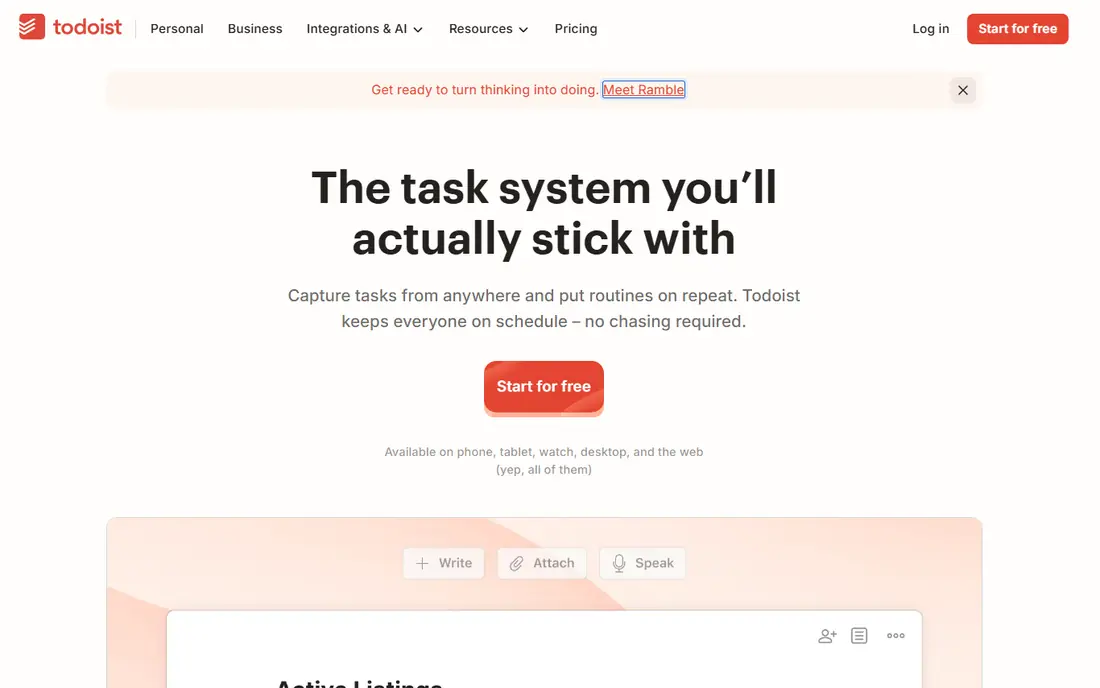
Todoist is the straightforward pick for most people. Its pricing page lists a free Beginner plan with 5 personal projects, task reminders, list and board layouts, 3 filter views and one week of activity history. Pro costs $5 per month, which is $60 billed yearly, and raises the limits to 300 projects and 150 filter views, plus the calendar layout, task duration, deadlines and full reporting history.
It is a to-do list first and a planner second. You add tasks in plain language, give them due dates and priorities, and see them in a list, board or (on Pro) calendar layout. That makes it excellent for capturing everything, and less good if you want to drag tasks into hour-by-hour blocks.
Business plans are $8 per user per month billed yearly ($96) for teams that need shared projects. For a single person, the free plan works until you hit the project or filter limits.
- Clear free plan with reminders and Smart Quick Add
- Pro is $5 per month billed yearly
- Works with 90+ integrations
- Free plan is capped at 5 personal projects and 3 filter views
- Calendar layout is a paid feature
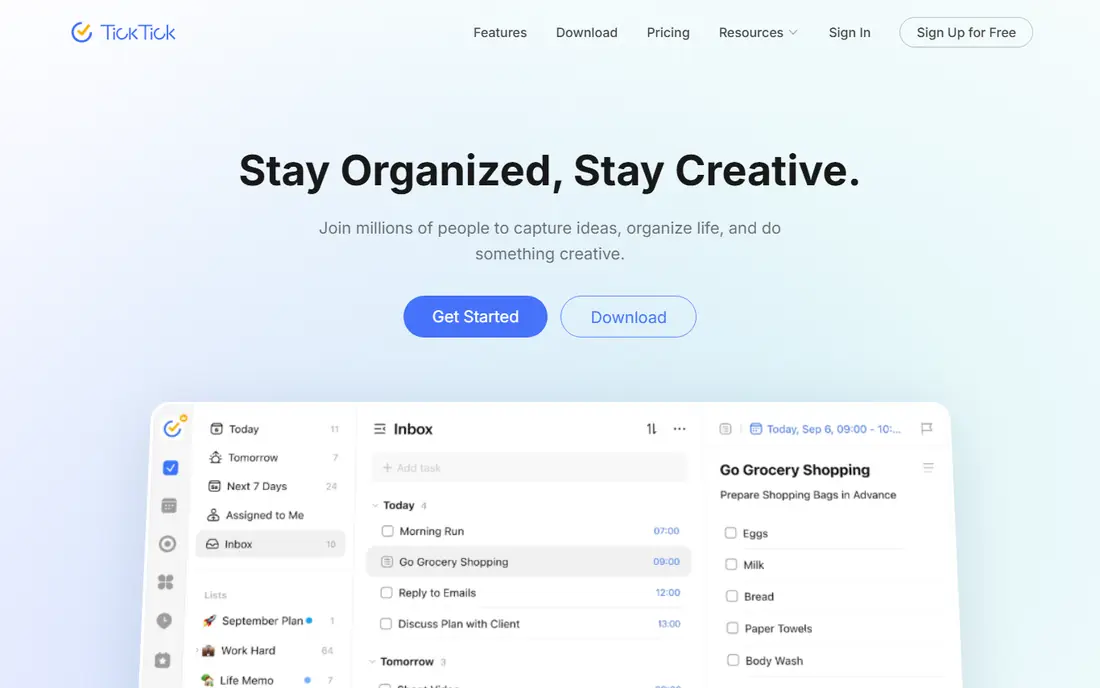
TickTick tries to be a task list, calendar, habit tracker and focus timer in one app, and it does so for less money than most rivals. Its upgrade page lists Premium at US$49.99 per year and no monthly price. The App Store listing for TickTick describes calendar views, recurring tasks, checklists, a Pomo timer and habit goals.
The free plan is real but limited. According to TickTick, free accounts get 9 lists and 99 tasks per list, one attachment a day and basic calendar views, while Premium raises that to 299 lists, 999 tasks per list, 199 attachments a day and unlimited calendar views. Task duration and email reminders are Premium only.
It suits people who want one app for tasks, habits and focus sessions without paying a lot. The catch is the number of features, which can make the interface feel crowded at first. Turn off what you do not use.
- Premium is only $49.99 per year
- Includes calendar views, a Pomodoro timer and habit tracking
- Task reminders and sync on both tiers
- Free plan allows only 9 lists
- Interface can feel busy

Structured turns your day into a vertical timeline, so tasks, events and routines sit in the order you will do them. Its App Store listing says the free version includes a drag-and-drop timeline, an inbox, sub-tasks, a Pomodoro timer, widgets and syncing across iPhone, iPad, Apple Watch and Mac. Its website also lists a web app for computers.
Structured Pro adds calendar and Reminders connections, recurring tasks and routines, AI-powered day planning, and a Replan option that reschedules missed tasks. The listing says Pro is sold monthly, annually or as a lifetime purchase, but we could not confirm the prices, so check the app.
The company markets it for people who find a plain list overwhelming, including those with ADHD. That is its own positioning, not a medical claim. A visual timeline is a good fit if you tend to underestimate how long things take.
- Timeline shows your whole day at a glance
- Free plan includes drag-and-drop planning and Pomodoro timer
- Pro is available as monthly, annual or lifetime
- Calendar and Reminders sync is a Pro feature
- Pro prices not listed where we looked
Sunsama is a planner for people who want a ritual. Each day it walks you through choosing tasks from your lists and calendar, sizing your workload and timeboxing the day, then ending with a shutdown routine. It also offers focus mode, Pomodoro timers and daily and weekly reports on where your time went.
Its pricing page lists a Pro plan at $17 per month billed yearly or $22 per month billed monthly, with a 14-day free trial and no credit card required. The page says there is no free forever plan. The same page quotes a team price that does not match the Pro figures, so confirm what you will pay at checkout.
It pulls in tasks from Todoist, Asana, Trello, Jira, ClickUp, Linear, Monday.com, Notion and Google Tasks, and from Slack, Teams and Gmail. That makes it a good hub for knowledge workers with tasks scattered across tools. If you only keep a simple list, it is more than you need.
- Daily planning ritual and shutdown routine
- Two-way sync with Google, Outlook and Apple calendars
- Imports tasks from tools like Todoist, Asana, Trello and Notion
- No free plan
- Pricier than most apps here
Motion is the most automated planner on this list. Its pricing page describes an AI calendar, an AI task planner, projects, docs and notes, and AI meeting tools. You give it tasks and deadlines, and it decides when they fit on your calendar and moves them as things change.
The pricing page lists Pro AI at $19 per seat per month and Business AI at $29, and says annual billing saves 33%. It does not make clear whether the $19 is the monthly or the annual rate, so check before you start. The page offers a free trial without a stated length. Plans include a monthly credit allowance: 7,500 credits per seat on Pro AI and 15,000 on Business AI.
Motion is aimed at busy professionals with many deadlines who are happy to hand scheduling to software. It costs more than most apps here, so try the trial with real work before you commit.
- AI planner places tasks on your calendar automatically
- Includes projects, docs and meetings tools
- Business plan adds time tracking and Gantt charts
- Higher price and AI credit limits
- Trial length not stated on the pricing page
Reclaim.ai sits on top of your existing calendar. Its site says it works with Google Calendar or Outlook Calendar and automatically schedules meetings, focus time, tasks and habits around your existing events. Habits are recurring routines that shift to open slots, and tasks from your lists are placed by priority.
The free Lite plan is for one user and includes a 1-week scheduling range, 1 calendar sync and 1 scheduling link. Paid Starter is $10 per seat per month billed yearly ($12 billed monthly), and Business is $15 yearly ($18 monthly), according to its pricing page. The page also shows a limited-time new-user discount, so the price you see may differ.
It is a good fit if your day is controlled by meetings and you want your task time protected. If you plan by writing in a notebook, it will feel like overkill.
- Free Lite plan
- Protects focus time, habits and tasks automatically
- Works with Google Calendar and Outlook
- Free plan has one calendar sync and a one-week scheduling range
- Built for work calendars more than personal planning
Fantastical is a calendar app first. You can type something like "Lunch with Sarah at 1pm tomorrow" and it creates the event. Its page says it supports Calendar Sets, tasks alongside events (including iCloud Reminders and Todoist), and an Openings feature that lets others book time using a link.
The free version, according to the Flexibits pricing page, includes full-screen day, week, month, quarter and year views, natural language input, task support, notifications, and a 3-day weather forecast. Premium (which has a 14-day free trial) extends that, and we could not confirm its price because the page only shows it when you pay.
Platforms include Mac, Windows, iPhone, iPad, Apple Watch and Apple Vision Pro, with Android support listed as coming in 2027. It suits people who want a refined calendar rather than a full task manager.
- Type events and tasks in plain sentences
- Works with iCloud, Google and Exchange accounts
- Share availability with an Openings link
- Premium price not shown on its pages
- Android support is not available yet
Things 3 is a polished to-do and project manager for Apple devices. Its App Store listing describes to-dos with notes, tags and dates, Projects with headings and deadlines, and Areas such as Work or Family. The Today and Upcoming lists show your to-dos alongside your calendar events, which gives it a planner feel.
You pay once per platform. The US App Store lists Things 3 for iPhone at $9.99 and for Mac at $49.99, and the Cultured Code site offers a free trial of the Mac version. We did not confirm the iPad and Apple Watch pricing, so check the listing for those. The site lists Mac, iPhone, Watch, iPad and Vision Pro versions.
There is no Windows or Android app listed, so it only suits people who stay in the Apple ecosystem. If you are all-in on Apple and dislike subscriptions, it is hard to beat for the price.
- One-time purchase instead of a subscription
- Today and Upcoming lists show to-dos and calendar events
- Mac version has a free trial
- Apple devices only
- Pay for each platform separately
How we picked these
We compared each app's official website, pricing page and App Store listing, and chose apps that cover three planning styles: task lists, calendars and AI schedulers. We favored products with a free plan or a trial, so you can test before you pay. We did not use these apps ourselves for months, so our notes describe what the vendors publish, not a long hands-on test.
Where a price was missing or conflicting, we say so. Check the checkout page for your region and tax before buying.
How to choose a planner app
Decide how you plan
If you like lists, start with Todoist or TickTick. If you like to see the day as blocks of time, try Structured or Sunsama. If your calendar is already full of meetings, look at Reclaim.ai or Motion.
Check your devices
Things 3 and Structured are built around Apple devices (Structured also has a web app). Sunsama, Todoist, TickTick, Motion and Reclaim.ai work across more platforms. Make sure the app runs on every device you use before paying.
Watch the free limits
Free plans usually limit the thing you will outgrow first. Todoist caps projects and filters, TickTick caps lists and tasks, and Reclaim.ai caps calendar syncs. Use the free plan for a few weeks and see which limit you hit.
Try the trial with real work
AI schedulers like Motion look impressive in demos. Put your real week into one during the trial and see whether it schedules things you would actually do.
Frequently asked questions
What is the best planner app?
For most people, Todoist or TickTick is the safest start, since both have free plans. If you want a visual daily timeline, try Structured. If you want a guided routine and can pay, Sunsama is built for that.
What is the best free planner app?
Todoist, TickTick, Structured and Reclaim.ai all have free plans with limits. TickTick's free plan allows 9 lists, while Todoist's allows 5 personal projects. Structured's free version includes its visual timeline.
What is the best daily planner app for scheduling my day?
Structured and Sunsama are built around daily planning. Structured shows a timeline of tasks and events, and Sunsama guides you through a morning planning routine and an end-of-day shutdown.
Are AI planning apps worth paying for?
They can be if your calendar is packed. Reclaim.ai has a free plan, so start there. Motion is more expensive and uses a credit system, so try the trial first.
Is there a planner app with no subscription?
Things 3 is a one-time purchase on Apple devices. Structured also lists a lifetime Pro option, though we could not confirm its price.
Can I use a planner app on both iPhone and Android?
Todoist, TickTick, Sunsama and Reclaim.ai support multiple platforms, while Things 3 and Structured are Apple focused. Fantastical's page says Android support is coming in 2027.
Sources we checked (14)
- https://www.todoist.com/pricing
- https://ticktick.com/upgrade
- https://apps.apple.com/us/app/ticktick-to-do-list-calendar/id626144601
- https://apps.apple.com/us/app/structured-daily-planner-todo/id1499198946
- https://structured.app/
- https://www.sunsama.com/pricing
- https://www.sunsama.com/
- https://www.usemotion.com/pricing
- https://www.reclaim.ai/pricing
- https://www.reclaim.ai/
- https://flexibits.com/fantastical
- http://flexibits.com/pricing?product=fantastical
- https://culturedcode.com/things/
- https://apps.apple.com/us/app/things-3/id904237743
Online Jobs is an independent blog about careers, online work, learning new skills and the tools that help people earn. More about us.
Keep reading
All posts
iObeya Alternatives
Compare the best iObeya alternatives in 2026, from Miro and Mural to Klaxoon, Businessmap and Planview AgilePlace, with US prices, free plans and trade-offs.
Best Writing Software for Authors
The best writing software for authors in 2026: Scrivener, Vellum, Dabble, Reedsy Studio and more, with current prices, free options and honest drawbacks.

Free Kahoot Alternatives
Looking for free Kahoot alternatives for large groups? We compare 8 options in 2026, including Gimkit, Slido and Blooket, with US prices and free player limits.