Best Photo Collage App Free in 2026: 8 Apps Compared

How we put this together: we compare official feature and pricing pages, app store listings, privacy policies and public user reviews. Prices change, so check the provider's site before you pay.
Key takeaways
- Canva is our overall pick for free collages, because templates, text, and exports cover most jobs in one app.
- PicCollage and PhotoGrid are faster for quick phone collages, especially for social posts and stories.
- Adobe Express suits users who want cleaner design tools and AI help without leaving the Adobe world.
- Free does not always mean watermark-free, so check export rules before spending time on a layout.
- For a poster or a large print, a desktop tool with high-resolution export beats a quick mobile grid.
Quick comparison
| Name | Who it suits | Starting price | Free option | |
|---|---|---|---|---|
 Canva Canva | All-round free collages | Free | Yes | Visit |
 PicCollage PicCollage | Fast mobile collages | Free | Yes | Visit |
 PhotoGrid PhotoGrid | Video and social collages | Free | Yes | Visit |
 Adobe Express Adobe Express | Polished design collages | Free | Yes | Visit |
 Fotor Fotor | Quick web collages | Free | Yes | Visit |
 BeFunky BeFunky | Simple grid collages | Free | Yes | Visit |
 Picsart Picsart | Creative and artistic collages | Free | Yes | Visit |
 FotoJet FotoJet | No-signup web collages | Free | Yes | Visit |
The best photo collage apps free
A free collage app should do three things well: let you place photos fast, export without an ugly watermark, and fit the size you need, from a square post to a story to a print. Some apps excel at speed, others at design control, and a few hide their best exports behind a subscription. We compared official feature pages, app store listings, and public reviews, and we kept apps with a genuinely usable free tier in 2026.
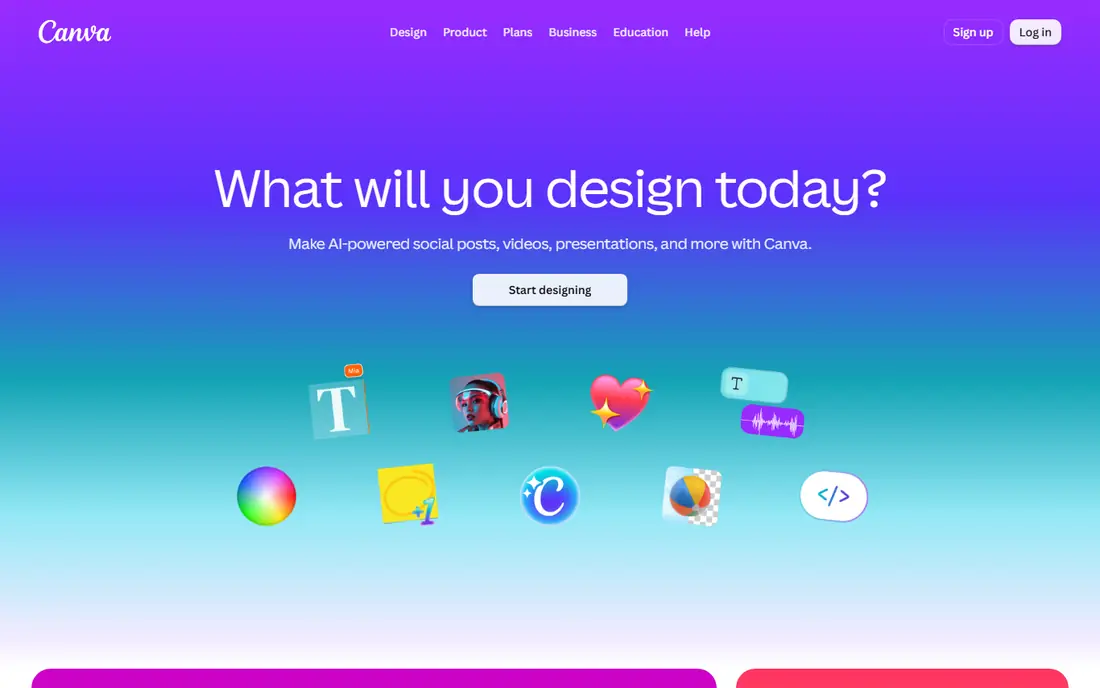
Canva is the safest first install for collages, because it covers grids, social posts, posters, and cards in one place. Pick a template, drop photos in, adjust text, and export. The free plan covers most everyday collage work, and the same account works on the web and on phones, so a layout started on a laptop can be finished on a phone.
The catch is that not every template is free. Premium elements are marked, and using them can prompt an upgrade or add a watermark on export. Canva Pro is listed at $14.99 per month on some app store pages, with annual pricing lower on the web. If you stick to free templates, though, Canva gives the most polished result for no cost.
- Huge template library
- Strong text and layout tools
- Web, iOS, and Android
- Some premium templates and elements need Pro
- Large library can feel busy
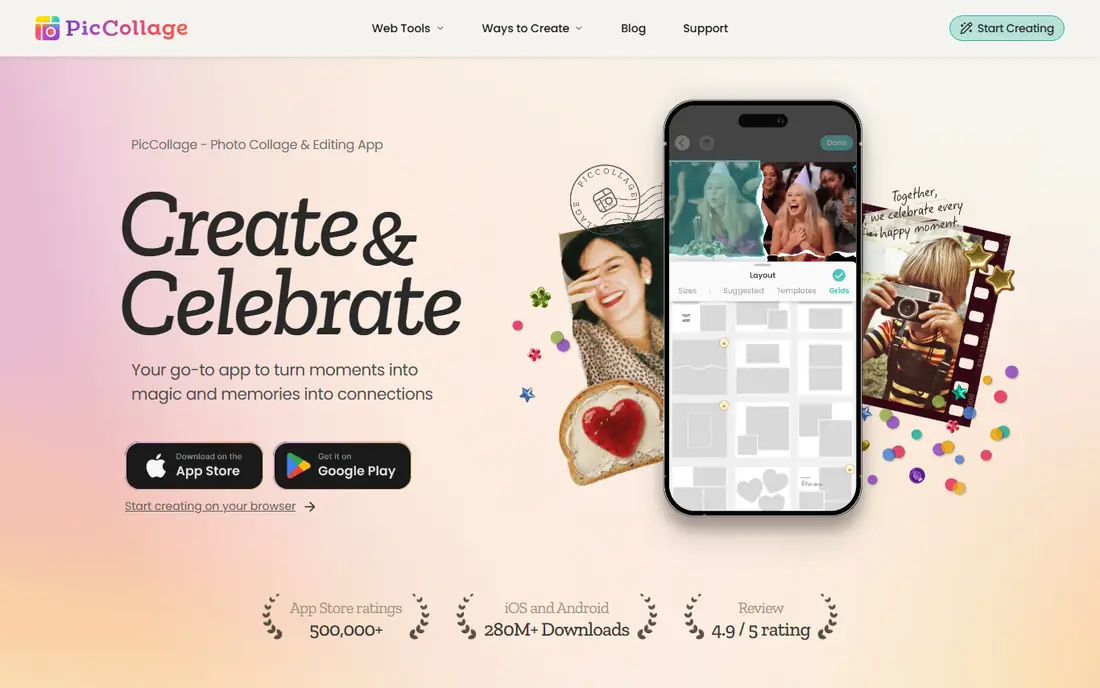
PicCollage is built for speed. Open the app, pick photos, and you get a grid in under a minute, with freestyle mode for a scrapbook look. It recognizes common social sizes for posts, stories, and reels, so you spend less time resizing. Stickers, backgrounds, and text tools make it fun for birthdays, trips, and family photos.
Ads are the price of the free tier, and premium packs and an ad-free experience sit behind PicCollage VIP, reported at about $35.99 per year in some comparisons and about $9.99 per month in app store listings, depending on the offer shown. For a quick share, the free version is enough. For regular posting, the subscription is worth checking against how often you actually use it.
- Very fast grid and freestyle modes
- Strong stickers and text
- Social sizes built in
- Free version includes ads
- Some features and packs need a subscription
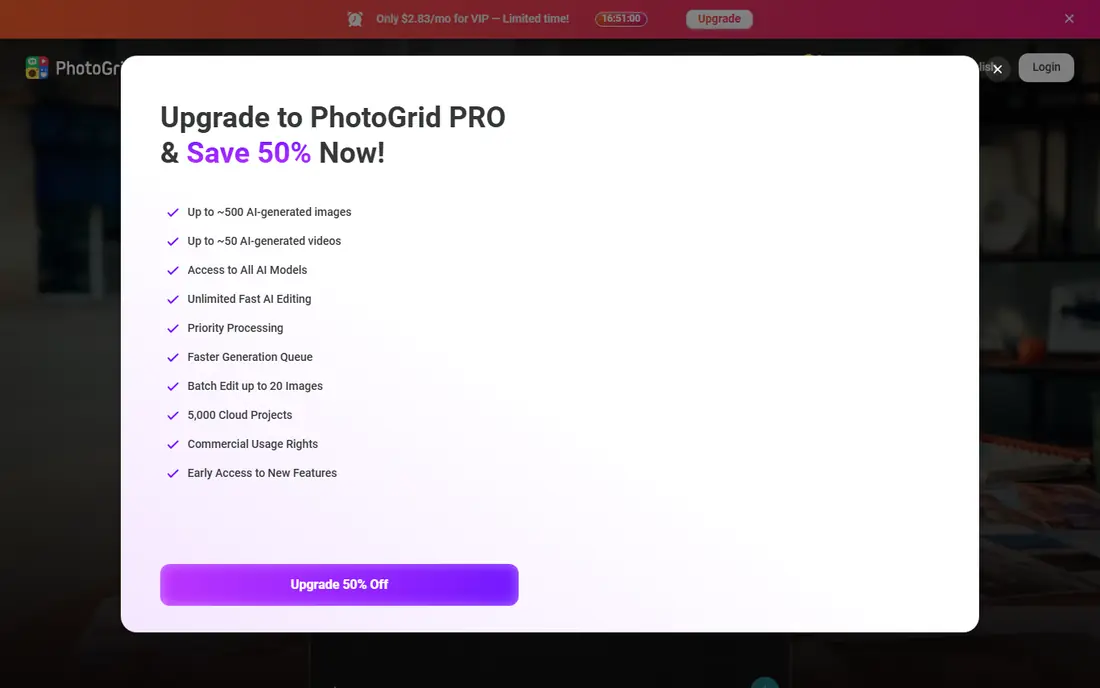
PhotoGrid stands out when a collage needs to move. It handles still grids and video grids, with templates for stories and reels, plus trimming and layout tools for short clips. That makes it a good pick for creators who post both photos and video from the same app, rather than switching tools for each format.
The free download covers the core grid and video tools, while Pro removes ads and opens more templates and AI features. Pricing varies by store, with some comparisons listing around $2.83 per month on an annual basis. If you only make still collages, the video tools are extra clutter, but if video is part of the job, PhotoGrid saves a step.
- Grids plus video collages
- Many templates
- Fast mobile editing
- Free version includes ads
- Newest AI tools may be limited or metered
Adobe Express brings a more design-led feel to free collages, with templates, fonts, and layout help that look closer to a studio piece than a phone grid. It also connects to Adobe tools and stock assets, which helps when a collage needs consistent type and color. The free plan is genuinely usable for social posts and simple layouts.
Premium is listed at $9.99 per month and adds more templates, AI features, and higher-quality exports. The free tier requires an Adobe account, which is a small barrier compared with no-signup web tools. For users who already use Adobe products, or who want a cleaner result than a sticker-heavy app, Express is a strong free starting point.
- Clean templates and typography
- AI-assisted design tools
- Good brand and asset library
- Sign-in required
- Full-resolution and premium features need Premium
Fotor suits people who want to make a collage in a browser without installing an app. Upload photos, pick a layout, adjust borders and backgrounds, and use its enhancement tools to fix dull photos before placing them. The web editor is straightforward, and the mobile app covers the same job on a phone.
The free plan has limits that matter for prints. Some exports are watermarked or capped in resolution, with full HD export tied to Pro, reported at $39.99 per year in some comparisons. For social sharing, the free version is fine. For a poster, check the export size first, or use a desktop tool with a cleaner free export.
- Web editor plus mobile app
- One-click photo enhancement
- Many templates
- Free exports may be watermarked or limited in resolution
- Ads and Pro prompts
BeFunky is a calm choice when other editors feel crowded. The collage maker focuses on grids, spacing, and backgrounds, with photo editing tools for cropping, color, and filters in the same account. That simplicity helps beginners who want a tidy result without learning a full design app.
Its free plan is more limited than Canva, and several layouts and effects sit behind BeFunky Plus. Pricing varies by region, with monthly and annual options listed on its pricing page. If you make collages rarely and value a clean editor over a huge template library, BeFunky is pleasant to use, but check whether your chosen layout is free before building around it.
- Clean, uncluttered editor
- Easy grids and layouts
- Photo editing included
- Free plan is limited
- Some layouts and effects need Plus
Picsart is for collages that should look artistic, not just tidy. Filters, stickers, cutouts, and AI effects let you blend photos, add texture, and build a mood, which suits social creators and hobbyists who enjoy editing as part of the fun. The community templates also give starting points when you have no layout in mind.
That creativity comes with ads and paywalls. The free tier covers basic collages, but newer AI tools and many premium assets need Picsart Gold, with pricing varying by store and often around $5 per month on annual offers. If you want a straight grid, a simpler app is faster. If you want a collage with a distinct style, Picsart earns its place.
- Strong filters, stickers, and AI effects
- Large creative community
- Mobile-first
- Free version is ad-heavy
- Many AI tools need a subscription
FotoJet is the quickest web option when you do not want an account. Open the site, pick a collage layout, add photos, and export. It also covers posters and social graphics, which makes it handy for an event flyer or a birthday card that needs a collage plus text.
The trade-off is polish and export quality. Ads appear in the editor, and the best templates and exports sit behind FotoJet Plus, reported at about $3.33 per month on annual billing in some comparisons. For a one-off collage, the free version is enough. For regular design work, Canva or Adobe Express give more room to grow.
- Fast web collages without an account
- Poster and card templates
- Simple editor
- Ads in the editor
- Higher-quality exports and more templates need Plus
How we picked these
We compared official feature and pricing pages, app store listings, and public reviews for collage apps and web tools with a free tier that actually lets you build and export a collage in 2026. We favored tools that cover common sizes, from square posts to stories, and we noted watermark, ad, and export limits plainly. We did not claim hands-on testing we did not do. Prices vary by store and region, so check the checkout shown for your account.
How to choose a free collage app
Start with where the collage will live. For Instagram, TikTok, or a story, a mobile app like PicCollage or PhotoGrid is fastest, because sizes and sharing are built in. For a poster, a card, or a presentation slide, Canva or Adobe Express gives better type control and larger exports. For a one-off web collage, FotoJet or Fotor avoids an install.
Next, check the export before you invest time. Make a test collage with two photos and export it, then look for a watermark, a size limit, or a quality drop. That five-minute test saves the frustration of finishing a 20-photo layout only to find the free export is too small. Also check photo limits, since some apps cap grids at 16 or 20 photos while others allow far more.
For social posts
Speed and correct sizes matter most. PicCollage and PhotoGrid win here, with Canva close behind for posts that need stronger text. Keep the photo count low, since crowded grids read poorly on a phone screen, and leave space for a caption rather than cramming text into the image.
For prints and keepsakes
Resolution and layout control matter more than stickers. Canva, Adobe Express, and a desktop editor give larger exports and cleaner type for a poster or a photo book page. Check the export dimensions against the print size you want, and avoid stretching a small phone export to fill a large print.
Frequently asked questions
What is the best free photo collage app?
Canva is our overall pick for free collages, thanks to its template range, text tools, and web and mobile apps. PicCollage is faster for quick phone grids, and PhotoGrid is better for video collages. The best free app depends on whether you need design control, speed, or video.
Can I make a photo collage for free without a watermark?
Yes, many free plans allow watermark-free exports on free templates, including Canva for most free designs. Some tools watermark premium templates or limit HD exports to paid plans, as with Fotor and FotoJet. Always test an export with free elements before building a large layout.
What is the best app for picture collage on iPhone and Android?
Canva, PicCollage, PhotoGrid, and Picsart all work on both iOS and Android, which makes them safe picks for mixed-device households. Canva gives the widest template range, PicCollage gives the fastest grids, and PhotoGrid adds video. Avoid an app that only works on one platform if you switch phones often.
How many photos can I put in one collage?
Limits vary widely. PhotoGrid allows up to 16 photos in a grid in some listings, while other apps allow 20, 30, or even 100 photos in a single layout. Check the limit in the app before starting, especially for a year-in-review or a large family collage, since a high count can make each photo too small to enjoy.
Is Canva really free for collages?
Yes, Canva has a free plan that covers most collage templates, layouts, and exports. Premium templates, photos, and features need Canva Pro, and using a premium element can add a watermark or a payment prompt. Stick to free-marked elements if you want to stay fully free.
What is the best app to make a collage for Instagram stories?
PicCollage and PhotoGrid are strong for stories, because they include story sizes, stickers, and quick sharing. Canva also covers story templates with better text tools, which helps when the collage needs a title or a date. Pick the app whose story templates match the look you want, then export at the full story size.
Sources we checked (8)

Online Jobs is an independent blog about careers, online work, learning new skills and the tools that help people earn. More about us.
Keep reading
All posts
Best Tools to Unblur Photos for Free
We compared the best tool to unblur photos for free, covering face repair, web tools, desktop apps, free limits, watermarks, and what blur cannot fix.

Best Photo Editor App
Best photo editor app guide: we compare 8 photo editors on editing control, presets, free plans, and pricing so you can pick the right app for photos.
Best Photo Editing Software for Beginners
The best photo editing software for beginners in 2026, compared on price, ease of use, and free plans, so you can start editing without confusion from day one.