Best Photo Booth App in 2026: 8 Apps Compared

How we put this together: we compare official feature and pricing pages, app store listings, privacy policies and public user reviews. Prices change, so check the provider's site before you pay.
Key takeaways
- Snappic and Touchpix cover the widest mix of booth types, including 360 video, mirror booths and DSLR setups.
- LumaBooth is our value pick for DSLR booths, with a low monthly price and support for Windows, iPad, Mac, iPhone and Android.
- Simple Booth is the simplest route for iPad rentals and one-off events, while Darkroom Booth and Sparkbooth suit owners who prefer a one-time license.
- Check printing, camera support and sharing options before you buy, since those details decide how smoothly an event runs.
Quick comparison
| Name | Who it suits | Starting price | Free option | |
|---|---|---|---|---|
 Snappic | Operators running many booth types | $29 per event | Free trial | Visit |
 LumaBooth | Budget DSLR booths on any device | $17 per month | Free trial | Visit |
 Touchpix | 360 video booth specialists | $439.90 per year | Free trial | Visit |
 Simple Booth | iPad rentals and single events | $24 per week | Free trial | Visit |
 Booth.Events | Modern iPad booths with strong support | See website | Free trial | Visit |
 Darkroom Booth | Windows booths with serious printing | $295 one-time | Free trial | Visit |
 Sparkbooth | DIY booths without a subscription | $149 one-time | Free trial | Visit |
 Snapbar | Brand activations and corporate events | $1,995 per experience | No | Visit |
The best photo booth app
A good photo booth app does more than take pictures. It handles layouts, sharing, printing and guest flow, so one person can run a busy event without constant fixes. The eight options below cover iPad booths, DSLR booths, 360 video and brand work, and we compared official pricing pages, feature pages and app store listings to build this list.
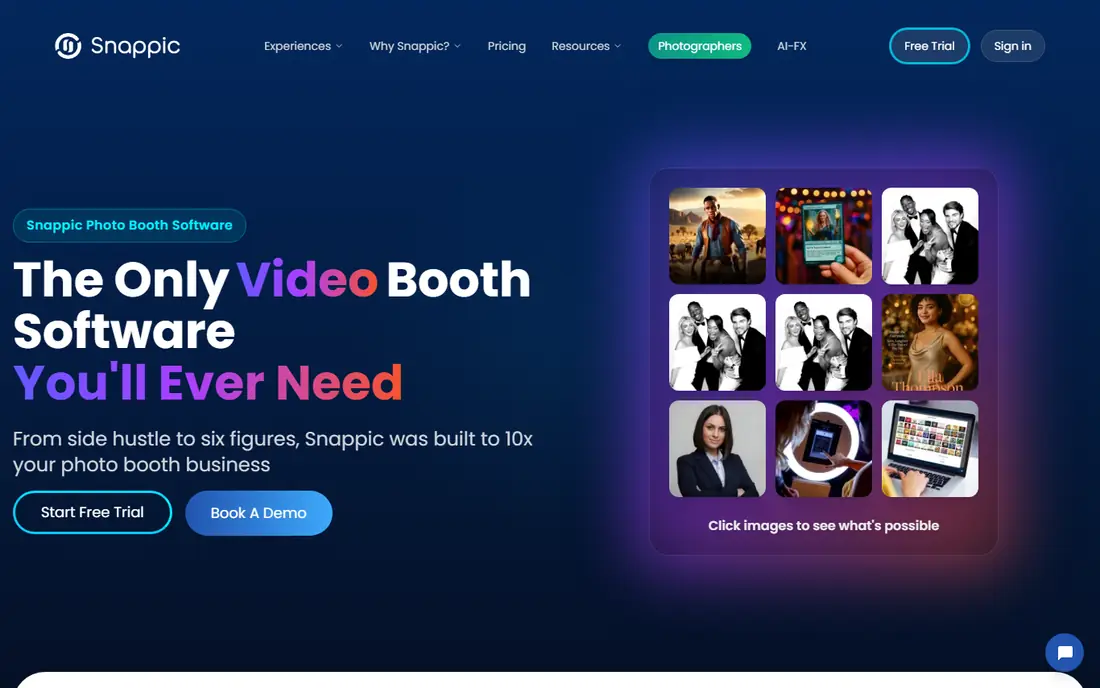
Snappic is the broadest platform in this list, and that breadth is its main appeal. One account can run an iPad booth at a wedding on Saturday and a DSLR or 360 setup at a brand event the next week, without switching software. Templates, overlays, surveys and lead capture are built in, which matters for corporate work where the client wants data as well as photos.
The trade-off is complexity. A first-time operator may need a few practice runs before an event feels relaxed, and the higher plans are where the more advanced tools sit. Per-event pricing helps occasional operators, since you pay for the event you run rather than a full month. For a growing rental business, Snappic is a sensible long-term home because it grows with the booth types you add.
- Covers iPad, DSLR, mirror and 360 booths
- Per-event pricing for occasional work
- Branded galleries and sharing tools
- Monthly plans cost more than the per-event entry price
- Full feature set takes time to learn
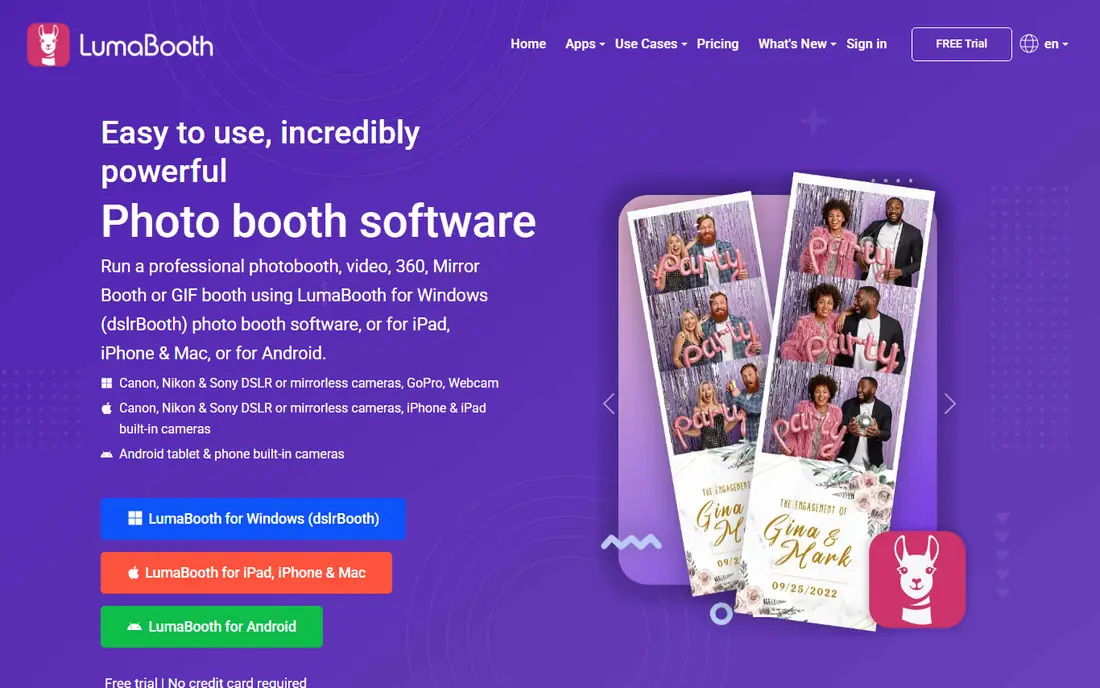
LumaBooth, formerly sold as dslrBooth, is our pick for most people starting a DSLR booth on a budget. The monthly price is low compared with rivals, and every app feature sits on every plan, so you are not pushed to upgrade to print or to use a particular camera. Support for Canon, Nikon and Sony cameras, plus webcams and GoPro models, gives you room to build a booth from gear you already own.
The platform also covers photo, video, GIF, slow motion and 360 formats, which keeps one app useful across event types. Printing is a strength, with direct printing to a wide range of dye-sub printers. If you want a polished, guided onboarding experience with lots of live help, a pricier iPad-first rival may feel friendlier, but for value and flexibility, LumaBooth is hard to beat.
- Low monthly price
- Works on Windows, Mac, iPad, iPhone and Android
- Wide camera and printer support
- Some operators may want more hand-holding on setup
- Branding extras can add cost through related services
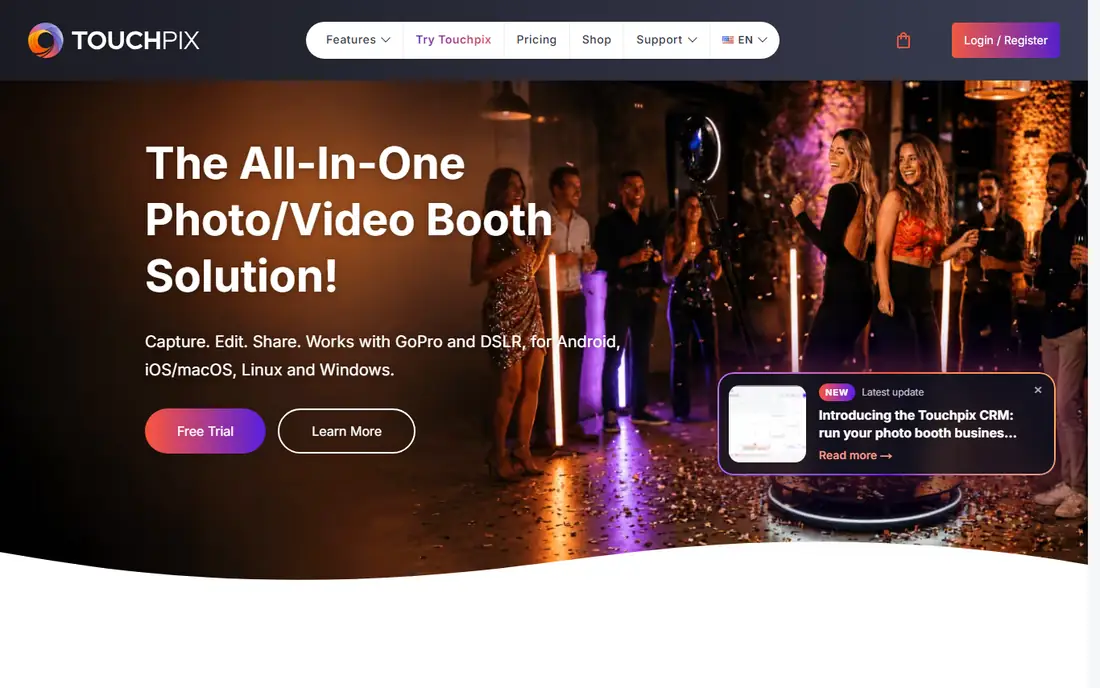
Touchpix built its name on 360 video, and it still leads for operators who run a spinner booth week after week. Guests step onto a platform, the camera orbits, and the app produces a short, shareable video with effects and branding. Beyond 360, it also handles standard photos, boomerangs, GIFs, slow motion and mirror booths, so a single subscription can cover several setups.
Pricing is annual, which suits a working rental business but feels steep for a one-off party. The app store feedback is extensive, and that matters when you need an app that guests can use with little instruction. If 360 is your main product, Touchpix deserves the top slot on your shortlist. If you only run 360 once a year, a per-event rival may be cheaper.
- Strong 360 spinner support
- Works across iOS, Android and desktop
- Large app store review base
- Annual pricing is a bigger upfront commitment
- Best value when you run events often
Simple Booth, also sold as HALO, is the friendliest option here for someone who wants an iPad booth running quickly. Setup is guided, layouts are easy to brand, and guests can share photos by text, email or QR code without staff help. Weekly pricing makes sense for a wedding, a school fundraiser or a venue that wants to test a booth before committing to a monthly plan.
Higher plans add AI effects, analytics, lead capture and privacy controls, which help for brand activations. The catch is platform focus. If your booth is built around a DSLR and a Windows PC, LumaBooth or Darkroom Booth will fit better. For iPad work, though, Simple Booth is the least stressful way to get a professional result on a tight deadline.
- Very easy iPad setup
- Weekly pricing suits single events
- AI effects and layout tools on higher plans
- IPad-first, so DSLR owners may prefer another app
- Direct printing needs extra hardware in some setups
Booth.Events is a modern iPad platform aimed at operators who want a clean app and responsive support rather than the deepest feature list. Templates, branded galleries and sharing are straightforward, and the interface is easy for guests to follow at a busy event. That simplicity is a real asset when you hire casual staff for a weekend.
The main drawback is pricing transparency. You need to contact the team or start a trial to confirm the plan that fits your booth count and event volume. For a small operator who values support and a tidy workflow, that extra step is worth it. For a buyer who wants to compare headline prices in one sitting, Snappic or Simple Booth will be easier to judge.
- Modern iPad design
- Templates and sharing built in
- Support team praised by operators
- Price is not published on the main pricing page
- Smaller feature list than the biggest platforms
Darkroom Booth is a professional Windows app for operators who print a lot and want fine control over layouts, green screen and multi-camera setups. The one-time license is appealing if you run events every week and dislike subscriptions. Over two or three years, it can cost far less than a monthly plan, and you own the license outright.
The trade-off is platform and polish. It runs on Windows, so iPad-only operators should look elsewhere, and the interface will feel more technical than Simple Booth or Booth.Events. For a studio or rental company with a Windows booth and a dye-sub printer, though, Darkroom Booth remains a dependable workhorse with the printing depth that newer apps still chase.
- One-time license with no monthly fee
- Deep printing and layout control
- Long track record with professionals
- Windows only
- Interface feels dated next to newer iPad apps
Sparkbooth suits a DIY builder who wants a booth for parties, a classroom or a small business without paying every month. Setup is simple, layouts are easy to adjust, and it works with a webcam for a basic booth or a DSLR for better image quality. The one-time price keeps the total cost of a home-built booth low, which is the whole point for many buyers.
It does not match the brand, analytics and lead capture tools of the bigger rental platforms, so corporate event companies may outgrow it. But for personal use, a photobooth at a shop counter, or a first booth built on a budget, Sparkbooth gives you a working product without a subscription hanging over every quiet month.
- One-time price
- Simple setup for DIY booths
- Works with webcams and DSLRs
- Fewer brand activation tools than Snappic or Simple Booth
- Limited mobile support
Snapbar is in a different price class, and it belongs here for corporate buyers who need a brand experience rather than a simple booth app. Pricing starts per experience, with usage included, and the platform is designed for activations where a brand wants custom creative, data capture and consistent delivery across many locations. That structure suits an agency running a tour or a product launch.
For a wedding or a single rental, Snapbar makes no sense, and the price alone rules it out. For a brand team comparing vendors for a national activation, though, the per-experience model is easier to budget than per-device subscriptions that climb with every added booth. Judge Snapbar against other activation vendors, not against the consumer-priced apps above.
- Built for brand experiences at scale
- Usage included in the experience price
- Strong creative control
- Far too expensive for private parties
- Not a casual consumer app
How we picked these
We compared official pricing pages, feature pages and app store listings for photo booth software that is available now, and we kept only products that truly fit events, rentals or brand activations. We favoured a mix of iPad, DSLR, 360 and Windows options, plus both subscription and one-time pricing, so readers with different budgets can find a fit. Where a price was not published, we wrote See website rather than guessing.
What to check before you choose
Start with your hardware. An iPad booth points to Simple Booth, Booth.Events, Snappic or Touchpix, while a DSLR booth on Windows points to LumaBooth or Darkroom Booth. Check camera and printer support on the vendor page before you buy, since a mismatch there can force a last-minute change of gear.
Next, match pricing to how often you run events. Weekly or per-event pricing suits occasional work, monthly pricing suits a steady rental calendar, and a one-time license suits a booth that runs every week for years. Finally, run a full practice event before a paid job. Test printing, sharing, Wi-Fi fallback and guest flow with real people, and confirm that galleries, branding and data capture work the way your client expects.
Sharing and privacy
Guests share photos fast, so check how each app handles consent, galleries and data. Look for password-protected galleries, clear sharing prompts and a way to delete photos on request. For brand events, confirm lead capture forms and survey wording with the client before the event, not on the day.
Printing
If you print, confirm dye-sub printer support, print sizes and whether you need extra hardware. Direct USB printing saves setup time and reduces failure points. If you do not print, a sharing-only setup is cheaper and simpler, and most of these apps handle it well.
Frequently asked questions
What is the best photobooth software for a wedding?
For most weddings, Simple Booth or Snappic are strong choices, since both are easy for guests and handle sharing well. If you own a DSLR and want the best value, LumaBooth is a good alternative. Pick based on whether you use an iPad or a DSLR, and run a practice session first.
What is the best software for 360 photo booth?
Touchpix is the specialist pick for 360 video, with spinner support and sharing built in. Snappic also supports 360 booths alongside other booth types, which suits operators who run several formats. Check the spinner hardware each app supports before you commit.
What is the best photo booth software for a DSLR?
LumaBooth is our value pick for DSLR booths, with wide camera support and a low monthly price. Darkroom Booth is the professional Windows choice for heavy printing and layout control. Both need a Windows PC or a supported device, so confirm your camera model on the vendor site.
Is there a best app for 360 photo booth on iPad?
Touchpix and Snappic both run 360 workflows on supported iPad setups, though some advanced video features depend on the camera and platform. Read the vendor page for your exact spinner and camera combination, and test a full 360 video before event day.
Do I need a subscription for the best photo booth apps?
Not always. Darkroom Booth and Sparkbooth use one-time licenses, while Snappic offers per-event pricing. Monthly and annual plans suit frequent operators, but occasional users should compare weekly and per-event options before signing up for a year.
Can I use the best photo booth software for a business?
Yes, and many operators do. Look for branded galleries, lead capture, surveys and analytics if you serve corporate clients. Snappic, Simple Booth and Snapbar all target business use, at very different price points, so match the plan to the client work you actually win.
Sources we checked (5)

Online Jobs is an independent blog about careers, online work, learning new skills and the tools that help people earn. More about us.
Keep reading
All posts
n8n Alternatives
n8n alternatives compared for 2026, with Zapier, Make, Activepieces, and more, covering visual builders, code steps, self-hosting, and pricing models.

ZoomInfo Alternatives
The best ZoomInfo alternatives in 2026, compared on price, free plans, data coverage, and which tool fits small teams or large sales teams best in detail.

Zoom Alternatives for Webinars
Compare Zoom alternatives for webinars in 2026, from browser-based rooms to enterprise events, with prices, attendee limits, features and honest trade-offs.