Best PDF Summarizer Tool in 2026: 8 Tools Compared

How we put this together: we compare official feature and pricing pages, app store listings, privacy policies and public user reviews. Prices change, so check the provider's site before you pay.
Key takeaways
- ChatPDF is the fastest way to ask questions about one PDF, while Humata and SciSpace suit teams and researchers who work across many documents.
- Citations matter more than summary length. A tool that links an answer to a page is far more useful than one that gives a smooth paragraph with no source.
- Free plans usually limit documents per day, pages per month, or questions per document, so check the limit that will hit you first.
- Never trust an AI summary for a contract, a medical paper, or a legal decision without reading the cited passage yourself.
Quick comparison
| Name | Who it suits | Starting price | Free option | |
|---|---|---|---|---|
 ChatPDF ChatPDF | Quick questions about one PDF | See website | Yes | Visit |
 Humata Humata | Teams asking questions across many files | See website | Yes | Visit |
 SciSpace SciSpace | Academic research and literature review | See website | Yes | Visit |
 PDF.ai PDF.ai | Data extraction from structured documents | See website | Yes | Visit |
 Scholarcy Scholarcy | Turning papers into flashcards and summaries | See website | Yes | Visit |
 QuillBot Summarizer QuillBot Summarizer | Short summaries of text and articles | See website | Yes | Visit |
 AskYourPDF AskYourPDF | Budget multi-document chat | See website | Yes | Visit |
 Smallpdf AI Smallpdf AI | Summaries inside a full PDF toolkit | See website | Free trial | Visit |
The best PDF summarizer tools
A PDF summarizer tool reads a long document and gives you the key points, or answers a question with evidence from the text. The best tools differ in focus: some are built for one-off questions, others for research, and others for teams. We compared official feature pages, pricing pages, and app listings, and we weighed summary quality, citations, file limits, multi-document chat, and price.
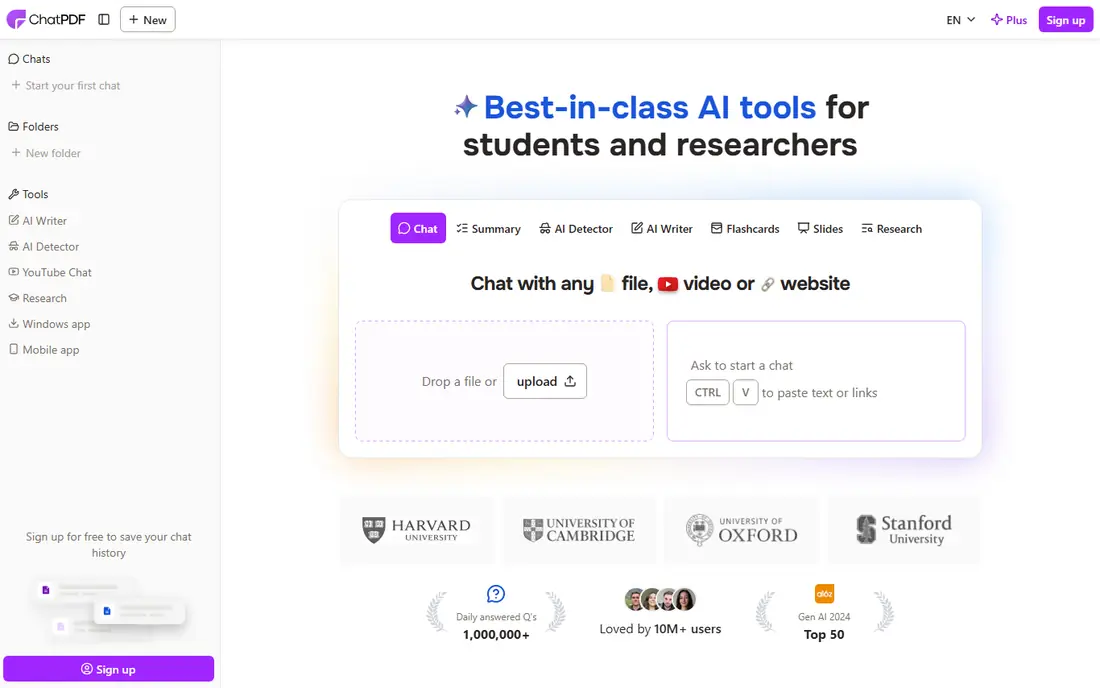
ChatPDF is the simplest tool on this list. Drop in a PDF, ask a question, and get an answer with citations you can check. For a student with a course reader, or a worker checking a handbook clause, that workflow is hard to beat. Folders let you group related files and ask across them on paid plans.
The free plan is generous for occasional use but tight for heavy reading, with limits on documents per day and questions. Long documents also test any summarizer, so ask narrow questions and read the cited passage before you quote an answer. For quick, single-document work, ChatPDF is our first recommendation.
- No signup needed for light use
- Cited answers with source passages
- Folders for grouping documents
- Free plan limits documents per day
- Long synthesis across many pages can be uneven
- Larger files need a paid plan
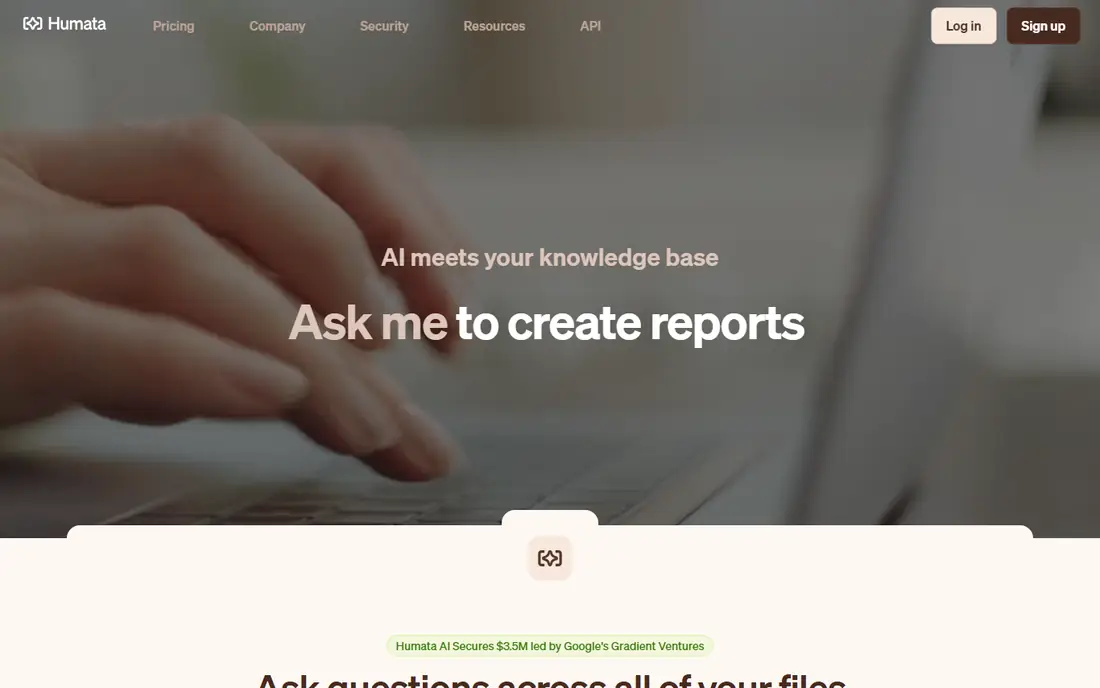
Humata turns a pile of PDFs into a searchable knowledge base. Upload reports, contracts, or research papers, ask a question, and get an answer traced to the source file. Teams can organize folders, control access, and compare two documents, which suits legal, finance, and research teams.
The free plan covers a limited number of pages per month, so a team with a large archive will need a paid tier. Overage and per-user costs also matter, so price the plan at your real page count. If your work is one document at a time, ChatPDF is cheaper. If your work is many documents, Humata earns its price.
- Ask across many files with citations
- Compare documents side by side
- Team folders and permissions
- Page limits on lower plans
- Pricing grows with team size and pages
- Best value needs a paid plan
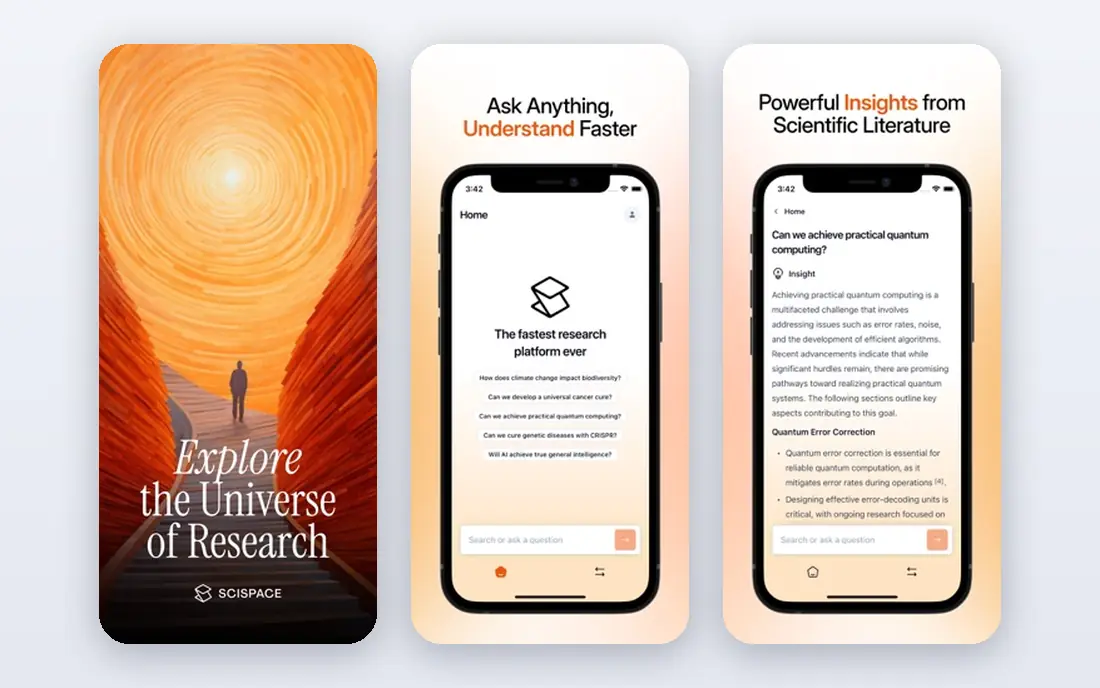
SciSpace is built for researchers. It can summarize a paper, explain a difficult paragraph in plain language, and help you search a large literature base for related work. For a student or researcher who reads papers every week, that research focus beats a general chat tool.
The pricing uses credits on some plans, so check how many credits a typical week of reading uses before you commit. The free tier gives limited daily use, which is enough to test the workflow. For business documents like invoices, PDF.ai or Humata may fit better, but for academic work, SciSpace is the strongest pick here.
- Built for research papers
- Literature search and summaries
- Extraction and writing tools for researchers
- Credit system can confuse new users
- Higher tiers are costly
- Less suited to simple business PDFs
PDF.ai goes beyond chat. Its parser can pull tables, fields, and key values from structured documents such as invoices, statements, and contracts, which saves time for finance and operations teams. You can also chat across documents and tag files for later.
The free plan covers only a small amount of use, so most serious users will pay. Check the plan limits on documents and questions, since the cheapest tier may not cover a busy week. If your PDFs are mostly narrative, ChatPDF is simpler. If your PDFs are forms and tables, PDF.ai is worth a trial.
- Strong table and field extraction
- Multi-document chat
- Source-cited answers
- Free plan is very limited
- Paid tiers vary by billing term
- Interface is more functional than polished
Scholarcy takes a research paper and breaks it into a structured summary: background, methods, key findings, and references, plus flashcards for study. That structure helps a student who needs to grasp a paper fast, without chatting back and forth.
It is less flexible than ChatPDF for open questions, and it works best on academic papers rather than reports or contracts. The free tier lets you test the format, and the extension makes it easy to summarize a paper from your browser. For study and literature review, it is a useful companion to SciSpace.
- Summaries with key findings and references
- Flashcards for study
- Browser extension for quick summaries
- Best for academic papers, less for business files
- Free use is limited
- Summary style is structured, not conversational
QuillBot Summarizer is a good tool when you want a short version, not a conversation. Paste text or upload a document, choose a summary length, and get key sentences or a paragraph version. It sits alongside paraphrasing and grammar tools, which suits writers and students.
It does not answer detailed questions with citations like ChatPDF or Humata, and it is not built for comparing many files. Use it to shorten an article or to get the gist of a chapter, then switch to a chat tool when you need to probe details. The free tier covers basic summarizing, with premium features on paid plans.
- Simple summarizer with length control
- Works with pasted text and documents
- Useful paraphrasing tools nearby
- Less deep than PDF chat tools
- No strong multi-document research features
- Longer PDFs need care
AskYourPDF offers a budget path into PDF chat. The free tier lets you try one document a day with a limited question count, and paid plans add more documents, questions, and multi-document chat. A Chrome extension makes it easy to chat with a PDF you find online.
The trade-off is polish and depth. It does not match Humata on team features or SciSpace on research tools, and complex documents still need careful checking. For a student or freelancer who wants cheap PDF chat without a large subscription, it is a sensible pick.
- Low entry price for paid plans
- Multi-document chat
- Browser extension for quick use
- Free plan limits documents and questions
- Interface is simpler than rivals
- Accuracy varies on complex files
Smallpdf is already a popular PDF toolkit, and its AI features add chat and summaries to that workflow. If you edit, compress, convert, and sign PDFs every week, having AI in the same tool saves switching apps. You can summarize a document, then edit or share it without exporting.
Buyers who only need a summarizer may find the full toolkit price higher than ChatPDF or AskYourPDF. But if you already pay for Smallpdf, or you need the editing tools anyway, the AI addition is a useful bonus. Check the plan that includes AI, since not every Smallpdf tier includes it.
- AI chat inside a complete PDF editor
- Compress, convert, sign, and edit in one place
- Familiar interface
- AI features are an add-on to a PDF toolkit
- Free AI use is limited
- Paid price reflects the full toolkit, not just AI
How we picked these
We compared official feature pages, pricing pages, and app listings for each tool. We favored tools that are still sold, that offer a real free or trial path, and that provide citations or source passages for answers. We did not claim hands-on testing, and we left prices as See website where the vendor page did not give one clear starting price. For accuracy, we treated AI summaries as a starting point, not a final source, and we recommend checking cited passages for any important decision.
What to check before you choose
Start with the document type. A single handbook or article suits ChatPDF. A stack of research papers suits SciSpace or Scholarcy. A set of contracts or invoices suits Humata or PDF.ai. A mix of editing and summarizing suits Smallpdf. Picking by document type saves more time than picking by headline price.
Next, check the limit that will hit you first. Free plans limit documents per day, pages per month, questions per document, or file size, and each tool limits a different one. Count your weekly reading, then price the tier that covers it, including any credit or page overage.
Finally, test with a document you know well. Ask a question with a clear answer on a known page, and see whether the tool cites that page correctly. Then ask a question the document does not answer, and see whether the tool says so or invents an answer. That two-question test will tell you more than a marketing page, and it will show which tool you can trust for real work.
Frequently asked questions
What is the best PDF summarizer tool?
For most people, ChatPDF is the best pick for quick questions about one PDF, Humata is best for teams with many files, and SciSpace is best for academic research. The right tool follows your document type and your weekly volume.
Is there a free PDF summarizer app?
Yes. ChatPDF, Humata, SciSpace, PDF.ai, Scholarcy, QuillBot, and AskYourPDF all offer free tiers, but each limits documents, pages, or questions. Check the free limit that matches your use before you rely on it.
Can a PDF summarizer read scanned PDFs?
Some tools support scanned PDFs with text recognition, while others need a text-based PDF. Check the tool page for scanned document support, and test with a scanned page before you commit to a paid plan.
Are AI PDF summaries accurate?
They are often useful, but they can miss nuance, mix up numbers, or invent details. Always read the cited passage for important facts, and never rely on a summary alone for a contract, a legal filing, or a medical decision.
What is the best PDF summarizer app for students?
ChatPDF is a strong free starting point for course readers, Scholarcy helps with paper summaries and flashcards, and SciSpace suits deeper research. Try the free tiers with a real course paper before paying.
Can I summarize many PDFs at once?
Yes, with tools like Humata, PDF.ai, and AskYourPDF, which support multi-document chat on paid plans. Check the document and question limits, since multi-document work uses credits or pages faster than single-document chat.
Sources we checked (8)

Online Jobs is an independent blog about careers, online work, learning new skills and the tools that help people earn. More about us.
Keep reading
All posts
Zoom Alternatives
Zoom alternatives compared for 2026: Google Meet, Microsoft Teams, Webex, Jitsi and more for free calls, large meetings and webinars for teams and classrooms.

What Is the Best Free Tool to Rotate a PDF
What is the best free tool to rotate a PDF? We compare eight free rotation tools on per-page control, limits, privacy and saved output quality in detail.

What Is the Best AI Dubbing Tool
We compared the best AI dubbing tools in 2026, from ElevenLabs and HeyGen to Rask AI, Dubverse and Veed, for videos and creators in many languages worldwide.