Best PDF Splitting App for Mobile in 2026: 8 Apps Compared

How we put this together: we compare official feature and pricing pages, app store listings, privacy policies and public user reviews. Prices change, so check the provider's site before you pay.
Key takeaways
- iLovePDF suits frequent phone splitting, while Sejda suits occasional browser splits without an account.
- Smallpdf suits a polished browser flow, while Adobe Acrobat suits users who already pay for a full PDF suite.
- PDF Expert suits Apple users, while PDFelement and Foxit suit users who also need editing.
- Check free limits and upload rules before splitting a sensitive document, since web tools upload the file.
Quick comparison
| Name | Who it suits | Starting price | Free option | |
|---|---|---|---|---|
 iLovePDF | splitting on phone and web | Free | Yes | Visit |
 Smallpdf | polished splitting in a browser | Free | Yes | Visit |
 Adobe Acrobat | splitting inside a full PDF suite | See website | Free trial | Visit |
 PDF Expert | splitting on iPhone and iPad | See website | Free trial | Visit |
 PDFelement | splitting plus editing on mobile | See website | Free trial | Visit |
 Sejda | splitting by range online | Free | Yes | Visit |
 Xodo | splitting with annotation on mobile | Free | Yes | Visit |
 Foxit PDF | splitting in a business PDF app | See website | Free trial | Visit |
The best PDF splitting app for mobile
We compared these apps on price, free access, core features, and the limits that show up in daily use. The order below starts with the most broadly useful pick and then moves to options that suit a narrower need.
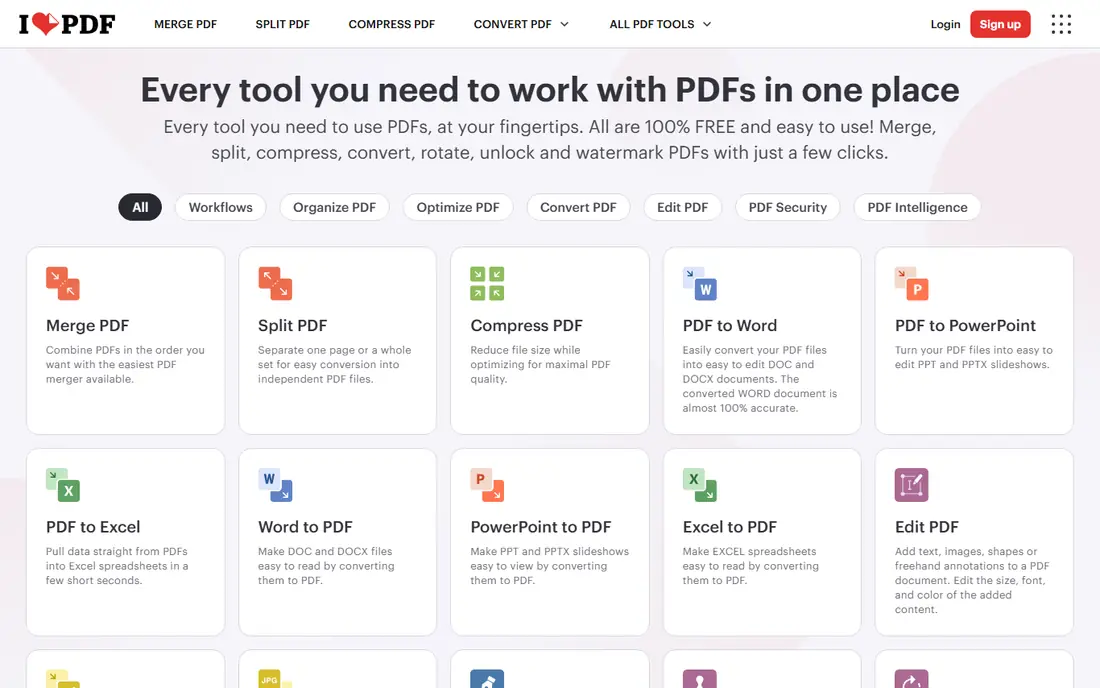
Phone users who split PDFs often will find the mobile apps here convenient. iLovePDF fits splitting on phone and web and gives you a clear place to start without a long setup process. It splits PDFs by page range or into single pages, and the same account covers web and mobile tools for merging and compressing. Where iLovePDF stands out is in how it handles mobile split tools. The mobile app lets users pick pages or ranges on the phone, which suits splitting a document received by email or chat. The honest catch is the free tier has file and task limits, and web tools require uploading the file to the service. Try the free plan or trial first, test the exact task you care about most, and check pricing on the vendor site before you pay.
- Split by range or pages
- Mobile apps
- Many PDF tools
- Free limits apply
- Upload required for web tools
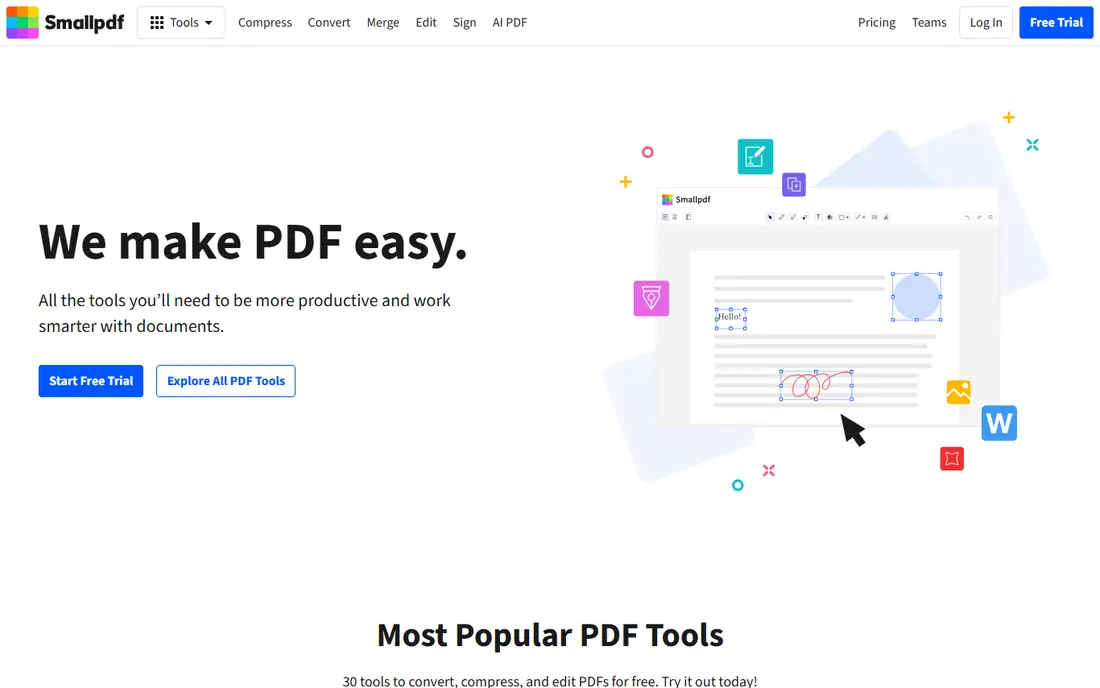
Users who want a polished browser split without installing an app will like this flow. Smallpdf fits polished splitting in a browser and gives you a clear place to start without a long setup process. It guides users through uploading, picking pages, and downloading the split files, with cloud storage for recent work. Where Smallpdf stands out is in how it handles browser split flow. The step-by-step flow keeps splitting simple on a phone browser, even for users who rarely work with PDFs. The honest catch is the free tier limits daily tasks, so frequent splitters will need Pro. Try the free plan or trial first, test the exact task you care about most, and check pricing on the vendor site before you pay.
- Easy split flow
- Cloud access
- Many PDF tools
- Free task limit per day
- Pro for full use
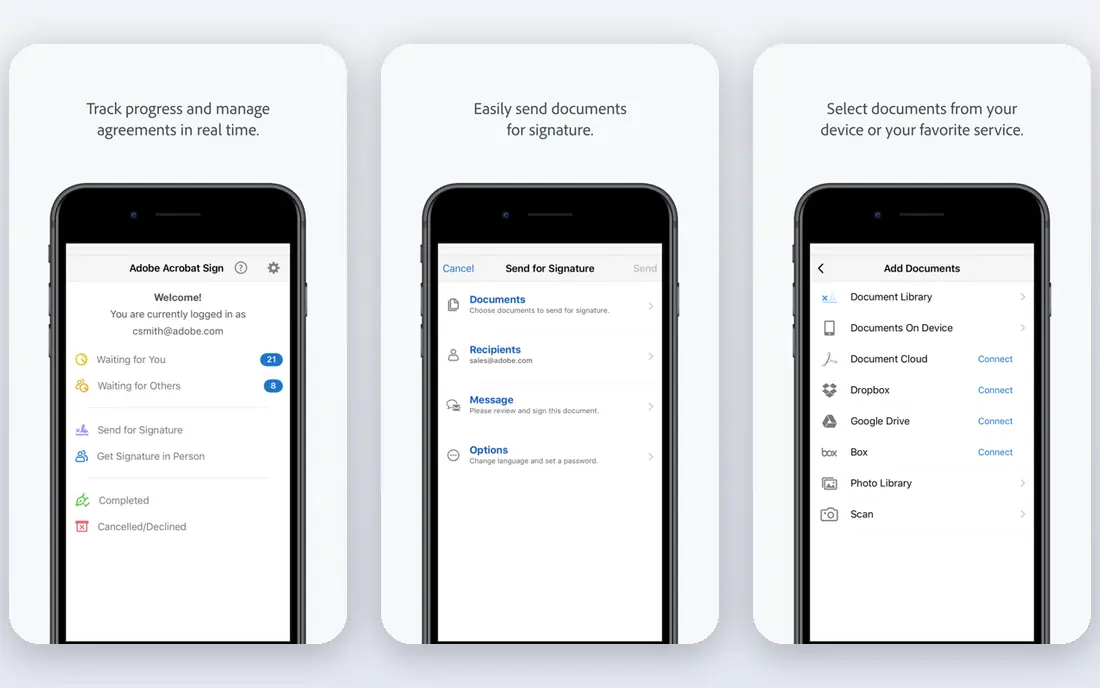
Adobe users who already edit PDFs will find splitting built into a familiar suite. Adobe Acrobat fits splitting inside a full pdf suite and gives you a clear place to start without a long setup process. It splits PDFs, organises pages, and supports full editing, signing, and form work in the same app. Where Adobe Acrobat stands out is in how it handles full PDF suite. Splitting sits next to editing, signing, and organising tools, so a split document can be finished without switching apps. The honest catch is it is a paid subscription, and it is heavier than a single-purpose splitter for a one-off task. Try the free plan or trial first, test the exact task you care about most, and check pricing on the vendor site before you pay.
- Full PDF editing
- Split and organise pages
- Adobe cloud links
- Paid subscription
- Heavier than a single-purpose splitter
Apple users who edit PDFs on iPhone or iPad will find this a smooth mobile option. PDF Expert fits splitting on iphone and ipad and gives you a clear place to start without a long setup process. It lets users split, merge, and reorder pages on Apple devices, with a design that suits touch editing. Where PDF Expert stands out is in how it handles touch page editing. Pages can be selected and split with touch controls, which makes a quick split on an iPad feel natural. The honest catch is it is Apple-focused, and full features need a paid plan, so Android users should pick another option. Try the free plan or trial first, test the exact task you care about most, and check pricing on the vendor site before you pay.
- Fast page editing
- Split and merge
- Apple-focused design
- Apple only for full mobile use
- Paid for full features
Users who want splitting plus editing in one mobile app will find this a capable choice. PDFelement fits splitting plus editing on mobile and gives you a clear place to start without a long setup process. It combines split and merge with text editing, annotation, and form tools, so a split file can be corrected in the same app. Where PDFelement stands out is in how it handles split plus edit. After splitting, users can edit text, add notes, and fill forms without exporting to another tool. The honest catch is full features need a paid plan, and the app is larger than a single-purpose splitter. Try the free plan or trial first, test the exact task you care about most, and check pricing on the vendor site before you pay.
- Split, merge, and edit
- Mobile and desktop apps
- Form tools
- Paid for full features
- Larger app size
Occasional splitters who want a quick browser split without an account will like this option. Sejda fits splitting by range online and gives you a clear place to start without a long setup process. It splits PDFs by page range in a browser, with clear free limits and no account needed for basic use. Where Sejda stands out is in how it handles range splitting. Range splitting lets users extract a chapter or a section by page numbers, which suits long documents. The honest catch is the free tier limits tasks per hour, and web use requires uploading the file. Try the free plan or trial first, test the exact task you care about most, and check pricing on the vendor site before you pay.
- Split by range
- No account for basic use
- Clear limits
- Free task limits per hour
- Upload required
Mobile users who split and annotate PDFs will find this a flexible option. Xodo fits splitting with annotation on mobile and gives you a clear place to start without a long setup process. It supports splitting, annotation, and form filling on mobile, with offline use for files stored on the device. Where Xodo stands out is in how it handles mobile annotation. Annotation tools sit next to split tools, so a user can mark a section and then extract it in one workflow. The honest catch is some features need Pro, and the wide tool set can feel busy for a user who only wants to split. Try the free plan or trial first, test the exact task you care about most, and check pricing on the vendor site before you pay.
- Split and annotate
- Offline mobile use
- Cloud sync options
- Some features need Pro
- Interface has many tools
Business users who already use Foxit will find splitting built into a familiar PDF app. Foxit PDF fits splitting in a business pdf app and gives you a clear place to start without a long setup process. It offers split, merge, editing, and signing across mobile and desktop, with business controls for larger teams. Where Foxit PDF stands out is in how it handles business PDF tools. Splitting works alongside editing and signing, which suits office workflows where a PDF moves through several hands. The honest catch is full features need a paid plan, and the app is heavier than a simple splitter. Try the free plan or trial first, test the exact task you care about most, and check pricing on the vendor site before you pay.
- Split and edit
- Mobile and desktop
- Business features
- Paid for full features
- Heavier than simple splitters
How we picked these
We started from official feature pages, pricing pages, and app store listings, and we checked privacy pages and public reviews where they helped explain a limit or a plan change. We left out products where the price or the free tier could not be pinned down, and we marked those cases as See website rather than guessing a figure. We also weighed fit over feature count. A product with fewer features can still be the right pick when it does one job well, costs less, or works on the devices a reader already owns. That is why the list mixes free options, paid specialists, and broad suites instead of ranking on price alone.
How to split a PDF on your phone without losing pages
First, decide whether you need pages, a range, or a chapter. Splitting into single pages suits forms and receipts, while range splitting suits chapters and sections. Pick the mode before you upload, so you do not have to redo the job. Next, check privacy for sensitive files. Web splitters upload the file to a server, while mobile apps with offline use can split on the device. For contracts or identity documents, prefer an offline app or a tool that states its deletion time clearly.
Frequently asked questions
What is the best PDF splitting app for mobile?
iLovePDF is a strong mobile pick for frequent splitting, while Sejda is a strong browser pick for occasional splits. The best pick depends on how often you split and whether you need editing too.
Can I split a PDF for free on my phone?
Yes. iLovePDF, Smallpdf, Sejda, and Xodo all offer free tiers or free trials for splitting, with limits on tasks or file size.
How do I split a PDF by chapter?
Use range splitting and enter the page numbers for the chapter. Sejda, iLovePDF, and Adobe Acrobat all support range-based splits.
Is it safe to split a PDF online?
Web tools upload the file, so avoid them for highly sensitive documents. Prefer an offline mobile app, and check the vendor deletion policy before uploading.
Do I need a paid app to split PDFs?
No, for occasional use. Paid plans help frequent users who hit free limits or need editing, signing, and form tools in the same app.
Sources we checked (8)

Online Jobs is an independent blog about careers, online work, learning new skills and the tools that help people earn. More about us.
Keep reading
All posts
Zoom Alternatives
Zoom alternatives compared for 2026: Google Meet, Microsoft Teams, Webex, Jitsi and more for free calls, large meetings and webinars for teams and classrooms.

What Is the Best Free Tool to Rotate a PDF
What is the best free tool to rotate a PDF? We compare eight free rotation tools on per-page control, limits, privacy and saved output quality in detail.

What Is the Best AI Dubbing Tool
We compared the best AI dubbing tools in 2026, from ElevenLabs and HeyGen to Rask AI, Dubverse and Veed, for videos and creators in many languages worldwide.