Best PDF Software in 2026: 9 Tools Compared


Regulated and enterprise PDF work · Starting price: $19.99 per month
How we put this together: we compare official feature and pricing pages, app store listings, privacy policies and public user reviews. Prices change, so check the provider's site before you pay.
Key takeaways
- Adobe Acrobat Pro remains the reference choice for regulated work, redaction, and accessibility, but it is also the priciest option here.
- PDFgear and Smallpdf cover everyday reading, merging, and conversion at no cost or low cost, with clear limits on advanced editing.
- Foxit, PDFelement, and UPDF offer much of the Acrobat feature set for less, especially when bought as an annual or one-time license.
- Choose by platform first: PDF Expert is Apple-only, Nitro and PDF-XChange lean Windows, and browser tools suit quick jobs on any device.
Quick comparison
| Name | Who it suits | Starting price | Free option | |
|---|---|---|---|---|
| Adobe Acrobat Pro | Regulated and enterprise PDF work | $19.99 per month | Free trial | Visit |
 Foxit PDF Editor | Acrobat-level editing for less | See website | Free trial | Visit |
 Wondershare PDFelement | Budget editing with AI help | $79.99 per year | Limited | Visit |
 Nitro PDF Pro | Teams that sign and collaborate | See website | Free trial | Visit |
 PDF Expert | Mac, iPad, and iPhone users | $79.99 per year | Free trial | Visit |
 Smallpdf | Quick browser-based PDF jobs | $12 per month | Yes | Visit |
 PDFgear | Free desktop editing | Free | Yes | Visit |
 Sejda | Privacy-minded browser and desktop use | $63 per year | Yes | Visit |
 UPDF | Low-cost editing across devices | $49.99 per year | Yes | Visit |
The best PDF software
PDF software splits into desktop editors, browser tools, and mobile-first readers, and the right pick depends on how often you edit, sign, or convert files. We compared official pricing pages, feature lists, and app store listings, and we marked prices as See website where a vendor sells mainly through quotes or bundles.
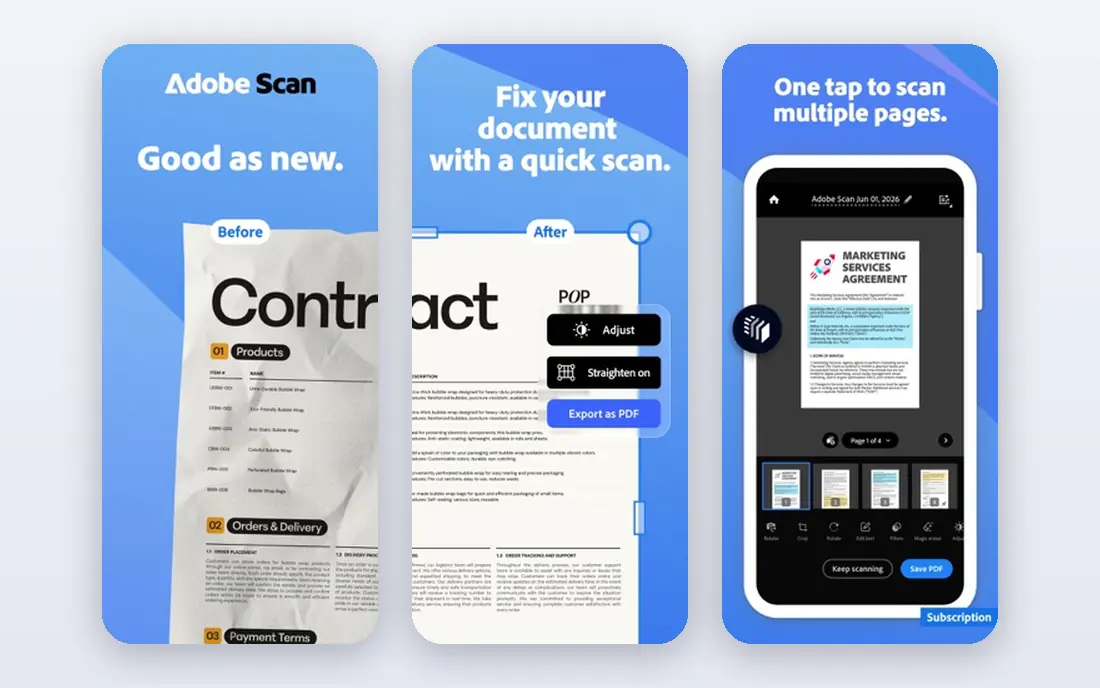
Acrobat Pro is the tool other PDF editors are measured against. It handles text and image editing, page organization, forms, signatures, redaction, and PDF standards for archiving and accessibility in one place. For legal, finance, and government work, that depth matters, because a missing redaction or accessibility feature can create real problems later.
The price is the honest drawback. At $19.99 per month on an annual plan, it costs more over time than most rivals, and the AI Assistant is an add-on rather than part of the base plan. If you edit PDFs daily, handle sensitive documents, or need compliance features, it earns the cost. For occasional edits, a cheaper editor will do.
- Deepest feature set
- Strong redaction and accessibility tools
- AI Assistant option
- Highest subscription price
- Heavier app
- AI Assistant costs extra
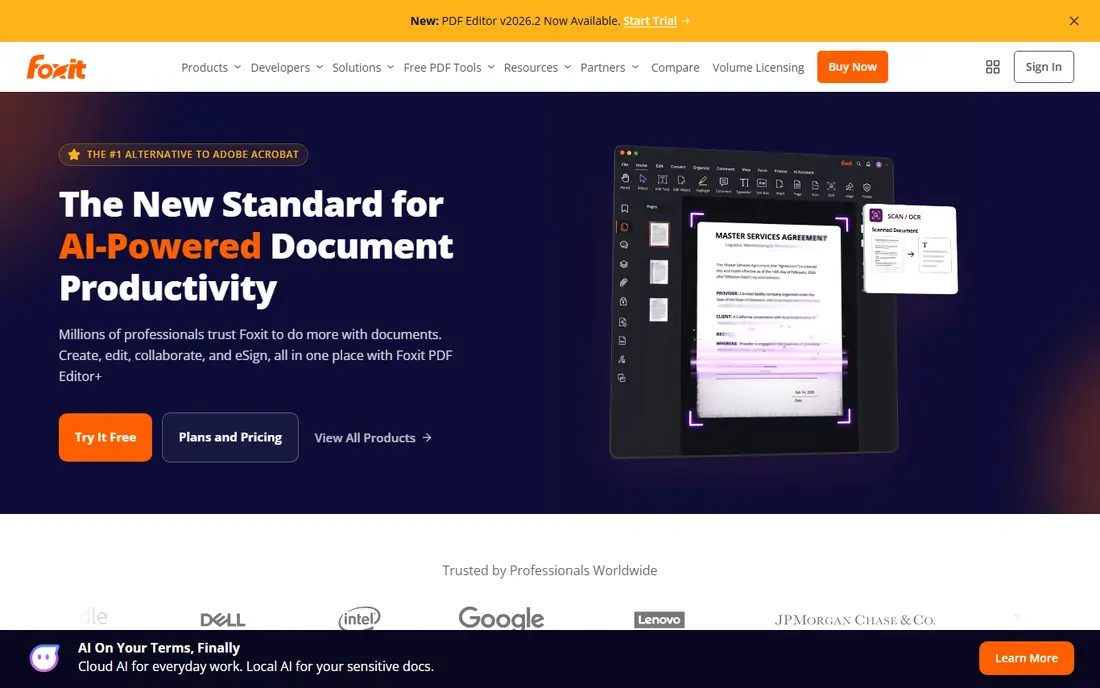
Foxit gives professionals most of what Acrobat offers, in a lighter app that opens faster and feels less cluttered. Editing text, annotating, filling forms, signing, and converting files are all covered, and the Editor+ tier adds mobile and web access. Many teams pick Foxit when they want Acrobat-style control without the Acrobat subscription.
Pricing varies by plan and license type, including subscription and perpetual options, so check the current Foxit pricing page for the plan that fits your device count. AI features are useful for summaries and questions about a document, but they work on credits, so heavy AI use may need a paid add-on. For everyday professional editing, Foxit is a strong middle ground.
- Lighter and faster than Acrobat
- Strong editing and signing
- Perpetual license option
- Smaller integration range
- Some AI features use credits
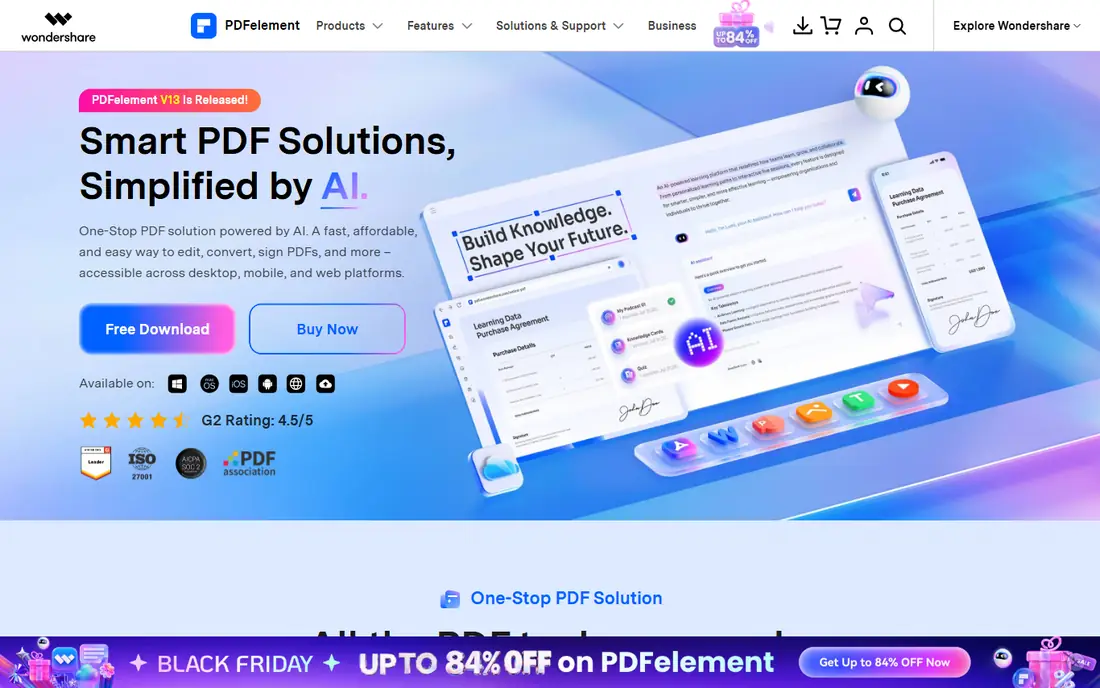
PDFelement is the value pick for people who want full desktop editing without paying Acrobat prices. It covers editing, annotation, conversion, forms, OCR for scanned pages, and signatures, and its AI tools help with summaries and questions about long documents. Cross-platform support is a plus for households or small teams with mixed devices.
The editor packs a lot into its menus, so new users may need a short learning period to find the tools they use most. Occasional users should also note that the free version is limited, and full exports need a paid plan. At about $79.99 per year, it remains one of the cheapest routes to a complete desktop editor.
- Low annual price
- AI tools included
- Works on Windows, Mac, iOS, and Android
- Interface can feel busy
- Some advanced features sit behind higher tiers
Nitro PDF Pro suits teams that move contracts and forms through review, signature, and filing every day. Its ribbon interface feels familiar to Microsoft Office users, which shortens training, and Nitro Sign covers sending and tracking signatures without a separate tool. Built-in AI tools help with summaries, extraction, and redaction checks.
The main friction is pricing transparency. Individual and team pricing is often handled through quotes or bundles, so small buyers should ask for a written price before committing. Mac users should also confirm that the current version covers every feature they need, since Nitro built its name on Windows. For Office-heavy teams, it is a natural fit.
- Familiar Office-style interface
- Signing and collaboration built in
- AI document tools included
- Pricing is mainly quote-based for teams
- Windows history is stronger than Mac
PDF Expert is the most pleasant PDF editor we list for Apple users. It opens quickly, annotation with Apple Pencil feels natural on iPad, and signing, form filling, page management, and conversion are all easy to reach. The OCR and scan cleanup tools turn phone scans into searchable, tidy documents, which helps students and professionals who archive paper.
The limit is platform: there is no Windows or Android version, so mixed-device households need another tool for non-Apple machines. The free trial lets you test the full editor, but lasting use needs a subscription or lifetime option. If your work lives on Apple devices, few editors feel this smooth.
- Fast and clean on Apple devices
- Strong annotation and signing
- Good OCR and scan cleanup
- No Windows or Android version
- Some features need the paid plan
Smallpdf is for the job you need done in two minutes: merge two PDFs, compress a file for email, convert a document, or sign a form. Because it runs in the browser, it works on any computer without installing software, and the interface is plain enough for anyone to use without a manual. That simplicity is the point.
Free use carries daily limits, and deep editing, such as rewriting large blocks of text across a long report, is better in a desktop editor. Privacy-minded users should also note that browser tools process files online, so sensitive documents may belong in a desktop app instead. For quick, everyday tasks, Smallpdf is hard to beat for convenience.
- No install for most jobs
- Simple tools for merge, split, compress, and convert
- E-signing included
- Daily limits on the free plan
- Not a full desktop editor for heavy work
PDFgear stands out because its core desktop editor is free, not a trial. You can edit text, annotate, merge, split, convert, sign, and use OCR without a subscription, and mobile apps extend the same tools to phones and tablets. An AI chat feature can summarize a document or answer questions about it, which helps with long reports.
The trade-off is scale. PDFgear lacks the admin controls, deployment tools, and enterprise support that large companies expect from Adobe or Nitro. For individuals, students, freelancers, and small teams, that rarely matters. If your budget is zero and you still need real editing, start with PDFgear before paying for anything else.
- Full core editing at no cost
- Desktop apps for Windows and Mac
- AI chat with documents
- Smaller support team than large vendors
- Fewer team admin features
Sejda appeals to users who like browser convenience but do not want every file uploaded. Its desktop app runs locally on Windows, Mac, and Linux, so sensitive files never leave the machine, while the web tools cover quick merges, splits, and conversions. A week pass is a sensible option for a single project, such as a tax return or a contract review.
The free web plan limits how often you can use tools each hour, and the feature set is narrower than Acrobat or Foxit, especially for complex forms and batch work. If your priority is a simple, honest tool that respects local files, Sejda earns a place on the shortlist.
- Desktop app keeps files local
- Clean web tools
- Week pass option for one-off jobs
- Smaller feature set than Acrobat
- Web free plan has hourly limits
UPDF has grown quickly by offering a full editor at a lower price than the big names, with apps for Windows, Mac, iOS, Android, and the web. Editing, annotation, conversion, OCR, forms, and signing are covered, and AI tools can summarize long documents, translate text, and answer questions about a file. A single license covers multiple devices, which suits people who switch between a laptop and a tablet.
As a newer vendor, UPDF does not yet have the long enterprise track record of Adobe or Foxit, and some AI features sit in a separate AI add-on rather than the base plan. Check which AI tier your plan includes before you rely on it daily. For personal and small-team use, the price and device coverage make it a strong value choice.
- One license covers several devices
- AI summarization and chat
- Lifetime option available
- Newer vendor than Adobe or Foxit
- Some AI features need a separate AI plan
How we picked these
We compared official pricing pages, feature lists, and app store listings for PDF tools that are live and maintained in 2026, and we favored editors that cover real editing, not just reading. We checked free plans carefully, since free can mean a full desktop editor, a limited web tool, or a short trial, and those differences change the value. Platform coverage mattered too, because a great Mac editor is no help on a Windows-only team.
Which PDF tool fits your work
Match the tool to the job, not to the brand. For daily professional editing, start with Acrobat Pro, Foxit, or PDFelement and compare their current prices for your device count. For Apple-only work, PDF Expert is the natural pick, and for Windows teams that sign often, Nitro deserves a quote. For occasional jobs, try PDFgear first at no cost, then Smallpdf or Sejda for browser tasks, and only pay when a limit actually blocks your work.
Frequently asked questions
What is the best PDF software?
Acrobat Pro is the most complete editor, especially for regulated work, while Foxit and PDFelement offer similar editing for less. For free use, PDFgear is the strongest desktop option, and Smallpdf is best for quick browser jobs. Your platform and your budget narrow the choice faster than any feature list.
Which PDF software is the best for editing?
Acrobat Pro, Foxit PDF Editor, and PDFelement all support full text and image editing, page management, forms, and OCR. PDF Expert is the best editing choice on Apple devices, and UPDF offers a lower-cost route across devices. Try a trial with a real document from your work before you buy.
What are the best PDF tools for merging and converting files?
Smallpdf, Sejda, and PDFgear all merge, split, compress, and convert files well, with Smallpdf and Sejda working in a browser. Desktop editors on this list do the same jobs offline and handle larger files more comfortably. For sensitive files, prefer a desktop app so the file stays local.
What is the best free PDF software?
PDFgear offers the most complete free desktop editor on this list, covering editing, annotation, conversion, and signing at no cost. Smallpdf and Sejda offer useful free web tiers with limits, and UPDF has a free tier with paid upgrades. Free readers from Adobe and others cover viewing and basic annotation only.
What is the best free PDF app for phones?
PDFgear and UPDF both offer mobile apps with real editing, while PDF Expert is the strongest choice on iPhone and iPad. Smallpdf works well in a mobile browser for quick jobs. Check whether the mobile app includes the exact feature you need, since some desktop features do not carry over.
Is Adobe Acrobat worth the price?
It is worth it if you edit PDFs daily, need redaction and accessibility tools, or work in a regulated field where standards matter. For occasional editing, merging, or signing, PDFgear, Foxit, or PDFelement will cover most needs for less. Compare the annual total, not just the monthly headline price.
Sources we checked (9)

Online Jobs is an independent blog about careers, online work, learning new skills and the tools that help people earn. More about us.
Keep reading
All posts
Zoom Alternatives
Zoom alternatives compared for 2026: Google Meet, Microsoft Teams, Webex, Jitsi and more for free calls, large meetings and webinars for teams and classrooms.

What Is the Best Free Tool to Rotate a PDF
What is the best free tool to rotate a PDF? We compare eight free rotation tools on per-page control, limits, privacy and saved output quality in detail.

What Is the Best AI Dubbing Tool
We compared the best AI dubbing tools in 2026, from ElevenLabs and HeyGen to Rask AI, Dubverse and Veed, for videos and creators in many languages worldwide.