Best PDF Rotator Service in 2026: 8 Services Compared

How we put this together: we compare official feature and pricing pages, app store listings, privacy policies and public user reviews. Prices change, so check the provider's site before you pay.
Key takeaways
- PDF24 and PDFsam Basic are our top picks for rotation, because they handle per-page rotation generously and without a watermark.
- Smallpdf and iLovePDF offer the smoothest rotation interfaces, but their free plans limit daily tasks.
- Sejda and PDFgear suit occasional rotation with clean output and clear privacy handling.
- Rotating a page does not re-render your document, so quality stays sharp when the tool saves rotation properly.
- For confidential scans, rotate offline with PDFsam Basic instead of uploading the file.
Quick comparison
| Name | Who it suits | Starting price | Free option | |
|---|---|---|---|---|
 PDF24 PDF24 | Generous free rotation | Free | Yes | Visit |
 Smallpdf Smallpdf | Smoothest rotate interface | Free | Yes | Visit |
 iLovePDF iLovePDF | Batch rotation | Free | Yes | Visit |
 Sejda Sejda | Occasional careful rotation | Free | Yes | Visit |
 PDFgear PDFgear | Frequent free rotation | Free | Yes | Visit |
 PDFsam Basic PDFsam Basic | Offline rotation | Free | Yes | Visit |
 PDF2Go PDF2Go | Cloud-file rotation | Free | Yes | Visit |
 Soda PDF Soda PDF | Full PDF suite rotation | Free | Yes | Visit |
The best PDF rotator services
A sideways scan is a small problem with an annoying fix, unless your tool rotates only the whole document or charges for a basic turn. The services below all rotate individual pages as well as whole documents, and they save the change into the downloaded file rather than just changing how it looks on screen. We compared official feature pages, pricing pages and privacy policies, judging each service on per-page control, batch handling, free limits, output quality and whether files must be uploaded.
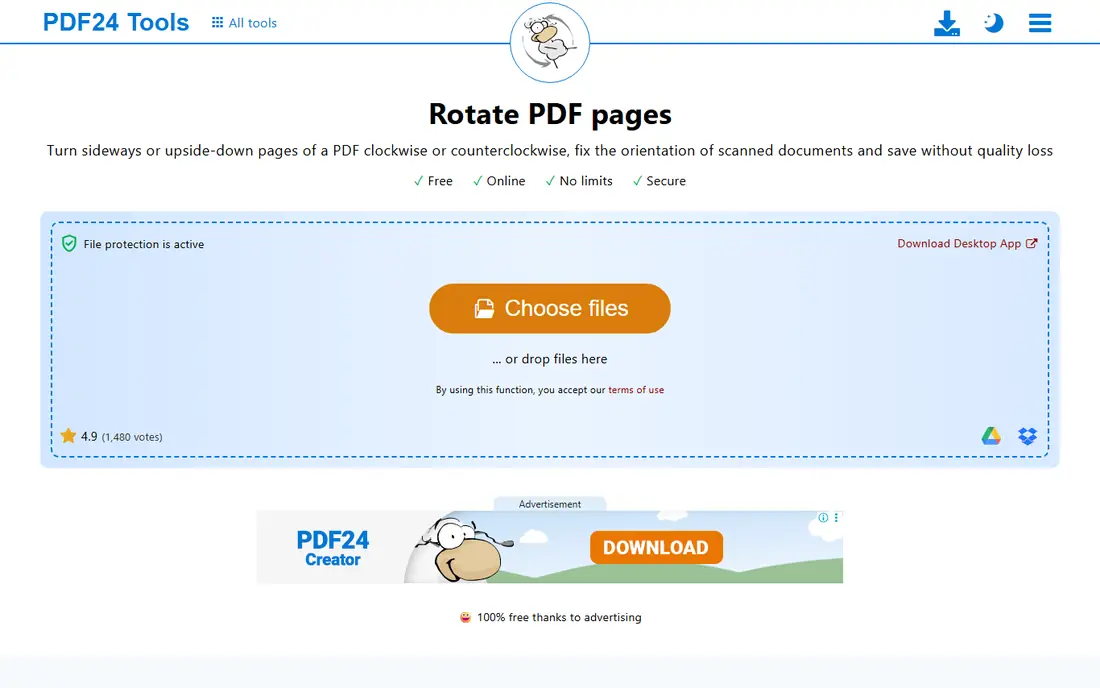
PDF24 is our pick for most rotation jobs. Its rotate tool lets you turn individual pages or the whole document, it is free, and it needs no account to start. Scanned reports, sideways forms and mixed-orientation files are all fixed in a few clicks, and the saved file keeps the new orientation in any reader.
The plain interface will not win design awards, and files are uploaded for processing, so confidential scans belong in a desktop tool. For everyday rotation, though, PDF24 combines generosity and control better than any other online option here.
- Free rotation with per-page control
- No account needed for basic use
- Wide extra toolkit
- Files are uploaded for online processing
- Interface is plain
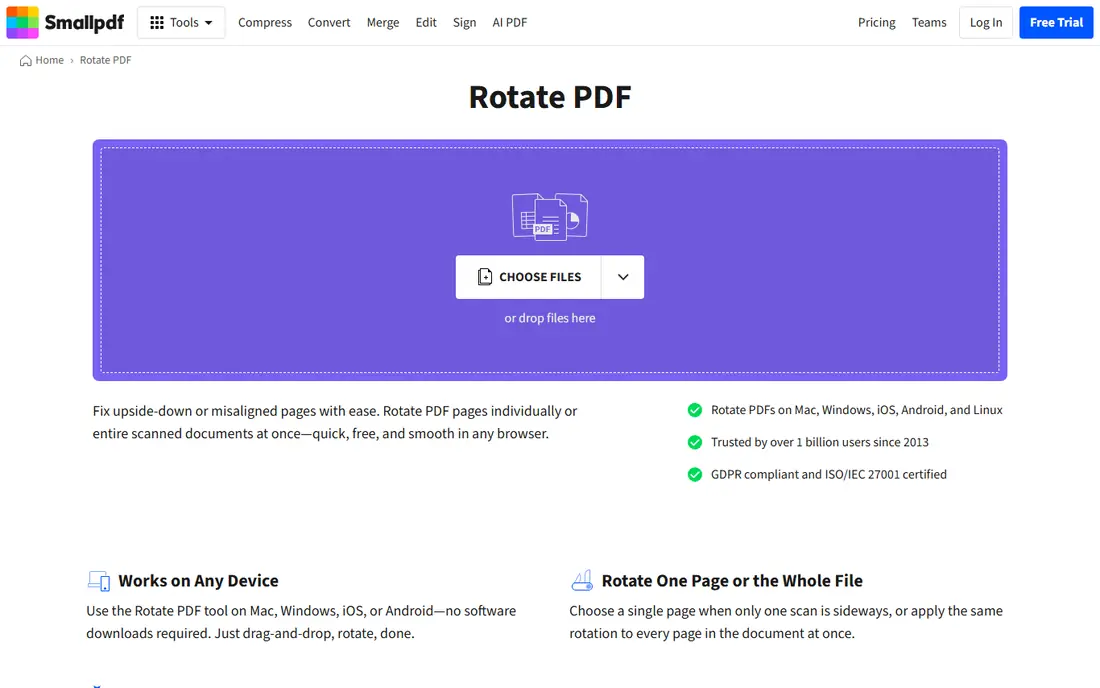
Smallpdf offers the most pleasant rotation experience on this list. Page previews make it obvious which pages are sideways, each page rotates independently, and a single control turns the whole document when every page shares the same problem. The steps are short, and the design works well on a phone.
Daily task limits on the free plan are the catch, so Smallpdf suits occasional rotation rather than an office that fixes scans all day. If you rotate a file once in a while and want the job to feel effortless, it is an excellent choice.
- Clear page previews with per-page rotation
- Rotate all pages at once
- Polished on mobile and desktop
- Free plan limits daily tasks
- Larger jobs need a paid plan
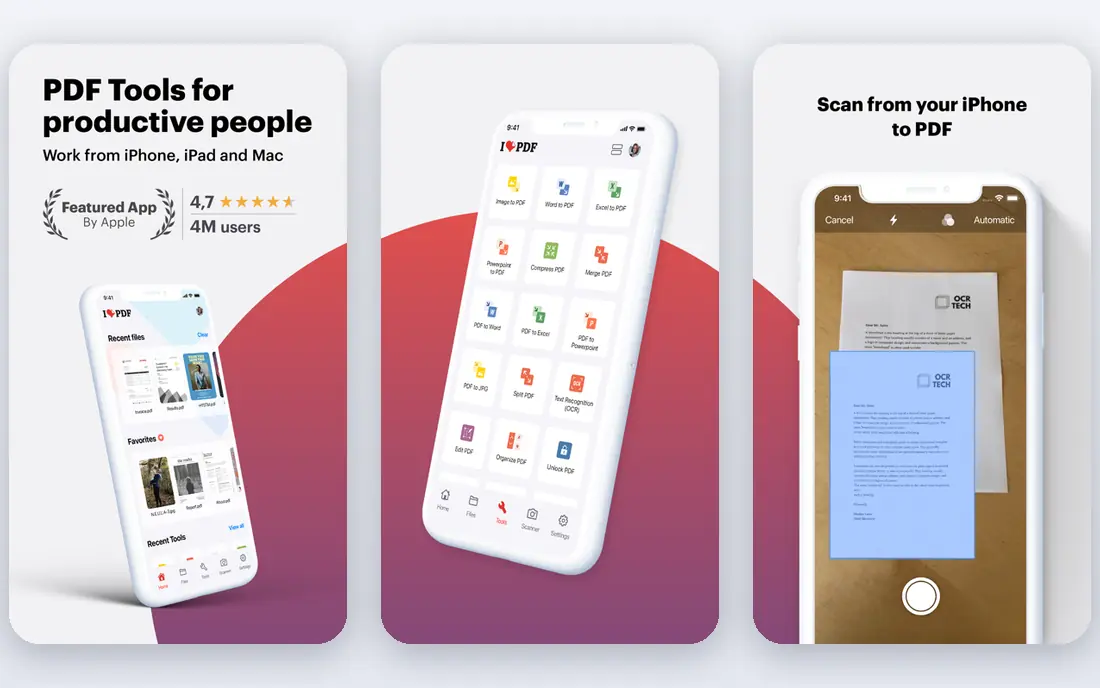
iLovePDF is the best pick when you have more than one file to fix. Its rotate tool accepts multiple PDFs at once, lets you turn pages individually or all together, and imports from Google Drive and Dropbox as well as your device. That batch handling saves real time when a whole folder of scans came out sideways.
The wider toolkit is also a plus: after rotating, you can compress, merge or split without switching services. Paid plans add advanced tools, but basic rotation stays free. As with other online tools, uploads are required, so keep sensitive scans offline.
- Rotate several PDFs in one batch
- Per-page and whole-document controls
- Cloud drive imports
- Some advanced tools need a paid plan
- Files are uploaded for processing
Sejda is a calm, careful rotation tool for occasional users. Its interface shows each page plainly, rotation controls are obvious, and its privacy wording explains file deletion without jargon. For a personal scan or a single report, it does the job with no fuss.
Free limits are tighter than PDF24 or iLovePDF, covering both file size and tasks per day. That rules it out for heavy use, but for the reader who rotates a file a few times a month, Sejda's clarity and privacy story make it a good pick.
- Clear per-page rotation
- Files deleted after processing
- Straightforward privacy wording
- Tight free limits on size and daily tasks
- Not ideal for heavy daily use
PDFgear earns its place through generosity: its core rotation tool is free without the tight daily caps that frustrate users elsewhere, and desktop apps let you work offline too. Rotation is per-page or whole-document, output saves correctly, and the interface stays simple.
As a newer brand, its long-term pricing is less proven than iLovePDF's or Smallpdf's. For rotation itself, though, what you get today is free, capable and easy, which is exactly what this list is judging.
- Core rotation free without strict daily caps
- Desktop apps for offline work
- Clean saved output
- Newer brand than the big suites
- Some advanced features are paid
PDFsam Basic is the safest rotation choice for confidential documents, because your file never leaves your computer. It rotates pages offline, handles large files that strain browser tools, and costs nothing with no daily cap. It also merges and splits, so one install covers most page jobs.
You must install it, and its look is functional rather than polished. For legal scans, medical forms and financial records, that trade is easy to accept. If privacy matters at all for the file in hand, rotate it here.
- Rotates PDFs entirely on your computer
- Free and open source
- Handles large files well
- Desktop install required
- Plainer interface than online tools
PDF2Go suits readers whose files already live in the cloud. It pulls a PDF from Dropbox or Google Drive, lets you rotate pages individually or all at once, and returns a corrected file without a download-upload round trip. The workflow is short and the interface is clear.
Free size limits apply, and uploads are unavoidable for an online tool. For cloud-based users rotating an occasional file, PDF2Go is dependable and convenient.
- Rotate files from device, Dropbox or Google Drive
- Per-page control
- Simple workflow
- Free file size limits apply
- Uploads required for online processing
Soda PDF is worth considering if rotation is one job among many. Its rotate tool sits inside a full PDF suite, so after fixing orientation you can edit, sign or convert without switching services. Online and desktop versions cover both quick jobs and heavier work.
Free online use carries limits, and the complete feature set needs a paid plan. As a rotation-only pick it is less generous than PDF24, but as a suite for readers who already use Soda PDF, it is a natural fit.
- Rotation inside a full PDF editor
- Online and desktop versions
- Per-page control
- Free online use has limits
- Full features need a paid plan
How we picked these
We compared official feature pages, pricing pages and privacy policies, judging each service on per-page rotation, whole-document rotation, batch handling, free limits, saved output quality and privacy handling. A service only qualified if rotation is saved into the downloaded file, not merely a temporary view change. Where a paid price was not confirmed on the vendor's own page, we list it as See website. We did not claim hands-on testing, and we did not invent limits or ratings.
Rotation tips that save time
Rotate before you do anything else with a file. Editing, compressing or merging a sideways document first means redoing that work after rotation, or worse, sending a file that still looks wrong in some readers. Check the result by reopening the downloaded file, not just by trusting the preview, since a view-only rotation can fool you.
For mixed documents, rotate page by page rather than turning the whole file. Scanned reports often mix portrait text pages with wide tables, and a single global rotation will fix one set while breaking the other. Per-page control exists in every tool above, so use it. Finally, keep the original file until you have checked the rotated copy: rotation is lossless, but a saved copy of the original costs nothing and protects against mistakes.
View rotation versus saved rotation
Many PDF readers let you rotate the view with a keyboard shortcut, but that change vanishes when the file is closed or sent to someone else. The tools on this list save rotation into the file itself, which is the behaviour you want when sharing. If a colleague says your PDF still looks sideways, the odds are that you rotated the view rather than the file, so run it through one of these tools instead.
Frequently asked questions
What is the best PDF rotator service?
PDF24 is our pick for most people, thanks to free per-page rotation without an account. PDFsam Basic is best for confidential files, since it works offline, and Smallpdf offers the smoothest interface for occasional use.
Can I rotate just one page in a PDF?
Yes. Every service on this list lets you rotate individual pages without affecting the rest of the document. You can also rotate all pages at once when the whole file shares the same problem.
Does rotating a PDF reduce its quality?
No, when done properly. Rotation changes page orientation metadata rather than re-rendering the content, so text and images stay sharp. Use a tool that saves rotation into the file, and check the downloaded copy before sharing it.
Can I rotate a PDF for free?
Yes. All eight services here offer free rotation, though Smallpdf, Sejda and Soda PDF limit free use by tasks per day or file size. PDF24, PDFgear and PDFsam Basic are the most generous for frequent rotation.
How do I rotate a PDF on a phone?
Open Smallpdf, iLovePDF or PDF24 in your mobile browser, upload the file, rotate the pages you need, and download the corrected copy. The steps are the same as on desktop, and no app install is required.
Why does my PDF still look sideways after rotating?
You probably rotated the view in your reader rather than saving rotation into the file. Run the file through a rotation tool from this list, download the new copy, and reopen it to confirm the change stuck.
Sources we checked (8)

Online Jobs is an independent blog about careers, online work, learning new skills and the tools that help people earn. More about us.
Keep reading
All posts
Zoom Alternatives
Zoom alternatives compared for 2026: Google Meet, Microsoft Teams, Webex, Jitsi and more for free calls, large meetings and webinars for teams and classrooms.

What Is the Best Free Tool to Rotate a PDF
What is the best free tool to rotate a PDF? We compare eight free rotation tools on per-page control, limits, privacy and saved output quality in detail.

What Is the Best AI Dubbing Tool
We compared the best AI dubbing tools in 2026, from ElevenLabs and HeyGen to Rask AI, Dubverse and Veed, for videos and creators in many languages worldwide.