Best Paraphrasing Tool Online Free in 2026: 8 Tools Compared

How we put this together: we compare official feature and pricing pages, app store listings, privacy policies and public user reviews. Prices change, so check the provider's site before you pay.
Key takeaways
- QuillBot has the most complete free paraphraser for short passages, with Standard and Fluency modes and a word limit per run.
- Wordtune suits sentence-level rewrites as you type, while Grammarly suits writers who want paraphrasing alongside grammar and clarity checks.
- Paraphraser.io, Scribbr, and Smodin offer useful free volume or academic-focused rewrites, but output quality varies by passage.
- Always edit paraphrased output and cite original sources, because rewording someone else's ideas without credit is still plagiarism.
Quick comparison
| Name | Who it suits | Starting price | Free option | |
|---|---|---|---|---|
 QuillBot | All-round free paraphrasing | Free | Yes | Visit |
 Wordtune | Sentence rewrites as you type | Free | Yes | Visit |
 Grammarly | Grammar plus rewriting | Free | Yes | Visit |
 Paraphraser.io | Free volume rewrites | Free | Yes | Visit |
 Scribbr | Academic paraphrasing | Free | Yes | Visit |
 Smodin | Quick free rewrites | Free | Yes | Visit |
 DeepL Write | Multilingual writing polish | Free | Yes | Visit |
 Hemingway Editor | Clarity editing after rewriting | Free | Yes | Visit |
The best paraphrasing tool online free
A good free paraphraser does more than swap words. It keeps the original meaning, fixes awkward phrasing, and offers a tone that fits your draft. Free tiers all have limits, usually a word cap per run or a daily allowance, so the best tool for you depends on whether you rewrite short passages, whole paragraphs, or single sentences as you work.
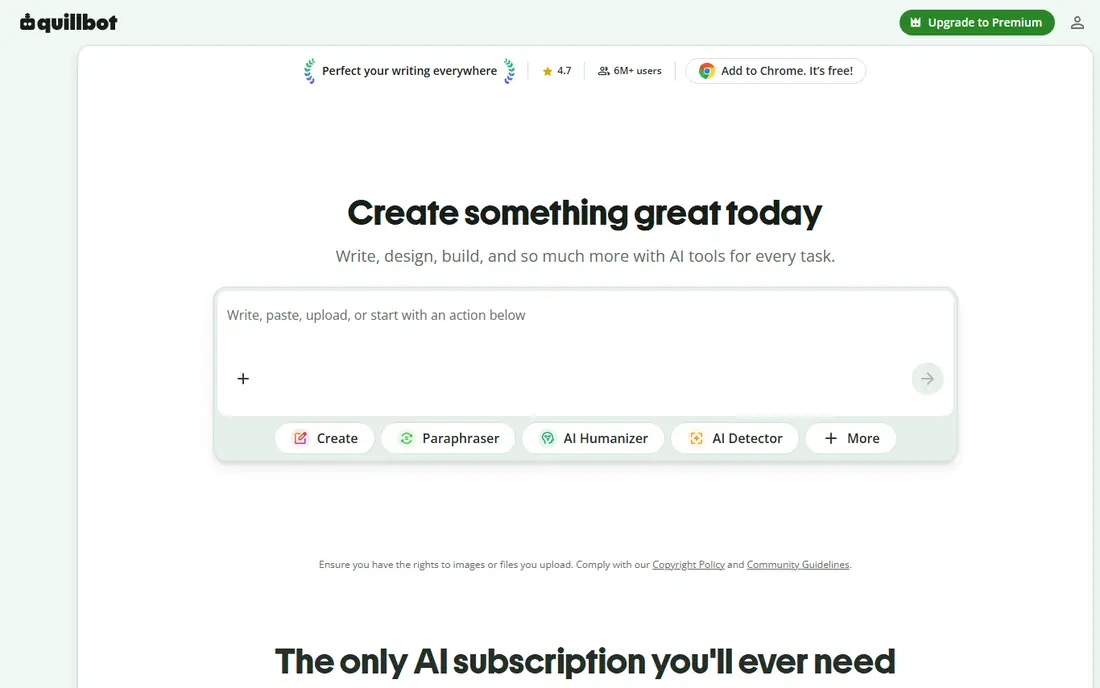
QuillBot is the best-known dedicated paraphraser, and its free tier is genuinely useful for short passages. Standard mode keeps meaning close to the original, while Fluency mode smooths grammar and flow. You can adjust synonym levels, which helps when a rewrite sounds too close to the source or too changed from it.
The free limit is the main catch. Free paraphrases are capped per run, so long essays need to be split into sections. Paid plans remove that cap and add modes such as Formal, Academic, Simple, and Creative. For students and writers who rewrite in short bursts, the free tier is often enough to test whether QuillBot fits their style.
- Multiple rewrite modes on paid plans, with Standard and Fluency free
- Synonym control
- Grammar and plagiarism tools in the wider suite
- Free tier caps words per paraphrase
- Full modes and unlimited words need a paid plan
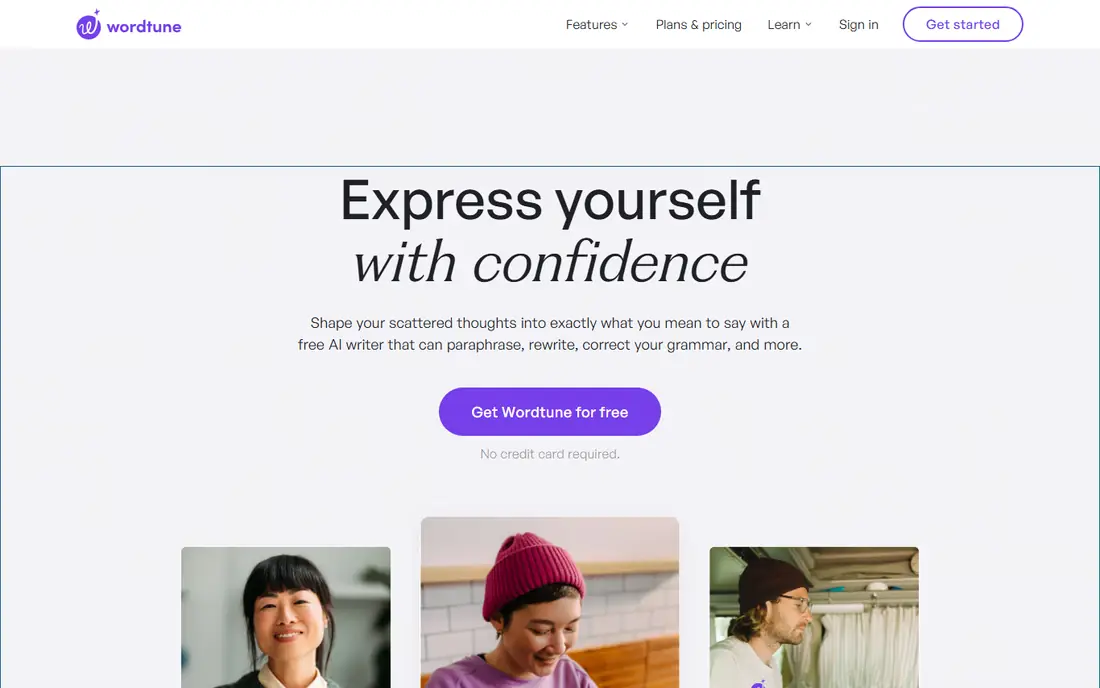
Wordtune works differently from QuillBot, because it rewrites sentence by sentence where you are already writing. Highlight a sentence in Google Docs or Gmail, and Wordtune suggests alternatives in casual or formal tones. That inline flow suits emails, essays, and reports where you want to fix one sentence without opening a separate tool.
Free use is limited to a small daily allowance, so Wordtune is not the best choice for rewriting a whole chapter in one sitting. For daily writing, where you need a better phrasing for a tricky sentence a few times a day, it is one of the most natural tools in this list.
- Inline rewrites in Docs, Gmail, and other apps
- Casual and formal tone options
- Natural-sounding suggestions
- Free plan allows only a small number of rewrites per day
- Less suited to long passages at once
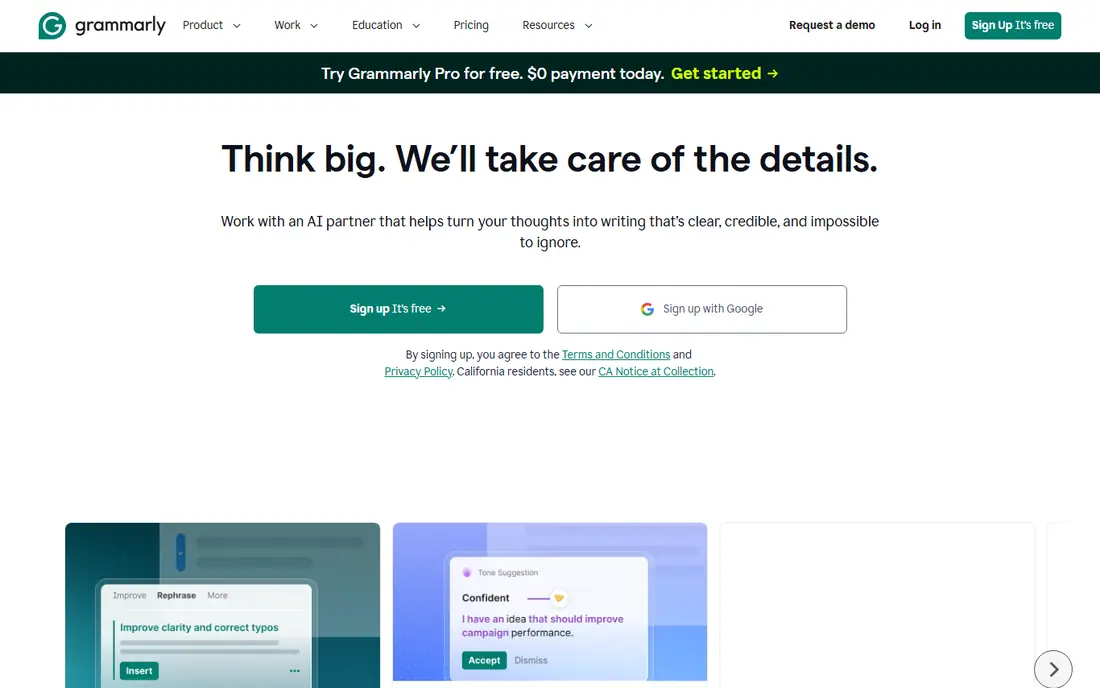
Grammarly is not a dedicated paraphraser, but its free plan includes basic rewriting alongside grammar and spelling checks. That combination suits writers who want one tool for everyday polish, rather than a separate paraphraser for every draft. It works in browsers, Docs, and many other apps, so suggestions appear where you write.
The limit is depth. Grammarly rewrites sentences for clarity and tone, but it does not offer the same range of passage-level modes as QuillBot. Paid plans add more rewrite and tone options. If you already use Grammarly for grammar, its rewrite help is a useful extra. If paraphrasing is your main job, start with a dedicated tool instead.
- Works across apps and browsers
- Grammar, clarity, and tone checks alongside rewriting
- Free plan covers basic help
- Full rewrite features need a paid plan
- Paraphrasing is sentence-level rather than passage-level
Paraphraser.io appeals to writers who need more free volume than QuillBot allows per run. Its free tier handles longer passages, with modes for fluency, standard, creative, and other styles. That makes it useful for blog drafts, product descriptions, and other everyday writing where you need a quick rewording.
Quality is less consistent than on QuillBot or Wordtune, especially for academic or technical text. Complex sentences can lose nuance, and you should always read the output line by line. For short, simple passages where volume matters more than nuance, Paraphraser.io is a practical free option.
- Higher free word allowance than many rivals
- Multiple modes
- No account needed for basic use in many cases
- Output can be uneven on complex text
- Interface includes ads and upsells on free use
Scribbr is known for academic support, and its free paraphraser is built with student writing in mind. It rewrites passages while keeping a formal tone, which suits essays, reports, and dissertations better than a casual spinner. The wider Scribbr suite adds a plagiarism checker and citation generator, which helps students check work before submission.
Free use is limited, and the most useful academic tools sit behind paid plans. Scribbr also expects you to use paraphrasing responsibly. Rewording a source without a citation is still plagiarism, even if the words are different, so treat Scribbr output as a draft to edit and credit properly.
- Free paraphraser built for academic writing
- Plagiarism checker in the wider suite
- Citation help available
- Free paraphraser has word limits
- Full academic tools are paid
Smodin offers a simple online paraphraser with support for many languages, which helps writers working in more than one language. The interface is straightforward: paste text, choose a mode, and get a rewrite. The wider suite includes plagiarism checking and other writing tools, which can be useful for students and content writers.
Free credits limit how much you can rewrite without paying, so Smodin suits occasional use rather than heavy daily rewriting. As with other free tools, check the output for meaning changes, especially with technical terms or names that should not be changed.
- Free paraphrasing with multilingual support
- Simple interface
- Plagiarism and AI detection tools in the suite
- Free credits are limited
- Output quality varies by language and passage type
DeepL Write is best for writers who need polished, natural English, especially if English is not their first language. It suggests alternative phrasing and style improvements, drawing on DeepL's language strength. That makes it useful for emails, reports, and academic sections where clarity matters more than a dramatic rewrite.
It is not a full paraphrasing suite with the same mode range as QuillBot. DeepL Write focuses on improving what you wrote, rather than rewriting a source passage in several distinct styles. For non-native writers who want a cleaner draft, it is a strong free starting point.
- Strong language quality from DeepL
- Good for non-native English writers
- Tone and style suggestions
- Not a dedicated passage paraphraser with many modes
- Free use has limits
Hemingway Editor is included here for a different reason. It does not paraphrase text for you. Instead, it highlights sentences that are hard to read, overuse passive voice, or rely on weak adverbs, so you can rewrite them yourself. That makes it a good second step after using a paraphraser, because it catches output that is grammatically correct but still hard to follow.
The free online version is enough for most short drafts, with a paid app for offline use. Use Hemingway after QuillBot or Wordtune, not instead of them, if your goal is clearer writing in your own voice. For writers worried about over-reliance on AI rewrites, Hemingway keeps the rewriting work in your hands.
- Free online editor
- Highlights hard sentences, passive voice, and adverbs
- Helps you rewrite in your own words
- Does not paraphrase for you
- No synonym or mode options
- Best as a second step, not a first tool
How we picked these
We started with web search for free paraphrasing tools, then checked each vendor's own site, free tier terms, and app or browser extension listings, plus public reviews. We kept only tools that are working in October 2026 and that offer a real free tier, not just a short trial that ends after a few days.
We also judged output on everyday passages, not just marketing claims. A tool that swaps a few words but keeps awkward phrasing scored lower than a tool that restructures sentences while keeping meaning. Where a free limit was unclear, we described it in general terms rather than giving a figure that could be wrong for your account type.
How to paraphrase well with a free tool
Rewrite in sections, then edit by hand
Split long text into paragraphs, paraphrase one section at a time, and then edit the result in your own voice. Add examples, reorder points, and remove phrasing that does not sound like you. A paraphraser should start a draft, not finish it.
Check meaning, names, and numbers
Paraphrasers can change a technical term, a name, or a number without warning. Read the output against the original, and restore any term that must stay exact. If a sentence changes the claim, rewrite that sentence yourself rather than accepting the tool version.
Cite the source when the idea is not yours
Paraphrasing does not remove the need for citation. If you use someone else's idea, finding, or argument, credit the source in the format your school, publisher, or client requires. That rule applies even when every word is different.
Do not use paraphrasing to hide AI use or plagiarism
Schools, publishers, and employers often have rules on AI drafting and on originality. If a task requires your own writing, a paraphraser does not make AI output your own work. Check the rules for your assignment before you use any tool in this list.
Frequently asked questions
What is the best free paraphrasing tool online?
QuillBot is the best all-round free paraphraser for short passages, with Standard and Fluency modes and synonym control. Wordtune is better for sentence rewrites as you type, and Paraphraser.io offers more free volume for longer everyday passages.
Is there a completely free paraphrasing tool with no limits?
Most genuinely free tools have some limit, such as words per run, rewrites per day, or credits. Tools that claim unlimited free use often have lower output quality, ads, or hidden upsells. For heavy use, a paid plan or splitting text into sections on a free tier is usually more reliable.
Can paraphrasing tools help avoid plagiarism?
Paraphrasing can help you express an idea in your own words, but it does not by itself avoid plagiarism. You must still cite the original source for ideas that are not your own, and you must edit the output so it reflects your understanding. Running a plagiarism check before submission is a sensible extra step for academic work.
What is the best free online paraphrasing tool for students?
QuillBot and Scribbr are the strongest student options, because both handle academic tone and offer plagiarism tools in their wider suites. QuillBot suits general paraphrasing, while Scribbr suits academic essays and citation help. Always follow your school rules on AI tools.
How is a paraphraser different from an AI writer?
A paraphraser rewrites text you supply, while an AI writer creates new text from a prompt. Use a paraphraser when you have a draft or source passage to improve. Use an AI writer when you are starting from a blank page and need ideas or a first draft to edit.
Do free paraphrasing tools keep my text private?
Privacy terms vary, and free tools may store or review pasted text under their terms. Avoid pasting confidential, personal, or unpublished work into a free tool unless you have checked its privacy policy. For sensitive drafts, use a tool with a clear privacy statement or rewrite by hand.
Sources we checked (8)

Online Jobs is an independent blog about careers, online work, learning new skills and the tools that help people earn. More about us.
Keep reading
All posts
Zoom Alternatives
Zoom alternatives compared for 2026: Google Meet, Microsoft Teams, Webex, Jitsi and more for free calls, large meetings and webinars for teams and classrooms.

Which Software Is Best for Data Entry
Compare the best data entry software for forms, OCR scanning, and spreadsheets, with free plans, pricing, and honest limits for each tool before you commit.

What Is the Best Free Tool to Rotate a PDF
What is the best free tool to rotate a PDF? We compare eight free rotation tools on per-page control, limits, privacy and saved output quality in detail.