Best Online Training Platform in 2026: 9 Platforms Compared


Small and mid-size employee training · Starting price: $119 per month
How we put this together: we compare official feature and pricing pages, app store listings, privacy policies and public user reviews. Prices change, so check the provider's site before you pay.
Key takeaways
- Corporate training platforms and course-selling platforms solve different problems, so decide first whether you train staff or sell courses to the public.
- TalentLMS and Docebo suit employee training with compliance and reporting, while Teachable, Thinkific, and LearnWorlds suit creators selling courses.
- Entry prices look low, but learner limits, transaction fees, and branding removal can change the real monthly cost fast.
- A free trial with your own course material tells you more than a feature list, especially for quizzes, certificates, and reporting.
- WordPress users who want full control should compare LearnDash against hosted platforms before paying a monthly fee.
Quick comparison
| Name | Who it suits | Starting price | Free option | |
|---|---|---|---|---|
| TalentLMS | Small and mid-size employee training | $119 per month | Yes | Visit |
 Docebo | Large companies with complex training needs | See website | Free trial | Visit |
 Teachable | Creators selling a first course | $29 per month | No | Visit |
 Thinkific | Course businesses that want depth | $36 per month | Free trial | Visit |
 LearnWorlds | Interactive courses and schools | $24 per month | Free trial | Visit |
 Kajabi | All-in-one course sales and marketing | $143 per month | Free trial | Visit |
 Podia | Simple all-in-one selling without complexity | $33 per month | No | Visit |
 LearnDash | WordPress course sites you fully control | $199 per year | No | Visit |
 Absorb LMS | Growing companies needing strong reporting | See website | Free trial | Visit |
The best online training platforms
An online training platform can mean two different products. One trains your own staff and tracks completion. The other sells courses to strangers and handles checkout, marketing, and student accounts. We compared both kinds, using official pricing pages and feature lists, so you can pick the type that matches your goal.
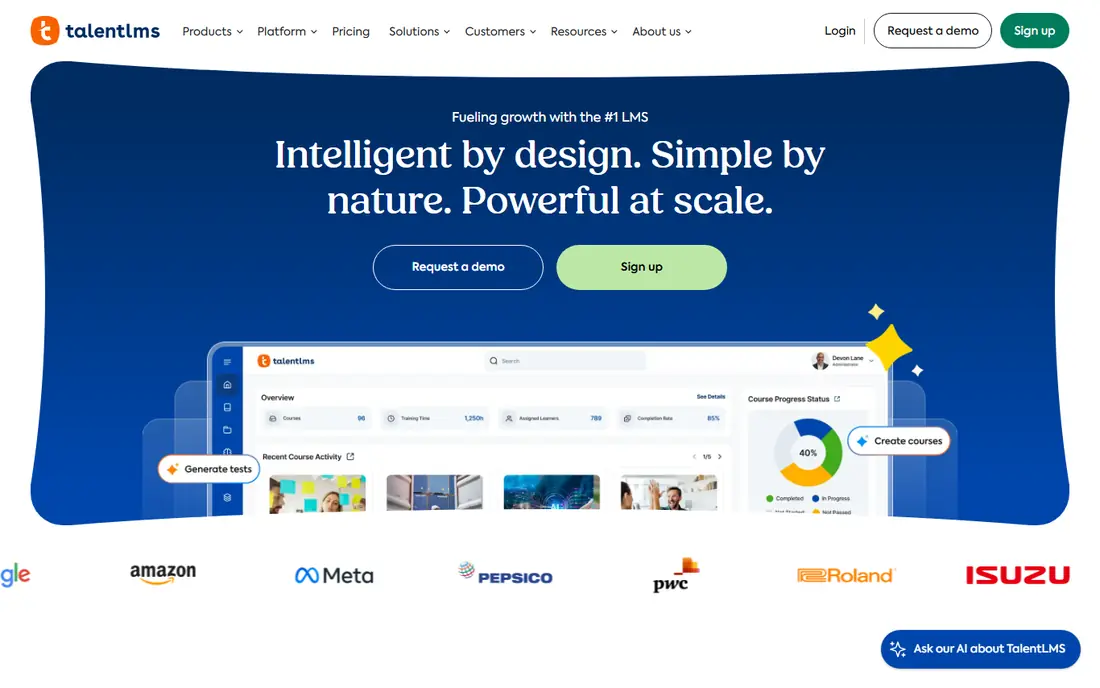
TalentLMS is a practical pick for a company that needs staff trained and tracked without hiring a learning specialist. You can upload courses, assign learning paths, set certification expiry dates, and see who finished what. Branches let you separate departments, regions, or clients, which helps a company with more than one team.
The limits show up as you grow. Price moves with user brackets, so headcount growth raises the bill even if course numbers stay flat. There is no built-in email marketing or sales funnel, so creators selling courses should look elsewhere. For internal training, though, the setup speed and clear reporting are hard to beat at this price.
- Fast to set up
- Supports SCORM and certifications
- Branches for teams and departments
- Pricing rises with user brackets
- No built-in live classroom
- Limited marketing tools for selling courses
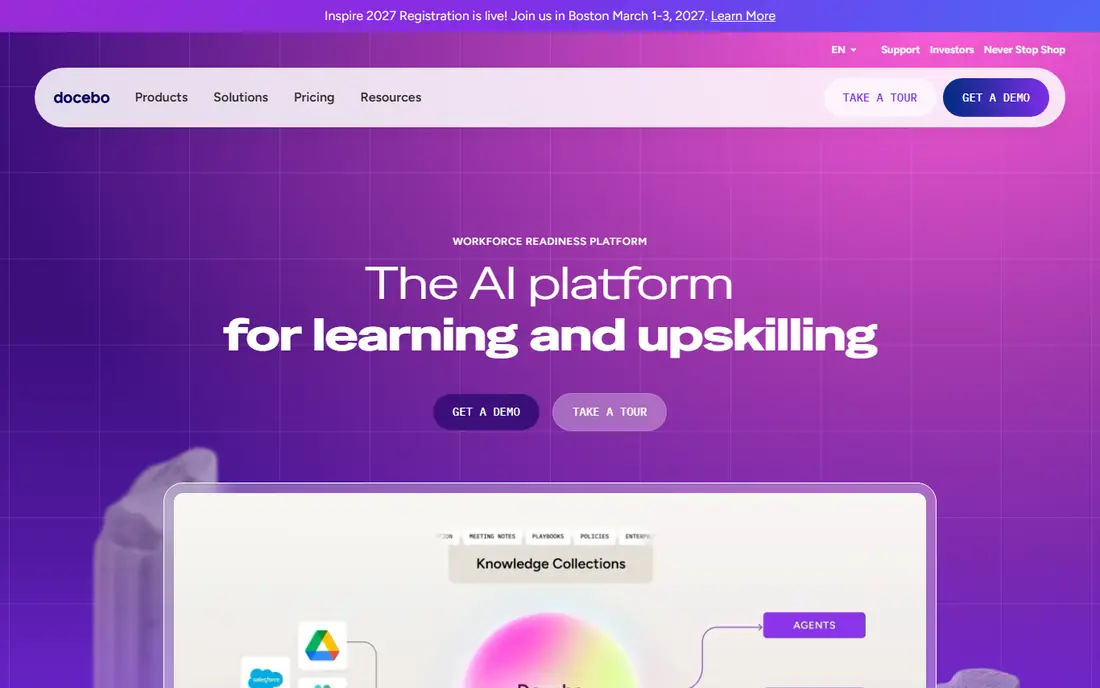
Docebo suits companies training employees, partners, and customers from one system. It handles multiple audiences, automates enrolment and reminders, and connects with HR and CRM tools that larger firms already use. Reporting goes beyond completion rates, which matters when training is tied to compliance or partner certification.
That power comes with weight. Pricing is quoted, implementation takes planning, and a team of ten will not use most of what Docebo offers. Choose it when training spans audiences and systems and you have someone to own it. For a single team, TalentLMS or Absorb will get you running faster and cheaper.
- Strong for large and multi-audience training
- Good integrations
- Advanced reporting and automation
- Quote-only pricing
- Setup takes longer than simpler tools
- More than a small team needs
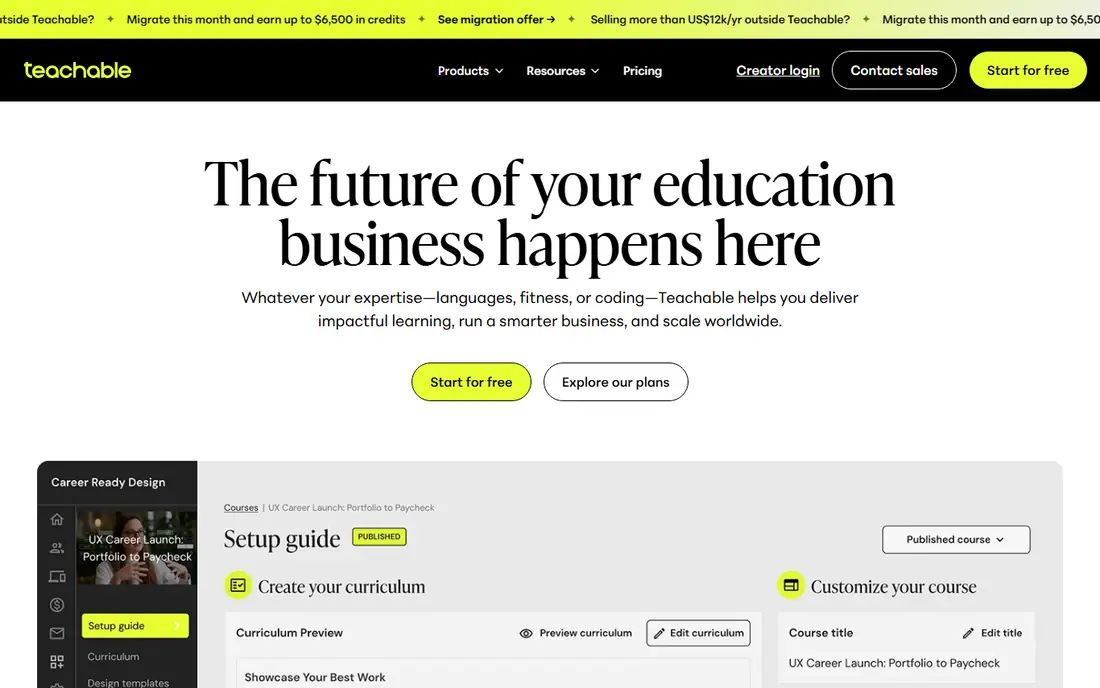
Teachable is the easiest on-ramp for a creator with a course idea and an audience. The builder covers video, text, quizzes, and files, checkout is built in, and you can publish without touching code. For validating a first course, that simplicity is worth more than advanced features you may never use.
Watch the entry-plan fee. The lowest plan adds a transaction fee to each sale, so a course that sells well can cost more than the next plan up. Branding removal also waits for a higher tier. Start on the entry plan to test demand, then move up once sales cover the difference. If you need deep learning design, Thinkific or LearnWorlds may fit better.
- Simple course builder
- Built-in checkout
- Easy for a first-time course seller
- Transaction fee on the entry plan
- Limited design control
- Branding removal needs a higher plan
Thinkific gives course creators more learning depth than a simple video host. You can build structured courses with quizzes, assignments, surveys, and drip content, and students get a clean learning space rather than a bare video page. Paid plans charge no transaction fee through its own payments, which keeps pricing predictable as sales grow.
The trade is marketing. Thinkific covers sales pages and basic email, but it is not a full marketing suite, so larger sellers often pair it with outside tools. SCORM support and advanced learning paths also sit on higher plans. If course quality matters more than funnels, Thinkific is a strong middle ground between Teachable simplicity and Kajabi breadth.
- Strong course design and student experience
- No transaction fee on paid plans
- Good community tools
- SCORM and learning paths need higher plans
- Marketing tools are thinner than Kajabi
LearnWorlds is built for schools and training companies that want interactive learning, not just recorded video. Interactive video, exams, certificates, and a website builder come together in one place, and SCORM support helps firms with existing course files. For a training business selling to other companies, that mix is genuinely useful.
The entry plan charges a flat fee per paid enrolment, which can add up for low-priced courses. The platform also has more settings than Teachable, so expect a learning curve. Work out your expected enrolments per month before choosing a plan, and step up to the plan without the enrolment fee once volume makes it cheaper.
- Interactive video and assessments
- Website builder included
- SCORM support
- Per-enrolment fee on the entry plan
- Learner caps and complexity can confuse new users
Kajabi is the all-in-one option for creators who sell courses as a business. It combines course hosting with email marketing, sales funnels, landing pages, and a website, so a creator can run launches without stitching tools together. With its own payments, it takes no platform cut of sales, which helps at higher volume.
The price is the barrier. The entry plan costs several times more than Teachable or LearnWorlds, and Kajabi lacks SCORM support for corporate training files. Buy it when marketing and sales are as important as the course itself. If you only need to host and sell one course, a cheaper platform leaves more margin.
- Courses, email, funnels, and websites in one system
- No platform transaction fee
- Polished student experience
- Highest entry price here
- No SCORM support
- Overkill for a single small course
Podia suits creators who want to sell without learning a complex system. Courses, memberships, digital downloads, and email sit in one calm dashboard, and checkout is straightforward for buyers. If Kajabi feels like too much and Teachable feels too narrow, Podia lands in between.
Advanced course design is thinner here. You will not get the interactive video depth of LearnWorlds or the corporate reporting of TalentLMS. The entry plan also takes a transaction fee, so growing sellers should compare the next plan up. For a small creator with a few products, Podia keeps the admin light and the focus on content.
- Simple setup
- Sells courses, memberships, and downloads
- Clean checkout
- Fewer advanced learning features
- Transaction fee on the entry plan
- Limited customization
LearnDash is a WordPress plugin, not a hosted platform, and that changes the deal. You pay a flat yearly price, host the site yourself, and keep full control over design, data, and integrations. Quizzes, drip content, certificates, and group management are strong, and there is no per-learner fee pushing the bill up as you grow.
Control brings responsibility. You handle hosting, updates, backups, and security, and setup takes more skill than signing up for Teachable. If you already run WordPress well, LearnDash is excellent value. If you want someone else to handle the technical side, choose a hosted platform and pay the monthly fee for that peace of mind.
- Flat yearly price with unlimited learners
- Deep WordPress control
- Strong quiz and drip features
- You manage hosting, updates, and security
- Setup needs WordPress skill
- No hosted checkout simplicity
Absorb LMS targets growing companies that need training to look professional and report clearly. Learners get a clean, modern interface, admins get reporting that goes beyond a simple completion list, and the system handles both employees and external learners. For a company moving past spreadsheets and shared drives, that step up is noticeable.
Pricing is quoted, so budget time for a sales conversation and a demo with your own content. Small teams may find the process heavy compared with signing up for TalentLMS in an afternoon. Choose Absorb when reporting, branding, and a polished learner experience justify a larger platform, and when you have someone to manage training as an ongoing job.
- Clean learner experience
- Strong reporting and admin tools
- Good for external and internal audiences
- Quote-only pricing
- Setup and pricing talks take time
- Smaller firms may find it heavy
How we picked these
We compared official pricing and feature pages for platforms that host courses, track learners, or sell training, and we kept only tools that work today for either employee training or public course sales. We favored platforms with clear pricing, a trial or free plan where offered, and a distinct use case, so the list covers corporate training, creator selling, and WordPress control rather than repeating the same tool nine times. Where pricing is quoted, we wrote See website instead of guessing.
Choosing between staff training and course sales
Ask one question first: who takes the course. If the learners are your staff, partners, or clients, you need enrolment control, completion tracking, certificates, and reporting. TalentLMS, Docebo, and Absorb fit that brief. If the learners are paying customers you find online, you need sales pages, checkout, email, and a good student experience. Teachable, Thinkific, LearnWorlds, Kajabi, and Podia fit that brief. LearnDash fits either brief if you run WordPress and want control. Mixing the two briefs in one purchase is how companies end up paying for marketing tools they never use or missing compliance reports they need.
Trial checklist
Run a trial with one real course, not a demo video. Upload your video, build a quiz, issue a certificate, enrol a test learner, and pull the completion report. Check mobile playback, checkout if you sell, and how hard it is to change a lesson after publishing. Also check learner limits, transaction fees, and what happens to your content if you cancel. Those five checks will separate a good fit from a good sales page in a single afternoon.
Frequently asked questions
What is the best online training platform for employee training?
TalentLMS is the best starting point for small and mid-size teams because it is fast to set up and covers certifications and reporting. Larger companies with multiple audiences should trial Docebo and Absorb LMS. The right pick depends on headcount, compliance needs, and whether you train partners or customers as well as staff.
What is the best platform for online courses I want to sell?
Teachable is the simplest start for a first course, Thinkific adds learning depth, LearnWorlds adds interactivity, and Kajabi adds marketing in one system. Podia is a calm middle option for creators with a few products. Compare transaction fees and learner limits, since those decide the real cost once sales grow.
What is the best online training software for a small business?
A small business training its own staff should start with TalentLMS, which has a free plan for testing and a clear paid entry point. A small business selling courses should start with Teachable or Podia. Avoid enterprise platforms until headcount or compliance reporting makes their cost worthwhile.
Is there a best web based training software with a free plan?
TalentLMS offers a free plan, and Thinkific, LearnWorlds, Kajabi, Docebo, and Absorb offer free trials. Free plans are usually limited in users or features, so use them to test the builder and learner experience, then check the paid plan that covers your real learner count.
What is the best online training app for learners on mobile?
Most platforms here offer learner apps or mobile-friendly sites, but playback quality, offline access, and quiz support vary. Test your actual course on a phone during the trial, especially video, quizzes, and certificates, before promising mobile learning to staff or customers.
Should I use LearnDash or a hosted platform?
Use LearnDash if you already run WordPress, want a flat yearly price, and are comfortable managing hosting and updates. Use a hosted platform if you want setup, security, and support handled for you and are happy to pay monthly for that service.
Sources we checked (9)

Online Jobs is an independent blog about careers, online work, learning new skills and the tools that help people earn. More about us.
Keep reading
All posts
n8n Alternatives
n8n alternatives compared for 2026, with Zapier, Make, Activepieces, and more, covering visual builders, code steps, self-hosting, and pricing models.

ZoomInfo Alternatives
The best ZoomInfo alternatives in 2026, compared on price, free plans, data coverage, and which tool fits small teams or large sales teams best in detail.

Zoom Alternatives for Webinars
Compare Zoom alternatives for webinars in 2026, from browser-based rooms to enterprise events, with prices, attendee limits, features and honest trade-offs.