Best Online Services for PDF Page Removal in 2026: 9 Services Compared

How we put this together: we compare official feature and pricing pages, app store listings, privacy policies and public user reviews. Prices change, so check the provider's site before you pay.
Key takeaways
- iLovePDF is our pick for PDF page removal, with a fast free tool and batch options.
- Smallpdf suits users who want a clean interface and a full PDF toolkit behind the delete tool.
- Adobe's online tool suits users who trust Adobe and may later need Acrobat's full features.
- Sejda and PDF24 suit privacy-conscious users, with strong free tiers and desktop options.
- For sensitive documents, prefer a tool with clear deletion policies or a desktop app that never uploads your file.
Quick comparison
| Name | Who it suits | Starting price | Free option | |
|---|---|---|---|---|
 iLovePDF iLovePDF | Fast free page removal | Free | Yes | Visit |
 Smallpdf Smallpdf | Clean all-in-one toolkit | Free | Yes | Visit |
 Adobe Acrobat Online Adobe Acrobat Online | Trusted Adobe tool | Free | Yes | Visit |
 Sejda Sejda | Privacy-friendly editing | Free | Yes | Visit |
 PDF2Go PDF2Go | Simple online editing | Free | Yes | Visit |
 Soda PDF Soda PDF | Online and desktop tools | Free | Yes | Visit |
 PDF Candy PDF Candy | Free toolkit breadth | Free | Yes | Visit |
 AvePDF AvePDF | No-account editing | Free | Yes | Visit |
 PDF24 Tools PDF24 Tools | Free unlimited tools | Free | Yes | Visit |
The best online services for PDF page removal
Removing pages from a PDF is a common task: cutting blank pages, dropping a wrong page, or trimming a document before sending it. The online services below all offer a delete-pages tool that runs in the browser. We compared official feature pages and pricing pages to sort them by speed, free limits, and privacy.
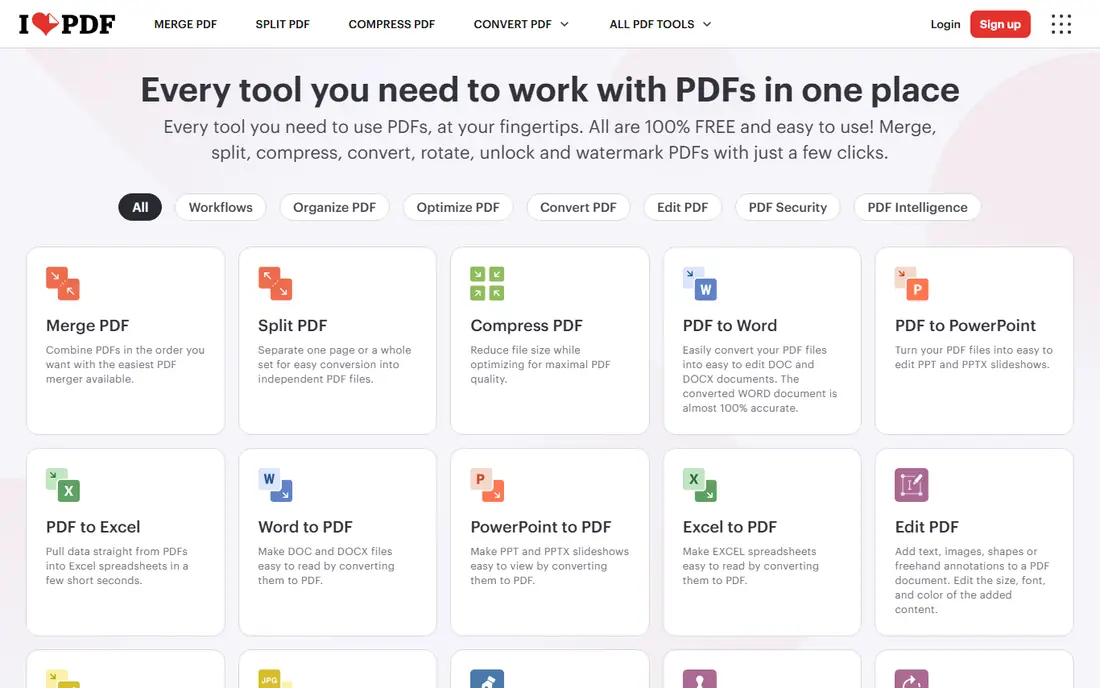
iLovePDF's delete-pages tool is our pick for speed. Upload a PDF, click pages to remove, and download the trimmed file in seconds, with batch options for multiple documents. A free tier covers occasional use, with a premium plan removing limits, priced on iLovePDF's site.
Free use limits file size and daily tasks, and ads appear on free pages. For a quick, free page removal with a full toolkit behind it, iLovePDF is the fastest option.
- Fast delete-pages tool
- Batch processing
- Full PDF toolkit
- Free tier limits file size and tasks
- Ads on free use
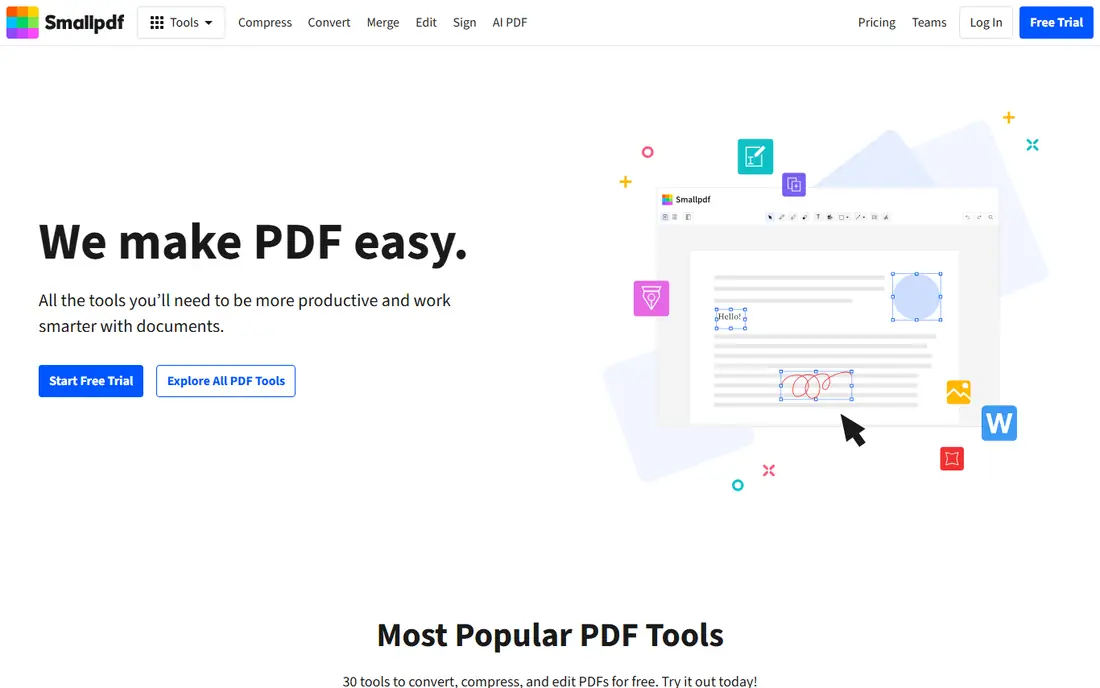
Smallpdf offers a clean delete-pages tool inside a polished PDF suite covering compress, convert, merge, split, and sign. Its interface is the easiest here for beginners, and its mobile experience works well on phones. A free tier covers light use, with a Pro plan for unlimited tasks, priced on Smallpdf's site.
Free use limits daily tasks, so heavy users need Pro. For a user who wants page removal inside a tidy, complete PDF toolkit, Smallpdf is the most pleasant option.
- Clean interface
- Delete pages plus full toolkit
- Good mobile experience
- Free tier limits daily tasks
- Premium needed for heavy use
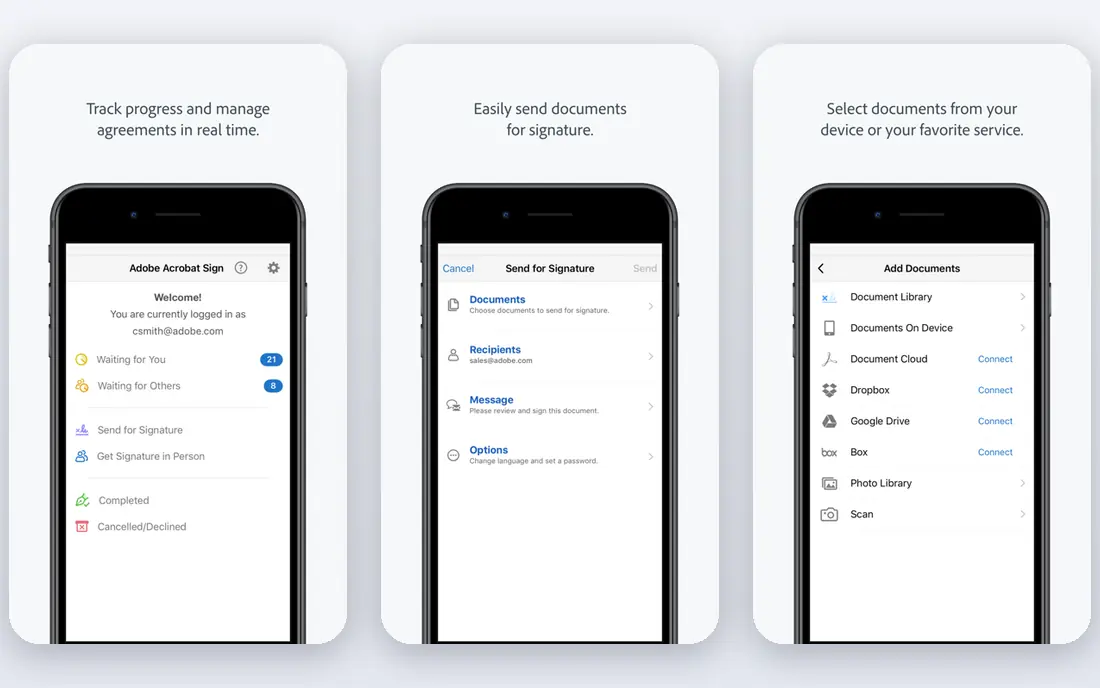
Adobe's online delete-pages tool lets users remove pages free in the browser, with Adobe's PDF expertise behind it. It suits users who trust Adobe and may later need Acrobat's full desktop features for editing, signing, and forms. The online tool is free, with Acrobat plans priced on Adobe's site.
Free online features are fewer than rivals' full toolkits. For a user who values Adobe's name and a path to full Acrobat, its online tool is a solid choice.
- Adobe's trusted PDF tools
- Delete pages free online
- Path to full Acrobat
- Fewer free features than rivals
- Full tools need Acrobat subscription
Sejda's delete-pages tool suits privacy-conscious users, with a clear policy that files are deleted from servers after processing and a desktop app for users who prefer not to upload at all. Its free tier covers a few tasks per hour, with paid plans for more, priced on Sejda's site.
Free hourly limits frustrate heavy users, and the interface favors function over polish. For a sensitive document where privacy matters, Sejda's deletion policy and desktop option are genuine advantages.
- Delete pages with clear privacy policy
- Files auto-delete
- Desktop app option
- Free tier limits hourly tasks
- Interface is functional rather than polished
PDF2Go offers a straightforward delete-pages tool with optional uploads from Google Drive and Dropbox, plus a full toolkit for compress, convert, and merge tasks. Its interface is simple, and a free tier covers light use, with a premium plan for larger files and no ads, priced on PDF2Go's site.
Free use limits file size, and ads appear on free pages. For a simple, no-fuss page removal with cloud upload options, PDF2Go is a practical pick.
- Simple delete-pages tool
- Optional cloud uploads
- Full toolkit
- Free tier limits file size
- Ads on free use
Soda PDF offers delete-pages tools both online and in its desktop app, which suits Windows users who want offline editing for sensitive files. Its full suite covers editing, converting, signing, and forms, with a free online tier and paid plans priced on Soda PDF's site.
Free online limits apply, and the desktop app focuses on Windows. For a Windows user who wants online convenience plus a desktop option, Soda PDF covers both.
- Delete pages online or on desktop
- Full PDF suite
- Good for Windows users
- Free online limits apply
- Desktop app is Windows-focused
PDF Candy offers a wide free toolkit, with delete pages alongside convert, merge, split, compress, and OCR tools, all without an account for basic use. Its free tier covers a few tasks per hour, with a premium plan for unlimited use, priced on PDF Candy's site.
Free hourly limits apply, and the interface is utilitarian. For a user who wants many free PDF tools behind the delete-pages feature, PDF Candy's breadth is hard to beat.
- Wide free toolkit
- Delete pages plus convert and merge
- No account needed for basic use
- Free tier limits hourly tasks
- Interface is utilitarian
AvePDF offers delete-pages tools without requiring an account, with privacy-focused processing and automatic file deletion. Its tools are simple and fast, covering the common PDF tasks without signup friction. A free tier covers basic use, with premium plans priced on AvePDF's site.
The toolkit is smaller than iLovePDF's or Smallpdf's, and free limits apply. For a quick page removal without creating an account, AvePDF is the lowest-friction option.
- Delete pages without an account
- Privacy-focused processing
- Simple tools
- Smaller toolkit than rivals
- Free limits apply
PDF24 Tools offers free PDF tools with generous limits, including delete pages, plus a desktop Creator app for offline work. No account is needed for online tools, and its German engineering team maintains a long-standing free service. Pricing for business options is listed on PDF24's site.
The interface feels dated, and advanced features trail Acrobat. For a user who wants free page removal without tight limits or an account, PDF24 Tools is the most generous option.
- Free tools with generous limits
- Desktop Creator app
- No account needed
- Interface feels dated
- Fewer advanced features
How we picked these
We compared official feature pages and pricing pages for online PDF services that offer a real delete-pages tool today. We favored services with working free tiers and clear processing, and we included all-in-one suites, privacy options, and desktop-backed tools rather than only one style. Prices are the standard published rates from each vendor's own site, and where free limits apply we say so rather than guessing.
What to check before you choose
Start with the document. A quick one-off removal suits any free tool here, while sensitive documents suit Sejda or a desktop app that never uploads. A large file suits tools with generous free limits like PDF24, while a batch of files suits iLovePDF's batch processing.
Check file size and task limits
Free tiers limit file size, pages, or hourly tasks, so check limits before uploading a large document. A tool that rejects your file wastes the time you saved choosing it. For frequent use, compare premium pricing rather than fighting free limits daily.
Check privacy and deletion policies
Online tools upload your file to a server, so read each service's deletion policy before uploading sensitive documents. Prefer tools that auto-delete files quickly, like Sejda and AvePDF, or use a desktop app for contracts, medical records, and financial documents.
Keep the original safe
Always work on a copy and keep the original PDF untouched. Page removal is destructive, and recovering a deleted page means starting over. Save the trimmed file under a new name and verify page count before sending.
Frequently asked questions
What is the best online service for PDF page removal?
iLovePDF is our pick for fast free page removal, with batch options and a full toolkit. Smallpdf suits users who want a clean interface, while Sejda suits privacy-conscious users. PDF24 suits users who want generous free limits without an account.
How do I delete pages from a PDF online for free?
Upload the PDF to a free tool like iLovePDF, Smallpdf, or PDF24, click the pages to remove, and download the trimmed file. Free tiers cover most one-off jobs, with limits on file size or hourly tasks. For sensitive documents, use a desktop tool instead of uploading.
Is it safe to remove PDF pages online?
For ordinary documents, reputable tools with auto-deletion policies are safe enough. For sensitive documents like contracts or medical records, prefer a desktop app or a tool with a clear, fast deletion policy, like Sejda. Never upload a document you would not email.
Can I delete pages from a PDF without software?
Yes, online tools like iLovePDF, Smallpdf, and PDF24 delete pages in the browser without installing software. On a Mac, Preview also deletes pages, and on Windows, Microsoft Edge and free desktop tools cover the job offline.
What is the best free PDF page remover without limits?
PDF24 Tools offers the most generous free limits among online tools, with no account needed. iLovePDF and Smallpdf are faster and more polished but limit free daily tasks. For truly unlimited offline use, a desktop app like PDF24 Creator or Sejda Desktop avoids online limits entirely.
Can I delete multiple pages at once from a PDF?
Yes, every tool here lets you select multiple pages to delete in one pass, and iLovePDF adds batch processing across multiple files. Select pages carefully and verify the page count after download, since deletions cannot be undone from the trimmed file alone.
Sources we checked (9)
- https://www.ilovepdf.com/pdf_tools
- https://smallpdf.com/delete-pdf-pages
- https://www.adobe.com/acrobat/online/delete-pdf-pages.html
- https://www.sejda.com/delete-pdf-pages
- https://www.pdf2go.com/delete-pdf-pages
- https://www.sodapdf.com/delete-pdf-pages/
- https://pdfcandy.com/delete-pages.html
- https://avepdf.com
- https://tools.pdf24.org/en/delete-pdf-pages

Online Jobs is an independent blog about careers, online work, learning new skills and the tools that help people earn. More about us.
Keep reading
All posts
Zoom Alternatives
Zoom alternatives compared for 2026: Google Meet, Microsoft Teams, Webex, Jitsi and more for free calls, large meetings and webinars for teams and classrooms.

What Is the Best Free Tool to Rotate a PDF
What is the best free tool to rotate a PDF? We compare eight free rotation tools on per-page control, limits, privacy and saved output quality in detail.

What Is the Best AI Dubbing Tool
We compared the best AI dubbing tools in 2026, from ElevenLabs and HeyGen to Rask AI, Dubverse and Veed, for videos and creators in many languages worldwide.