Best Online Fax Service in 2026: 9 Services Compared

How we put this together: we compare official feature and pricing pages, app store listings, privacy policies and public user reviews. Prices change, so check the provider's site before you pay.
Key takeaways
- FAX.PLUS is our pick for most users, with a real free tier of 10 pages and paid plans from $6.99 per month.
- Dropbox Fax suits teams that already sign documents in Dropbox, with Home Office at $9.99 per month for 300 pages.
- eFax is the long established brand, but at $18.99 per month it costs more than newer rivals for a similar page allowance.
- FaxZero is the best free option for a short one-off fax to the US or Canada, with up to 5 free faxes per day and a branded cover page.
- Healthcare and regulated teams should shortlist SRFax and RingCentral Fax, which offer stronger compliance features than consumer focused services.
Quick comparison
| Name | Who it suits | Starting price | Free option | |
|---|---|---|---|---|
 FAX.PLUS FAX.PLUS | Best overall value | $6.99 per month | Yes | Visit |
 eFax eFax | Established brand | $18.99 per month | No | Visit |
 Dropbox Fax Dropbox Fax | Dropbox and signing workflows | $9.99 per month | Free trial | Visit |
 RingCentral Fax RingCentral Fax | Offices needing a phone system | $20 per month | No | Visit |
 MetroFax MetroFax | Low volume budgets | $11.99 per month | No | Visit |
 MyFax MyFax | Simple infrequent faxing | $10 per month | No | Visit |
 iFax iFax | Mobile-first faxing | $12.49 per month | Free trial | Visit |
 SRFax SRFax | Healthcare and compliance | $12.60 per month | No | Visit |
 FaxZero FaxZero | Free one-off faxes | Free | Yes | Visit |
The best online fax services
Fax survives in healthcare, legal work, government and any office that still receives signed forms by fax number. Online fax services replace the machine with an app or web page, a dedicated number and a monthly page allowance. The services below differ on price, page counts, free tiers and compliance, so match the plan to how often you actually fax.
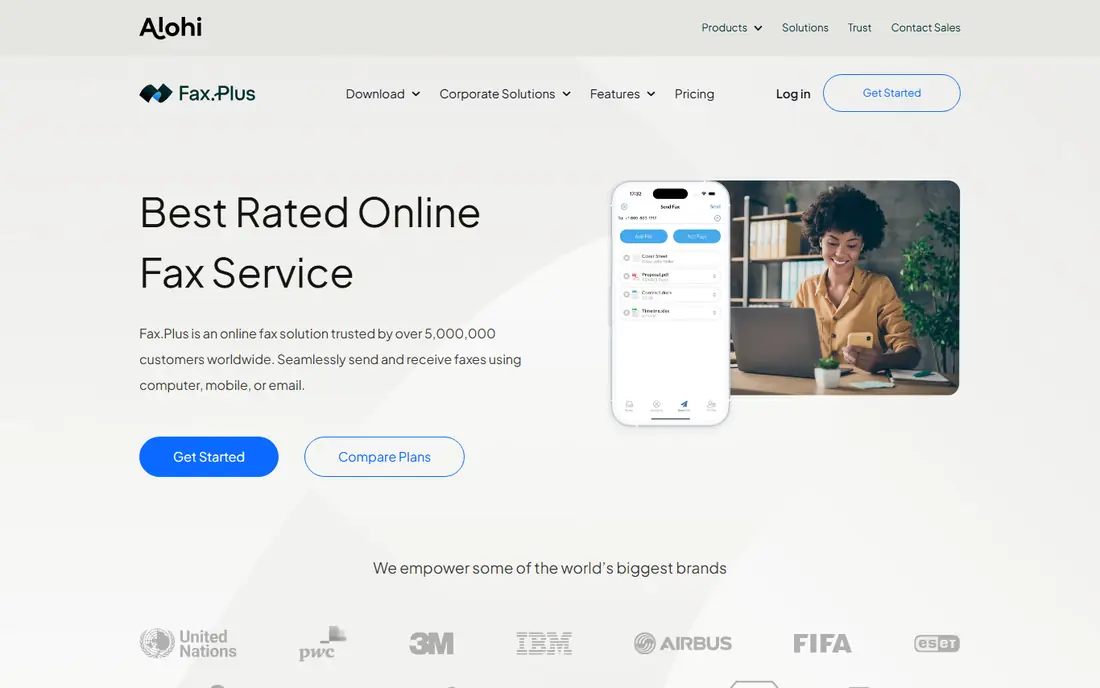
FAX.PLUS is the service we recommend first for most readers. Its free tier covers 10 pages, which is enough to test the service or send an occasional fax without paying, and Basic costs $6.99 per month for 200 pages. The mobile app handles scanning and signing cleanly, and the pricing page publishes every limit, which makes budgeting easy.
The limit is volume. Two hundred pages suits individuals and small offices, but a busy medical or legal office will need a higher tier. FAX.PLUS also lacks a pay-as-you-go path, so one-off senders should compare FaxZero below. For regular low to moderate faxing, the value is hard to beat.
- Real free tier with 10 pages
- Clean mobile app with signing
- Clear published page limits and pricing
- Basic plan covers 200 pages per month, so high volume teams need a higher tier
- No pay-as-you-go option
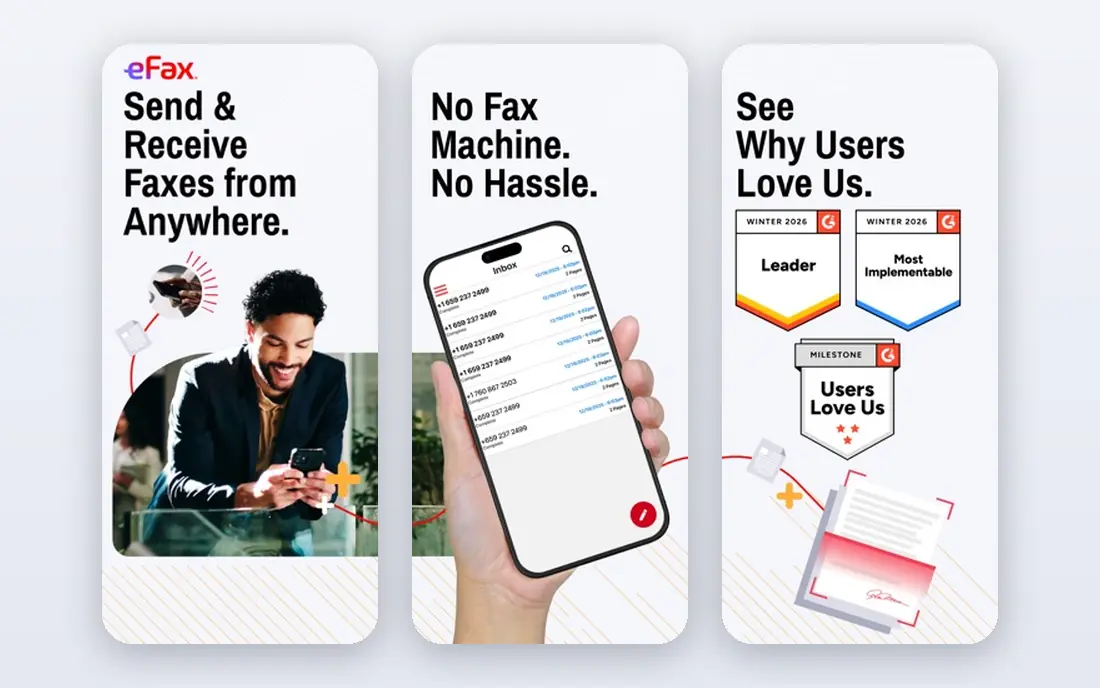
eFax is the largest and longest running subscription fax provider, and that history matters to enterprises that want a vendor unlikely to disappear. Plans start at $18.99 per month billed monthly and include a dedicated incoming fax number with 200 pages. International faxing is broadly supported, and the service has the scale to handle large corporate accounts.
The price is the problem for small users. At nearly three times the entry cost of FAX.PLUS for a similar page allowance, eFax only makes sense when brand scale, enterprise support or specific integrations justify it. Small offices should start with a cheaper rival and only move to eFax if a client or compliance rule requires it.
- Long track record with large enterprises
- Dedicated incoming fax number included
- Broad international coverage
- Most expensive entry price here at $18.99 per month
- No free tier, only paid plans
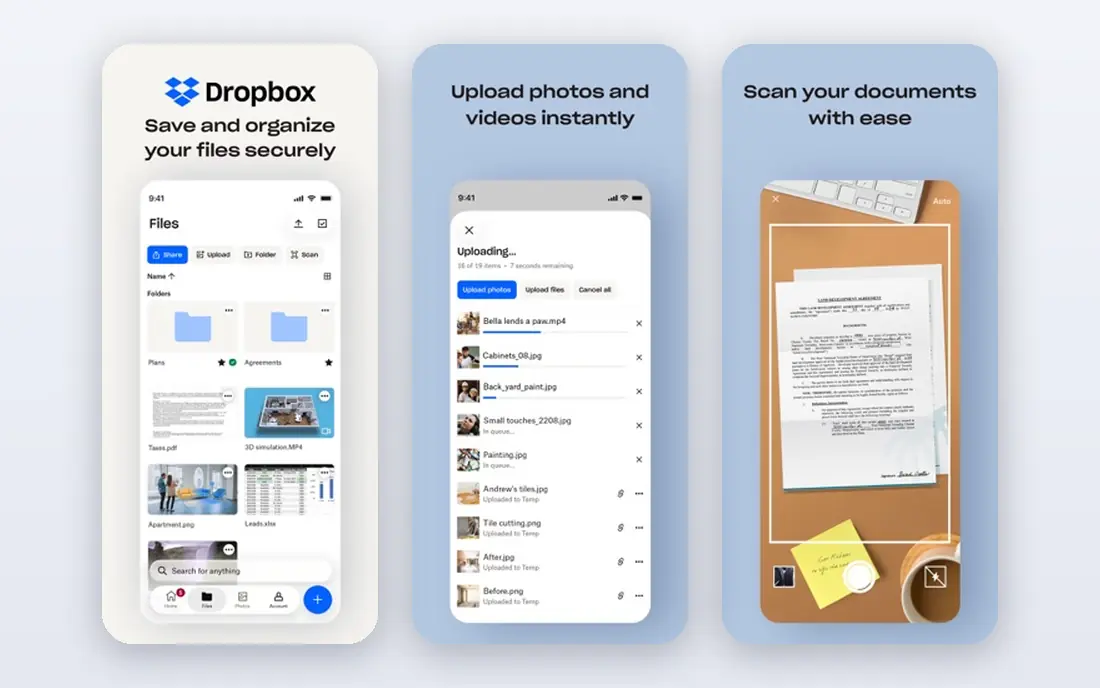
Dropbox Fax, formerly HelloFax, fits teams that already sign contracts in Dropbox. Home Office costs $9.99 per month for 300 pages, with higher tiers at $19.99 and $39.99 per month, and a pay-as-you-go path exists for occasional sends. The built-in editor lets you fill, sign and annotate attachments before faxing, which suits contract workflows.
The free offer needs reading carefully. It covers 5 pages once per Dropbox account, not a recurring monthly allowance, and there is no dedicated mobile app, though the web experience is strong. Also note the renewal terms, since subscriptions renew automatically and yearly cancellations take effect at the end of the term. For Dropbox shops, though, the workflow fit is real.
- Tight integration with Dropbox Sign for contracts
- Pay-as-you-go path available
- No setup or cancellation fees stated
- Free offer is 5 pages once per account, not a recurring tier
- No dedicated mobile app
RingCentral Fax is not really a standalone fax product, since it bundles fax into a complete business communications suite. That is its strength for an office that needs phones, video and fax from one vendor, with one admin console and one support contract. Fax plans in the bundle start around $20 per month, depending on the wider plan.
If you only need fax, RingCentral is overkill and costs more than a dedicated service. If you are already replacing an office phone system, adding fax to the same platform saves a vendor and a bill. Judge it as a phone system with fax included, not as a fax service alone.
- Fax bundled into a full business phone system
- Strong admin controls and reliability
- Good fit for offices replacing phone and fax together
- Overkill and costly if you only need fax
- Pricing depends on the wider RingCentral plan you choose
MetroFax suits a small office that faxes steadily but does not need signing workflows or a phone system. Plans start at $11.99 per month with a dedicated number, and setup is simple enough for a non-technical office manager. It sits between the cheapest modern services and the legacy brands on price.
The feature set is thinner than FAX.PLUS or Dropbox Fax, with fewer integrations and no standout mobile signing story. If your needs are basic, sending and receiving with a dedicated number, MetroFax does the job for less than eFax. If you need signing or mobile scanning, look at the cheaper modern rivals first.
- Lower entry price than legacy providers
- Dedicated number included
- Simple setup for small offices
- No free tier
- Feature set is thinner than FAX.PLUS or Dropbox Fax
MyFax is the simplest subscription service here. It sends and receives faxes with a dedicated number for $10 per month, and the interface has almost nothing to learn. For a user who faxes a few times a month and wants a bill that never surprises them, that simplicity is the whole appeal.
The trade off is features. There is no free tier, no signing workflow to speak of, and few integrations. MyFax suits send-only or low volume users who value simplicity over tools, but most readers will get more for less from FAX.PLUS, which costs less and includes a free tier.
- Very simple interface with no learning curve
- Dedicated number included
- Predictable monthly pricing
- Bare-bones feature set
- No free tier and limited integrations
iFax is built for people who fax from a phone rather than a desk. Its mobile app scans documents, reads text with OCR, and sends faxes in a few taps, which suits field workers, drivers and anyone who signs papers away from an office. Basic costs $12.49 per month on annual billing for 200 pages, with a trial available.
The price is higher than FAX.PLUS for the same page count, so you are paying for the mobile experience. If you fax mainly from a desk, that premium is wasted. If your faxing happens on the road, iFax is the most pleasant mobile option here.
- Strong mobile app with scanning and OCR
- Clean interface for sending from a phone
- Good for field and travel use
- Entry price higher than FAX.PLUS
- Basic plan covers 200 pages per month on annual billing
SRFax targets healthcare and other regulated users, with plans designed around compliance needs such as secure handling of patient documents. The Healthcare Lite plan costs $12.60 per month for 200 pages, and higher tiers add volume and features for clinics. Page allowances are published clearly, which helps a practice budget.
The interface is functional rather than modern, and there is no free tier for testing at no cost. For a clinic or regulated office, compliance features matter more than polish, and SRFax is a credible alternative to the consumer focused services above. For personal use, cheaper options win.
- Healthcare focused plans with compliance features
- Clear page allowances
- Good fit for clinics and medical offices
- No free tier or trial emphasis
- Interface is functional rather than modern
FaxZero is the right answer for a fax you may only send once. The free tier covers up to 5 faxes per day to US and Canada numbers, with a 3 page limit and a branded cover page, plus an email confirmation step. A premium fax costs from $3.29 for a longer document without branding.
The limits rule it out as a regular service. There is no incoming fax number, no compliance framework for health data, and the cover page branding looks unprofessional for business mail. For a personal one-off fax, though, FaxZero beats paying a monthly subscription for a single send.
- Free for short faxes to the US and Canada
- Up to 5 free faxes per day
- Premium fax from $3.29 without branding
- Free faxes carry a branded cover page and a 3 page limit
- No incoming number or HIPAA framework
How we picked these
We compared official pricing pages, feature pages and public reviews for online fax services, and we favored services that publish page allowances, overage terms and free tier limits plainly. We included both subscription services for regular faxing and free or pay-as-you-go options for one-off sends, plus a healthcare focused pick for regulated readers. Prices change often, so confirm the current plan, page count and renewal terms before subscribing.
What to check before you subscribe
Fax pricing hides its real cost in page allowances and renewal terms. Check these points before you pay for a year.
How many pages do you really send?
Count inbound and outbound pages together, since most plans pool them. A 200 page plan suits a small office, but a clinic or law office can pass it quickly, and overage charges add up fast.
Do you need an incoming number?
One-off senders do not need a number, so FaxZero or a pay-as-you-go path is cheaper. Regular receivers need a dedicated number, and porting an existing number may require a higher tier, so check that before you sign up.
Is your content regulated?
Healthcare, legal and financial faxes need a service with compliance features and secure handling, not just a cheap plan. SRFax and RingCentral Fax suit regulated offices better than free consumer services.
What happens at renewal?
Many fax services renew automatically, and yearly plans may not refund the remaining term after cancellation. Read the renewal clause and set a calendar reminder before the renewal date if you are unsure.
Frequently asked questions
What is the best online fax service?
FAX.PLUS is the best online fax service for most users, with a free tier of 10 pages and paid plans from $6.99 per month for 200 pages. Dropbox Fax suits signing workflows, while eFax suits enterprises that want the largest established brand.
What is the best free online fax service?
FaxZero is the best free option for a short one-off fax to the US or Canada, with up to 5 free faxes per day and a 3 page limit per fax. FAX.PLUS offers a free tier of 10 pages, which suits occasional use without a branded cover page.
What is the best free fax software for occasional use?
FaxZero covers occasional personal faxes at no cost, while FAX.PLUS covers occasional business use with a cleaner result and a mobile app. Neither replaces a subscription service if you need an incoming number or regular volume.
Which online fax service is best for healthcare?
SRFax is a strong healthcare pick, with compliance focused plans from $12.60 per month. RingCentral Fax also suits medical offices that need fax bundled with a phone system, but always confirm current compliance terms with the vendor before sending patient data.
Are eFax alternatives cheaper?
Yes, most eFax alternatives cost less. FAX.PLUS starts at $6.99 per month, Dropbox Fax at $9.99 per month and MetroFax at $11.99 per month, compared with eFax at $18.99 per month, all for broadly similar page allowances at entry level.
Can I keep my existing fax number?
Most subscription services let you port an existing number, but some require a higher tier for porting. Dropbox Fax, for example, reserves porting for Professional and Small Business plans, so check the tier rules before you subscribe.
Sources we checked (9)

Online Jobs is an independent blog about careers, online work, learning new skills and the tools that help people earn. More about us.
Keep reading
All posts
Workday Alternatives
We compared the best workday alternatives for HR, payroll, and global hiring, from BambooHR and Gusto to Rippling, Deel, and HiBob for growing teams in 2026.

Which SaaS Tools Have the Best Customer Support
Which SaaS tools have the best customer support? Compare eight popular tools on help centres, live help, response options and overall support quality.

Top AI Helpdesk Software
Searching for top AI helpdesk software in 2026? We compared 8 AI helpdesks on automation, pricing, channels and ease of setup for small and growing teams.