Best Onboarding Software in 2026: 9 Tools Compared

How we put this together: we compare official feature and pricing pages, app store listings, privacy policies and public user reviews. Prices change, so check the provider's site before you pay.
Key takeaways
- Onboarding software covers two different jobs: welcoming new employees and guiding new users inside an app, so pick a tool built for the job you actually have.
- BambooHR and Gusto suit small and mid-size teams that want employee checklists, documents, and payroll in one place, while Rippling suits teams that also need IT setup.
- Userpilot, Appcues, Pendo, and Chameleon suit software teams that want in-app tours, checklists, and guidance for new customers, not HR paperwork.
- Enboarder suits companies that want a richer, more personal first-week experience for new hires, with journeys that go beyond forms and signatures.
- Start with one onboarding journey, measure completion and time to first value, and expand only after that journey works for real new hires or users.
Quick comparison
| Name | Who it suits | Starting price | Free option | |
|---|---|---|---|---|
 BambooHR | HR checklists for growing teams | See website | No | Visit |
 Rippling | HR plus IT setup in one workflow | See website | No | Visit |
 Gusto | Small business payroll and onboarding | See website | No | Visit |
 Workday | Enterprise onboarding at scale | See website | No | Visit |
 Enboarder | Personal new-hire journeys | See website | No | Visit |
 Userpilot | In-app user onboarding for SaaS | $299 per month | Free trial (14 days) | Visit |
 Appcues | No-code product tours and checklists | See website | No | Visit |
 Pendo | Product analytics plus in-app guidance | See website | No | Visit |
 Chameleon | Custom in-app guidance and tours | See website | No | Visit |
The best onboarding software
Onboarding is the first impression a company or a product makes, and software should make that impression organised rather than chaotic. For employees, good onboarding means signed documents, working logins, a clear first-week plan, and a named buddy or manager. For app users, it means a short guided path to the first useful result, not a tour of every feature. The tools below cover both sides, so check which side you need before you shortlist.
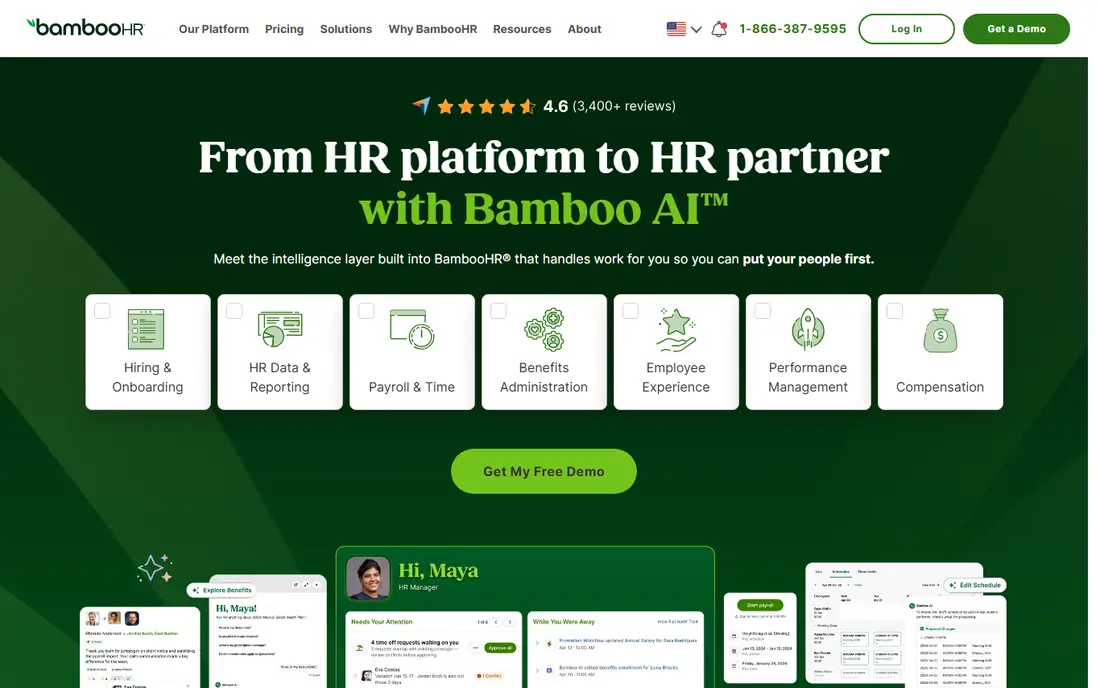
BambooHR is the HR pick for teams that want onboarding to feel calm and consistent. New hires get offer letters, documents to sign, and a checklist of tasks, while managers see what is done and what is still open. The interface is clean enough that HR teams can run it without a dedicated administrator, and employees can update their own details through self-service instead of emailing HR for every change. The main limit is pricing transparency. BambooHR prices by quote, so small teams need to request a price for their headcount and check which modules are included. Payroll and benefits support also varies, so confirm coverage for your locations before you commit. For growing teams that want a single HR home with onboarding built in, BambooHR is a strong, low-friction starting point.
- Clear onboarding checklists and e-signatures
- Friendly employee self-service
- Scales from small to mid-size teams
- Pricing is quote-based
- Payroll and benefits depth varies by region
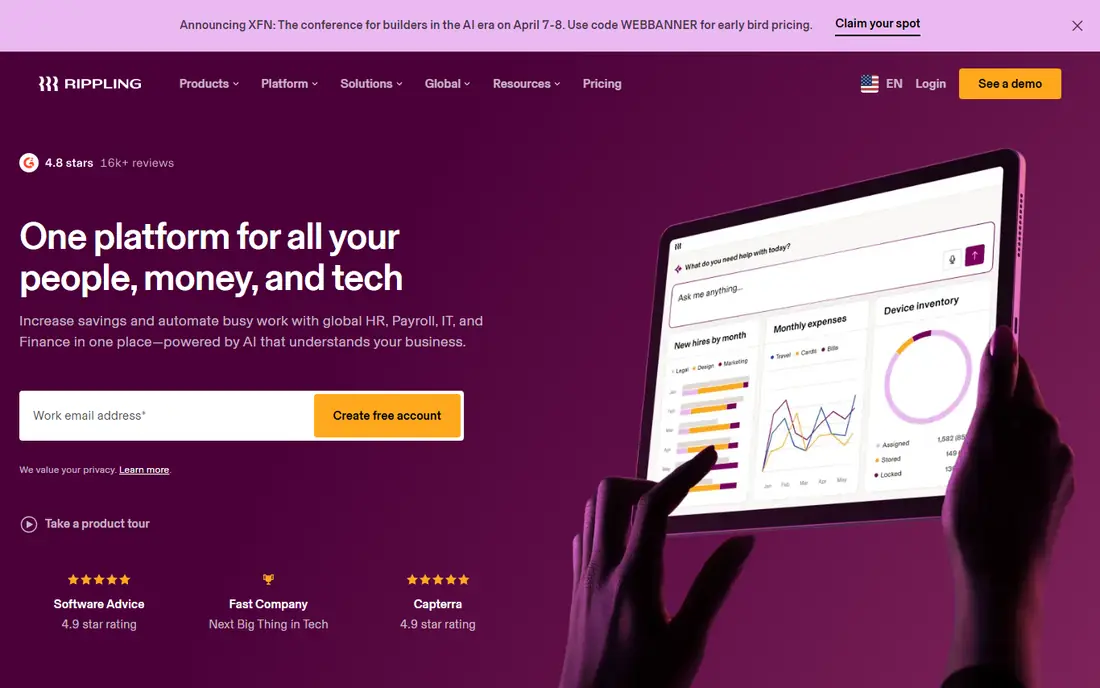
Rippling stands out because it treats onboarding as an HR and IT event at the same time. When a hire is created, Rippling can trigger payroll setup, benefits enrolment, app provisioning, and device ordering from the same workflow, so a new starter arrives to working logins instead of a week of access requests. That joined-up approach is why scaling tech teams and multi-location companies pick it over HR-only tools. The trade-off is scope and price. Rippling is quote-based, and its full value appears when a company uses several modules together. A team of ten with no IT provisioning needs may find it more than necessary. For teams hiring regularly, working across locations, or tired of chasing IT tickets for every starter, Rippling removes the handoff that usually slows the first week.
- Automates app access and device setup
- Combines HR, payroll, and IT actions
- Strong workflow automation
- Quote-based pricing
- Can be more than a small team needs
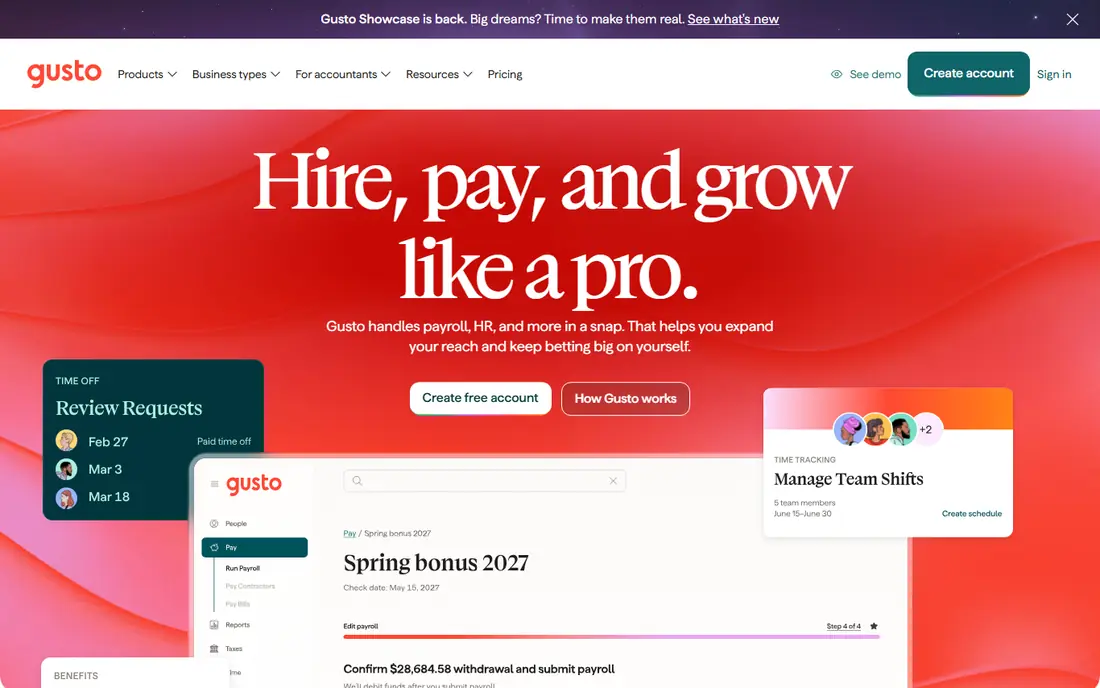
Gusto suits small US businesses that want payroll and onboarding handled together. A new hire completes tax forms, direct deposit, and benefits choices online, and that information flows straight into payroll, which cuts retyping and errors. Owners without a dedicated HR team can run onboarding from the same dashboard they use to run pay, which keeps the process in one place. The limit is geography and depth. Gusto is built primarily for US small businesses, and larger companies with complex HR, global hiring, or advanced performance needs will outgrow it. Pricing is published on the vendor site and varies by plan and headcount, so check the total for your team size. For a small business hiring its first employees, Gusto is one of the friendliest ways to get onboarding and payroll right from day one.
- Guided onboarding tied to payroll
- Digital tax forms and direct deposit setup
- Easy for owners without HR staff
- Best suited to US businesses
- Advanced HR features are lighter than enterprise tools
Workday is the enterprise choice for onboarding, built for large companies with many locations, entities, and compliance rules. Onboarding workflows connect to recruiting, HR records, payroll, learning, and reporting, so a hire in one country follows the same controlled process as a hire in another, with local rules applied where needed. For public companies and multinationals, that control and audit trail matter more than speed of setup. That scale comes with implementation effort. Workday deployments take longer than small HR tools, and pricing is quote-based and enterprise-level. It is not the right pick for a 20-person startup. For large organisations that need consistent, compliant onboarding across a global workforce, and that already run Workday for HR and finance, its onboarding tools are a natural part of the platform.
- Deep HCM, payroll, and compliance coverage
- Handles global, multi-entity workforces
- Strong workflow and reporting tools
- Long implementation for large deployments
- Quote-based enterprise pricing
Enboarder focuses on the human side of starting a job. Instead of a bare checklist, it builds a journey for each new hire, with welcome messages, introductions, tasks, learning, and check-ins that run from offer acceptance through the first months. Managers can personalise content by role or location, and new hires see a clear path rather than a pile of forms and links. Enboarder is best used alongside an HR system that holds the official record, rather than as a replacement for one. Pricing is quote-based, so companies need a demo and a proposal for their hiring volume. For organisations that care about early engagement, that hire managers across locations, or that lose new starters in the first weeks, Enboarder turns onboarding from paperwork into a planned welcome.
- Rich, personalised journeys for new hires
- Covers pre-boarding through the first months
- Good for engagement and connection
- Quote-based pricing
- Works best alongside an HR system, not instead of one
Userpilot is built for software teams that need to onboard new users inside the product itself. Teams can build tours, tooltips, modals, banners, and checklists without code, target them by user behaviour or segment, and track activation and drop-off in the same workspace. That combination of guidance and analytics is what separates Userpilot from a simple tour tool, because teams can see where new users stall and fix that step. Pricing starts at $299 per month on published plans and scales with monthly active users, so growing products should model cost at their real user count. A tour alone will not fix a confusing product, and teams still need to decide what first value looks like for a new user. For SaaS teams that want measurable onboarding, Userpilot is a strong, focused choice.
- No-code tours, tooltips, and checklists
- Behaviour-based targeting and segmentation
- Built-in analytics and surveys
- Price rises with monthly active users
- Setup still needs product thinking, not just a tour builder
Appcues is one of the longest-running names in product onboarding, and its strength is polished, no-code in-app experiences. Teams can launch tours, slideouts, tooltips, surveys, and checklists for web and mobile products, trigger them by what a user has already done, and guide new users through activation tasks step by step. The experience builder keeps design consistent, which matters when onboarding is part of a brand impression. Pricing for main plans is not published and varies by monthly active users, installations, and published experiences, so teams need a quote. A smaller Spark plan exists for very small teams, with details on the vendor site. For product teams that want reliable, attractive onboarding flows without building them in-house, Appcues remains a safe, well-supported pick.
- Polished tours, modals, and checklists
- Behaviour-based targeting
- Product analytics on higher plans
- Main plan pricing is not published
- Costs can rise with users and published experiences
Pendo pairs in-app guidance with product analytics, which suits teams that want onboarding decisions driven by usage data. Guides, tooltips, and walkthroughs sit alongside analytics that show which features new users adopt, where they drop off, and which segments need help. Product managers can then target guidance to the users who need it, rather than showing every new user the same tour. That breadth makes Pendo heavier and pricier than a tour-only tool, and pricing is quote-based. Small teams that only need a simple tour may find Userpilot or Appcues faster to launch. For mid-size and enterprise product teams that already need analytics, roadmapping, and feedback in one platform, Pendo turns onboarding from a set of tours into a measured product programme.
- Combines product analytics with guides and surveys
- Good for large product teams
- Helps prioritise onboarding fixes by data
- Quote-based pricing
- Can be heavy for a team that only needs tours
Chameleon suits product teams that care deeply about how guidance looks and feels inside their app. Tours, tooltips, launchers, and surveys can be styled to match the product, targeted by segment, and triggered by user behaviour, which helps onboarding feel native rather than bolted on. Teams with complex products, multiple user roles, or strict brand guidelines get the most from that control. The risk with any flexible tool is over-guiding. Chameleon makes it easy to add many prompts, and too many prompts can annoy new users more than they help. Pricing is quote-based, so teams should request a proposal for their user volume. For teams that want onboarding guidance to look like part of the product, Chameleon is a strong choice, provided someone owns restraint as well as design.
- Highly customisable tours and tooltips
- Good styling control for brand consistency
- Useful for complex products
- Quote-based pricing
- Needs design care to avoid over-guiding users
How we picked these
We compared official feature pages, pricing pages, app store listings, privacy policies, and public user reviews, and we split the list deliberately between employee onboarding and user onboarding, because the keyword covers both. We looked for tools that are widely used, actively maintained, and clear about what job they do, from HR checklists and payroll to in-app tours and analytics. We did not claim hands-on testing, and where pricing is quote-based we say so, so readers can request a proposal rather than relying on a guessed figure. We also favoured tools with a distinct strength, not just a long feature list. BambooHR and Gusto win on simplicity for smaller teams, Rippling and Workday win on scale and integration, Enboarder wins on the new-hire experience, and Userpilot, Appcues, Pendo, and Chameleon win on different balances of guidance, analytics, and customisation for app users. That spread is intentional, because onboarding fails in different ways for employees and for customers.
What to check before you choose onboarding software
Start by naming the job. If you are onboarding employees, you need documents, signatures, payroll, IT access, and a first-week plan. If you are onboarding app users, you need tours, checklists, targeting, and activation analytics. A tool built for one job will disappoint on the other, however good its reviews look. Write down the three outcomes that matter most, such as signed forms before day one, working logins on day one, or first key action within the first session. Next, map the journey before you buy. List every step a new hire or user must complete, who owns each step, and what happens if a step is missed. Then test the shortlisted tool against that journey with a real example, not a demo script. Pay attention to reminders, manager visibility, and how easy it is to fix a missed step. A tool that hides incomplete onboarding is worse than a spreadsheet that shows it plainly. Finally, check integration, privacy, and total cost. Employee tools should connect to payroll, HR records, and IT systems, while user tools should connect to analytics and customer data platforms. Read the privacy policy for data handling, especially for employee documents, and confirm pricing at your real headcount or user volume, including any per-user or per-experience charges. A short pilot with one hiring cohort or one user segment will reveal more than a long feature comparison.
Frequently asked questions
What is the best onboarding software for small businesses?
BambooHR and Gusto are the friendliest starting points for small businesses hiring employees, because they combine checklists, documents, and payroll without enterprise complexity. For a small software team onboarding app users, Userpilot and Appcues are easier to launch than enterprise platforms. The right pick depends on whether you are onboarding staff or customers, and on how many people you hire or sign up each month.
What is the difference between employee onboarding and user onboarding software?
Employee onboarding software manages new hires, including offer letters, tax forms, benefits, IT access, and first-week tasks. User onboarding software guides new customers inside an app, with tours, checklists, tooltips, and activation tracking. Some vendors use the word onboarding for both, so check the product description carefully and demo the exact workflow you need before you buy.
How long should employee onboarding take?
Paperwork and system access should be ready before or on day one, while full onboarding, including training, introductions, and early goals, often runs for the first 30 to 90 days. Software helps by sequencing tasks and reminders across that period, rather than cramming everything into the first morning. Set clear milestones for week one, month one, and month three, and use the tool to track completion at each stage.
Do I need onboarding software if I only hire a few people a year?
A small team can manage a handful of hires with checklists and documents, but software still helps by keeping the process consistent and by storing signed forms in one place. The case for software grows when hiring becomes regular, when managers differ in how they onboard, or when IT access and payroll setup keep slipping. Start with a simple HR tool and add richer journeys only when hiring volume or complexity justifies it.
What is the best app onboarding tool for a SaaS startup?
Userpilot and Appcues are strong starting points for SaaS startups, because they offer no-code tours and checklists with targeting and analytics. Userpilot suits teams that want analytics tied to activation, while Appcues suits teams that want polished flows quickly. Both scale with monthly active users, so model pricing at your expected user count and pilot with one onboarding flow before committing to a larger plan.
Sources we checked (9)

Online Jobs is an independent blog about careers, online work, learning new skills and the tools that help people earn. More about us.
Keep reading
All posts
ZoomInfo Alternatives
The best ZoomInfo alternatives in 2026, compared on price, free plans, data coverage, and which tool fits small teams or large sales teams best in detail.

Workday Alternatives
We compared the best workday alternatives for HR, payroll, and global hiring, from BambooHR and Gusto to Rippling, Deel, and HiBob for growing teams in 2026.

Which SaaS Tools Have the Best Customer Support
Which SaaS tools have the best customer support? Compare eight popular tools on help centres, live help, response options and overall support quality.