Best Observability Tools in 2026: 8 Tools Compared

How we put this together: we compare official feature and pricing pages, app store listings, privacy policies and public user reviews. Prices change, so check the provider's site before you pay.
Key takeaways
- Datadog suits teams that want one vendor for metrics, logs, traces, and user monitoring, but costs grow with hosts and data volume.
- New Relic and Grafana Cloud offer the most useful free tiers for small teams starting with observability.
- Honeycomb leads for debugging complex requests with high-cardinality data, where filtering by user, build, or feature matters.
- Dynatrace and Splunk suit large enterprises with complex, hybrid systems and strict compliance needs.
- Instrument with OpenTelemetry first where possible, so switching platforms later does not require rewriting all your code.
Quick comparison
| Name | Who it suits | Starting price | Free option | |
|---|---|---|---|---|
 Datadog Datadog | All-in-one platform | $15 per host per month | Free trial | Visit |
 New Relic New Relic | Usage-based full stack | Free | Yes | Visit |
 Dynatrace Dynatrace | Enterprise automation | See website | Free trial | Visit |
 Grafana Cloud Grafana Cloud | Open source stack | $19 per month | Yes | Visit |
 Splunk Observability Splunk Observability | Log and enterprise analytics | See website | Free trial | Visit |
 Honeycomb Honeycomb | Trace-first debugging | $150 per month | Yes | Visit |
 Sentry Sentry | Errors and releases | $26 per month | Yes | Visit |
 SigNoz SigNoz | OpenTelemetry native | $49 per month | Yes | Visit |
The best observability tools
We compared official pricing pages, feature documentation, and deployment options for platforms that collect metrics, logs, and traces, and turn them into alerts, dashboards, and incident investigation. Pricing models differ sharply, with some vendors charging per host, others per gigabyte, and others per event, so the cheapest option depends on your architecture, not just the headline price.
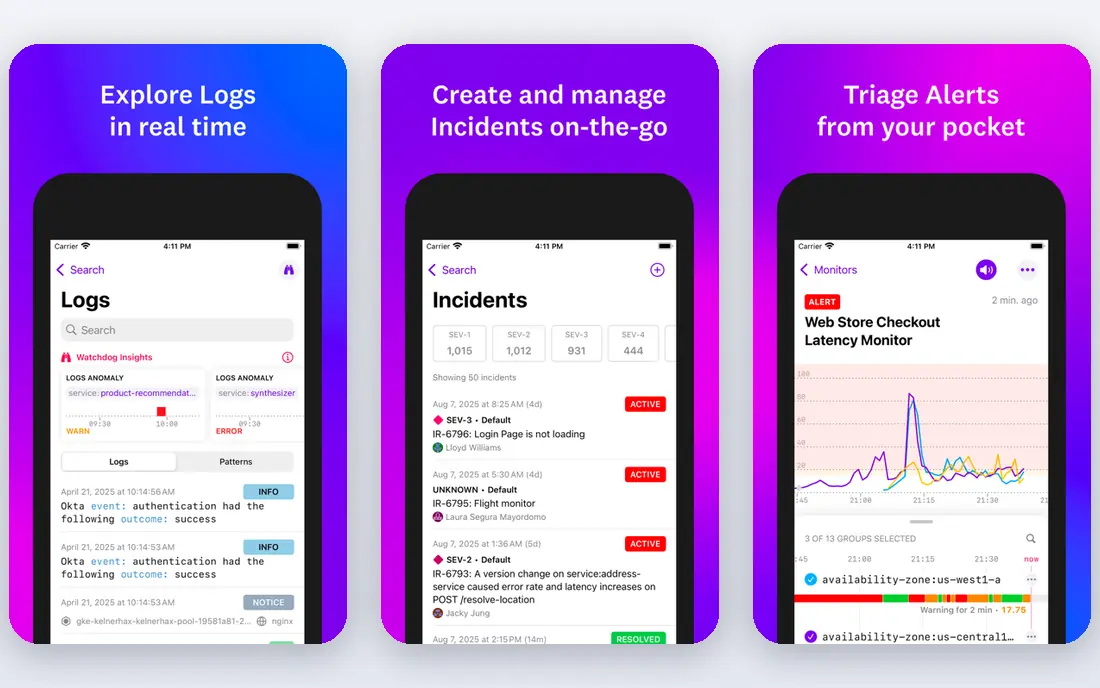
Datadog is the default all-in-one choice for cloud teams. Infrastructure monitoring, application performance monitoring, log management, traces, synthetic checks, and real-user monitoring sit in one platform with a large integration catalog, so most teams can instrument a whole stack without stitching several vendors together. Dashboards, alerts, and incident tools benefit from that shared data.
The cost model is the main caution. Per-host pricing plus data ingestion, retention, and add-on products can push bills higher than expected as services multiply. Datadog suits cloud-native teams, growing startups that want one vendor, and organizations that value breadth and integration over the lowest possible bill, provided they set budgets and alerts on spend.
- Very broad integration catalog
- Metrics, logs, traces, and real-user monitoring in one place
- Strong dashboards and alerts
- Bills grow quickly with hosts, data, and extra products
- Many products need careful setup
- Cost management needs active attention
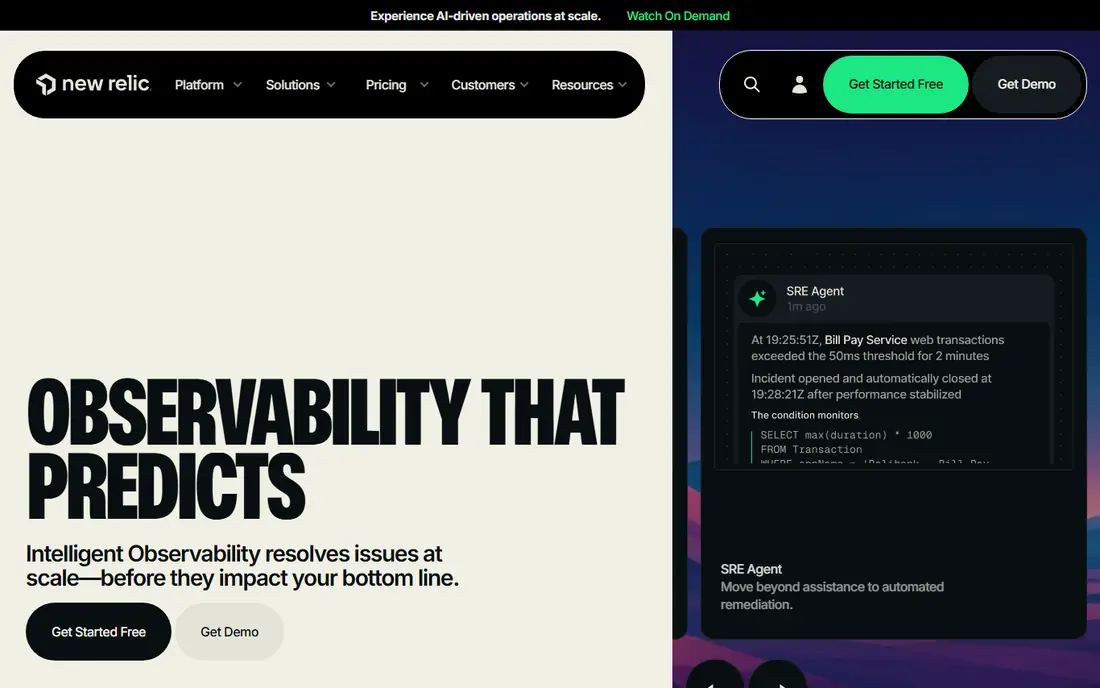
New Relic offers a strong starting point for small teams, with a free data allowance and usage-based pricing that scales with ingestion rather than a fixed per-host fee for every product. Application monitoring, infrastructure, logs, and browser monitoring share one platform, and the free tier can run real production workloads for small systems.
Larger teams need to watch user seat pricing, since full platform users on paid tiers add cost beyond data charges. New Relic suits small to mid-size teams, startups with variable traffic, and developers who want a full-stack platform without a large upfront commitment. Set data limits early, since unfiltered logs can consume the free allowance quickly.
- Generous free data tier
- Usage-based pricing
- Full-stack monitoring from one agent set
- Paid user seats can raise costs for larger teams
- Query language takes learning
- Enterprise features need higher tiers
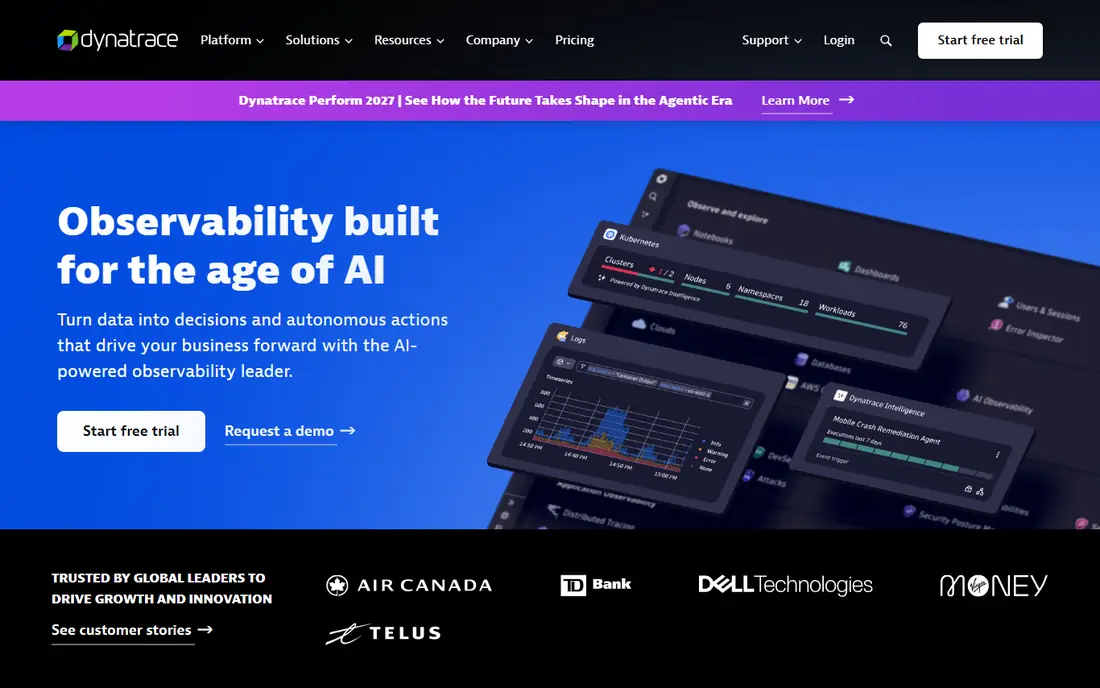
Dynatrace targets large, complex environments where automatic discovery matters. Its agent maps services, dependencies, and infrastructure without manual configuration for every component, and its analysis tools aim to pinpoint root causes across that map. That automation helps enterprises with hundreds of services, hybrid clouds, and strict operations requirements.
Cost and complexity limit its fit for small teams. Pricing is typically annual and enterprise-scale, and the platform rewards dedicated operations staff. Dynatrace suits large enterprises, regulated industries, and complex hybrid systems where automatic mapping and deep analysis justify the investment, rather than a five-person startup.
- Automatic discovery and dependency mapping
- Strong root-cause analysis
- SaaS and self-hosted deployment options
- Enterprise pricing and complexity
- Trial only, no lasting free tier
- Smaller teams may find it more than they need
Grafana Cloud appeals to teams already invested in open source observability. Dashboards built on Grafana, metrics from Prometheus, logs from Loki, and traces from Tempo form a familiar stack, now hosted as a managed service with a free tier for small use. OpenTelemetry support makes it easier to send data from many languages and frameworks.
The hands-on nature is both a strength and a limit. Teams comfortable with Prometheus queries and dashboard design will move fast, while teams wanting automatic discovery may prefer Datadog or Dynatrace. Grafana Cloud suits open source teams, Kubernetes-heavy environments, and cost-conscious teams that want control over their stack and data.
- Built on open source Grafana, Prometheus, Loki, and Tempo
- Flexible dashboards
- Free tier for small workloads
- Active series and data volume can raise costs
- Setup needs more hands-on work than all-in-one vendors
- Support tiers vary
Splunk Observability Cloud builds on Splunk strength in log search and analytics, adding infrastructure monitoring, application performance monitoring, and tracing. Enterprises already using Splunk for security or IT operations benefit from shared data, search skills, and compliance tooling across teams. Its search language supports deep investigation across large log volumes.
Pricing complexity and operational skill requirements are the trade-offs. Costs depend on hosts, data, and products, and full value needs operators familiar with Splunk query and data onboarding. Splunk suits large enterprises, log-heavy organizations, and teams already invested in Splunk, rather than small teams seeking a simple free start.
- Powerful log search and analytics
- Strong enterprise and security ecosystem
- Distributed tracing and infrastructure monitoring
- Pricing is complex and often quote-based
- Query language takes learning
- Setup needs skilled operators
Honeycomb takes a trace-first approach to debugging. Instead of pre-aggregated dashboards, it lets engineers query wide events by user, feature flag, build version, or any other high-cardinality field, which helps find why a specific group of requests is slow or failing. That approach shines for microservices, where averages hide the problem and individual request patterns reveal it.
Honeycomb is less complete as a standalone infrastructure monitor, so many teams pair it with a metrics platform. It suits product engineering teams, microservice architectures, and companies debugging complex user-facing issues, provided they invest in good instrumentation. The free tier covers small event volumes for testing that workflow.
- Excellent high-cardinality debugging
- Fast queries across traces and events
- Unlimited seats on many plans
- Not a full infrastructure monitoring replacement
- Event volume can raise costs
- Best results need good OpenTelemetry instrumentation
Sentry is the fastest way to know when code breaks in production. A few lines of code send errors, stack traces, and performance data, grouped by issue and linked to releases, so teams can see which deploy introduced a bug and who should fix it. That focus makes Sentry a staple for application teams, even when another platform handles infrastructure.
Sentry does not replace full observability. Infrastructure metrics, logs at scale, and network monitoring need a separate tool for most teams. Sentry suits application developers, startups shipping frequently, and any team that wants error visibility first, with broader observability added as the system grows.
- Fast setup for error tracking
- Release and performance monitoring
- Clear issue grouping and assignment
- Focus is application errors, not full infrastructure
- Event volume pricing can grow
- Advanced observability needs other tools
SigNoz is an open source observability platform built around OpenTelemetry, offering metrics, logs, and traces in one interface. Teams can self-host for full control and no per-host vendor fees beyond infrastructure, or use SigNoz Cloud for a managed version. That flexibility appeals to cost-conscious teams and organizations wary of lock-in.
Self-hosting still needs operations work for scaling, retention, and upgrades, and the integration catalog is smaller than the largest vendors. SigNoz suits OpenTelemetry-first teams, Kubernetes environments, startups watching costs, and organizations that want an open source core they can move or host themselves.
- OpenTelemetry-native metrics, logs, and traces
- Self-hosted option avoids vendor lock-in
- Cloud plan for managed use
- Smaller integration catalog than Datadog
- Self-hosting needs operations effort
- Community support varies by tier
How we picked these
We compared official pricing pages, documentation, and deployment options, favoring platforms still actively developed with clear metrics, logs, and traces support. We included all-in-one vendors, open source stacks, and specialist tools to cover different team sizes and architectures. We noted pricing models explicitly, since per-host, per-gigabyte, and per-event billing produce very different totals for the same system, and we marked pricing as See website where vendor quotes vary by contract.
What to check before you choose an observability tool
Model your bill on your real architecture
Estimate hosts, services, data volume, active metric series, and event counts before comparing prices. A per-host vendor may be cheap for a few large services and expensive for many small ones, while a per-gigabyte vendor may be cheap for low-log systems and costly for chatty ones. Run a trial with production-like data, not just a demo, before committing.
Instrument with OpenTelemetry first
OpenTelemetry lets you send traces, metrics, and logs to many platforms without rewriting instrumentation for each vendor. That portability protects you if pricing changes or a platform disappoints, and it simplifies adding a specialist tool later. Even if you choose an all-in-one vendor now, OpenTelemetry keeps your exit options open.
Decide what an alert should do
Dashboards alone do not improve reliability. Define which signals page someone, which signals create a ticket, and which signals are only for investigation, then test alerts before an incident. Too many noisy alerts cause teams to ignore the important ones, while too few leave outages undetected until users report them.
Plan retention and sampling early
Long retention and unsampled data look useful until the bill arrives. Decide how long you need full traces, how long aggregated metrics suffice, and which high-volume logs can be sampled or dropped. Set spend alerts and data limits on day one, since observability costs usually grow silently with traffic and new services.
Frequently asked questions
What is the best observability platform?
Datadog suits teams wanting one vendor for everything, New Relic suits usage-based full-stack monitoring, and Grafana Cloud suits open source teams. Honeycomb suits trace-first debugging, while Dynatrace and Splunk suit large enterprises. The best platform depends on team size, architecture, and whether cost grows with hosts, data, or events.
Which observability platform is the best for small teams?
New Relic and Grafana Cloud offer the most useful free tiers for small teams, with Sentry adding error tracking at low cost. SigNoz also suits small, cost-conscious teams, especially when self-hosting is acceptable. Start free, instrument with OpenTelemetry, and upgrade when data volume or team size exceeds the free limits.
What is the difference between observability and monitoring?
Monitoring usually tracks known metrics and alerts when a threshold breaks, while observability adds logs and traces that let engineers investigate unknown problems by asking new questions of the data. In practice, modern platforms combine both: dashboards and alerts for known issues, plus query tools for debugging the unexpected.
Do I need an observability tool if I already have uptime monitoring?
Uptime checks tell you whether a service responds, but not why it is slow for some users or which deploy caused errors. Observability tools add traces, logs, and metrics that connect a slow checkout or a failed request to a specific service, query, or release. Small, simple systems may manage with uptime checks alone, while microservices usually need more.
How much do observability tools cost?
Costs vary by model: per host, per gigabyte, per event, or per user, plus retention and add-on products. Free tiers can cover small systems, while a mid-size production setup often runs into hundreds or thousands of dollars per month depending on data volume. Model your bill on real hosts and data, run a trial, and set spend alerts before full rollout.
Sources we checked (8)

Online Jobs is an independent blog about careers, online work, learning new skills and the tools that help people earn. More about us.
Keep reading
All posts
Workday Alternatives
We compared the best workday alternatives for HR, payroll, and global hiring, from BambooHR and Gusto to Rippling, Deel, and HiBob for growing teams in 2026.

Which SaaS Tools Have the Best Customer Support
Which SaaS tools have the best customer support? Compare eight popular tools on help centres, live help, response options and overall support quality.

Top AI Helpdesk Software
Searching for top AI helpdesk software in 2026? We compared 8 AI helpdesks on automation, pricing, channels and ease of setup for small and growing teams.