Best No-Code AI App Builders in 2026: 9 Tools Compared


Complex custom web apps · Starting price: $29 per month billed annually
How we put this together: we compare official feature and pricing pages, app store listings, privacy policies and public user reviews. Prices change, so check the provider's site before you pay.
Key takeaways
- Bubble remains the most capable visual builder for complex apps, while Lovable, Bolt and Base44 are faster for a first prototype from a prompt.
- Softr and Glide suit teams that already hold data in spreadsheets or Airtable, since the app grows from data you own.
- Free plans are generous enough to prototype on most tools here, but publishing, users and usage limits decide the real cost.
- The key question is control after generation: check whether AI output stays editable in a visual editor or becomes code you must maintain.
Quick comparison
| Name | Who it suits | Starting price | Free option | |
|---|---|---|---|---|
| Bubble | Complex custom web apps | $29 per month billed annually | Yes | Visit |
 Softr | Portals on existing data | $19 per month billed annually | Yes | Visit |
 Glide | Spreadsheet-to-app internal tools | $19 per month billed annually | Yes | Visit |
 Lovable | Prompt-to-web app MVPs | $25 per month | Yes | Visit |
 Bolt | Fastest prompt-to-deployed web app | $25 per month | Yes | Visit |
 Base44 | All-in-one prototypes with backend | $16 per month billed annually | Yes | Visit |
 FlutterFlow | Native mobile apps with code export | $39 per month | Yes | Visit |
 Adalo | Native mobile apps from one canvas | $36 per month billed annually | Yes | Visit |
 Replit | Full-stack builds with code control | $20 per month | Yes | Visit |
The best no-code ai app builders
No-code AI app builders turn a plain-language prompt into a working app, then let you edit the result without writing code. Some generate code you own, others keep everything in a visual editor. That difference matters more than generation speed, because you will live with the app long after the first demo.
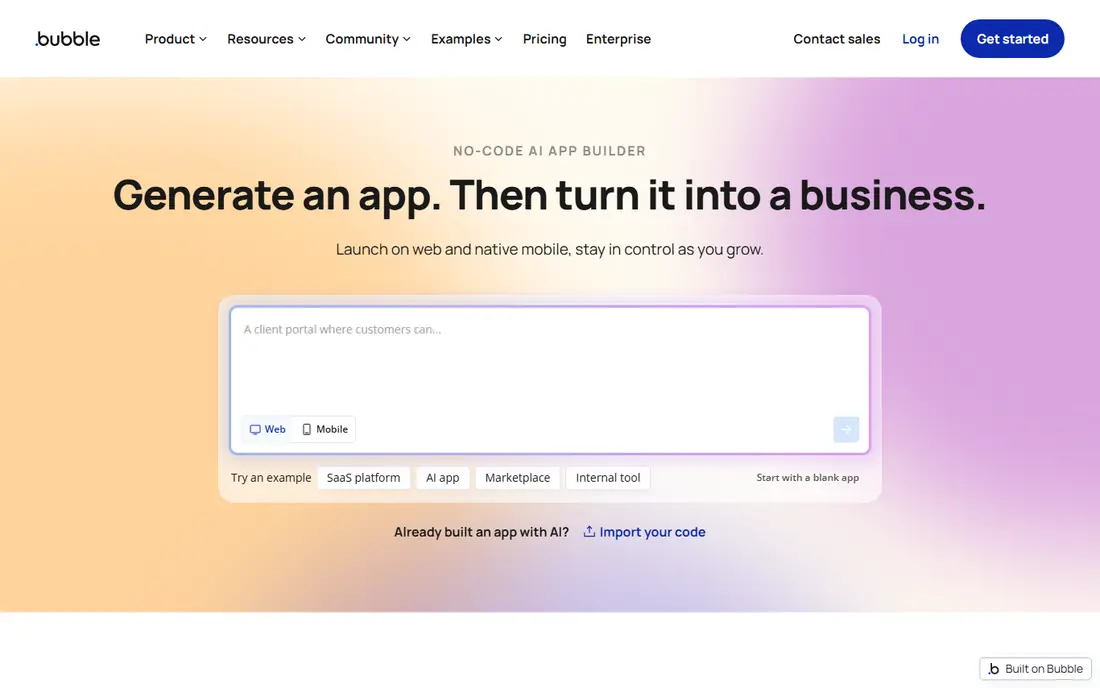
Bubble is the heavyweight for builders who want a real product, not just a demo. Its visual editor covers page design, a database you define, and workflows that handle multi-role apps and marketplaces. The AI layer generates a first version from a description, and everything it creates stays editable in the editor, which avoids inheriting code you cannot read.
The learning curve is real, and pricing uses workload units for server work, so inefficient workflows can raise costs. For a serious web app or SaaS product, though, Bubble offers more control than any prompt-only tool here, and that control is worth the extra learning time.
- Deepest visual logic and database
- AI generation stays editable
- Large plugin ecosystem
- Steep learning curve
- Usage-based workload units can surprise
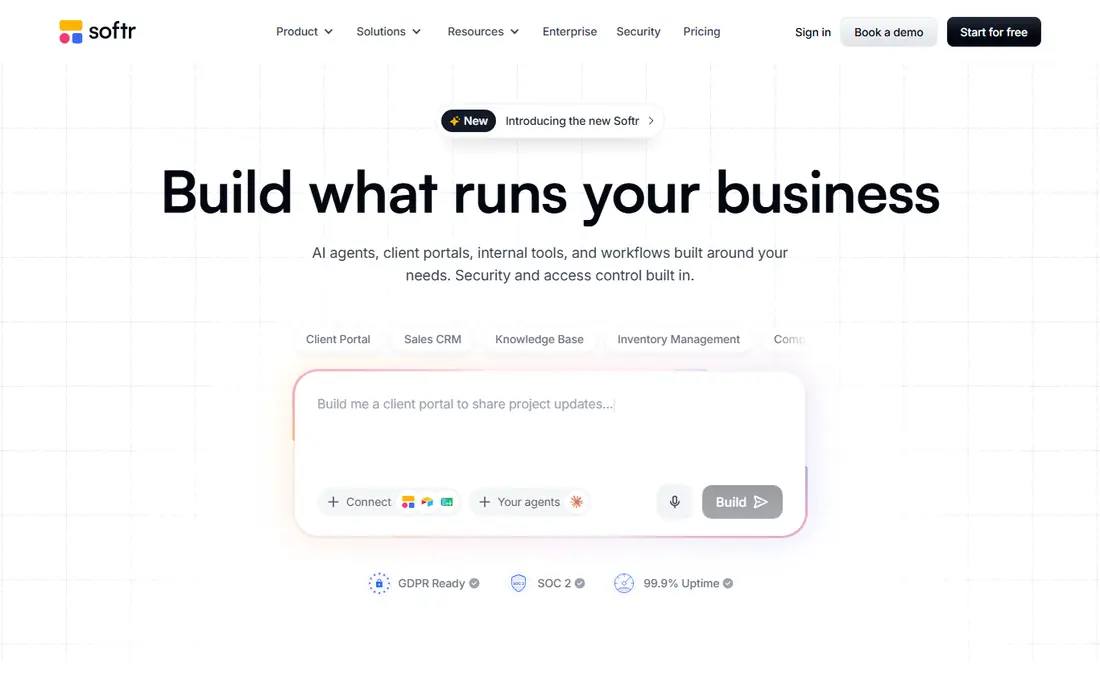
Softr turns data you already hold into a client portal, internal tool or membership site in days. Connect Airtable, Google Sheets or Notion, pick blocks for lists, forms and profiles, and set permissions so different users see different records. Non-technical teams can maintain the result without a developer, which is the main reason to choose it.
It is not the tool for a fully custom marketplace with complex logic, where Bubble fits better. For portals, directories and internal tools on existing data, Softr is faster and simpler, and its free plan lets you prove the idea before paying.
- Fast portals on Airtable, Sheets and Notion
- Permissions built in
- Easy for non-technical teams
- Less suited to fully custom app logic
- Record limits on lower tiers
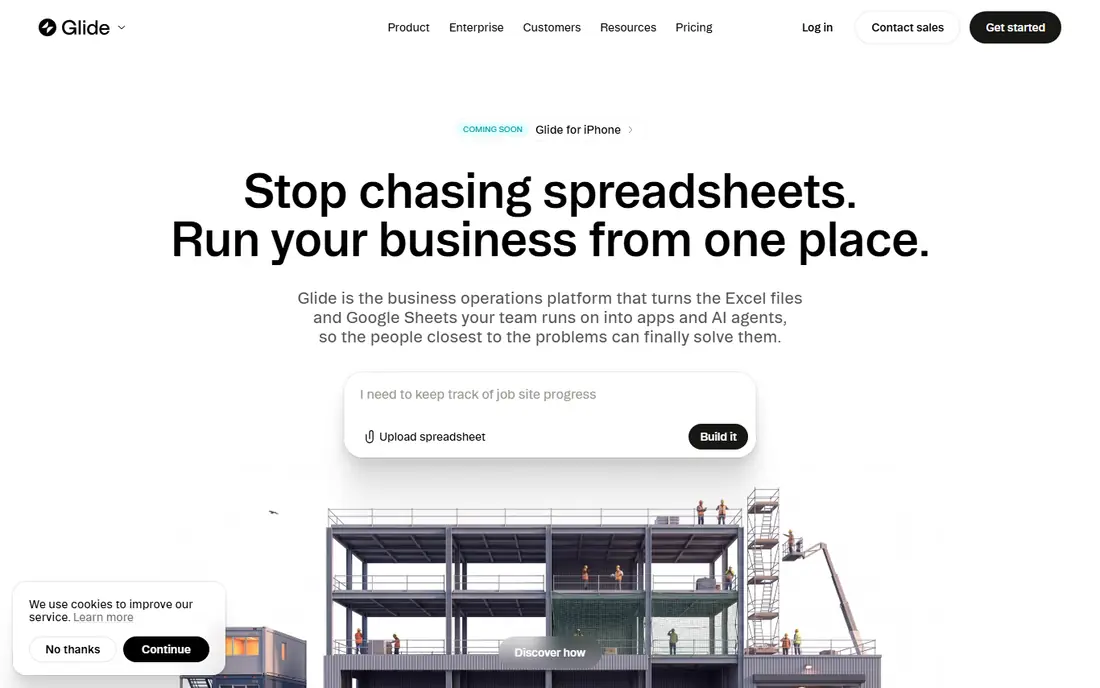
Glide converts a spreadsheet into a working app with a polished mobile feel, and its AI tools can also start from a prompt, PDF or screenshot. Internal tools for inventory, check-ins, field teams and approvals are its sweet spot, since the data model stays close to a sheet your team already understands. Setup is fast, and the editor stays approachable.
Publishing limits matter: the free plan lets you build but not fully publish, and update counts on paid tiers can constrain very busy apps. For an internal tool with a known user group, Glide is one of the quickest routes from sheet to app.
- Builds from spreadsheets, prompts or files
- Polished mobile feel
- Fast for internal tools
- Free plan is build-only for publishing
- Update limits affect busy apps
Lovable is the best AI no-code app builder for a founder who wants a working web MVP from a prompt in an afternoon. Describe the app, get a full-stack result with pages, data and login, then refine it by chatting with the AI or editing the code it produced. The free plan includes daily credits, so you can test before paying.
The catch is ownership of iteration. As an app grows complex, prompts alone may not fix every bug, and you may need to read or edit code. For an MVP or a prototype to show users and investors, that trade is fine. For a long-lived product, pair it with a developer review early.
- Fast prompt-to-full-stack web apps
- Code you can own and export
- Good for MVPs
- Iteration quality depends on prompt skill
- Complex apps need code review
Bolt, from StackBlitz, builds and deploys web apps directly in the browser from a prompt, with a live preview as you iterate. It suits landing pages, tools, dashboards and small products where speed matters more than native mobile features. The free tier includes a monthly token allowance, so you can experiment without a card.
Native mobile apps are not its strength, and very large apps can become harder to steer by prompt alone. For a web-first idea that needs to be live today, Bolt is the fastest tool in this list.
- Browser-based building with instant preview
- Fast deployment
- Generous free tokens
- Best for web apps, not native mobile
- Larger apps need careful prompt management
Base44 generates a complete app with a built-in backend, database and login from a prompt, which removes the usual setup work of connecting services. The entry price is low, the free plan includes daily messages, and prototypes come together quickly. It is a strong pick for validating an idea with real users before committing to a larger platform.
Because it is newer than Bubble or Glide, its plugin ecosystem and long-term scaling story deserve a check before building a business-critical product on it. For prototypes and small products, though, the all-in-one approach saves real time.
- Built-in backend, database and login
- Low entry price
- Fast prototypes
- Newer ecosystem than Bubble
- Scaling and export need checking for serious products
FlutterFlow is the pick when the deliverable must be a true native mobile app on both stores. Its visual editor builds Flutter apps, AI helps generate screens, and you can export the Flutter code, which gives long-term control that web-only tools cannot match. Design quality is high, and the editor suits builders who care about mobile polish.
The backend takes extra work, since login and data often need a Firebase project set up outside FlutterFlow. The free plan also blocks publishing and export, so budget for a paid plan before launch. For a native app goal, those costs are worth it.
- True native iOS and Android apps
- Flutter code export
- Visual editor with AI help
- Backend setup often needs Firebase
- Free plan blocks publishing and export
Adalo builds web and native mobile apps from one canvas, which suits solo builders who want one app on every platform without managing separate projects. The editor is approachable, AI tools help with first drafts, and debugging by hand is easier than in pure prompt tools. Small business apps, booking apps and community apps fit well.
Very large or data-heavy apps can hit performance limits, and database logic is simpler than Bubble. For a straightforward mobile app with a clear audience, Adalo balances ease and reach better than most tools here.
- Web plus native iOS and Android from one build
- Approachable editor
- Flat-ish pricing
- Performance limits on very large apps
- Database depth below Bubble
Replit sits at the code end of this list, pairing an AI agent with a full development workspace and deployment. It suits builders who want no-code speed at the start but also want to read, edit and own the code as the app grows. The free plan lets you try the agent with limits, and paid plans raise those limits.
Pure non-technical builders may find code sooner than on Softr or Glide, so Replit fits best if you are comfortable peeking at code when a prompt misses. For a technical founder or a small team with some code skill, it offers the most control per dollar here.
- AI agent plus full IDE
- Deploy from the same workspace
- Code ownership
- Less no-code than the others
- Beginners may face code sooner
How we picked these
We compared official pricing pages, product documentation and builder guides for each tool, focusing on tools that accept a prompt and produce a working app without requiring code to start. We kept tools that exist today, publish a free or trial route, and fit a distinct builder goal, from portals to native mobile. Where pricing varies by billing period, we noted the annual figure the vendor publishes.
What to check before you choose
Start with the output you need: web app, native mobile app, portal or internal tool. That single choice removes half this list. Then check who will maintain the app in six months, since a tool that only you can prompt may become a bottleneck when you need to fix a bug fast.
Data and permissions
Confirm where your data lives, whether users can be limited to their own records, and how exports work. Portals and internal tools need row-level permissions, while a public MVP may not, so do not pay for governance you will never use.
Cost at real usage
Model cost at your expected users, records and AI usage, not at the demo scale. Credit, token and workload meters behave differently, and the cheapest starter plan can become the most expensive plan at scale.
Exit route
Check code export, data export and domain options before you build. A tool with a clean exit is safer for a business product, even if you never use the exit.
Frequently asked questions
What is the best AI no-code app builder for beginners?
Softr and Glide are the easiest starts for data-based tools, while Lovable and Bolt are the easiest for a prompt-to-web MVP. Beginners should prototype on a free plan before paying, and pick the tool whose editor feels clear after an hour.
What is the best no-code AI app builder for a SaaS product?
Bubble is the strongest choice for a complex SaaS product, because its database, workflows and permissions handle multi-role apps. Lovable and Replit suit MVPs that may later move to code.
Is there a best AI app builder no-code option that is free?
Yes, most tools here offer free plans, including Bubble for development, Softr, Glide, Lovable, Bolt, Base44, FlutterFlow, Adalo and Replit with limits. Free plans usually block or limit publishing, so check that line before launch.
Can AI builders make a native mobile app?
FlutterFlow and Adalo make native iOS and Android apps, while most prompt tools in this list produce web apps. Choose a native tool from the start if app store distribution is a must.
Do I own the app an AI builder makes?
It depends on the tool. Lovable, Bolt, FlutterFlow and Replit offer code ownership or export, while Bubble, Softr and Glide keep the app inside their platform with data export options. Read the export terms before building a business on any tool.
Which builder is best for internal tools?
Glide and Softr lead for internal tools, since they build from spreadsheets and existing data with permissions. Bubble fits when internal logic grows complex, and Replit fits engineering-led teams.
Sources we checked (9)

Online Jobs is an independent blog about careers, online work, learning new skills and the tools that help people earn. More about us.
Keep reading
All posts
Zoom Alternatives
Zoom alternatives compared for 2026: Google Meet, Microsoft Teams, Webex, Jitsi and more for free calls, large meetings and webinars for teams and classrooms.

Which Software Is Best for Data Entry
Compare the best data entry software for forms, OCR scanning, and spreadsheets, with free plans, pricing, and honest limits for each tool before you commit.

What Is the Best Free Tool to Rotate a PDF
What is the best free tool to rotate a PDF? We compare eight free rotation tools on per-page control, limits, privacy and saved output quality in detail.