Best Music Editing Software in 2026: 9 Tools Compared

How we put this together: we compare official feature and pricing pages, app store listings, privacy policies and public user reviews. Prices change, so check the provider's site before you pay.
Key takeaways
- Audacity is the best free music editor, open source on Windows, Mac and Linux, covering most editing and recording jobs at no cost.
- GarageBand is the best free starting point on Apple hardware, included with every Mac, iPhone and iPad.
- REAPER is the best-value full DAW at 60 dollars for a discounted licence, with an unlimited 60-day evaluation and no feature limits.
- Logic Pro at 199.99 dollars one-time and FL Studio from 99 dollars one-time are the strongest buy-once options for Mac and Windows respectively.
- Adobe Audition at 22.99 dollars a month is the pro standard for broadcast and podcast post-production, with a 7-day trial.
Quick comparison
| Name | Who it suits | Starting price | Free option | |
|---|---|---|---|---|
 Audacity Audacity | Free editing for everyone | Free | Yes | Visit |
 GarageBand GarageBand | Free Mac and iOS studio | Free | Yes | Visit |
 Logic Pro Logic Pro | Full Mac DAW, one-time price | $199.99 one-time | No | Visit |
 Ableton Live Ableton Live | Electronic and live performance | $99 one-time | Free trial | Visit |
 FL Studio FL Studio | Beat making, bought once | $99 one-time | Free trial | Visit |
 REAPER REAPER | Best-value full DAW | $60 one-time | Free trial | Visit |
 Pro Tools Pro Tools | Industry-standard studio recording | $9.99 per month | Yes | Visit |
 Adobe Audition Adobe Audition | Pro broadcast post-production | $22.99 per month | Free trial | Visit |
 Cubase Cubase | Scoring and heavy MIDI work | $99 one-time | Free trial | Visit |
The best music editing software
Music editing software splits into simple editors for trimming and cleaning audio, and full digital audio workstations, or DAWs, for recording, producing and mixing complete tracks. We compared nine tools on price, platform, learning curve and fit, using vendor pricing pages checked in October 2026.
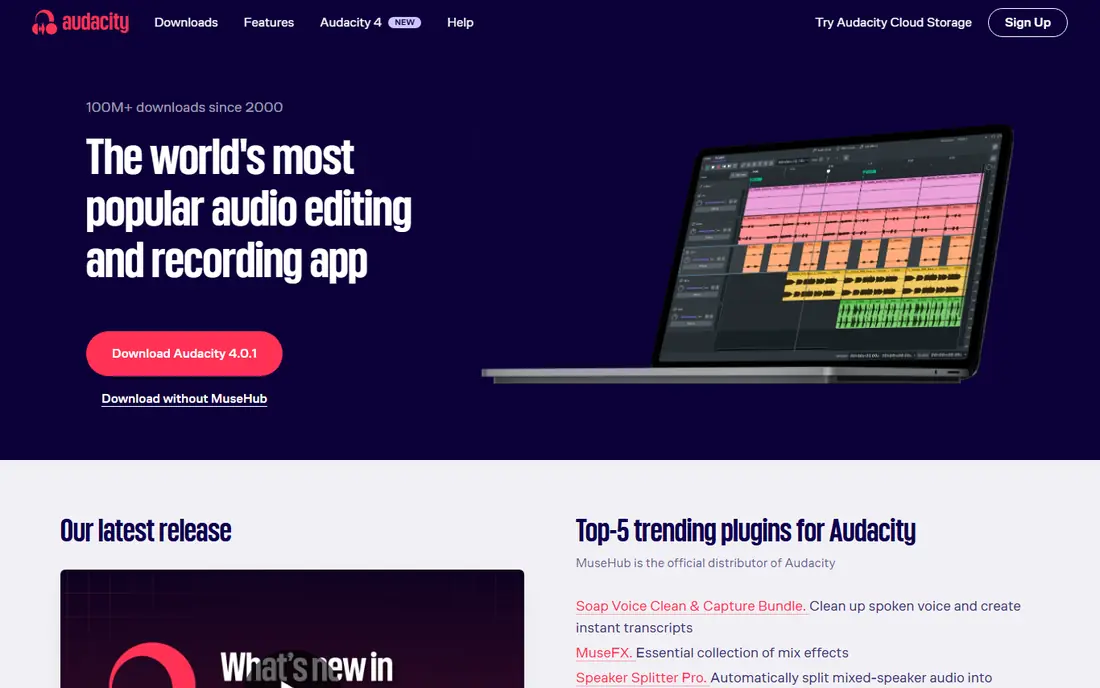
Audacity is the best free music editor, and it covers most editing and recording jobs. Record multiple tracks, cut, copy, fade, normalize and apply effects, all for free on any computer, with no tiers, no watermarks and no time limits. Its plugin support and tutorial community mean nearly every technique is documented.
It is an editor, not a full DAW: there are no built-in virtual instruments and MIDI sequencing is limited, and its destructive editing style takes getting used to. For trimming songs, cleaning recordings, editing podcasts and learning the basics, Audacity is unbeatable at zero cost.
- Completely free and open source on Windows, Mac and Linux
- Multitrack recording and editing
- Huge plugin and tutorial community
- No tiers or limits
- Destructive editing workflow confuses some users
- Interface looks dated
- No built-in virtual instruments or MIDI sequencing
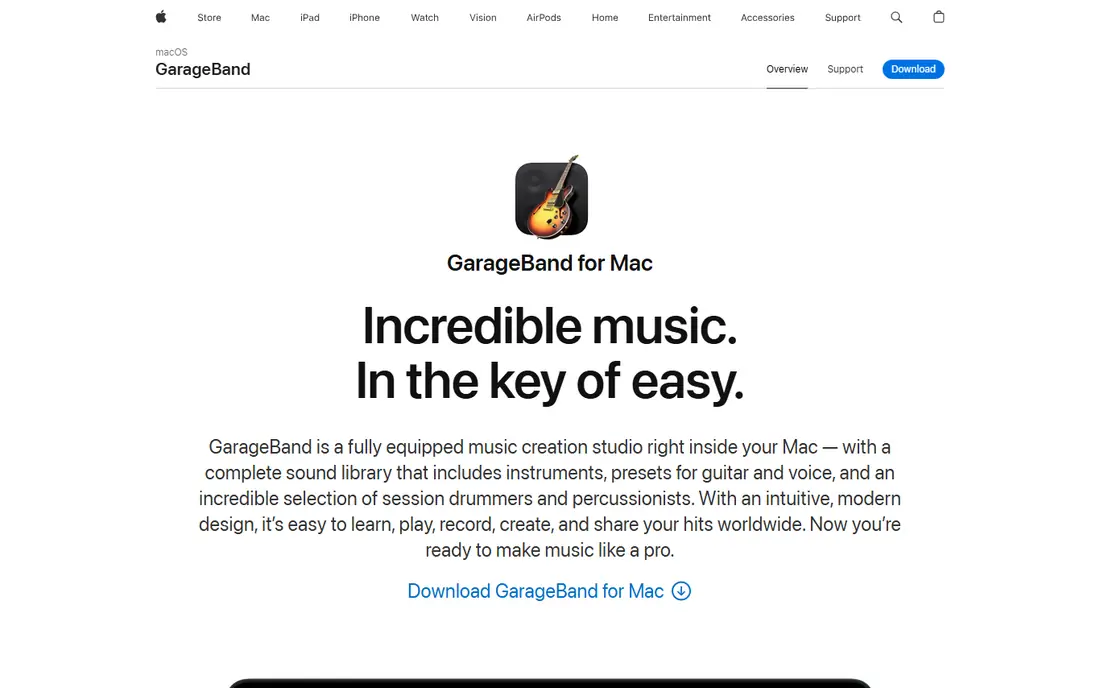
GarageBand is the best free starting point for music makers on Apple hardware. Included with every Mac, iPhone and iPad, it offers virtual instruments, loops, a Drummer track and enough recording and mixing tools to finish complete songs. Its low learning curve makes it ideal for beginners, and projects open directly in Logic Pro when you outgrow it.
It is Apple only, and its MIDI editing and mixing tools are basic compared with full DAWs. For a first studio that costs nothing and grows into Logic Pro, GarageBand is the obvious choice for Mac and iOS owners.
- Free on every Mac, iPhone and iPad
- Includes virtual instruments, loops and Drummer
- Projects open directly in Logic Pro
- Very low learning curve
- Apple hardware only
- Basic MIDI editing and mixing tools
- No advanced scoring or surround features
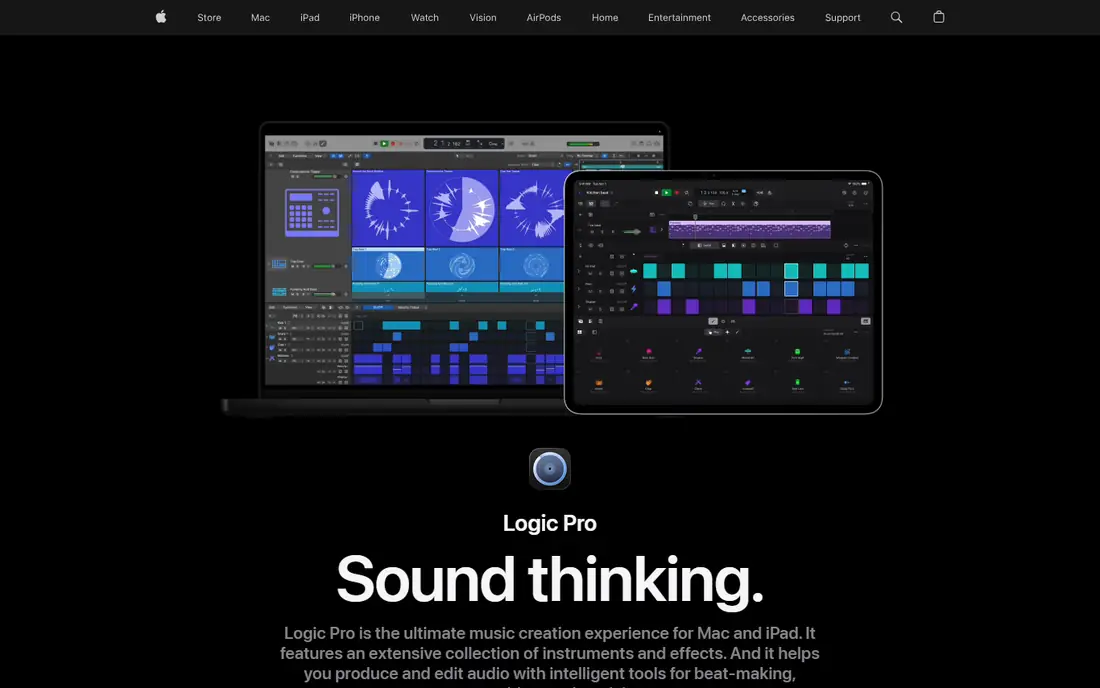
Logic Pro is the best-value professional DAW for Mac users. For 199.99 dollars one-time, with no subscription, you get a full production studio: best-in-class stock instruments, loops, samplers, MIDI editing and mixing tools. It handles singer-songwriters, electronic producers and film scorers alike, and its iPad version costs 4.99 dollars a month.
It runs only on Mac, with no permanent free tier. For Mac musicians who do not want a subscription, Logic Pro offers incredible value that no subscription DAW matches.
- Full professional DAW for 199.99 dollars one-time, no subscription
- Best-in-class stock instruments and loops
- Excellent MIDI editing
- IPad version at 4.99 dollars a month
- Mac only
- No free tier, though a 90-day trial exists in some listings
- Large download and library size
Ableton Live is the best DAW for electronic music and live performance. Its Session View lets you trigger loops and clips live, making it the standard for performers who produce on stage as well as in the studio. Its instruments and effects suit electronic, hip-hop and experimental music, and its warping tools handle tempo and timing creatively.
Intro costs 99 dollars, Standard 449 dollars and Suite 749 dollars in recent listings, with a 30-day free trial of Suite. For producers who perform, or who build tracks from loops and clips, Ableton is the defining tool.
- Best DAW for performing as well as producing
- Session View for live looping and improvisation
- Excellent electronic instruments
- 30-day free trial of Suite
- Intro costs 99 dollars, Standard 449 dollars and Suite 749 dollars
- Audio editing is good but not best in class
- Learning curve is moderate
FL Studio is the best DAW for beat-driven production. Its step sequencer and piano roll are the best in the business for hip-hop, EDM and trap, and its lifetime free updates model means you pay once and receive every future version forever. Over five years, its total cost is typically 40 to 60 percent lower than subscription or upgrade-priced rivals.
Fruity Edition starts at 99 dollars, Producer Edition at 199 dollars is the realistic start for recording audio, and higher editions add more plugins. The free trial has no time limit. For beatmakers who want to buy once, FL Studio is the best deal in music software.
- Best-in-class step sequencer and piano roll for beats
- Lifetime free updates, so you pay once forever
- Unlimited free trial with saving disabled in some versions
- Low to moderate learning curve
- Fruity Edition from 99 dollars lacks audio recording
- Producer Edition at 199 dollars is the realistic start
- Audio editing trails Pro Tools
REAPER is the best-value full DAW on any platform. For 60 dollars with a discounted licence, or 225 dollars commercial, you get a complete professional DAW with multitrack recording, MIDI, mixing, automation and plugin support for VST, VST3, AU and JSFX formats. Its 60-day evaluation is fully functional with no feature limits, and its low CPU footprint runs well on older machines.
It ships with minimal stock instruments, and its default interface is sparse, so the learning curve is high. For budget-conscious producers who want a complete professional tool for almost nothing, REAPER is genuinely competitive with DAWs costing ten times as much.
- Complete professional DAW for 60 dollars discounted licence, 225 dollars commercial
- Unlimited 60-day evaluation with no feature limits
- Runs on Windows, Mac and Linux
- Low CPU footprint and deep customization
- Minimal stock instruments
- High learning curve and sparse default interface
- You supply your own plugins
Pro Tools remains the industry standard for professional studios. If you record in one studio and mix in another, Pro Tools session compatibility matters more than any feature list. Its audio editing is best in class, and its mixing tools handle large, multi-format sessions that smaller DAWs struggle with.
Artist costs 9.99 dollars a month, or 99 dollars a year, Studio costs 34.99 dollars a month and Ultimate 99 dollars a month, with a free Intro tier offering limited track counts. For working with other studios, Pro Tools is still the required tool.
- Industry standard for commercial studios
- Best-in-class audio editing
- Free Intro tier with limited track counts
- Session compatibility across studios
- Artist costs 9.99 dollars a month, Studio 34.99 dollars and Ultimate 99 dollars
- High learning curve
- Limited stock instruments
Adobe Audition is the pro standard for cleaning and finishing spoken audio. Its noise reduction, spectral editing and audio repair tools handle broadcast, podcast and video post-production better than any music DAW, and its multitrack editor suits dialogue and sound design. Creative Cloud integration helps video teams.
It costs 22.99 dollars a month on an annual plan, with a 7-day trial, and it is not a music production DAW: virtual instruments and MIDI sequencing are limited. For podcasters, broadcasters and video editors, Audition is the professional finishing tool.
- Pro standard for broadcast and podcast post-production
- Excellent noise reduction and audio repair
- Multitrack and waveform editing
- Creative Cloud integration
- 22.99 dollars a month on an annual plan
- 7-day trial only
- Not a full music production DAW with virtual instruments
Cubase is the best DAW for scoring, notation and heavy MIDI work. Composers and producers of dense arrangements and orchestral music favor its MIDI editing, score editor and expression maps, which handle complex performances better than most rivals. Elements costs 99 dollars, Artist 329.99 dollars and Pro 579.99 dollars, with a 30-day free trial of the full version.
The learning curve is high, and Pro is expensive. For film scoring and serious MIDI composition, Cubase is the strongest choice.
- Excellent scoring, notation and MIDI tools
- Elements from 99 dollars, Artist 329.99 dollars and Pro 579.99 dollars
- Strong for dense arrangements and orchestral work
- High learning curve
- Pro at 579.99 dollars is expensive
- Windows and Mac only, no Linux version
How we picked these
We compared vendor pricing pages, product documentation and user reviews checked in October 2026, favoring tools with clear pricing, a usable free tier or trial where claimed, and distinct strengths for different music jobs. Prices change often, so confirm the current plan before buying.
Editor vs DAW: which do you need
If you only trim, clean and export audio, Audacity or GarageBand is enough and free. If you produce complete songs with instruments, loops and mixing, you need a DAW: REAPER for value, Logic Pro for Mac, FL Studio for beats, Ableton for electronic and live work, Cubase for scoring, or Pro Tools for studio compatibility. Podcasters should look at Audition or Descript instead, since spoken-word editing has different needs from music.
Frequently asked questions
What is the best free music editing software?
Audacity is the best free music editing software, open source on Windows, Mac and Linux with multitrack recording and editing at no cost. GarageBand is the best free option on Apple hardware, with virtual instruments and loops included.
What is the best music editing software for beginners?
GarageBand is the best music editing software for beginners on Mac and iOS, with a very low learning curve and free instruments. On Windows, Audacity is the best free start, and FL Studio's trial is the best introduction to beat making.
Is REAPER really as good as Pro Tools?
For most producers, yes. REAPER offers complete professional recording, MIDI and mixing for 60 dollars, with a 60-day fully functional evaluation. Pro Tools remains required for commercial studio compatibility, but REAPER matches it for most production and mixing work.
What is the best DAW for electronic music?
Ableton Live is the best DAW for electronic music and live performance, with Session View for live looping. FL Studio is the best alternative for beat-driven electronic production, with the best step sequencer and lifetime free updates.
Do I need to pay for music editing software?
No. Audacity and GarageBand cover most editing and recording jobs for free, and REAPER's evaluation is fully functional for 60 days. Paid DAWs buy better instruments, deeper MIDI tools and studio compatibility, but professional-quality music no longer requires a subscription.
What is the best music software for Mac?
Logic Pro is the best music software for Mac, offering a full professional DAW for 199.99 dollars one-time with best-in-class stock instruments. GarageBand is the free entry point, and its projects open directly in Logic Pro.
Sources we checked (9)

Online Jobs is an independent blog about careers, online work, learning new skills and the tools that help people earn. More about us.
Keep reading
All posts
Best Music Production Software
Compare the best music production software, from Ableton Live and FL Studio to Logic Pro, Pro Tools, Cubase, and Reaper, on price, platform, and workflow.
Best DJ Software
We compared the best DJ software for 2026, from Serato DJ Pro and rekordbox to free Mixxx, with prices, hardware support and honest trade-offs for every style.
Best Beat Making Software
Find the best beat making software for 2026, with FL Studio, Ableton Live, Logic Pro, BandLab, GarageBand and more on price, platform, workflow and free trials.