Best Beat Making Software in 2026: 9 Tools Compared

How we put this together: we compare official feature and pricing pages, app store listings, privacy policies and public user reviews. Prices change, so check the provider's site before you pay.
Key takeaways
- FL Studio is our pick for most beat makers, with pattern based workflow, lifetime free updates and editions from $99 one-time.
- Ableton Live suits loop based producers and live performers, with Intro at $99 one-time and a 30-day trial of the full Suite.
- Logic Pro is the best value on Mac at $199.99 one-time, with a huge bundled library of instruments and loops.
- BandLab, GarageBand and MPC Beats are genuinely free starting points that can finish real beats at no cost.
- REAPER at $60 and Cubase Elements at $99.99 cover budget and scoring needs that the headline beat tools handle less well.
Quick comparison
| Name | Who it suits | Starting price | Free option | |
|---|---|---|---|---|
 FL Studio FL Studio | Beats overall, hip-hop and trap | $99 one-time | Free trial | Visit |
 Ableton Live Ableton Live | Loops and live performance | $99 one-time | Free trial | Visit |
 Logic Pro Logic Pro | Mac producers wanting value | $199.99 one-time | Free trial | Visit |
 GarageBand GarageBand | Free start on Apple gear | Free | Yes | Visit |
 BandLab BandLab | Browser and mobile beats | Free | Yes | Visit |
 MPC Beats MPC Beats | Sampling and drum pads | Free | Yes | Visit |
 Soundtrap Soundtrap | Browser collaboration | Free | Yes | Visit |
 REAPER REAPER | Budget power users | $60 one-time | Free trial | Visit |
 Cubase Cubase | Recording, scoring and MIDI depth | $99.99 one-time | Free trial | Visit |
The best beat making software
Beat making software, often called a DAW, differs on workflow more than on sound quality. Some tools are built around patterns and step sequencers, others around loops and live clips, and a few around recording full songs. The nine tools below cover those styles, with free options for beginners and paid tools for producers who want to go further.
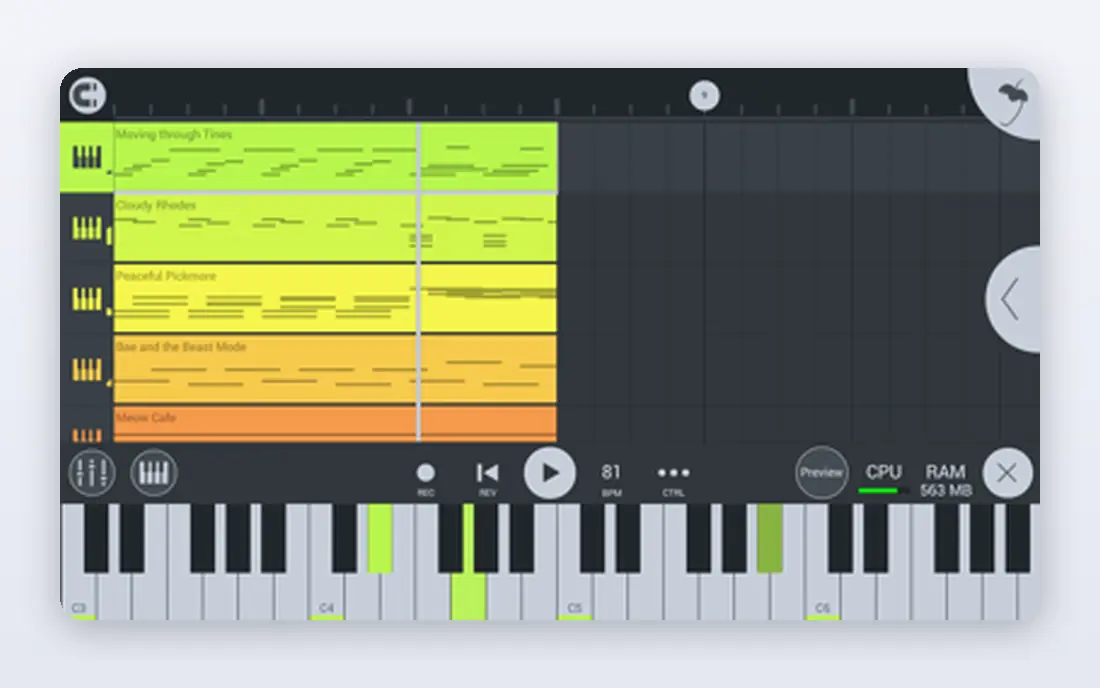
FL Studio built its name on beat making, and its Channel Rack step sequencer plus piano roll still make pattern based production feel fast. You lay down a drum pattern, add a melody in the piano roll, and arrange patterns into a full track without switching tools. Editions start at $99 one-time for Fruity, with Producer at $199 adding audio recording, and every edition includes lifetime free updates.
The trial never expires and includes full features, with the single catch that saved projects will not reopen until you buy. That makes FL Studio the easiest paid tool to test properly before spending. For hip-hop, trap and melodic beats on Windows or Mac, it remains the default recommendation.
- Pattern based workflow with a widely praised piano roll
- Lifetime free updates on every edition
- Unlimited free trial with full features
- Fruity Edition lacks audio recording, so most beat makers need Producer at $199
- Interface can feel busy at first
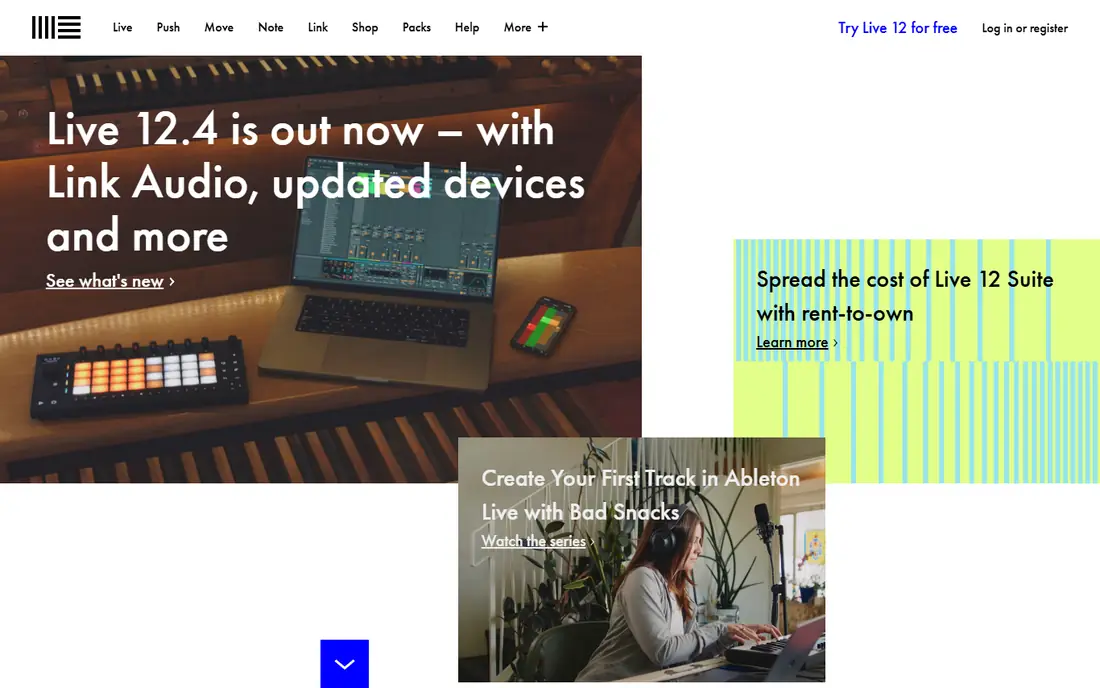
Ableton Live thinks in clips rather than patterns. Session View lets you trigger loops, test combinations and record the result into an arrangement, which suits producers who build tracks by jamming rather than programming step by step. Intro costs $99 one-time with 16 tracks, Standard costs $439 and Suite costs $749, with a 30-day trial of Suite covering every feature.
Live 12 added stem separation in Suite, which splits a clip into vocals, drums, bass and other parts, plus new instruments and MIDI tools. The price ladder is the main barrier, since the best features sit in Suite. If you perform live or build tracks from loops, Live earns its cost. If you only make beats at a desk, FL Studio is cheaper.
- Session View for jamming loops into arrangements
- Strong sampling with Simpler and Sampler
- 30-day trial of the full Suite
- Suite costs $749, which is steep for beginners
- Less suited to traditional linear recording than Cubase or Pro Tools
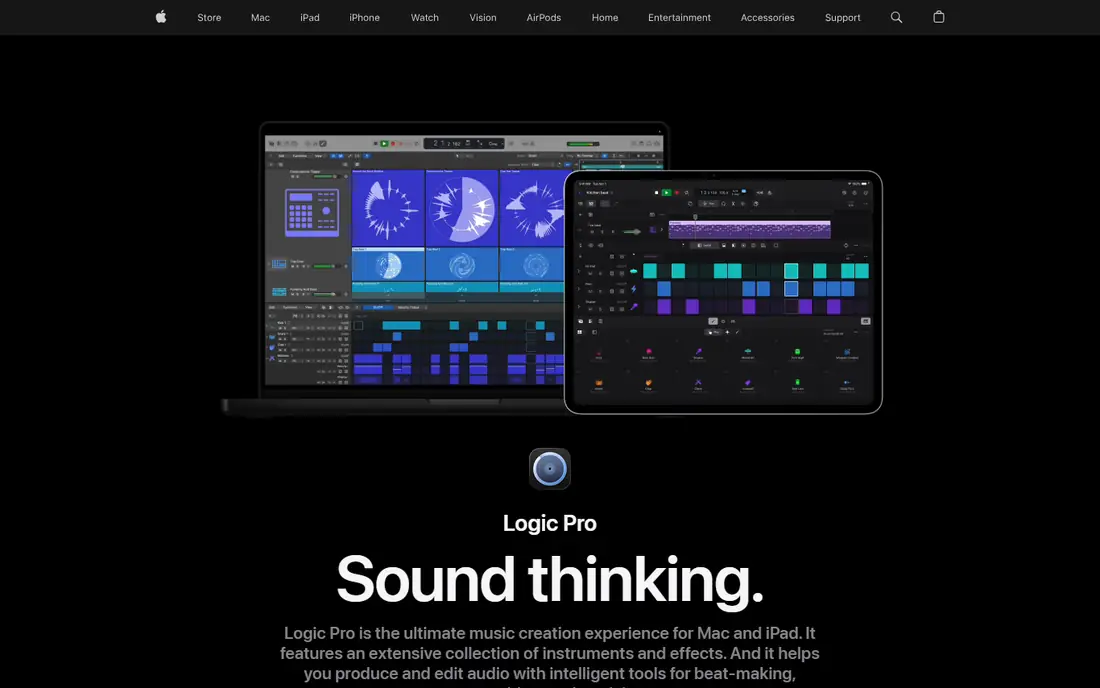
Logic Pro is the best value in music software for Mac owners. One payment of $199.99 buys a full studio with a large library of sampled instruments, drum kits, loops and effects that would cost far more bought separately. Recording, arranging and mixing all work in one polished app, and the Mac version has no subscription.
The limit is platform. Logic Pro runs on Mac and iPad only, so Windows producers must look elsewhere, and the iPad version costs $4.99 per month rather than a one-time payment. If you own a Mac and want beats that grow into full songs with vocals and live instruments, Logic Pro gives you the most for your money.
- Huge bundled library of instruments, loops and effects for the price
- Polished recording and mixing workflow
- No subscription on Mac
- Mac and iPad only, so Windows producers cannot use it
- IPad version is subscription based at $4.99 per month
GarageBand is the free on-ramp to Logic Pro, and it is far more capable than a typical free app. You get loops, software instruments, drum kits and basic recording on Mac, iPhone and iPad, with a workflow simple enough for a first beat in one evening. Projects open directly in Logic Pro, so nothing is wasted when you upgrade.
The ceiling shows up in mixing depth and instrument choice, where Logic Pro adds far more. For a beginner on Apple gear, though, GarageBand is the right first step, since it costs nothing and teaches the same basic workflow as its paid sibling.
- Completely free on Mac, iPhone and iPad
- Simple loop and instrument workflow
- Projects open in Logic Pro when you upgrade
- Apple devices only
- Fewer instruments, effects and mixing tools than Logic Pro
BandLab runs in a browser and on phones, which makes it the most accessible beat tool here. You can start a beat on a school computer, continue on a phone, and share it with collaborators without installing anything. The free plan includes a studio with loops, instruments and effects, plus a community for feedback and collaboration.
The trade off is depth. Browser based mixing and mastering are lighter than a desktop DAW, and some advanced features sit behind a paid membership. For beginners, students and collaborators who need no install, BandLab is the easiest way to finish a first beat and share it the same day.
- Free in any browser and on mobile
- Built-in collaboration and sharing community
- Large free loop and sample library
- Browser workflow is lighter than a desktop DAW
- Advanced mixing and mastering need a paid membership for some features
MPC Beats brings the classic Akai MPC workflow to a free desktop app. You chop samples, assign them to pads and build drum patterns by tapping, which feels closer to hardware beat making than clicking notes into a piano roll. It runs on Windows and Mac, and it pairs naturally with Akai pad controllers if you later buy one.
The bundled sounds and mixing tools are thinner than a paid DAW, so producers who want a huge library or deep mastering will outgrow it. As a free sampling focused starting point, though, MPC Beats teaches the pad based workflow that shaped much of hip-hop production.
- Free with a classic MPC pad workflow
- Strong sampling and chopping tools
- Works with Akai hardware controllers
- Smaller bundled sound library than paid DAWs
- Fewer mixing and mastering tools than FL Studio or Logic Pro
Soundtrap, owned by Spotify, is the classroom friendly browser DAW. Multiple people can work on the same project in real time, which suits school groups and remote collaborators, and it runs on Chromebooks and low spec machines that cannot handle a desktop DAW. The free plan covers basic beat making with loops and instruments.
Paid plans start at $9.99 per month for the full feature set, including more loops, effects and storage. Advanced producers will find the mixing and instrument depth thinner than FL Studio or Ableton Live. For collaborative beginners and education, Soundtrap is the simplest shared studio available.
- Browser studio with real-time collaboration
- Simple interface for beginners and classrooms
- Works on Chromebooks and low spec machines
- Paid plans from $9.99 per month needed for full features
- Less powerful than desktop DAWs for advanced production
REAPER is the budget power tool of this list. A discounted license costs $60 one-time, and it does nearly everything the expensive DAWs do, from recording and MIDI editing to mixing, on Windows, Mac and Linux. It is famously light on CPU, so older machines run large projects smoothly, and almost every part of the interface can be customized.
The catch is what is missing out of the box. REAPER ships with few instruments and loops, so beat makers must add their own sounds, and the plain interface takes longer to set up than FL Studio or GarageBand. If you have sounds already and want power for little money, REAPER is unmatched value.
- Full DAW for $60 on a discounted license
- Very light on CPU and highly customizable
- Runs on Windows, Mac and Linux
- Plain interface with no bundled instruments of note
- Setup takes longer than FL Studio or GarageBand
Cubase suits producers who also record, score and compose in depth. Its MIDI editing, notation and arrangement tools go further than most beat focused DAWs, and its recording workflow with comping suits vocal and instrument sessions. Elements starts at $99.99 one-time, with Artist at $329.99 and Pro at $579.99.
For pure beat making, Cubase feels less immediate than FL Studio or Ableton Live, since its strength is composition depth rather than pattern speed. Producers who write for picture, score music or record bands alongside beats will value that depth, while beat only producers should start cheaper.
- Deep MIDI editing, scoring and composition tools
- Elements edition from $99.99
- Strong recording and comping workflow
- Full Pro edition costs $579.99
- Beat focused workflow is less immediate than FL Studio
How we picked these
We compared official pricing pages, feature pages and public reviews for beat making software, and we favored tools that can finish a real beat, not just play loops. We included free options for every major platform, plus paid tools for the main workflows of pattern beats, loop jamming and full song production. Prices come from vendor sites and can vary with sales, education discounts and bundles.
What to check before you buy
Beat software is a long term choice, since switching DAWs means relearning a workflow. Test these points before you pay.
Start free, then pay when blocked
GarageBand, BandLab, MPC Beats and the FL Studio trial all let you finish beats at no cost. Pay only when a specific limit, such as track count, recording or export, actually blocks a project you care about.
Match the workflow to your style
Pattern producers suit FL Studio, loop jammers suit Ableton Live, and songwriters with live instruments suit Logic Pro or Cubase. The wrong workflow costs more time than any price difference.
Check your computer and platform
Logic Pro and GarageBand need Apple devices, while FL Studio, Ableton Live and REAPER cover Windows and Mac. Check CPU, RAM and storage needs too, since large sample libraries fill disks fast.
Count the real cost of sounds
A cheap DAW with no bundled sounds can cost more once you buy sample packs and instruments. Logic Pro and FL Studio include large libraries, which changes the value comparison for beginners.
Frequently asked questions
What is the best beat making software for beginners?
BandLab and GarageBand are the best free starting points, since both let you finish beats at no cost in a browser or on Apple devices. FL Studio is the best paid beginner pick once you want a deeper pattern workflow, thanks to its unlimited trial.
What is the best app for making beats on a phone?
BandLab is the strongest phone option, with a full mobile studio, loops and collaboration. GarageBand on iPhone and iPad is a close second for Apple users, with a simpler interface and a path into Logic Pro.
Is FL Studio or Ableton better for beats?
FL Studio suits pattern based hip-hop and trap production with its step sequencer and piano roll, while Ableton Live suits loop based production and live performance with its Session View. Both make professional beats, so the better choice is the workflow you enjoy using daily.
What is the best free beat making software?
BandLab, GarageBand and MPC Beats are all genuinely free and can finish real beats. BandLab works anywhere in a browser, GarageBand suits Apple devices, and MPC Beats suits sampling and pad based production on desktop.
How much does Logic Pro cost?
Logic Pro costs $199.99 as a one-time payment on Mac, with a free trial available. The iPad version costs $4.99 per month, and both are included in the Apple Creator Studio bundle at $12.99 per month.
Can I make beats without any music theory?
Yes, loops, scale tools and chord helpers in every app here let you build musical beats without formal theory. Learning basic scales and chord progressions still helps, but it is not a barrier to a first finished beat.
Sources we checked (9)

Online Jobs is an independent blog about careers, online work, learning new skills and the tools that help people earn. More about us.
Keep reading
All posts
Best Music Production Software
Compare the best music production software, from Ableton Live and FL Studio to Logic Pro, Pro Tools, Cubase, and Reaper, on price, platform, and workflow.
Best Music Editing Software
We compared the best music editing software for 2026, from Audacity and GarageBand to Logic Pro, Ableton Live, FL Studio, REAPER and Pro Tools, with prices.
Best DJ Software
We compared the best DJ software for 2026, from Serato DJ Pro and rekordbox to free Mixxx, with prices, hardware support and honest trade-offs for every style.