Best Music AI Tools in 2026: 10 Tools Compared

How we put this together: we compare official feature and pricing pages, app store listings, privacy policies and public user reviews. Prices change, so check the provider's site before you pay.
Key takeaways
- Suno is our pick for most people who want complete songs with vocals, because paid plans include downloads and commercial rights.
- Udio offers strong in-app sound quality, but downloads have been switched off, so it fits experimentation better than delivery work for now.
- For video and podcast background music, royalty-free tools such as Soundraw, Mubert, and Beatoven are often simpler than full song generators.
- For film and game scores, AIVA and Stable Audio focus on instrumental composition and sound design rather than pop vocals.
- Licence terms matter as much as sound quality, so check commercial use, ownership, and download rights on the plan you actually buy.
Quick comparison
| Name | Who it suits | Starting price | Free option | |
|---|---|---|---|---|
 Suno Suno | Complete songs with vocals | $10 per month | Yes | Visit |
 Udio Udio | High-fidelity in-app songs | $10 per month | Yes | Visit |
 ElevenLabs Music ElevenLabs Music | Creator songs and voice tools | $6 per month | Yes | Visit |
 Stable Audio Stable Audio | Instrumental and sound design | See website | Yes | Visit |
 AIVA AIVA | Cinematic and game scores | See website | Yes | Visit |
 Soundraw Soundraw | Royalty-free video music | See website | Free trial | Visit |
 Mubert Mubert | Streaming and app background music | $14 per month | Yes | Visit |
 Beatoven Beatoven | Podcast and video scores | See website | Yes | Visit |
 BandLab BandLab | Collaborative music making | Free | Yes | Visit |
 Mureka Mureka | Lyrics-first song creation | See website | Yes | Visit |
The best music AI tools
We compared official pricing pages, help centres, and licence summaries for tools that were active in October 2026. Our focus is on what you can actually export and use, not just what sounds good inside an app. That distinction matters in 2026, because some tools changed download and licence rules during the year.
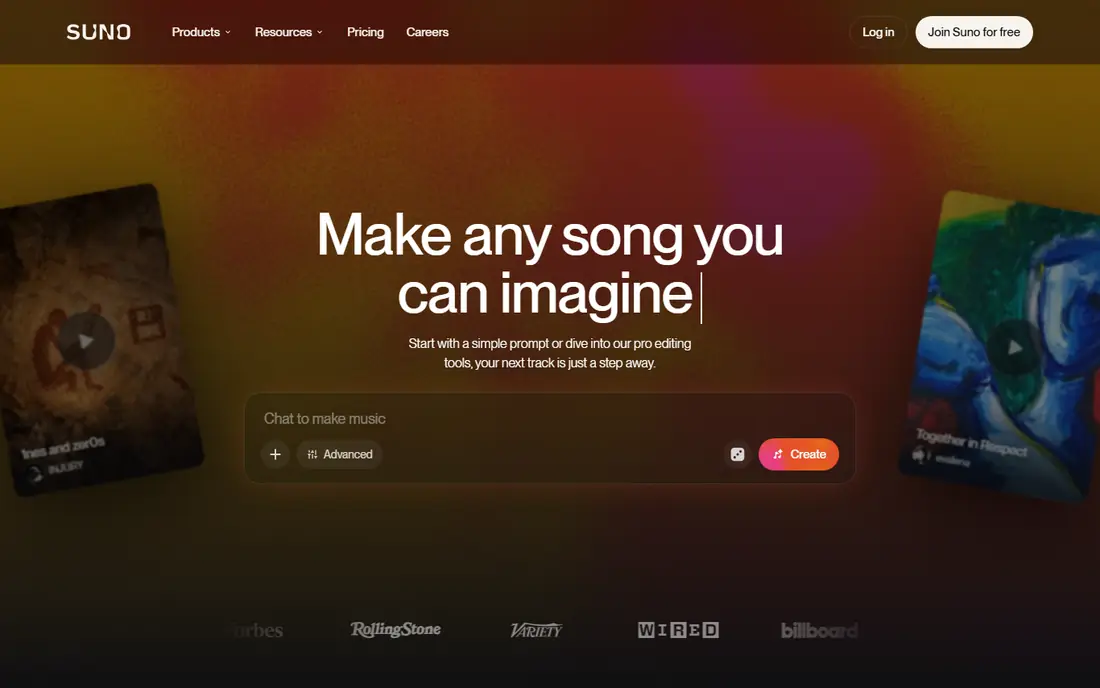
Suno is the most complete starting point for a best AI music tool search. You type a prompt, add or paste lyrics, and get a finished song with vocals, instruments, and structure. Paid plans add editing, stems, and a studio-style workspace, which helps if you want to adjust a section rather than accept the first result.
The practical advantage is delivery. Paid songs can be downloaded and used commercially under Suno terms, which is the test most creators actually need. Free songs are for personal use, and paid download limits changed in September 2026, so check the current monthly download count before you plan a large release schedule. If you need files you can publish, Suno remains the safest first choice in this list.
- Full songs with vocals from a text prompt
- Stems and editing tools on paid plans
- Downloads and commercial rights on paid plans
- Free output is for personal use
- Download caps apply on paid plans
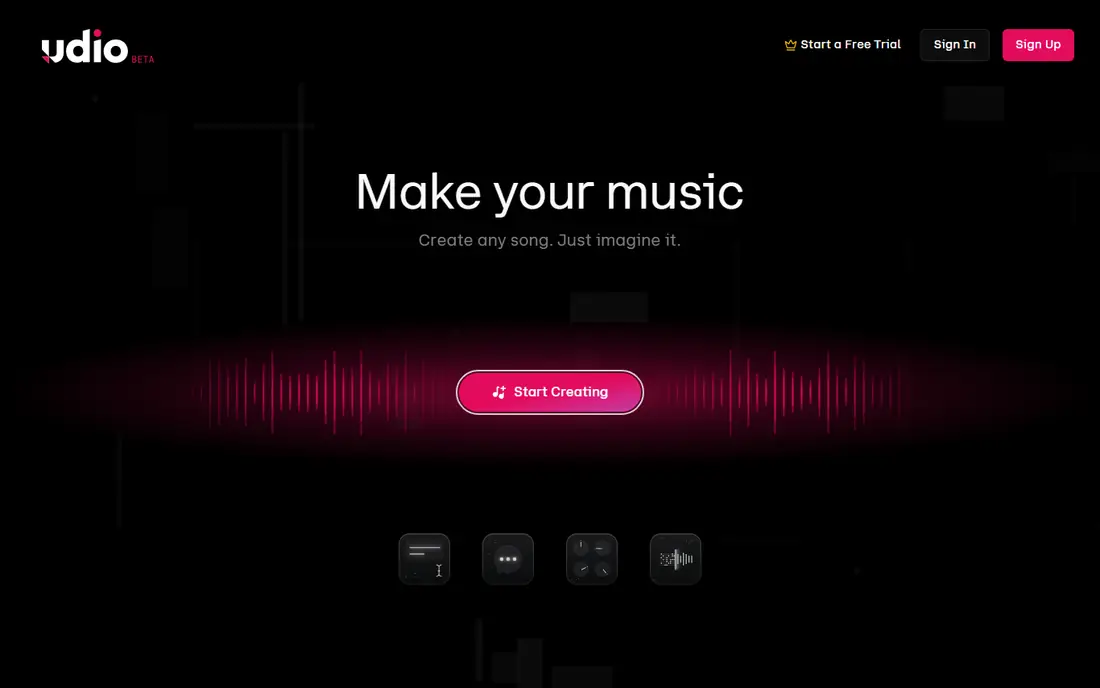
Udio deserves a place for sound quality and control, even with its current limits. Its in-app generation, remixing, and extension tools suit producers who want to shape a track step by step. Paid plans offer more credits and parallel generations, which helps when you are testing many versions of a chorus or arrangement.
The catch is plain and important. Downloads have been disabled while Udio builds a licensed platform, so you cannot currently take tracks off the platform for release or client delivery. That makes Udio a strong sandbox for ideas and a weak choice for finished publishing work today. Use the free tier to judge the sound, and only pay if in-app work alone is useful to you.
- Strong audio quality in-app
- Detailed controls for remixing and extending
- Generous credit allowances on paid plans
- Downloads are currently disabled
- Commercial use is limited by plan terms
ElevenLabs is best known for voice, and that is why it fits this list in a specific way. If you already make videos, podcasts, or ads with voiceover, having music generation in the same account can simplify a project. Published summaries placed commercial music use from the Starter plan at $6 per month, lower than several full song generators.
For pure songwriting, Suno still offers a deeper song-focused workspace. ElevenLabs Music is stronger as a creator tool, where a short song, intro, or background track sits next to narration. Check the current plan page for credit limits and commercial terms, since voice and music credits are handled differently across plans. As a best AI voice app companion, it is a practical pick, not just a music novelty.
- Useful alongside voiceover work
- Commercial use from the Starter plan in published summaries
- Fast generation for creators
- Music is one part of a wider voice platform
- Check track limits on your plan
Stable Audio fits producers and video makers who need texture more than a pop vocal. It works well for ambient beds, transitions, and experimental instrumentals, where length, mood, and stem control matter more than lyrics. That focus makes it a useful second tool even if you already use Suno for vocal songs.
The weakness is also its focus. If you want a radio-style vocal track from one prompt, other tools on this list will get you there faster. Pricing summaries for Stable Audio varied in 2026, so we list See website here rather than repeat a figure we could not confirm on the current vendor page. Start on the free tier, test an instrumental bed in a real project, and only upgrade once the output fits your editing workflow.
- Strong for instrumentals, beds, and sound design
- Stem and audio controls suit producers
- Commercial use on paid plans in published summaries
- Vocal songs are not its main strength
- Pricing has changed across sources, so confirm before buying
AIVA is the pick for composers who think in scores, not singles. It generates instrumental music suited to film, games, and trailers, with attention to structure and mood over time. That makes it useful for a scene that needs tension, release, or a steady emotional arc, rather than a three-minute vocal hook.
Licence terms need care. Published summaries describe limited commercial use on lower tiers and fuller copyright on the top tier, so a composer planning paid client work should read the current licence page closely. The free tier, with a small monthly download allowance in published summaries, is enough to test whether the style fits your project. For cinematic work, AIVA remains a distinct and serious option.
- Strong for orchestral and cinematic composition
- Useful for film and game cues
- Structured composition controls
- Not built for modern vocal pop songs
- Full copyright terms depend on the paid tier
Soundraw suits video makers who need clean background music without licence worry. You pick mood, genre, and length, then generate a track that fits a cut. Its royalty-free terms, as described by the vendor, are a real advantage for monetised video, where a song generator licence can be harder to explain to a client.
The limit is scope. Soundraw is not the tool for writing lyrics or building a vocal artist project. It is a background music tool, and it does its job well within that lane. Pricing summaries varied in 2026, so we list See website and suggest checking the Creator plan on the vendor page. If your main need is safe music under video, start here before a full song generator.
- Royalty-free music for video use
- Trained on in-house music in vendor descriptions
- Easy mood and length controls
- No vocal song generation focus
- No lasting free tier in published summaries, only a trial
Mubert fits a different job from most tools here. It generates ongoing music for streams, apps, and background listening, rather than a single finished song. That makes it useful for a live stream or app where music should keep going without repeating the same track.
For a songwriter, Mubert will feel limited, because it does not aim to produce a structured vocal song. For a developer or streamer, the API and continuous generation are the point. Published summaries place the Creator plan around $14 per month, with commercial use on paid tiers. Check the current plan terms for app and broadcast use, since those uses carry different licence needs from a personal video.
- Continuous generative music for streams and apps
- API options for developers
- Royalty-free options on paid plans
- No vocal songwriting focus
- Free tier is for personal use in published summaries
Beatoven is a friendly pick for podcasters and small video teams. You describe mood and length, and the tool builds an instrumental score that sits under speech without fighting it. That is a narrower job than full song creation, but it is the job many creators actually need every week.
The trade-off is creative control. Beatoven does not replace a composer for a detailed film score, and it does not aim to write vocal songs. Its strength is speed and safety for regular content. Use the free tier to test how a track sounds under your voice, then check export and commercial terms on the plan you choose. For weekly content, that workflow saves time without adding licence risk.
- Simple mood-based scoring for podcasts and video
- Royalty-free use in published summaries
- Approachable for non-musicians
- Limited vocal and lyric tools
- Track length and export limits depend on plan
BandLab is the best free starting point for people who want to make music with others. It combines a studio, loops, and sharing tools, so a sketch can become a collaboration without buying software first. For students, hobbyists, and new creators, that low barrier matters more than having the most advanced vocal model.
As a dedicated best AI music app, BandLab is less focused than Suno or Udio. Its AI tools sit inside a broader music platform, and results depend on how you use loops, instruments, and editing. If you want to learn arrangement and share work, BandLab gives you a full workspace for free, with paid options for extra sounds.
- Free core tools
- Collaboration and sharing built in
- Useful for learning and sketching songs
- AI features are part of a wider studio, not a dedicated song generator
- Commercial terms depend on the tools and samples used
Mureka suits writers who start with words. If you have lyrics and want to hear them set to music quickly, a lyrics-first tool can be more useful than a prompt-only generator. Published summaries also note voice options, which help when you want a consistent vocal character across drafts.
The honest limit is track record. Mureka is less established than Suno for large commercial releases, so we would not build a release schedule on it without testing exports and reading the current licence page. Use the free tier to compare its vocal handling with Suno on the same lyrics. For drafting, it is a strong extra tool.
- Lyrics-led workflow for songwriters
- Voice options in published summaries
- Useful for testing many song ideas fast
- Newer and less proven than Suno for large releases
- Licence and export terms need checking on the current plan page
How we picked these
We compared official pricing pages, help centres, and licence summaries, and we favoured tools that were active and exportable in October 2026. We kept tools that serve distinct jobs, from full vocal songs to film scores and video background music, rather than listing ten near-identical song generators. We did not claim hands-on studio testing, and we described what we compared, namely vendor feature pages, pricing, app listings, and public reviews.
Where pricing summaries conflicted, we used See website rather than picking a figure that might be out of date. AI music licences change fast, especially after label settlements in 2025 and 2026, so treat any price or licence claim as a starting point. Open the vendor pricing and terms pages before you pay, and keep a copy of the terms for any track you plan to sell or use for a client.
How to choose the right tool for your project
Start with the end use. A song for streaming needs downloads, commercial rights, and a clear licence. A track under a YouTube video needs royalty-free terms and a length that fits the edit. A film cue needs structure and mood control over time. Picking the tool by end use avoids paying for vocal features you will never export.
Next, test with the same prompt or lyrics across two tools. Compare vocal clarity, arrangement, and how easy it is to fix a weak section. A tool that sounds good on the first try but cannot extend or edit a section will slow you down on a real project. Also check stems, file format, and whether you can separate vocals for mixing.
Finally, read the licence as carefully as you listen to the track. Check who owns the output, whether commercial use needs a paid plan, and whether attribution is required. For client work, confirm that the licence covers the client use, not just your personal account. A short licence check now prevents a takedown or dispute later.
Frequently asked questions
What is the best AI music tool for complete songs with vocals?
Suno is our pick for most people, because paid plans combine full vocal songs with downloads and commercial rights. Udio sounds strong in-app, but disabled downloads make it a poor fit for publishing work today. Test both free tiers with the same lyrics before you pay.
What is the best AI music app for beginners?
BandLab is the easiest free place to start, thanks to its studio, loops, and collaboration tools. Suno is also beginner-friendly for song generation, because a single prompt can produce a finished track. Beginners should start free, learn arrangement basics, and only pay once they need commercial rights or more credits.
What is the best AI voice app for music and narration?
ElevenLabs stands out here, because it covers voiceover and music in one account. That helps creators who need narration plus a short song or intro in the same project. For pure singing, Suno and Udio focus more directly on vocal songs, so compare them if vocals are your main goal.
What is the best text to speech AI software for creators?
ElevenLabs is widely used for text to speech, with natural-sounding voices and voice cloning options on higher plans. The best text to speech AI software choice depends on language support, voice style, and commercial terms for your project. Always check voice cloning consent rules, since cloning a real person voice without permission creates legal and ethical risk.
Can I sell AI-generated music commercially?
Often yes, but only on the right plan and under the right licence. Most free tiers are for personal use, while paid plans may grant commercial use, ownership, or a licence that still has limits. Read the vendor terms for your exact plan, and remember that copyright law for purely AI-generated work is still developing in the United States.
Which app is best for AI music for video background tracks?
Soundraw, Beatoven, and Mubert are the safest picks for background music, because they focus on royalty-free instrumental tracks for video, podcasts, and streams. They are simpler to license for monetised content than a vocal song generator. Pick by mood control, length options, and whether you need continuous music or a single cue.
Sources we checked (10)

Online Jobs is an independent blog about careers, online work, learning new skills and the tools that help people earn. More about us.
Keep reading
All posts
Zoom Alternatives
Zoom alternatives compared for 2026: Google Meet, Microsoft Teams, Webex, Jitsi and more for free calls, large meetings and webinars for teams and classrooms.
PowerPoint Alternatives
Compare the best PowerPoint alternatives, from free Google Slides and Canva to Prezi and Gamma, with prices, collaboration and export options covered.
Gmail Alternatives
Gmail alternatives compared for 2026: Proton Mail, Outlook, Tuta, Fastmail, Zoho Mail and more for privacy, business and cross-platform use for US readers.