Best MSP Software in 2026: 8 Tools Compared

How we put this together: we compare official feature and pricing pages, app store listings, privacy policies and public user reviews. Prices change, so check the provider's site before you pay.
Key takeaways
- NinjaOne leads for modern remote monitoring and patching, while Atera and Syncro offer simpler per-technician pricing.
- HaloPSA and ConnectWise PSA suit larger teams that need deep ticketing, billing, and workflow control.
- Per-device pricing favors small endpoint counts, while per-technician pricing favors small teams managing many devices.
- Datto RMM and N-able N-central suit larger or more complex estates, but both need a quote and longer setup.
- Trial patching, remote access, and PSA ticketing on real endpoints before signing, since demos hide setup effort.
Quick comparison
| Name | Who it suits | Starting price | Free option | |
|---|---|---|---|---|
 NinjaOne | Modern RMM | See website | Free trial | Visit |
 Atera | All-in-one per-tech pricing | $129 per technician per month | Free trial | Visit |
 Syncro | Small MSP all-in-one | See website | Free trial | Visit |
 HaloPSA | Deep PSA control | See website | Free trial | Visit |
 ConnectWise PSA | Large MSP operations | See website | No | Visit |
 Datto RMM | Kaseya ecosystem RMM | See website | No | Visit |
 N-able N-central | Complex estates | See website | Free trial | Visit |
 SuperOps | Modern all-in-one | See website | Free trial | Visit |
The best MSP software
We compared official product pages, pricing models, and public documentation for remote monitoring and management (RMM) tools, professional services automation (PSA) tools, and all-in-one platforms. MSP software is not one product type, so this list mixes RMM, PSA, and combined tools, with each entry labeled by its main job.
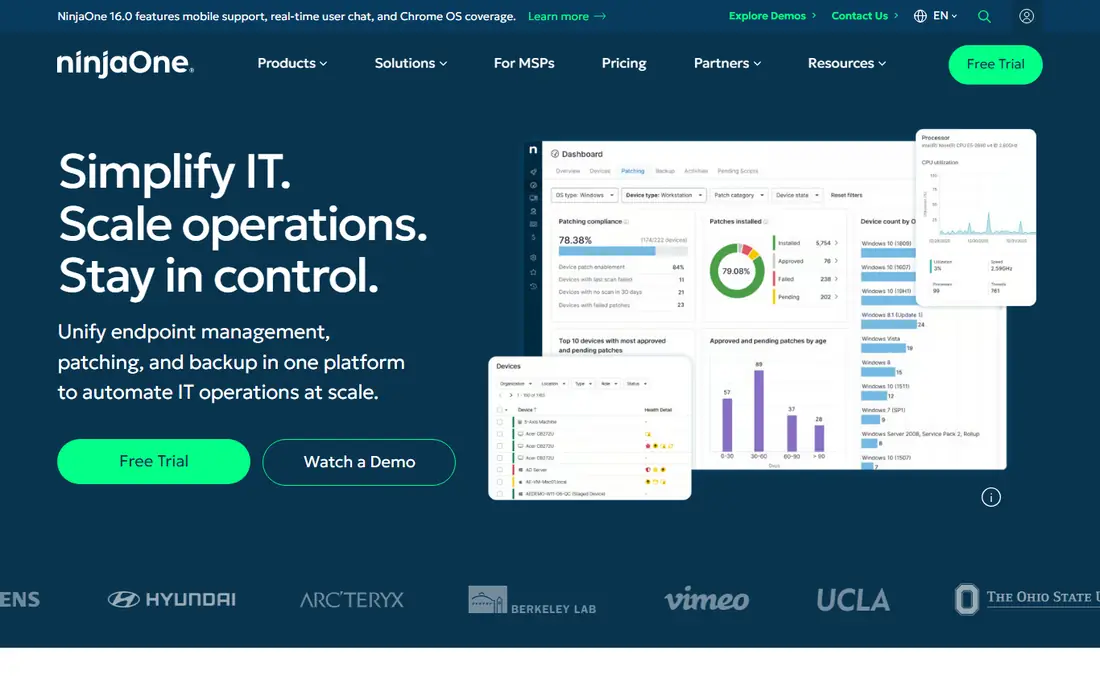
NinjaOne is our pick for MSPs that want a modern RMM first. The console is quick to learn, patching and automation are central, and remote access is built in rather than bolted on. For teams moving from a slow legacy RMM, the daily difference is less clicking and clearer endpoint health.
The pricing model needs care. NinjaOne charges per device, so a team with many endpoints per technician can see costs rise faster than on a per-tech platform. Ask for a quote based on your real endpoint count, and compare it with Atera or Syncro before you decide. If endpoint count is modest and ease of use matters, NinjaOne is hard to beat.
- Fast cloud console
- Patching, scripting, and remote access in one place
- Integrations with major PSA tools
- Pricing is by quote and varies by endpoint count
- PSA features are newer than dedicated PSA rivals
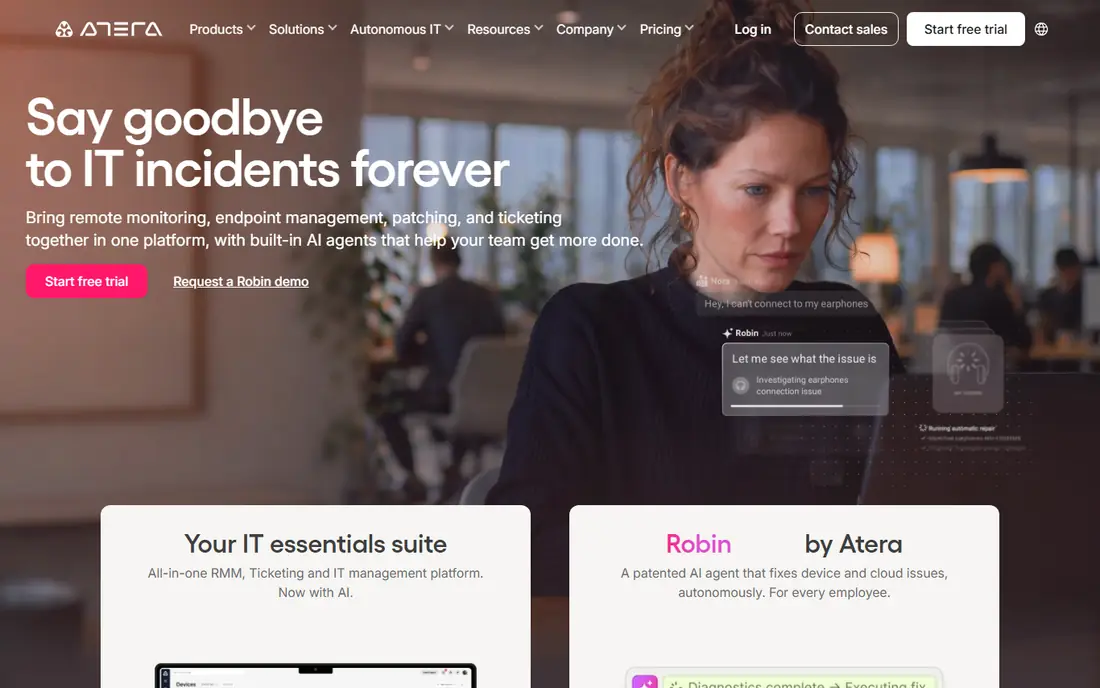
Atera suits growing MSPs that want one bill and predictable costs. You pay per technician, not per device, so adding endpoints does not raise the core price. Remote access, patching, automation, ticketing, and billing sit in one platform, which reduces tool sprawl for small teams.
The trade-off is depth in some areas. Dedicated PSA tools offer deeper billing and workflow control, and some integrations are simpler than rivals offer. If your team is small, your device count is growing, and you value simplicity over deep customization, Atera gives strong value. Test ticketing and reporting during the trial, since those areas vary most by team habit.
- RMM and PSA on one per-technician price
- Unlimited devices on paid plans
- AI features bundled on higher tiers
- Integration depth trails some dedicated tools
- Backup and advanced features sit on higher tiers
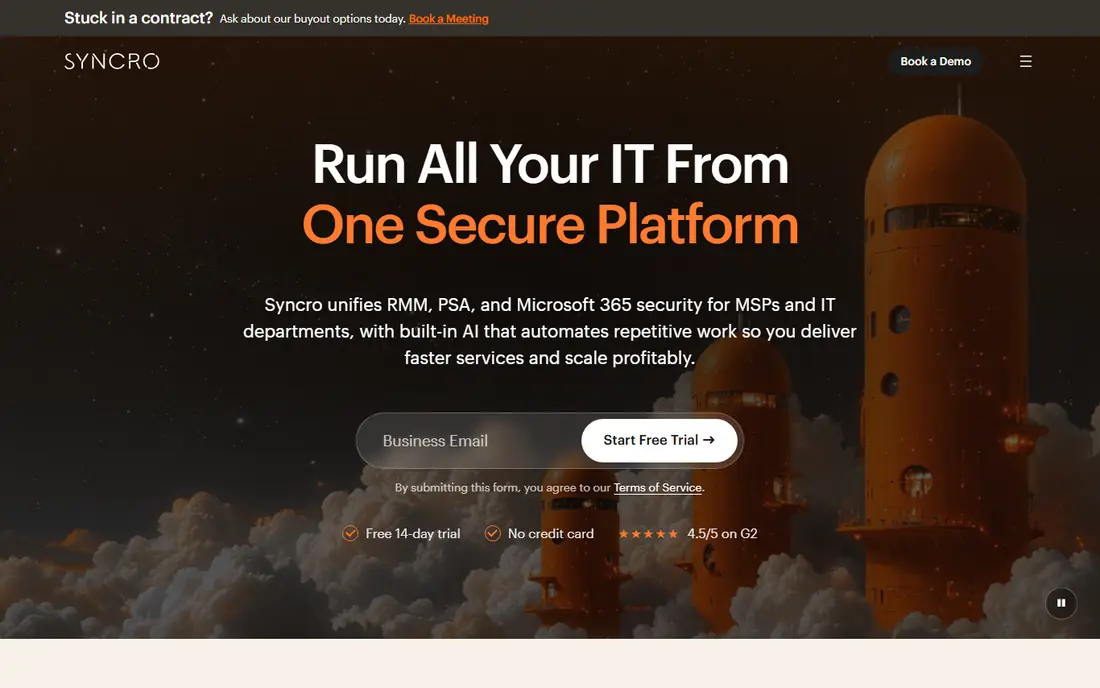
Syncro fits small MSPs that want RMM and PSA without buying two products. It combines monitoring, patching, remote access, ticketing, billing, and a client portal, with pricing per technician. That structure helps teams of three to thirty technicians keep costs predictable as device counts grow.
It is less suited to large MSPs with complex automation or multi-entity billing needs. The interface is practical rather than polished, and some advanced workflows need workarounds. For a small team that wants one platform and a short learning curve, Syncro is a strong, low-friction choice.
- Combined RMM and PSA
- Per-technician pricing
- Microsoft 365 and billing integrations
- Client portal included
- Published pricing changes often, so confirm the current rate
- Advanced automation is lighter than large-platform rivals
HaloPSA is the PSA most mid-sized MSPs should shortlist when ConnectWise feels too heavy. It offers detailed ticket workflows, service level tracking, billing, contracts, and self-service portals, with customization that suits teams with defined processes. It pairs well with NinjaOne or another RMM, rather than replacing it.
The cost is setup time. HaloPSA rewards teams that invest in configuration, but a team that wants a ready-made PSA may find it slow at first. Budget time for implementation, and use the trial to build one real ticket workflow end to end. If that workflow feels natural, HaloPSA will scale with your team.
- Deep ticketing, billing, and workflow customization
- Per-agent pricing
- Integrations with RMM and accounting tools
- Setup takes longer than simpler PSA tools
- Price varies by agent count and modules
- Learning curve for new admins
ConnectWise PSA, formerly Manage, remains the default PSA for larger MSPs with complex operations. It handles ticketing, projects, billing, procurement, and reporting at a depth that smaller tools cannot match. Its ecosystem of integrations and partners also helps teams that already use ConnectWise RMM, IT Glue, or ScreenConnect.
The drawback is effort and cost. Pricing is by quote, onboarding is longer, and small teams may find the depth unnecessary. Choose ConnectWise PSA when your team has fifty or more technicians, or when your billing and contract complexity demands it. Smaller teams should compare HaloPSA first.
- Mature PSA with deep billing, contracts, and reporting
- Large partner and integration ecosystem
- Pairs with ConnectWise RMM and ScreenConnect
- Quote-based pricing
- Implementation can take weeks or months
- Interface feels dated in places
Datto RMM suits MSPs already using Autotask or other Kaseya products. Monitoring, patching, remote access, and security alerts sit in a platform built for multi-tenant MSP use, and the Autotask link keeps tickets and billing aligned. For a Kaseya-standardized MSP, that fit is a real advantage.
Outside that ecosystem, the case is weaker. Pricing requires a quote, setup takes longer than NinjaOne or Atera, and some teams find the interface less modern. If you are not committed to Kaseya, shortlist NinjaOne for RMM ease first, and only pick Datto RMM when ecosystem fit or specific security features justify it.
- Monitoring, patching, and ransomware detection
- Strong fit with Autotask PSA
- Kaseya ecosystem integrations
- Quote-based pricing
- Best value inside the Kaseya stack
- Onboarding is heavier than modern cloud RMM rivals
N-able N-central fits MSPs managing large or complex estates, including hybrid and on-prem environments that cloud-only RMM tools handle less well. It offers detailed monitoring, automation, patching, and reporting, with control that suits teams with a dedicated platform admin. For estates with varied networks and devices, that depth matters.
The cost is complexity. N-central rewards skilled configuration and punishes rushed setup, so small teams without an admin may struggle. Price is by quote, and total cost includes admin time. Choose it when scale and network complexity demand it, not when a simpler RMM would cover your endpoints.
- Scales to large, hybrid, and on-prem estates
- Deep automation and monitoring rules
- Strong for complex networks
- Quote-based pricing
- Needs skilled admin time
- Setup is heavier than cloud-first rivals
SuperOps suits new and growing MSPs that want a modern all-in-one without legacy baggage. The interface is clean, ticketing and RMM sit together, and AI features help with ticket summaries and routine work. For a team starting fresh, that modern feel shortens training time.
The risk is maturity. Some deep PSA workflows and integrations are still catching up with older rivals, so test your must-have workflows during the trial. If SuperOps covers ticketing, billing, patching, and remote access for your clients, it is a strong modern choice. If you need deep legacy integrations, a mature PSA plus RMM pair may be safer.
- Combined PSA and RMM with a modern interface
- AI-assisted ticketing features
- Per-technician and per-endpoint options on some plans
- Younger platform than ConnectWise or Datto, so some deep features are still maturing
- Pricing is not fully published
How we picked these
We compared official product pages, pricing models, and public documentation for RMM, PSA, and all-in-one MSP platforms. We kept tools that are actively sold to MSPs in 2026, support multi-tenant client management, and cover at least one core job: monitoring, patching, ticketing, or billing. We favored clear pricing models, trial availability, and distinct fit, and we noted where pricing requires a quote rather than publishing a rate.
Choosing the right MSP software
Start with your stack shape, not with a single feature. Decide whether you need an RMM, a PSA, or both, then decide whether one vendor or two best fits your team. A combined platform saves integration work, while a best-of-breed pair gives deeper control in each area.
Per-device or per-technician pricing
Model both pricing types with your real numbers. Per-device pricing, used by NinjaOne and N-central, favors teams with few endpoints per technician. Per-technician pricing, used by Atera and Syncro, favors small teams managing many devices. A quote that looks cheap at fifty endpoints can look costly at five hundred, so run the math at your current count and at your count in a year.
Trial on real endpoints
Use trials on real client endpoints, not demo devices. Test patching across Windows and Mac, remote access under poor network conditions, ticket creation from alerts, and billing export to your accounting tool. A tool that passes a demo but fails on a real patch cycle will cost more in support time than it saves in license fees.
Migration and exit costs
Ask about data export, contract length, and migration help before signing. PSA migrations are harder than RMM migrations, since tickets, contracts, and billing history move with them. A cheaper first year is not a bargain if exit costs lock you in for three years.
Frequently asked questions
What is the best MSP software overall?
NinjaOne is our pick for RMM ease, while Atera is the strongest all-in-one value for small teams. Larger teams should shortlist HaloPSA or ConnectWise PSA for ticketing and billing depth.
What are the best MSP tools for a small MSP?
Atera and Syncro suit small MSPs, with combined RMM and PSA on per-technician pricing. SuperOps is also worth a trial for new MSPs that want a modern interface.
What is the best MSP platform for RMM only?
NinjaOne leads for modern cloud RMM, with fast patching and remote access. Datto RMM and N-able N-central suit larger or Kaseya-focused estates that need deeper control.
How much does MSP software cost?
Costs vary by model. Atera lists $129 per technician per month, while NinjaOne, Datto RMM, N-central, and ConnectWise PSA use quote-based pricing. Model per-device and per-technician costs at your real endpoint count before choosing.
Do MSP tools offer free trials?
Many do, including NinjaOne, Atera, Syncro, HaloPSA, N-able N-central, and SuperOps. Trial length varies, often 14 to 30 days, so test patching and ticketing on real endpoints during that window.
Sources we checked (8)

Online Jobs is an independent blog about careers, online work, learning new skills and the tools that help people earn. More about us.
Keep reading
All posts
DocuSign Alternatives
We compared the best DocuSign alternatives on price, free plans, templates, audit trails and ease of use, including free DocuSign alternatives for small teams.
Best subscription billing software
Looking for the best subscription billing software? We compare 9 platforms for billing, dunning, tax, revenue recognition, and team workflows in 2026.
Best Workforce Management Software
Looking for the best workforce management software? We compare 8 tools for scheduling, time tracking, payroll, and compliance for hourly teams and managers.